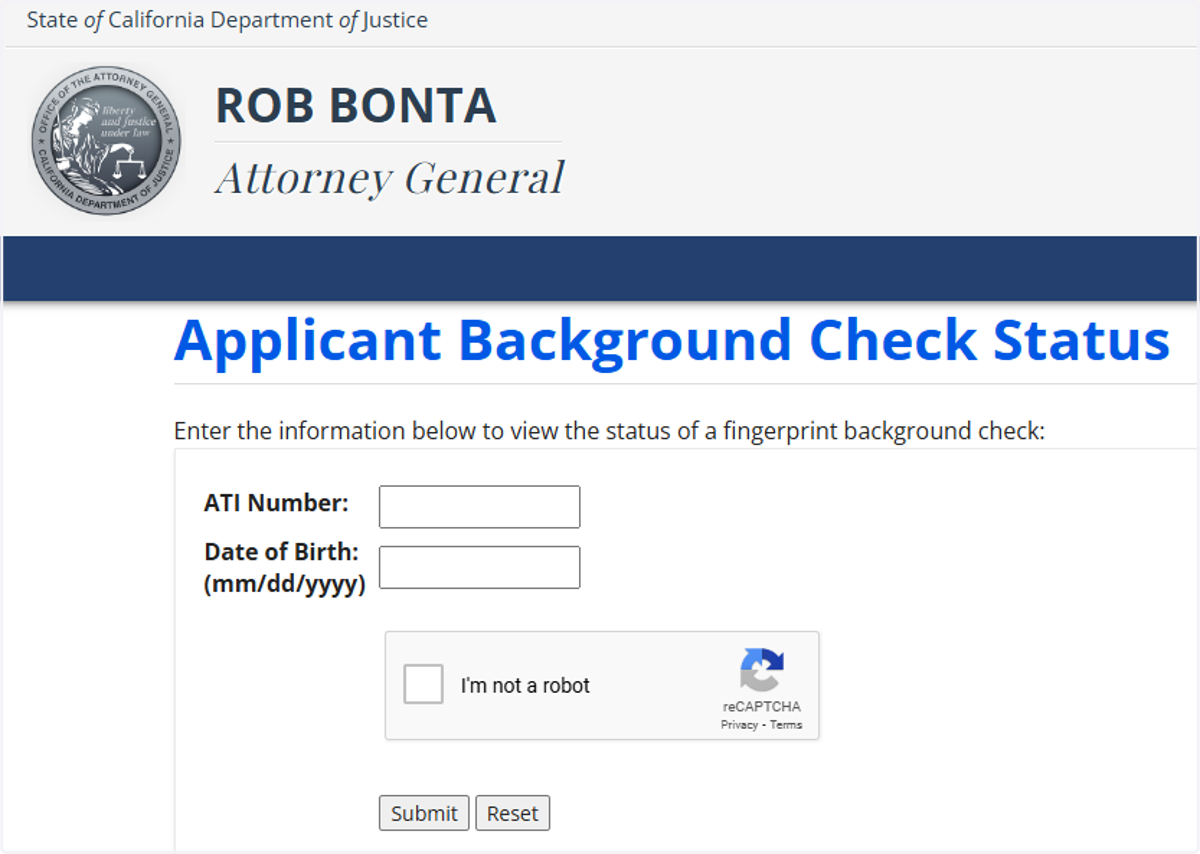
Guide to Check on CA Applicant Submission Status
Live Scan Fingerprinting (online) Services for FBI Background Check (EDO), Biometrics4ALL, California, Florida, FINRA, Illinois, Washington and FBI Channeling
Go to the website ApplicantServices.com
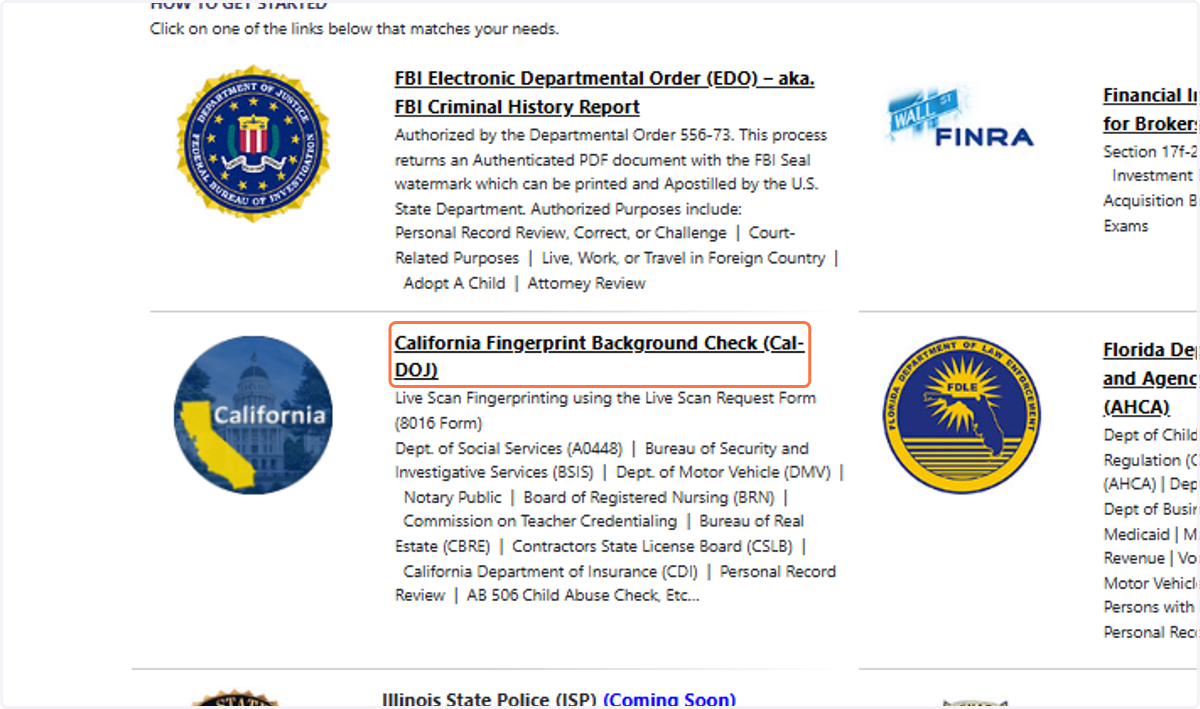
1. Click on California Fingerprint Background Check (Cal-DOJ)
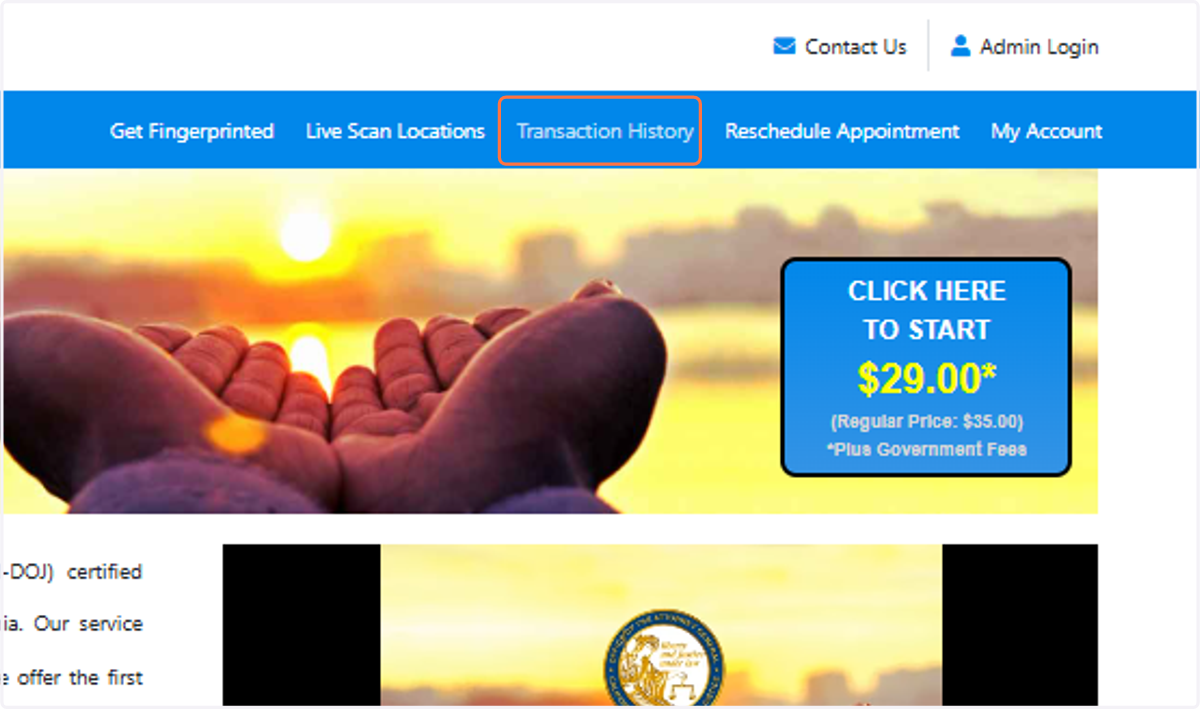
2. Click on Transaction History
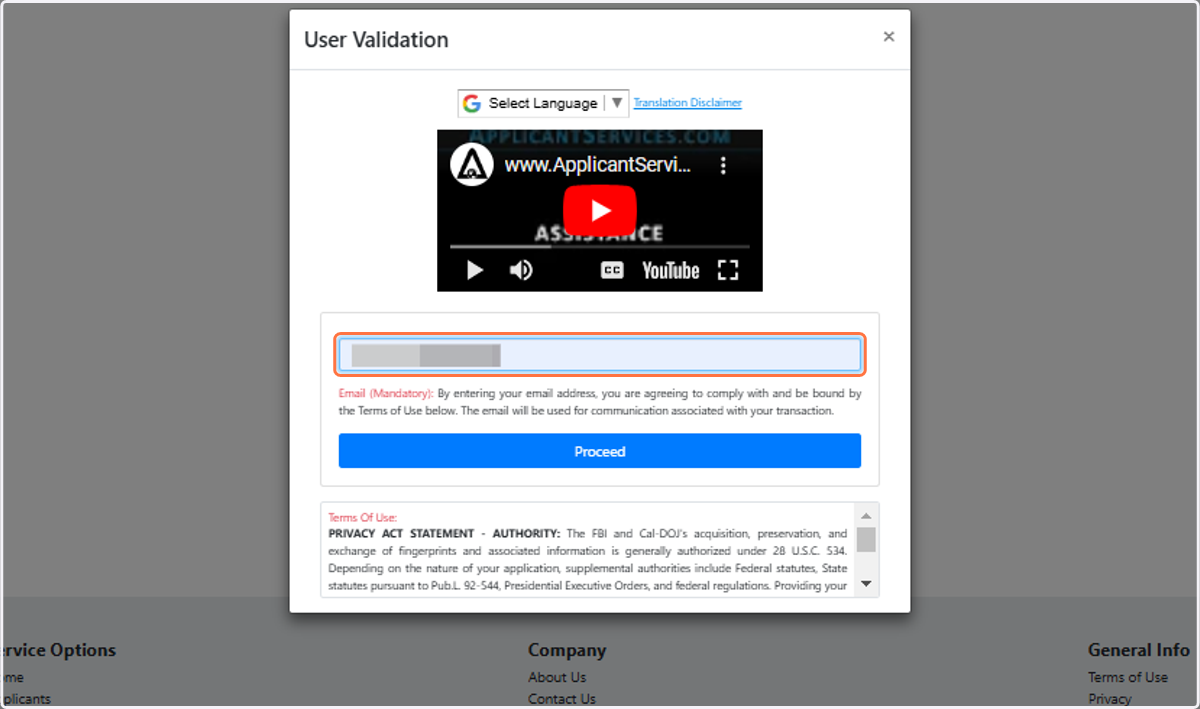
3. Type Your email address in the user Validation Box and click Proceed
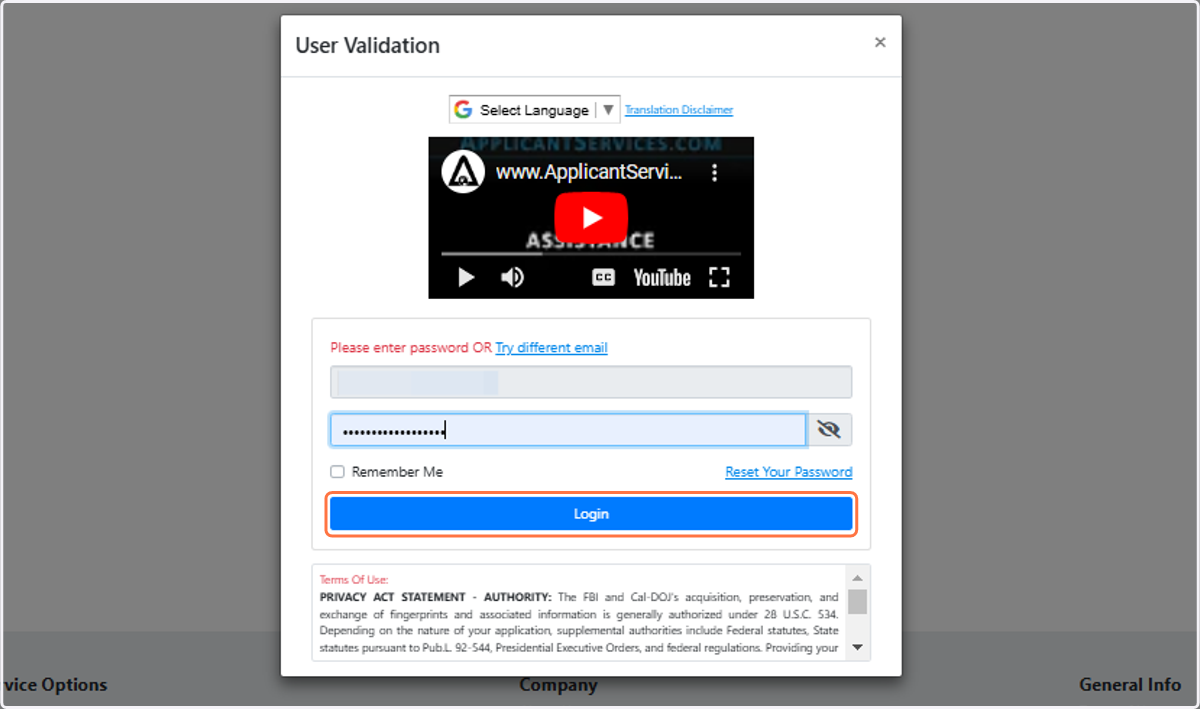
4. Type password
5. Click on Login
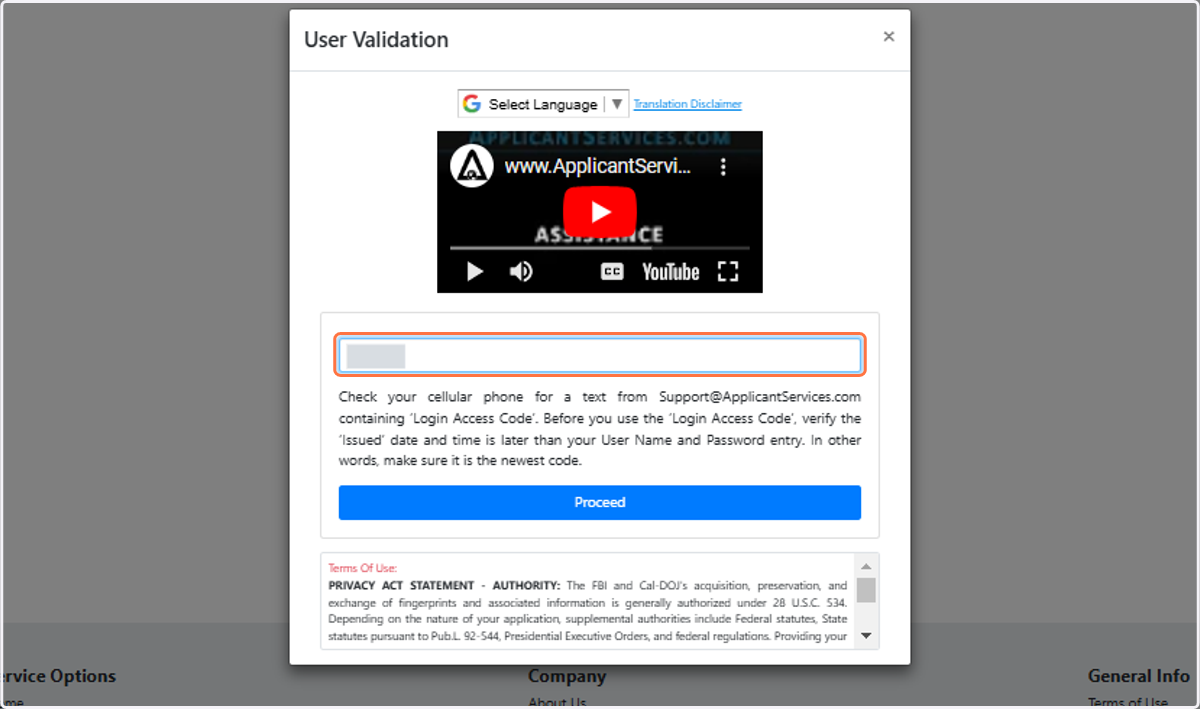
6. If two Factor Authentication is set up on your account, type access code from your cell phone or email address and click proceed.
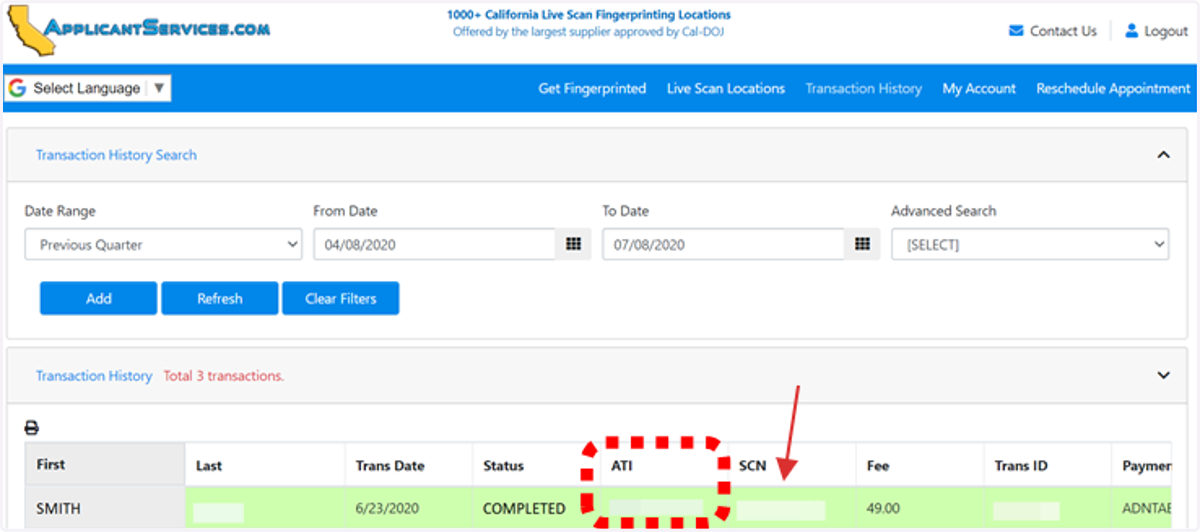
7. Click on your record in the Transaction History Grid. You will see your ATI# in the ATI# column. If you see a SCN number, it means the transaction successfully reached Cal-DOJ with 100% certainty. This number is a receipt from the CA DOJ acknowledging the submission
8. Biometrics4All does not have visibility beyond the submission to Cal-DOJ. Most results are made available to your Requesting Agency in a few days to a week. Please visit DOJ’s website to check on status: