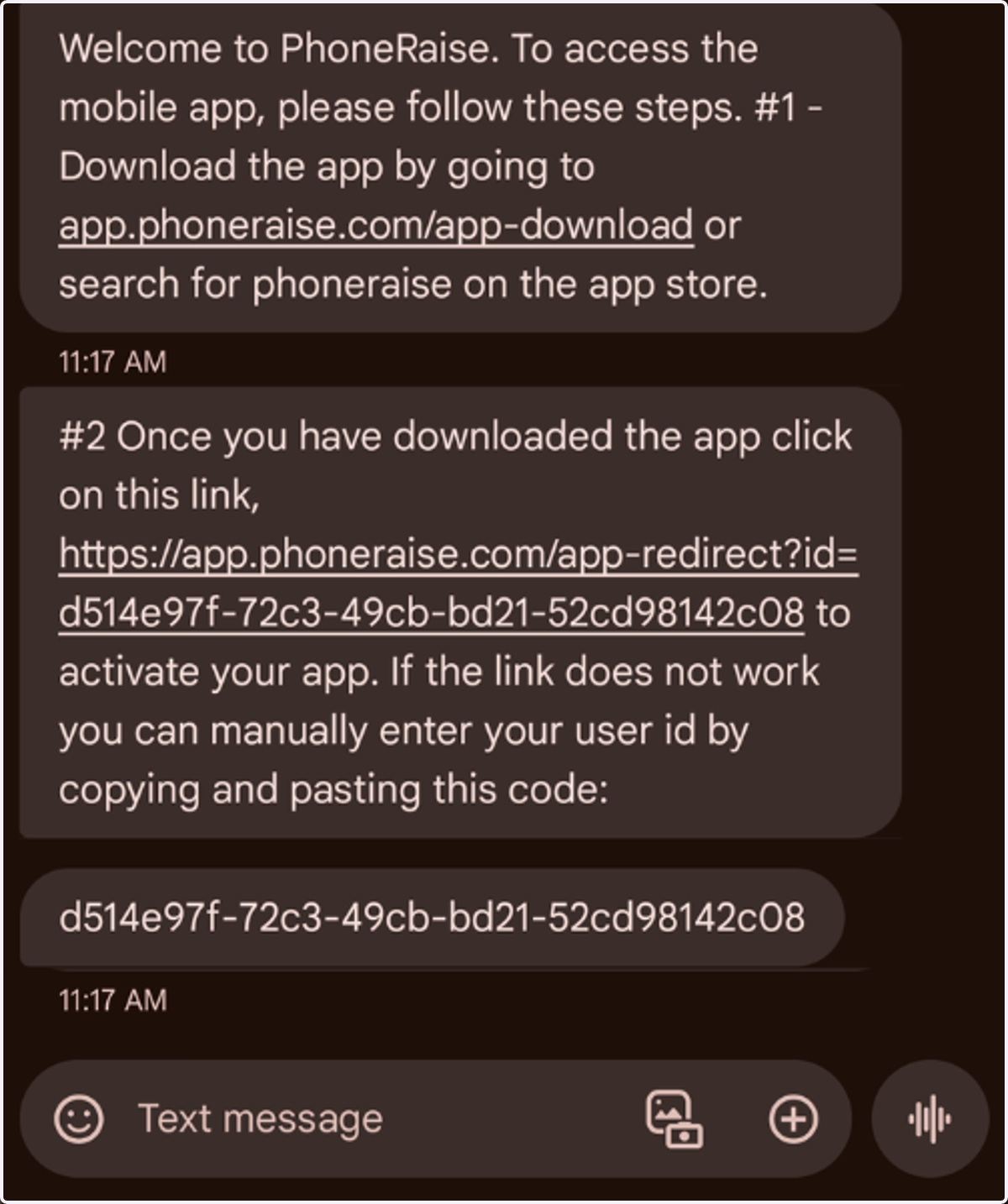
How do I find my user ID?
For an Engage Campaign you will need a UserID to access your account in the mobile app.
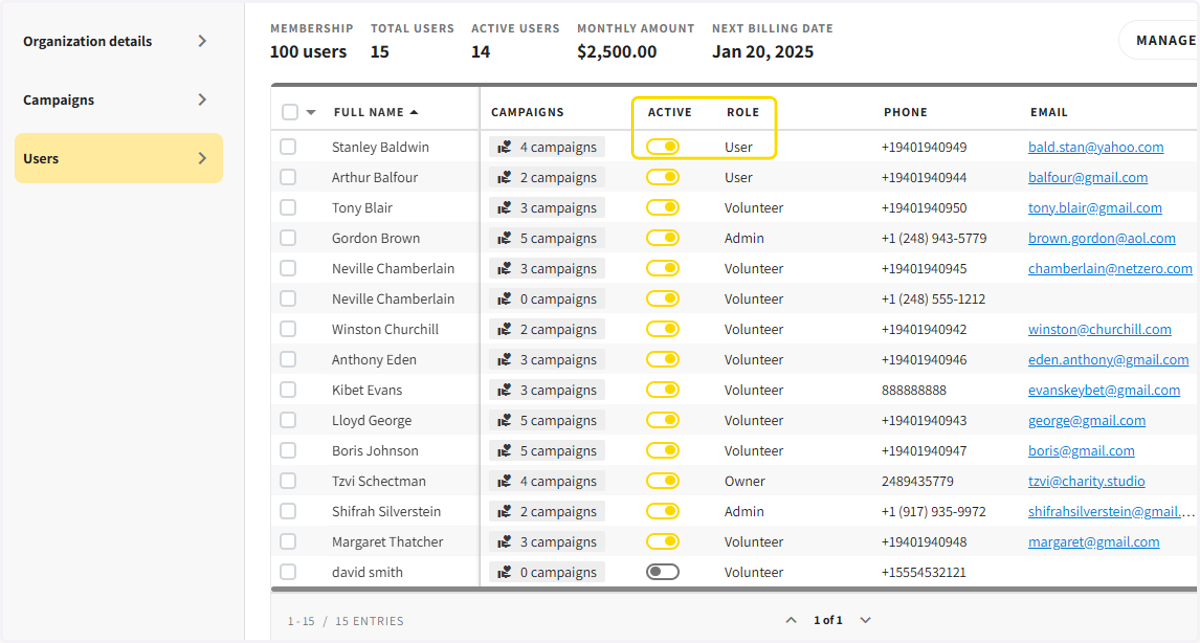
1. Make sure your user is active & their role is Admin or User
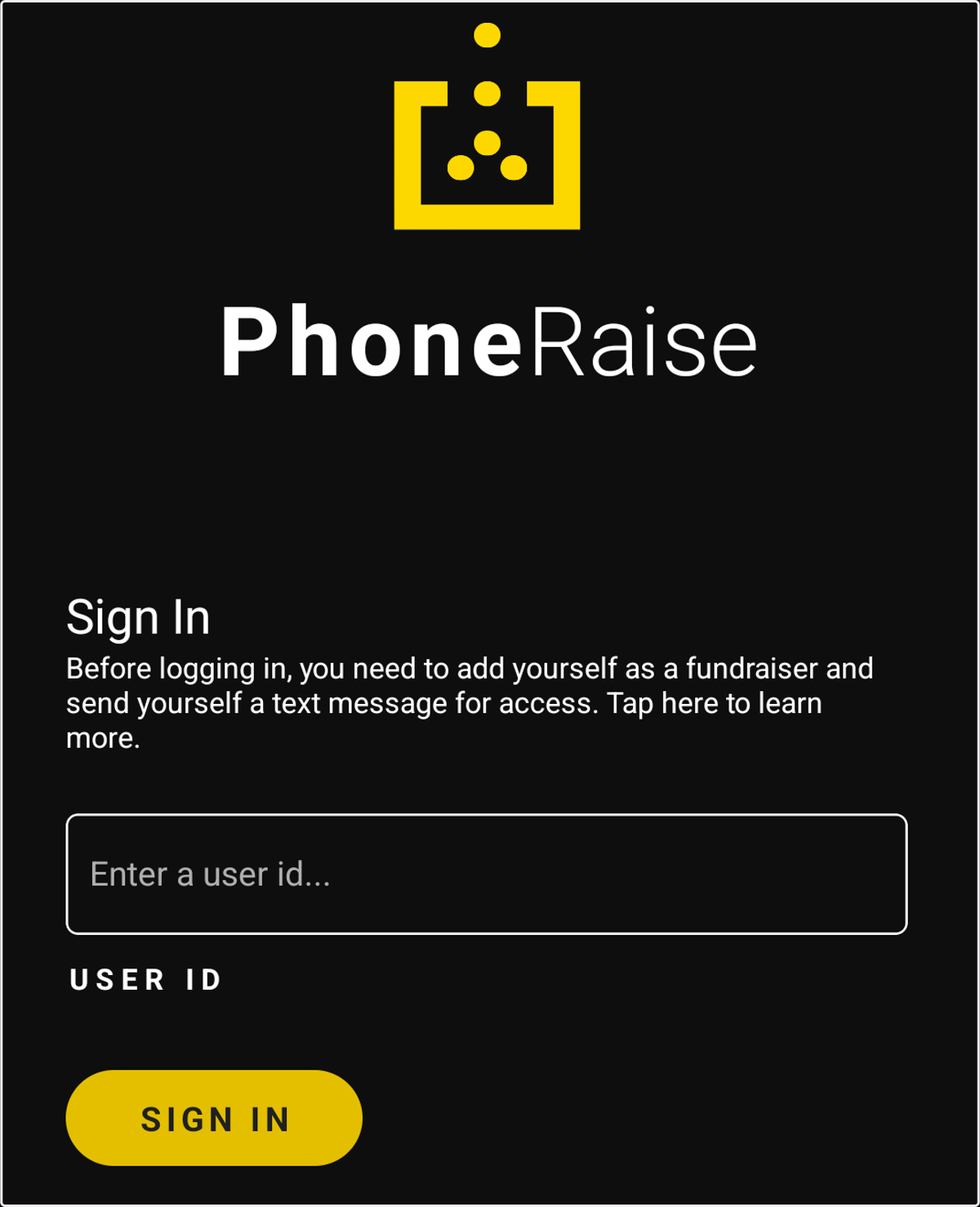
2. Download the App
Once you download the PhoneRaise App from the Google Play or Apple App Store, you will be prompted to enter your User ID
3. To access your ID, go to the Campaign Users section
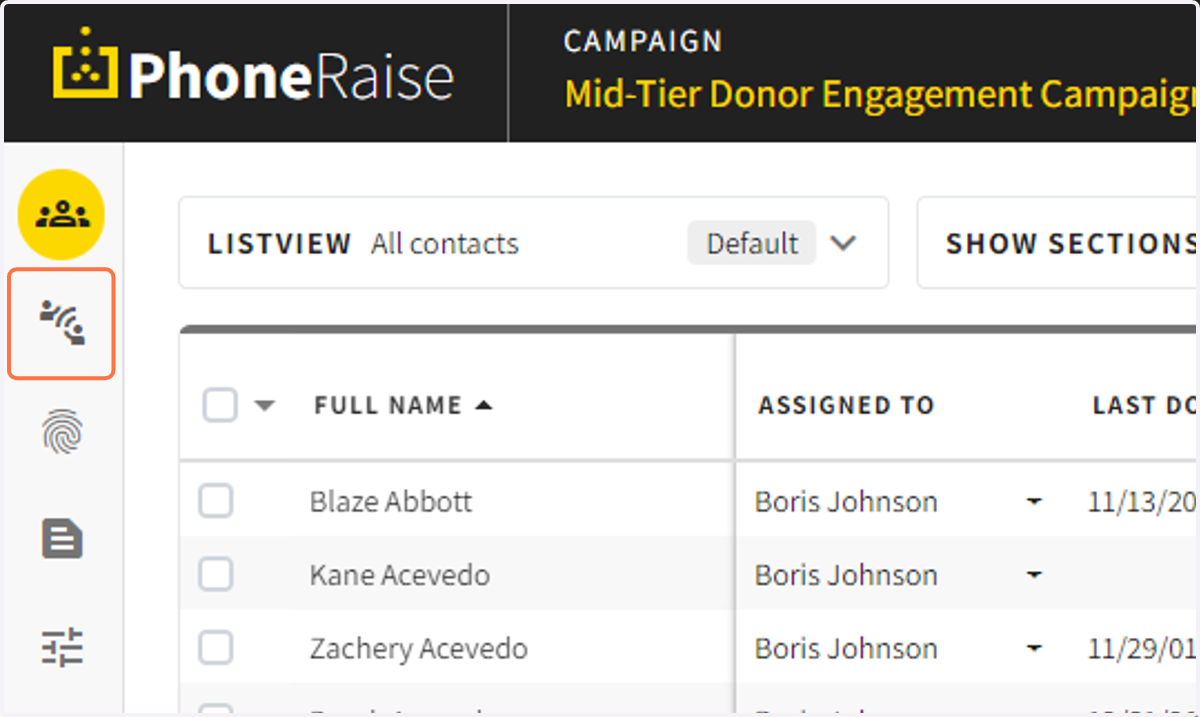
4. Click on the text message icon next to the person who needs their User ID
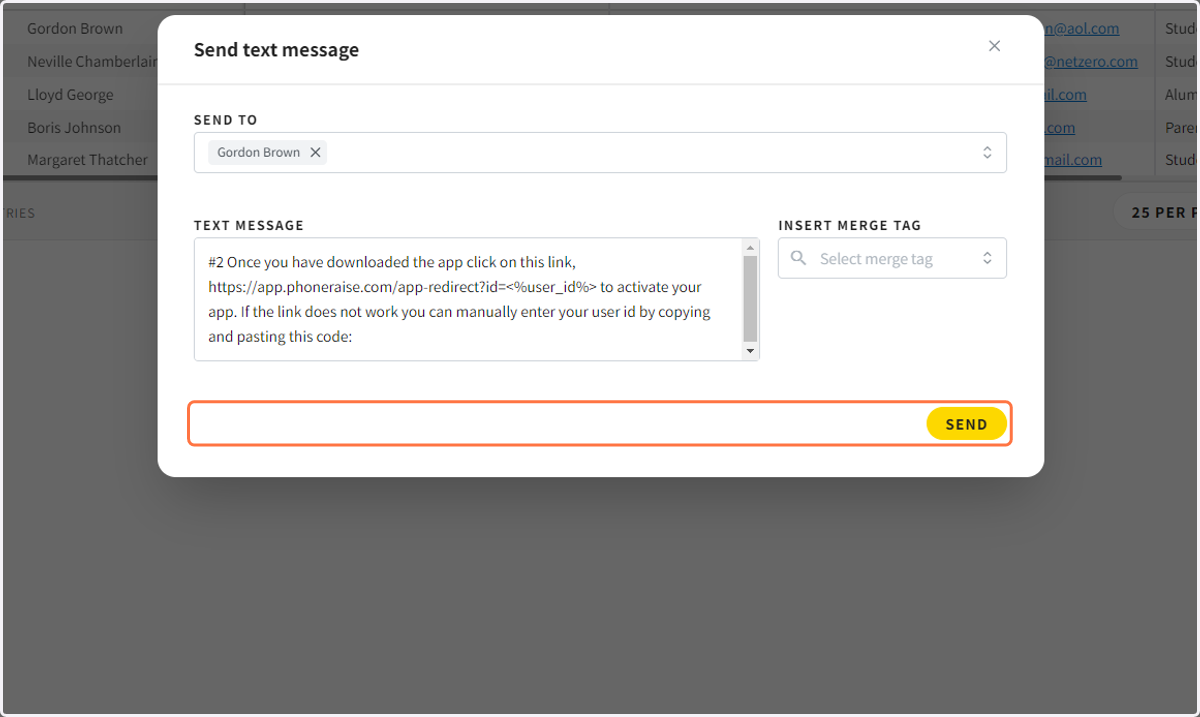
This will start the process of sending a text message to the user
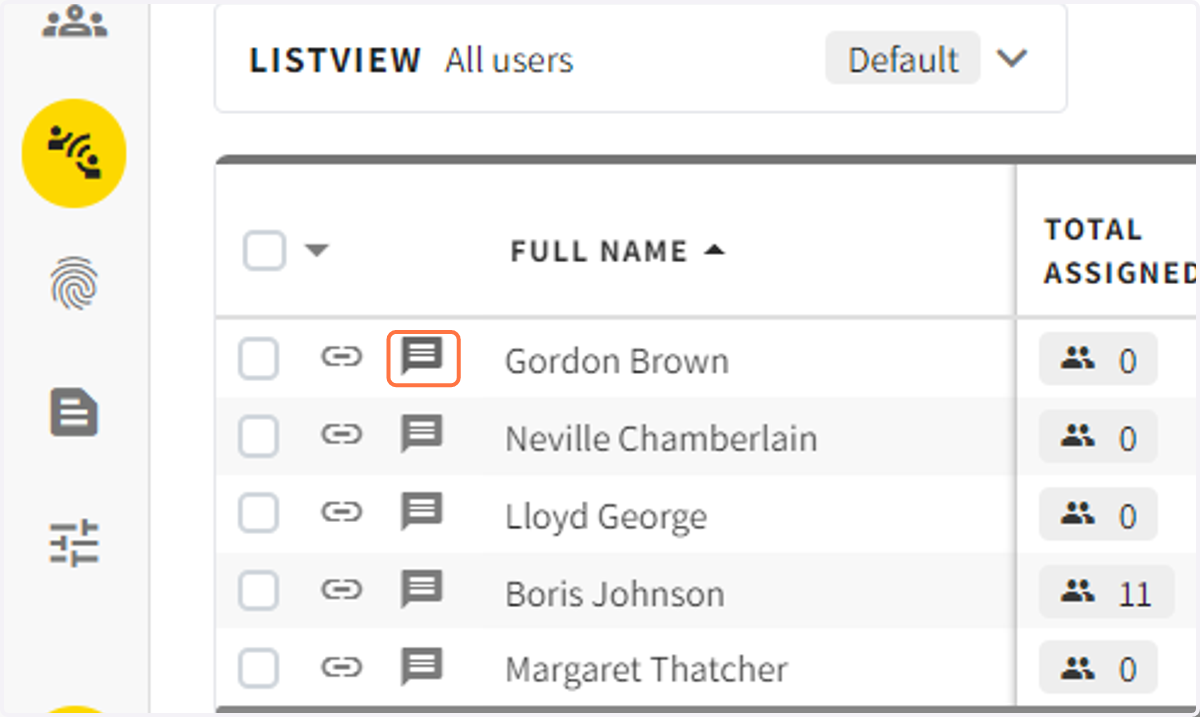
5. Click on send text message.
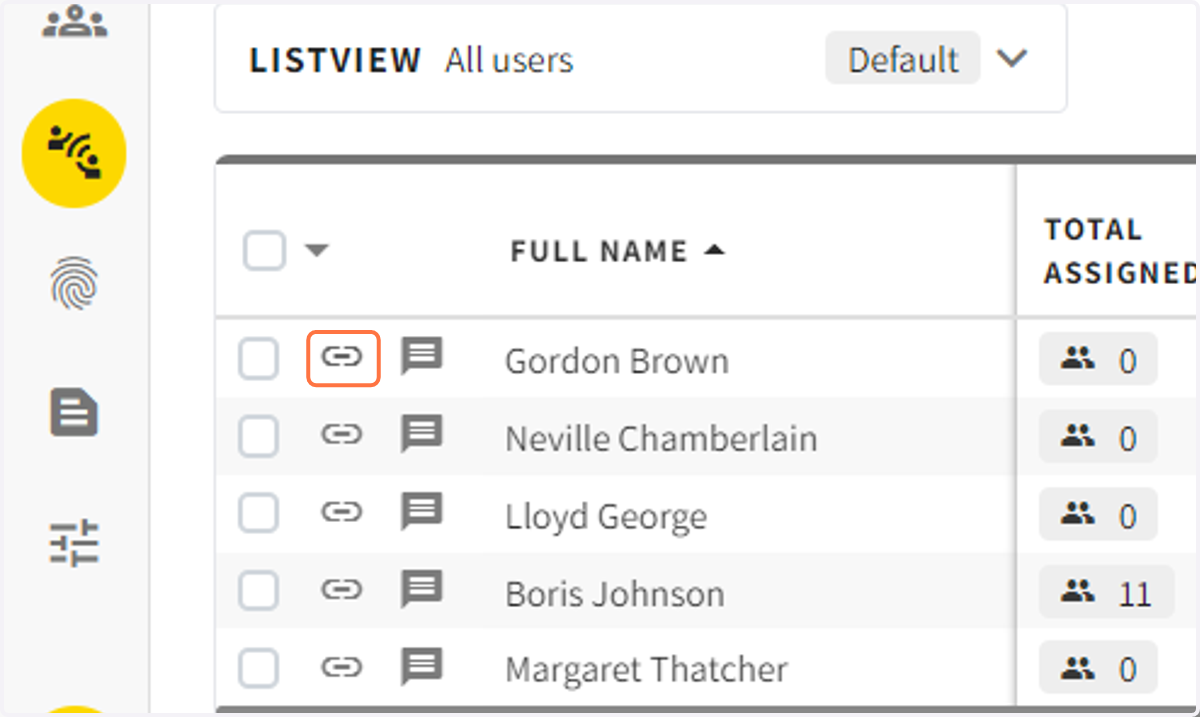
6. Alternatively, you can copy the user URL and past the user ID
The id is the string of dashes and numbers immediately after user?id=
7. Click on the link in the text message or copy the User ID. You can then paste the user ID in the app.