How to reset the password of your Firecoach account
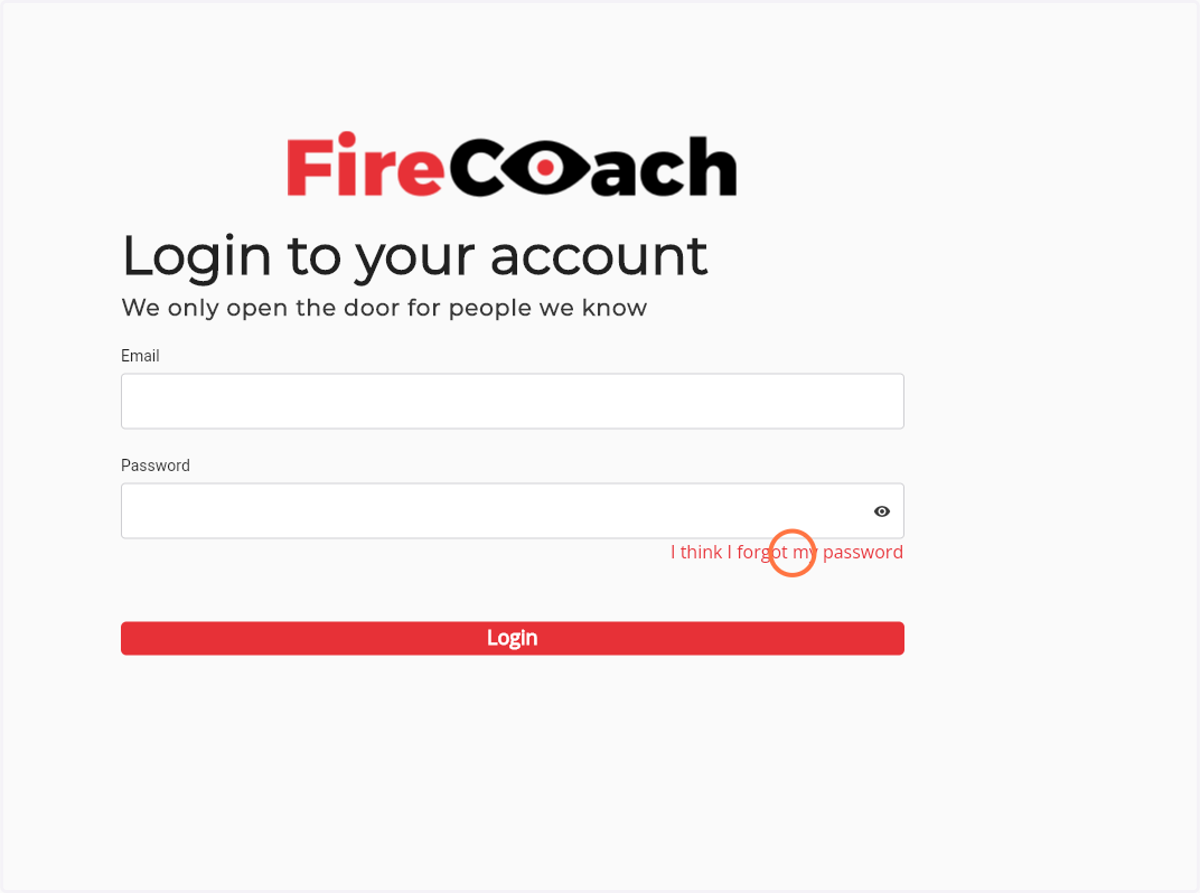
Navigate to web.firecoach.app
1. Click on 'I think I forgot my password'
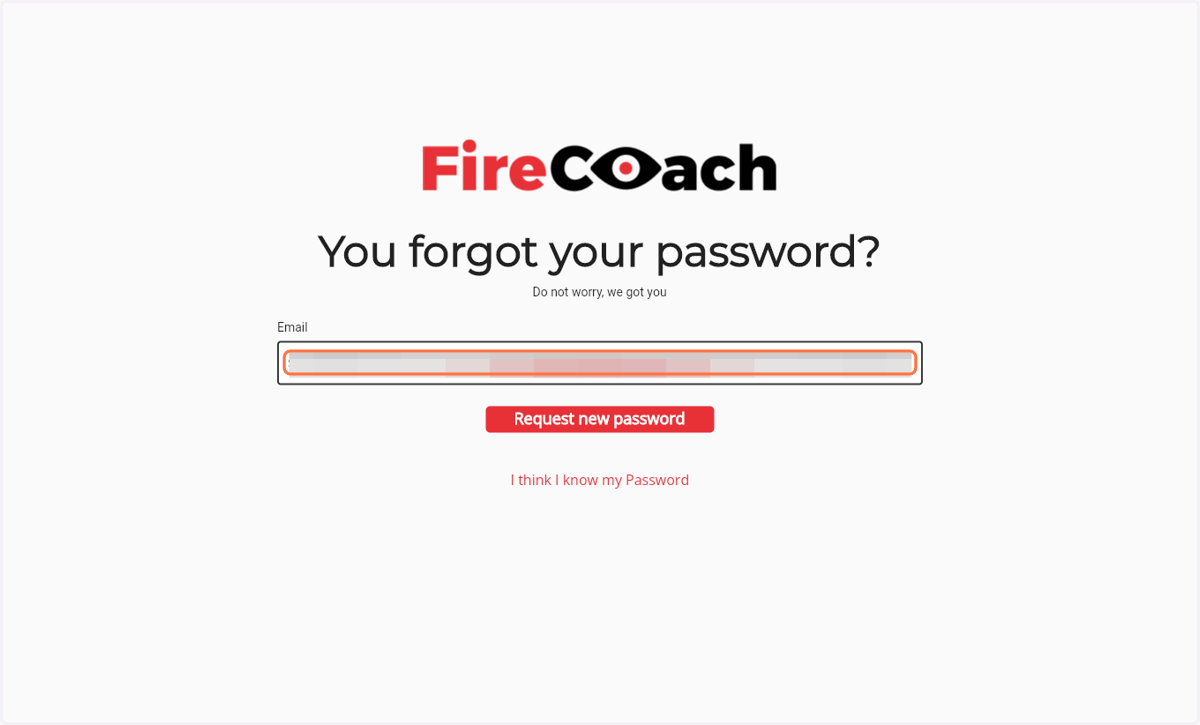
2. Enter the e-mailadres of your Firecoach account
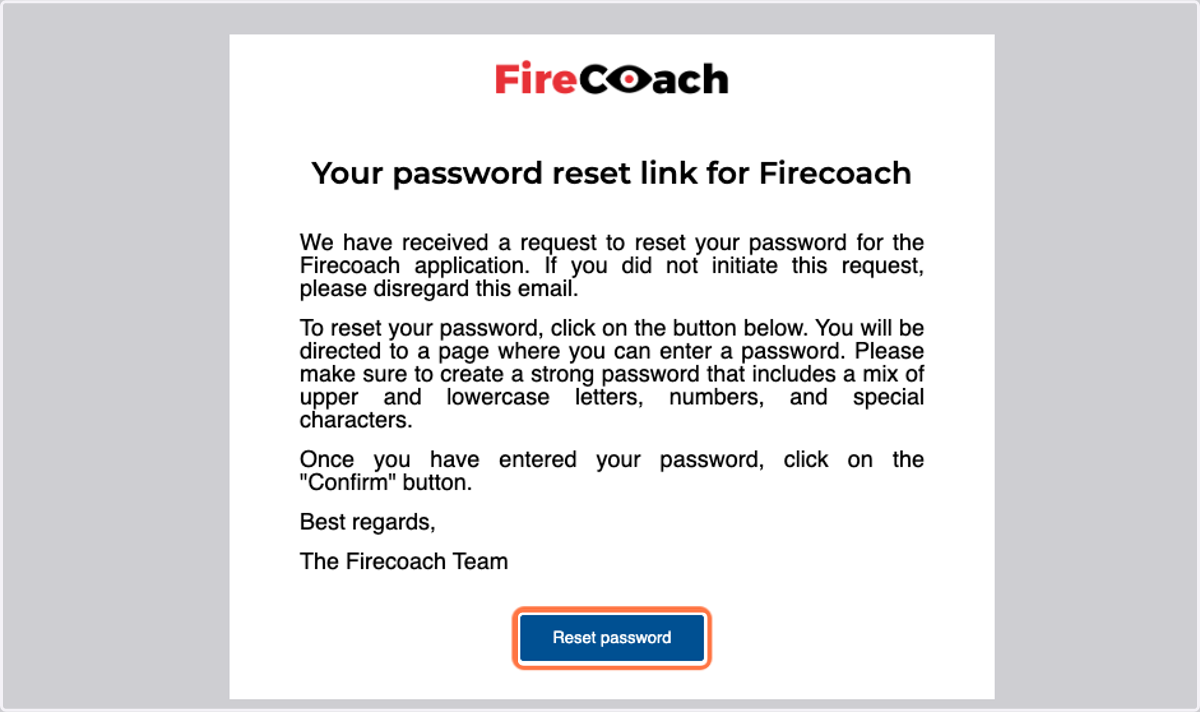
Navigate to your email
3. Click on Reset password
You will be directed to web.firecoach.app
4. Enter your desired password
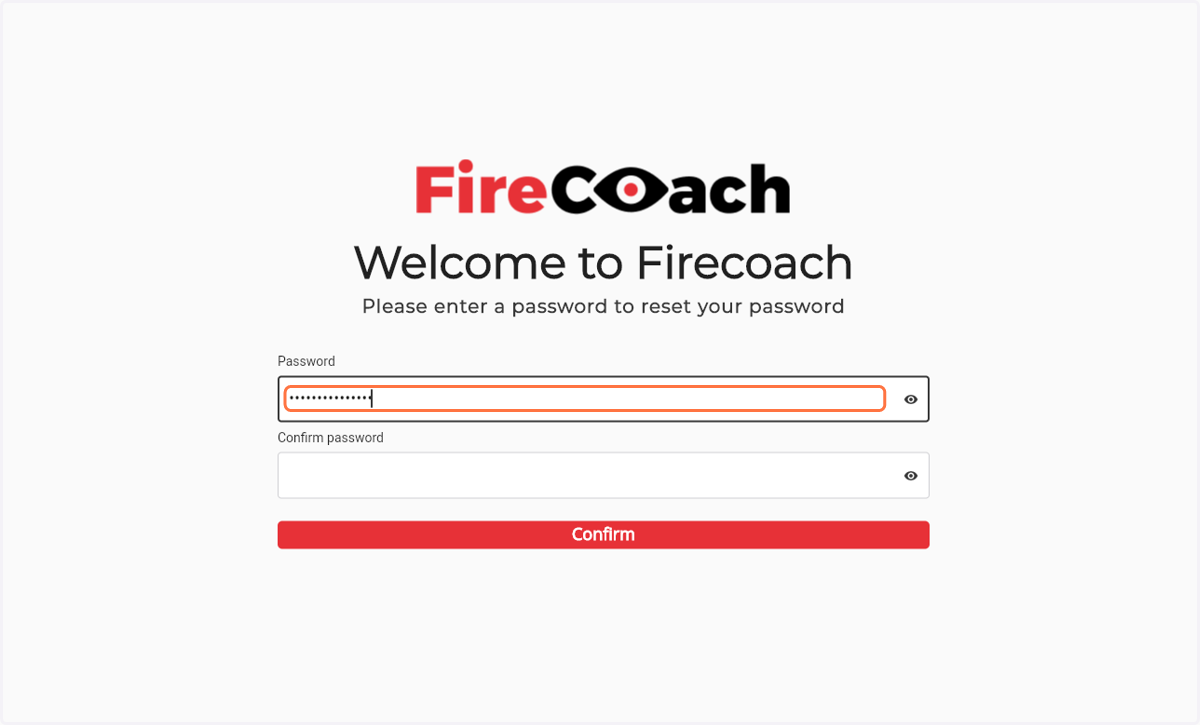
5. Confirm your desired password
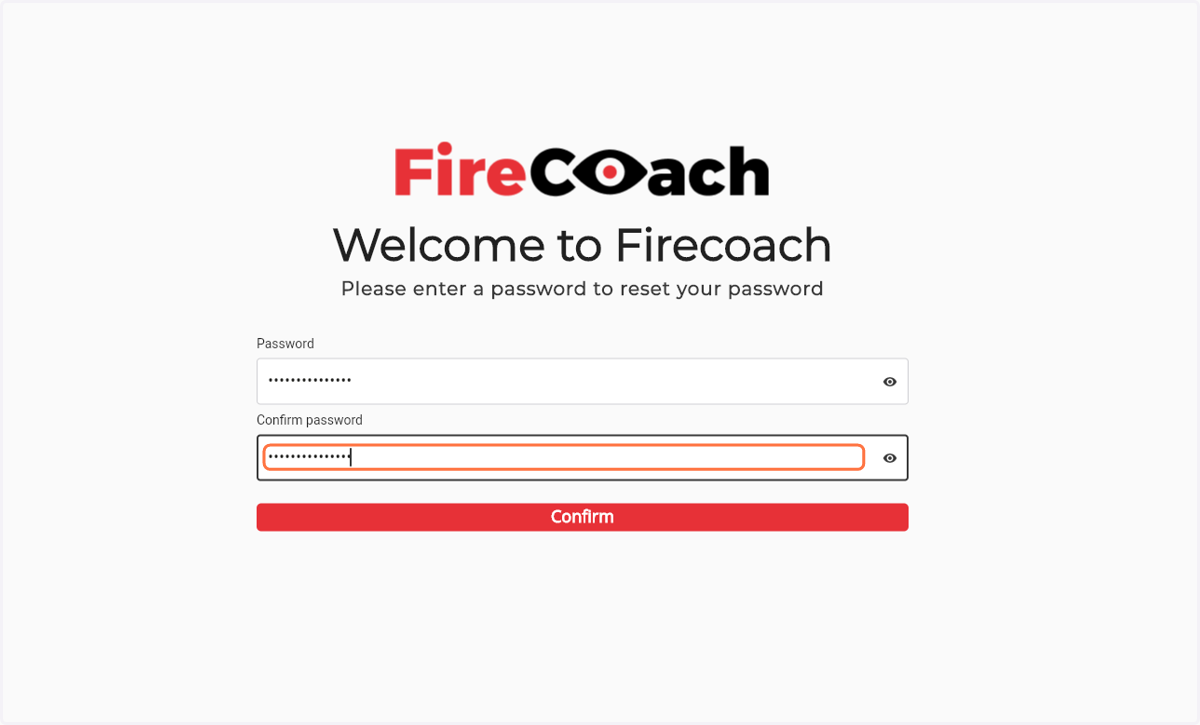
6. Submit your new password by clicking the 'confirm button'