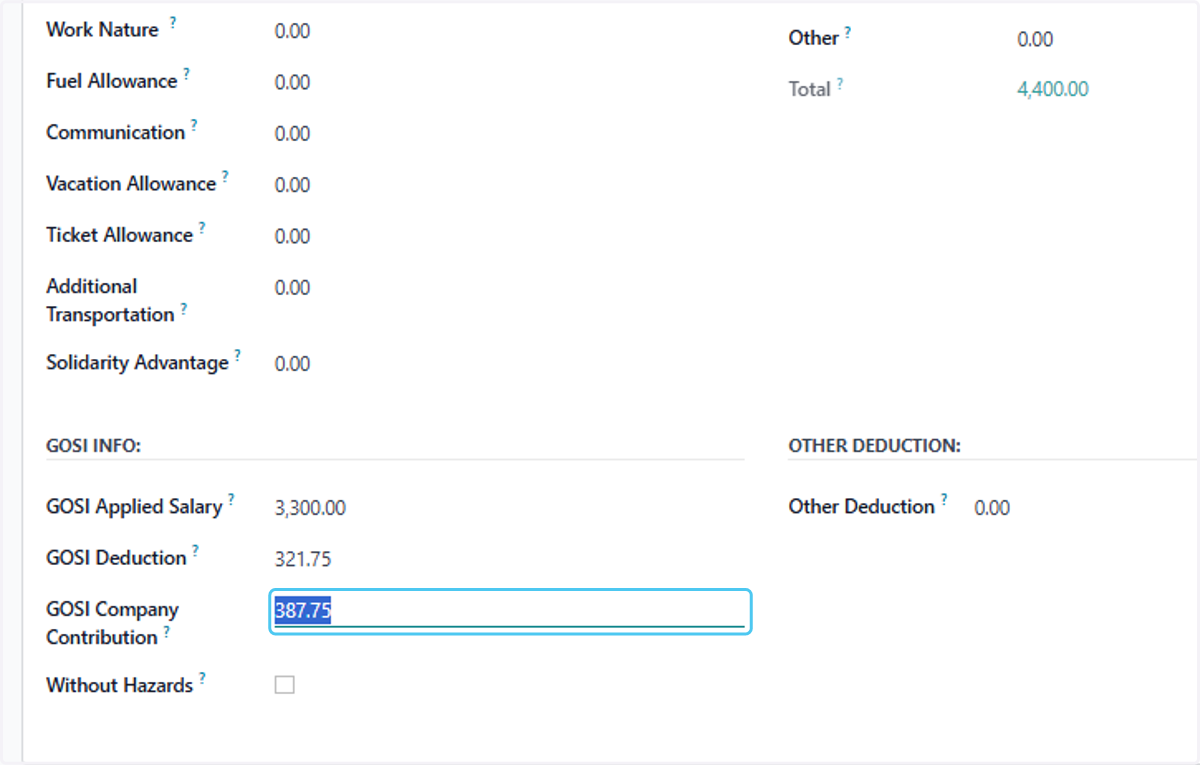
How to Update GOSI Special Cases in Employee Contract Salary in Odoo
Odoo
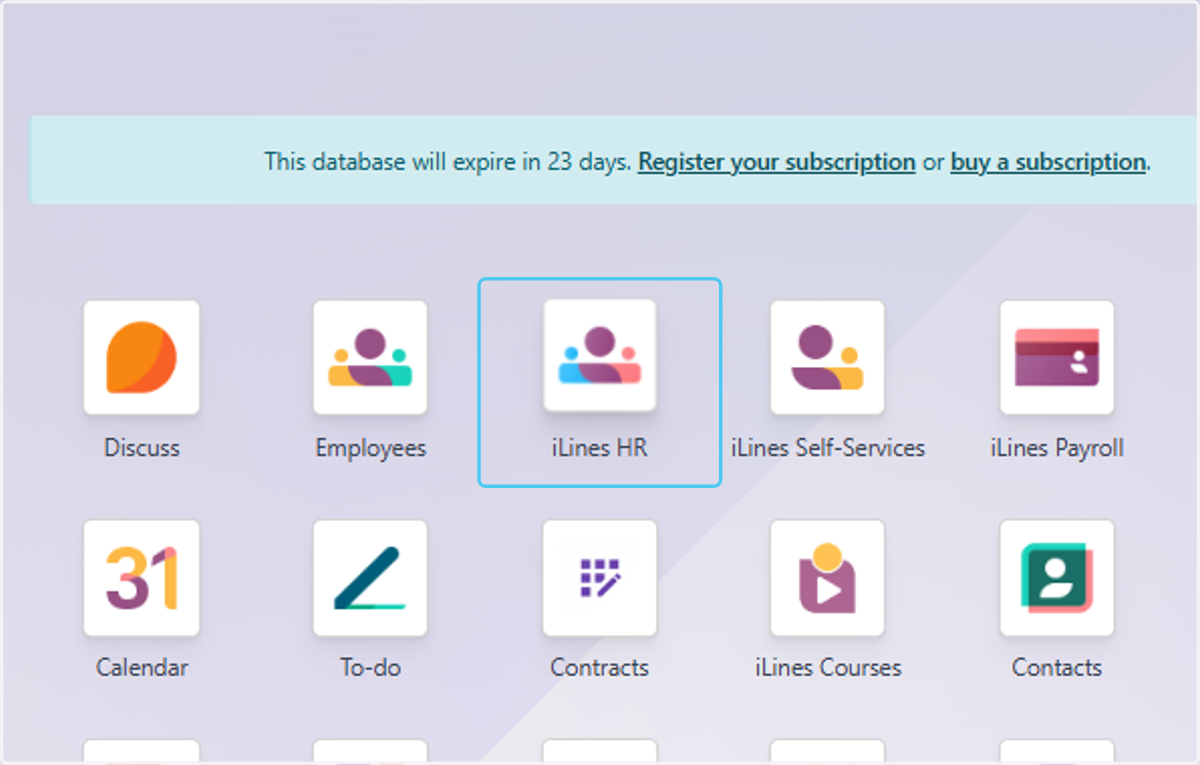
1. Click on iLines HR
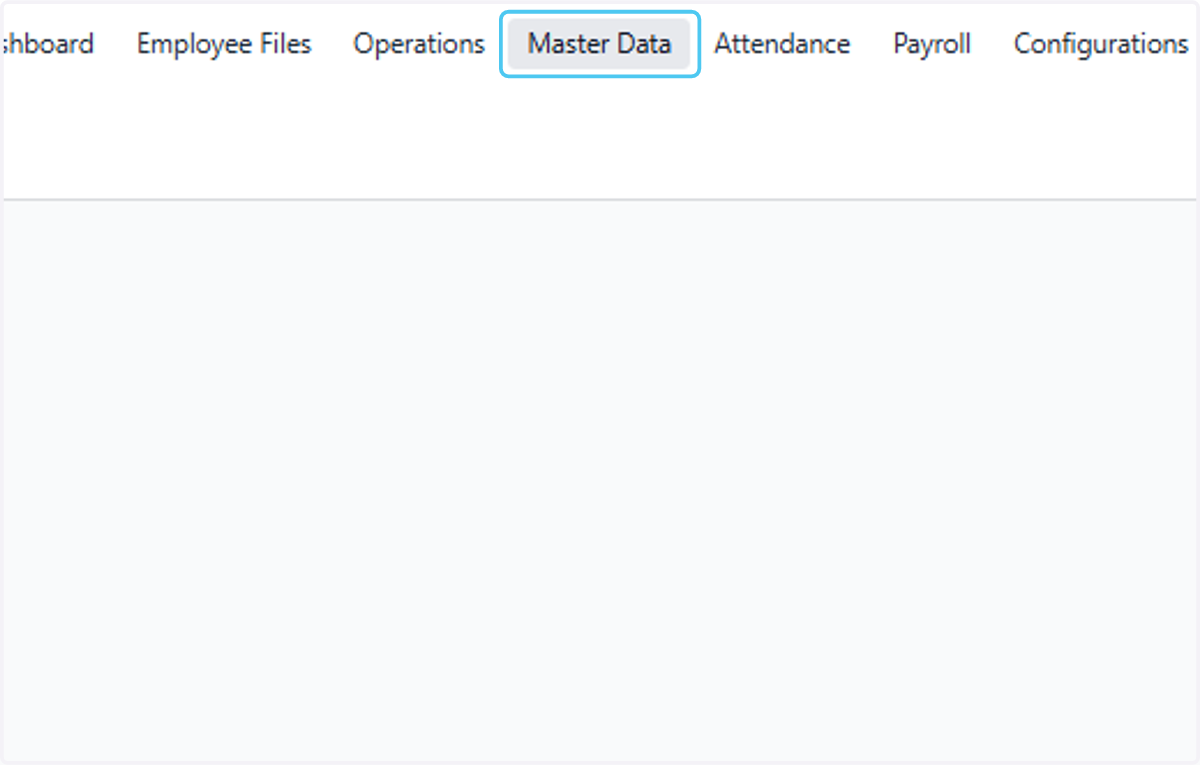
2. Click on Master Data
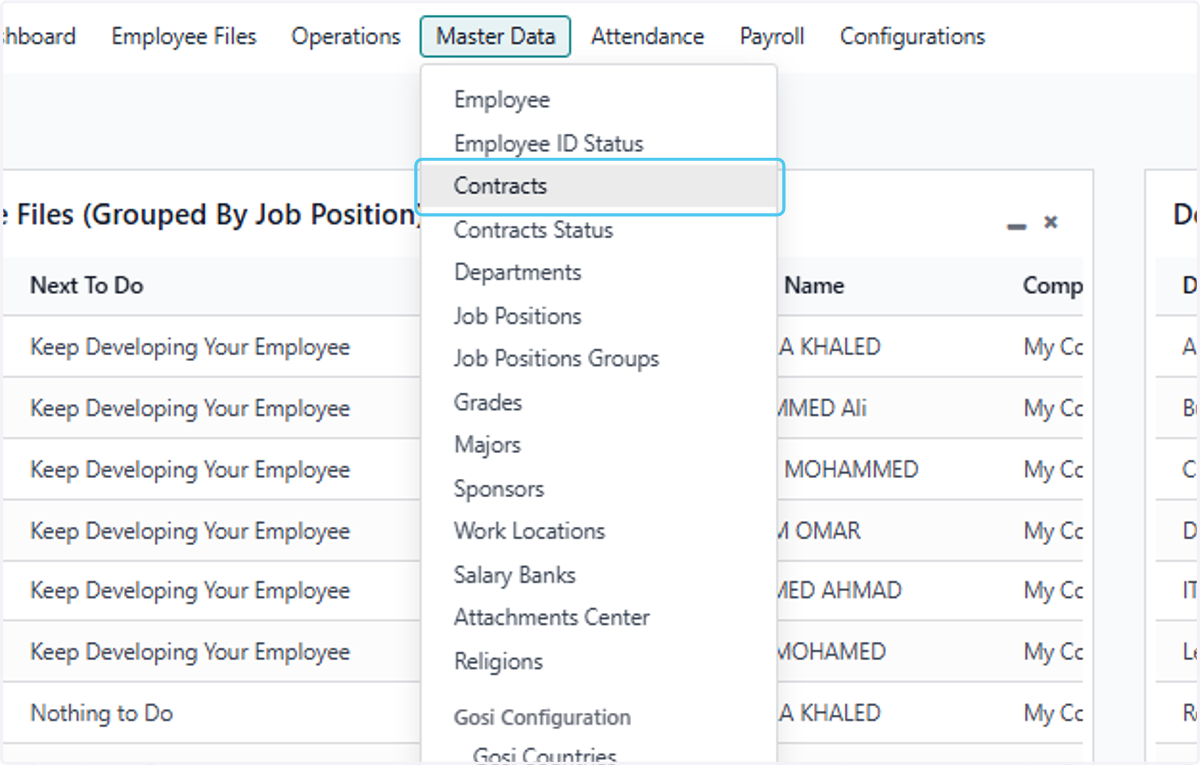
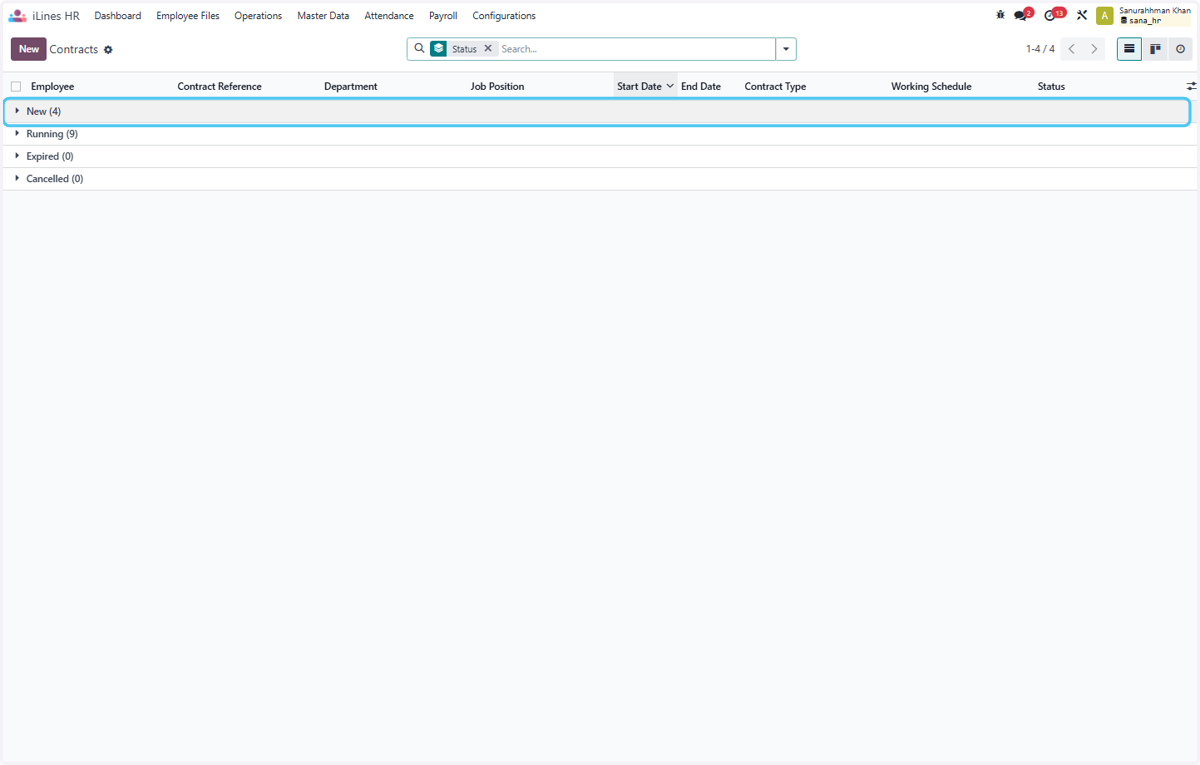
3. Click on Contracts
4. Click on New (4)
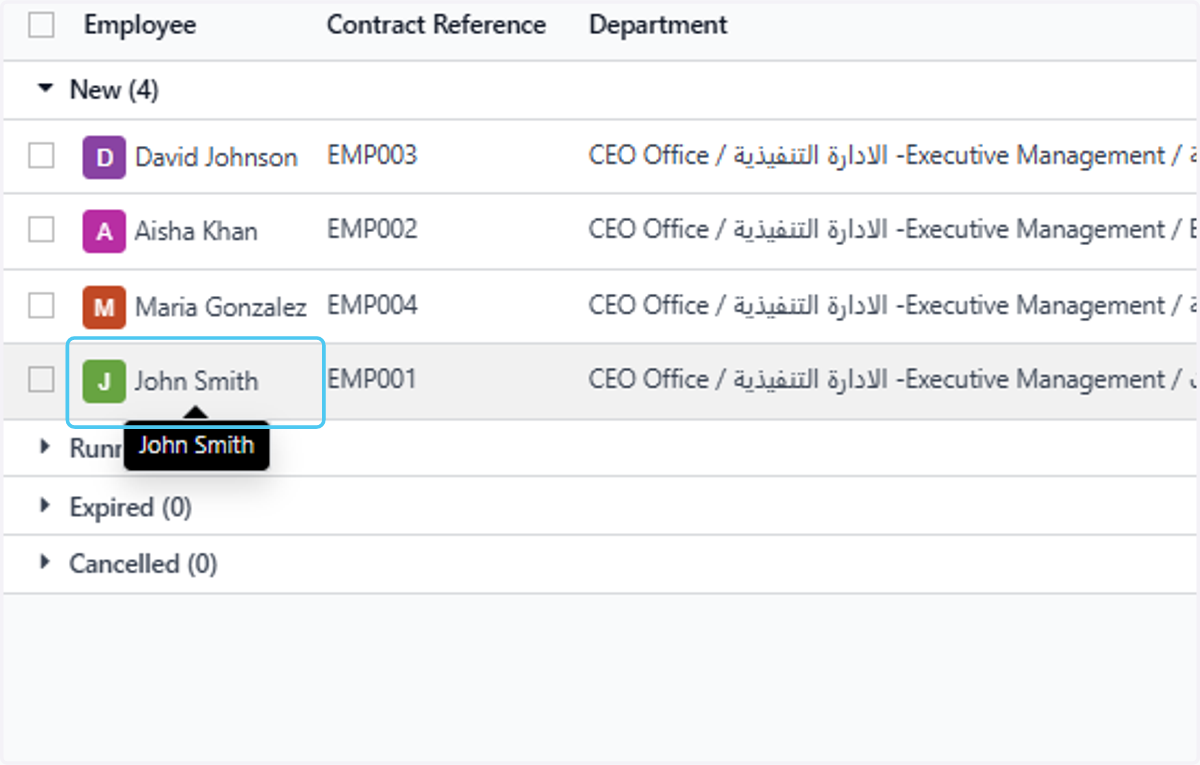
5. Click on John Smith
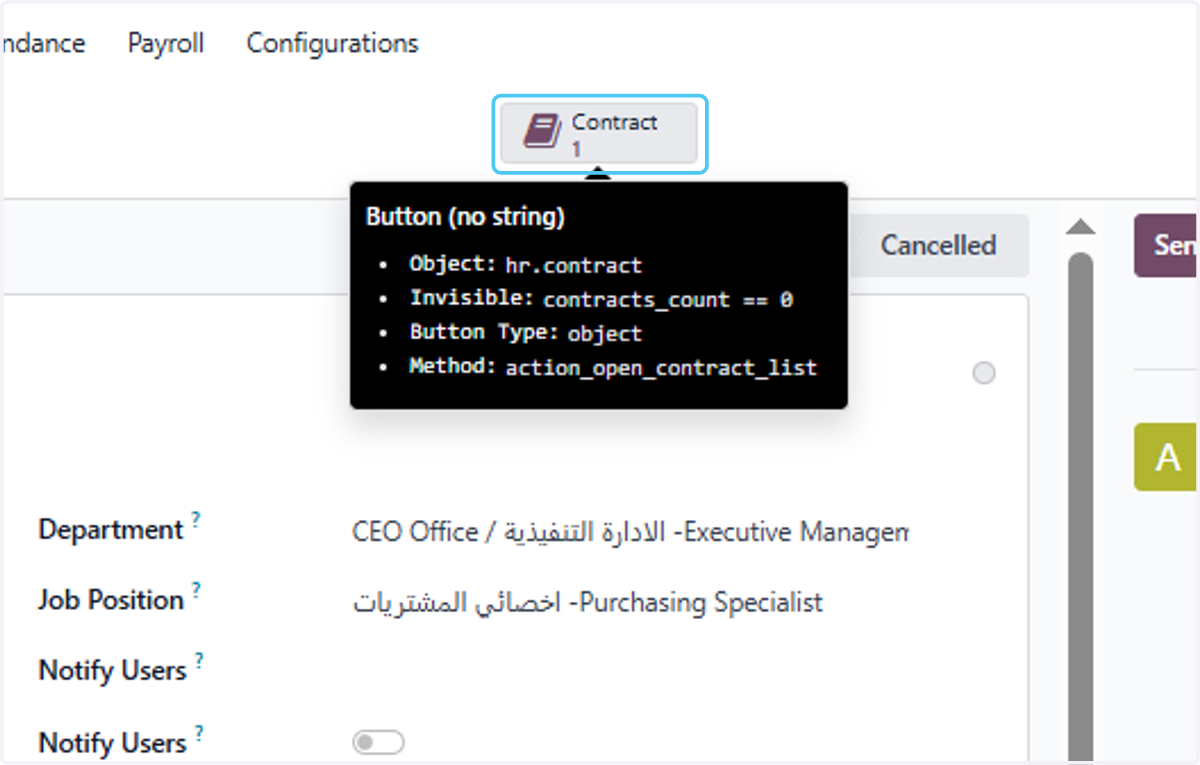
6. Click on Contract
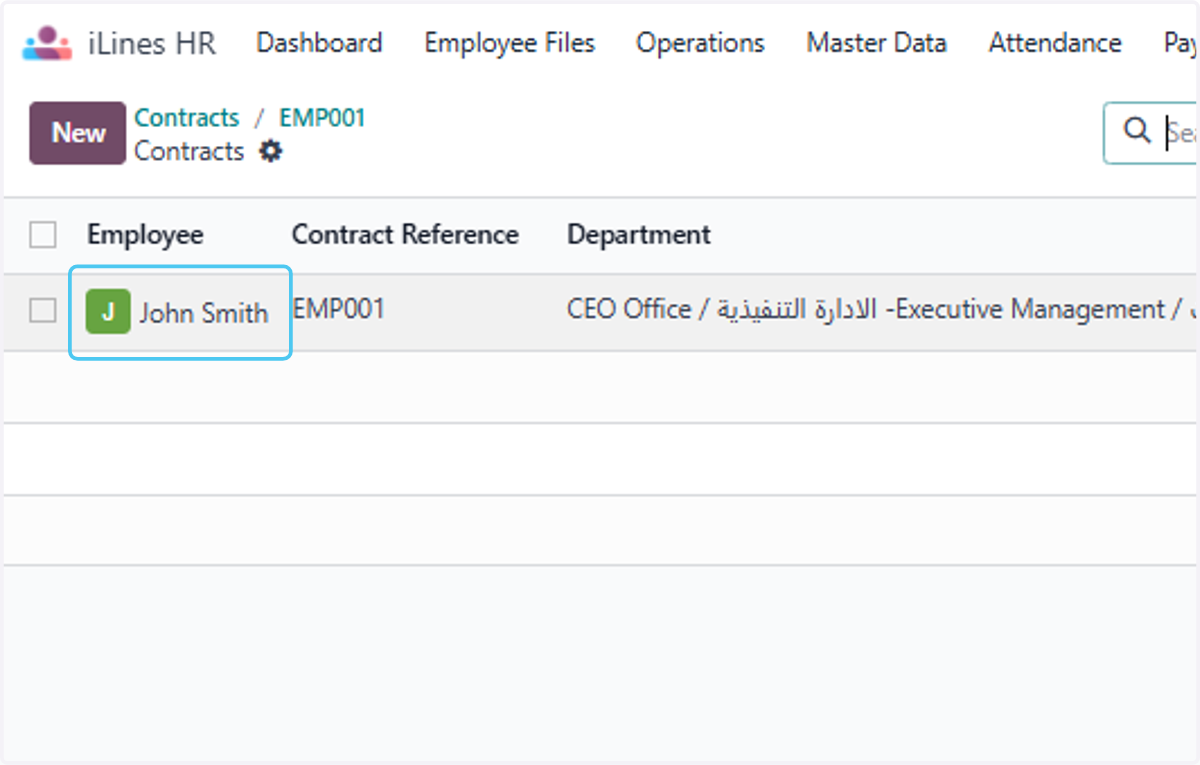
7. Click on John Smith
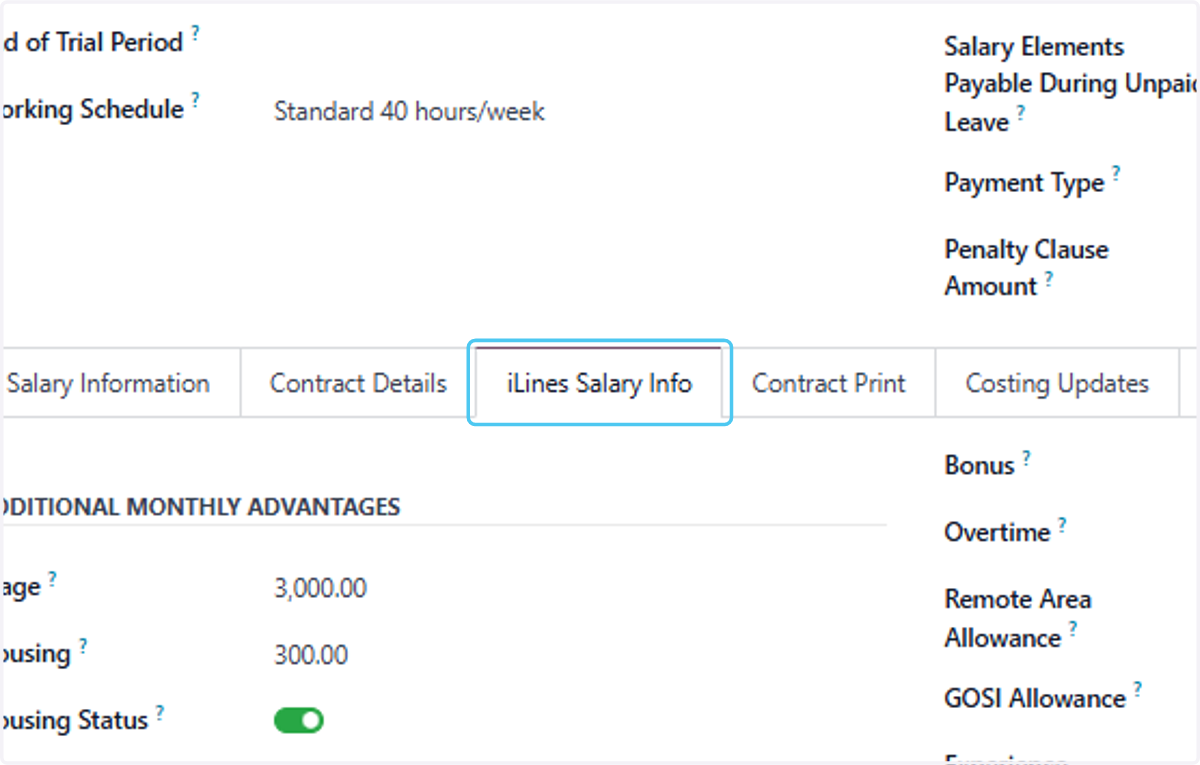
8. Click on iLines Salary Info
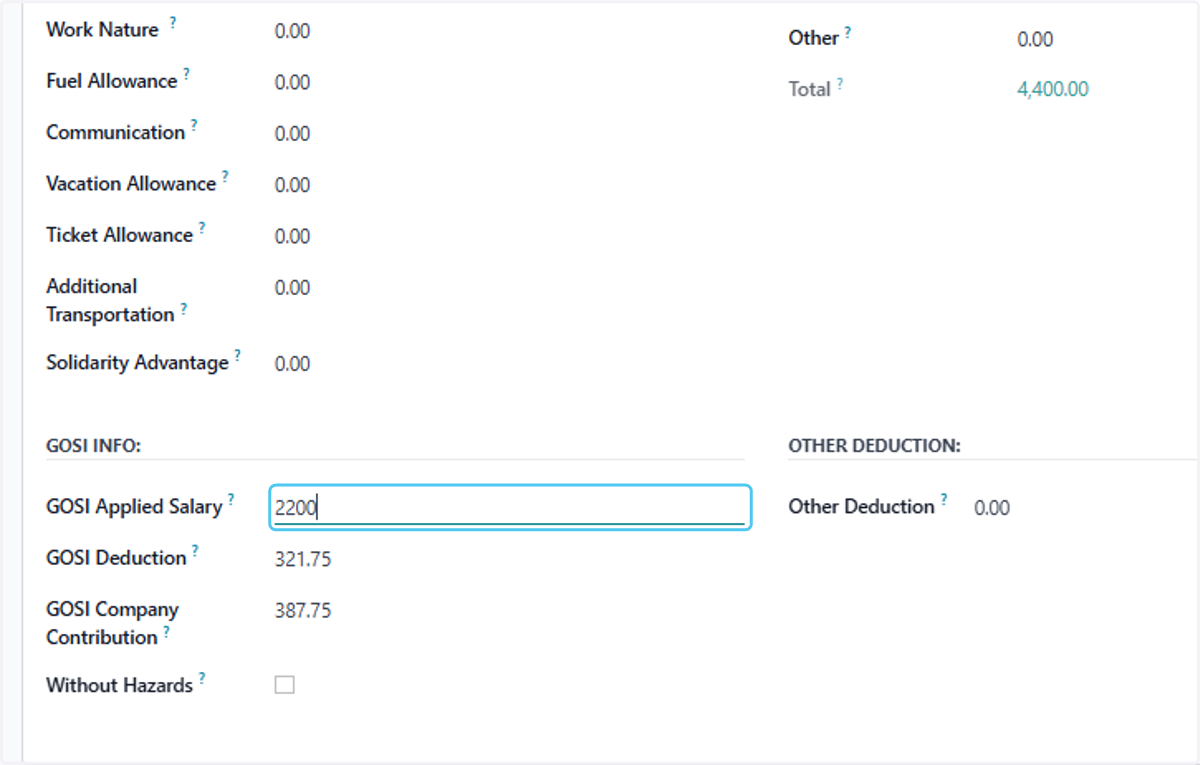
9. Type "2200" to see the effect of auto adjustment in Gosi
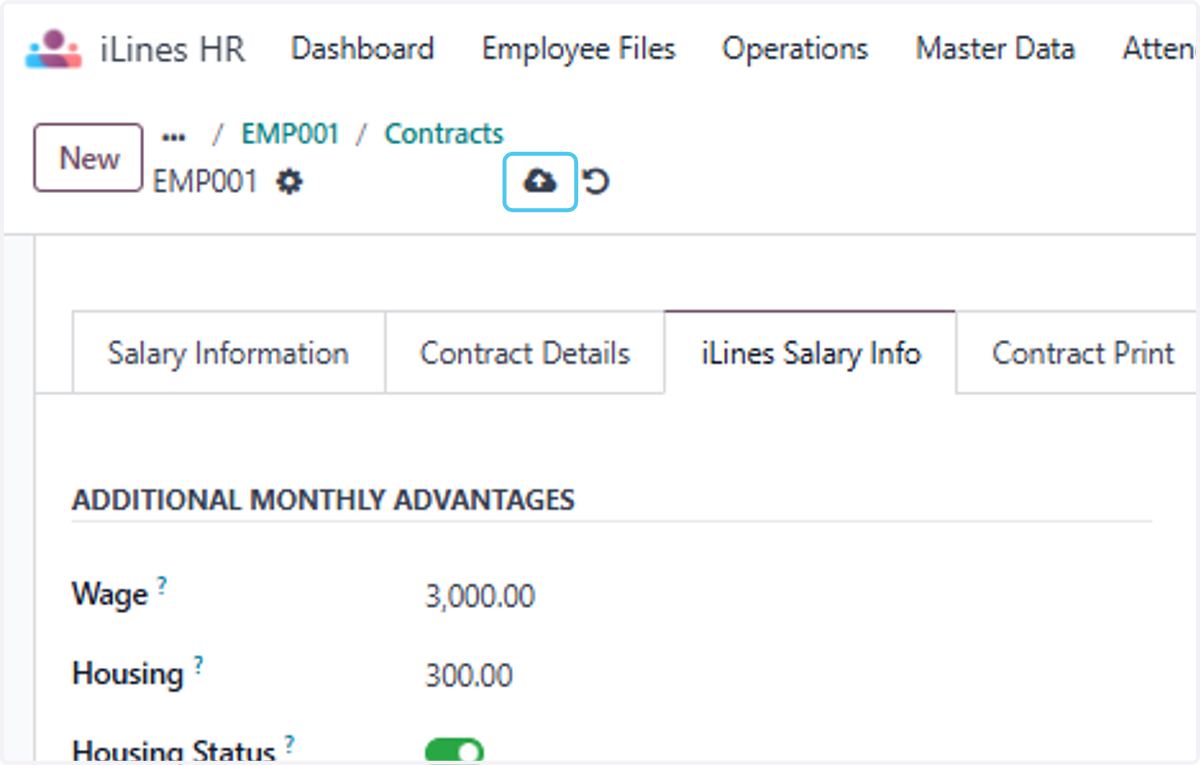
10. Click on Save manually
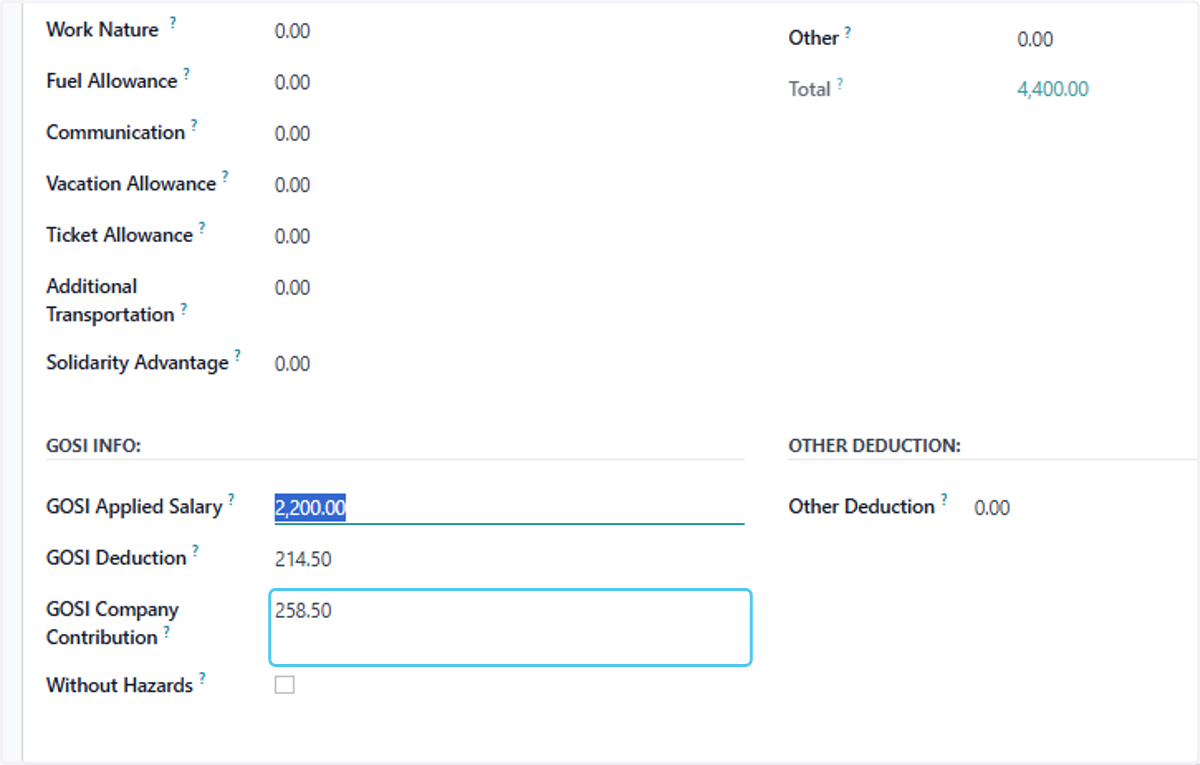
11. Click on GOSI Company Contribution. Now you can see that Gosi is updated
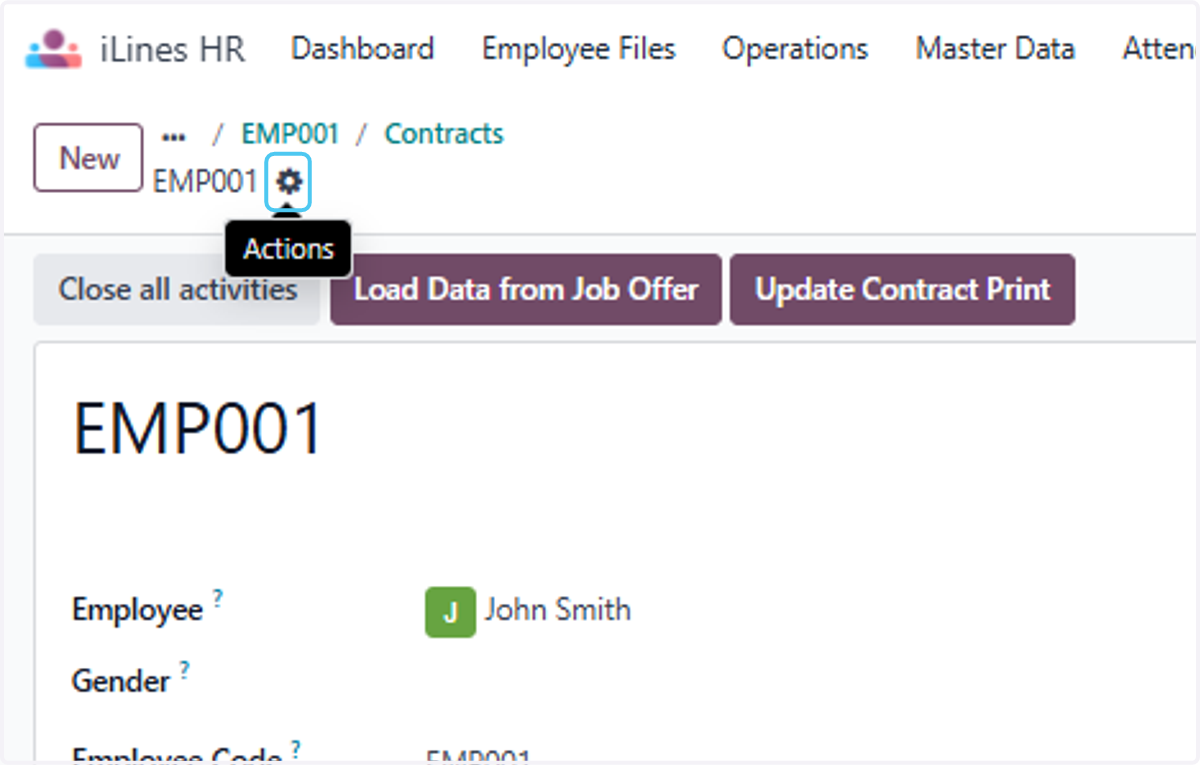
12. Click on the setting menu to reset the Gosi salary and deduction
13. Click on Update GOSI in Contracts
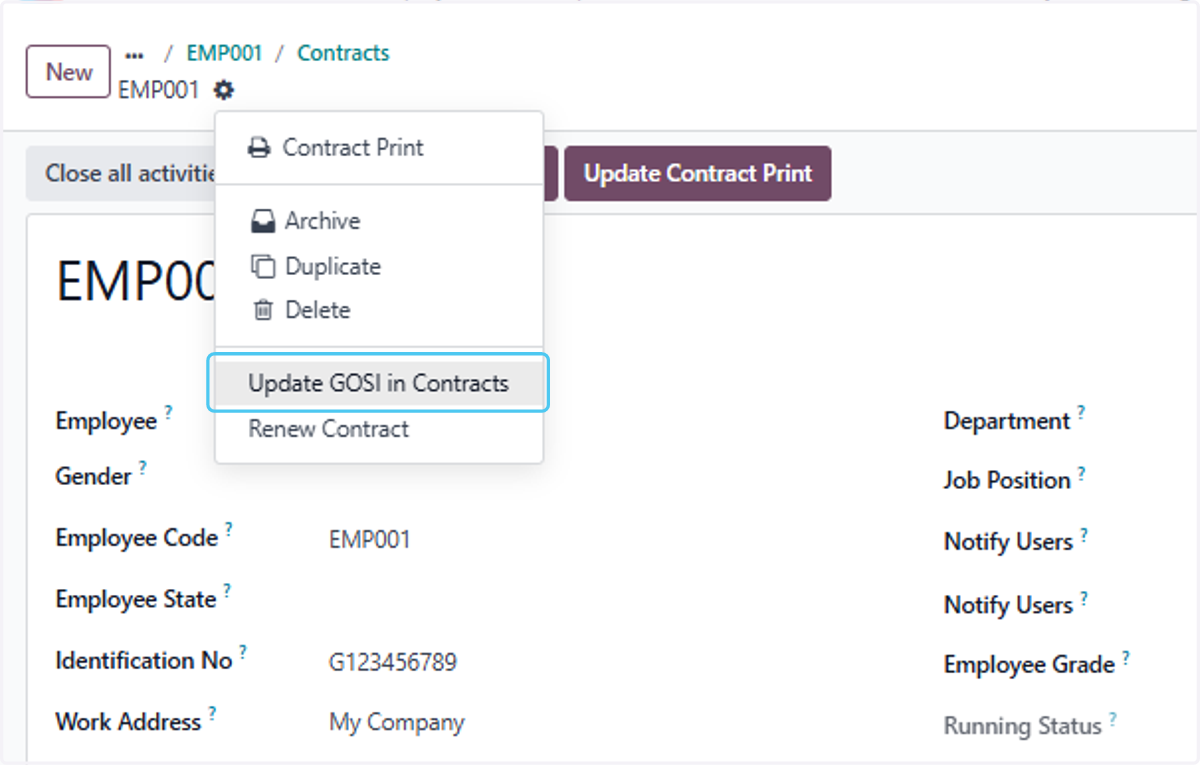
14. Now finnaly the Gosi is reset to Draft