Navigating the Social Q&A Platform: Posting Answers
ResellerRatings.com
Let's walk through the steps to add dynamic replies to your Q&A answer
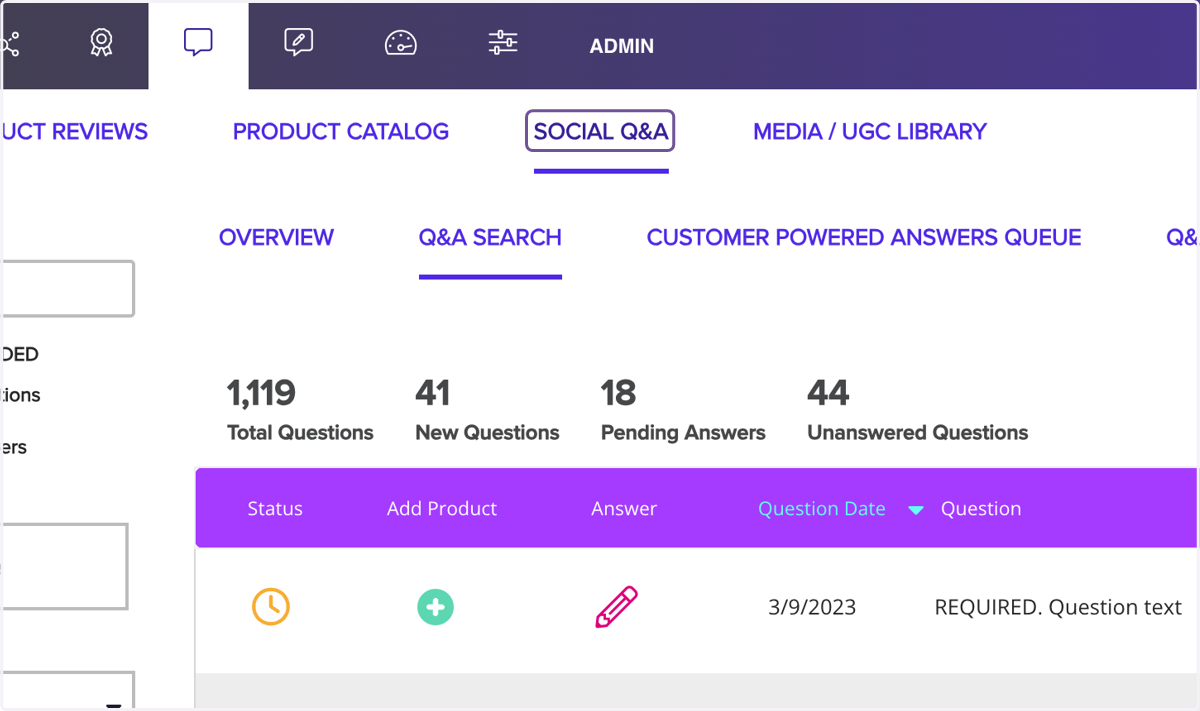
1. Click on SOCIAL Q&A
If it's part of your plan, click and open social Q&A
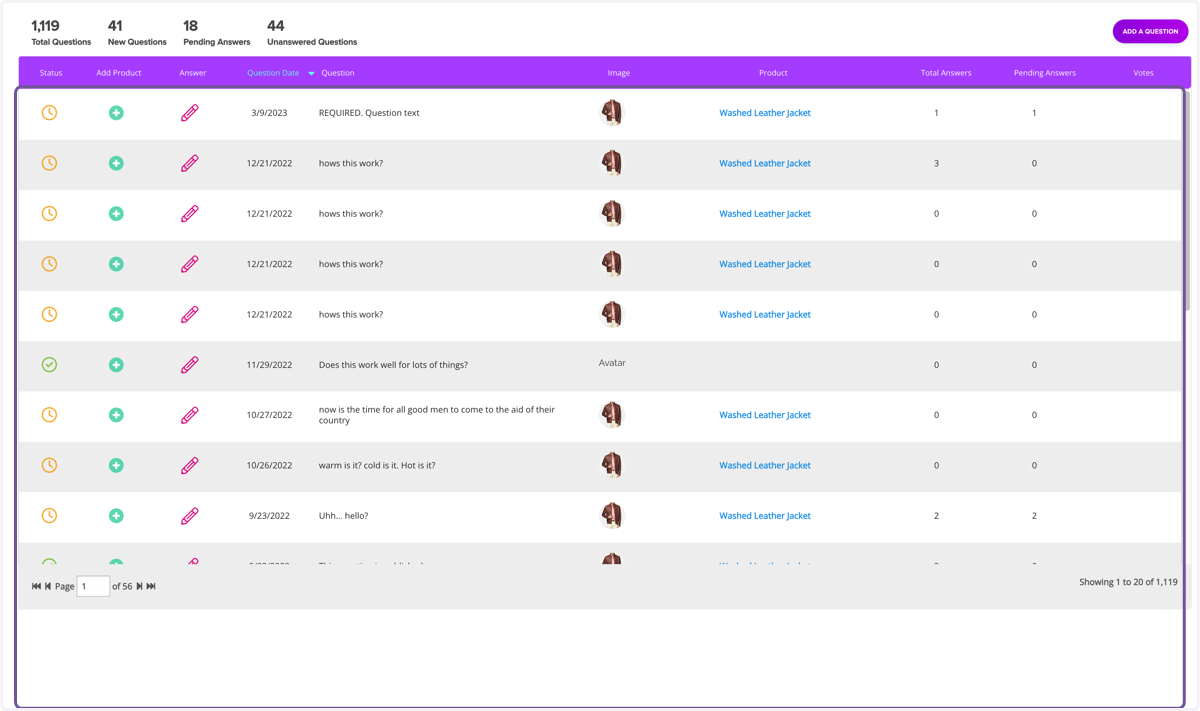
2. Click on …
Let's jump into and find a product that has a question that needs answering
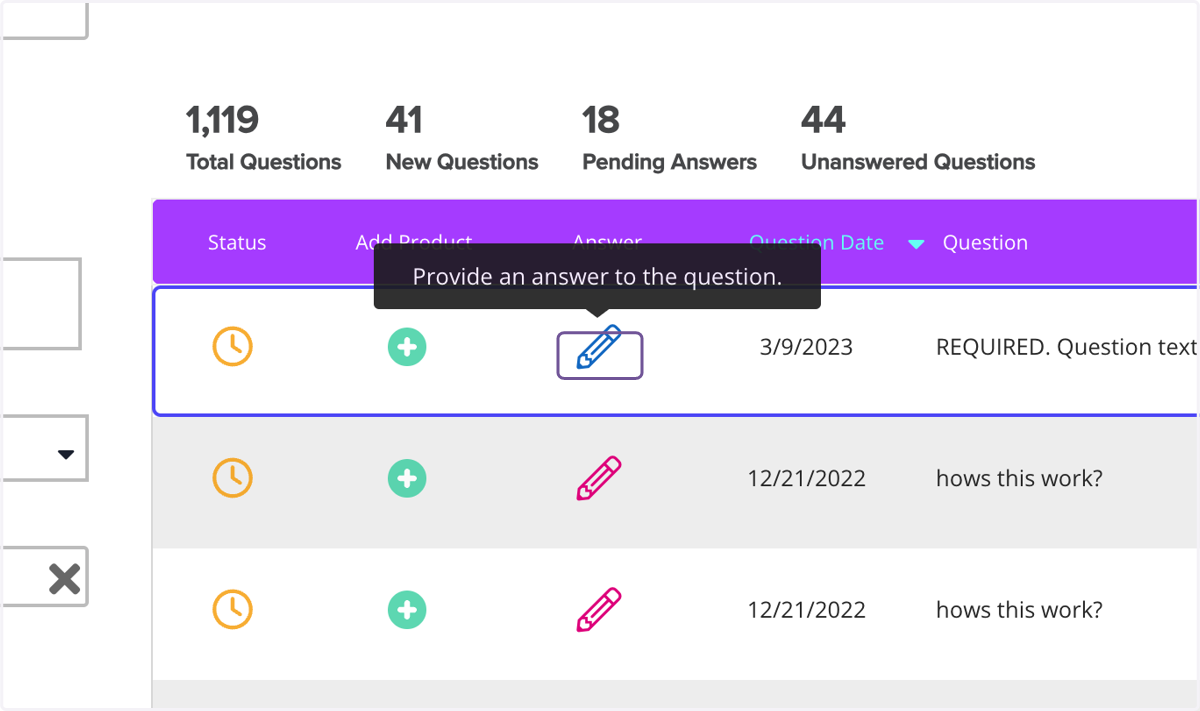
3. Click on the pencil icon to edit
Clicking on the pencil icon allows you to engage with answering
4. Click on ANSWER
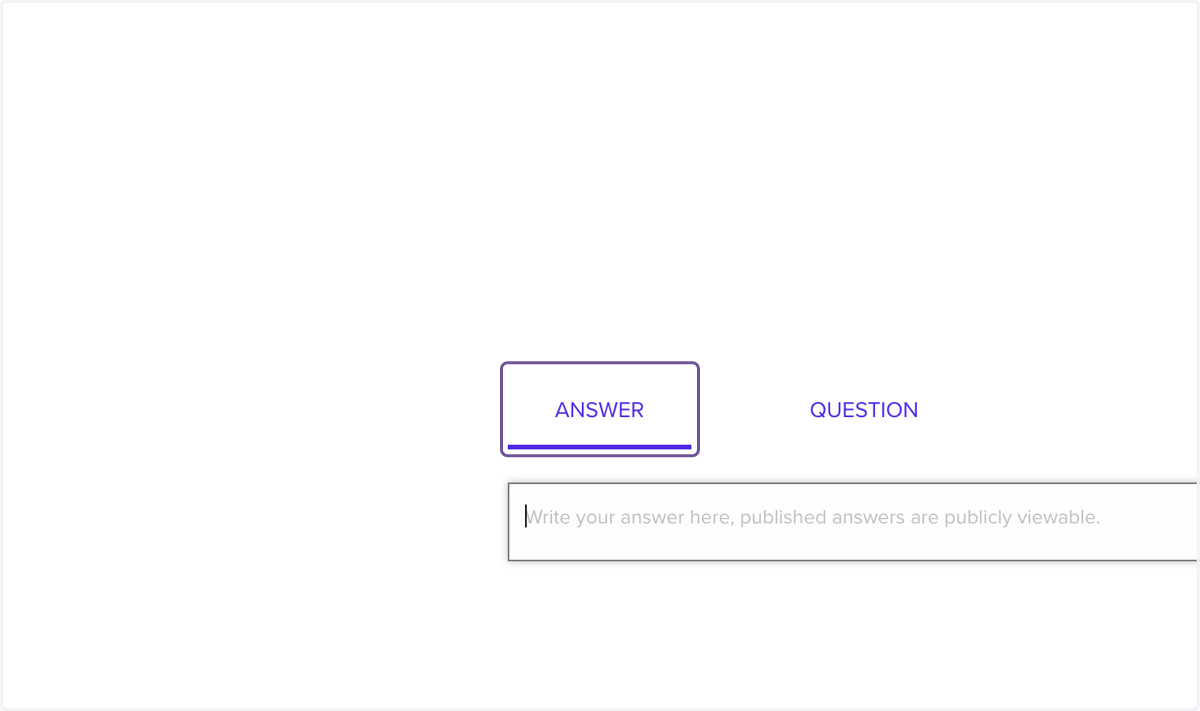
5. Click on Write your answer here, published answers are publicly viewable.
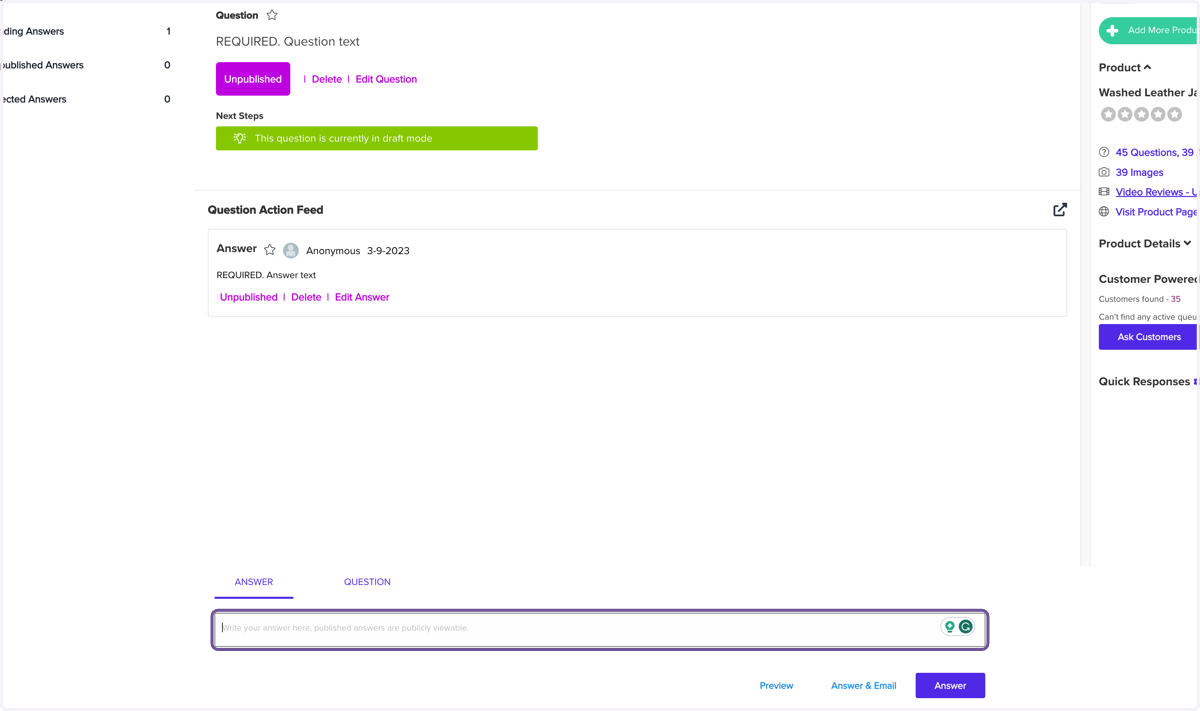
6. Paste Link
Paste a link to your image, video or document (or even web URL) to insert it. If the system can, it will try and retrieve and embed the final url
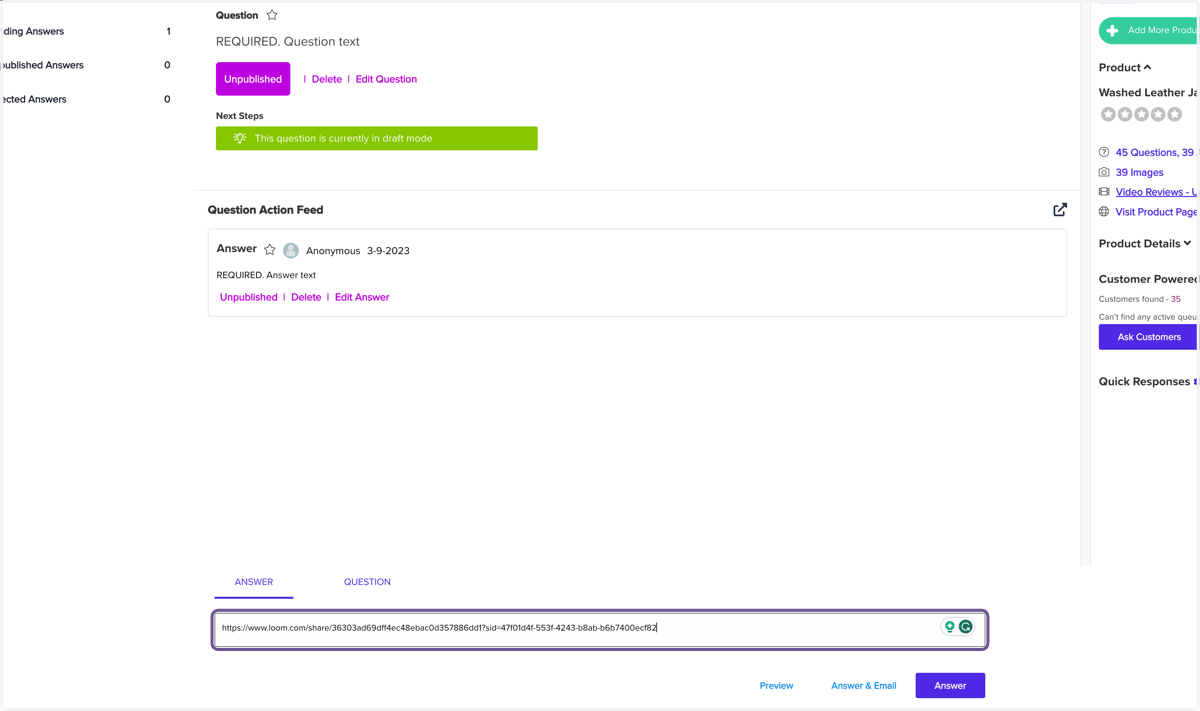
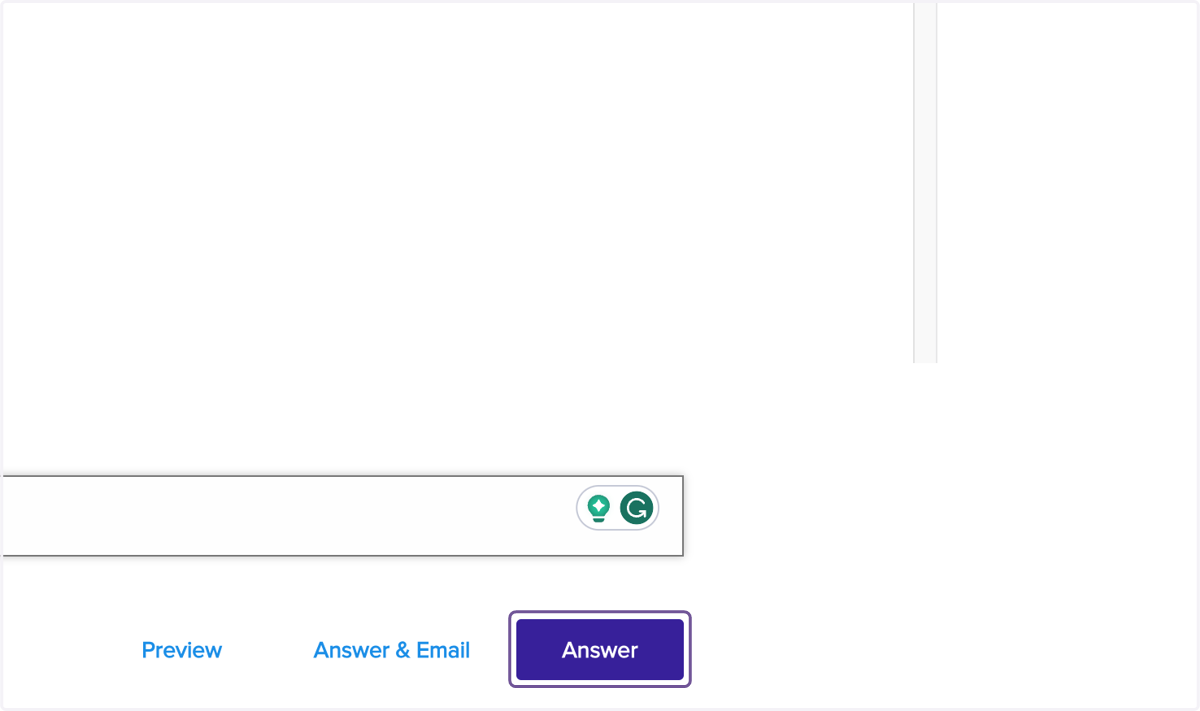
7. Click on Answer