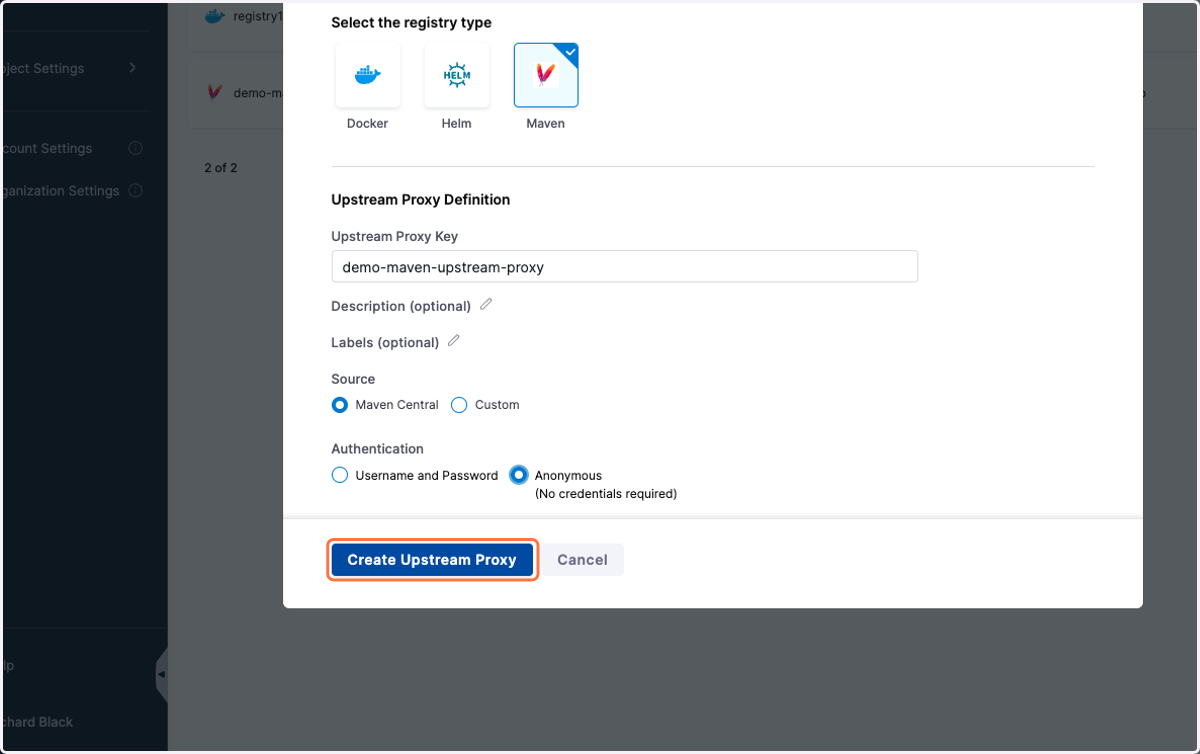
Creating an Upstream Proxy in Harness Artifact Registry
Harness
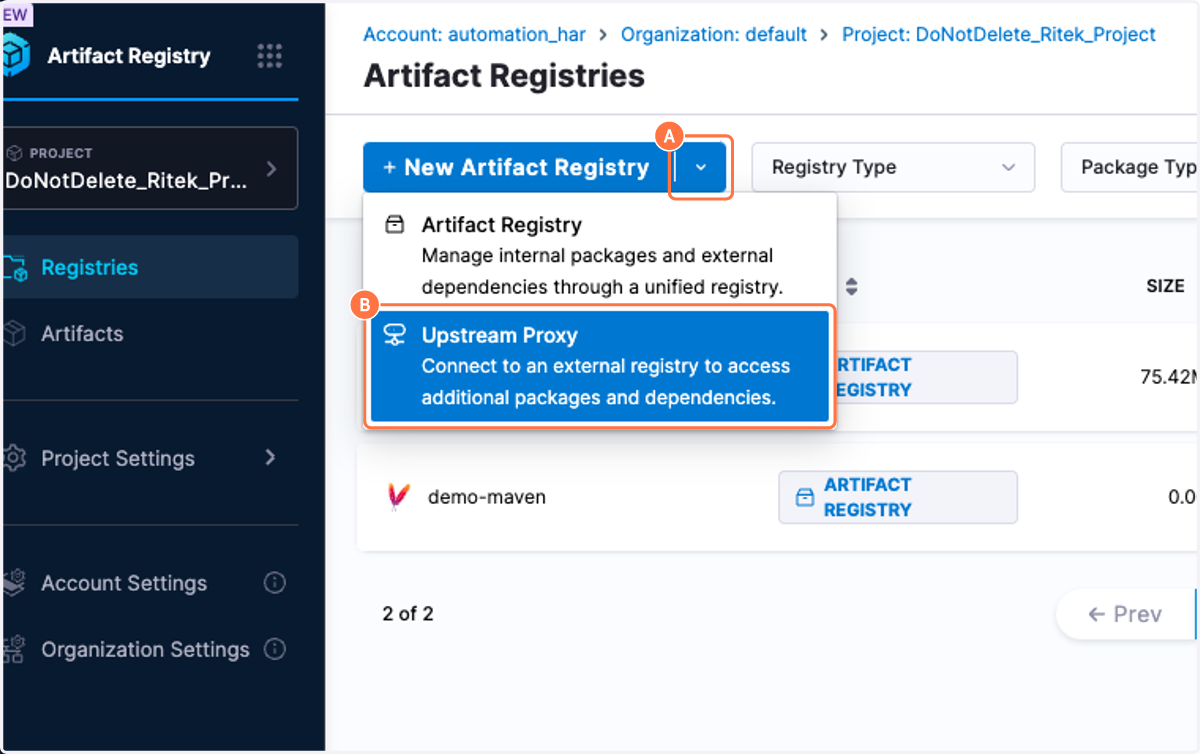
1. A. Select the New Artifact Registry dropdown
1. B. Click on Upstream Proxy…
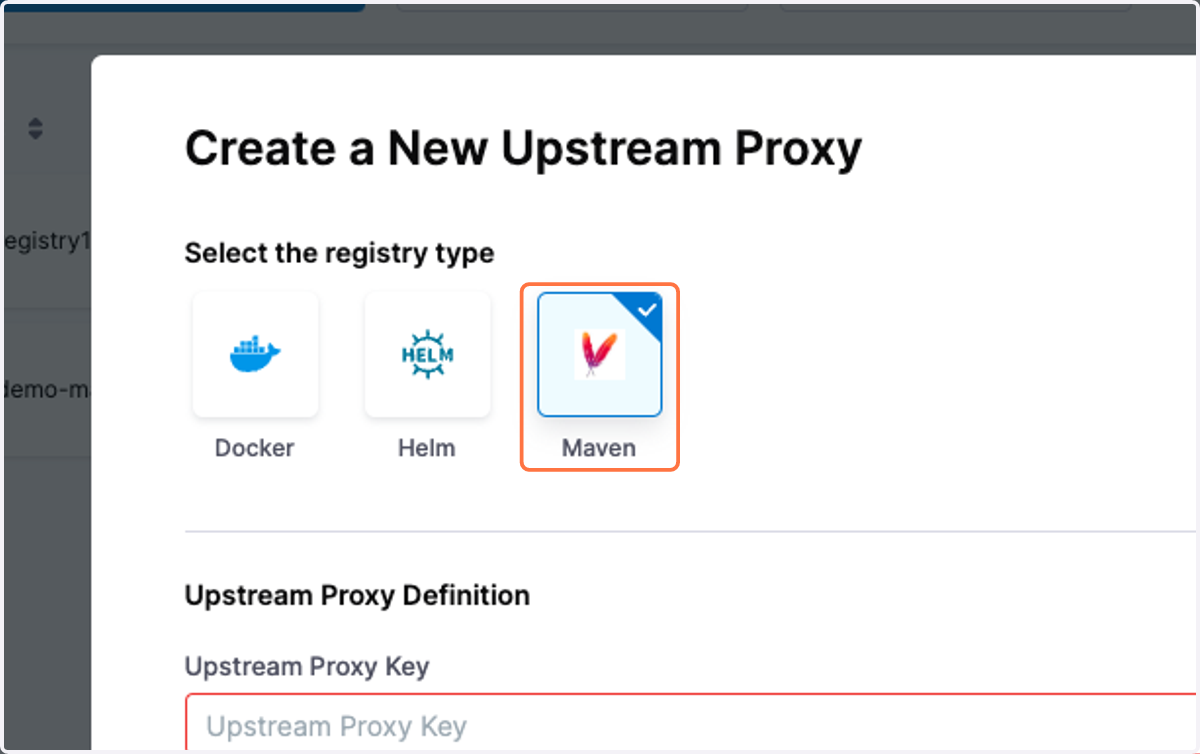
2. Select an option
3. Type in text field
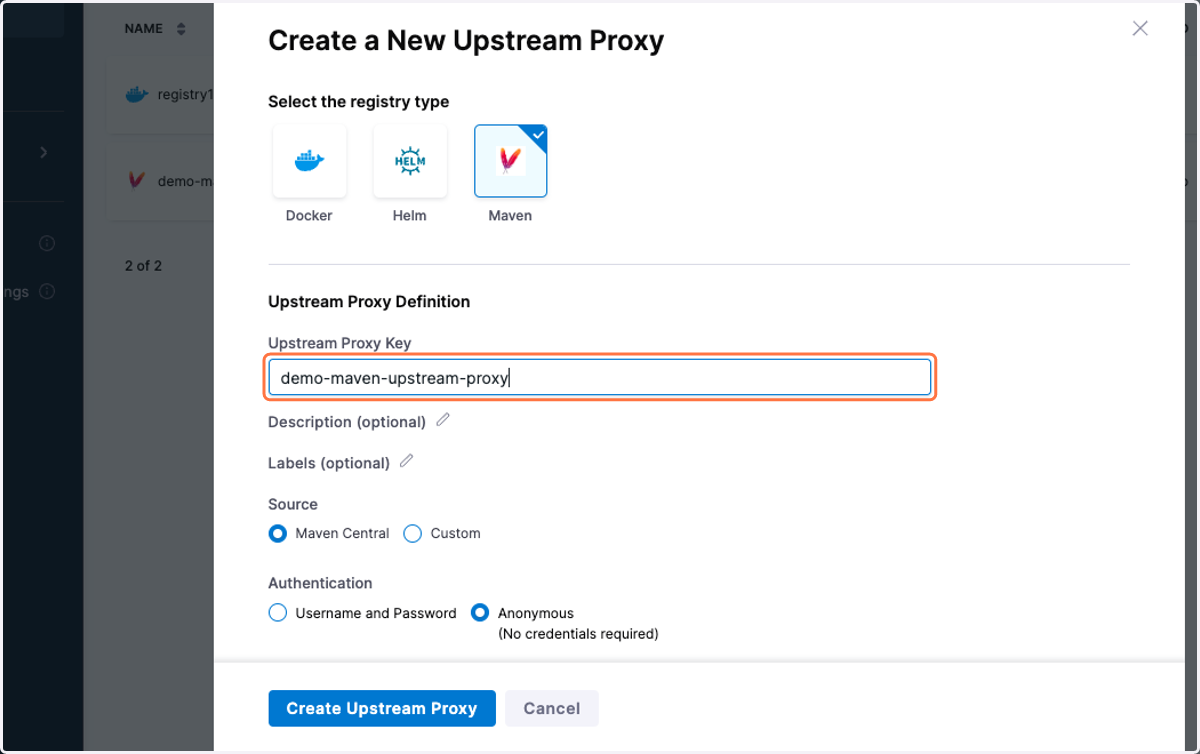
4. Select an option , e.g. Maven Central
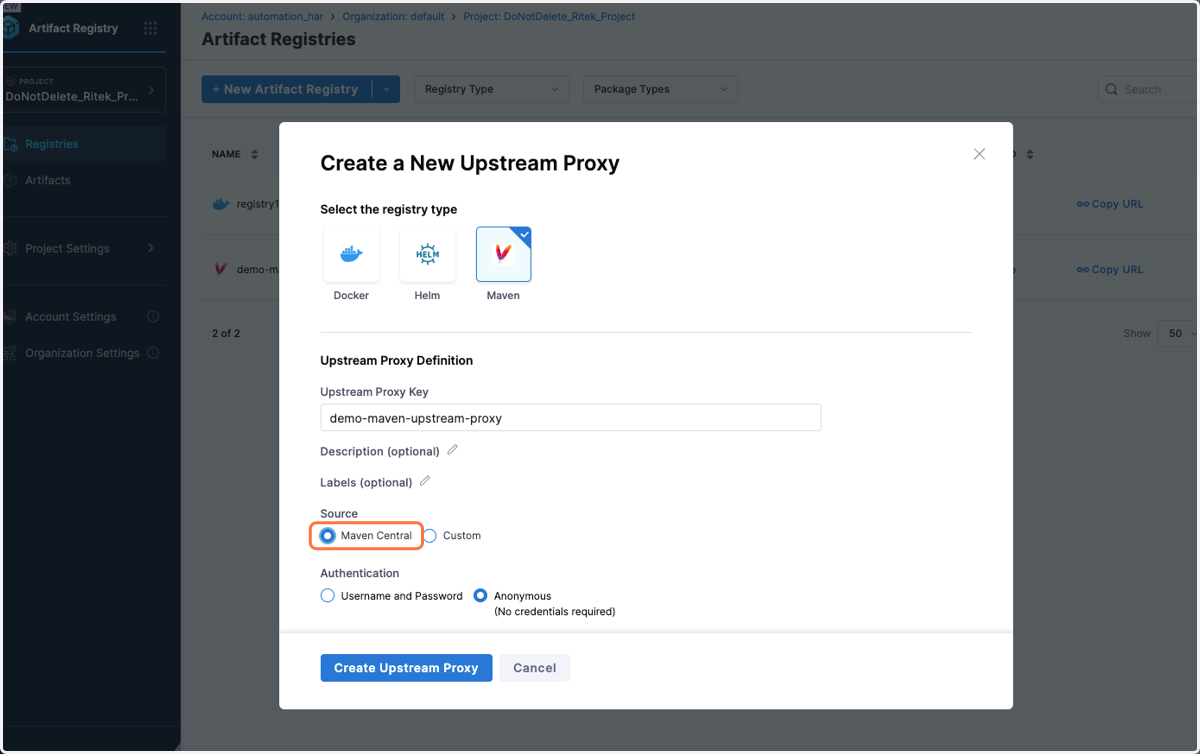
5. Select an option
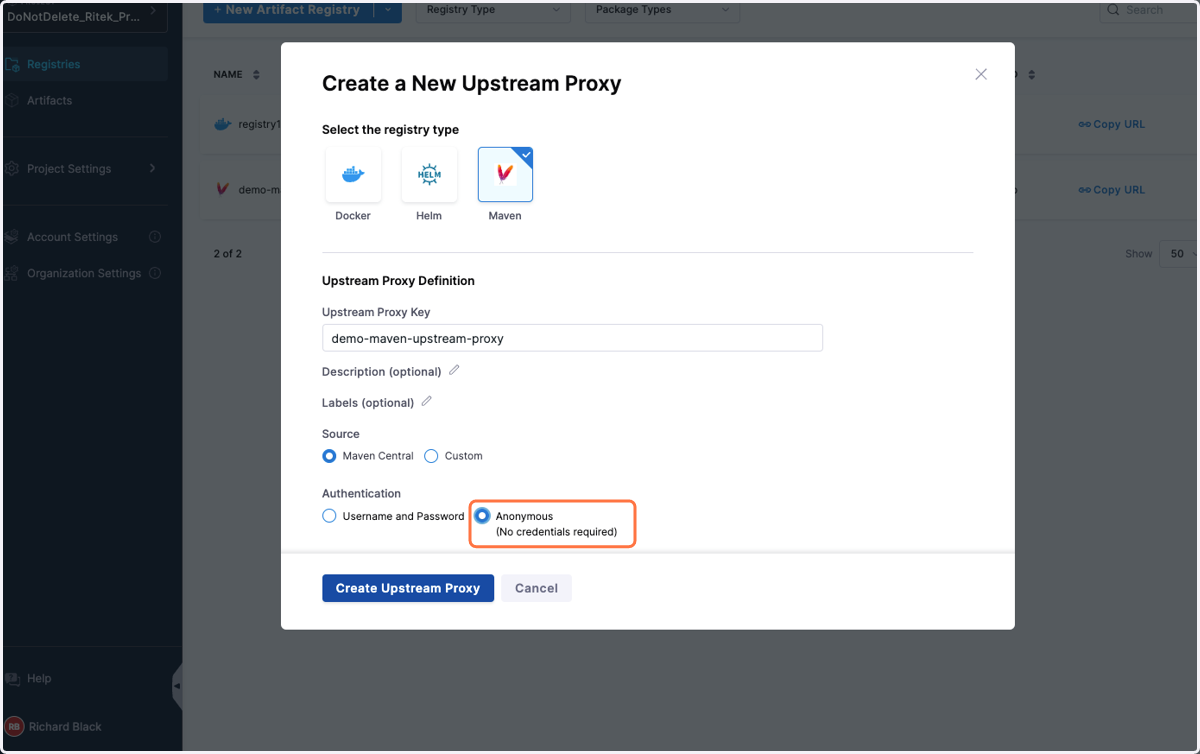
6. Click on Create Upstream Proxy