File upload - essential setting in your form
If you do not make this setting in your form, the files that are sent with it cannot be opened.
File upload - essential setting in your form
This ensures that the files that are sent in a form can also be opened by the recipient.
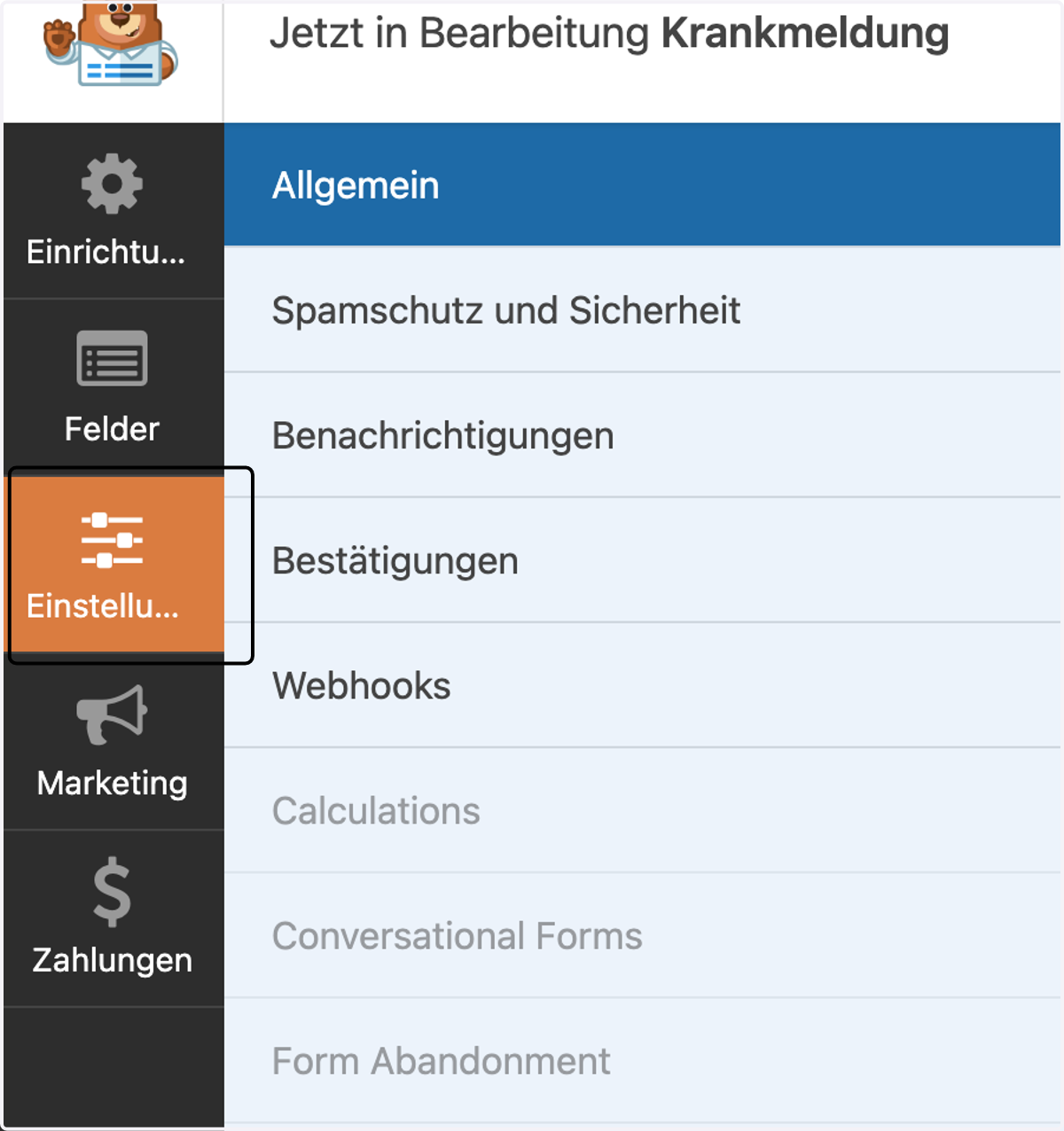
1. Click on "Settings"
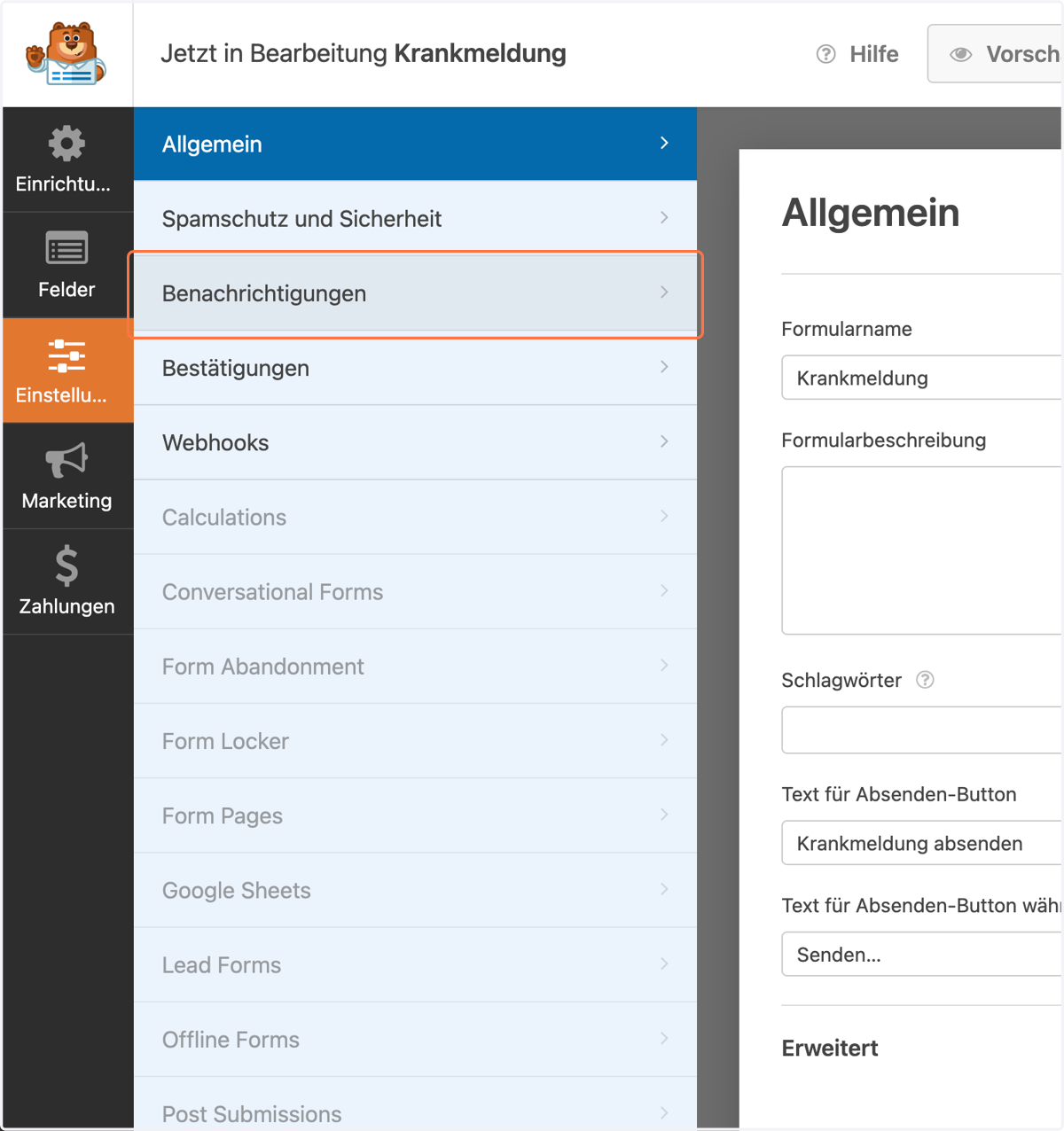
2. Click on "Notifications"
3. Click on "Advanced" (for every conditional logic!)
Scrolle nach unten und klicke auf "Erweitert".
Wenn du mehrere bedingte Logiken eingestellt hast, muss du das bei jeder Logik einstellen!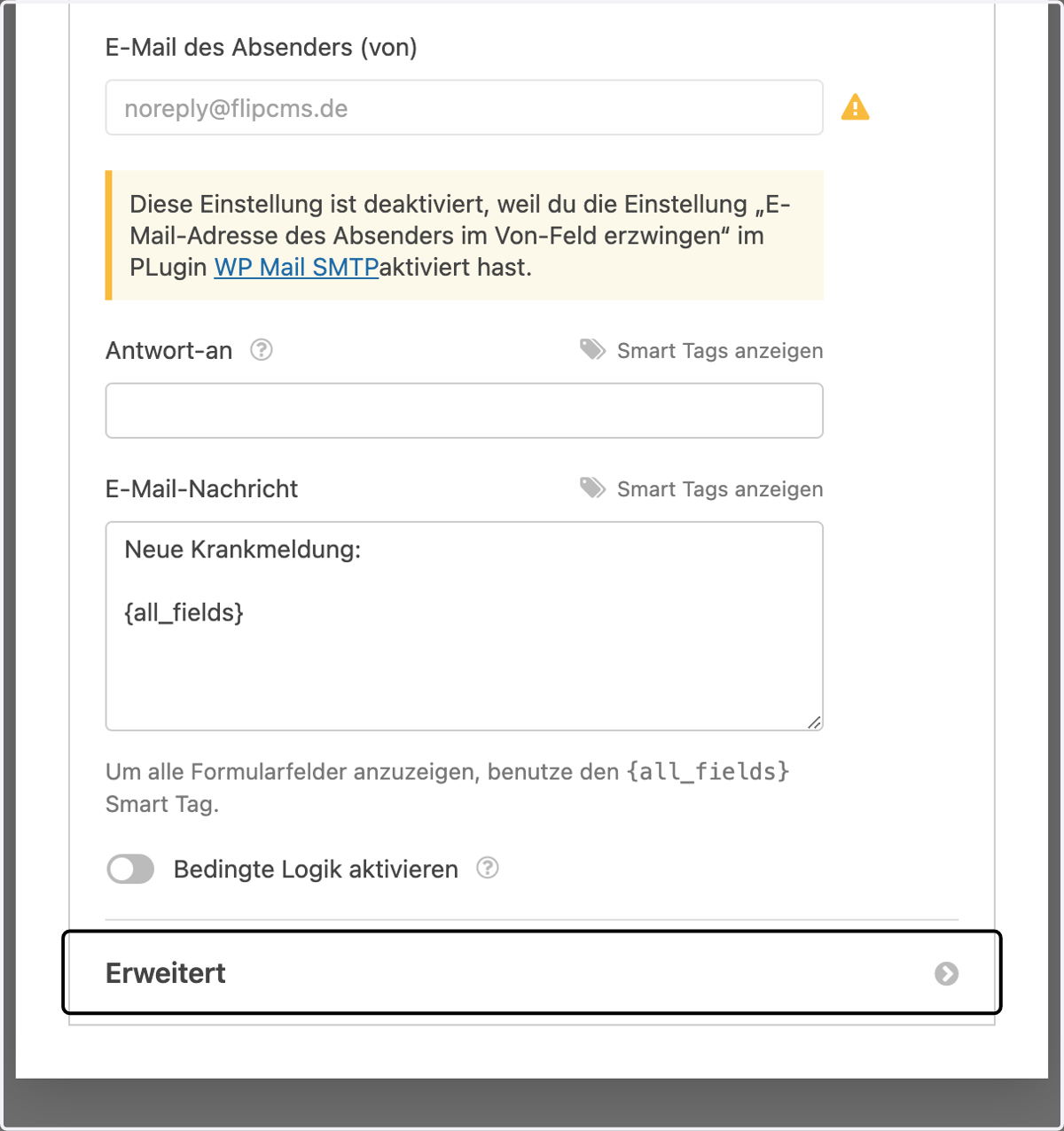
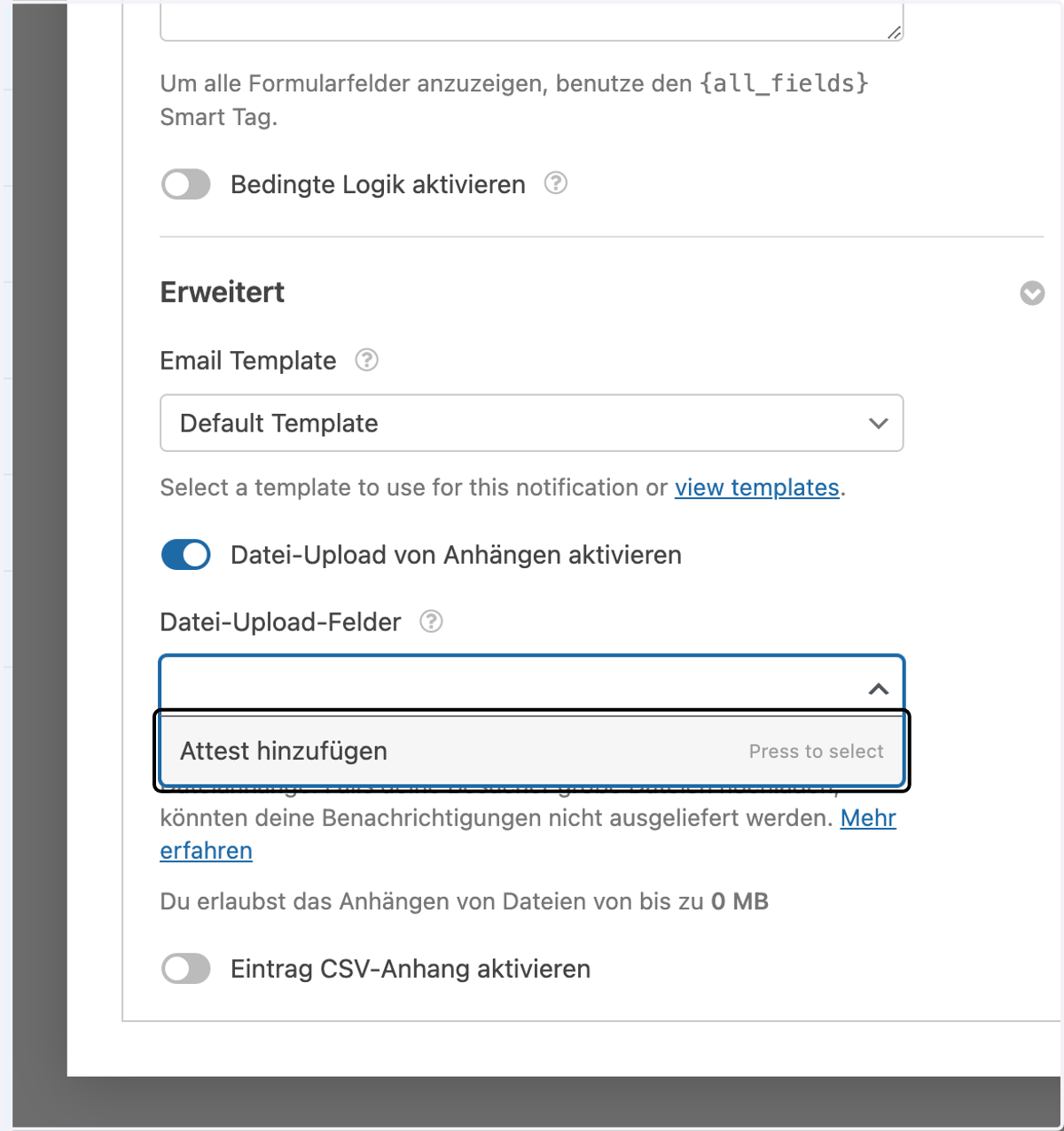
4. Activate "Enable file upload of attachments"
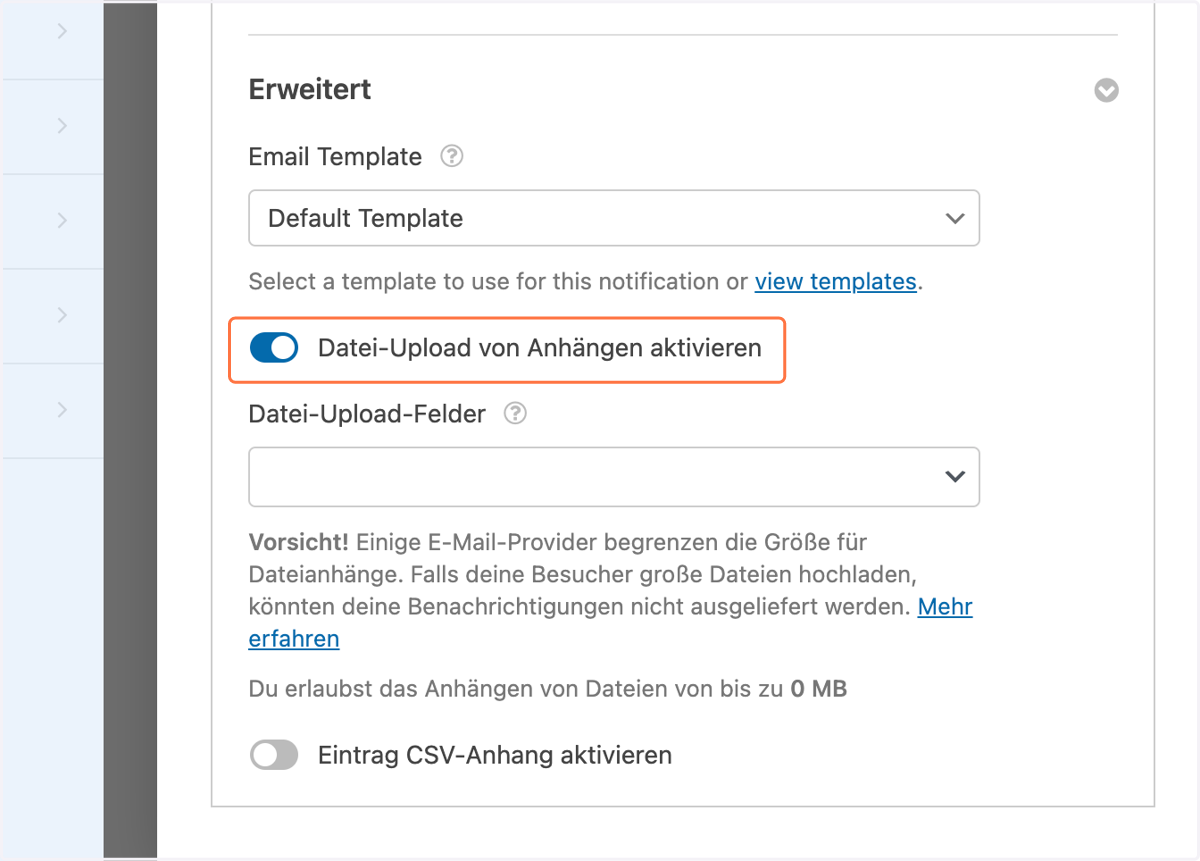
5. Add all the fields you can select.
All file upload fields that you have inserted in your form are displayed here.