SuperOps.ai
Navigate to your SuperOps tenant
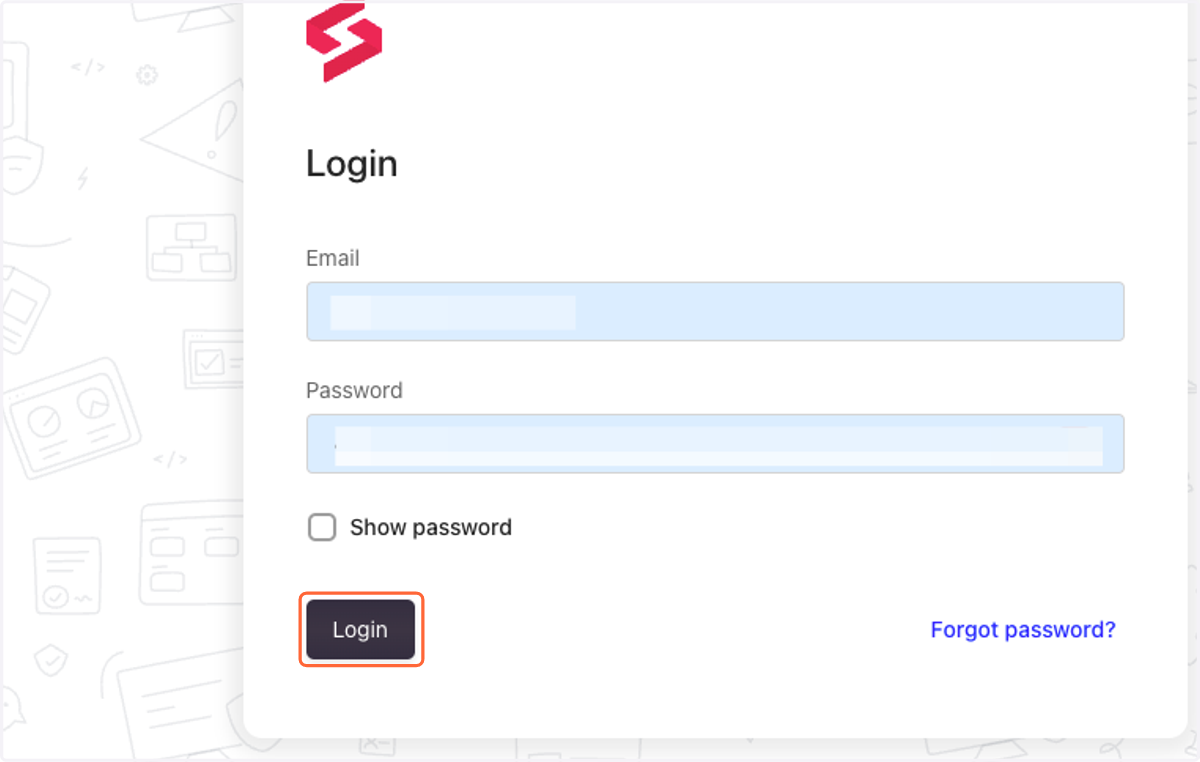
1. Log into SuperOps
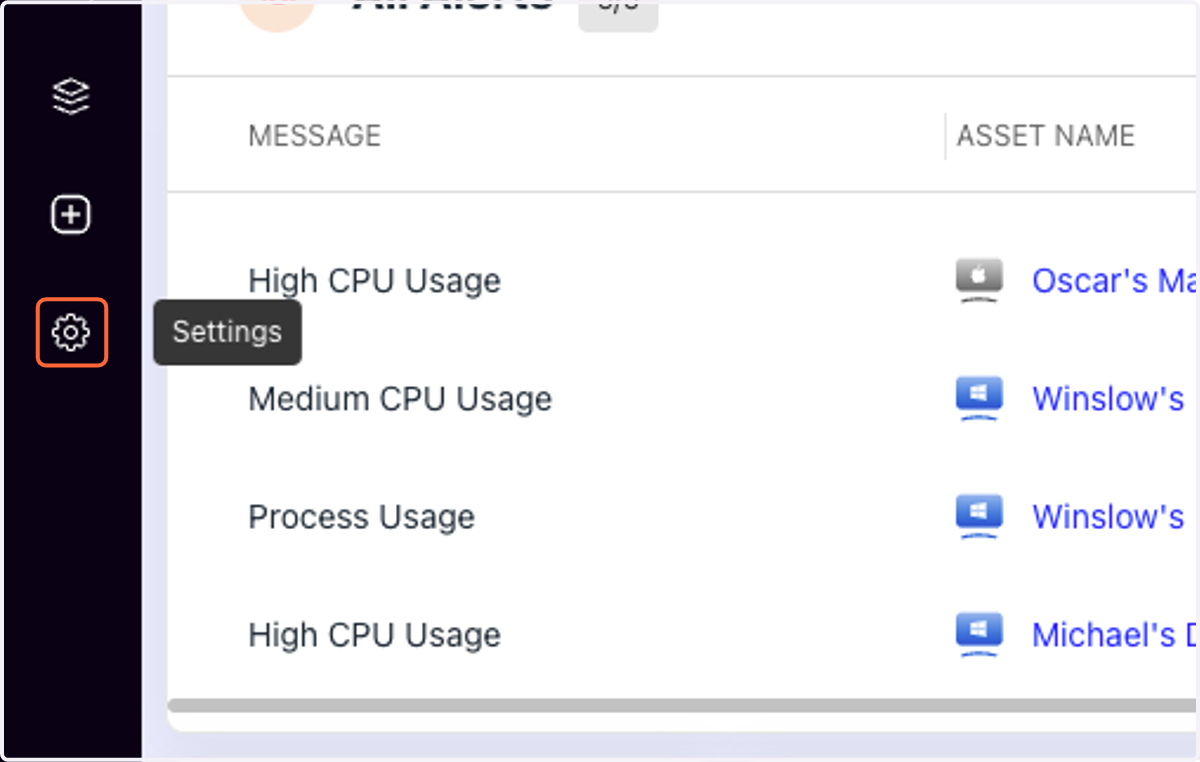
2. Open Settings by clicking on the gear icon
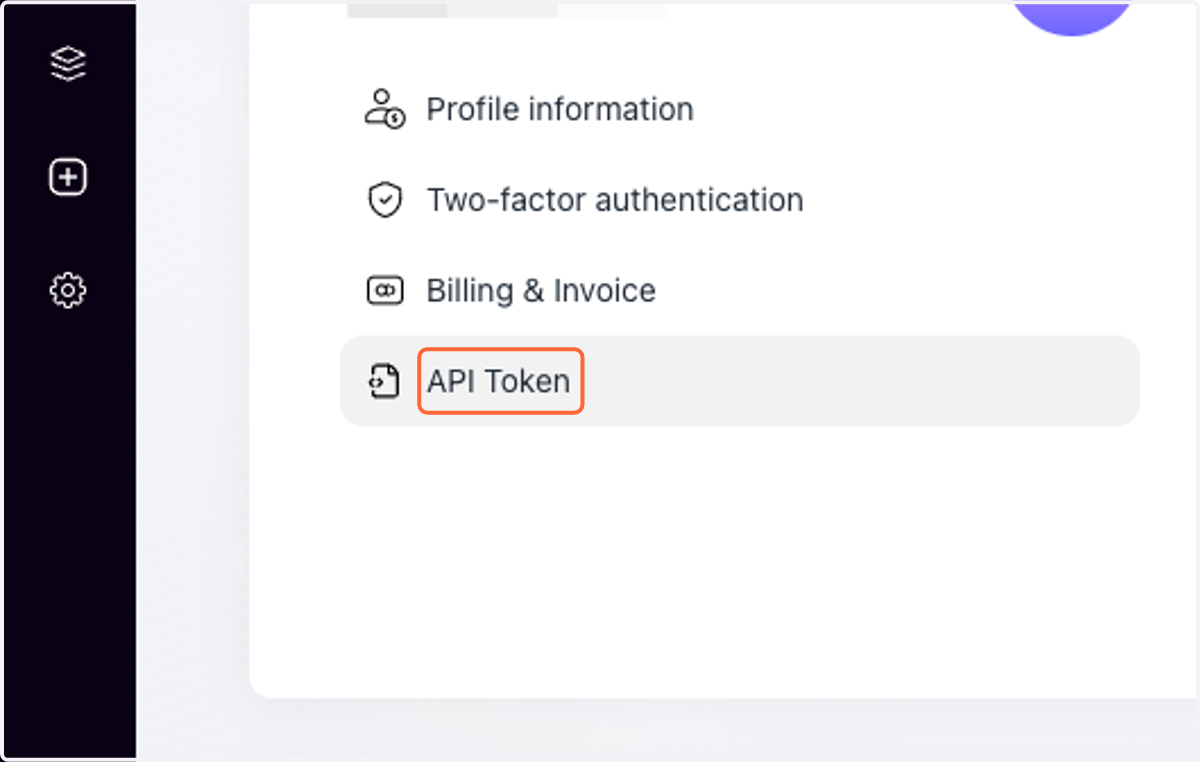
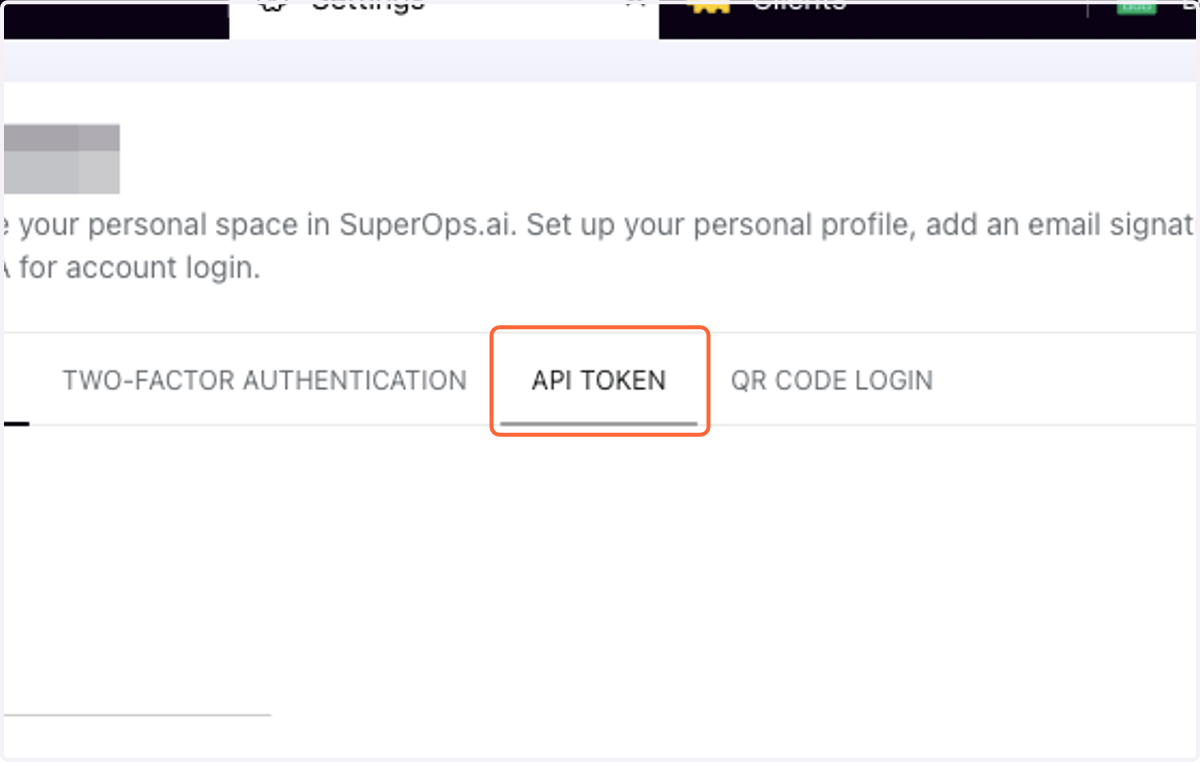
3. Click on API Token
4. Click on API TOKEN
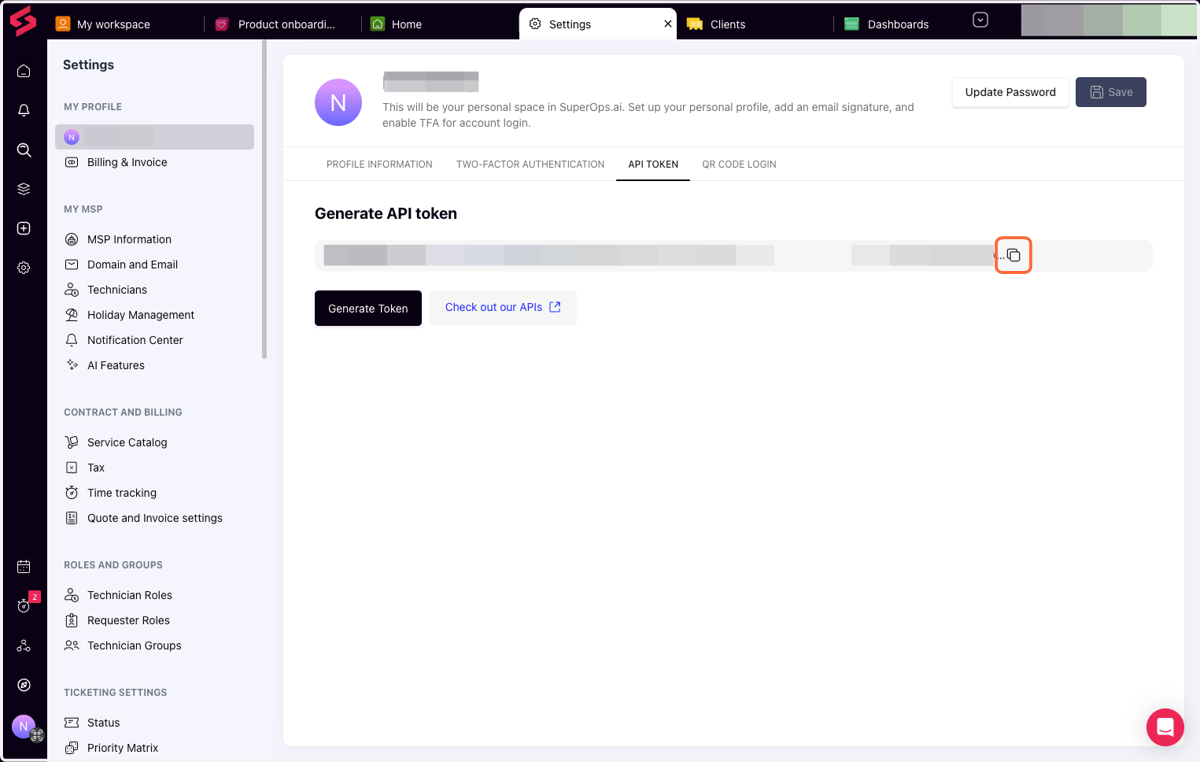
5. Copy the token
Cork - Integrations
6. Paste selected text into input
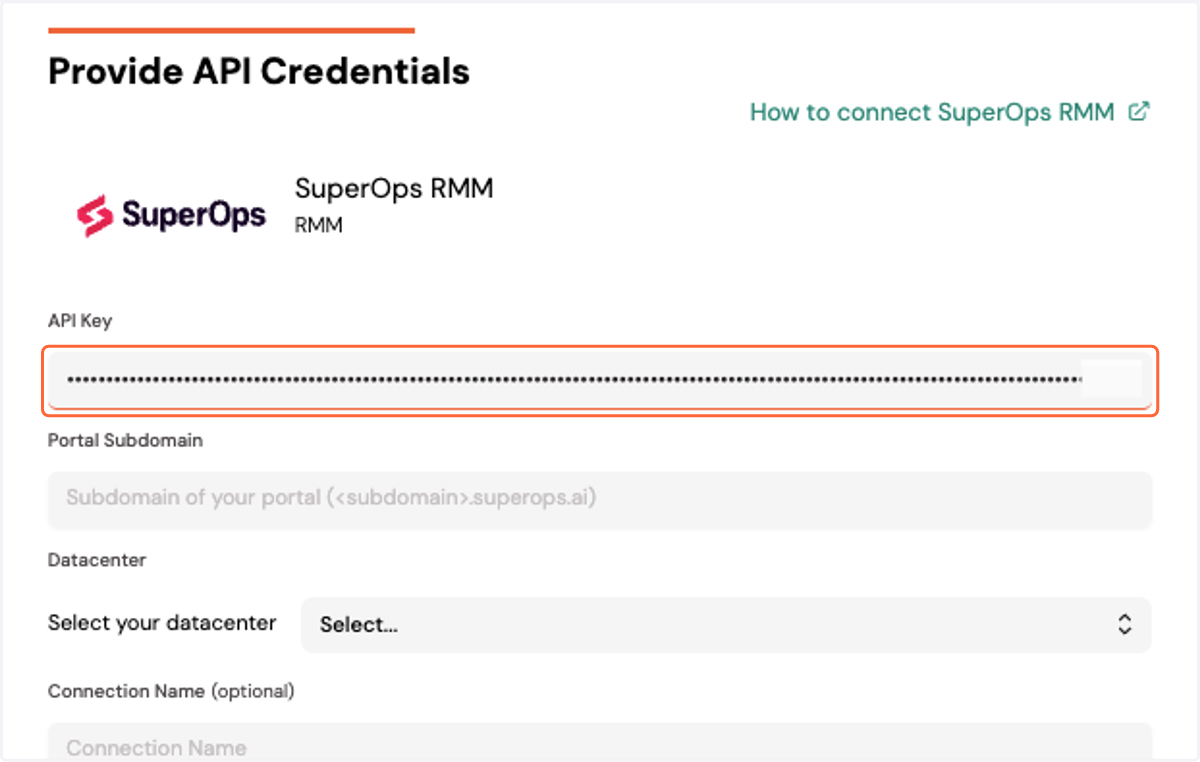
7. Type "https://[YOUR SUBDOMAIN].superops.ai"
![Type "https://[YOUR SUBDOMAIN].superops.ai"](https://images.tango.us/workflows/e0bdc856-dd8e-4ffc-9003-f06c45a7aa2d/steps/ad6eb055-73b3-4f49-ad5b-651552004009/6727b5e0-c2a1-4f8f-9c3e-f6bb1ec7ef94.png?fp-x=0.7816&fp-y=0.3347&fp-z=2.4518&w=1200&border=F4F2F7&bx=903&by=306&bw=578&bh=36&c=FF6637&dpr=0.80)
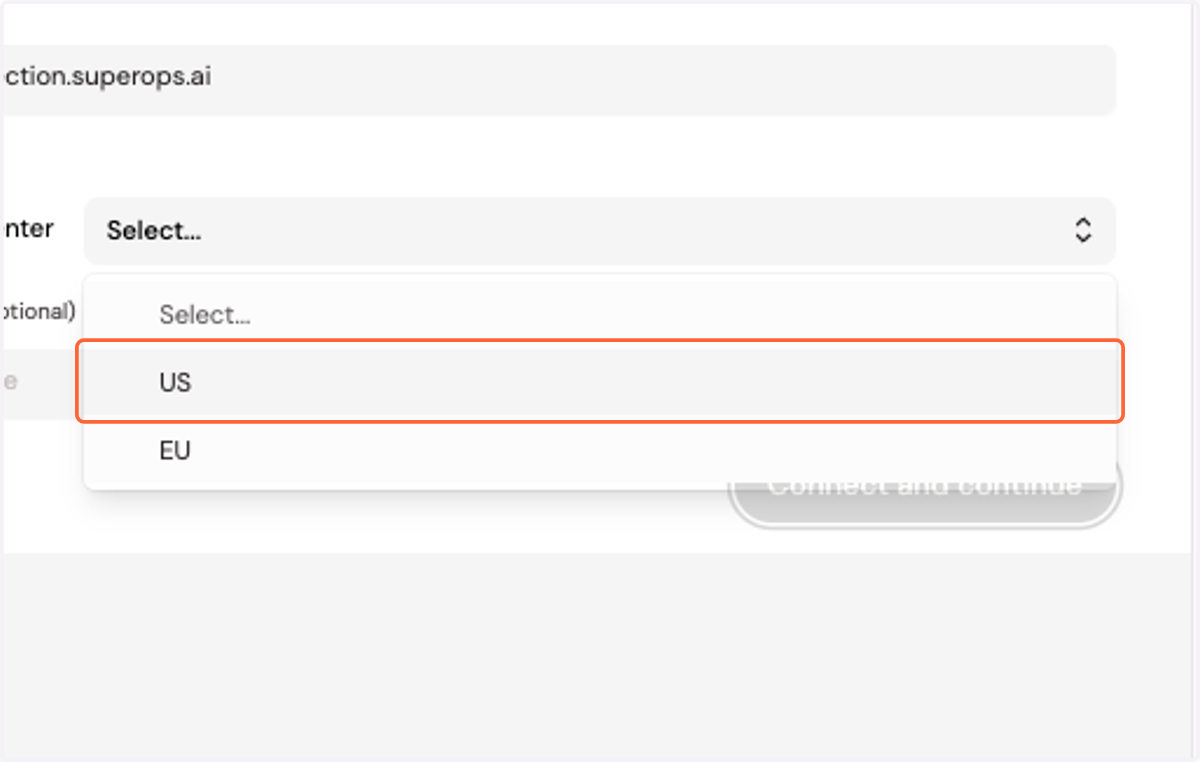
8. Select your datacenter location
9. Click on Connect and continue