Recording Your Vote
The steps below will show you how to record your vote in Interfolio, if you are a member or chair of a special committee for a candidate with a joint appointment.
Interfolio
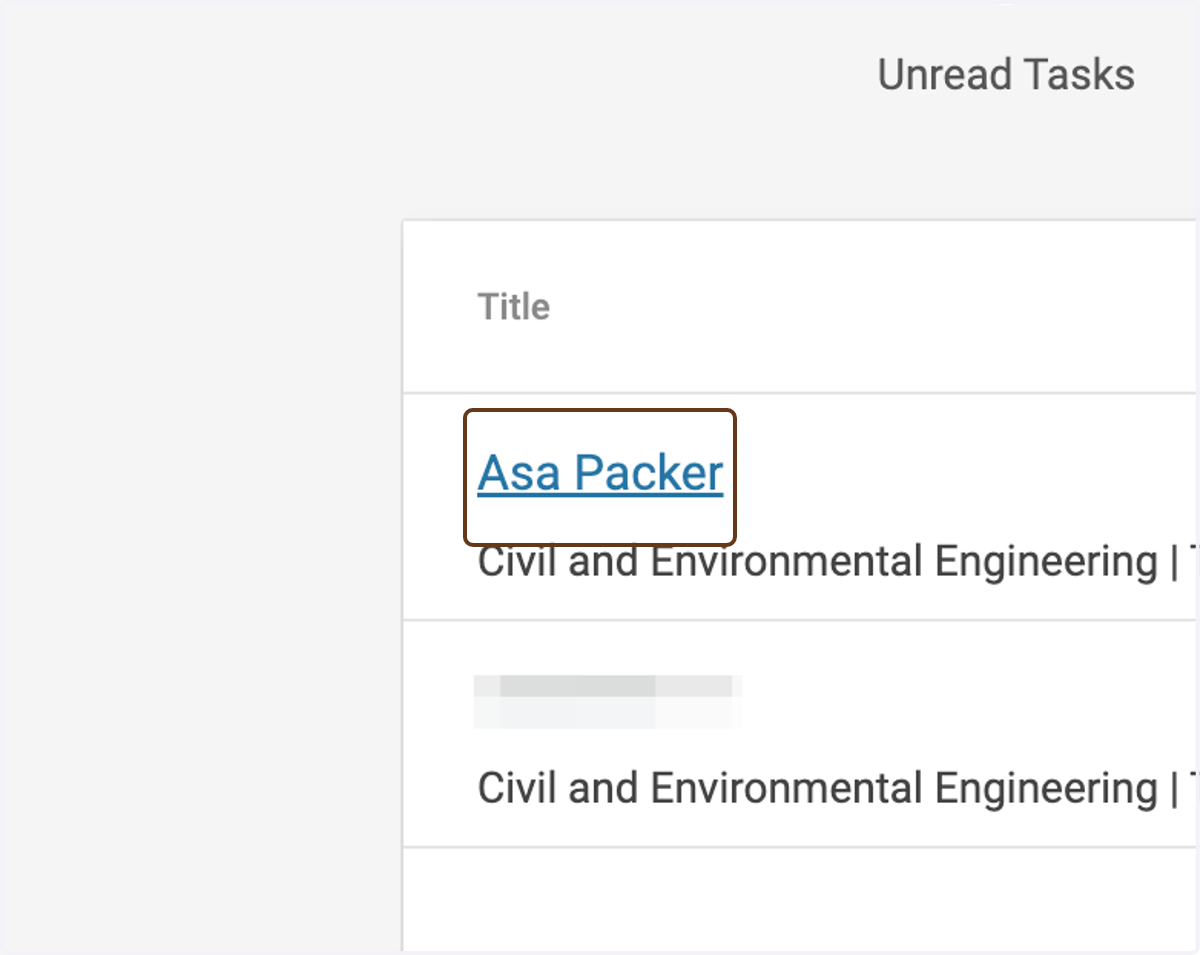
1. Click on the candidate's name
(If you don't already have the case opened.)
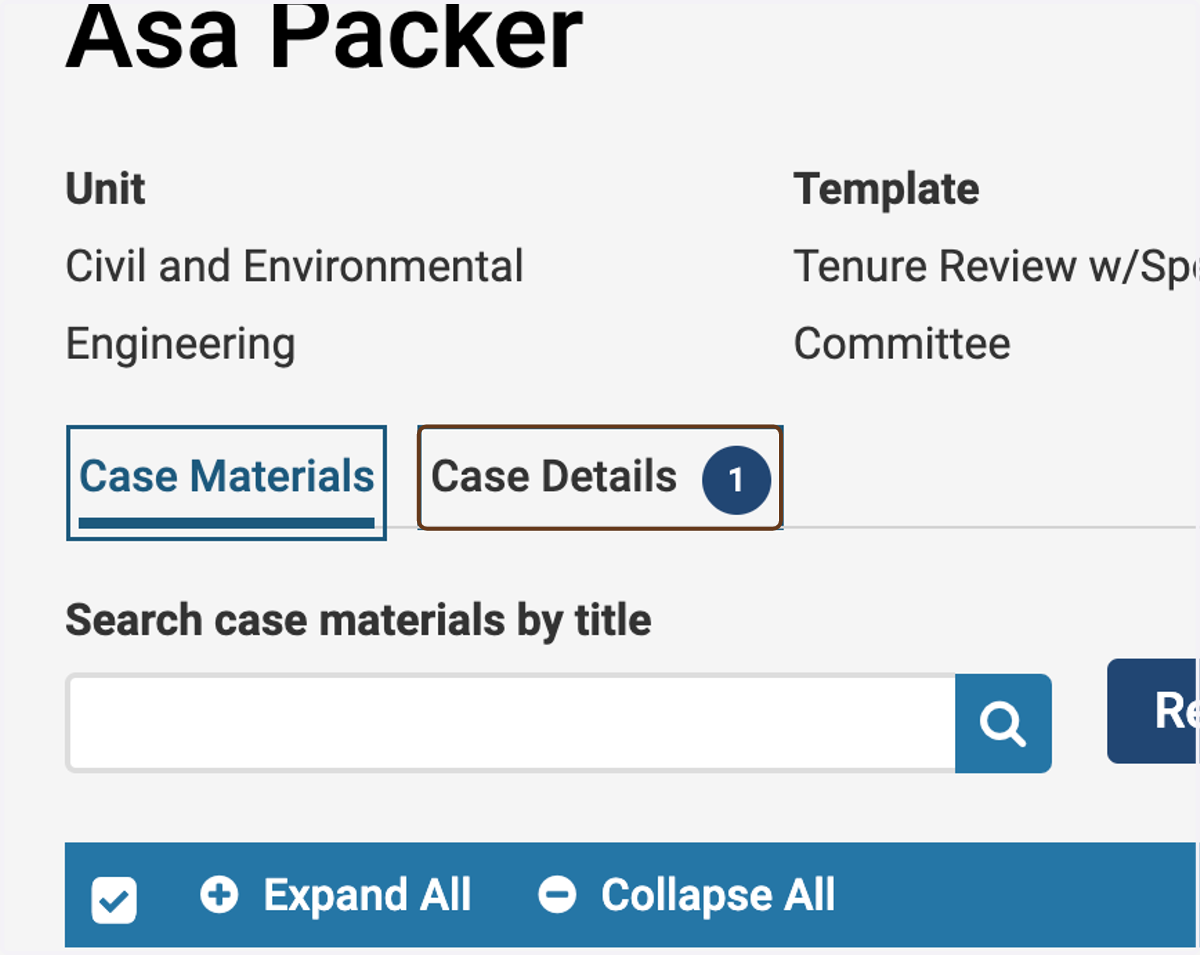
2. Click on Case Details
The ① next to the name of the tab tells you that you have 1 required item to complete.
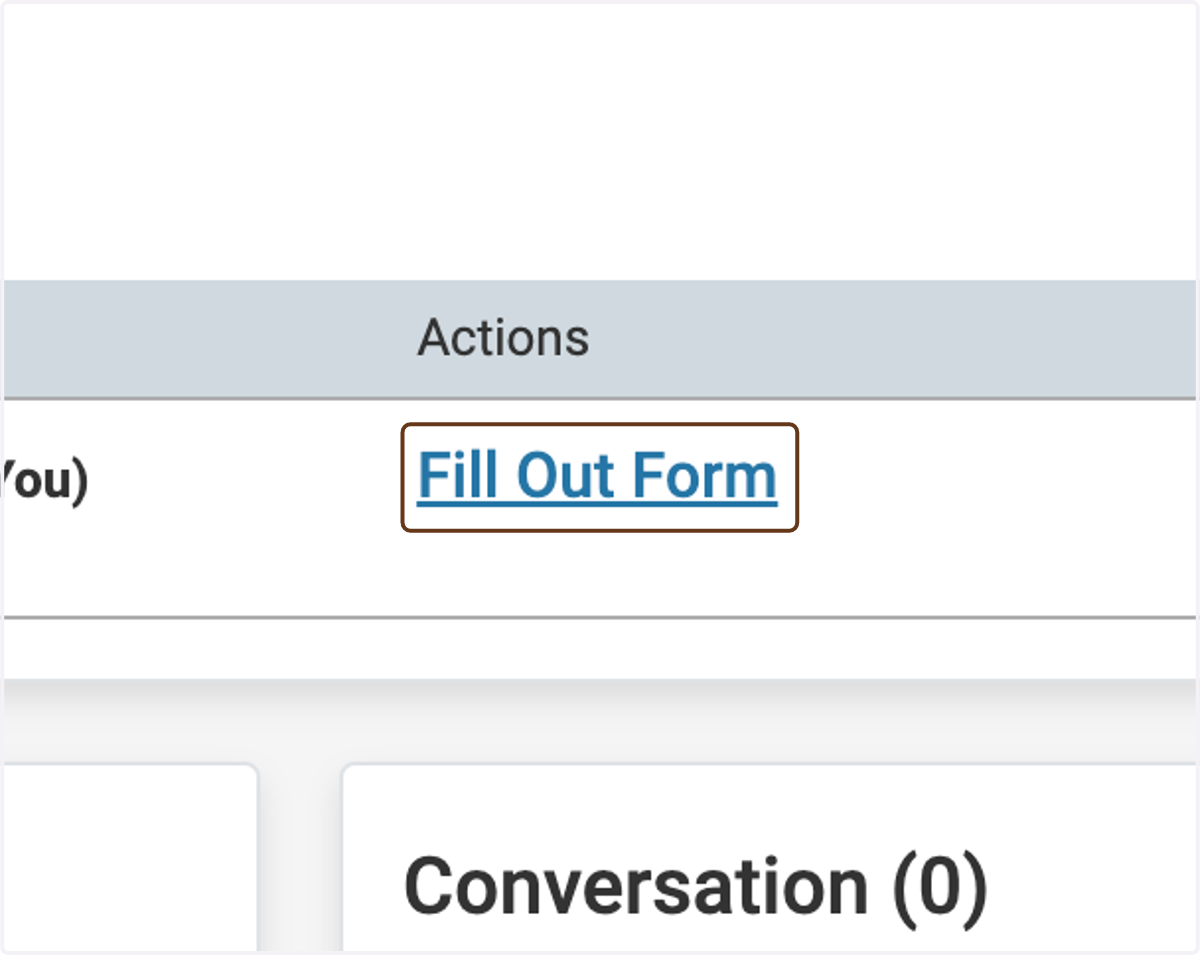
3. Click on Fill Out Form next to Special Committee - Voting Form
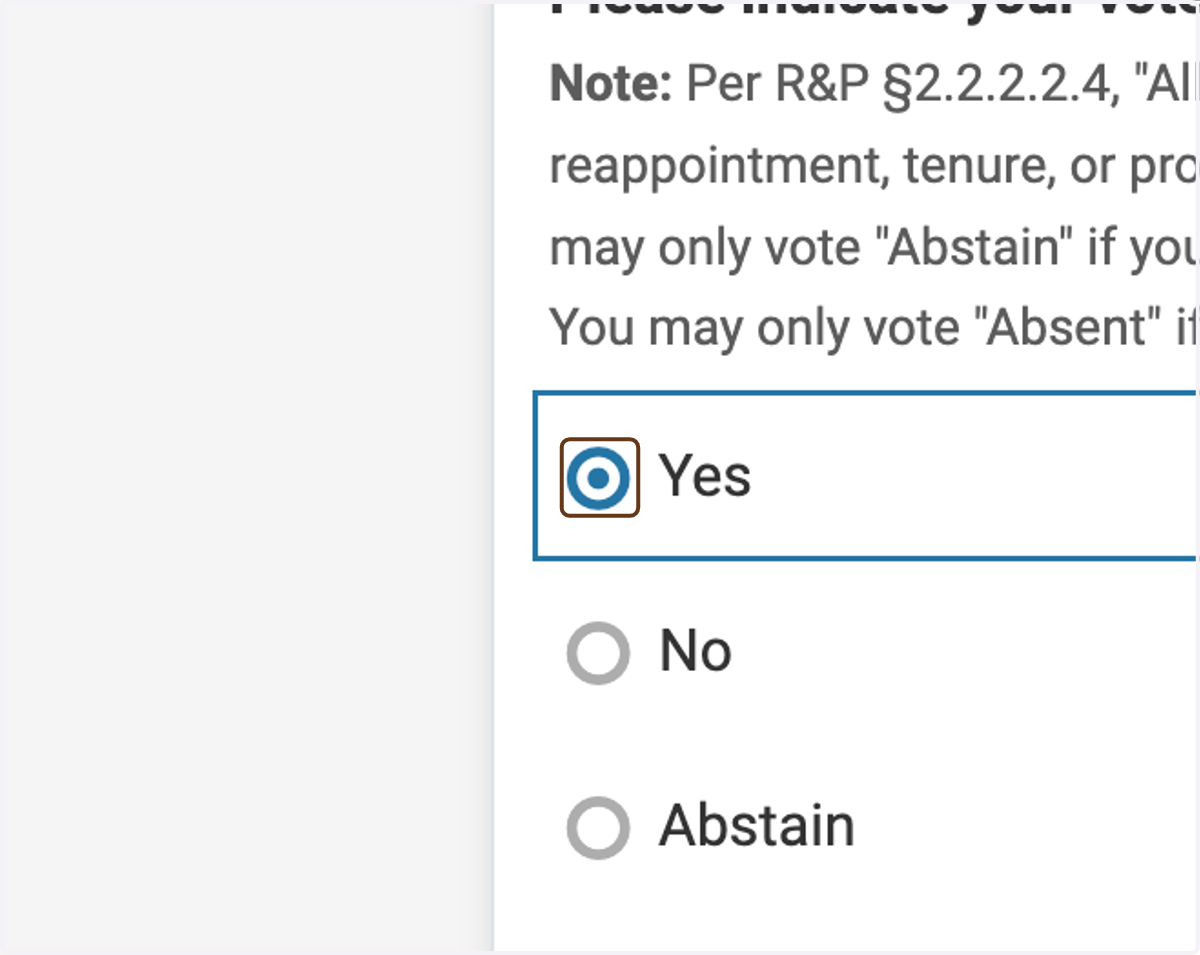
4. Indicate your vote
If you are voting Abstain or Absent, record your reason for doing so.
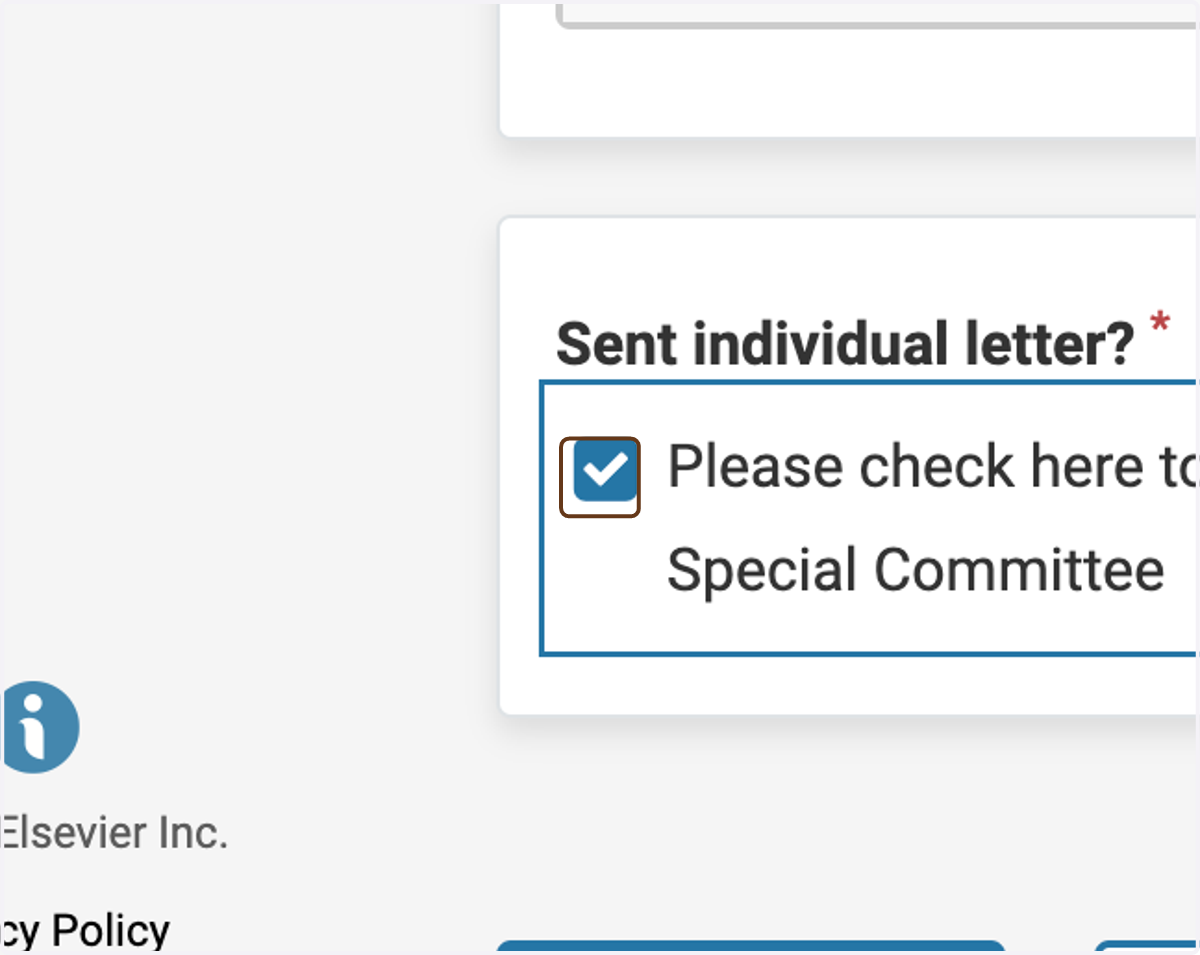
5. Check the box to indicate that you have sent your signed, individual letter to the Special Committee Chair
This is only for review types that require individual faculty letters (tenure-track reappointment, tenure, and promotion).
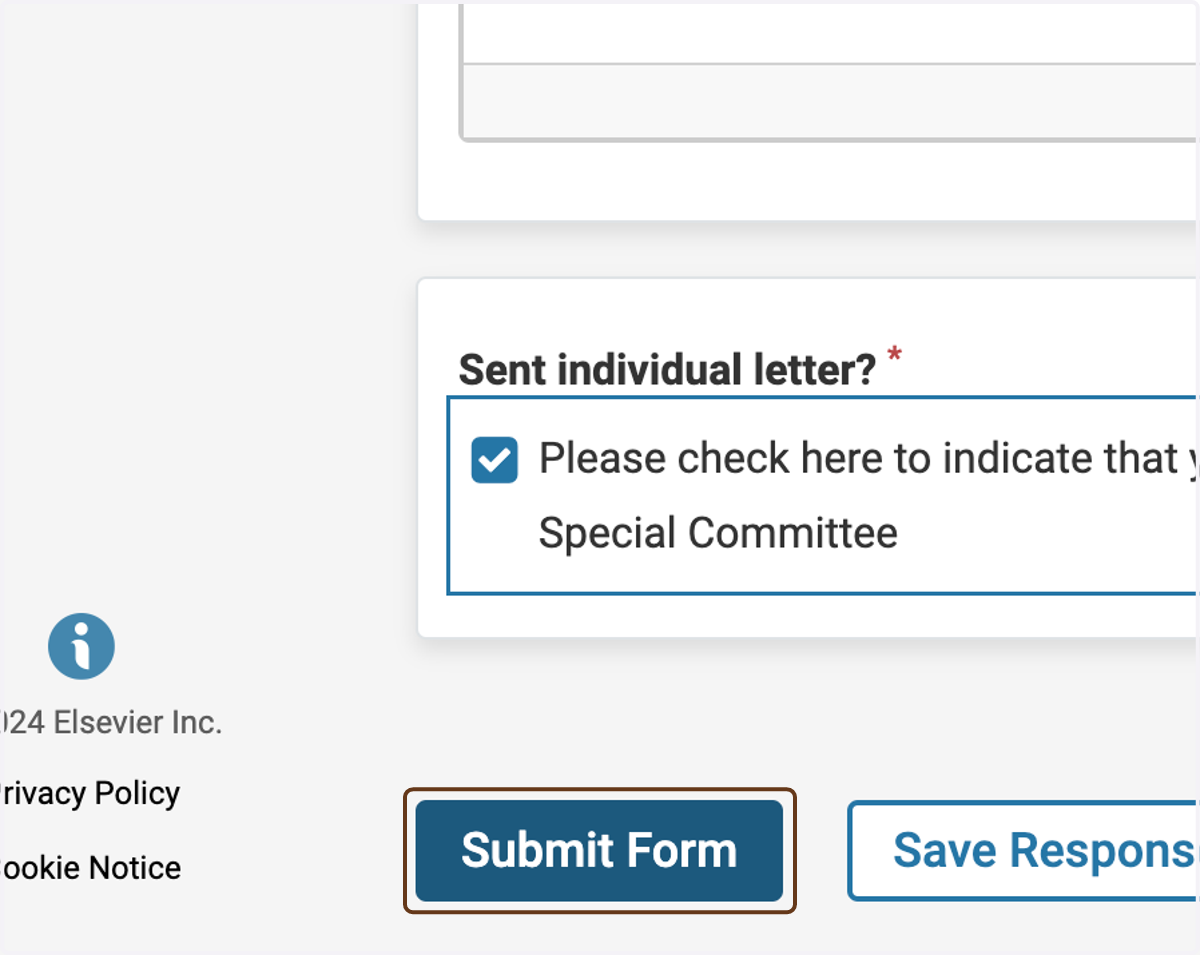
6. Click on Submit Form
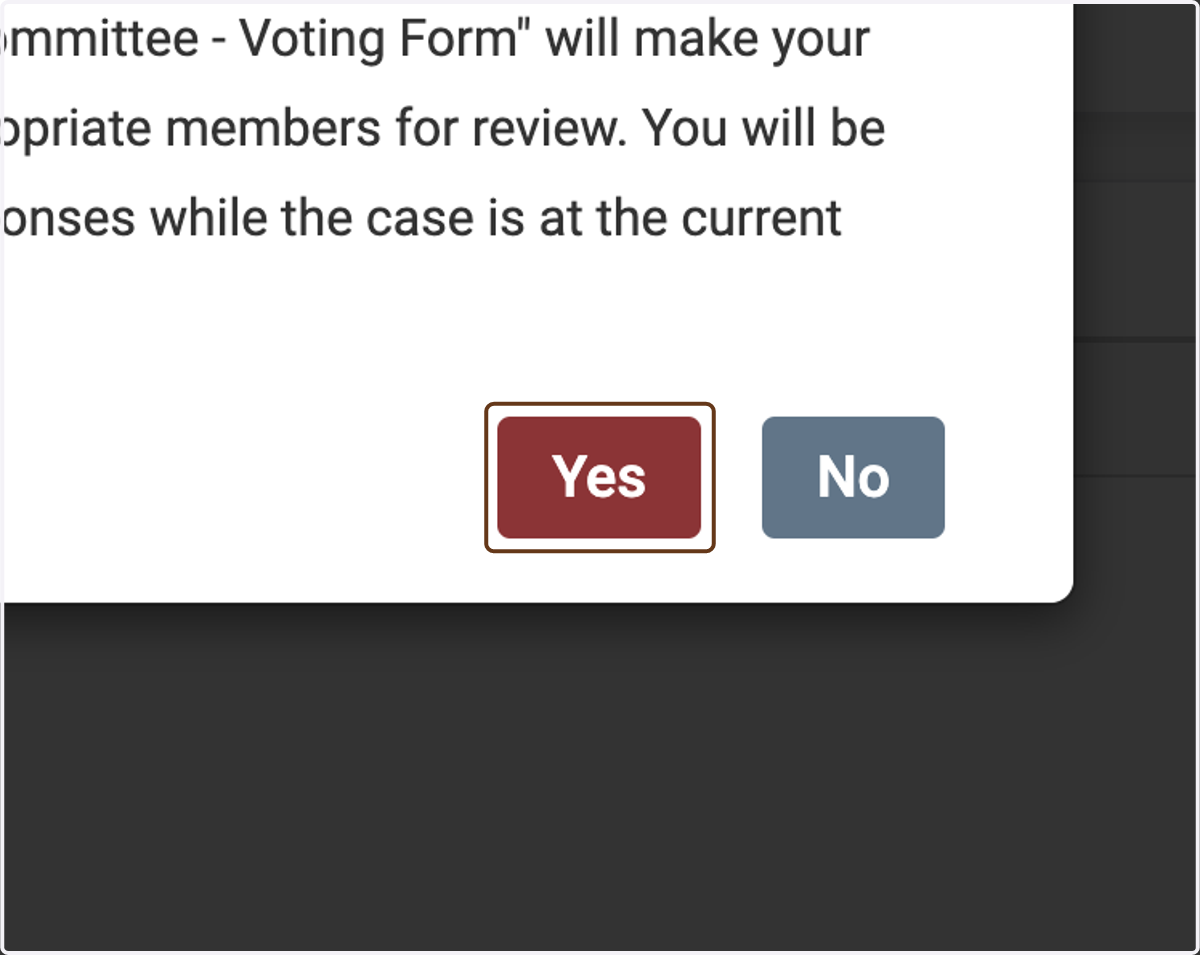
7. Click on Yes to confirm