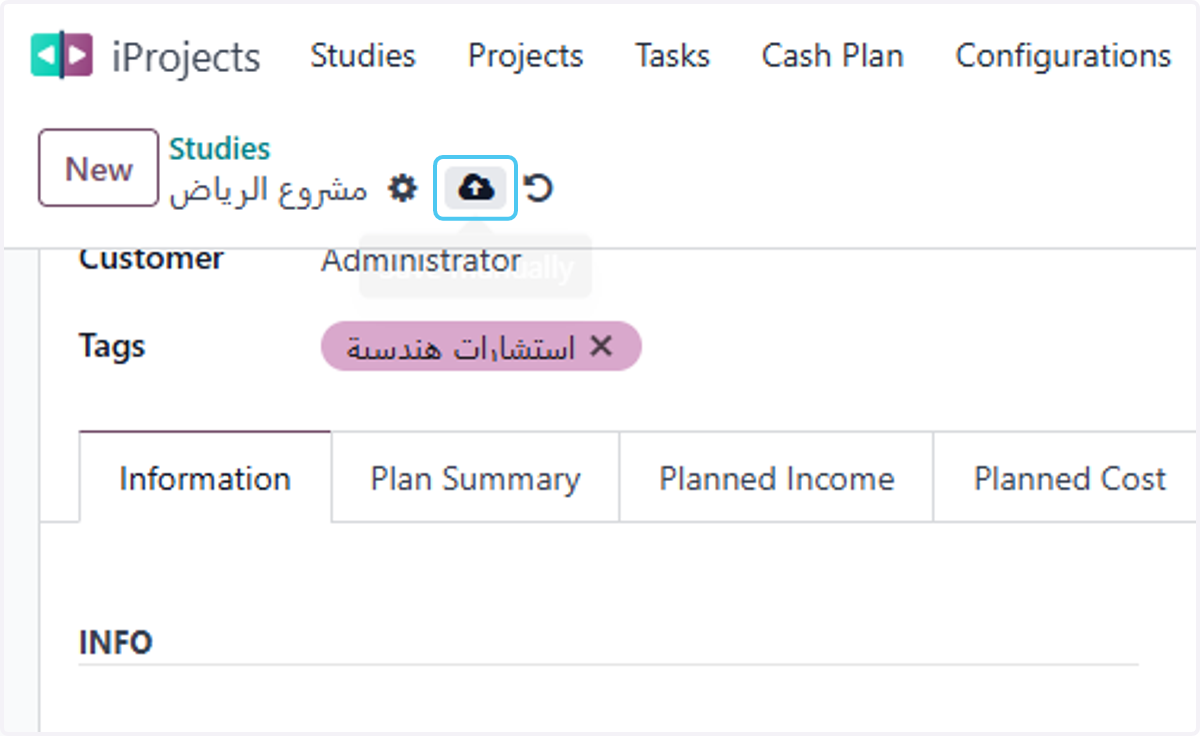
Add information for the project Study Recorded in Odoo
Odoo
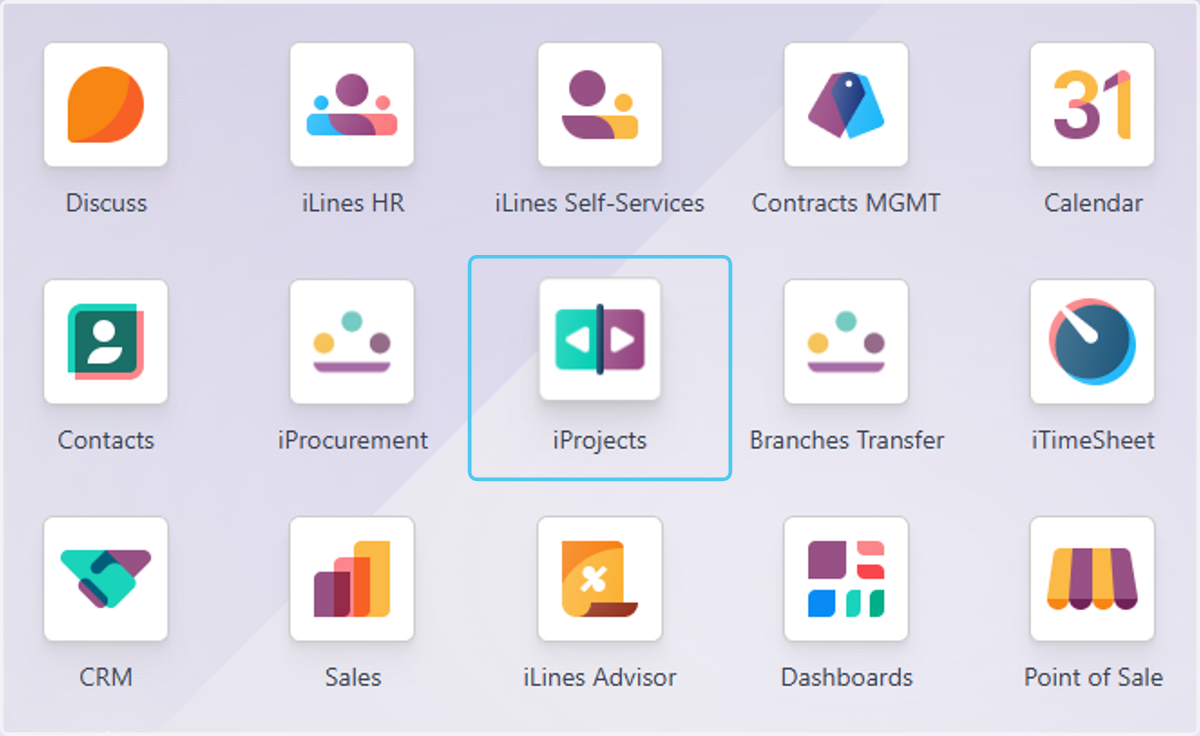
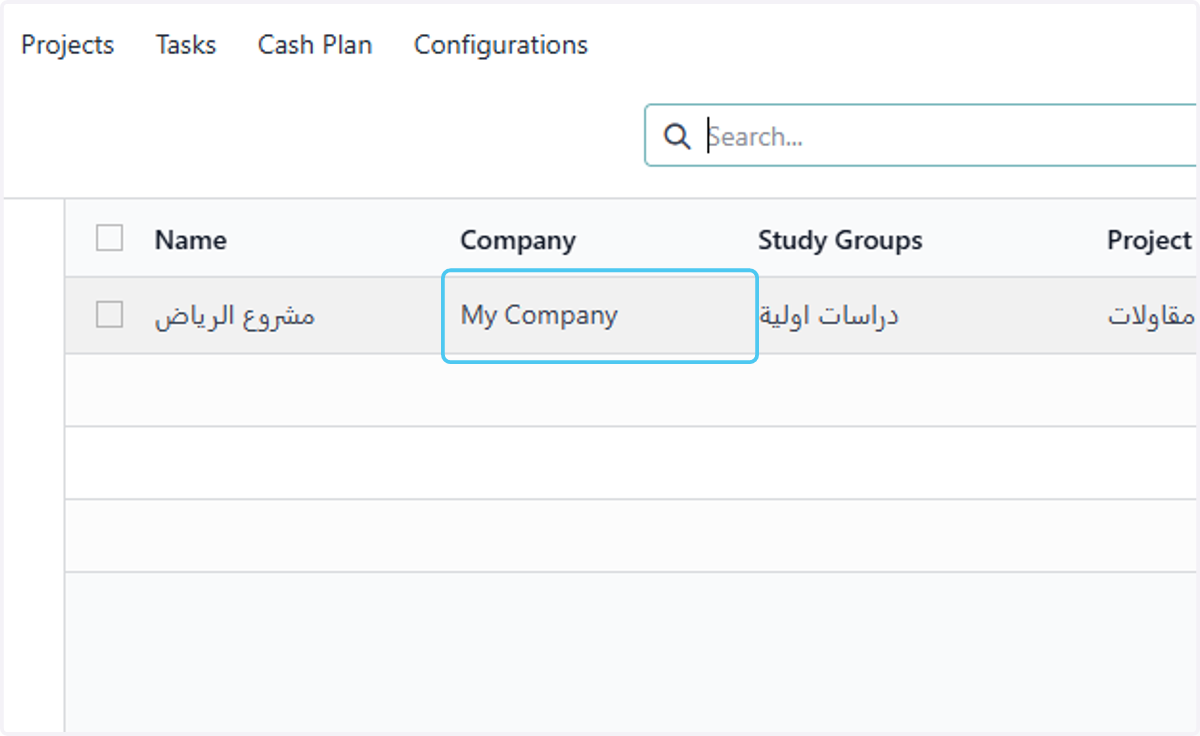
1. Click on iProjects
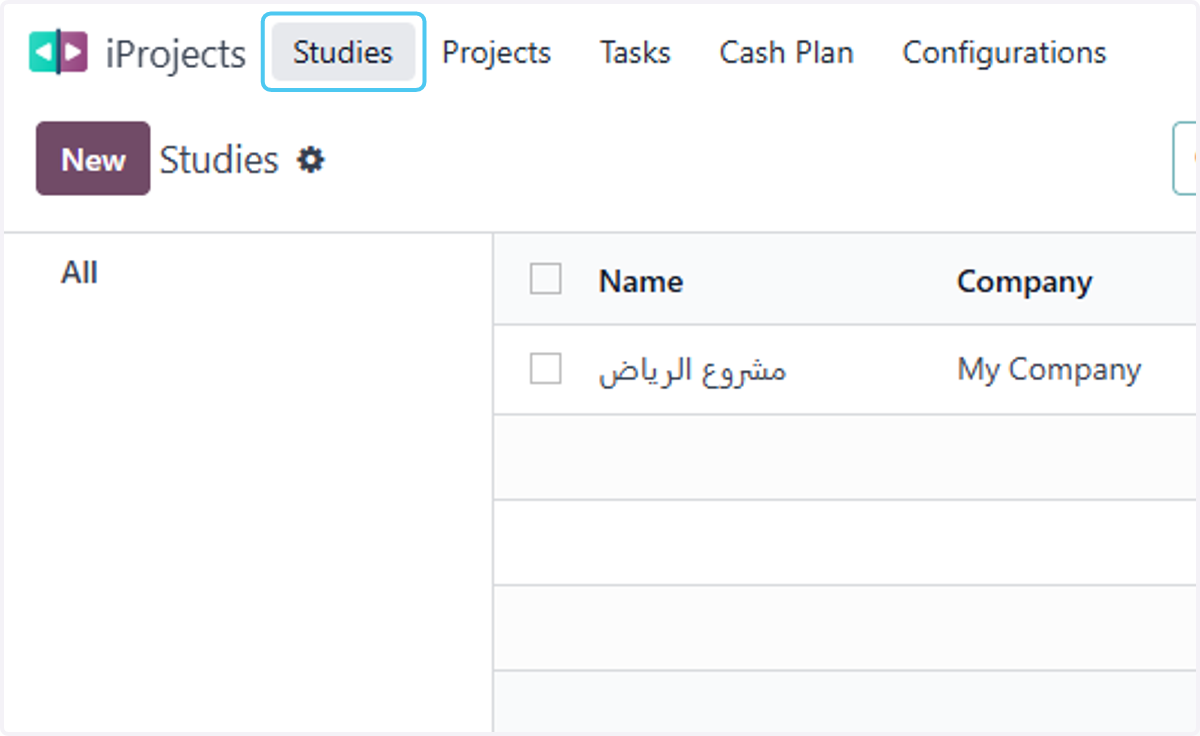
2. Click on Studies
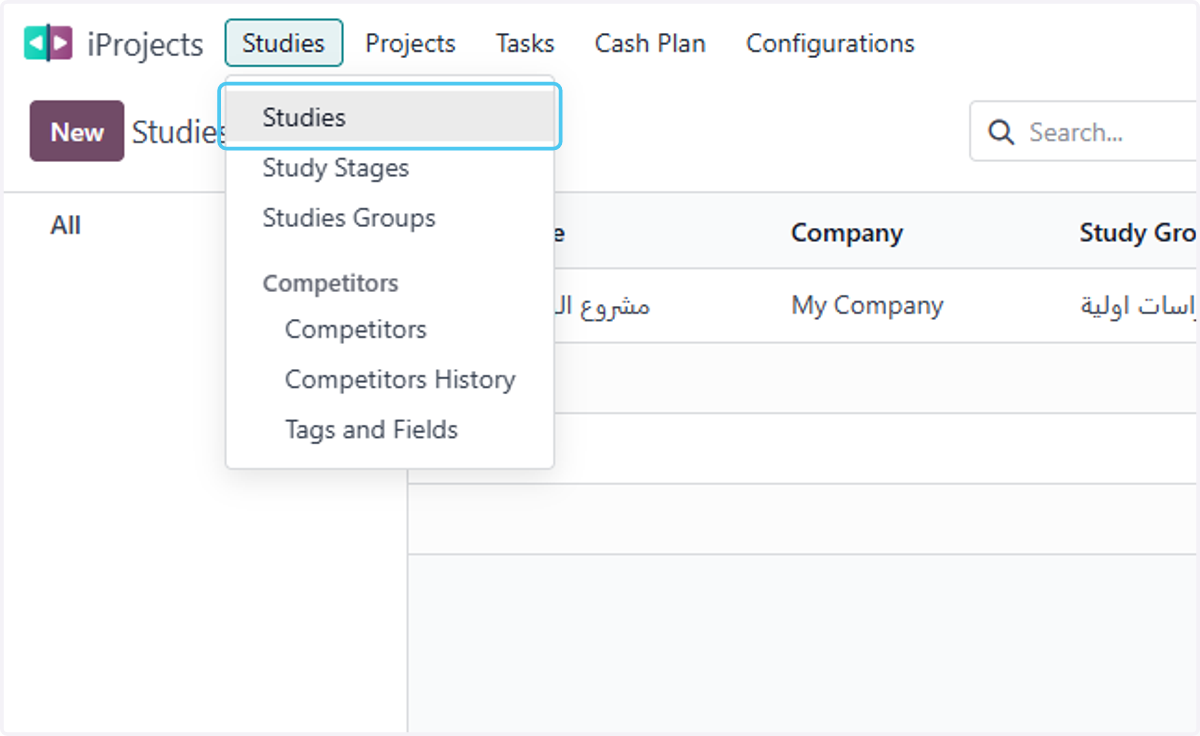
3. Click on Studies
4. choose your start date
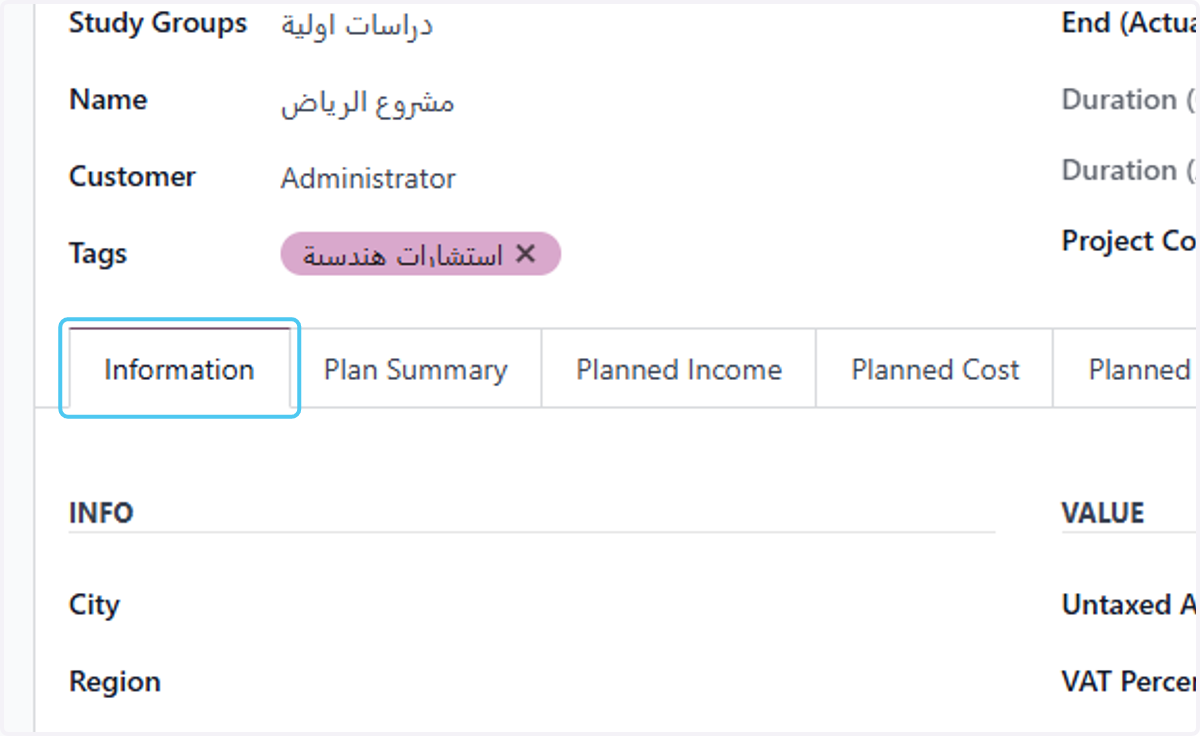
5. Click on Information
6. choose the project City
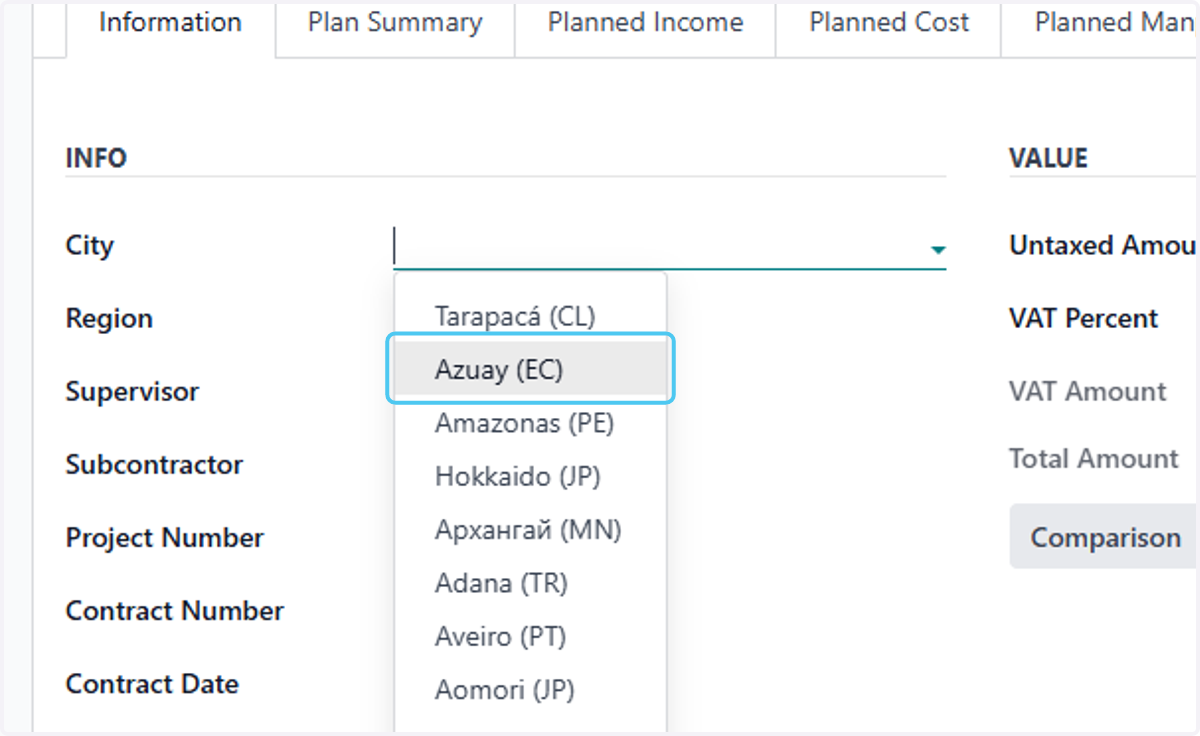
7. choose the project City
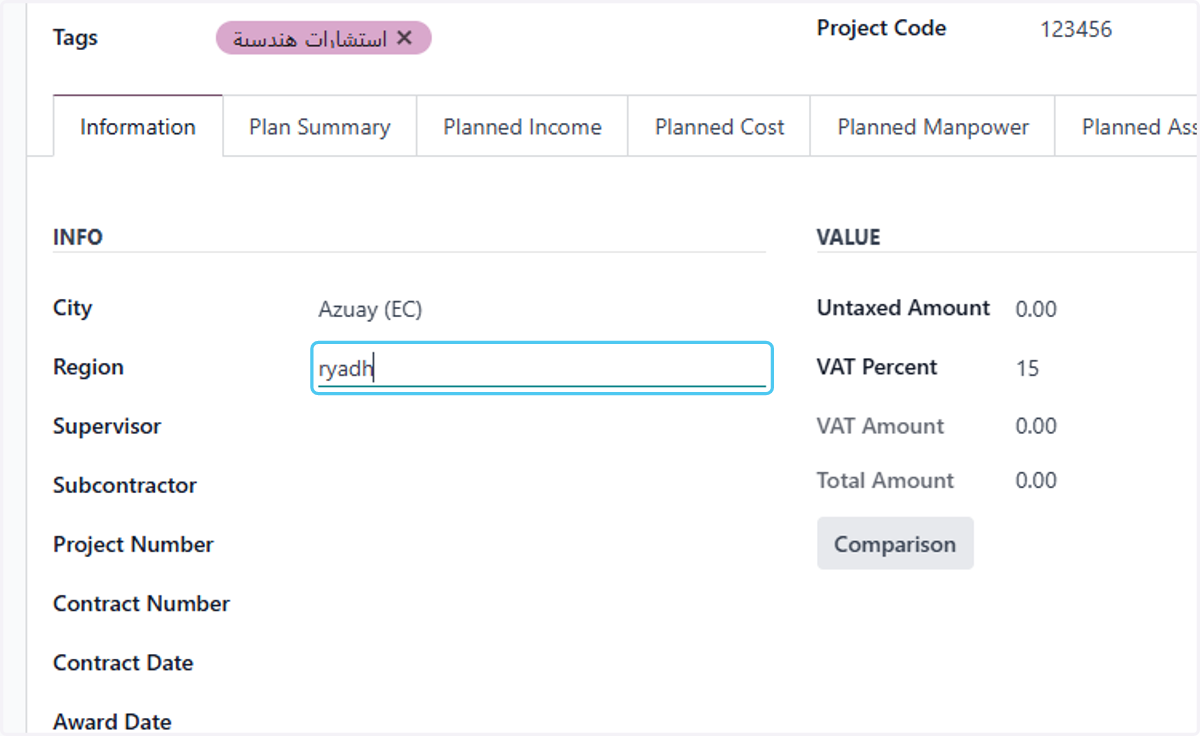
8. choose the project Supervisor
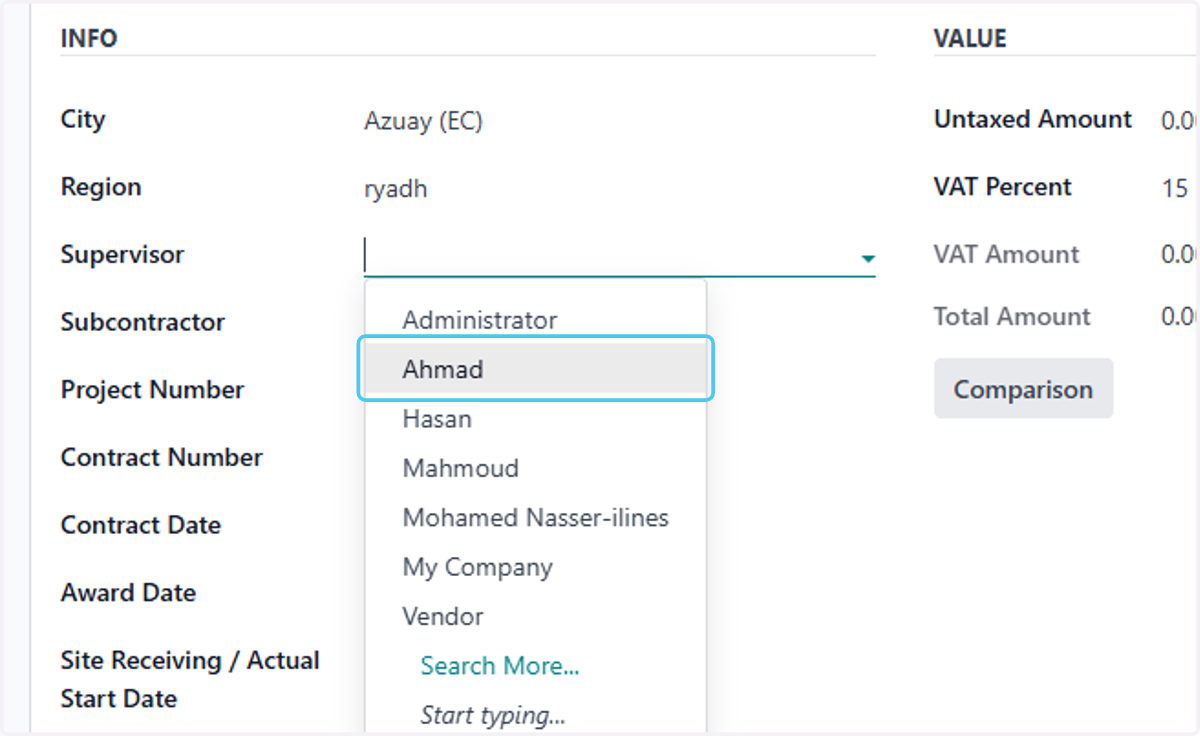
9. choose the project Subcontractor
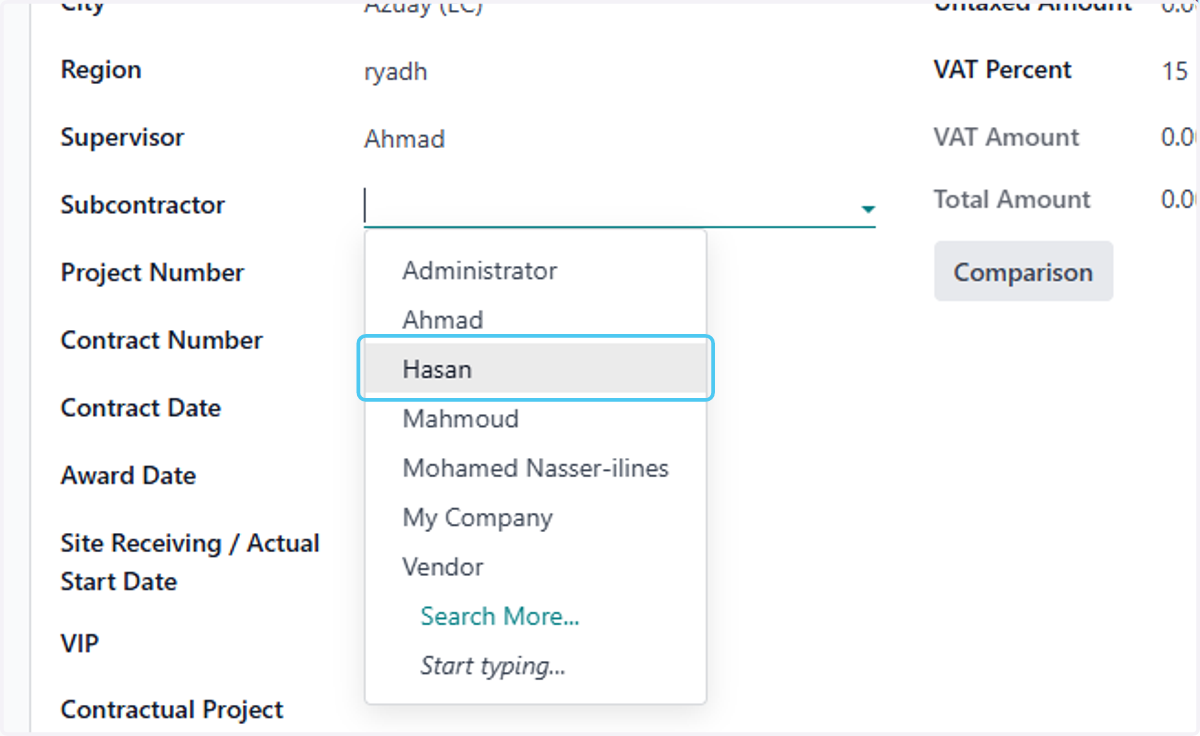
10. Type the project number
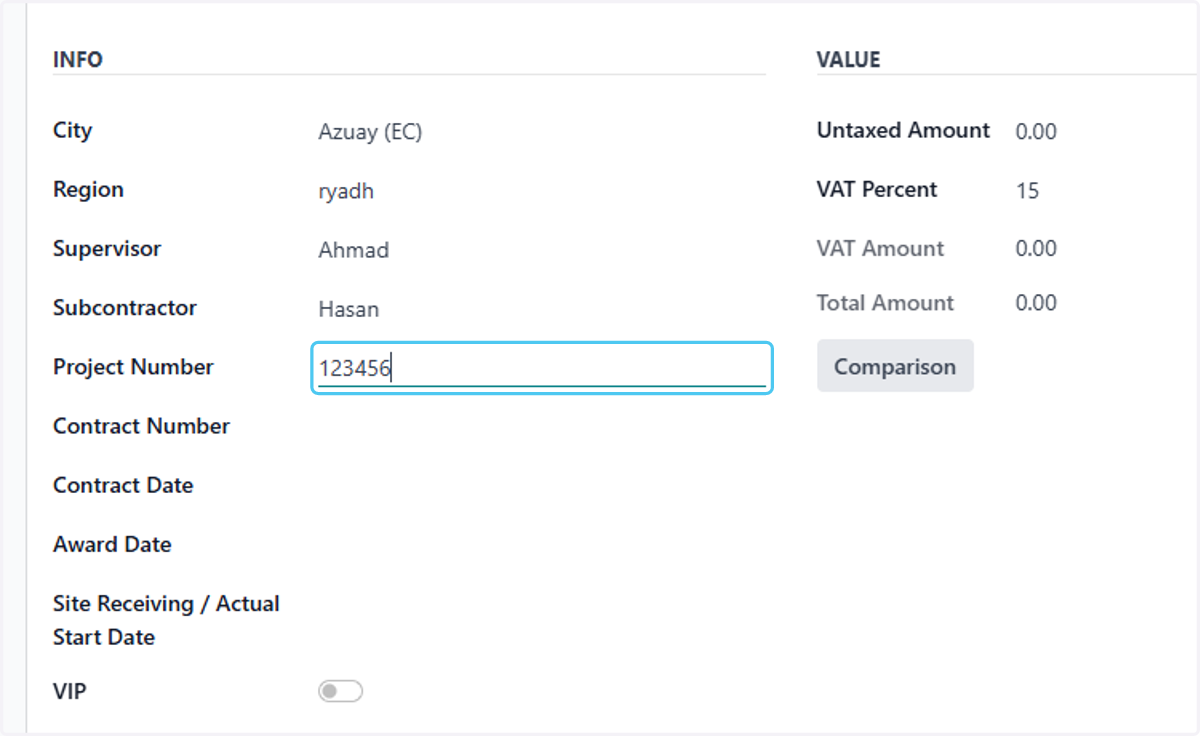
11. Type the contract number
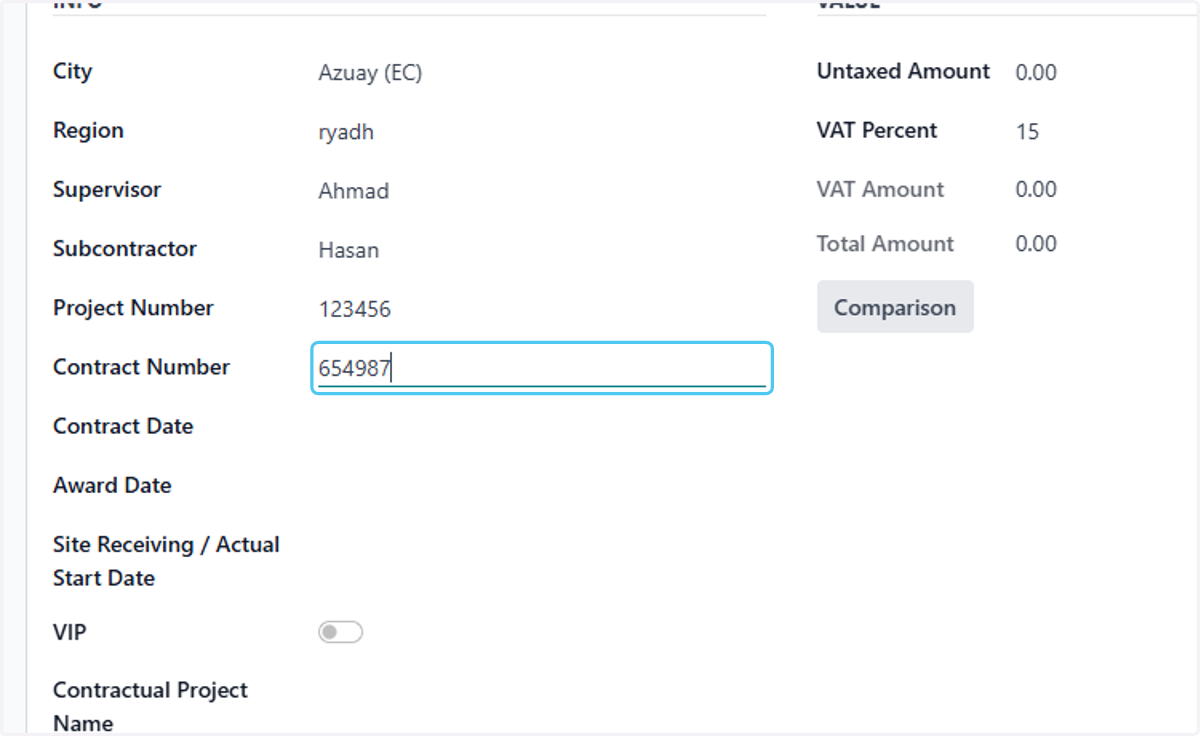
12. Click on Contract Date
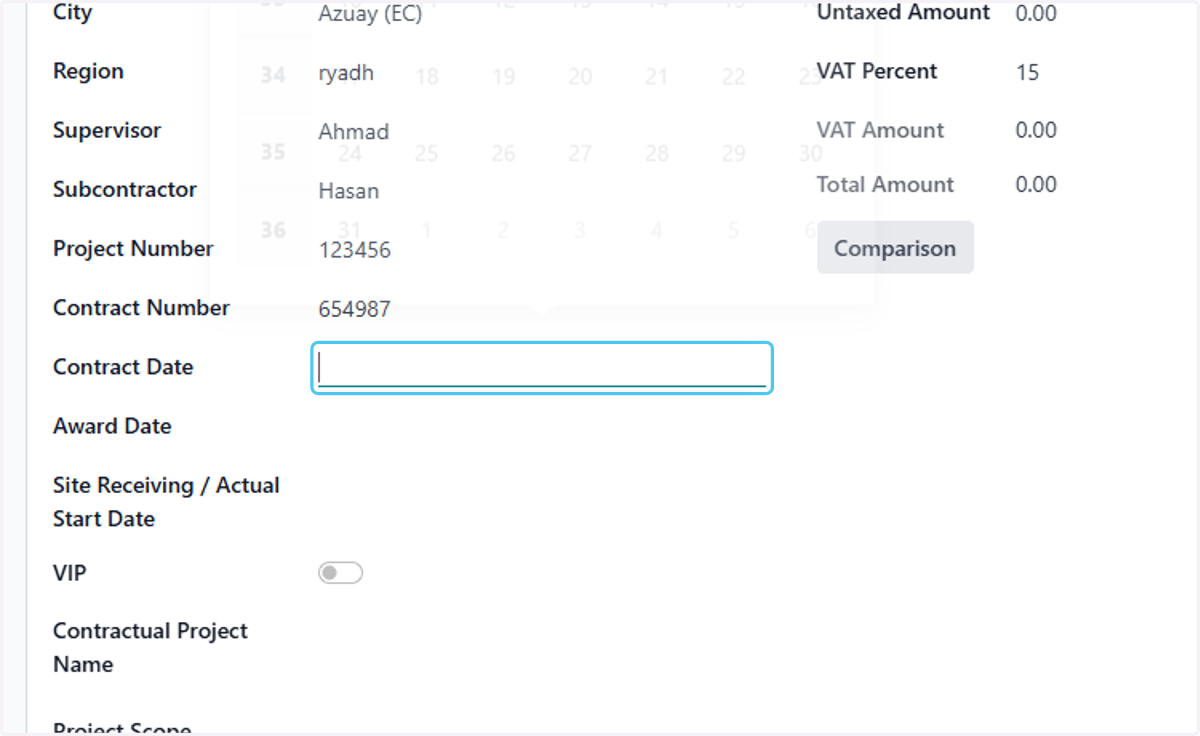
13. choose the Contract Date
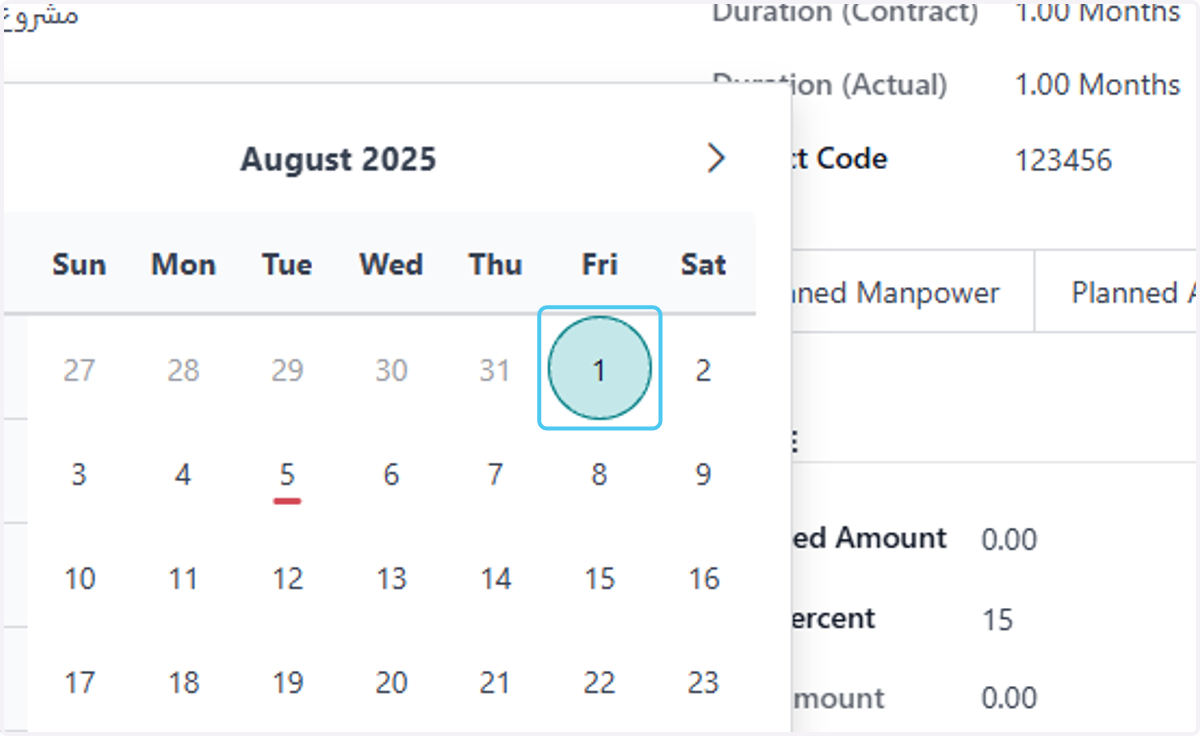
14. Click on Award Date
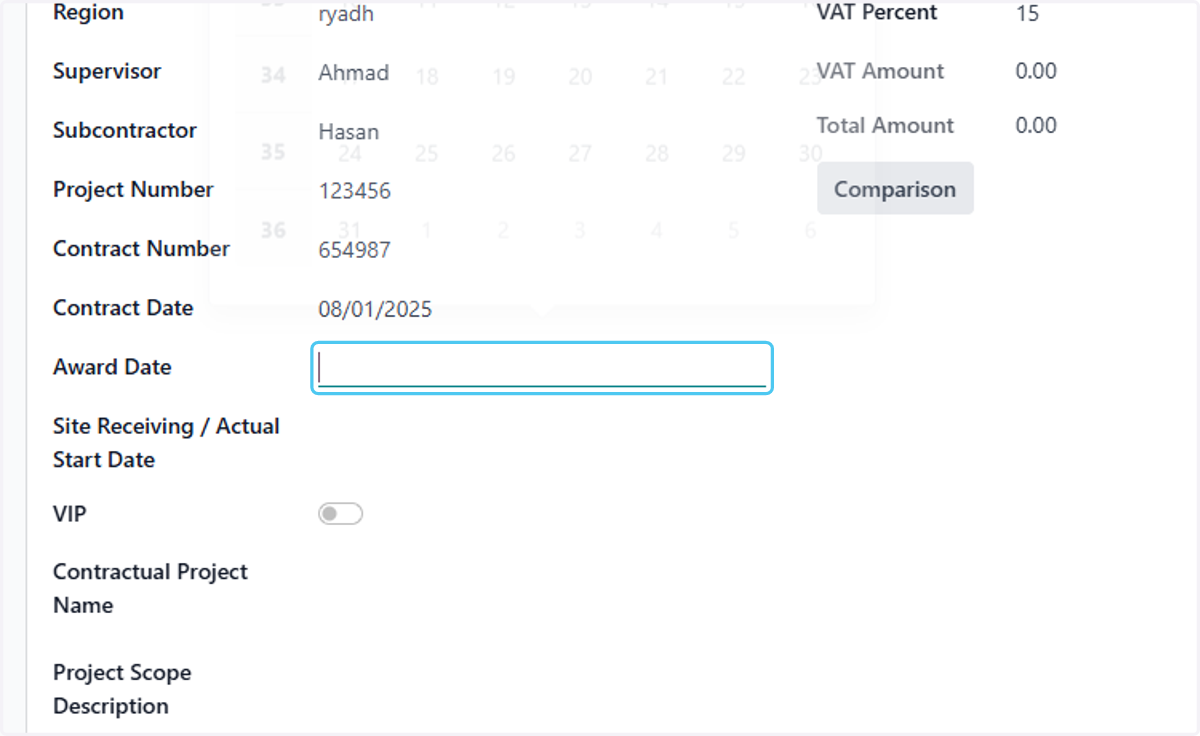
15. choose the Contract Date
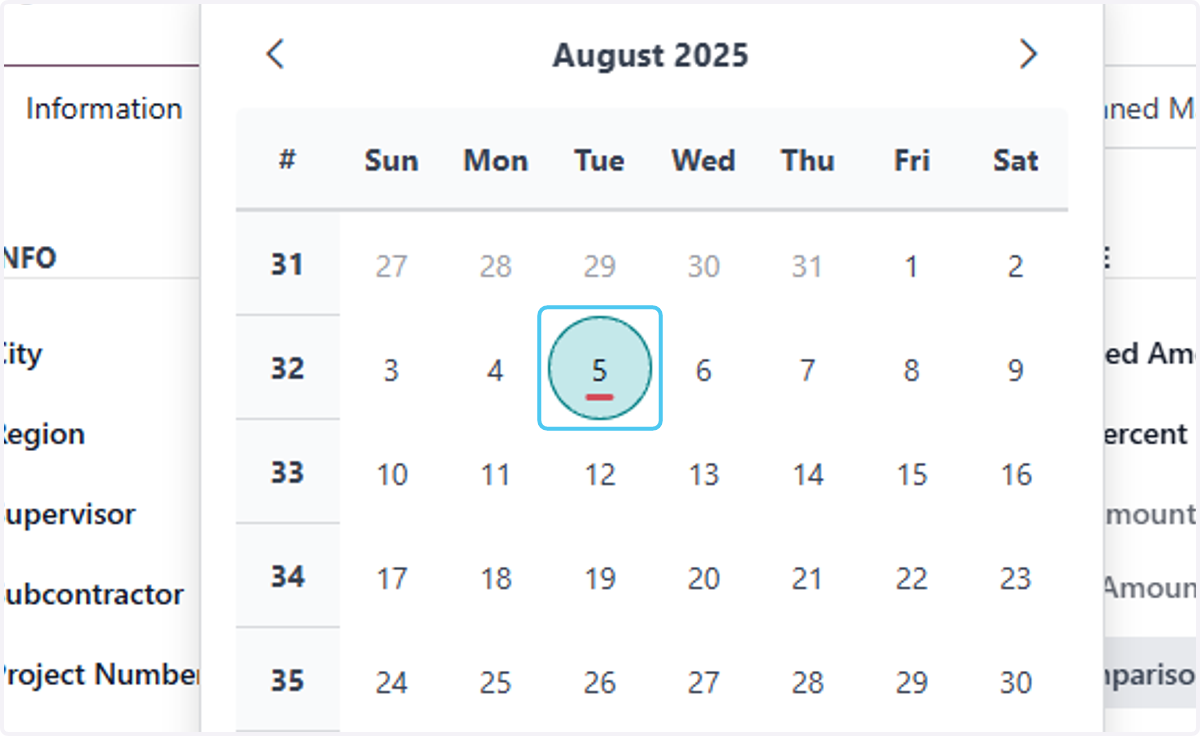
16. Click on Site Receiving / Actual Start Date
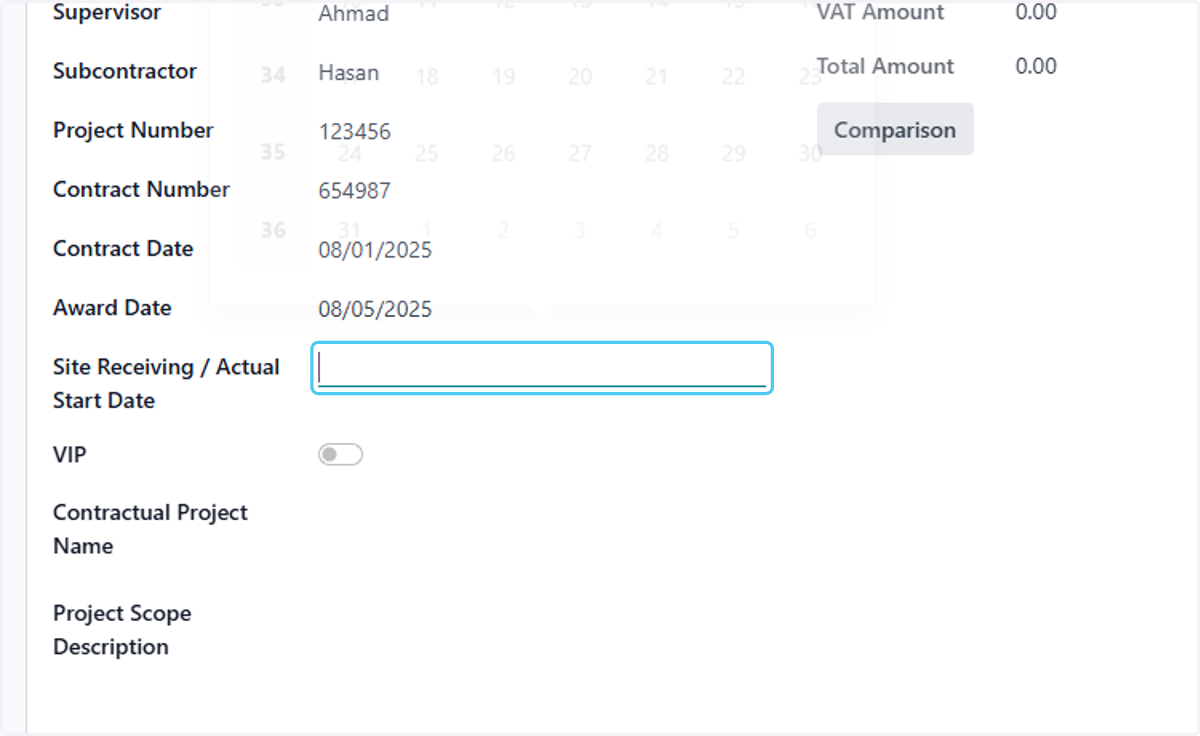
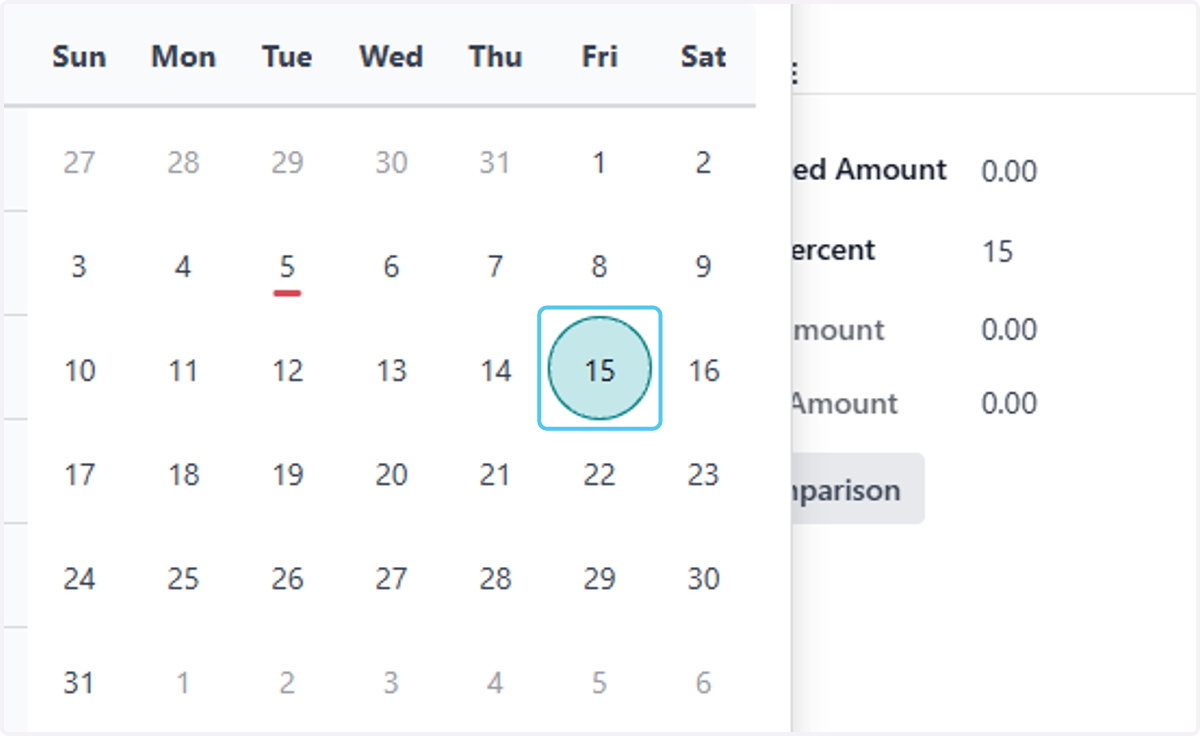
17. choose the Site Receiving / Actual Start Date
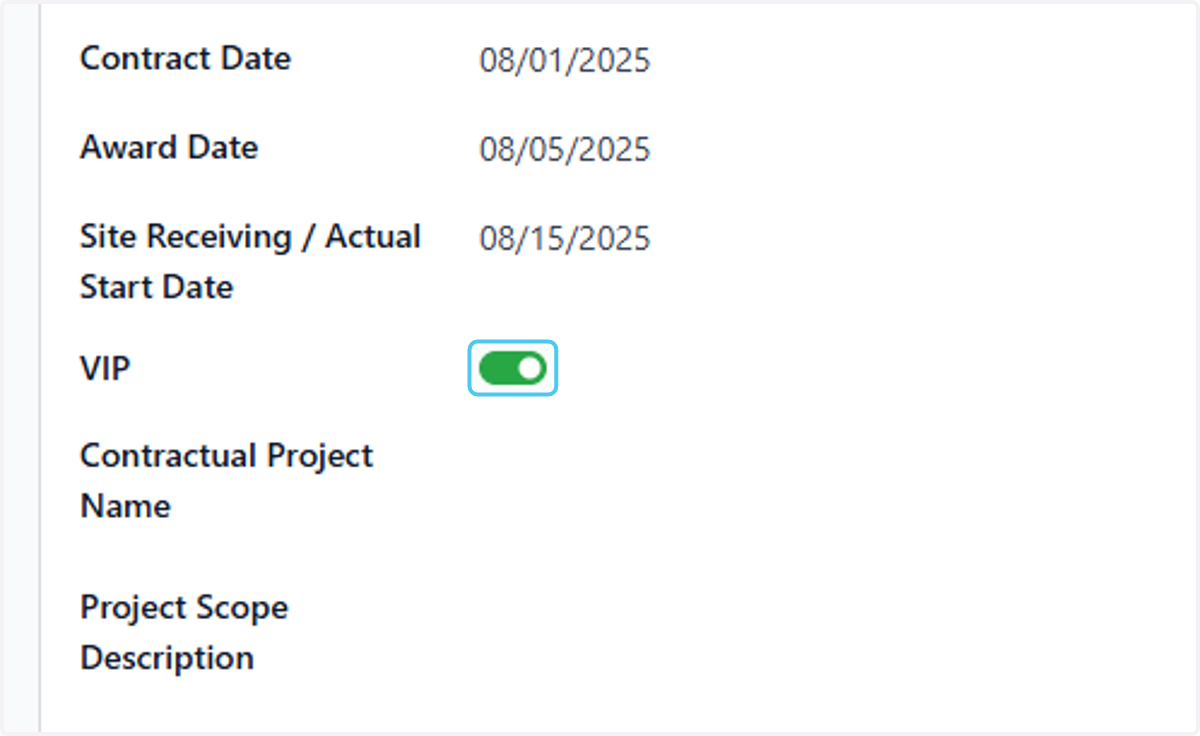
18. Check VIP if it is
19. Type actual contractual project name
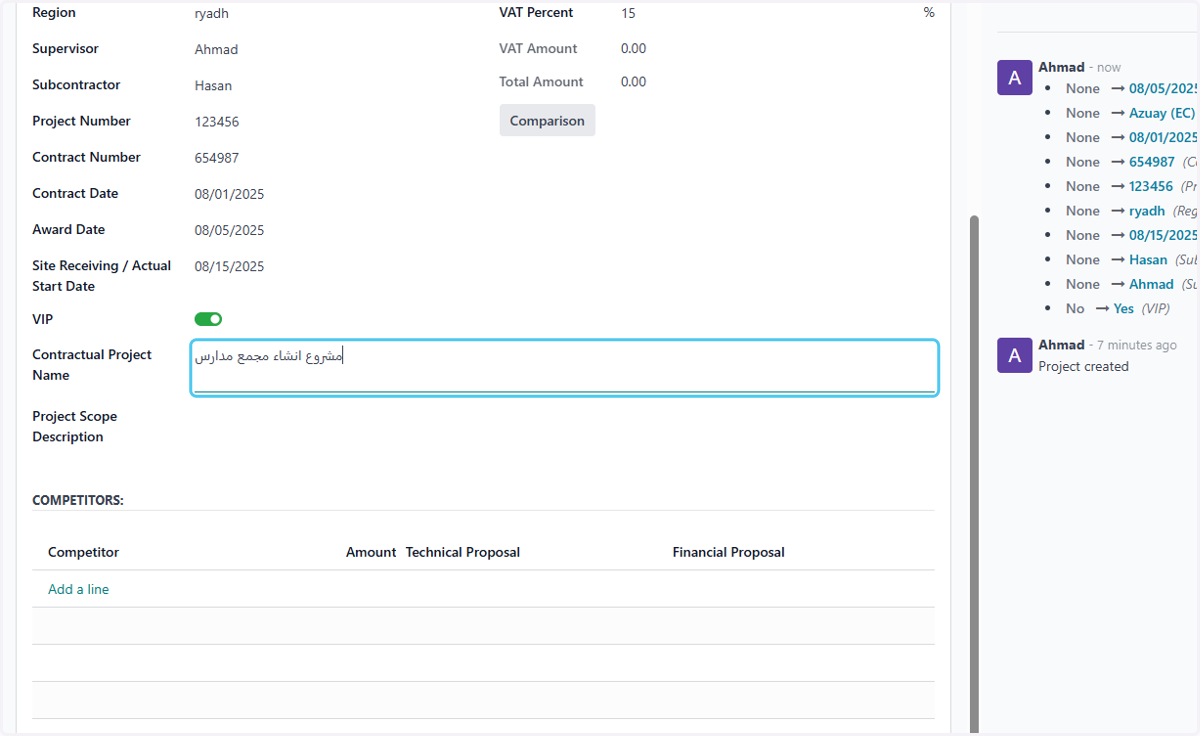
20. Type "description if any"
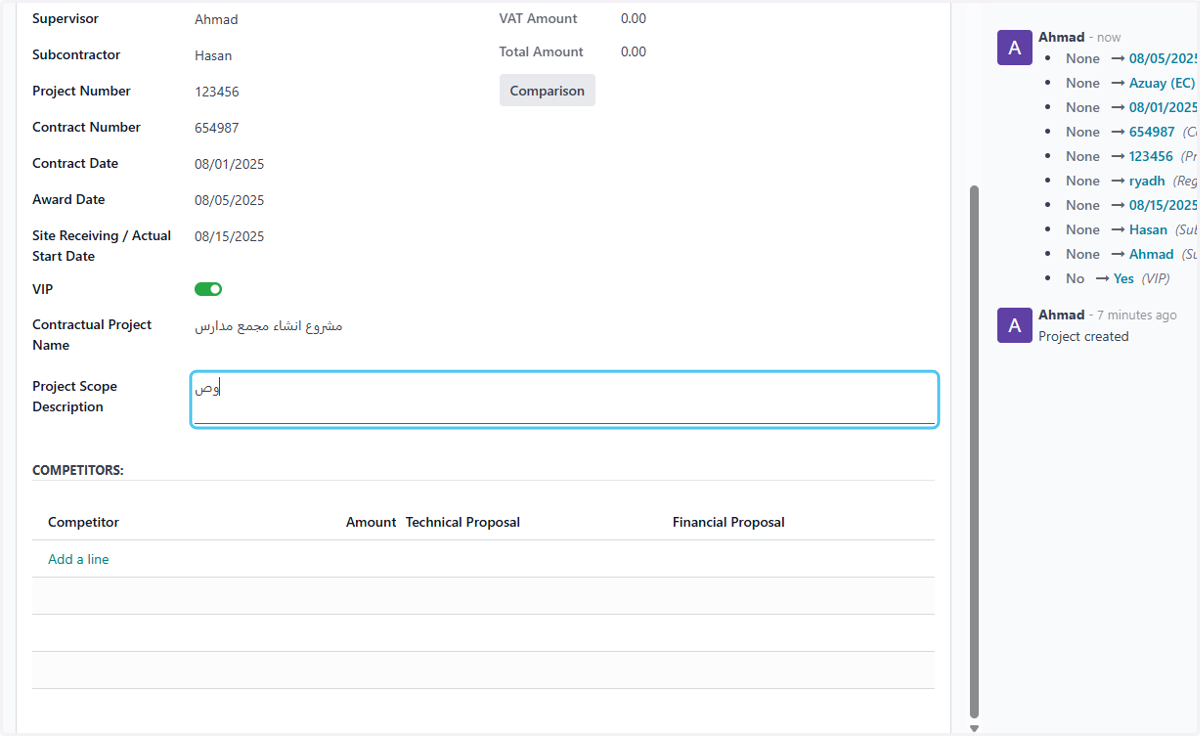
21. add you competitors if any
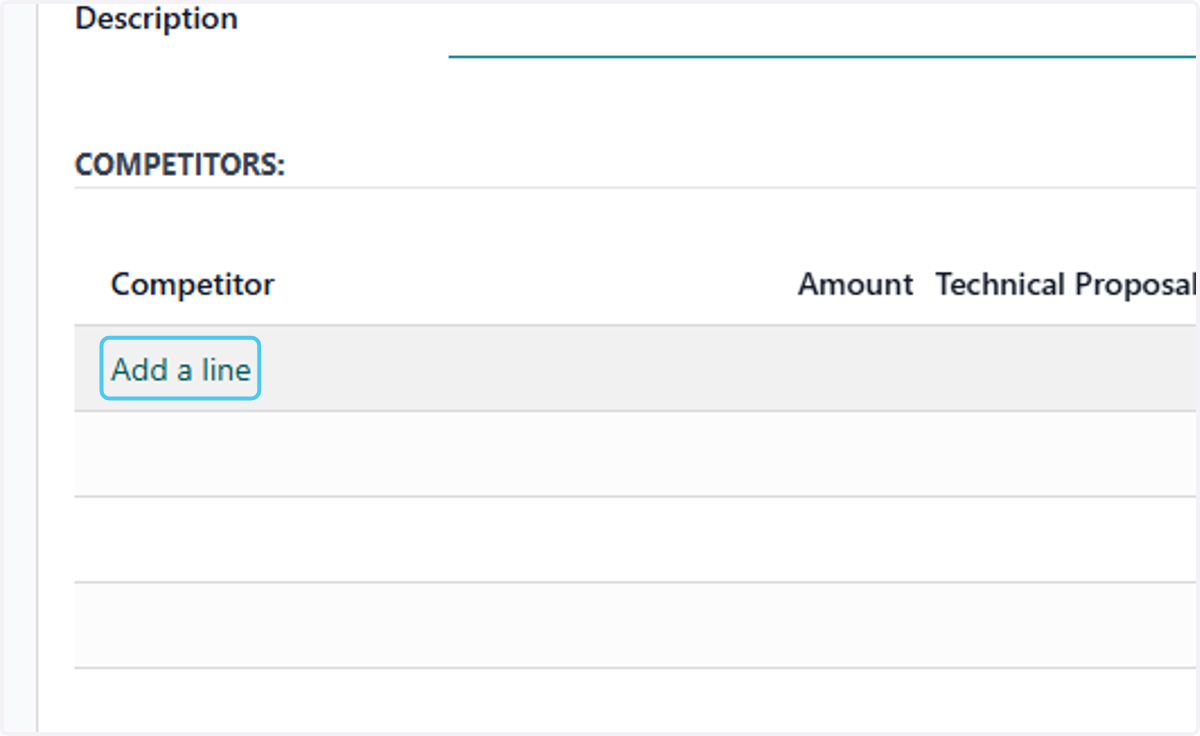
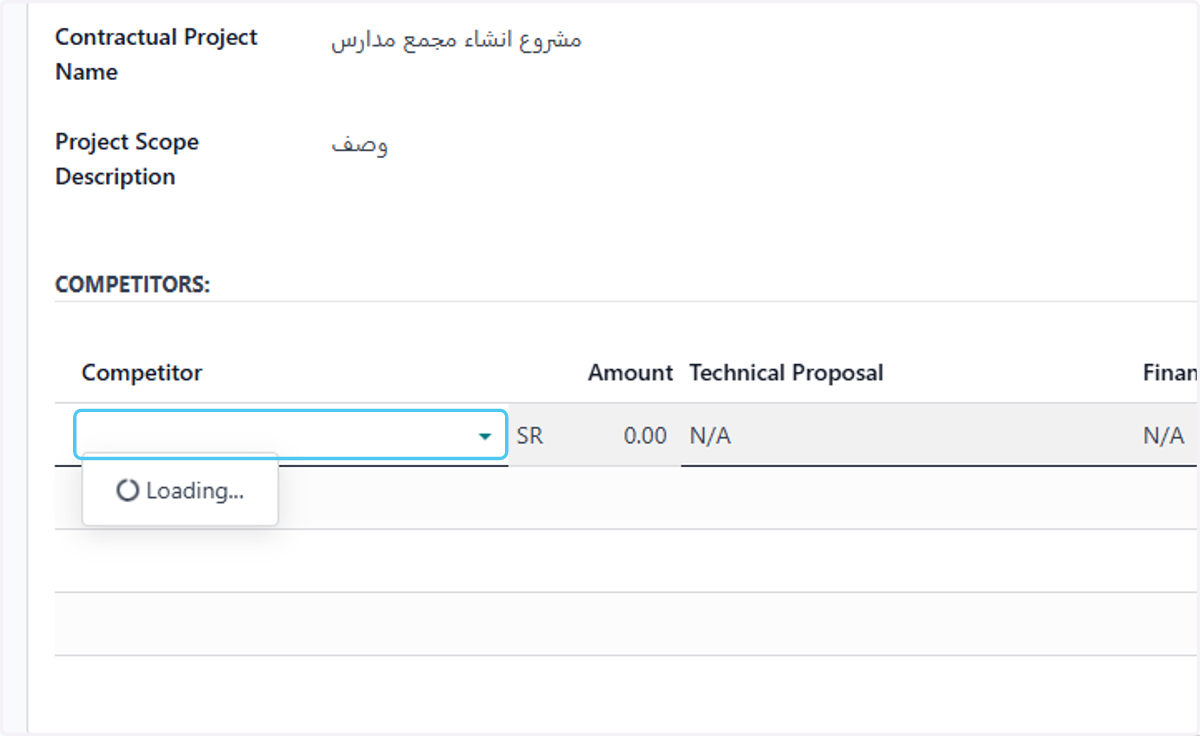
22. Click on dropdown trigger
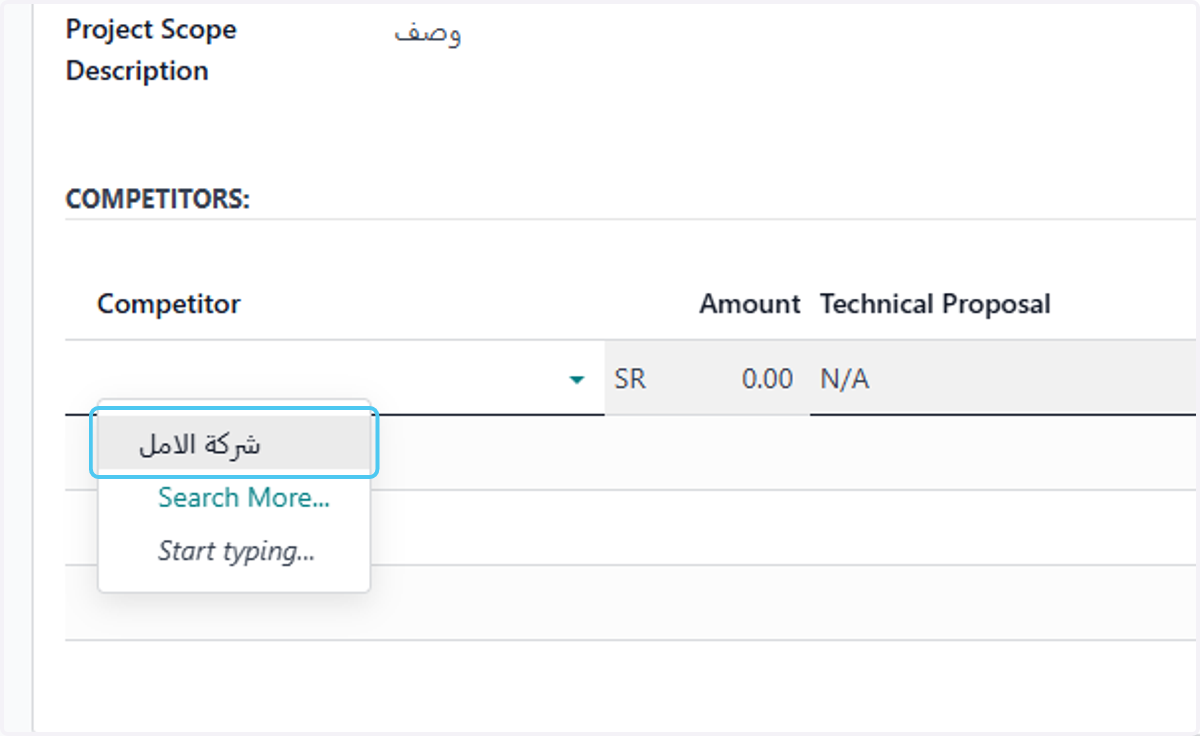
23. choose your competitors
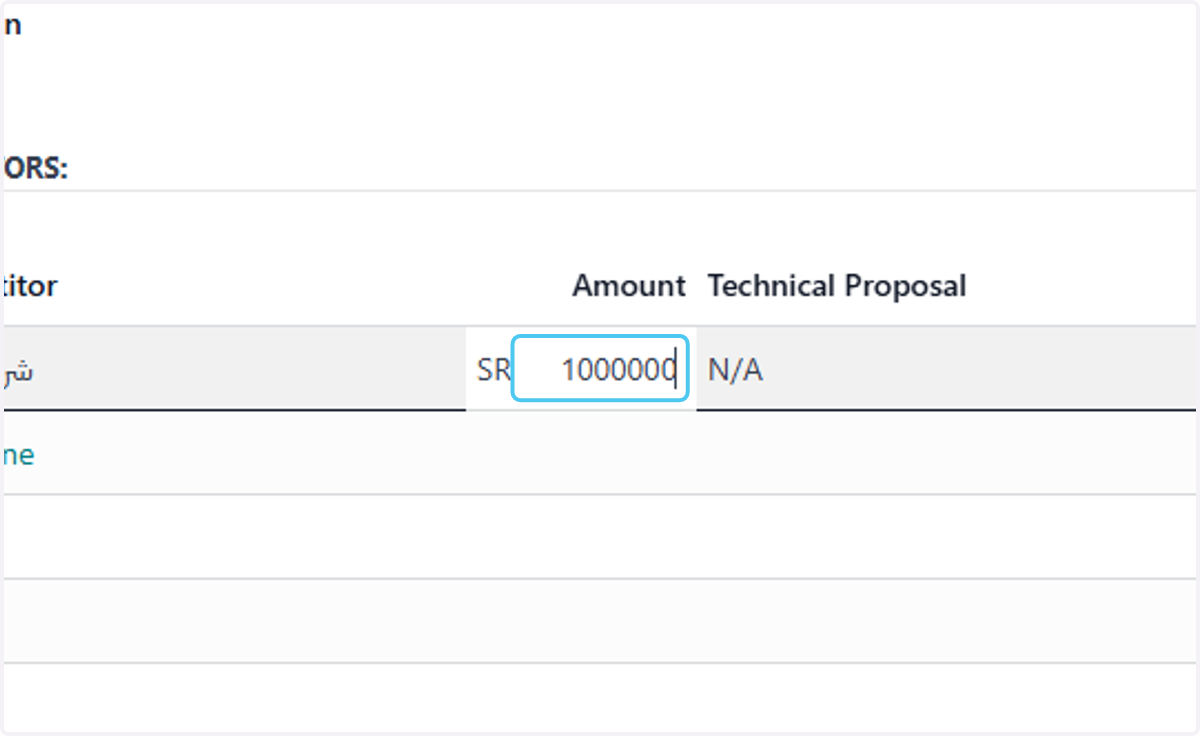
24. Type competitors amount
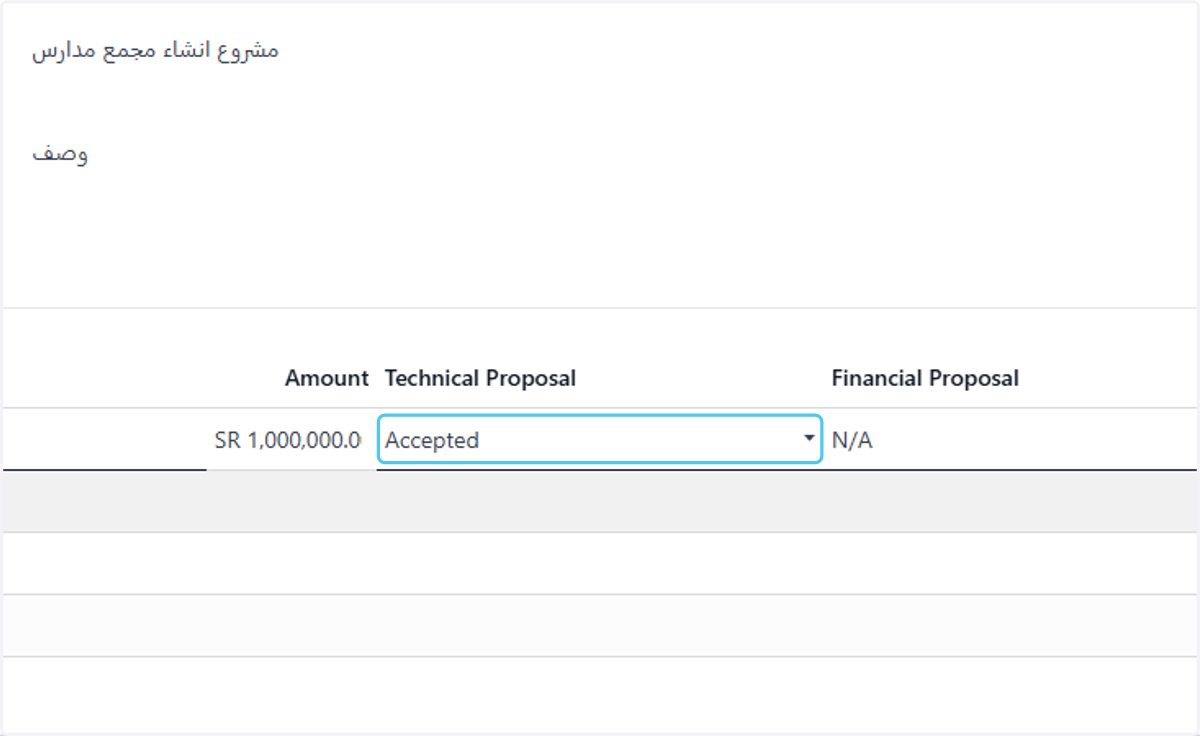
25. choose the technical proposal statues
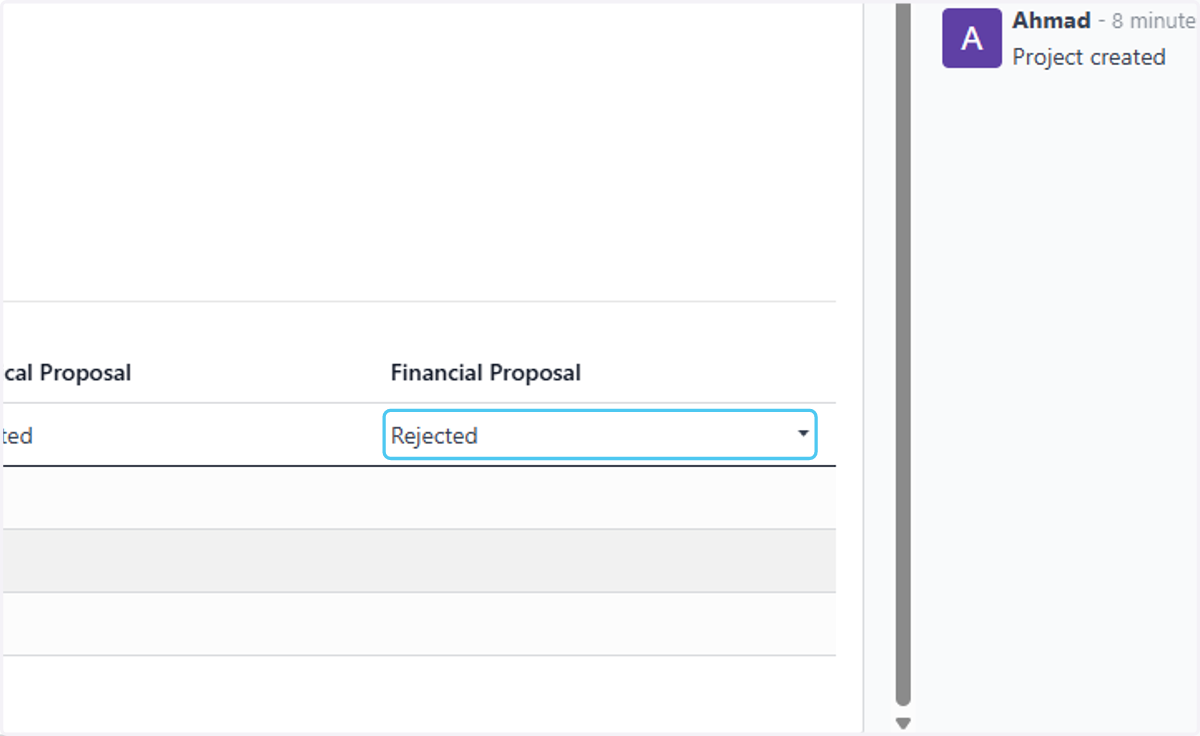
26. choose the financial proposal statues
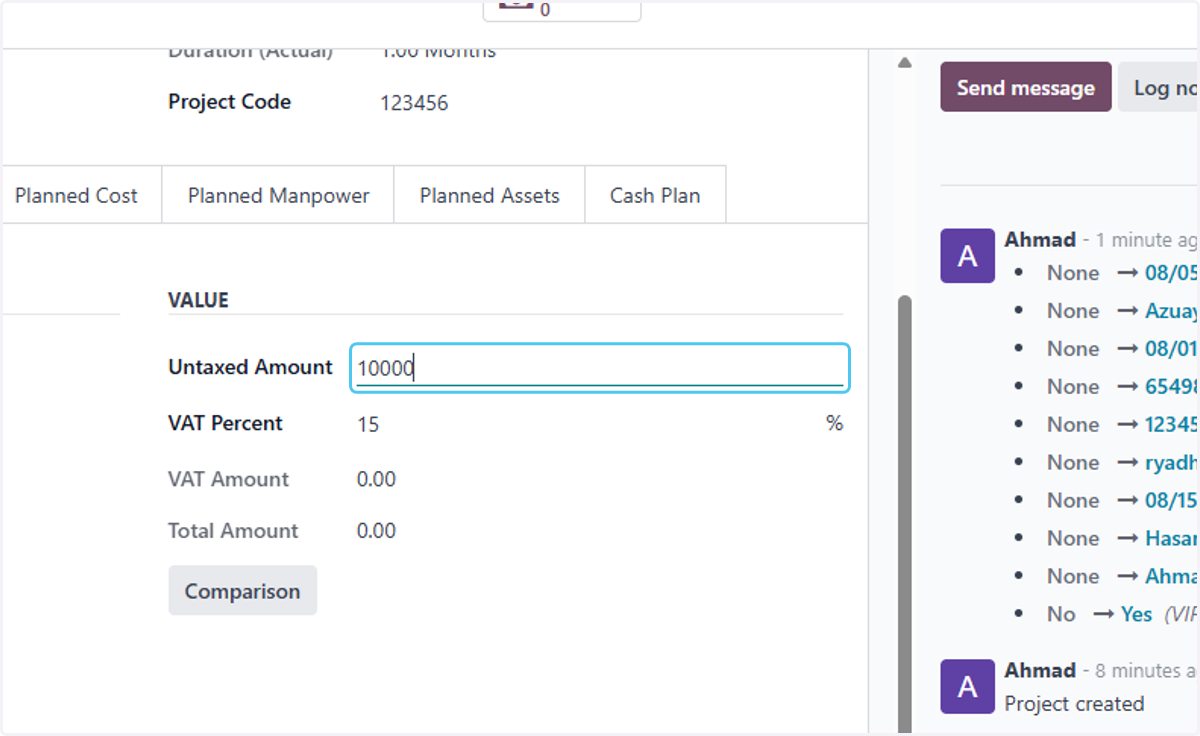
27. Type the project amount
28. Click on Save manually