Updating Lead Notifications
Log into your Portal
motivatedleads.com and click on Sign In
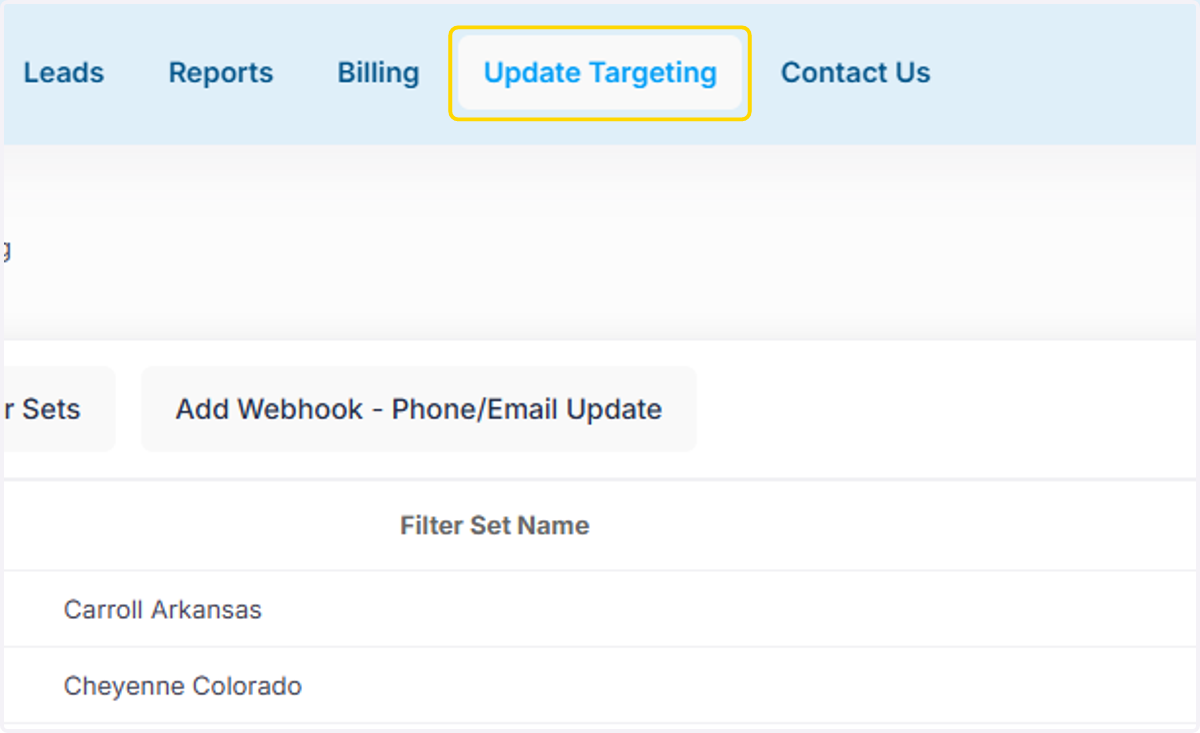
1. Click on Update Targeting
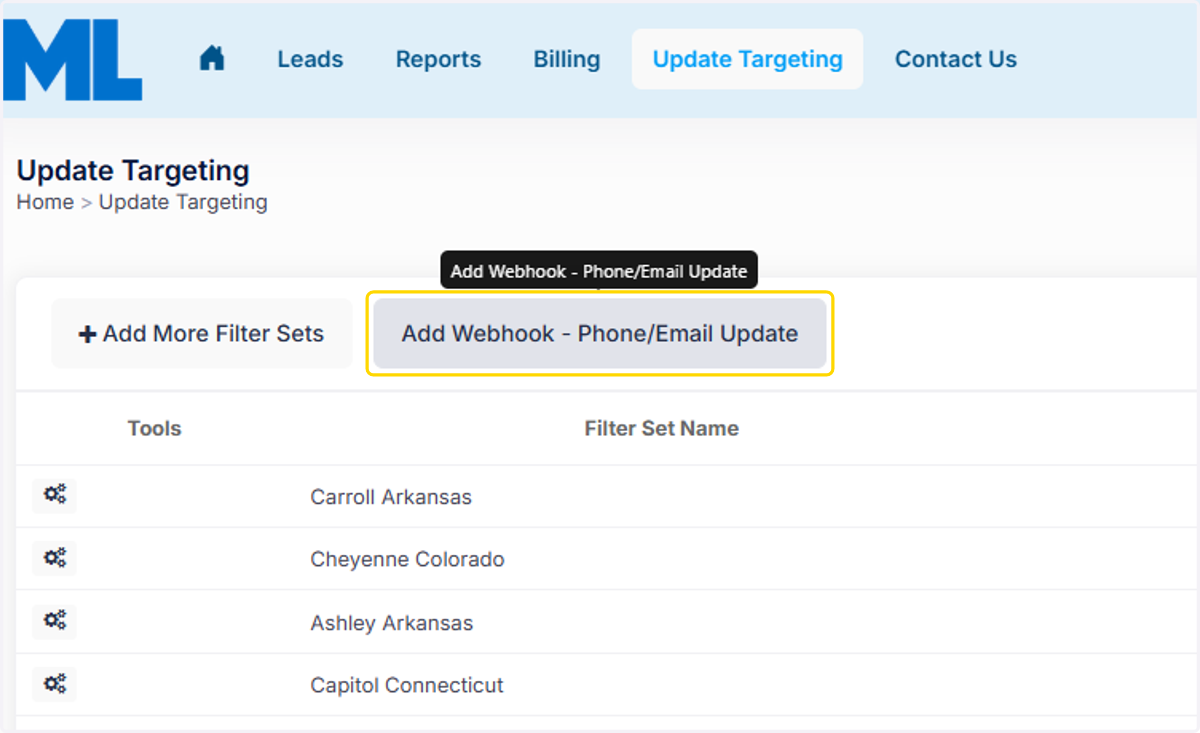
2. Click Add Webhook- Phone/Email Update
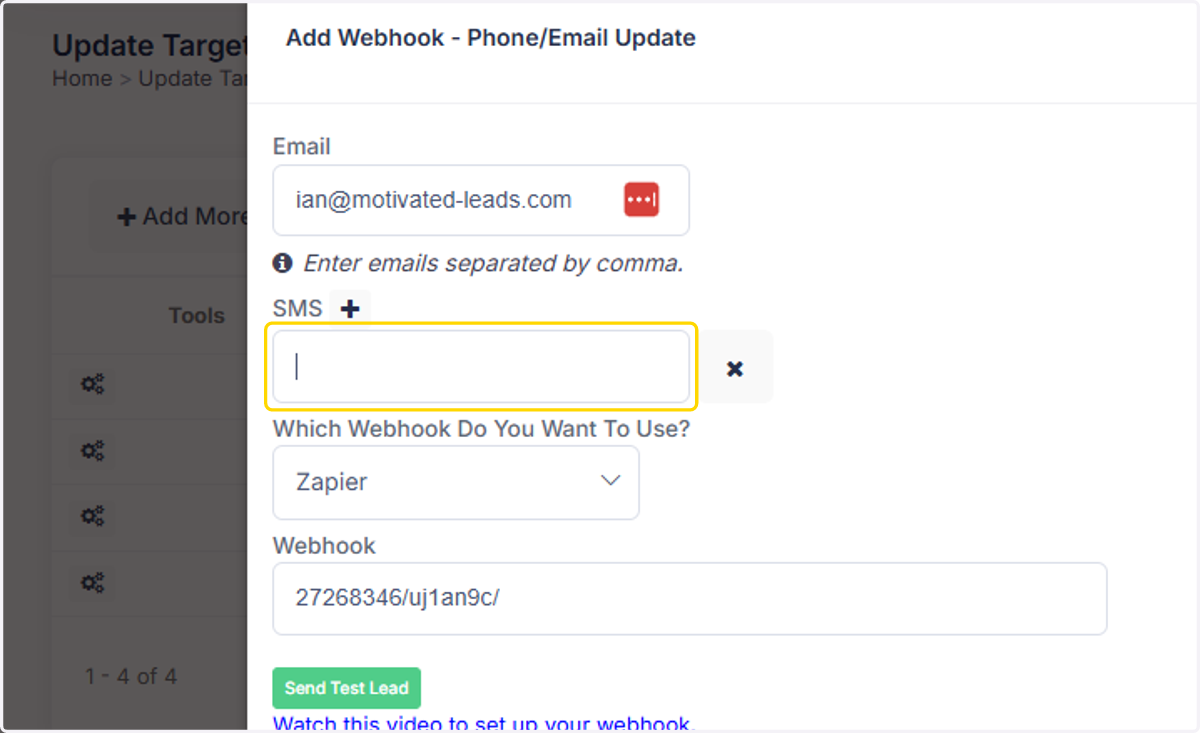
3. You can enter additional emails. Please note to only separate emails by a comma.
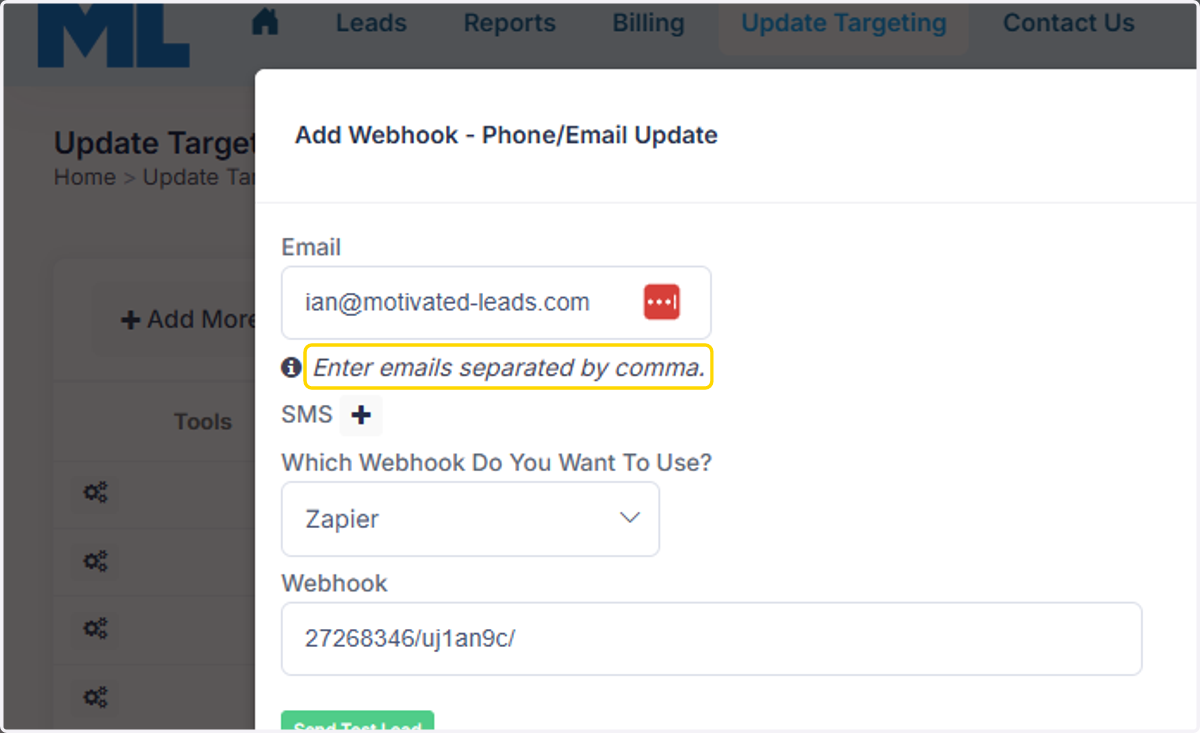
4. Click on sms to add phone numbers for text messaging. If there are existing numbers or emails you want to remove, you can delete them.
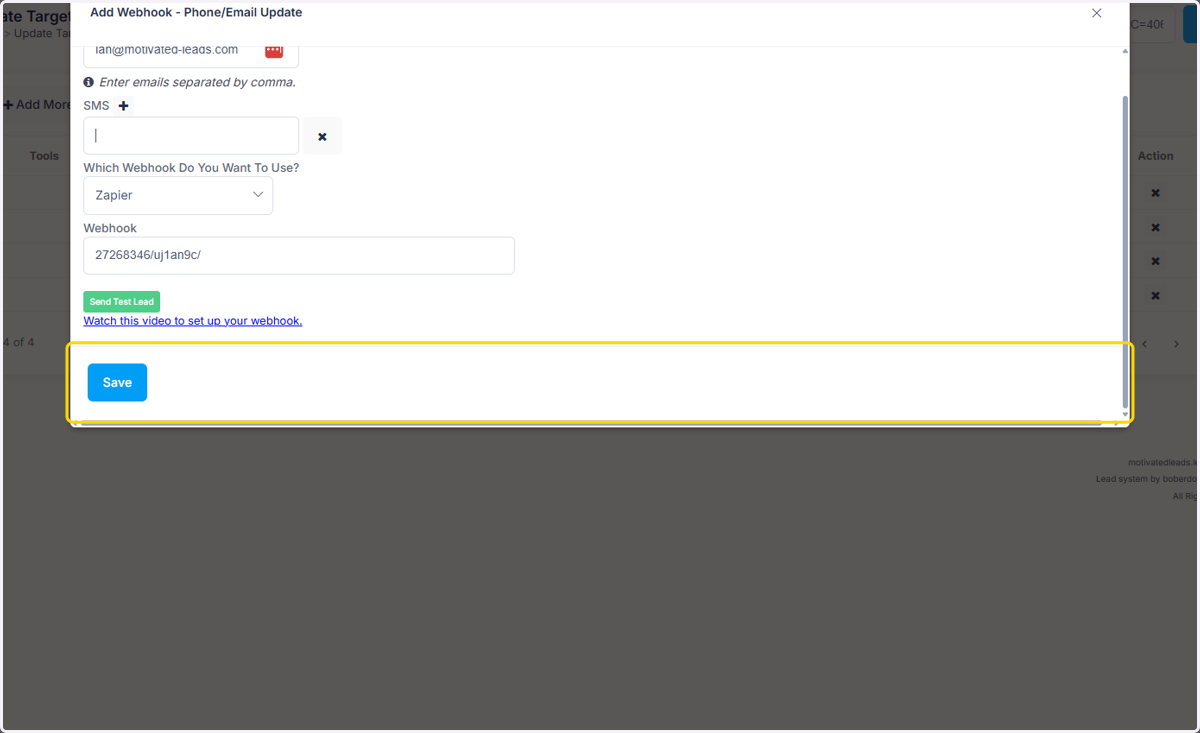
5. Click on Save