Download YTD Figures in Payroll
Offshore Payroll
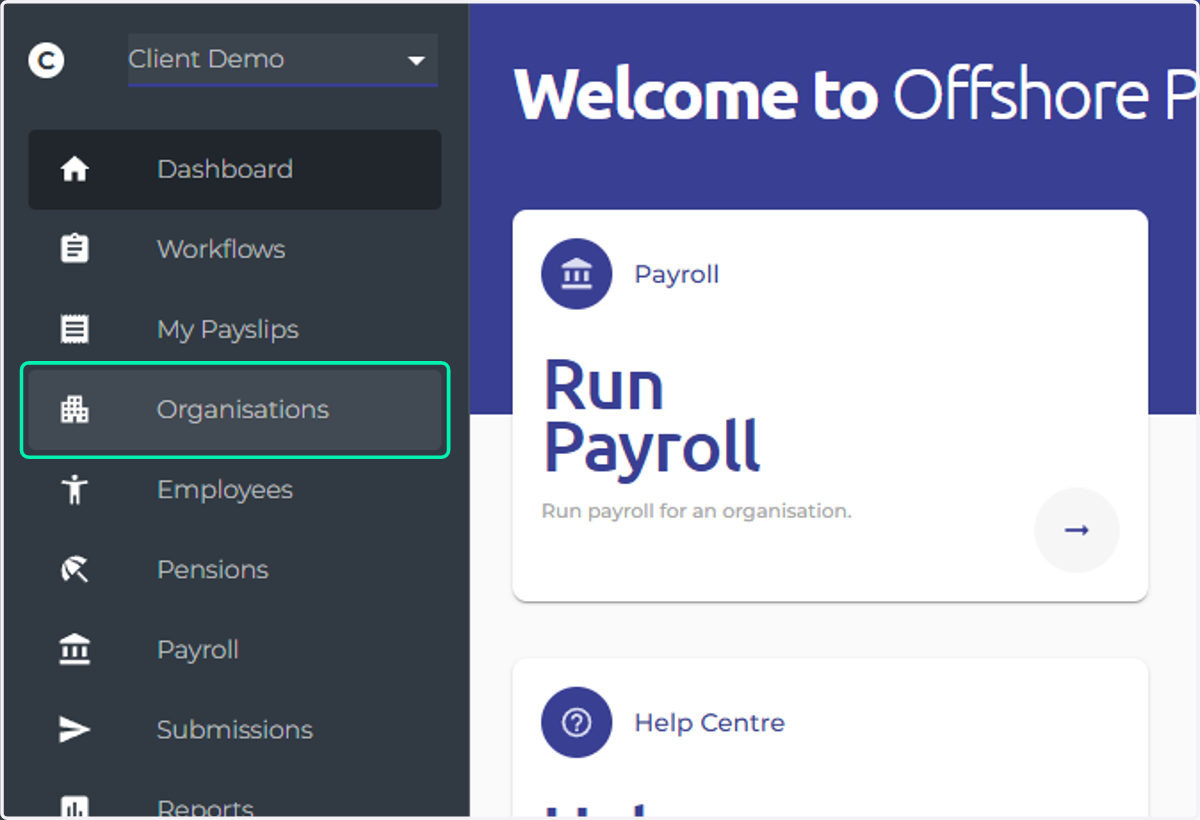
1. Click on Organisations
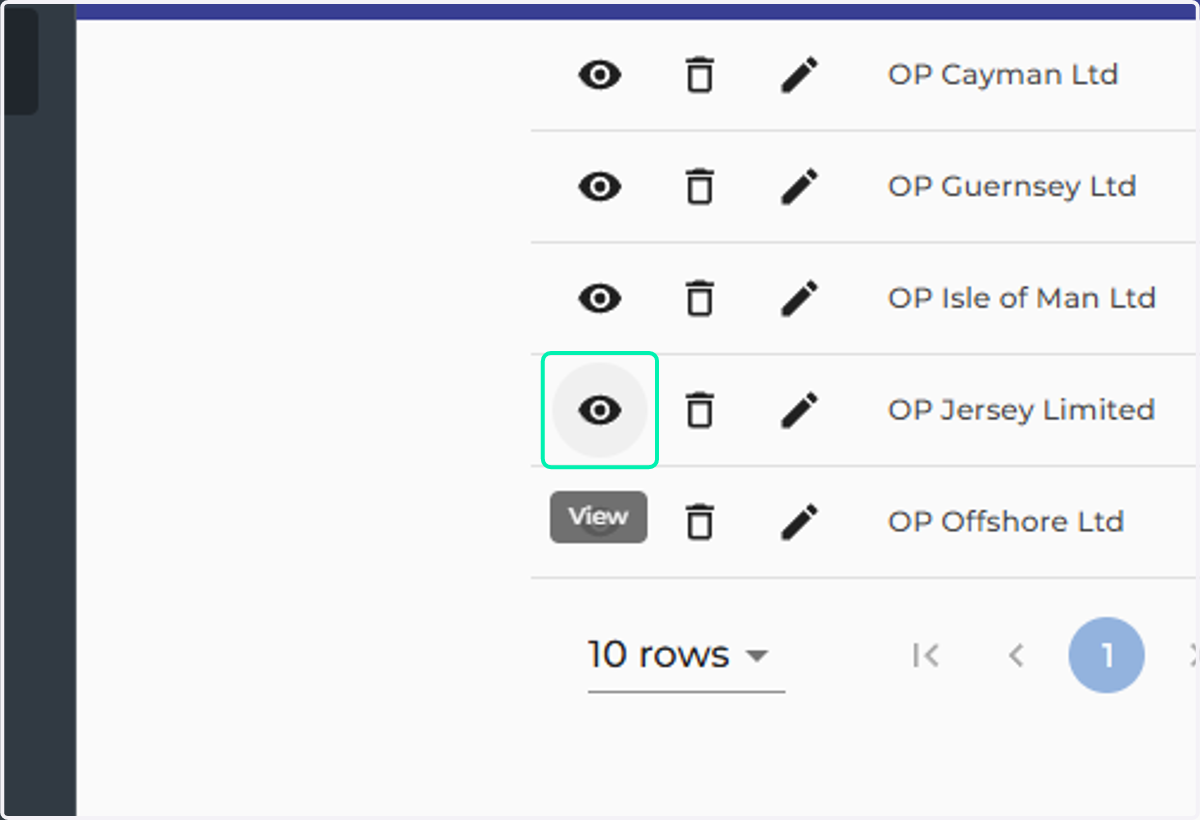
2. Click on View
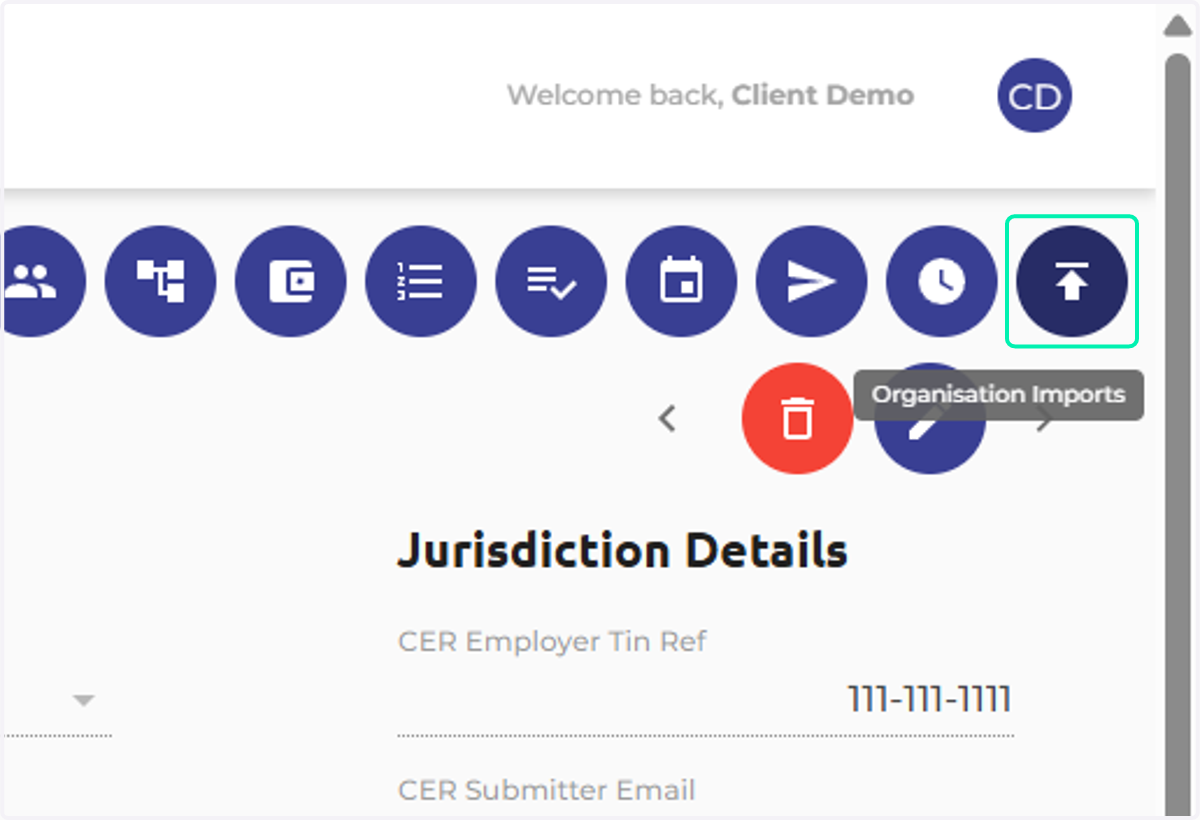
3. Click on Organisation Imports
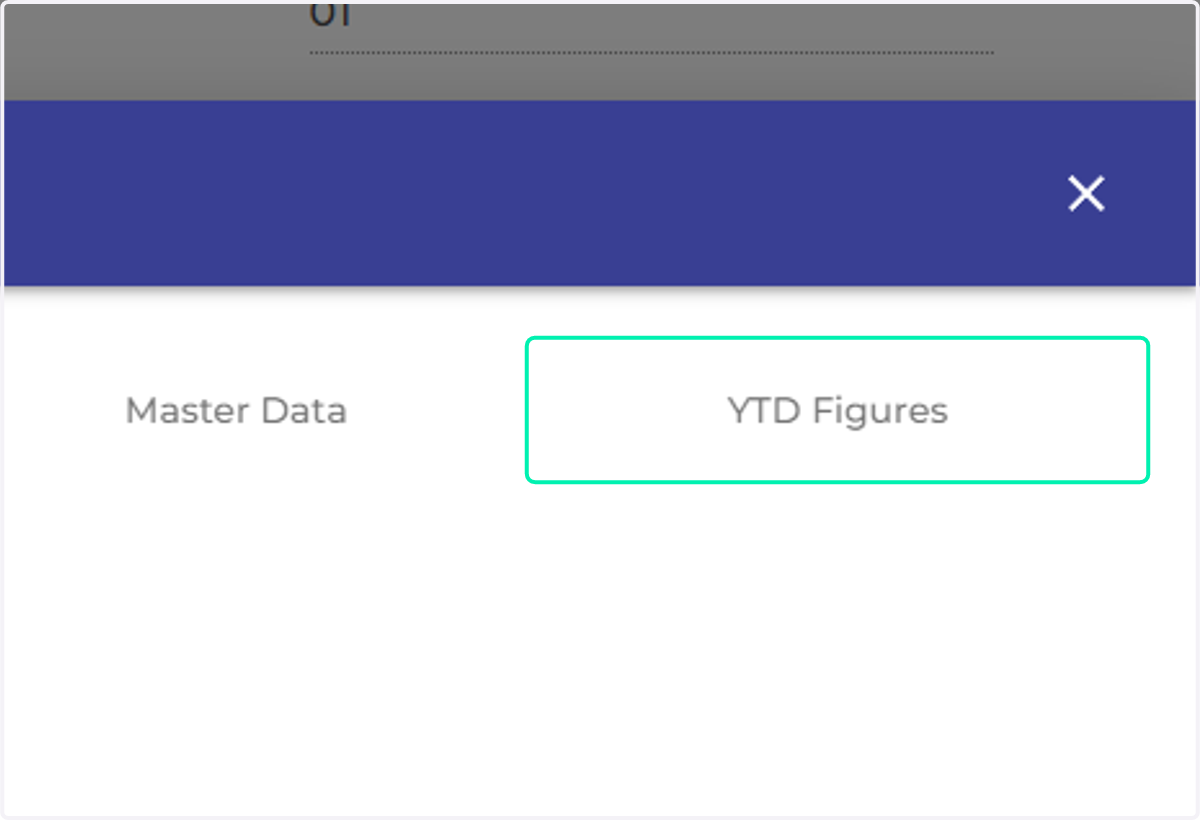
4. Click on YTD Figures
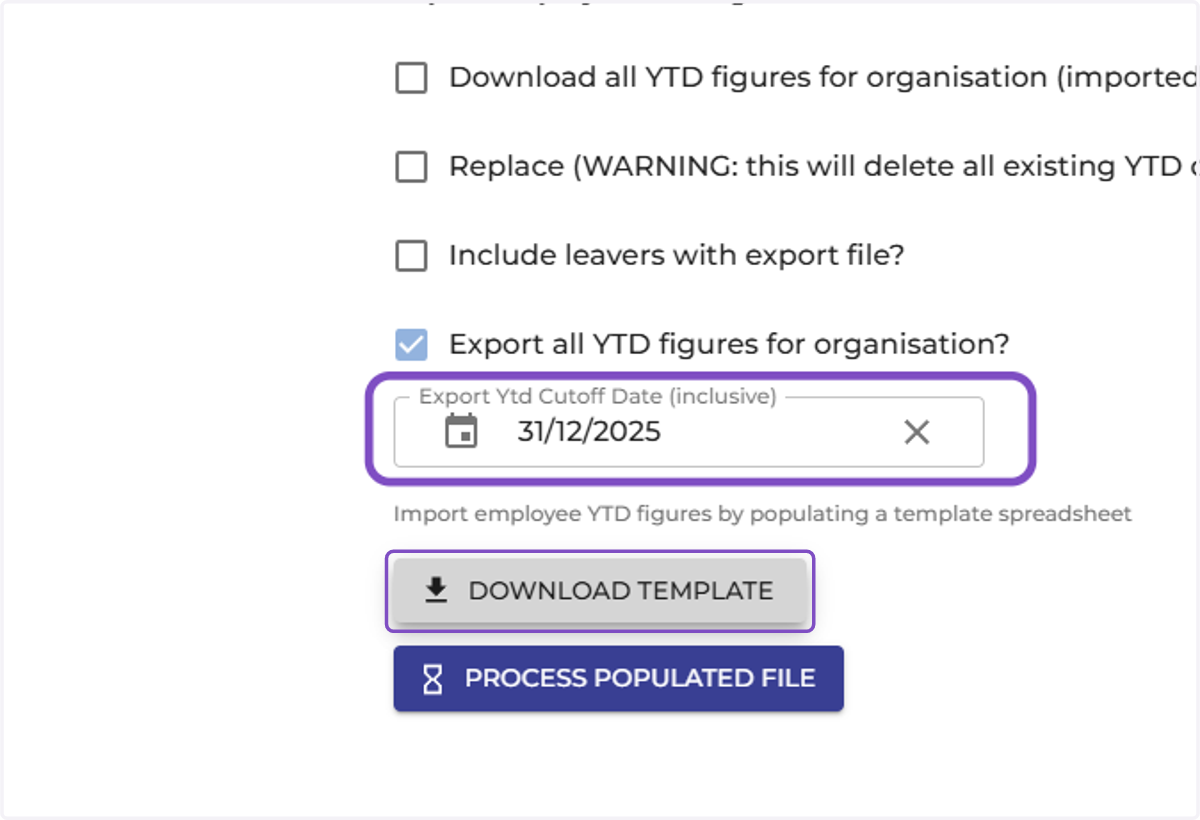
5. Check Export all YTD figures for organisation?
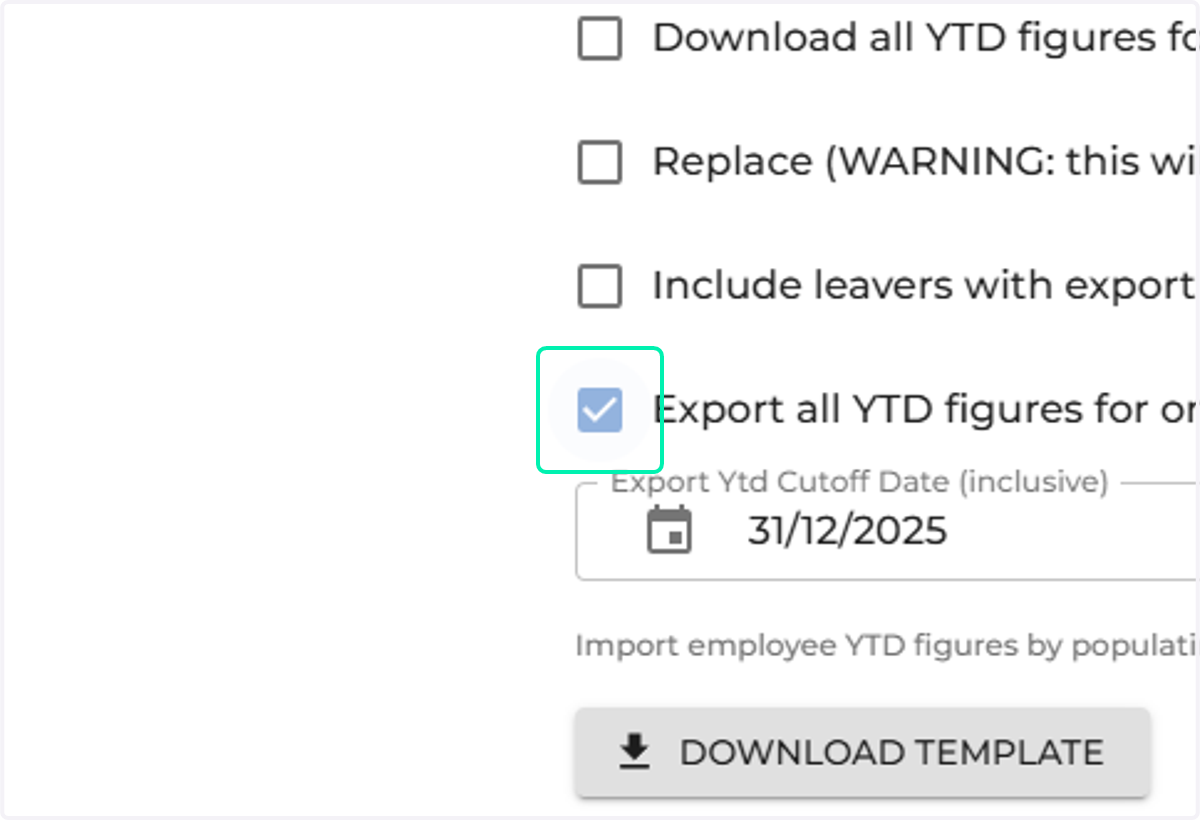
6. You have the option to add a date in the 'Export Ytd Cutoff Date (inclusive)' field. For example, if you wish to download YTD totals up until August 2025, you would enter the date of the last day of the pay period in August.
Click on 'Download Template'
You can then save the template