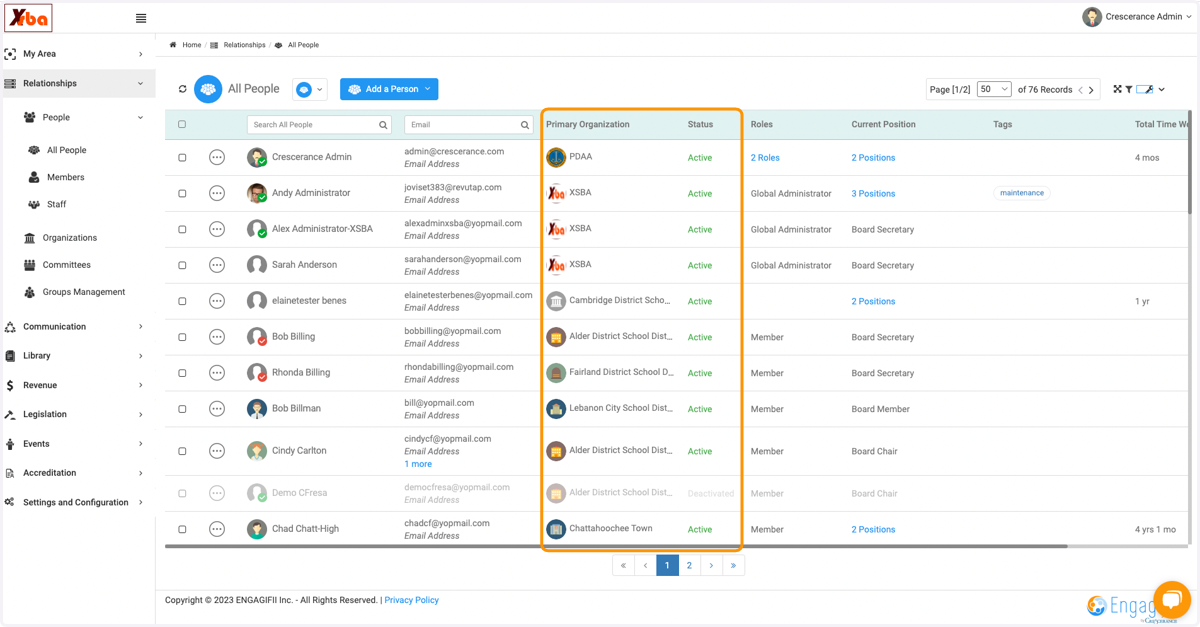
Viewing and changing column order
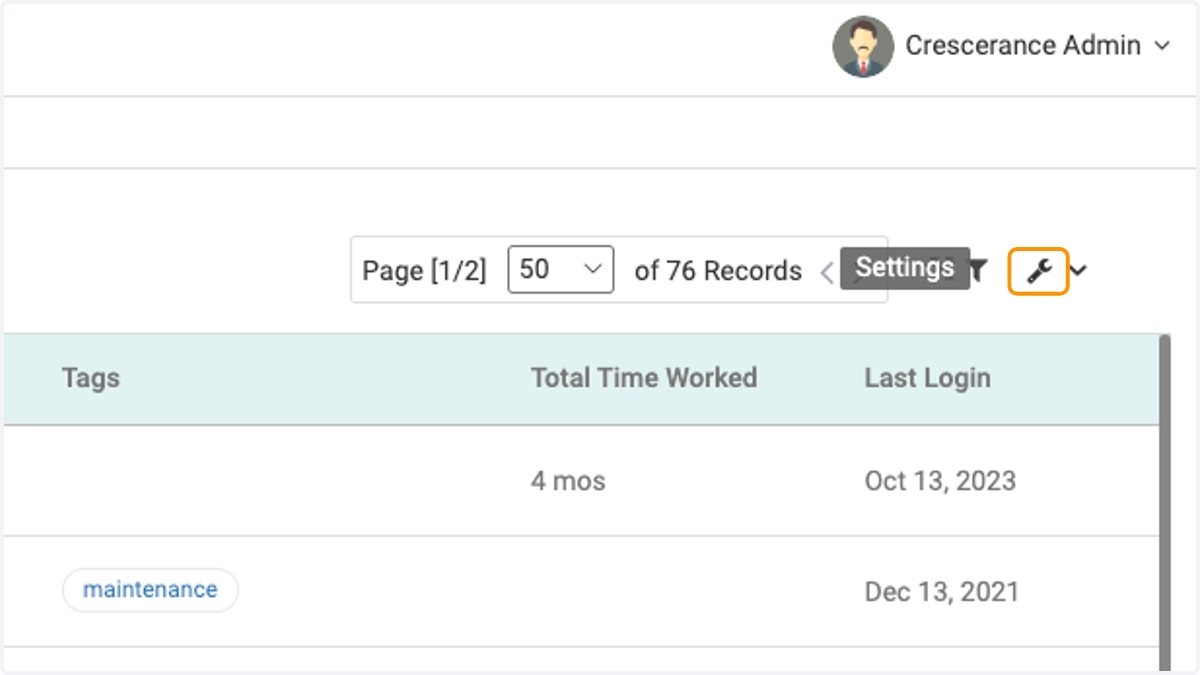
1. Click on the wrench icon
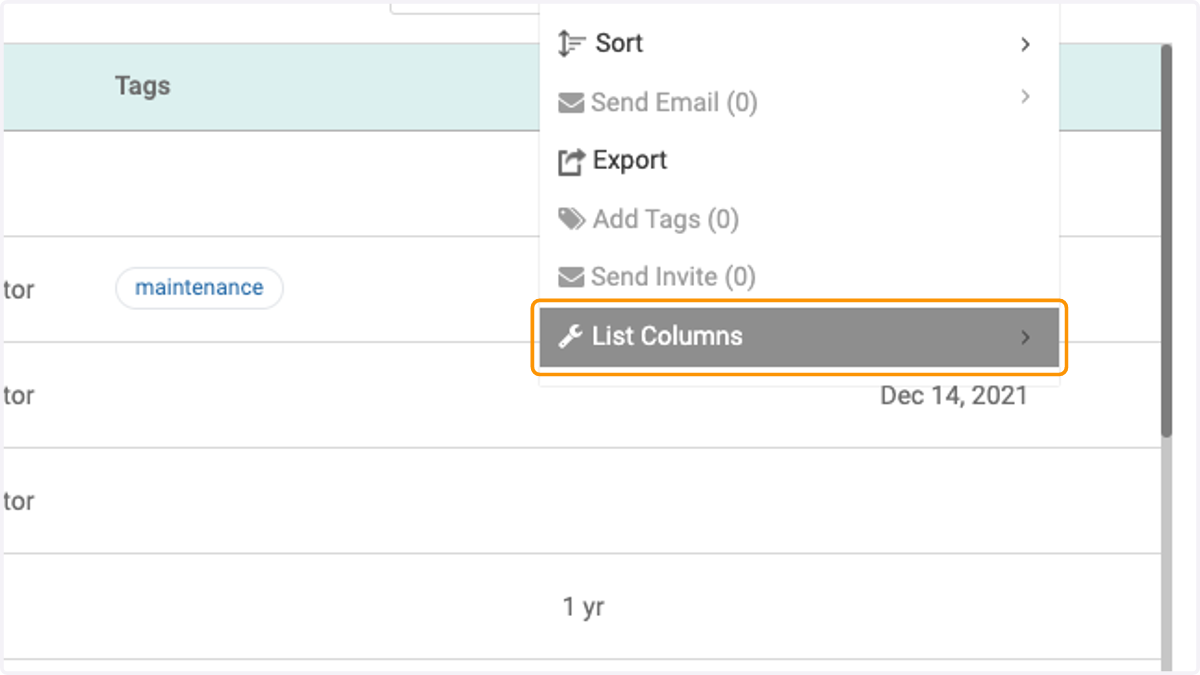
2. Click on List Columns
3. Toggle the columns on or off per your preference
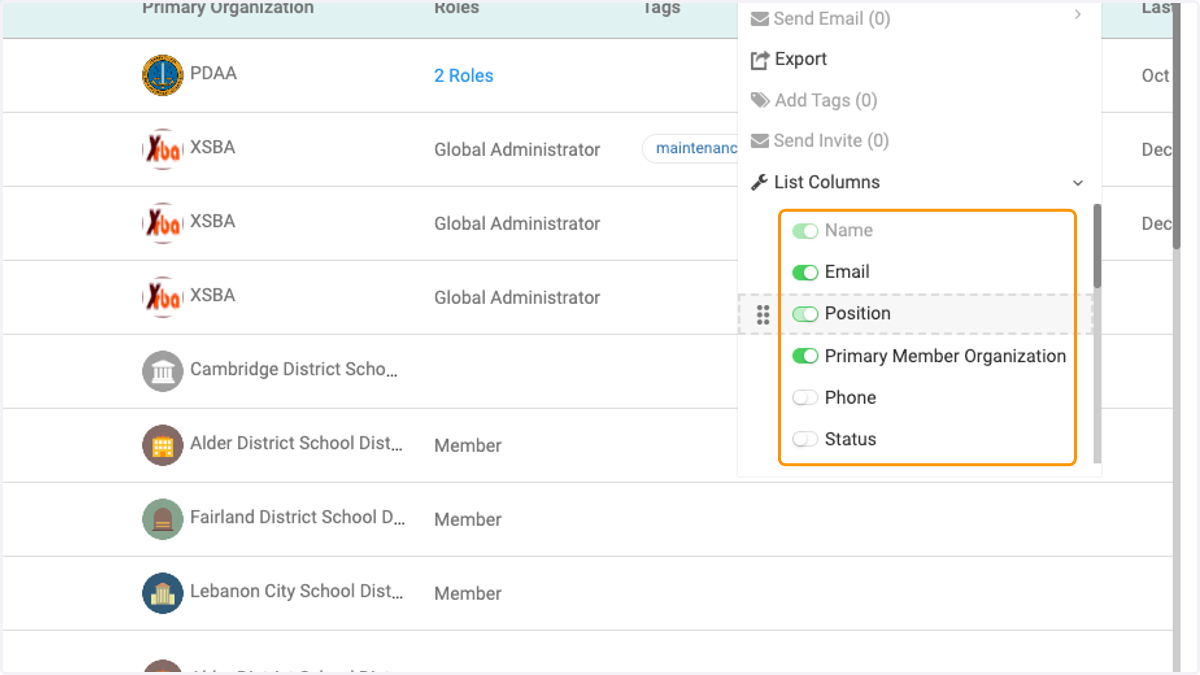
4. Click on the 8 vertical dots and drag to move the column view into a different position
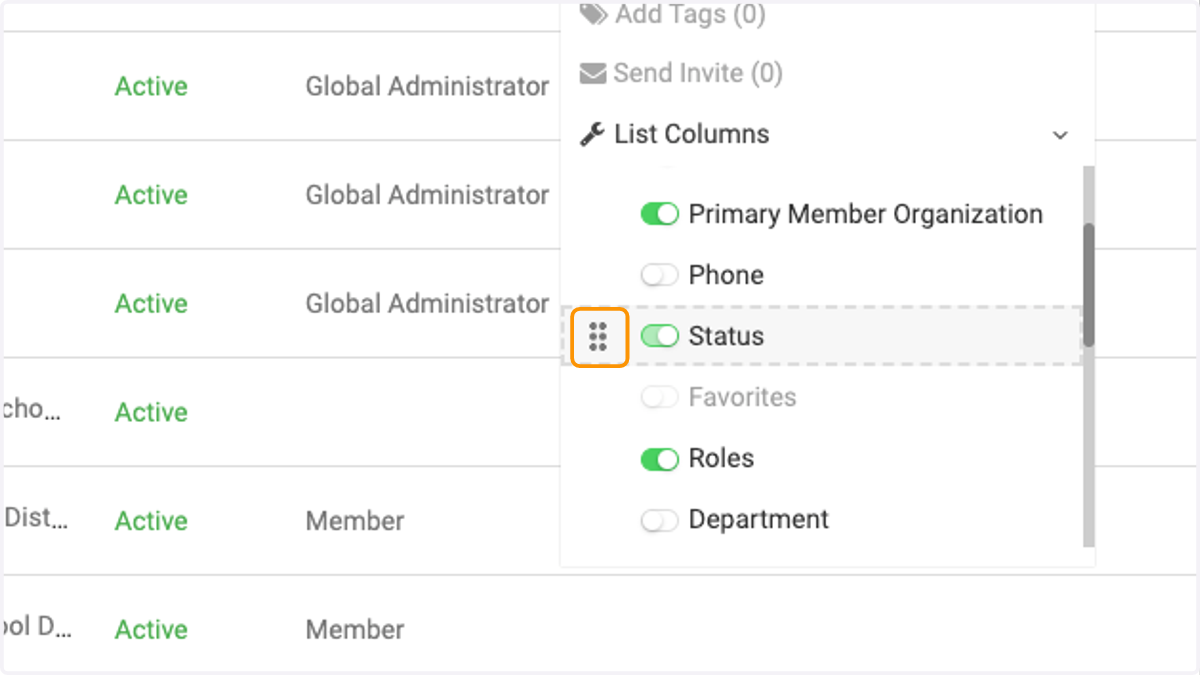
5. Status is now moved after Primary Organization