Sum ADM/ADA for PMR
The following steps support users in using the SUM function within a spreadsheet application to SUM ADM and ADA for PMR Review. The files that are used in this example include the PMR ADM Summary and PMR ADA Summary. The application used in this example is Excel. Features for AutoSum formulas may be similar in other spreadsheet applications.
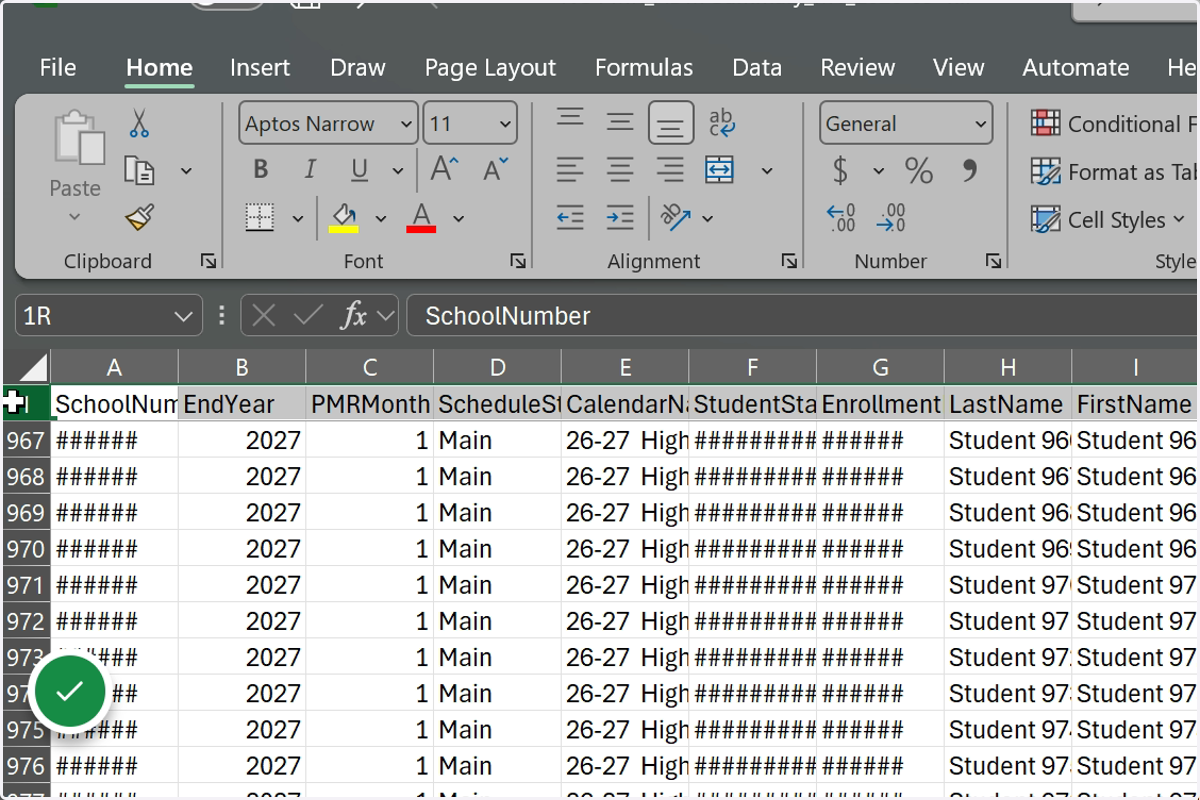
1. Open the Spreadsheet file and select the first row.
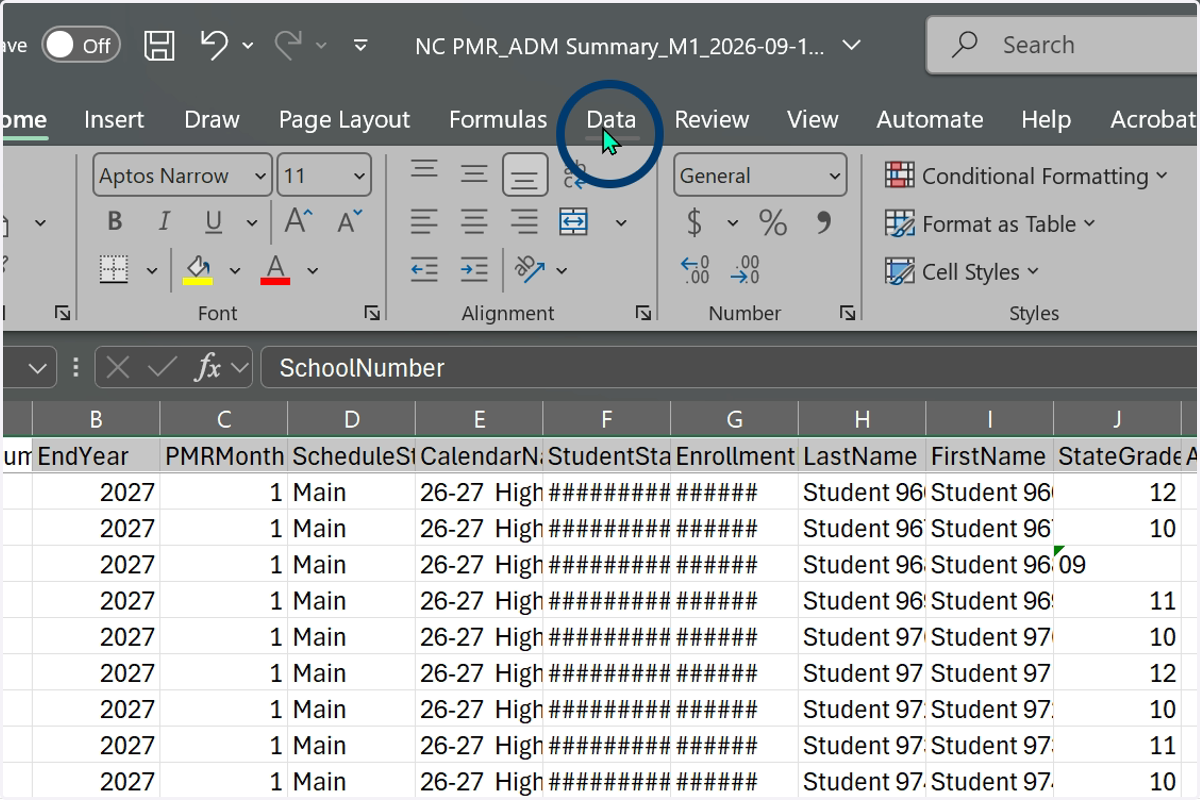
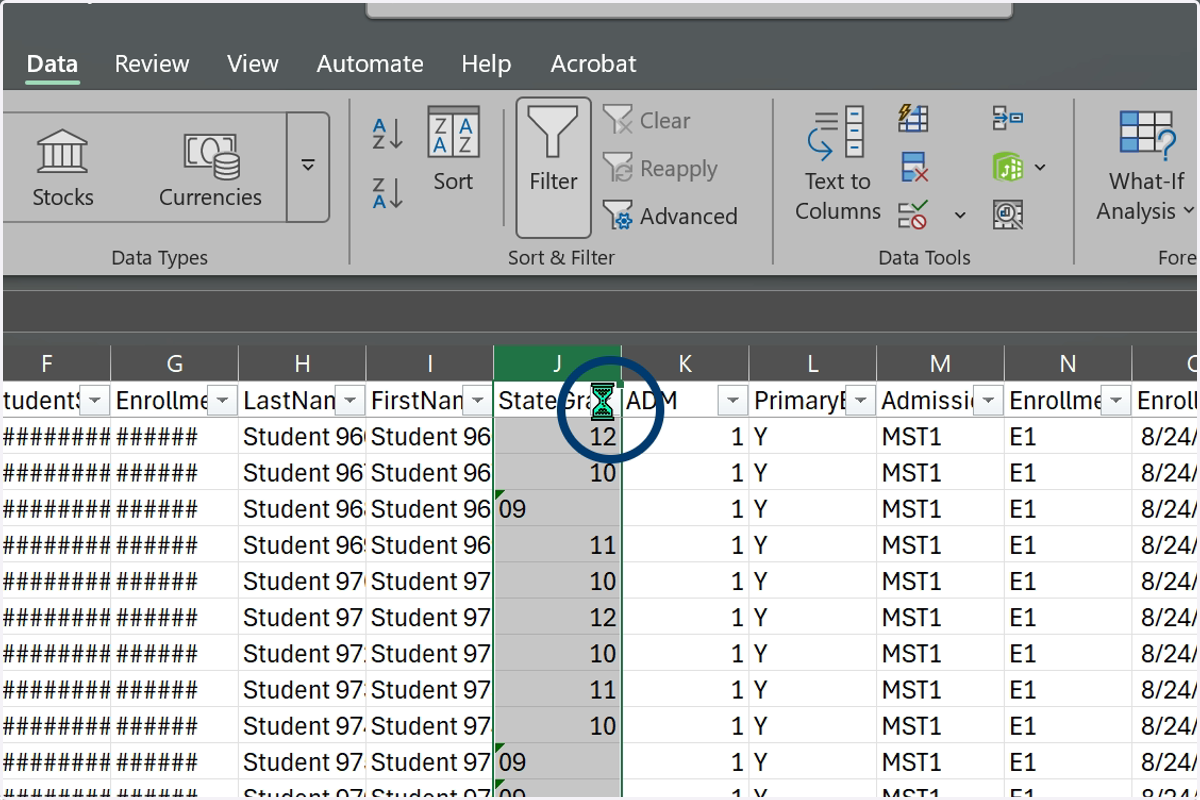
2. Select Data from the menu.
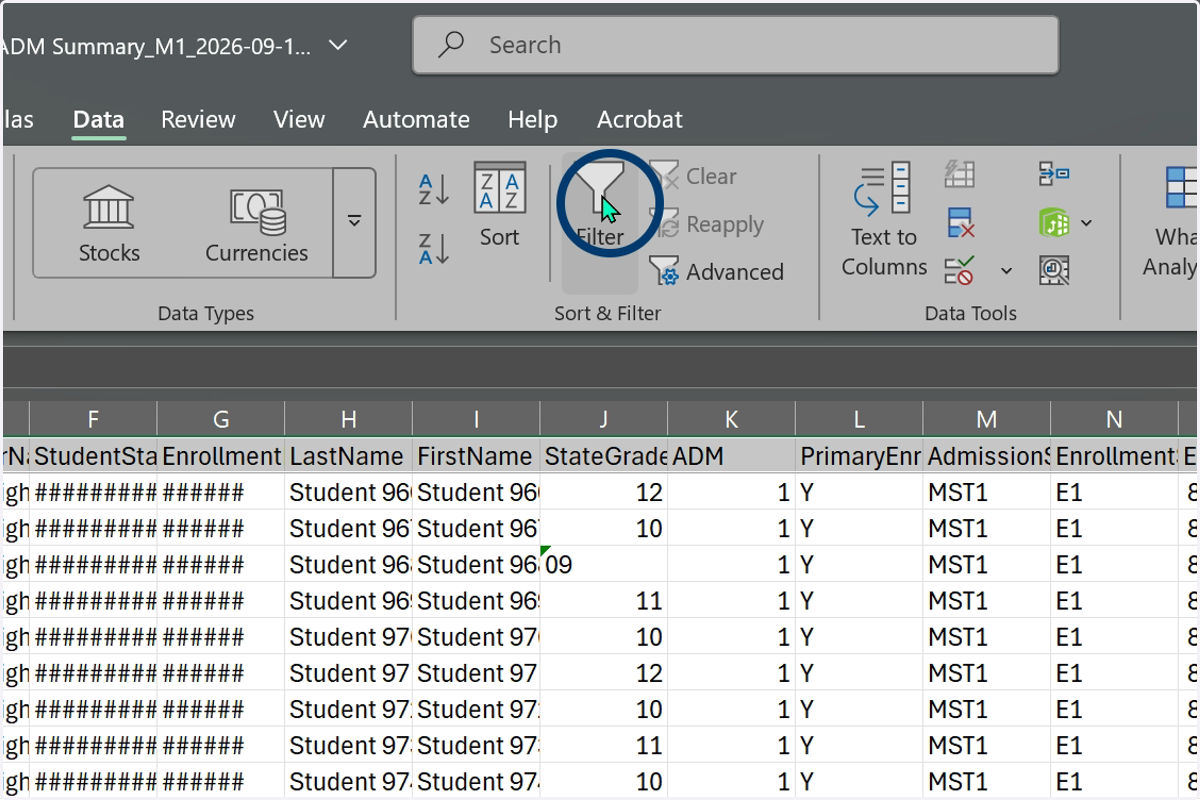
3. Select Filter to add a filter to the top row of data.
4. Locate the StateGrade column.
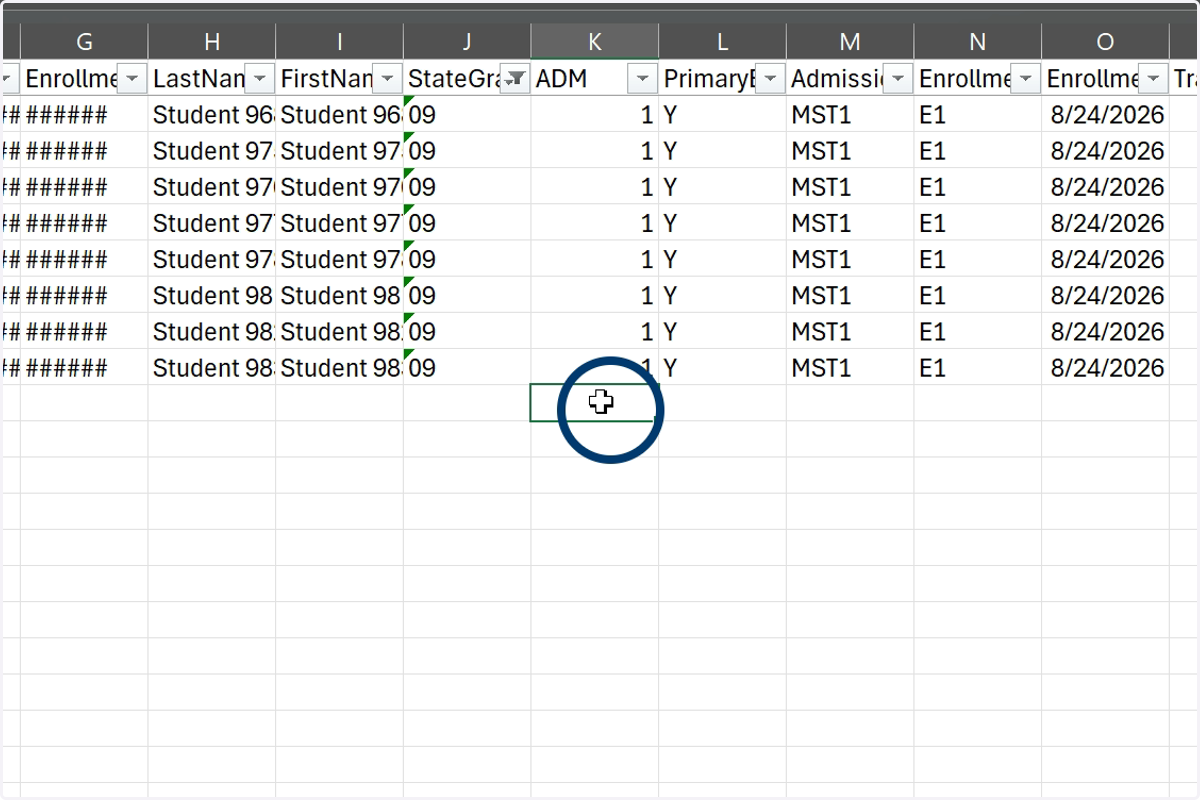
Tip: Scroll to the end of the data and click in the first empty cell. This will help when using the SUM function in later steps.
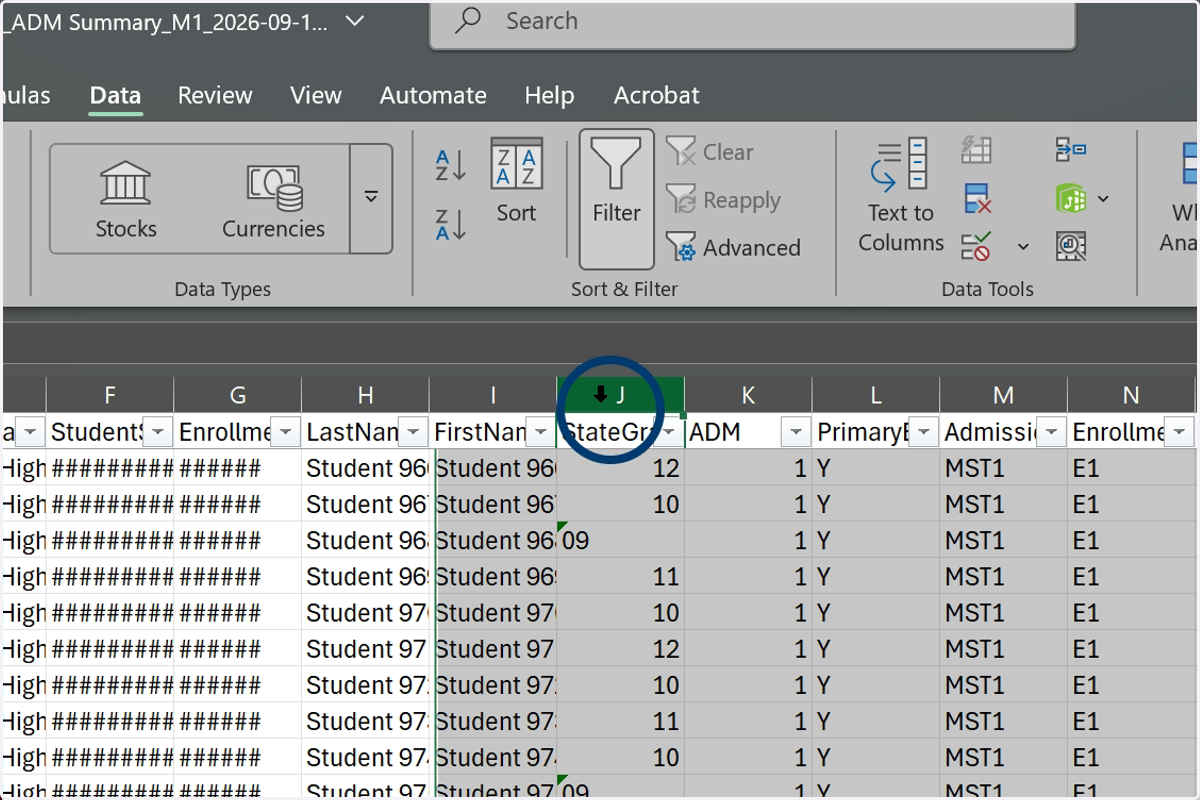
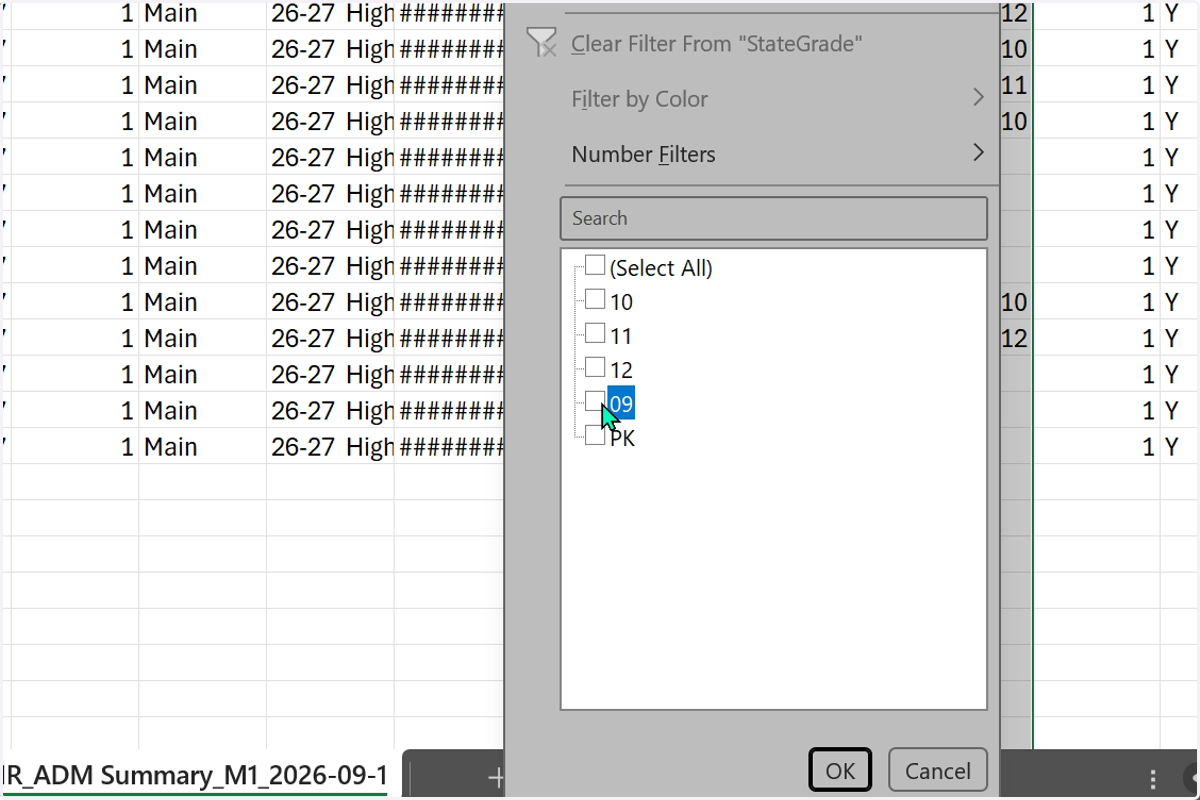
5. Use the added filter to select a grade level.
6. Uncheck Select All to filter for one grade level.
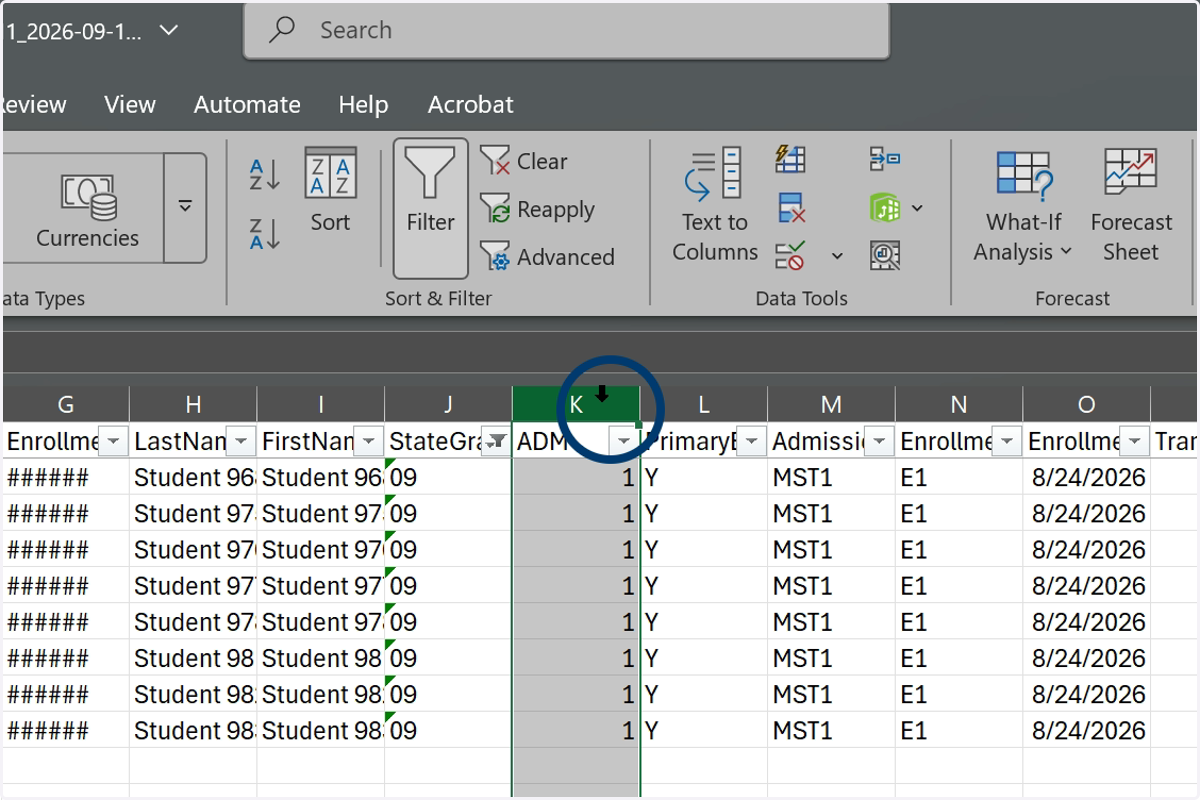
7. Locate the ADM or ADA column.
8. Click in the first empty cell for the ADM or ADA column.
9. Select Formulas from the menu.
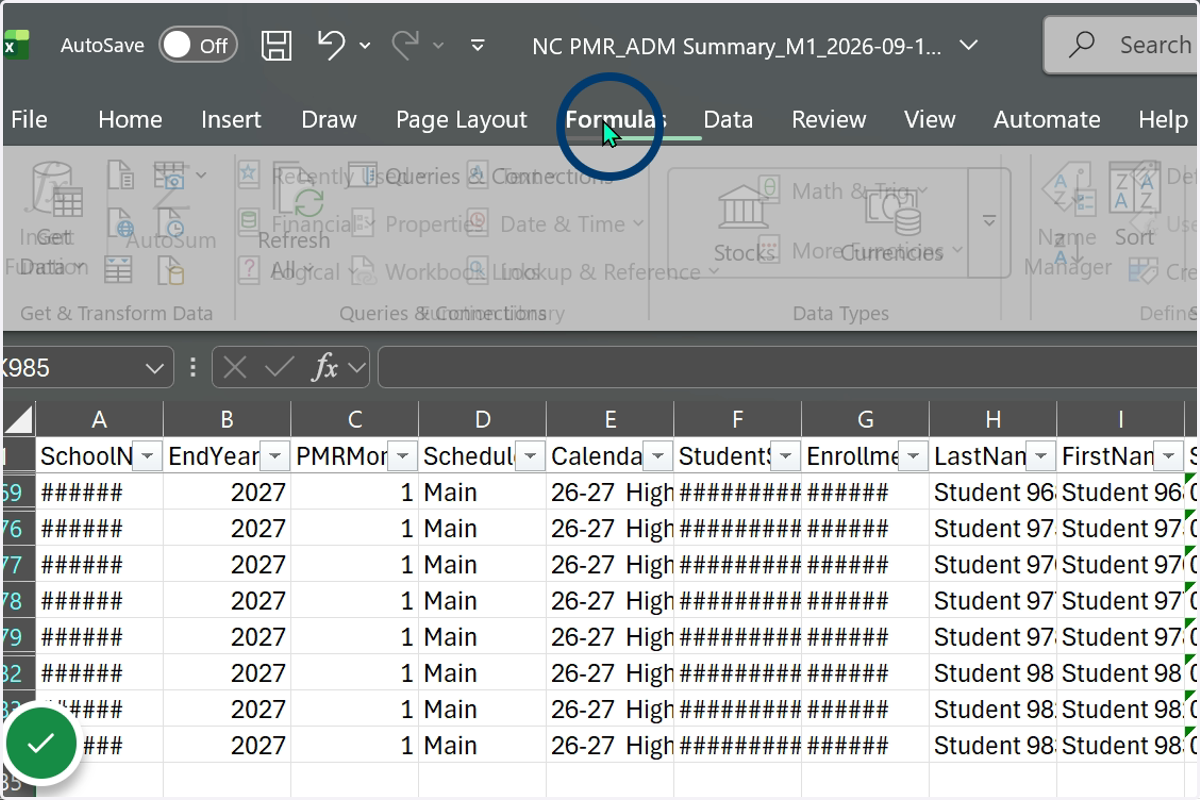
10. Select the AutoSum function.
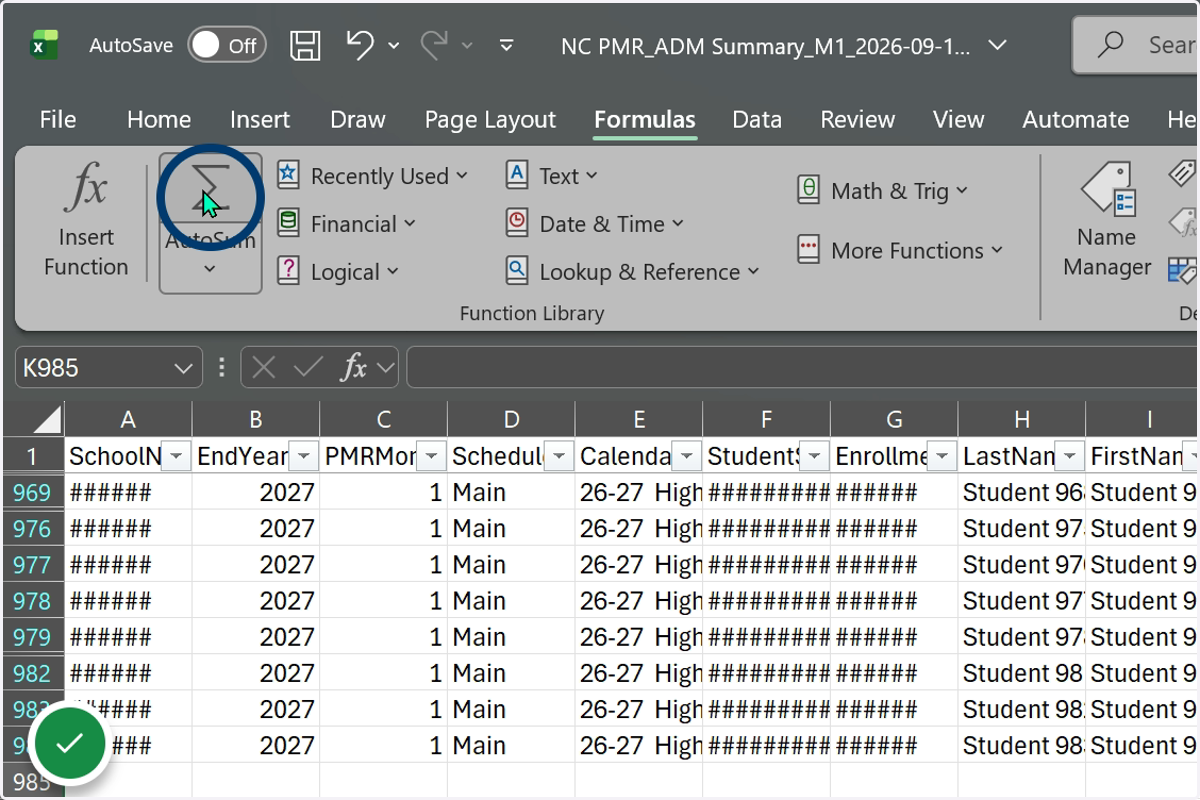
11. The AutoSum function adds a subtotal formula for the filtered grade level.
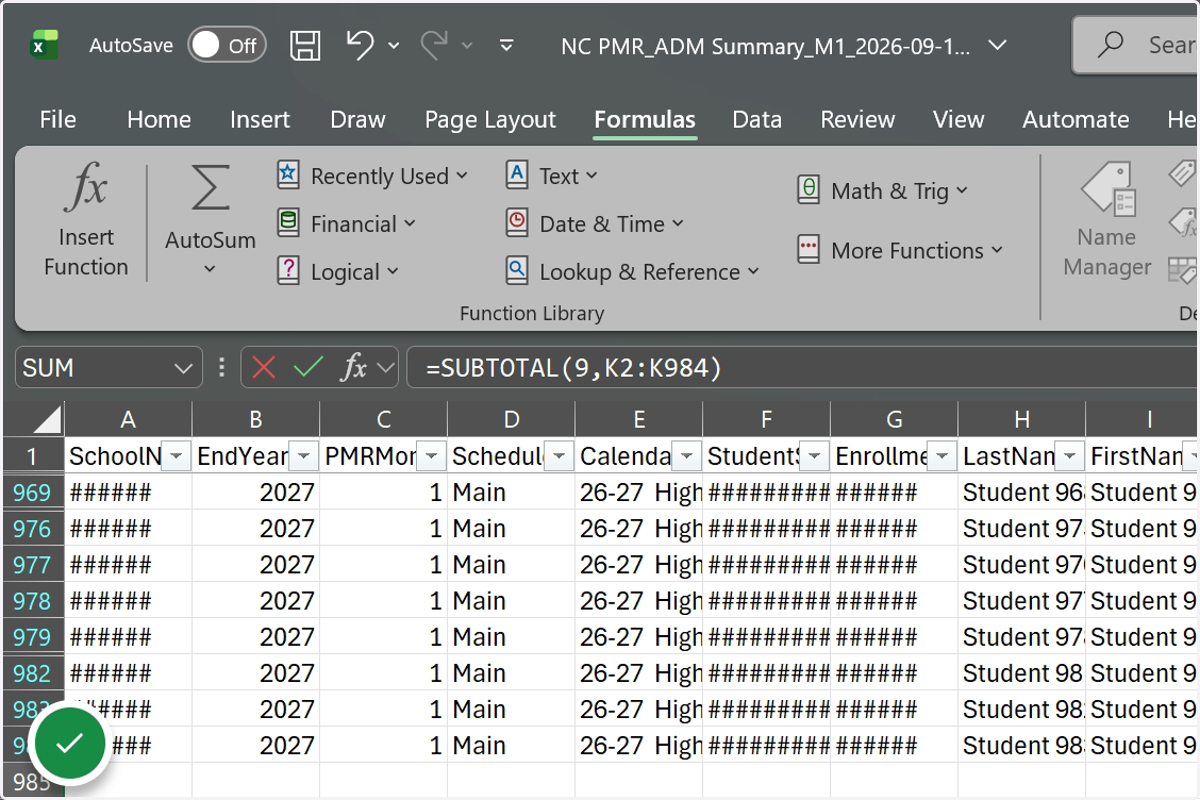
12. Round the SUM to the nearest whole number and compare to the corresponding grade level on the PMR Summary.
Tip: Use the Format Cells feature to list the SUM as a Number with 2 decimal places to be in line with how PMR will round on the PMR Summary.
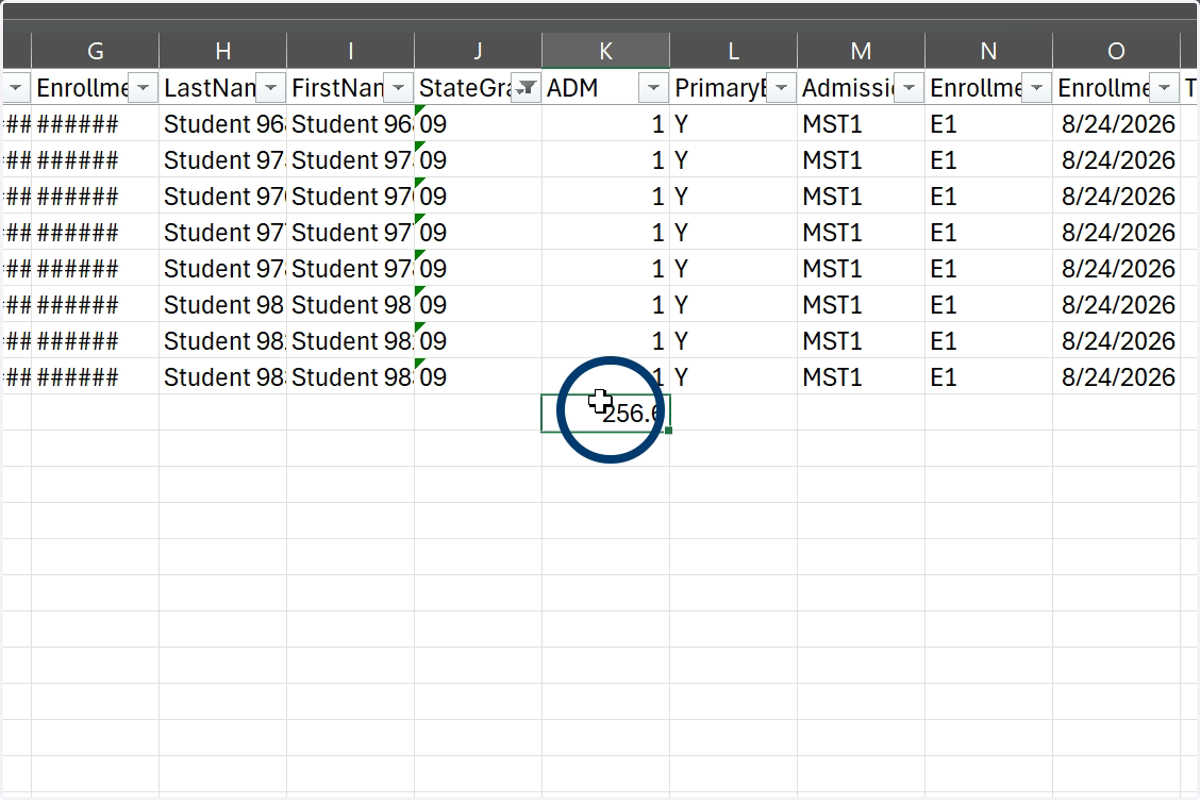
13. Repeat the steps to filter for each grade level and capture the ADM or ADA totals for PMR review.