Adding Dinero Pay plugin to your Presta shop
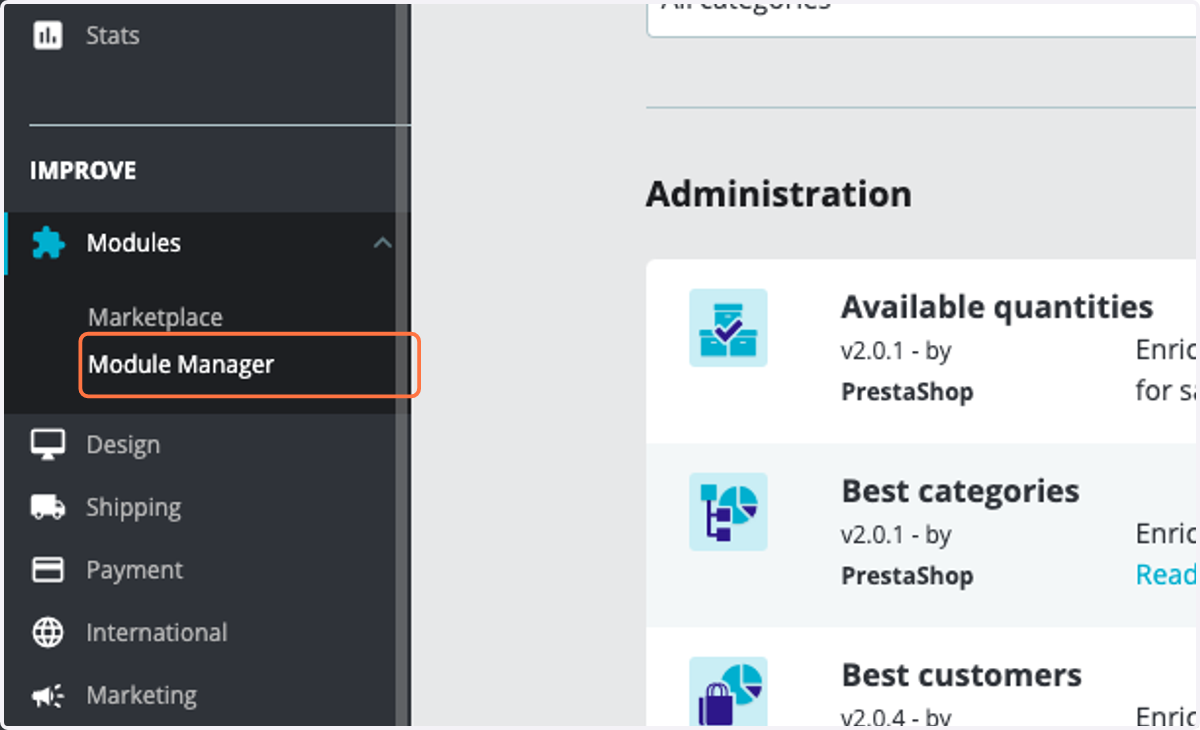
1. Click on Module Manager
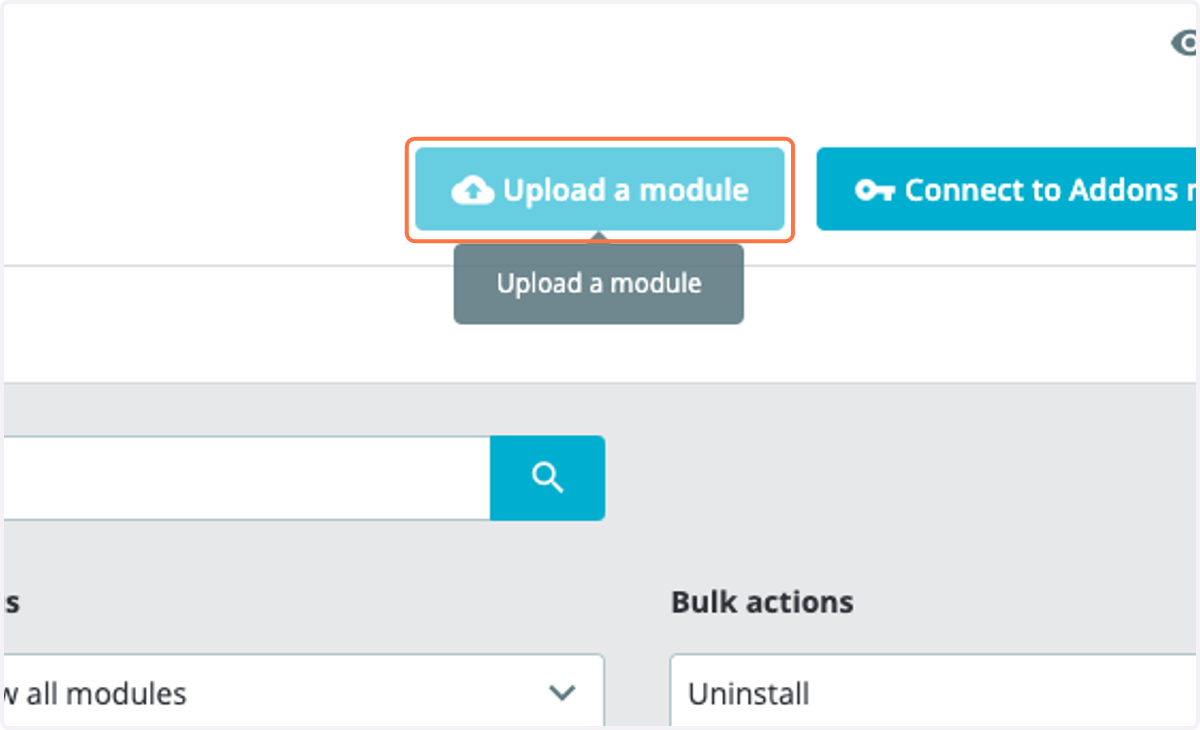
2. Upload Dinero Pay plugin
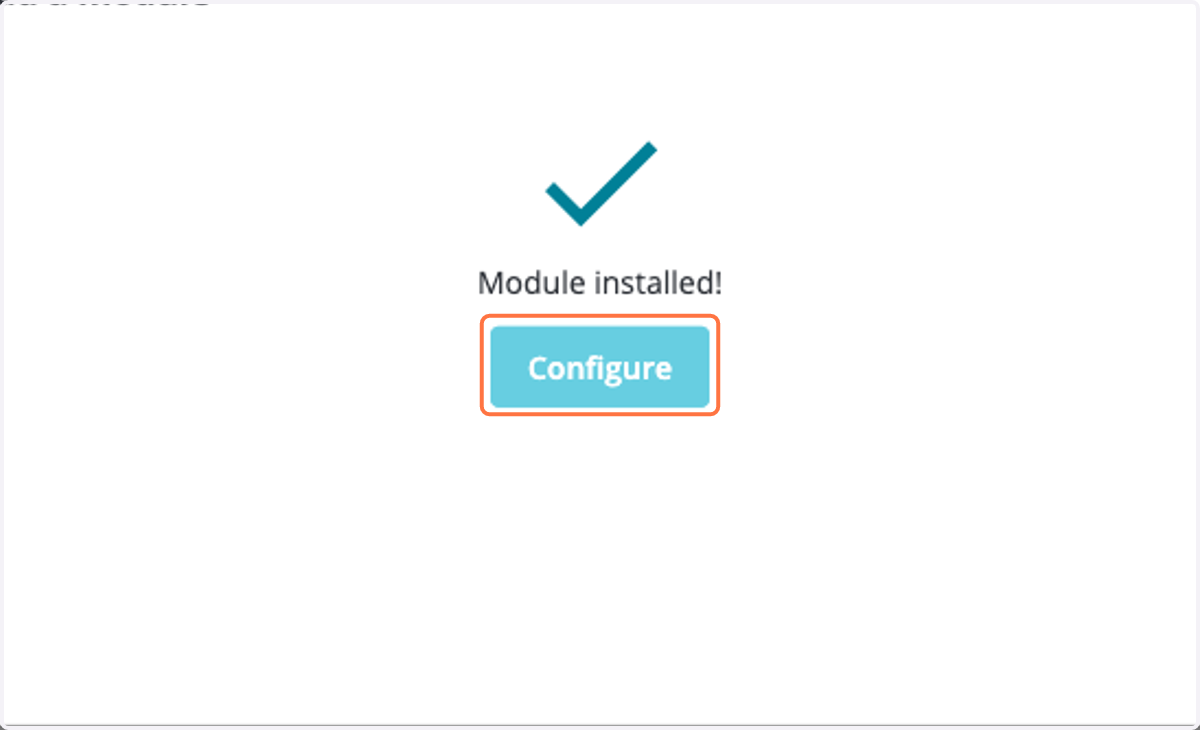
3. Once it's uploaded click on configure
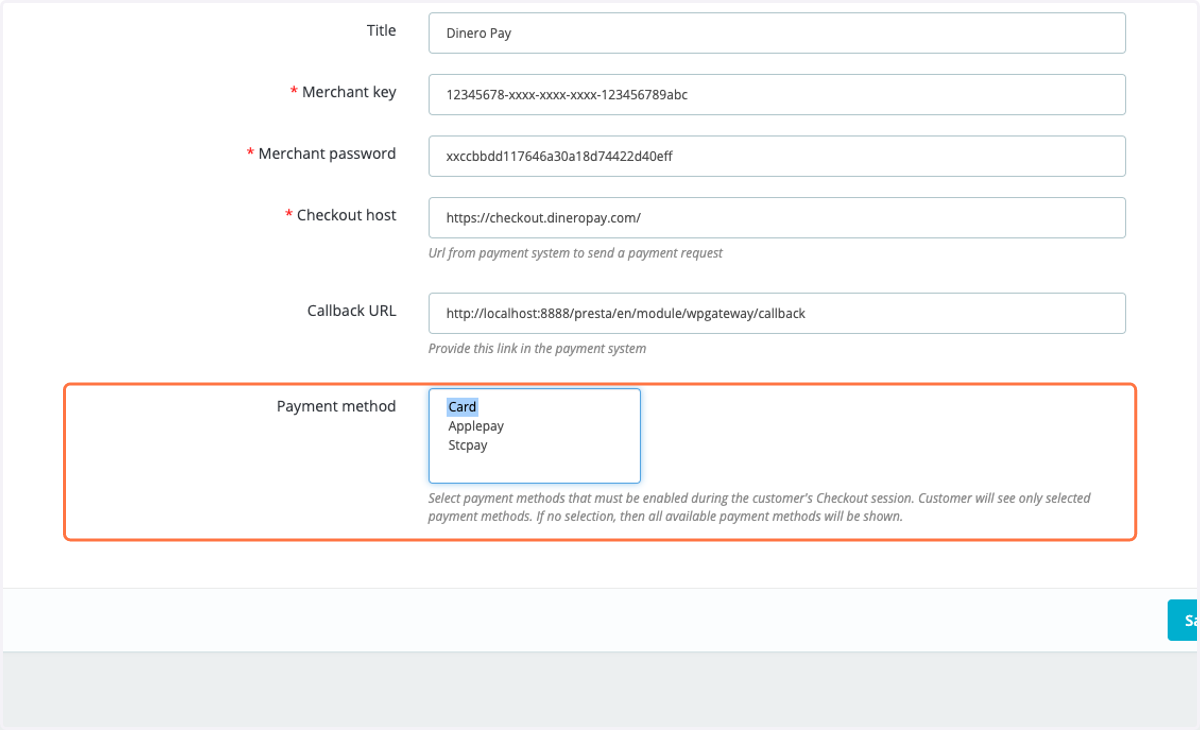
4. Add the merchant key which will be provided by Dinero Pay
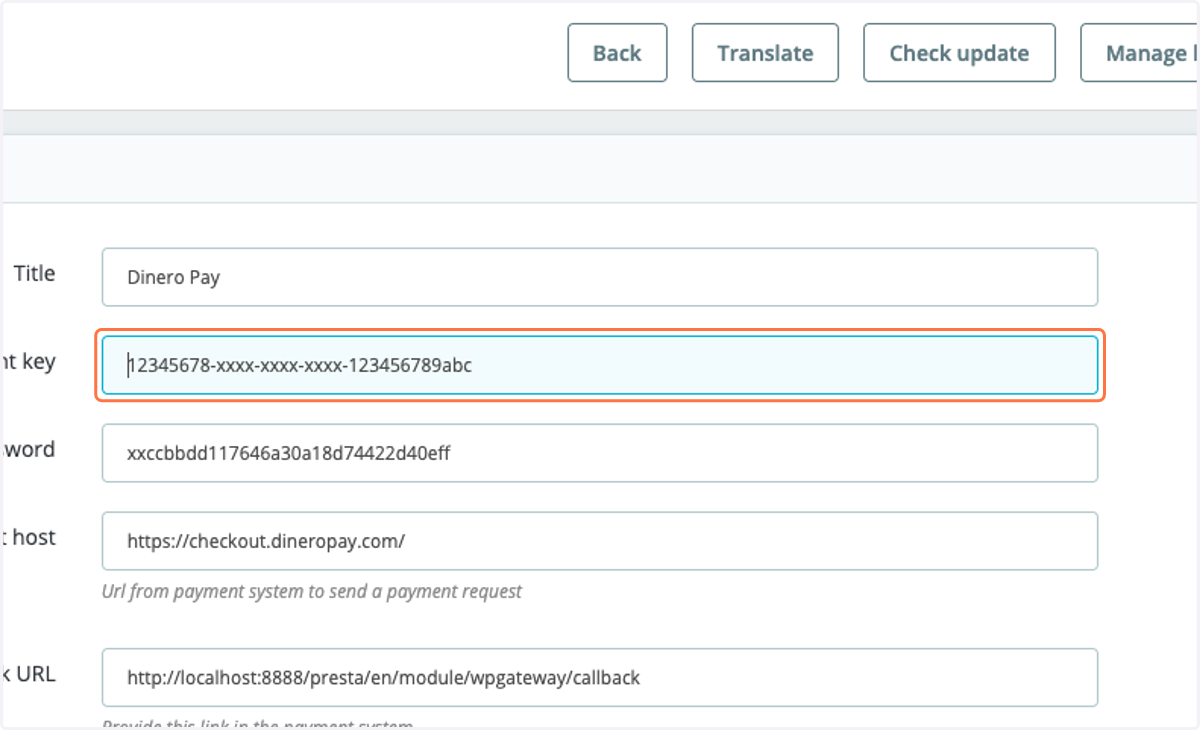
5. Add the password which will be provided by Dinero Pay
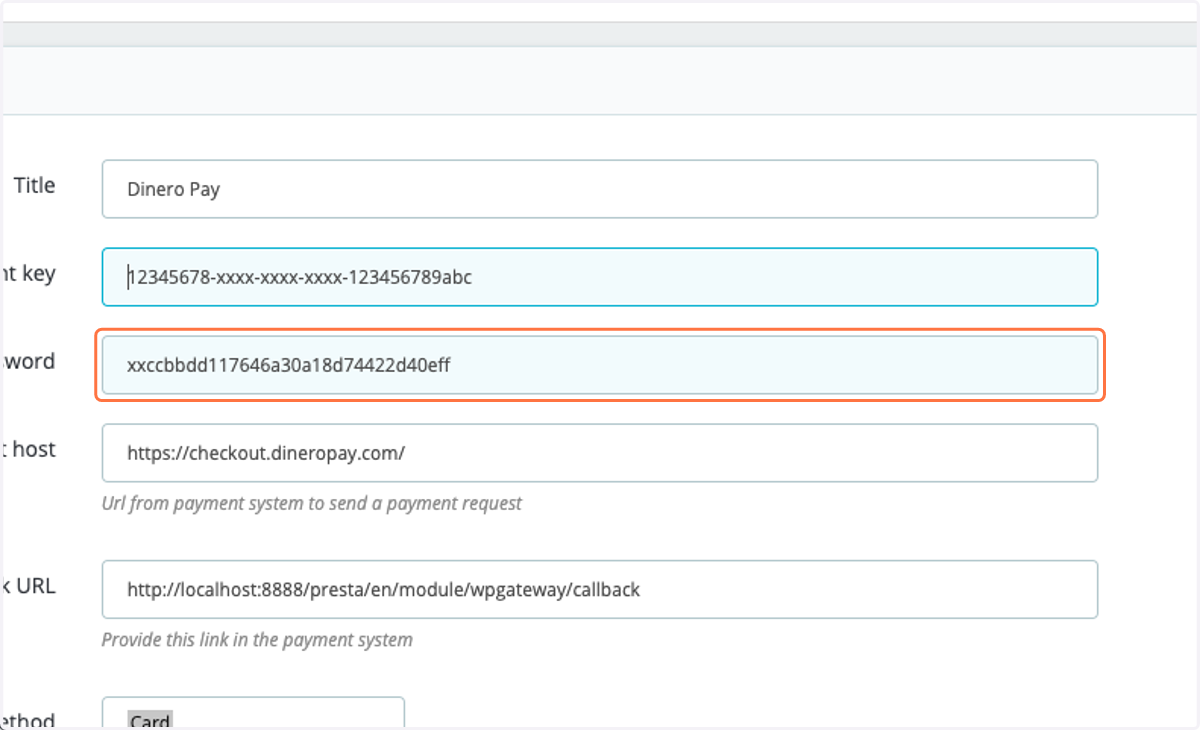
6. Add the checkout URL : https://checkout.dineropay.com
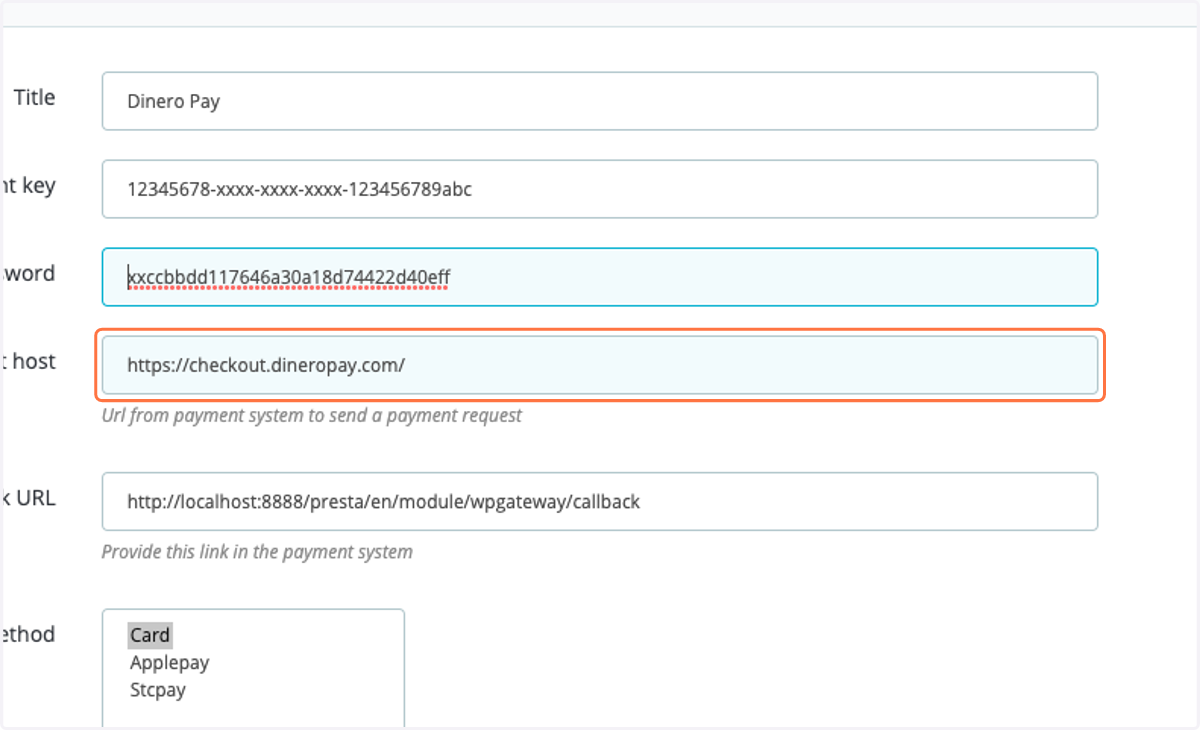
7. Provide this URL as it is to Dinero Pay team so that you can receive an update on the transaction status
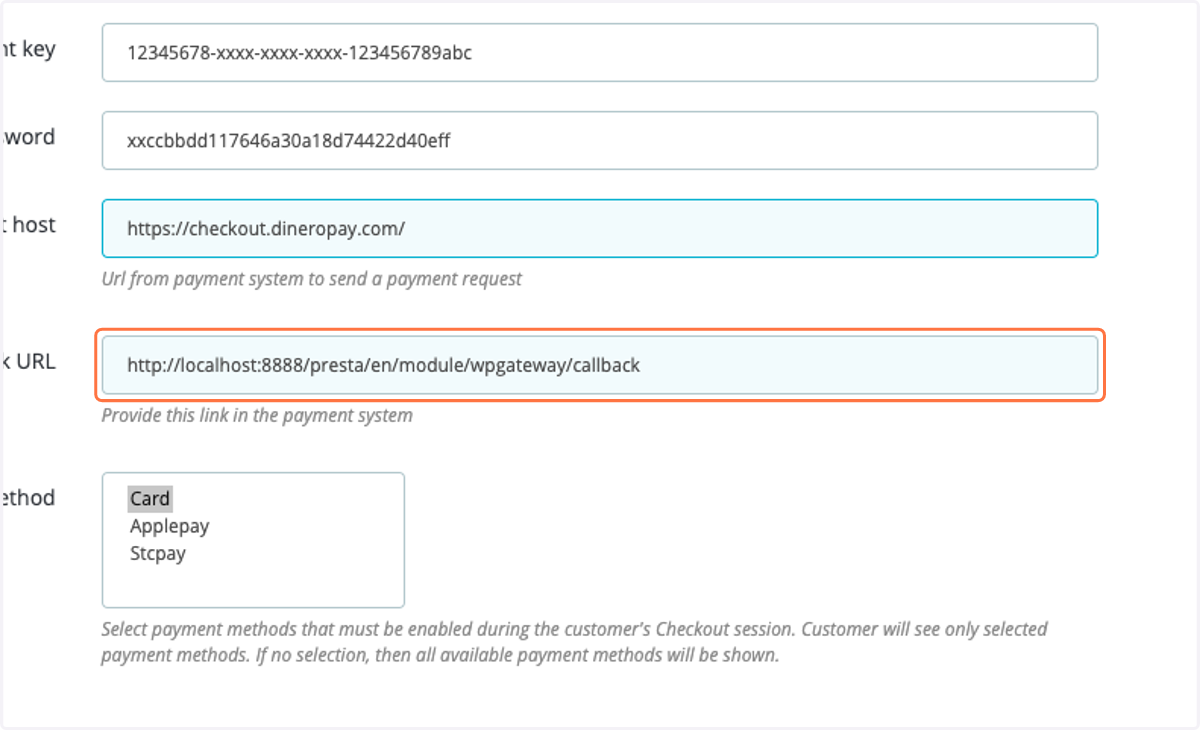
8. Choose the desire payment methods to be displayed on the checkout page , or leave empty to display all the payment method enabled for you