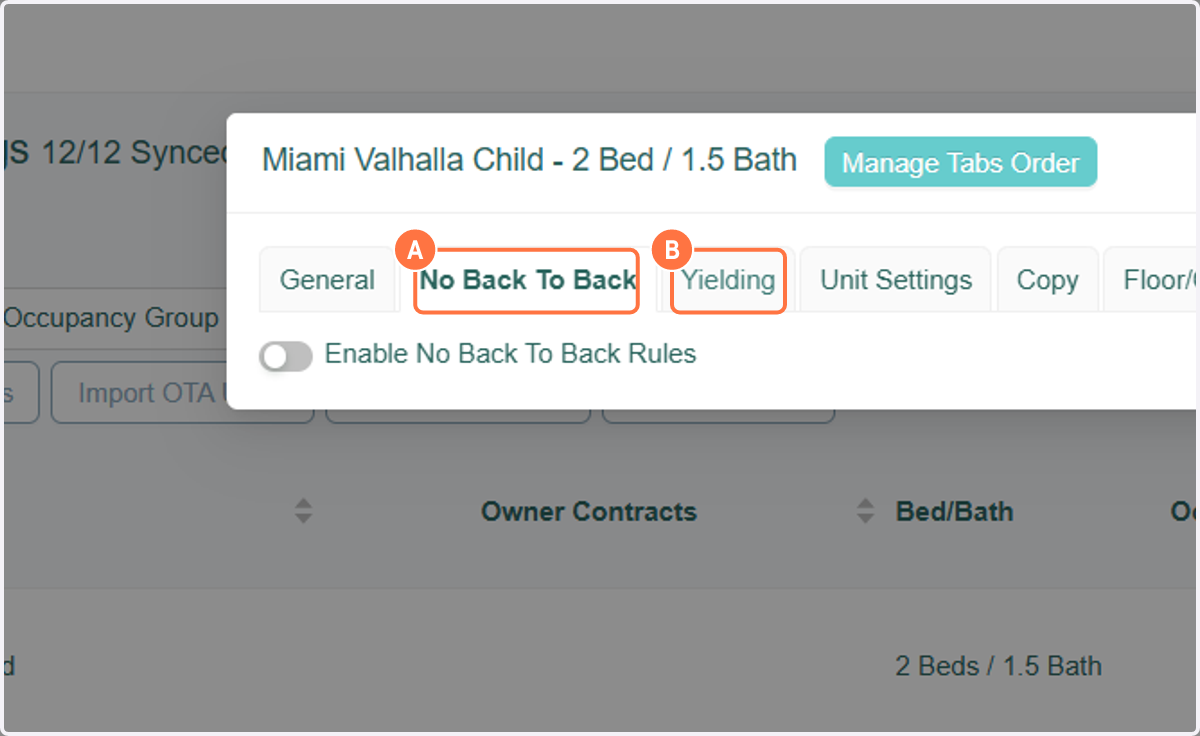
Manage Tabs Order
RevMax
This feature allows you to arrange the tabs in the Units Setting box to your preference. Each RevMax user can arrange the tabs in the order they choose.
*Please note - if you login to RevMax from a different browser, you will need to do this again.
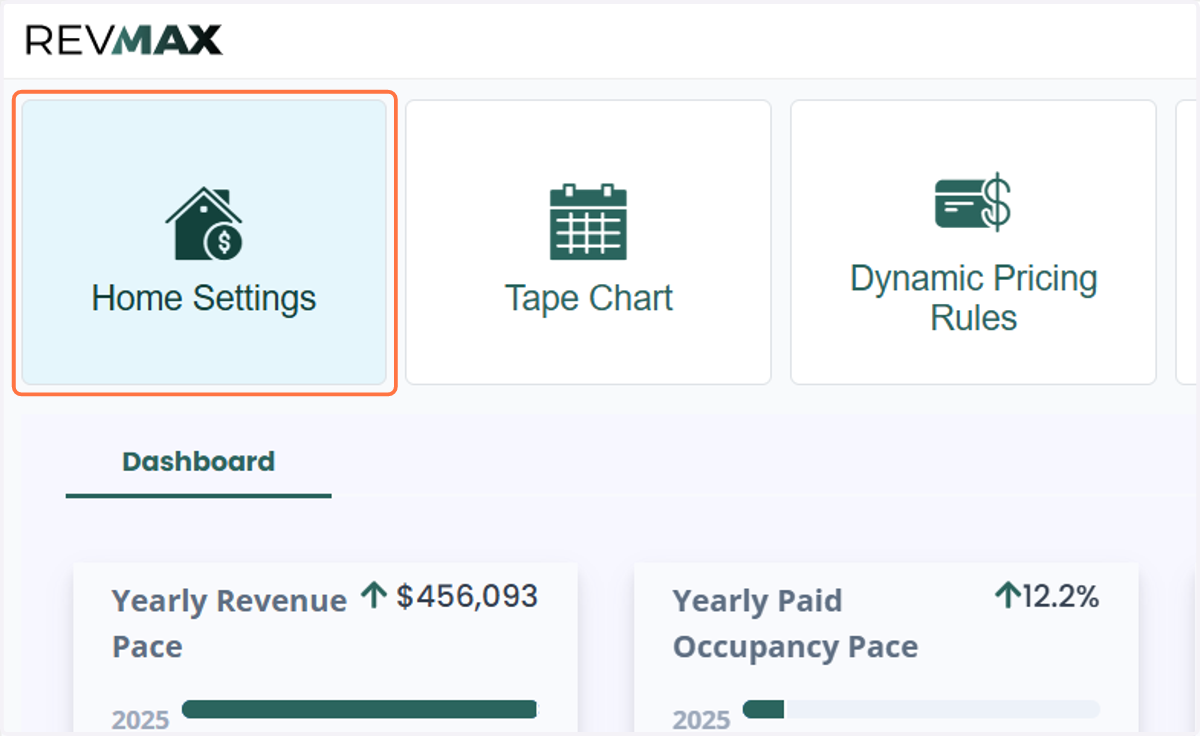
1. Click on Home Settings or Tape Chart.
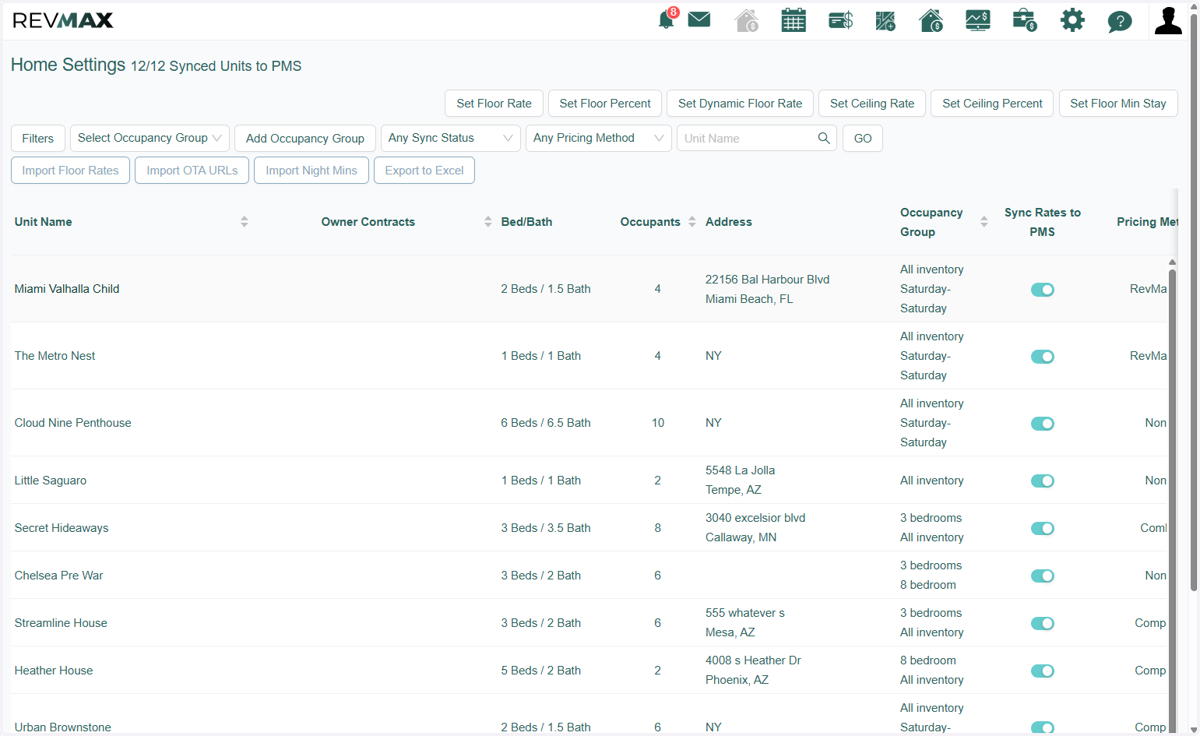
2. Click on any unit
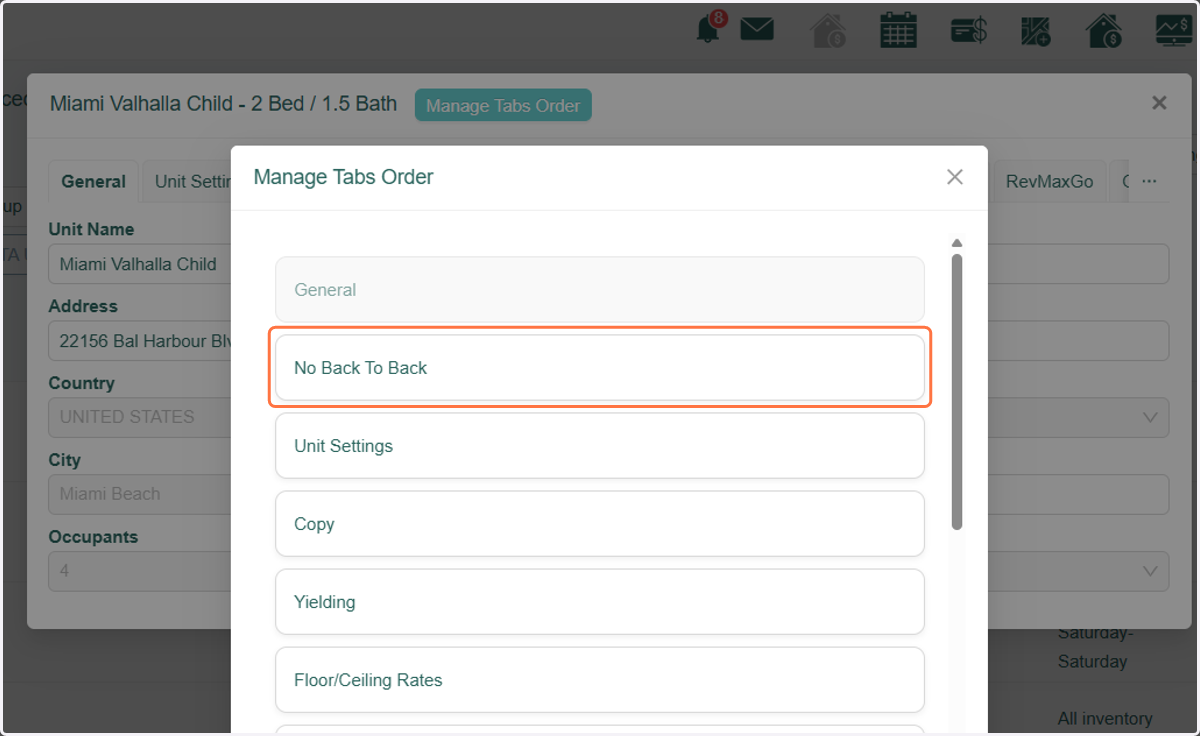
3. Click on the Manage Tabs Order button.
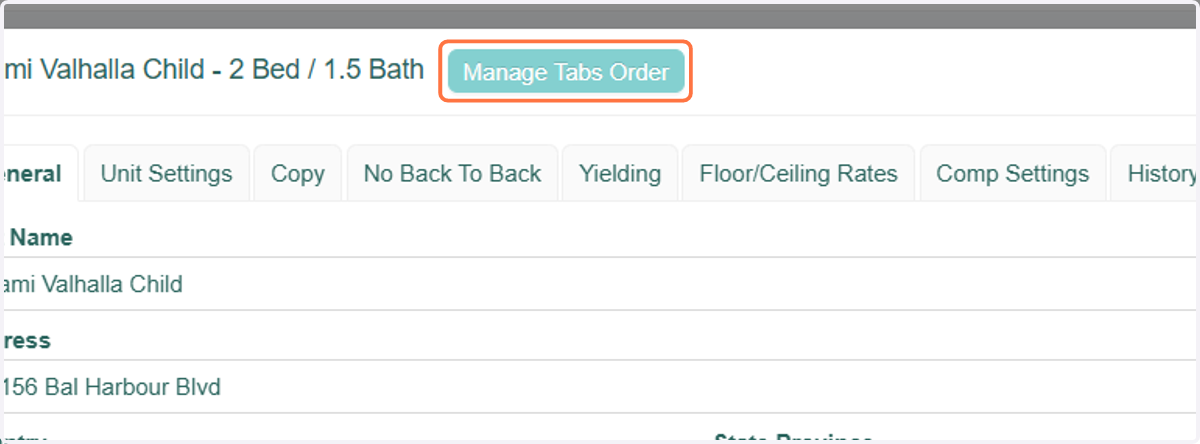
4. The General tab will always be first, but you can then drag each tab to the position you'd like it.
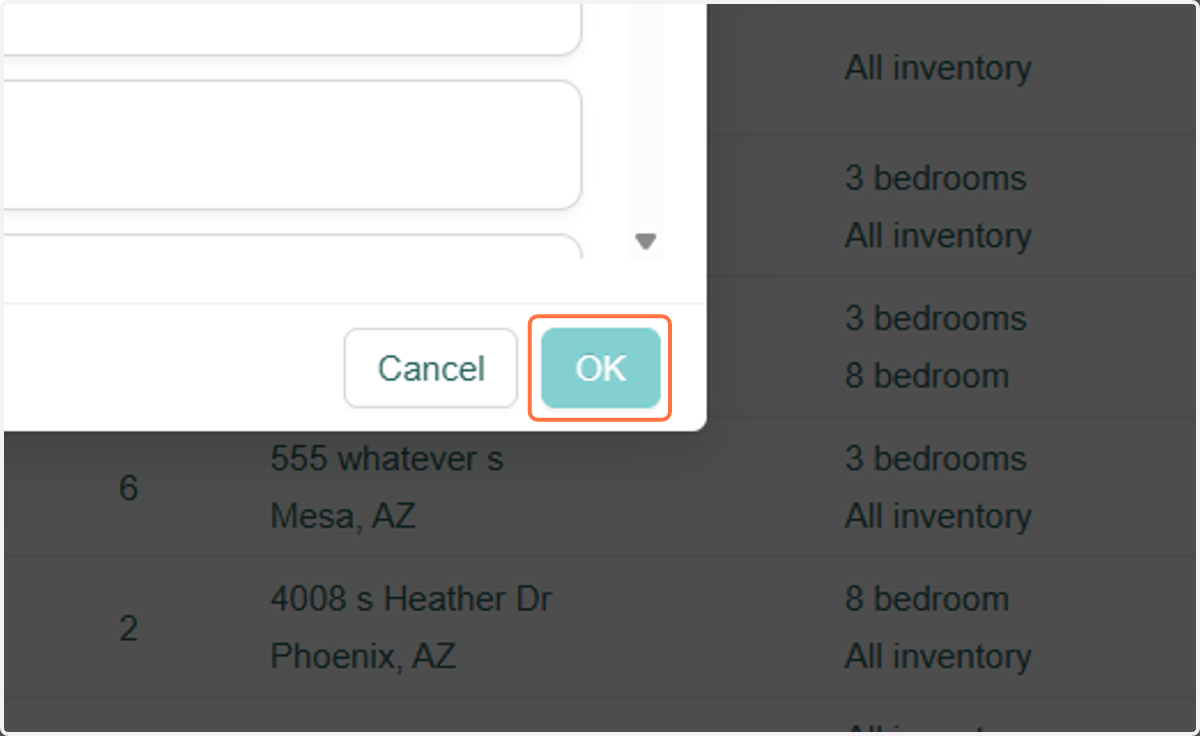
5. Click on OK
6. A. Click on the unit to confirm that the tabs are in the order you placed them.
6. B. This new order of tabs will apply to all other units.