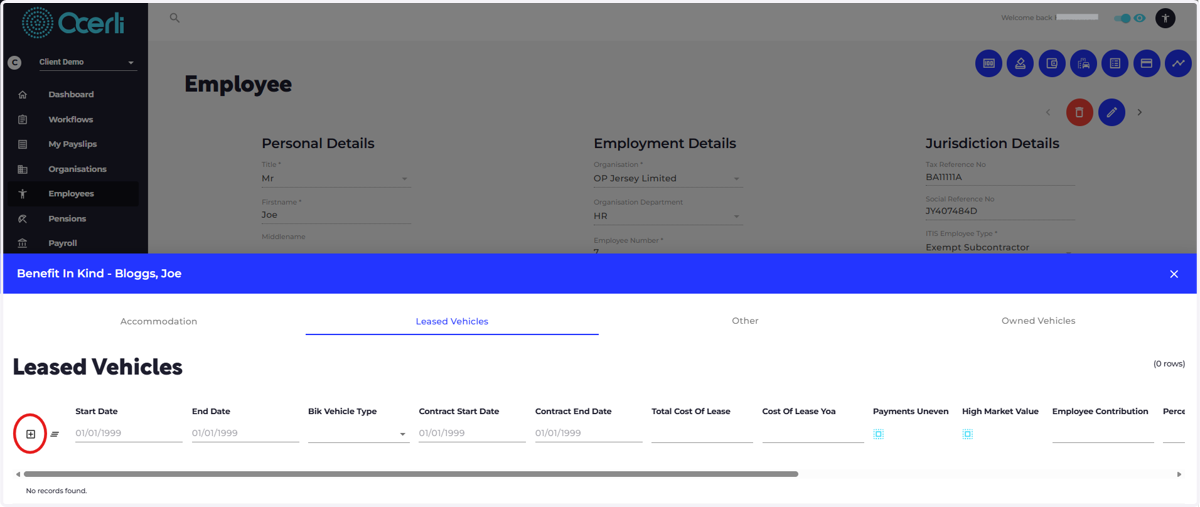
Add New Benefit in Kind Employee Record
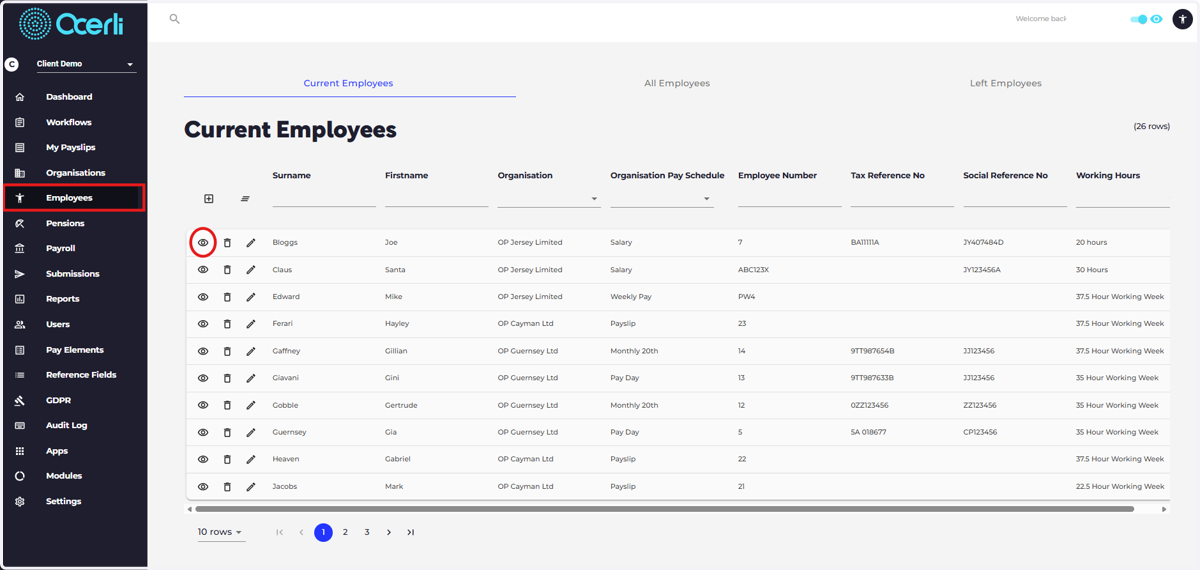
1. 1. Navigate to the employees screen using the menu bar on the left hand side of the screen 2. Click the eye icon on an employee in the list to view and edit details.
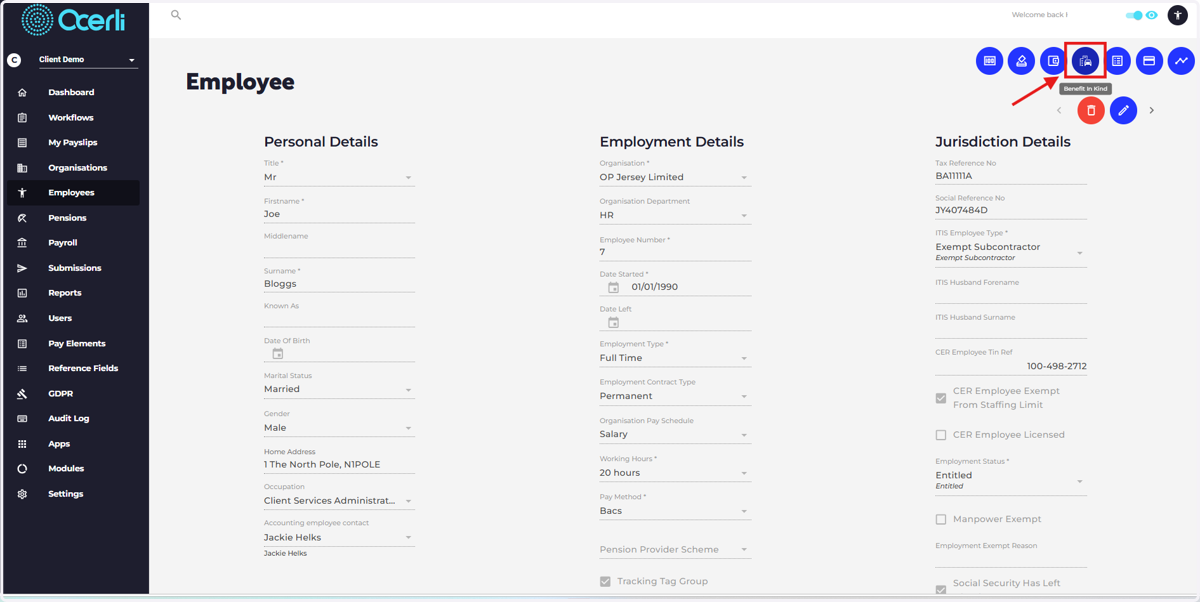
2. Select the 'Benefits in Kind' icon at the top right of the employee screen
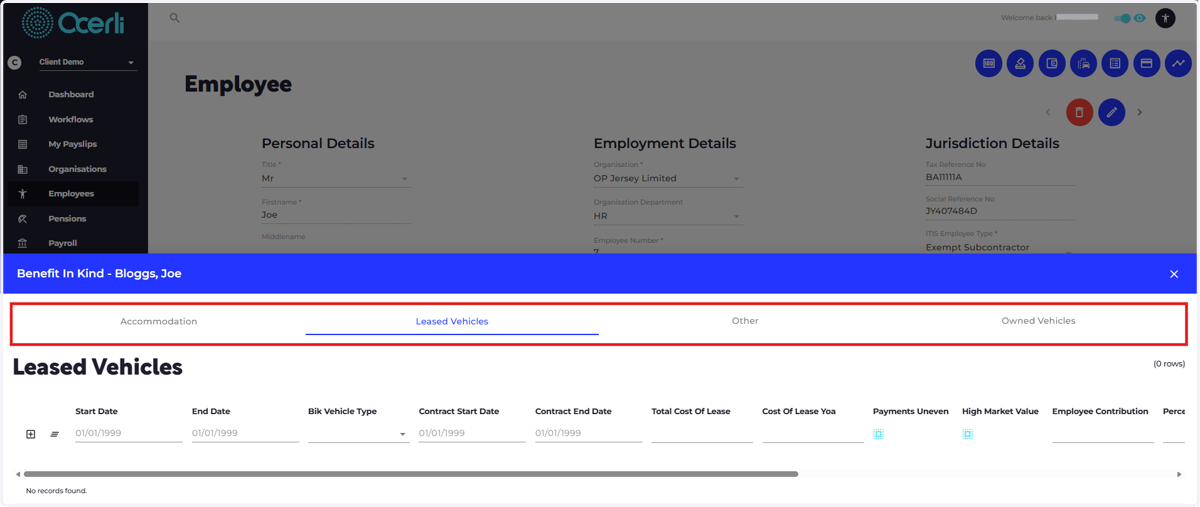
3. Add new record on any of these tabs and complete the form fields required. Accommodation, Leased Vehicles, Other, Owned Vehicles
All fields are taken from Revenue Jersey forms, find guidance on completion here:
4. Add a new record by selecting the icon highlighted in red