Set Up Benefits Case in Enrollify
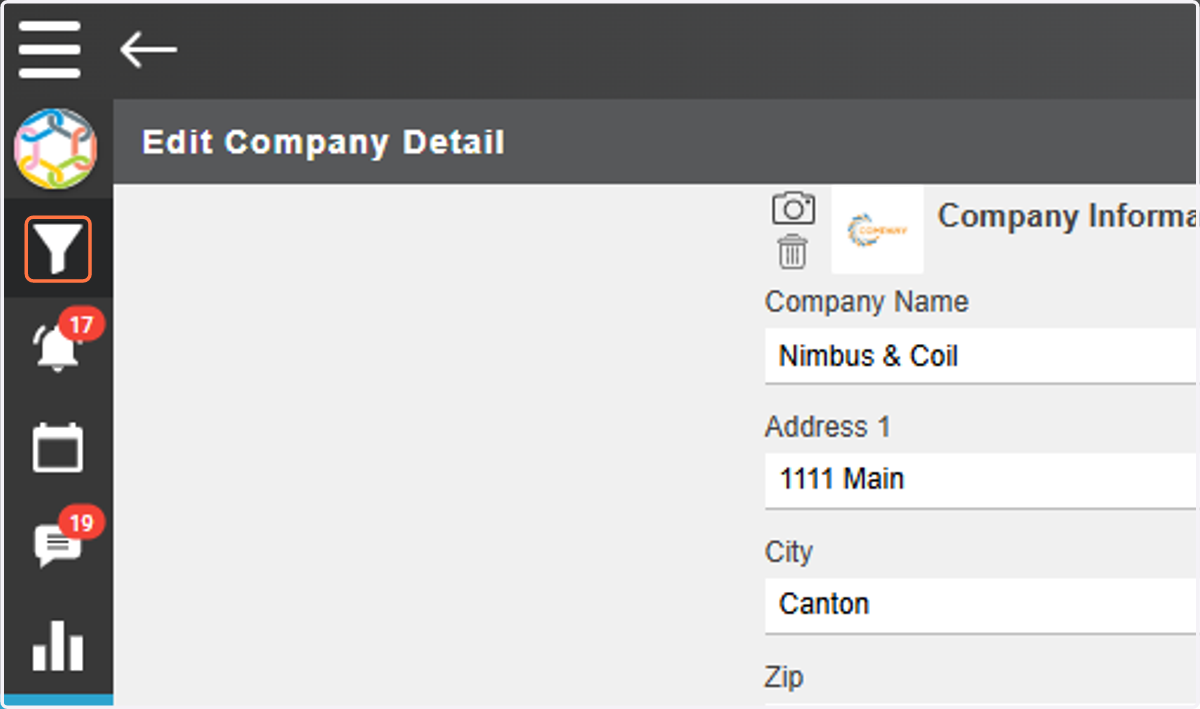
1. Click on Filter Icon
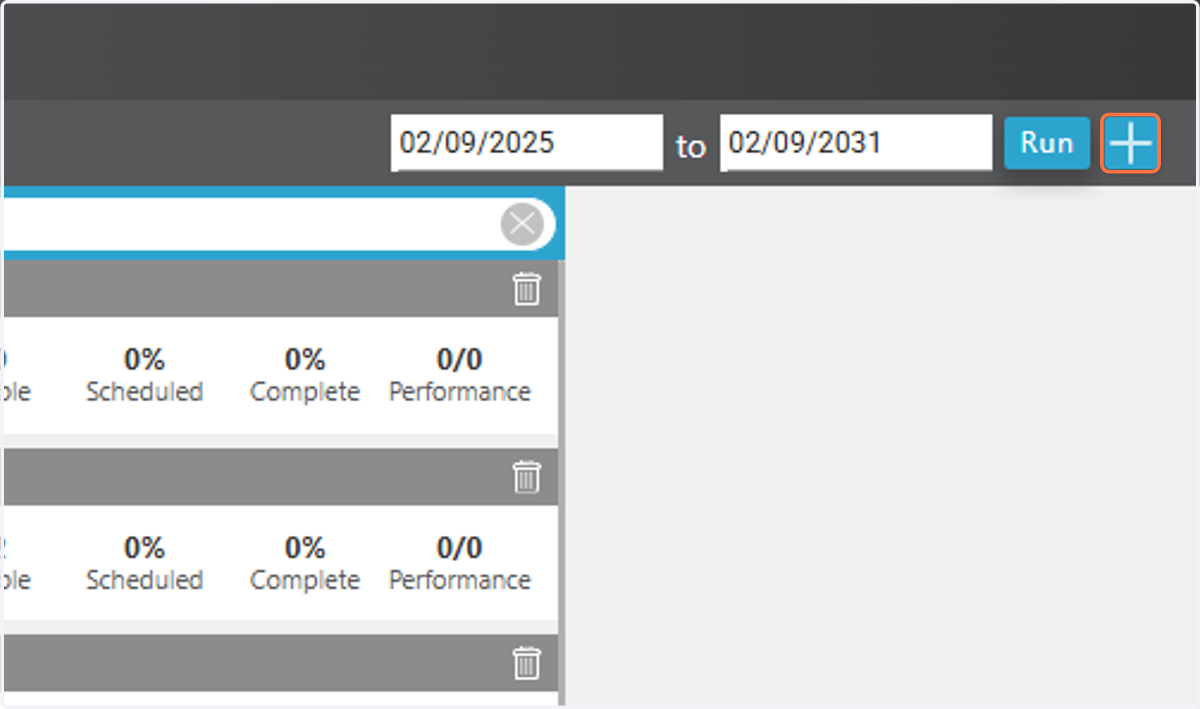
2. Click on +
3. Type Company Name
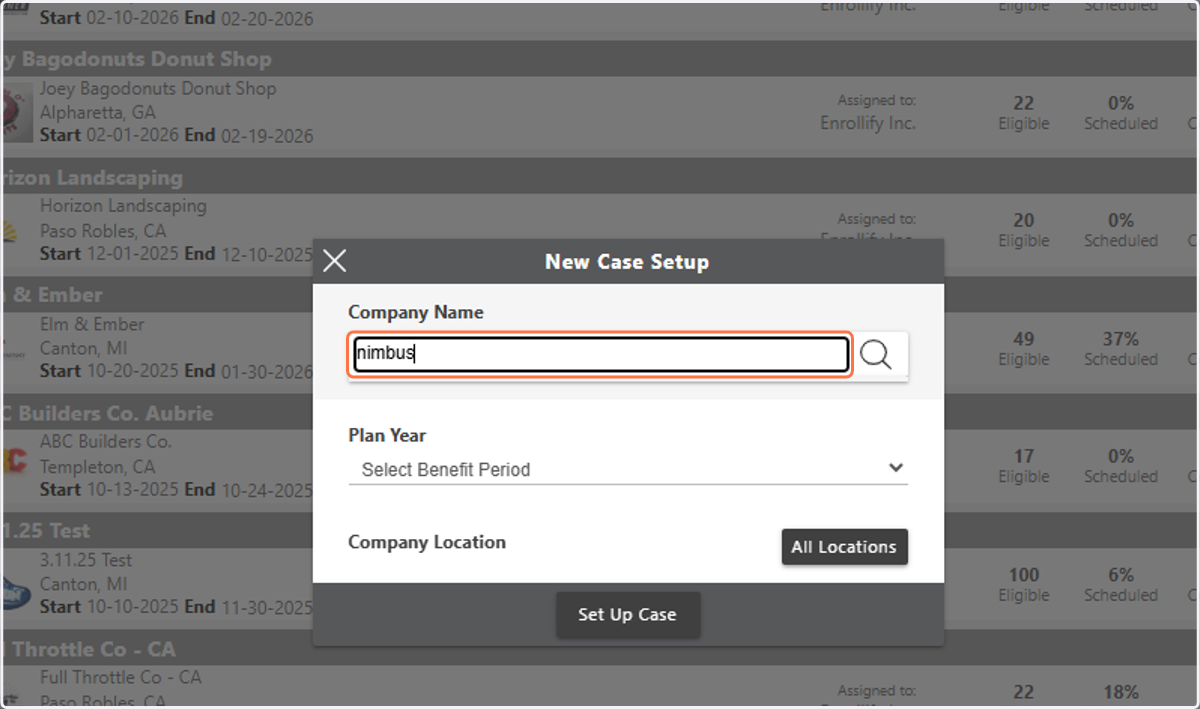
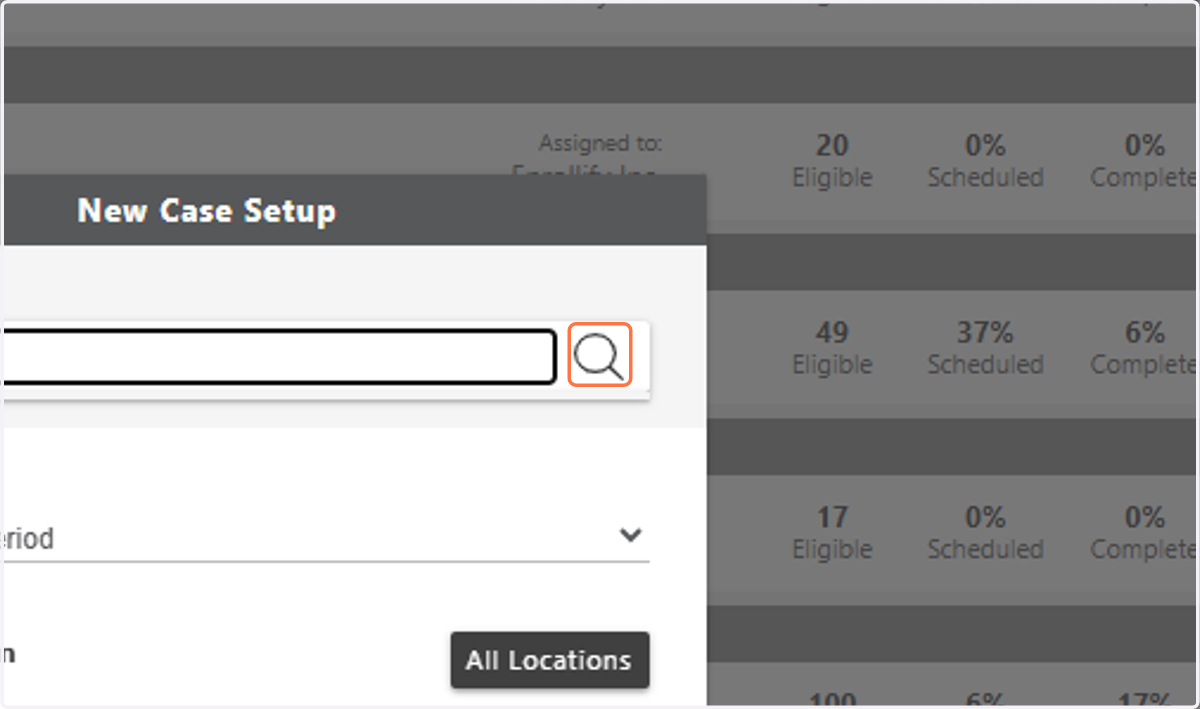
4. Click on image to search
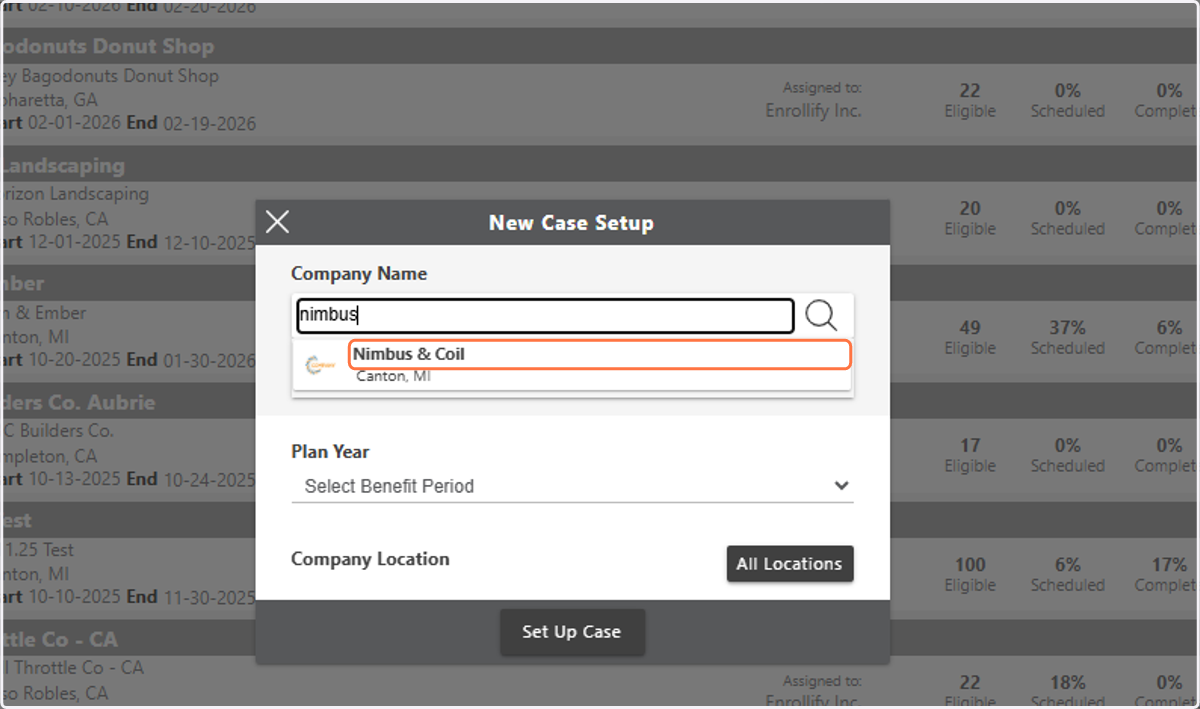
5. Click on Company Name
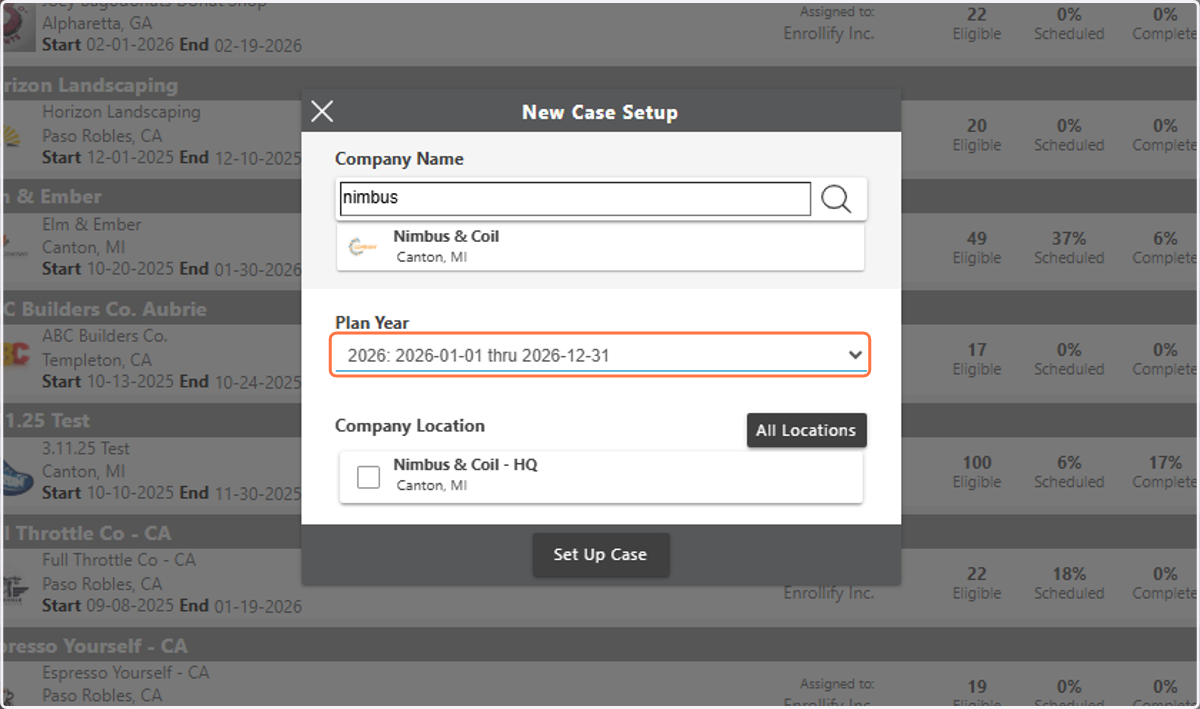
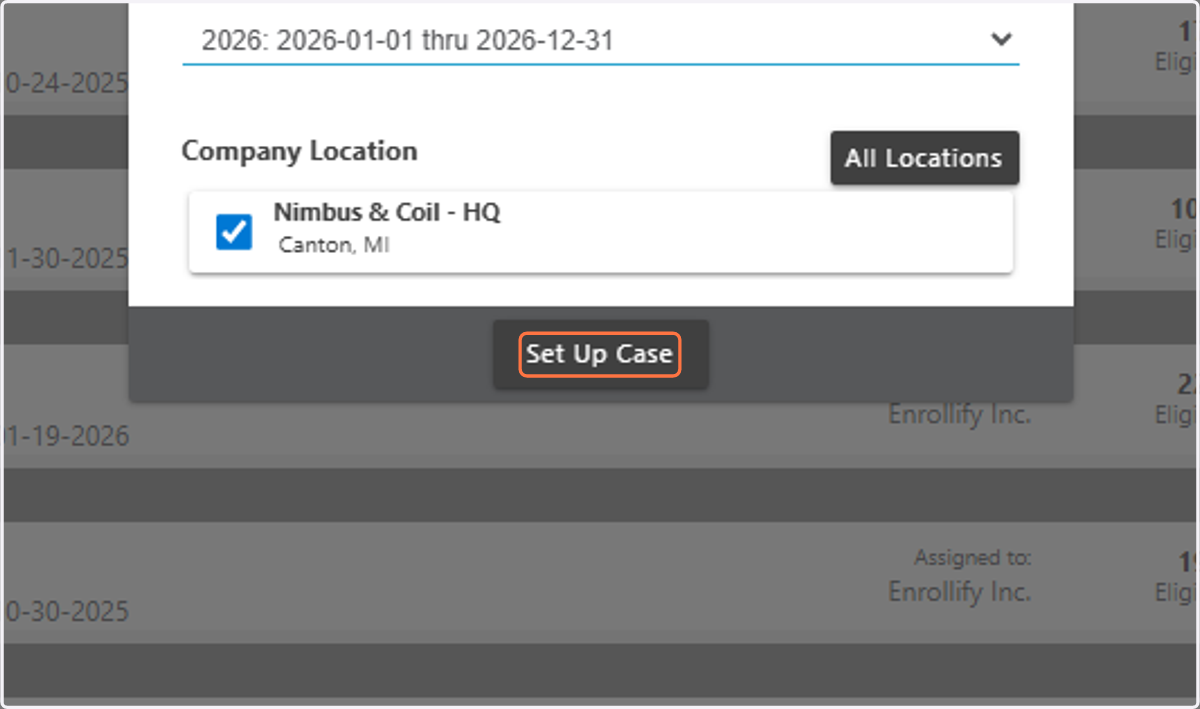
6. Select Plan Year
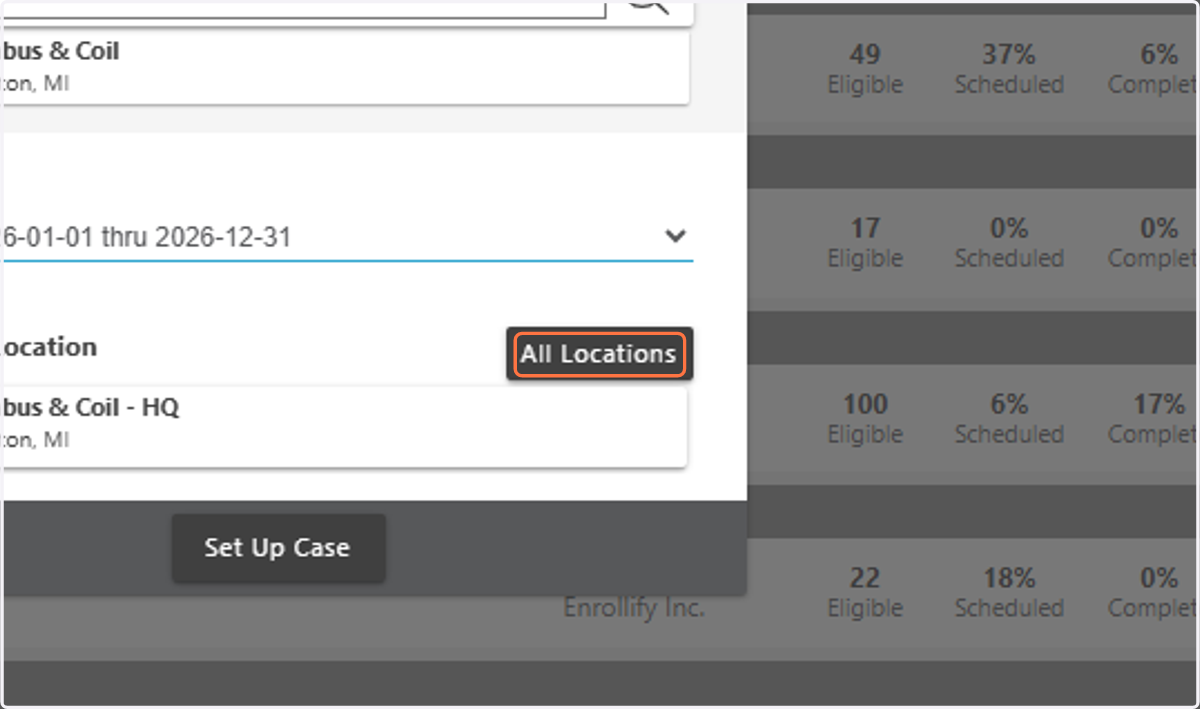
7. Click on All Locations or Select Specific Locations
8. Click on Set Up Case
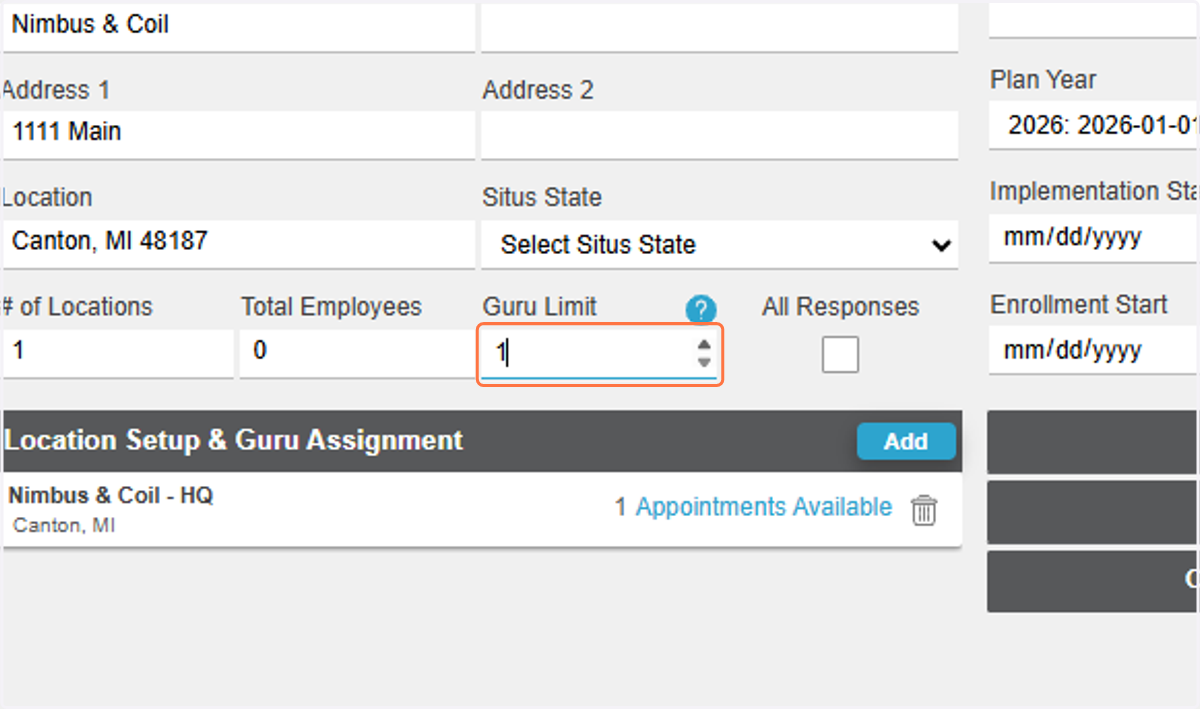
9. Select Guru Limit
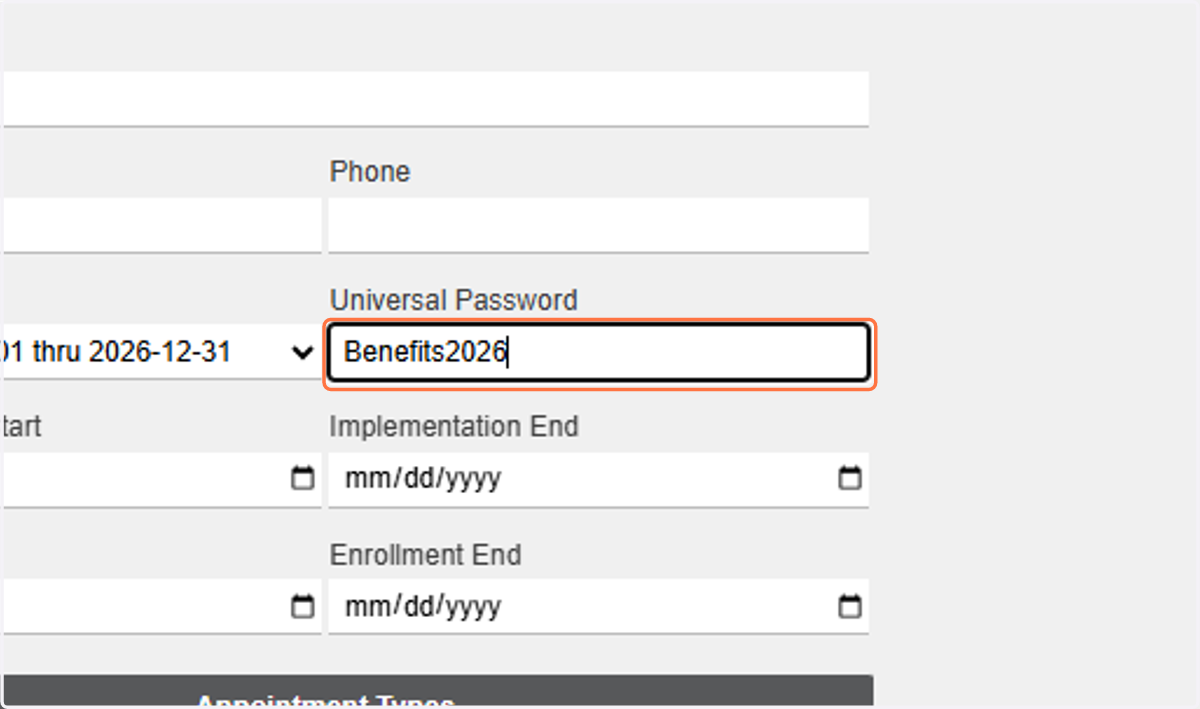
10. Type in Universal Password
11. Input Implementation Start date
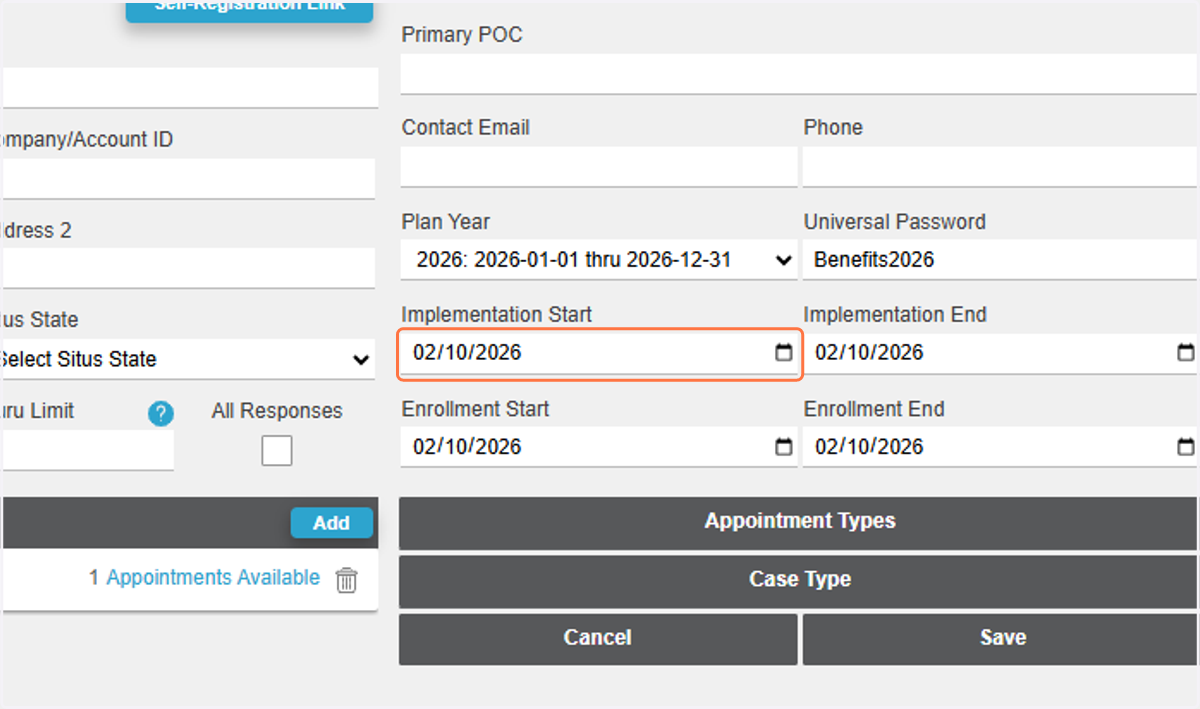
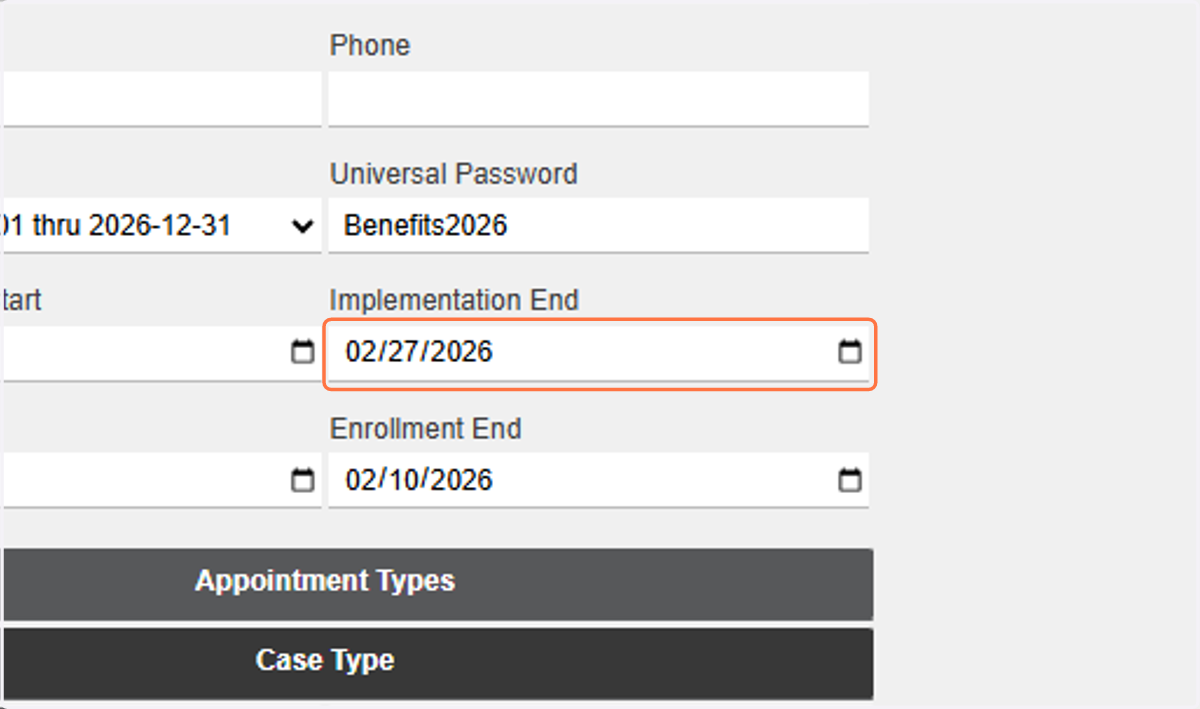
12. Input Implementation End date
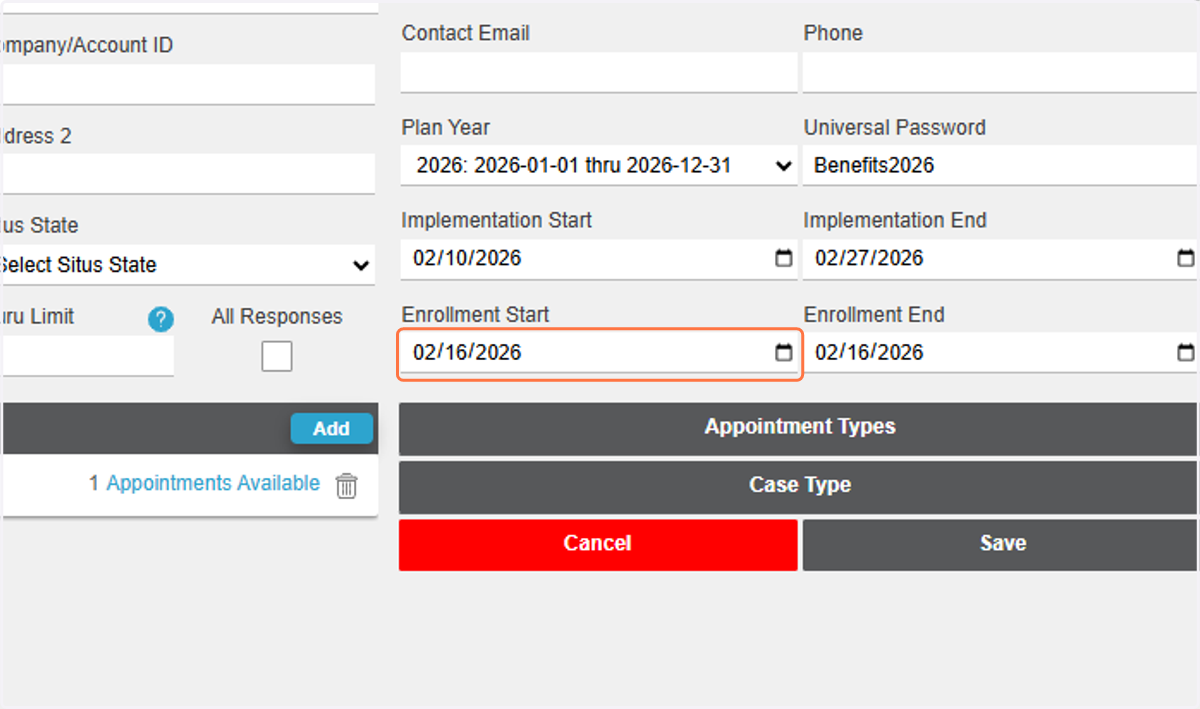
13. Input Enrollment Start Date
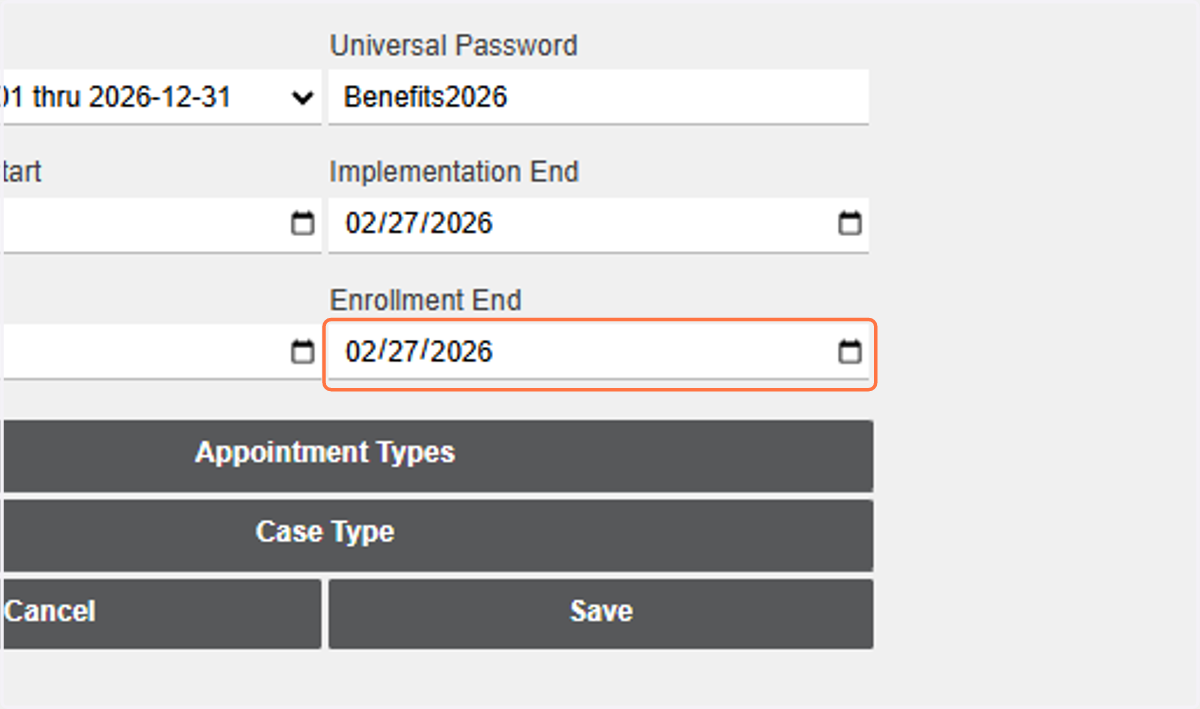
14. Input Enrollment End Date
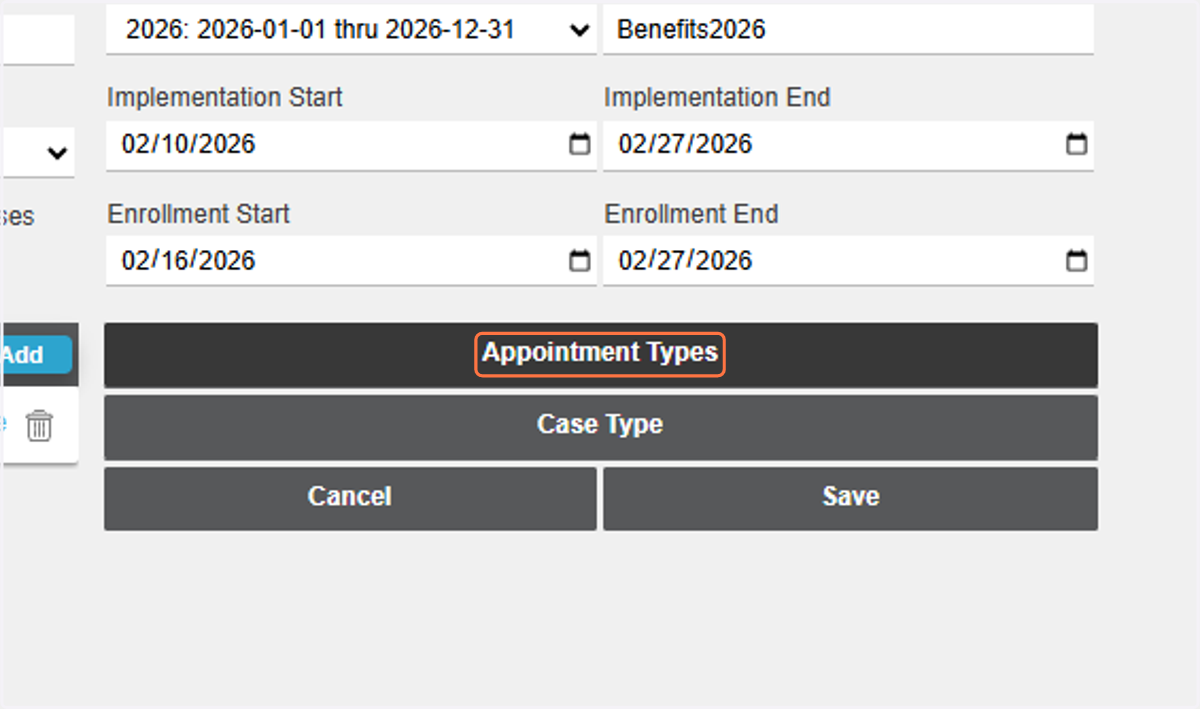
15. Click on Appointment Types
16. Select Appointment Type
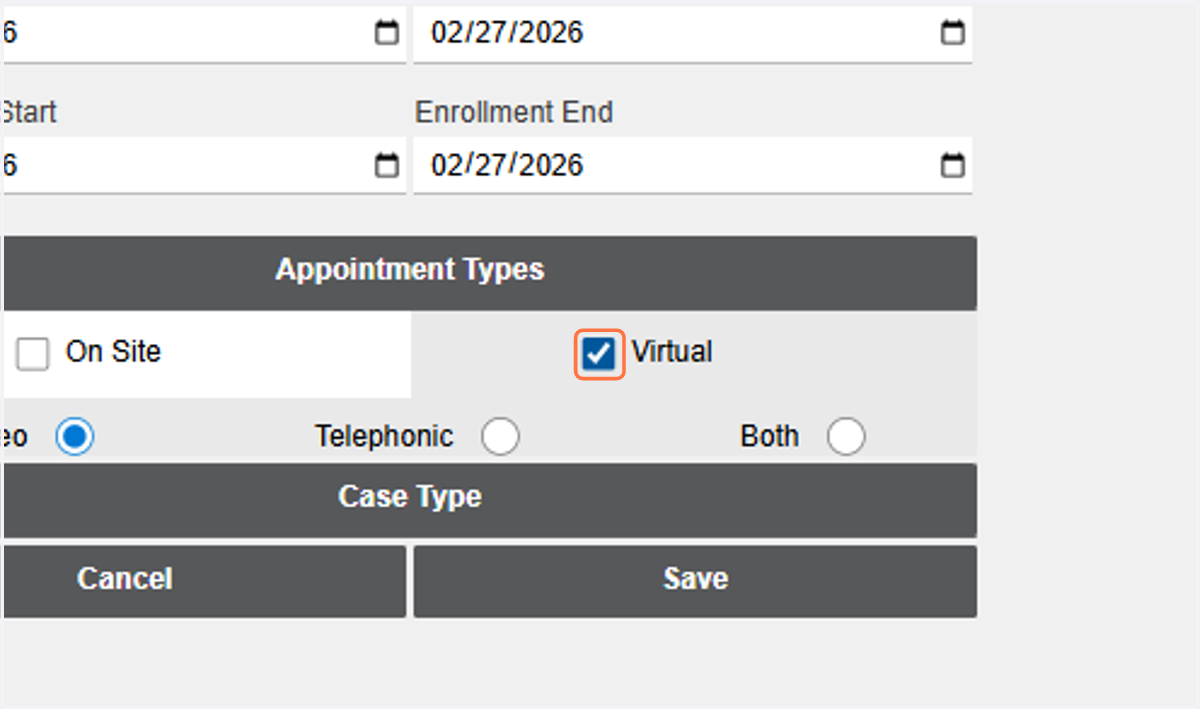
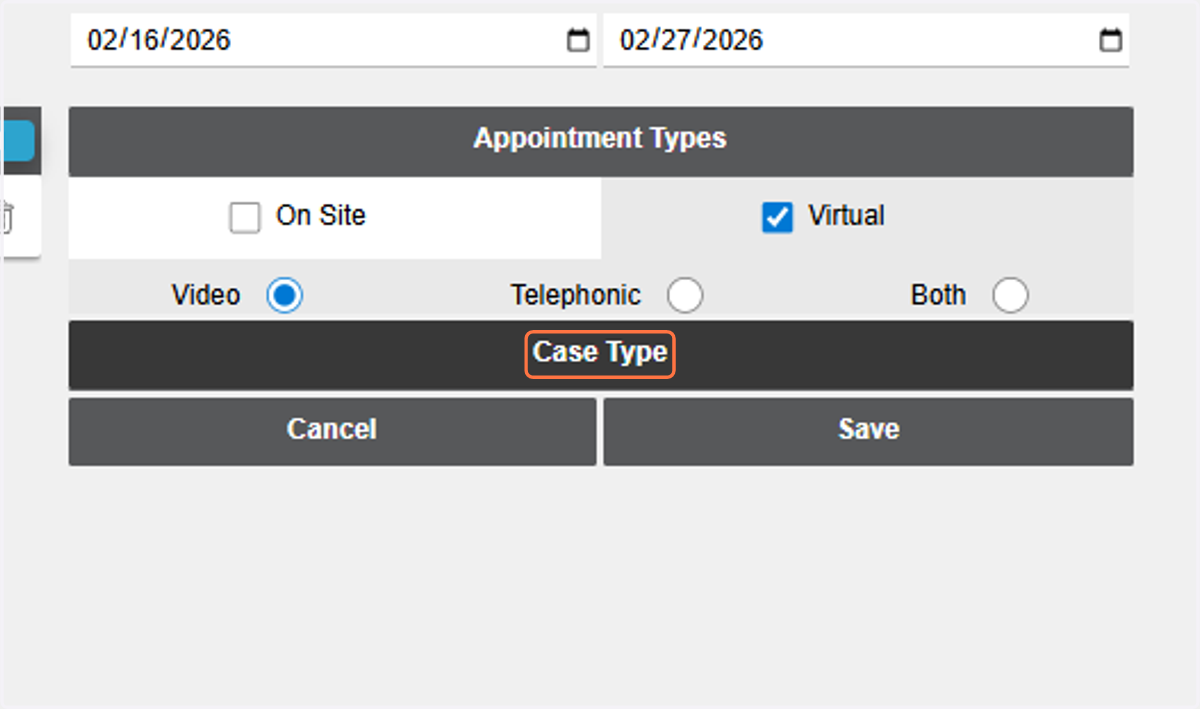
17. Click on Case Type
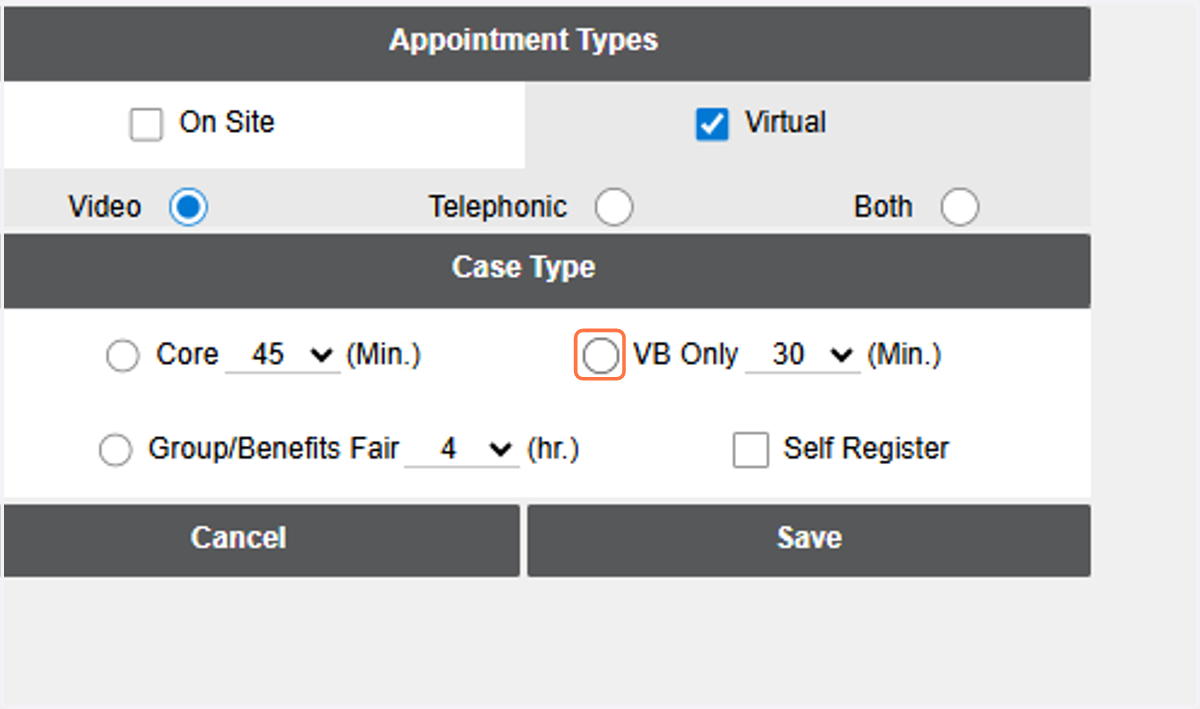
18. Select Appointment Duration Time
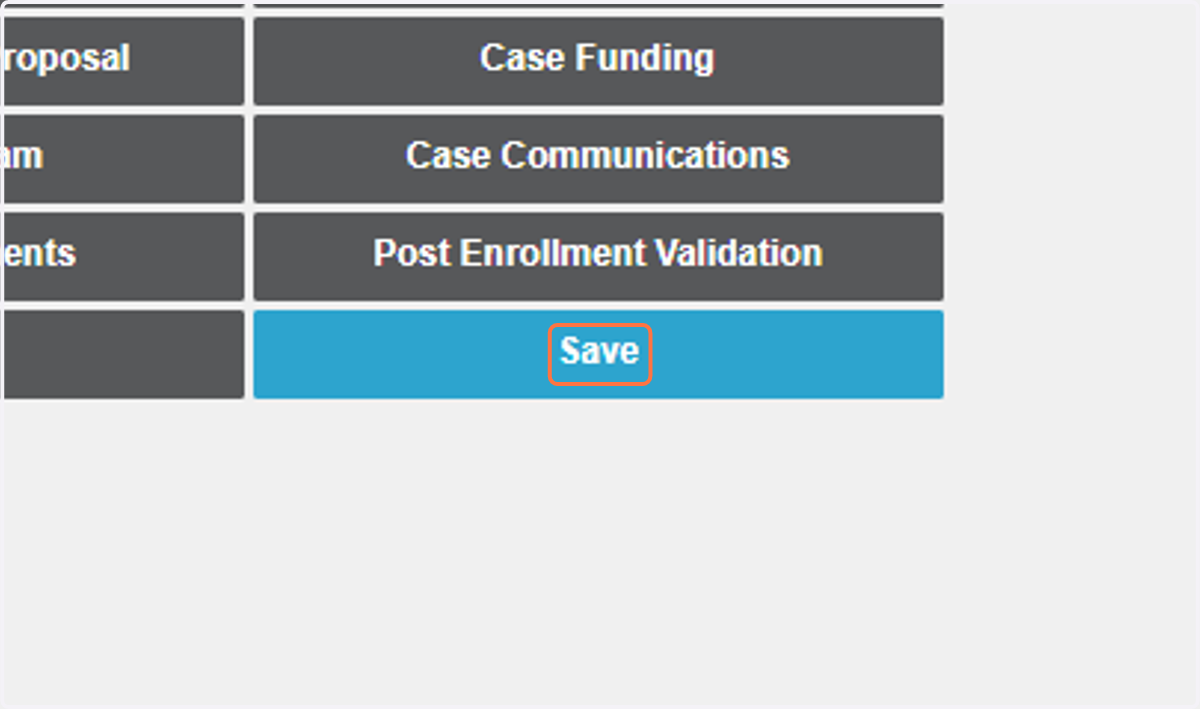
19. Click on Save
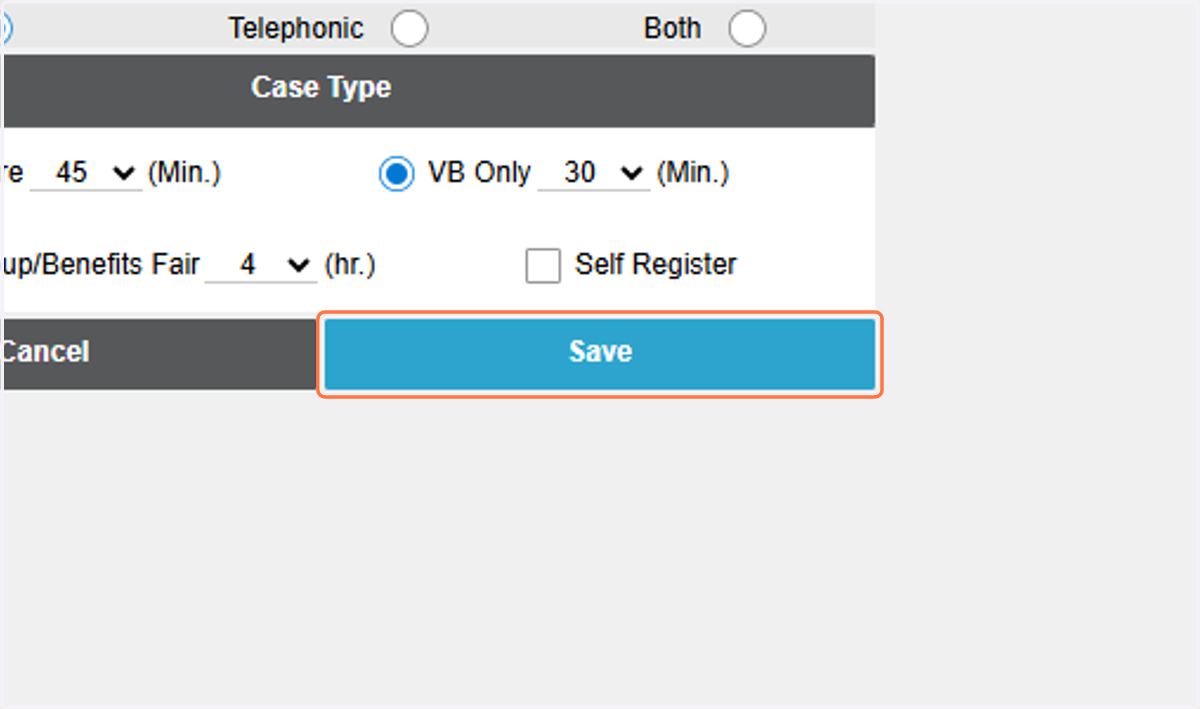
20. Click on Save