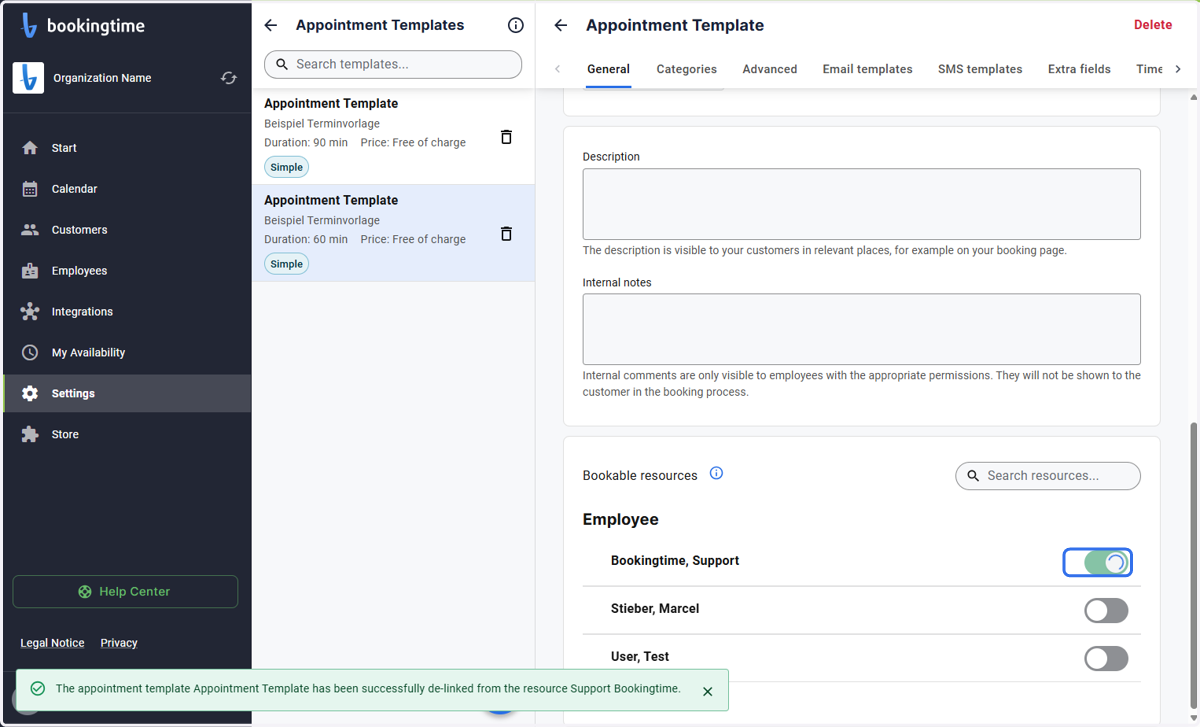
Activating Employees in the Appointment Template Settings
If an Employee has recently been added, they will not be activated in any of the appointment Templates yet.
Startpage
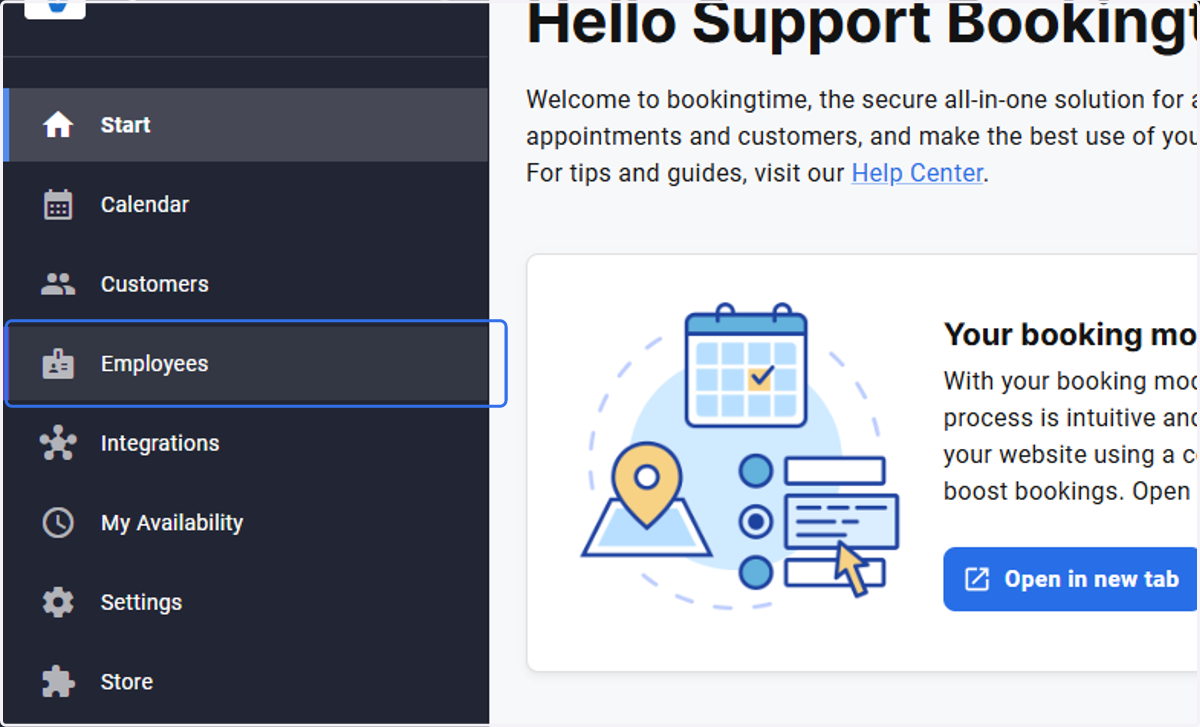
1. Click on Employees
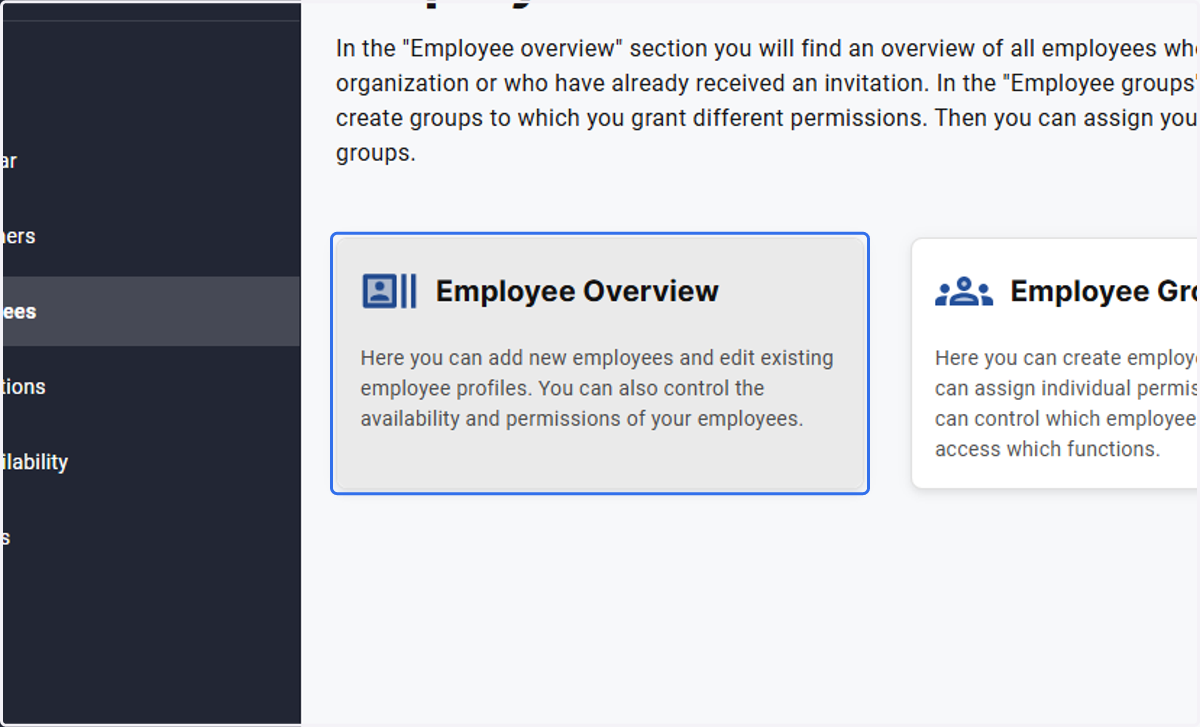
2. Click on Employee Overview…
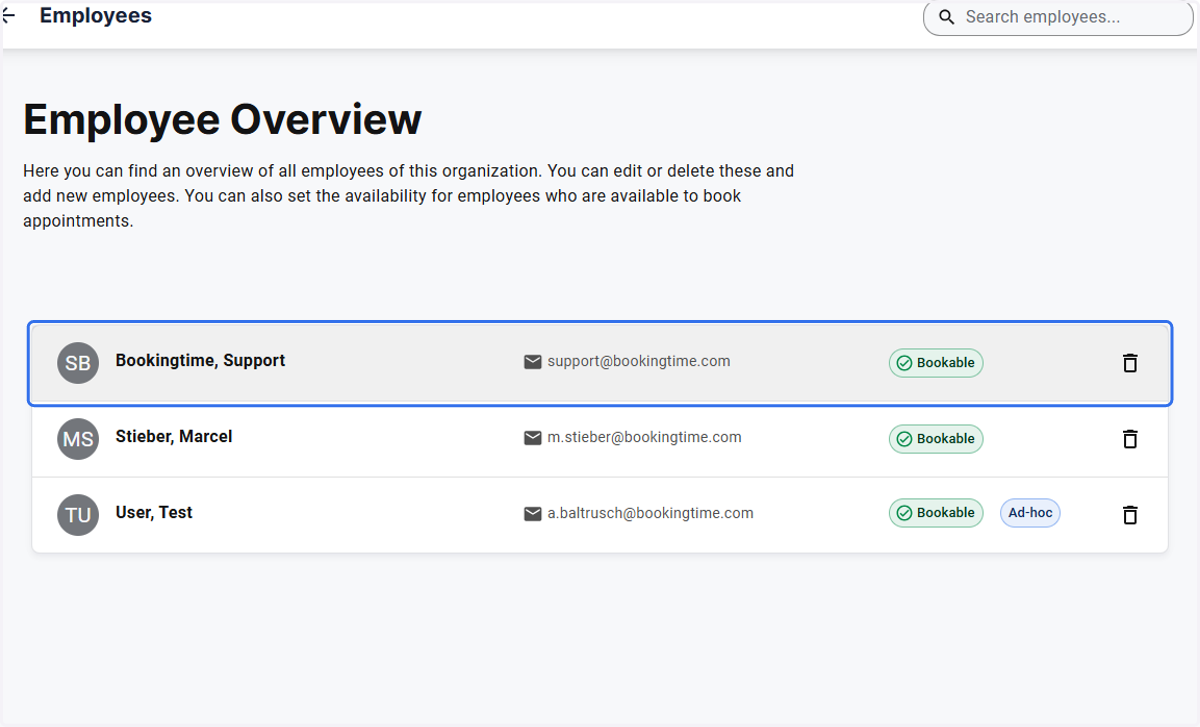
3. Click on the name of the Employee that you wish to edit.
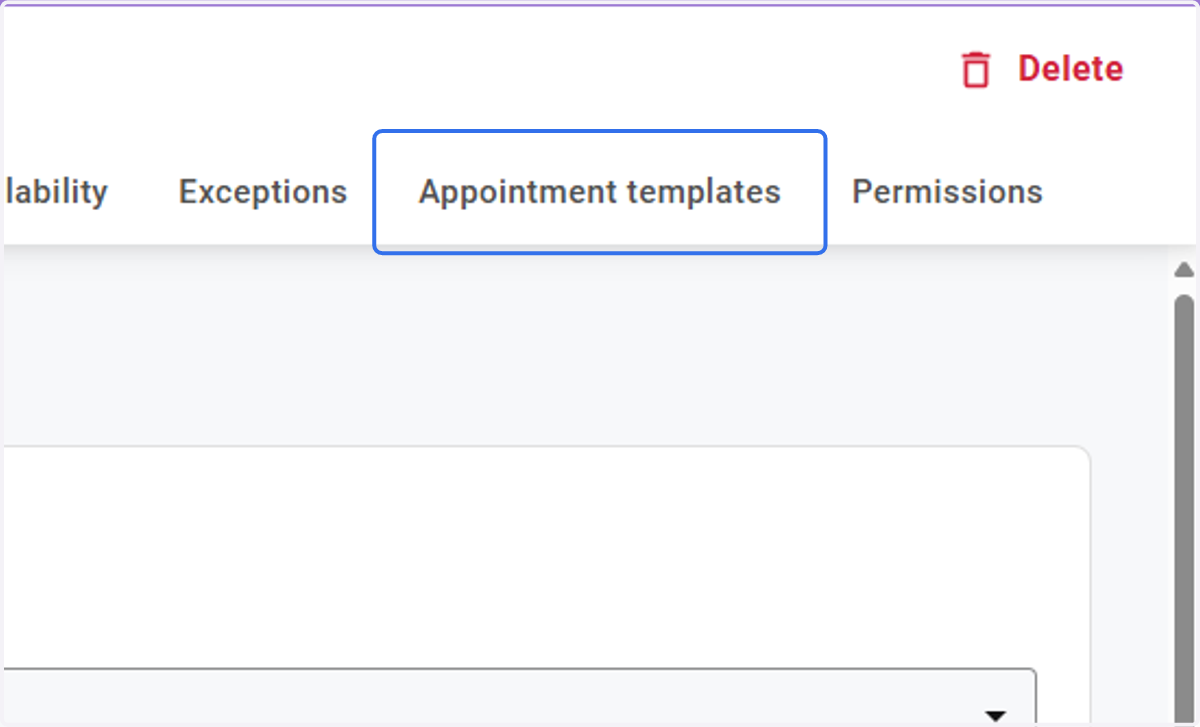
4. In the employee profile, select the Appointment Templates Tab
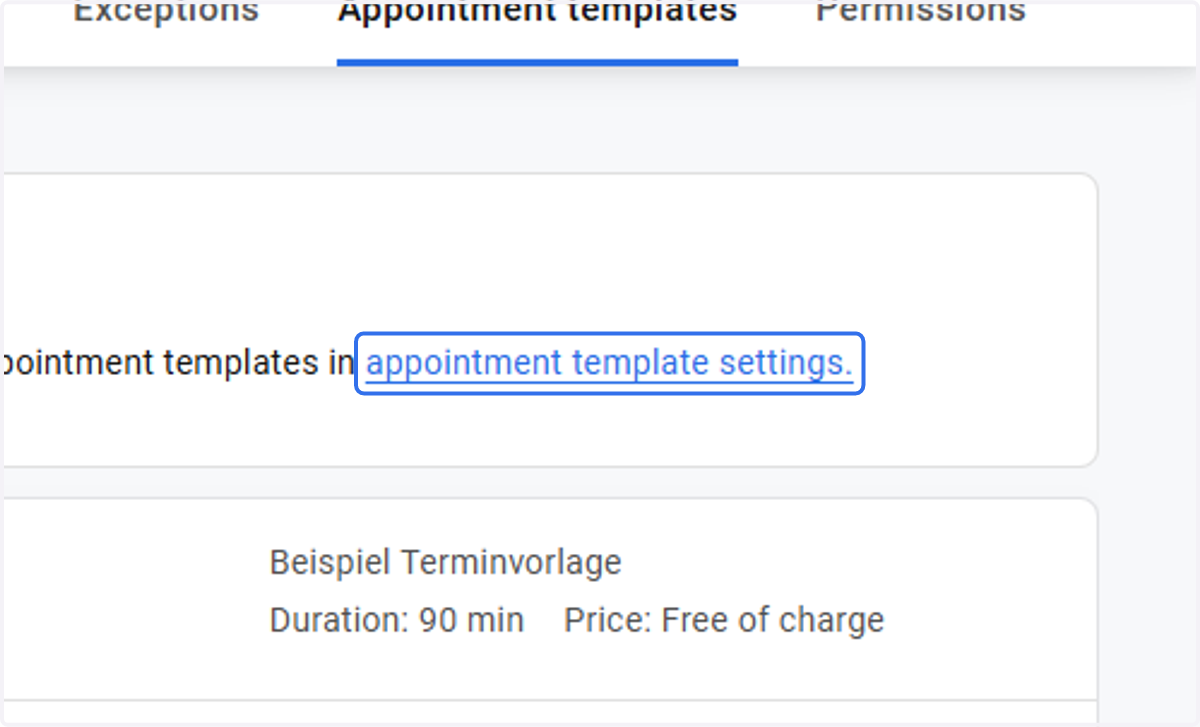
5. Click on the blue link "appointment template settings"
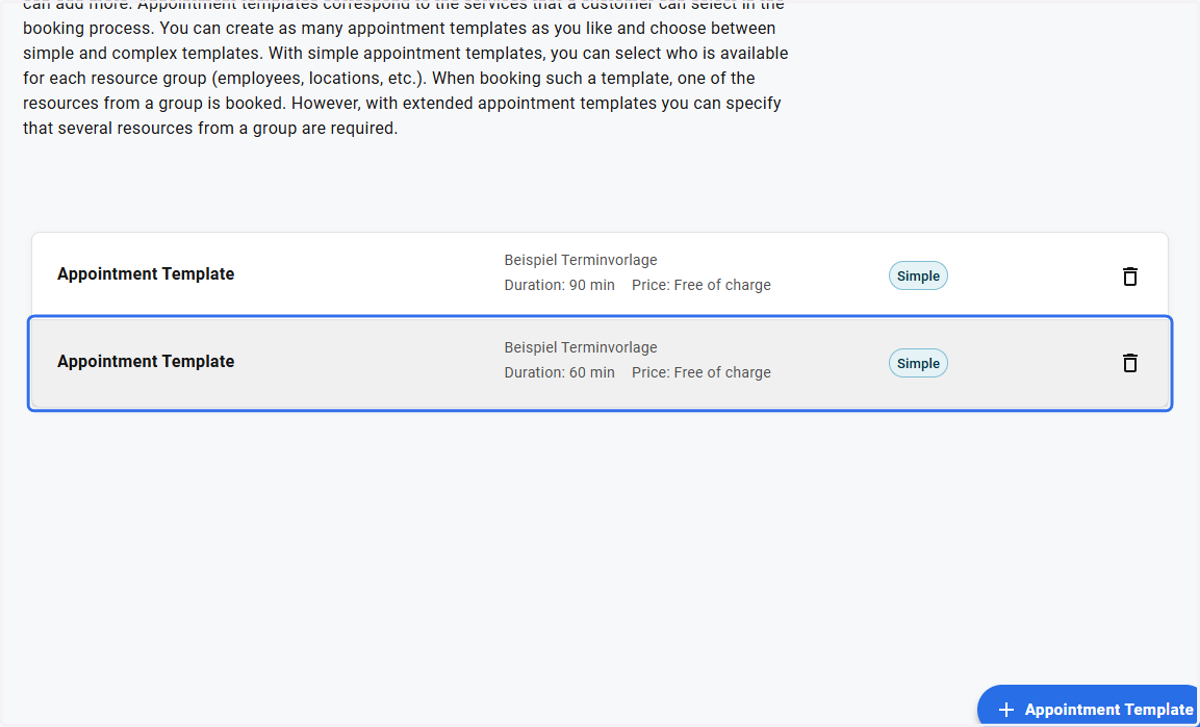
6. Click on the appointment template you wish to edit.
7. Select the new Employee
All employees that are shown with the green slider will be available in the appointment template. Ensure that the Employee availability is set accordingly.