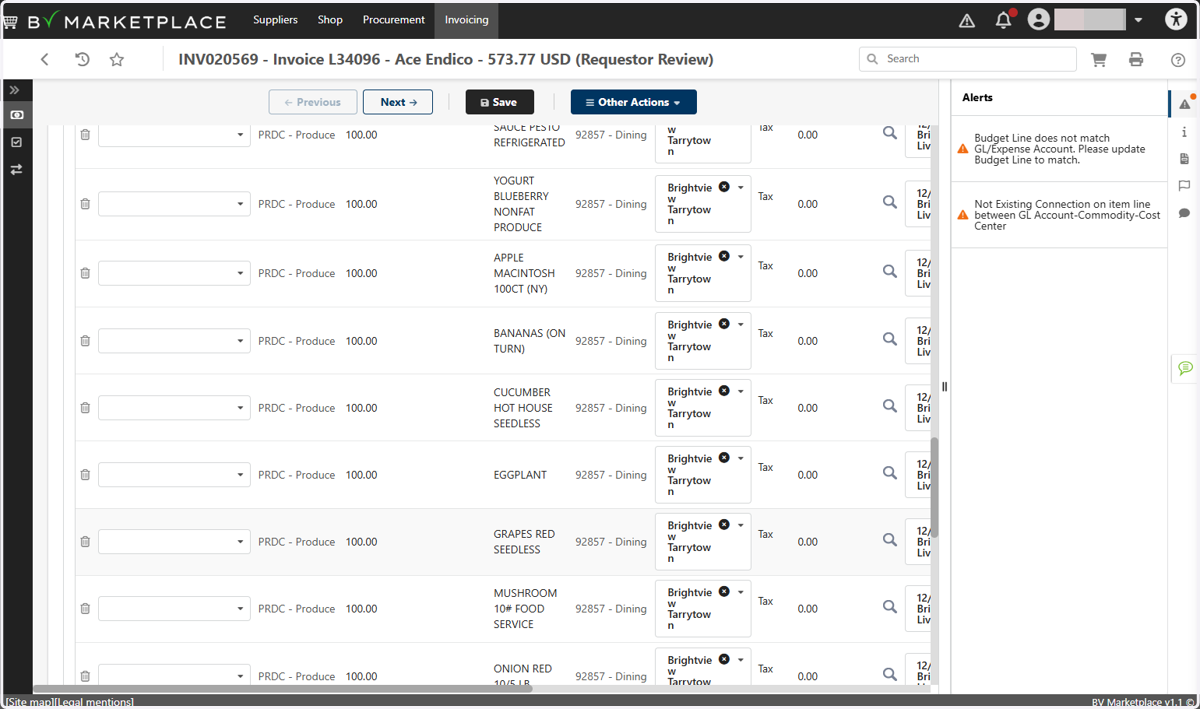
Open Invoice Filters
Procurement Portal: BV Marketplace
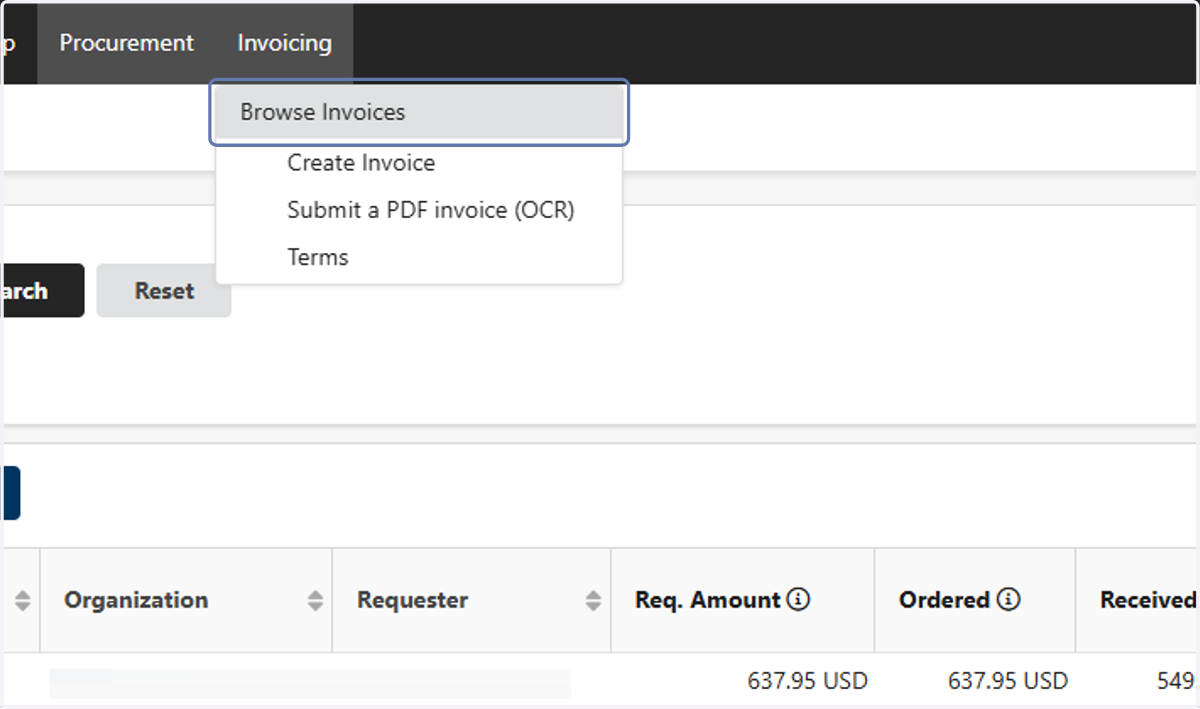
1. Click on Browse Invoices
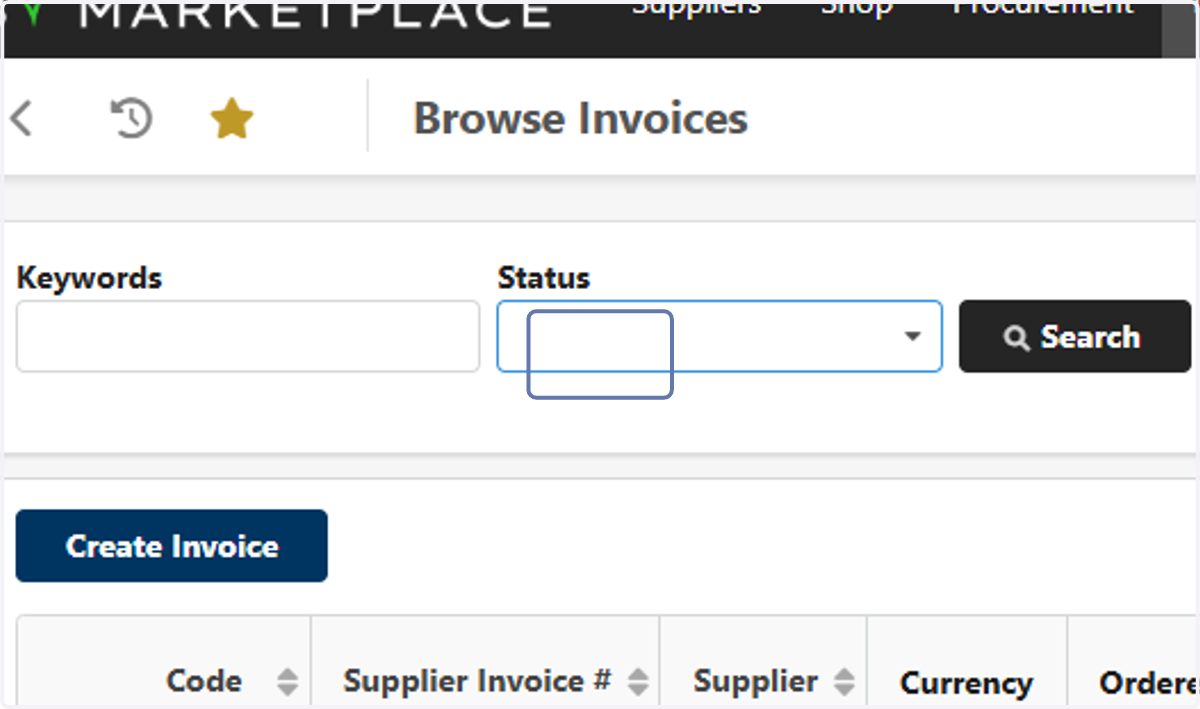
2. Click on Keywords…
3. Click on Approval in Progress
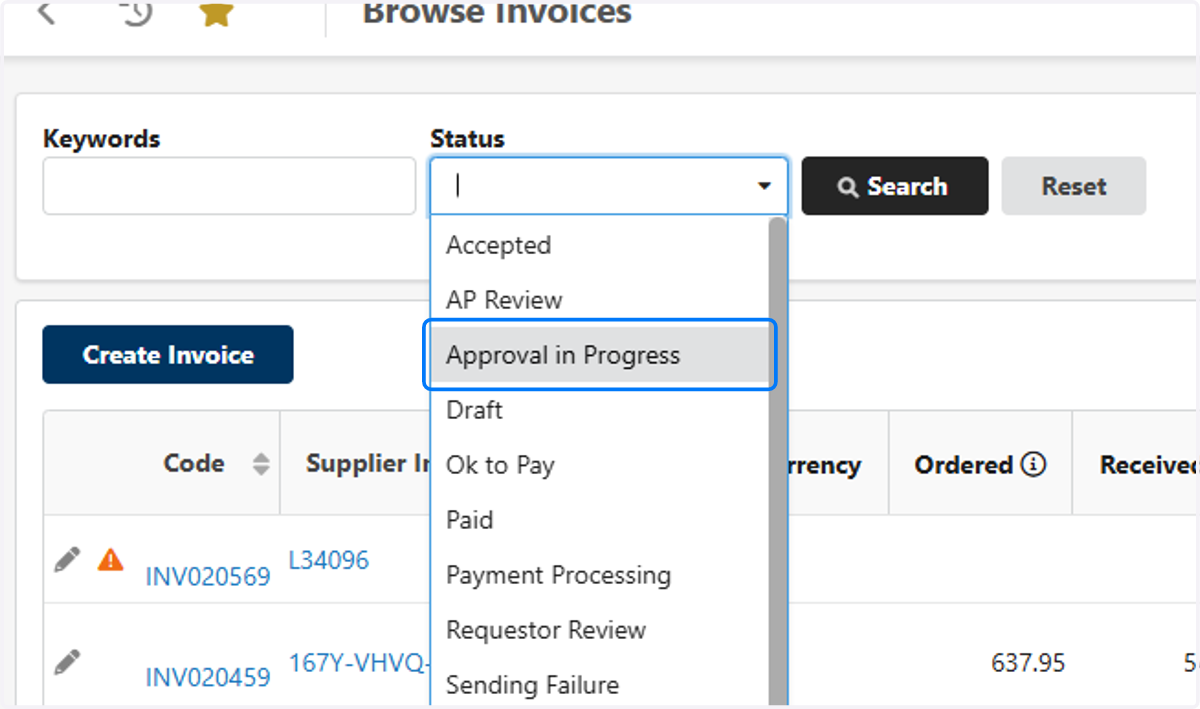
4. Click on Requestor Review
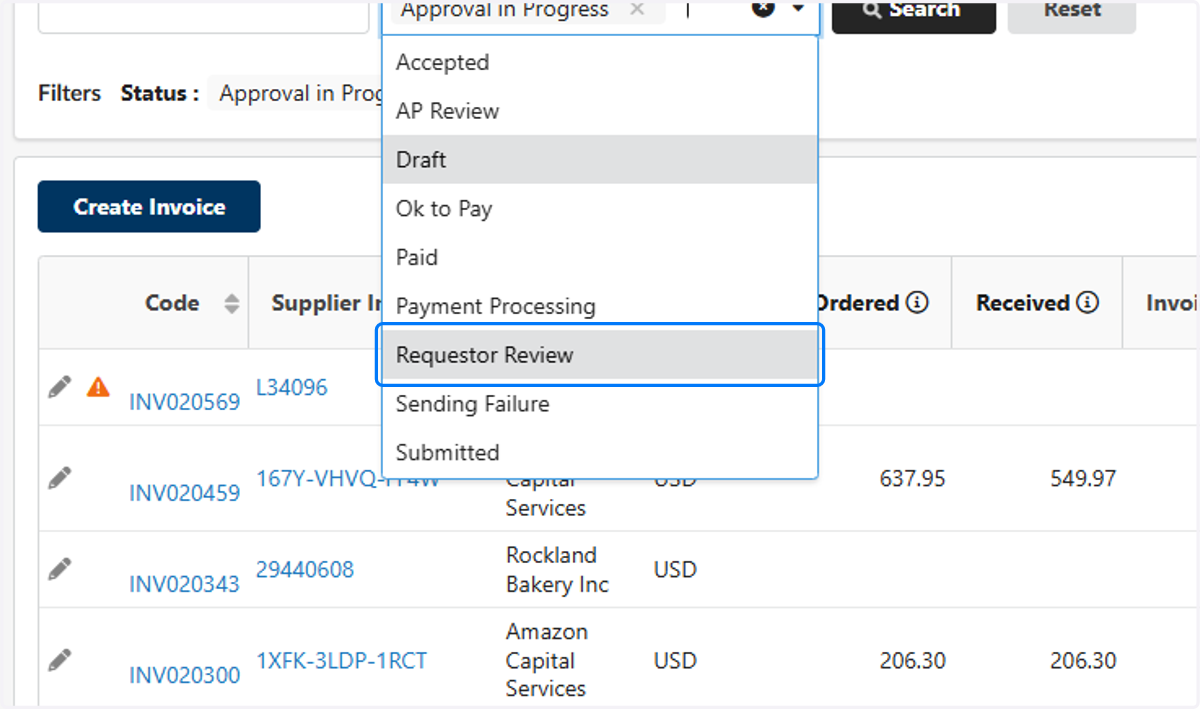
5. Click on AP Review
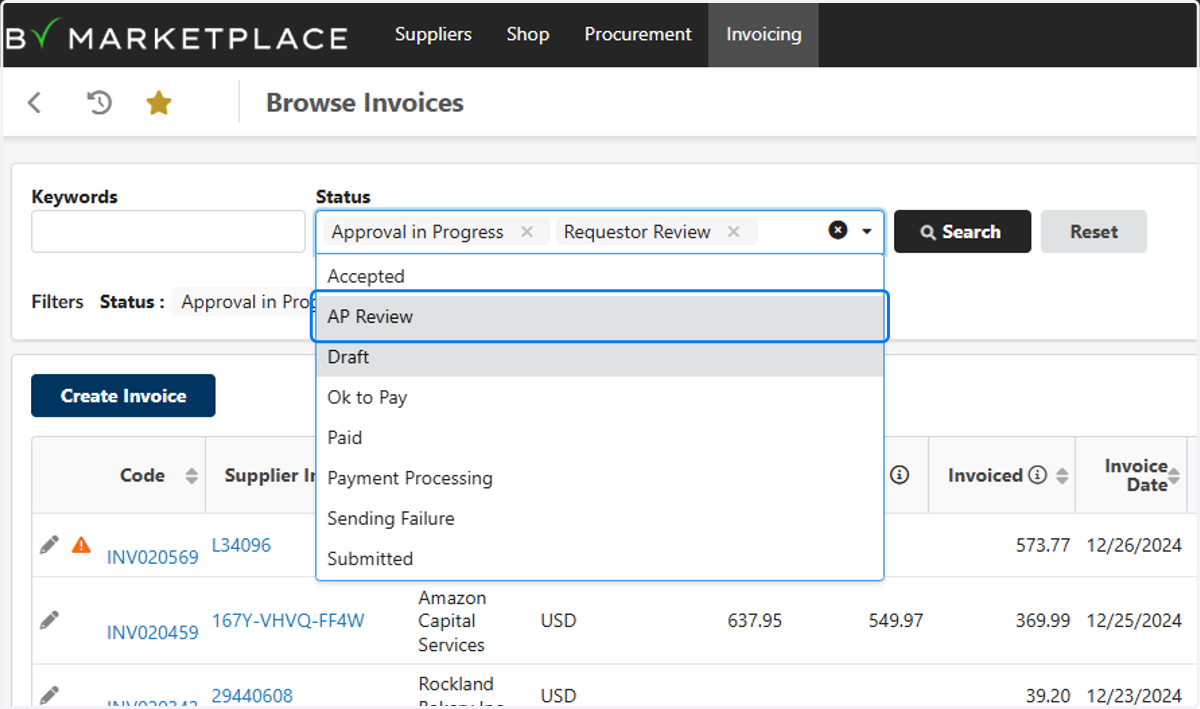
6. Click on Draft
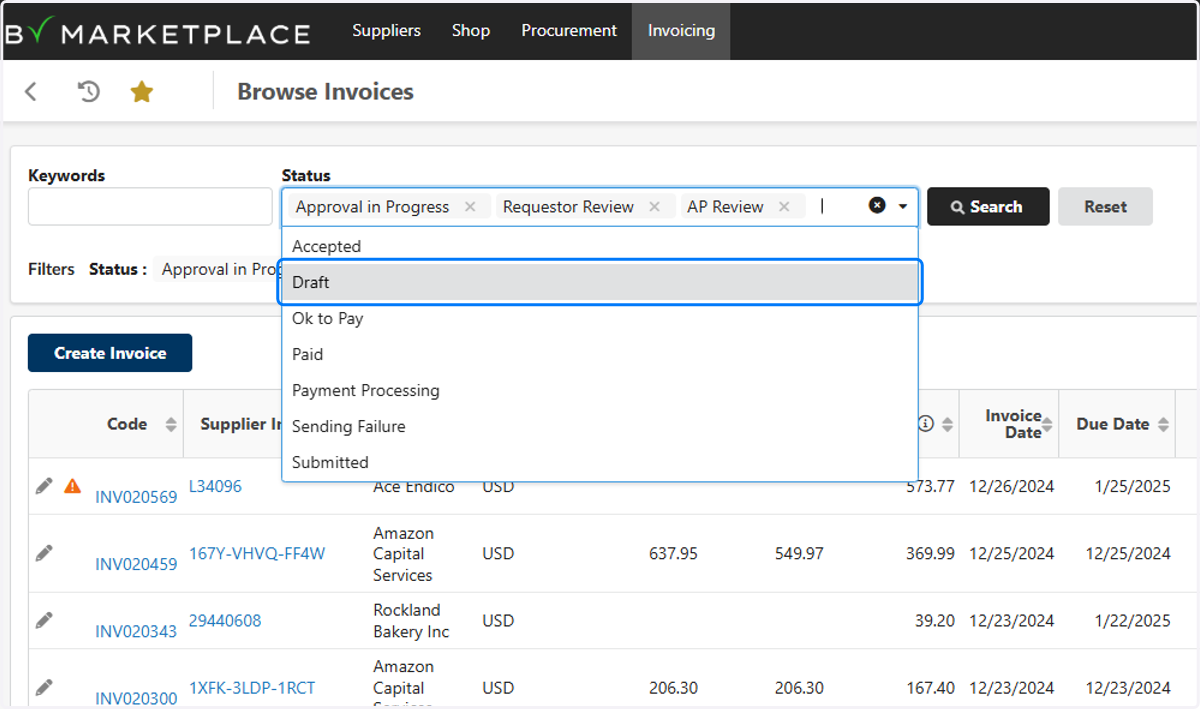
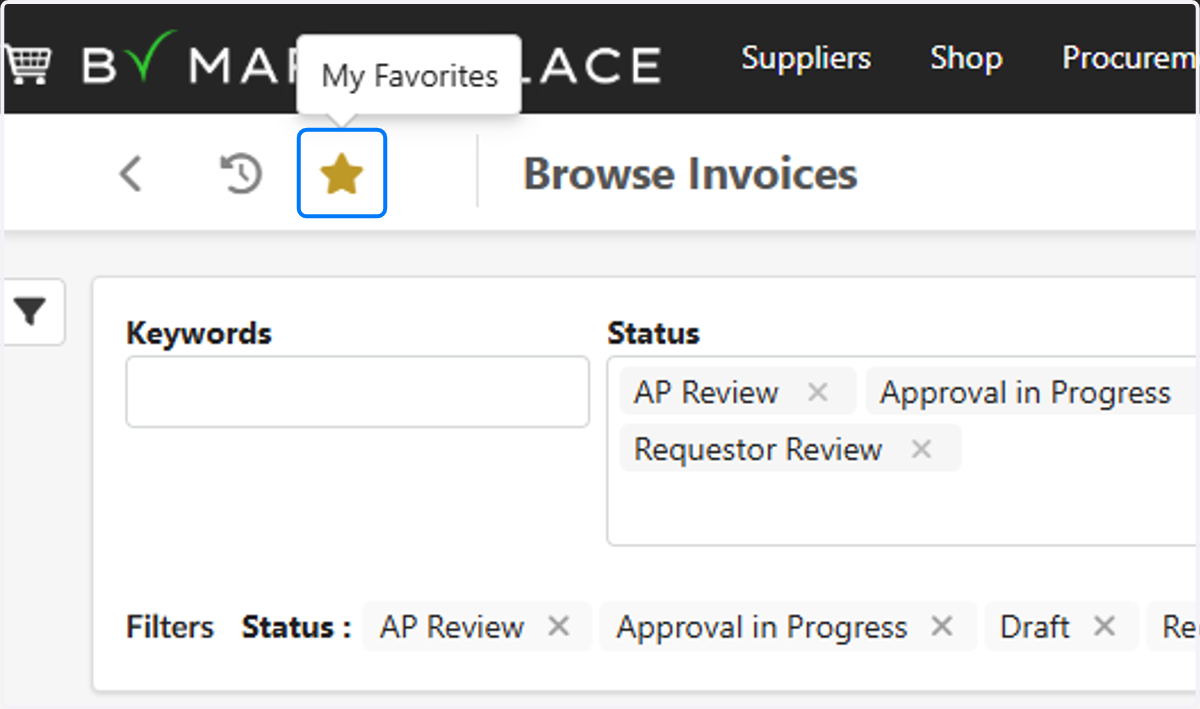
7. Click on My Favorites
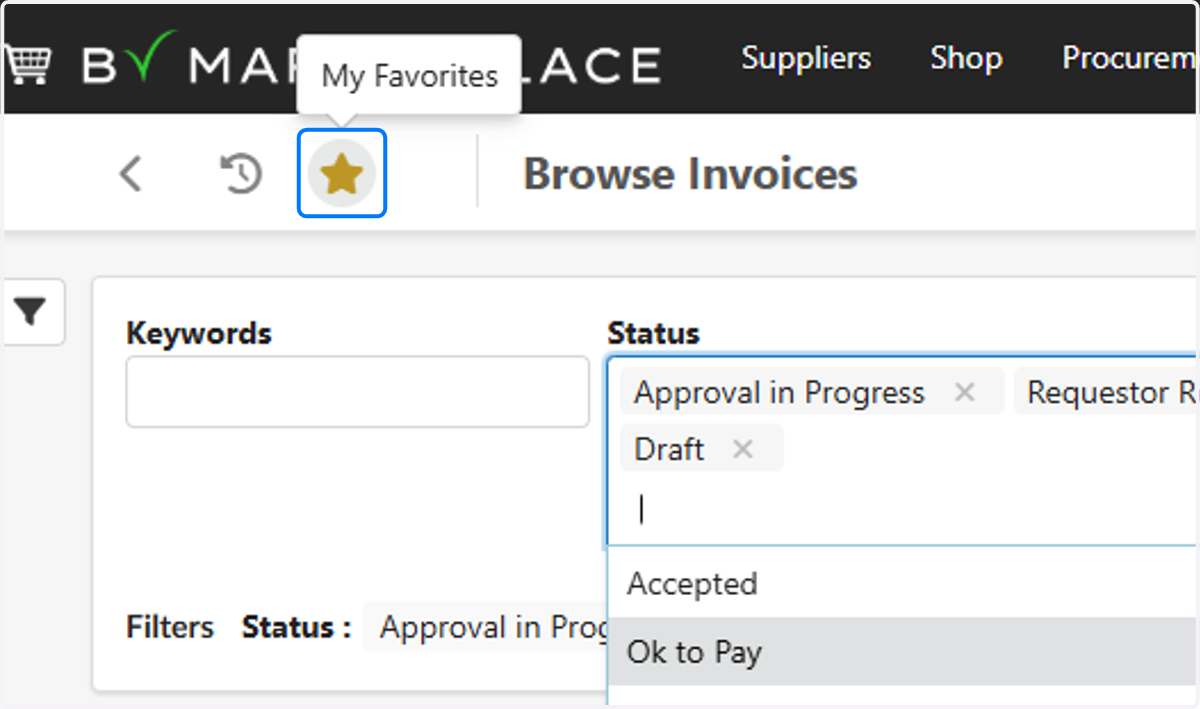
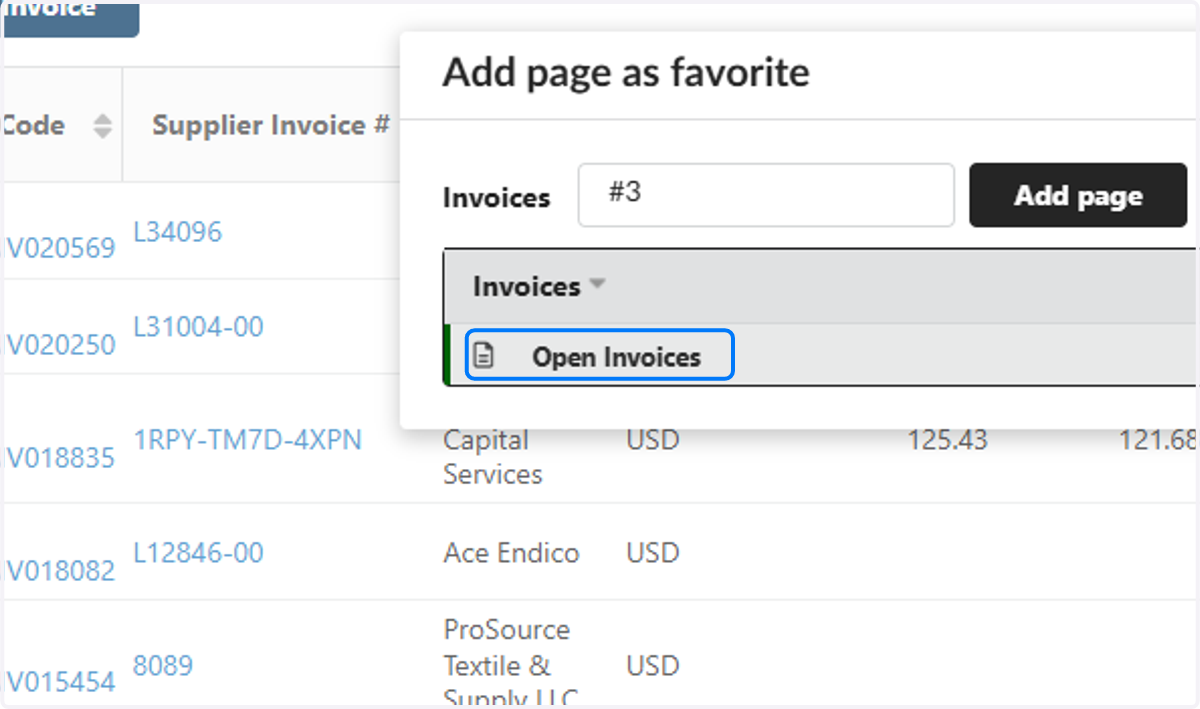
8. Type "Open Invoices"
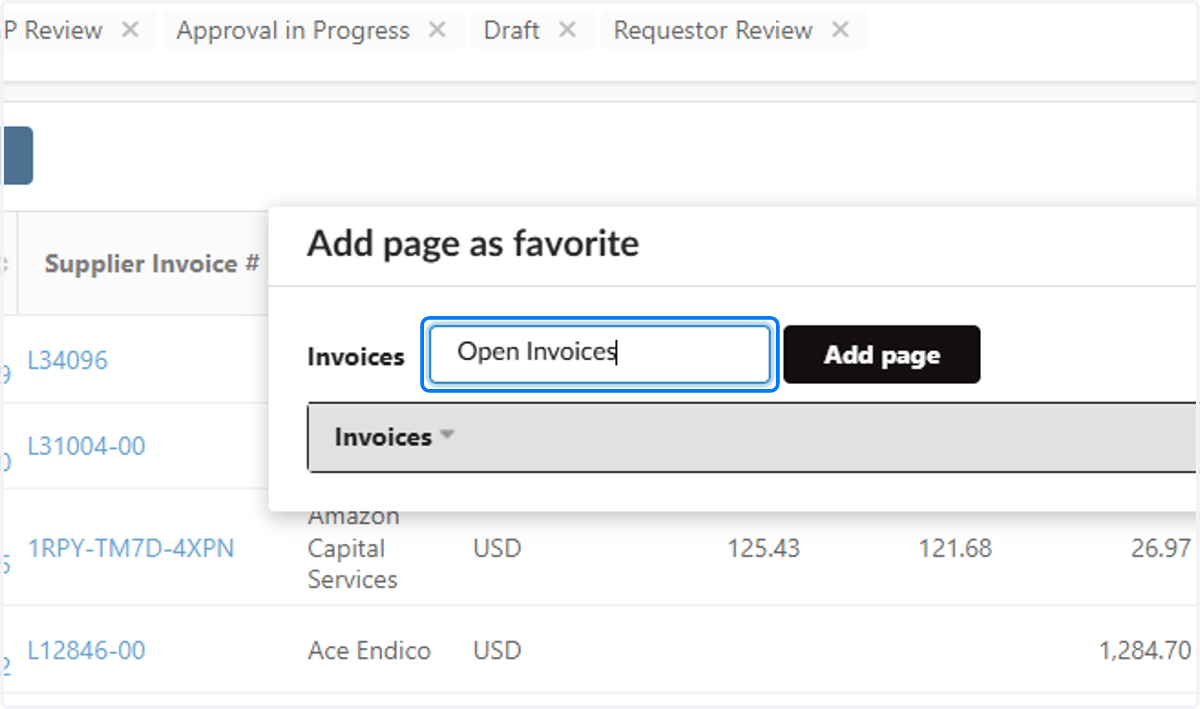
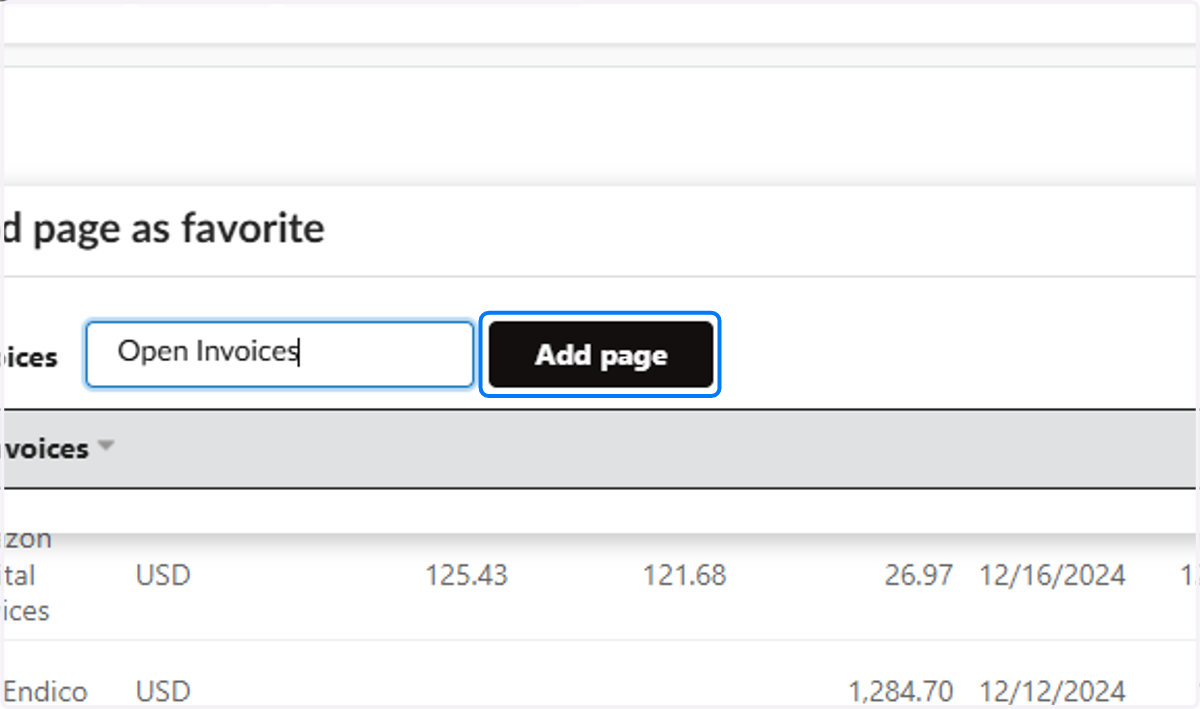
9. Click on Add page
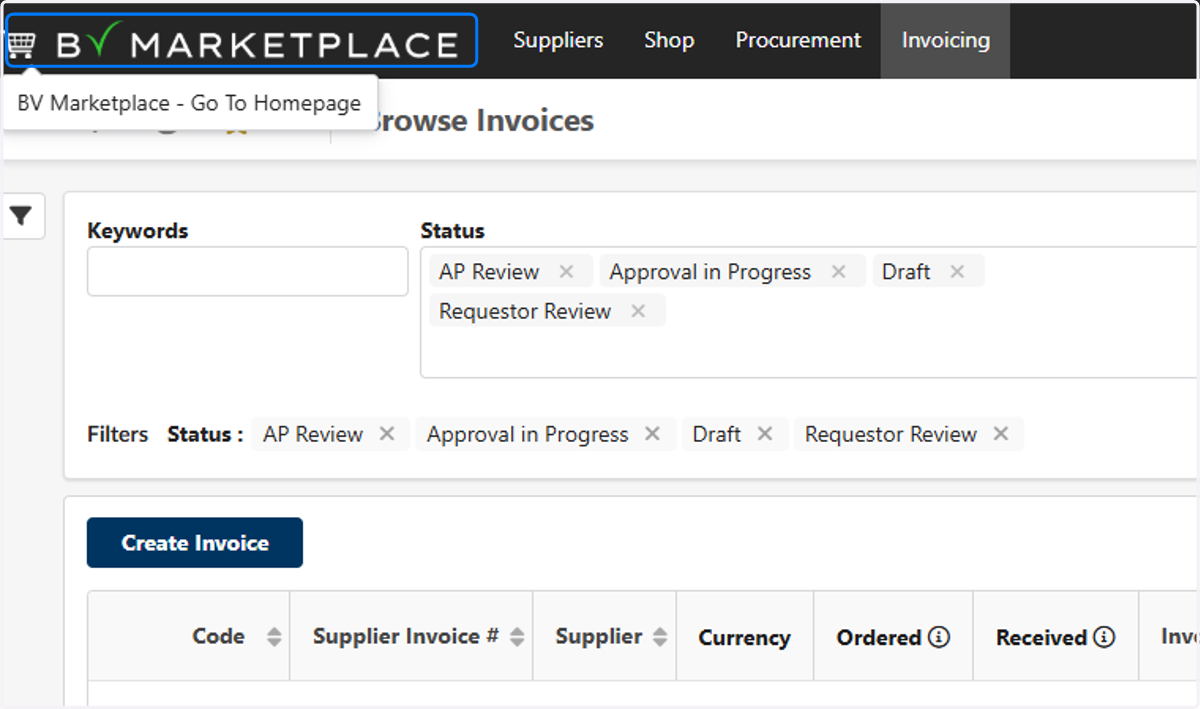
10. To View Your Filter, Click on BV Marketplace - Go To Homepage
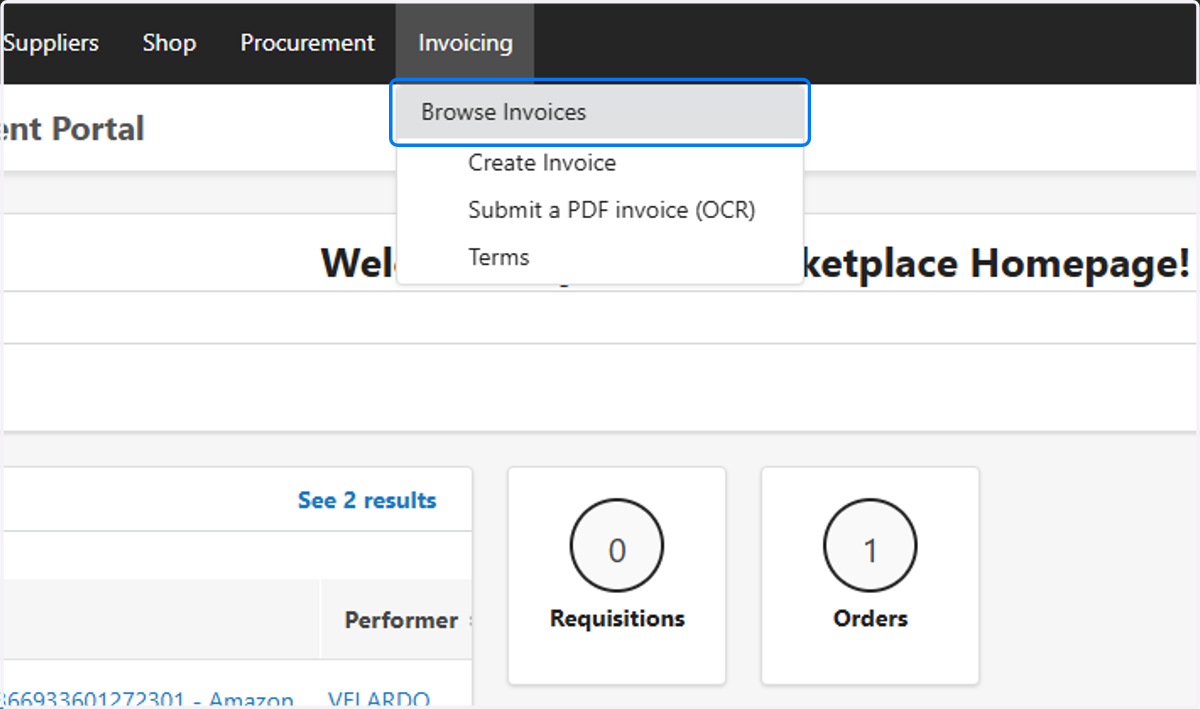
11. Click on Browse Invoices
12. Click on My Favorites
13. Click on Open Invoices
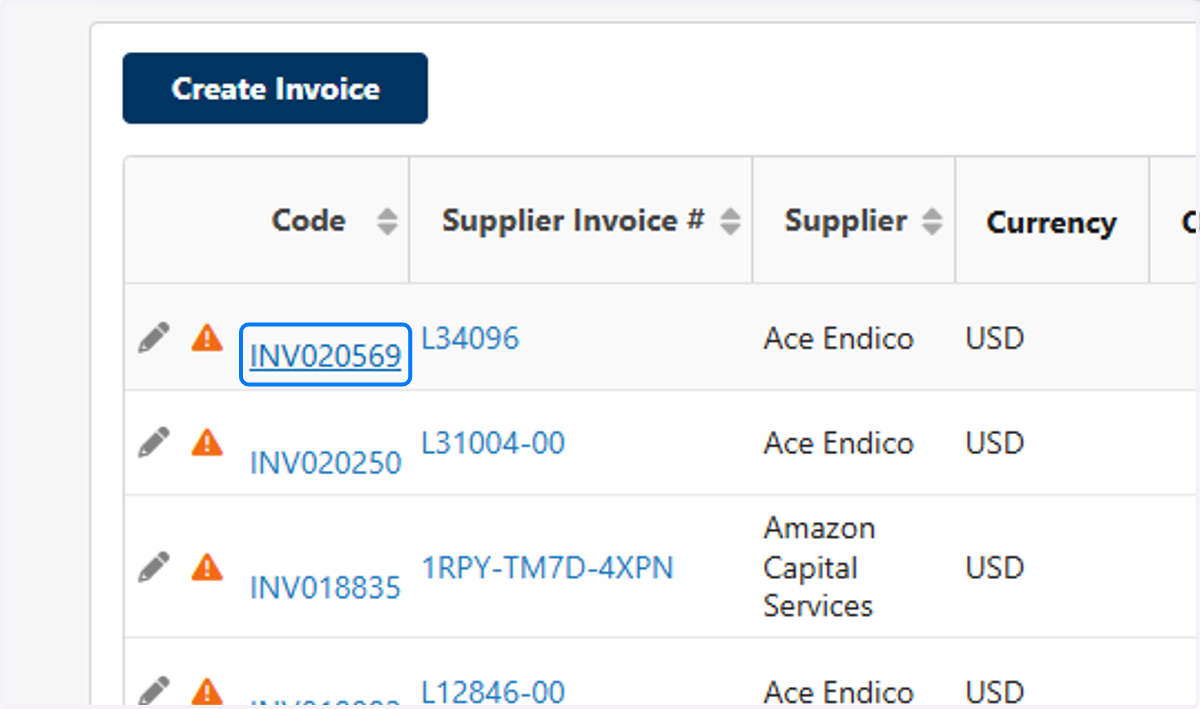
14. Click on INV020569
15. Your Department Head's Name will Appear Here
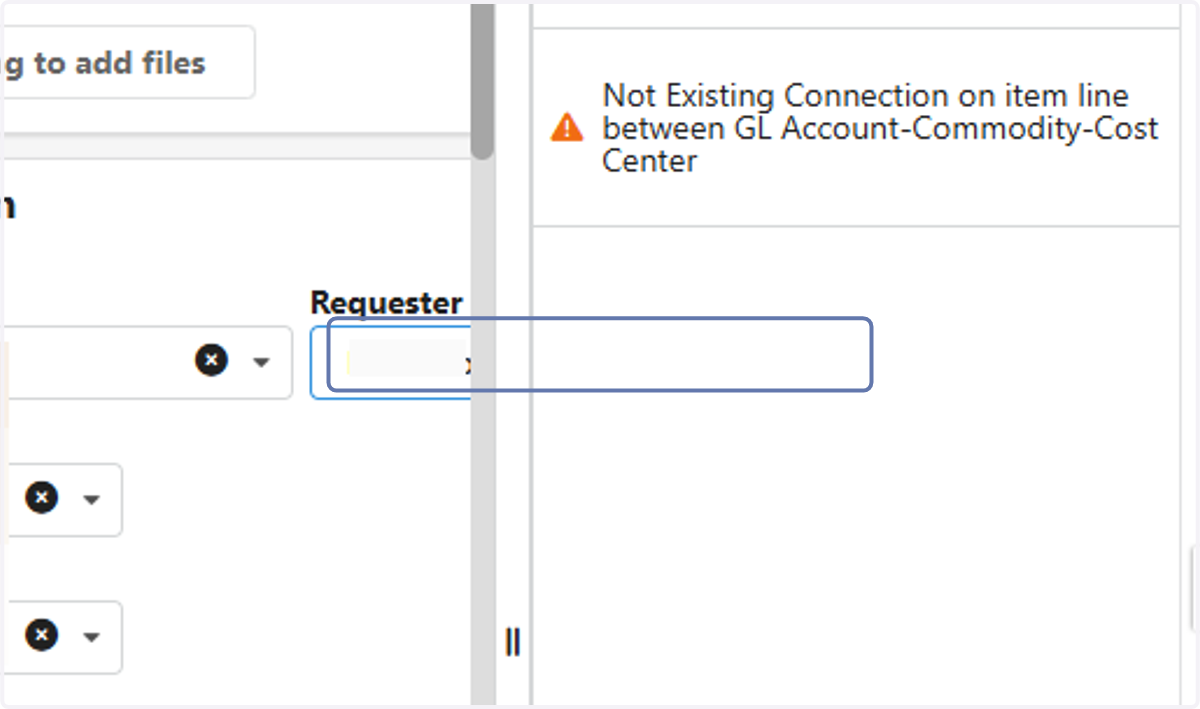
16. Any Blocking Alerts will Appear Here
This is the most frequent alert which usually means the invoice is not coded
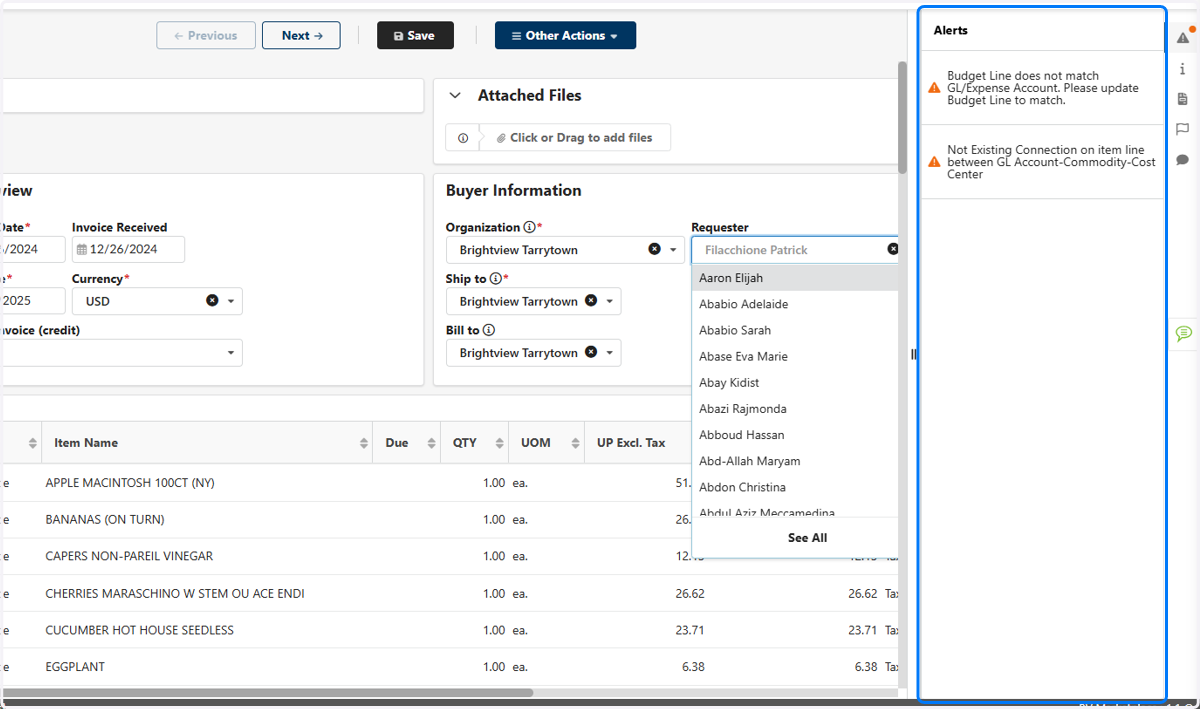
17. The Department Head will need to Code the Invoice under Allocations