Syncing Your Products with Virtual Inventory
Finerworks
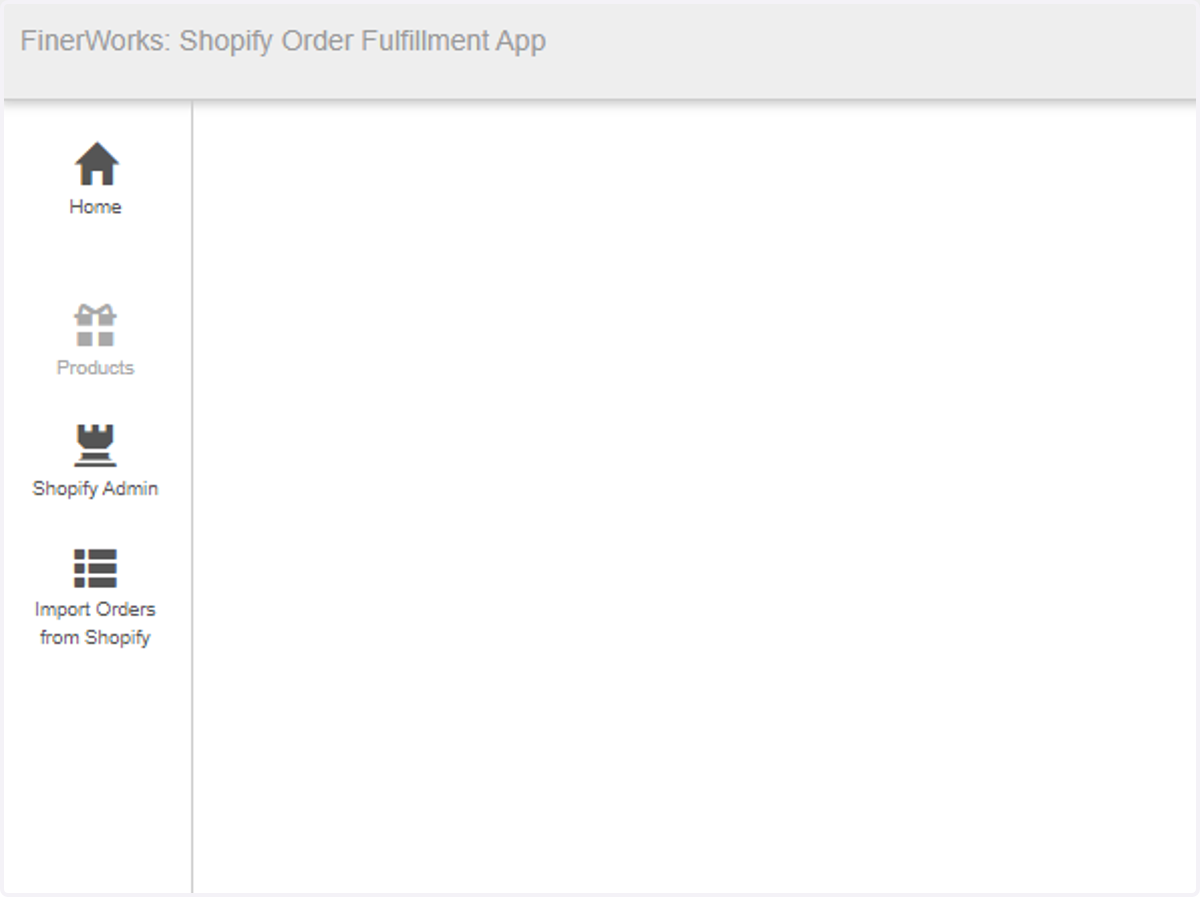
1. Open the App
2. Click on Products
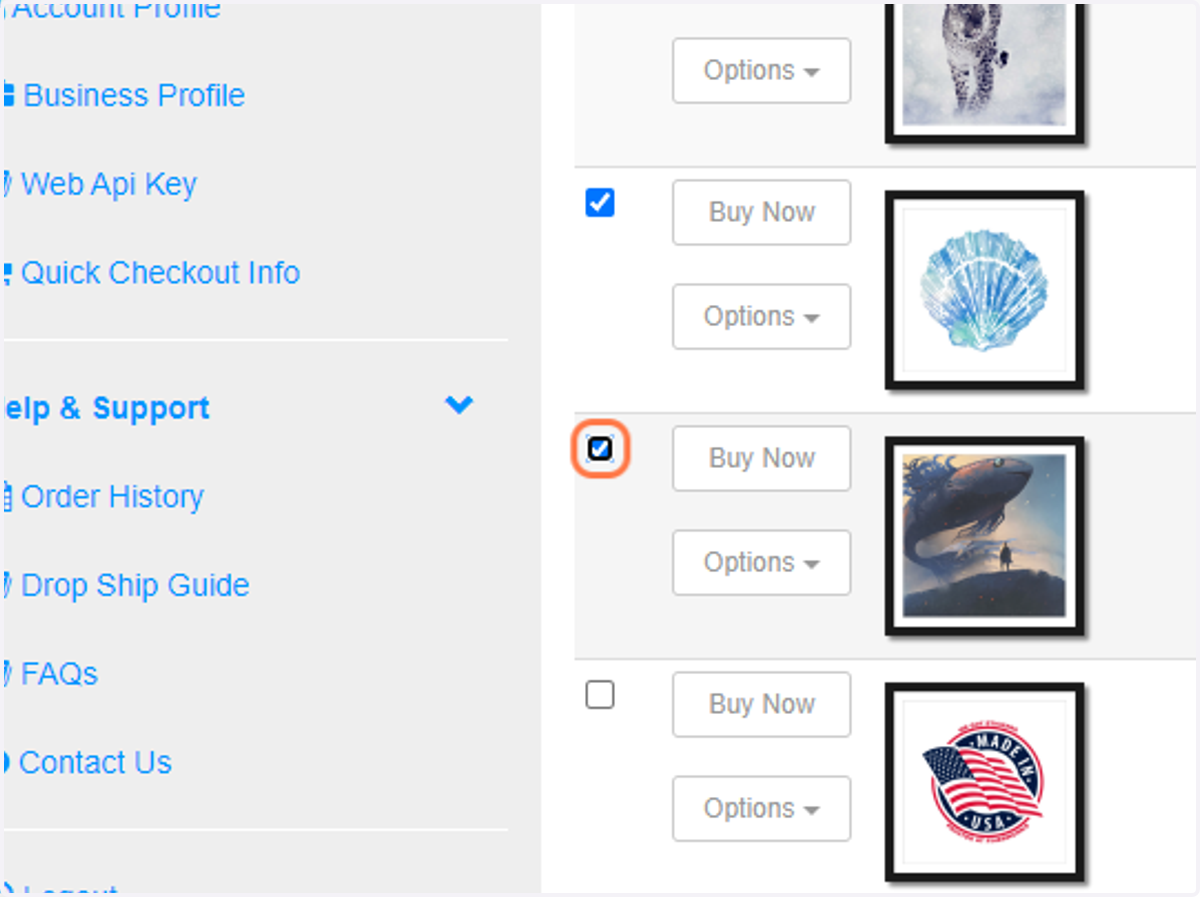
3. Check Items to Include
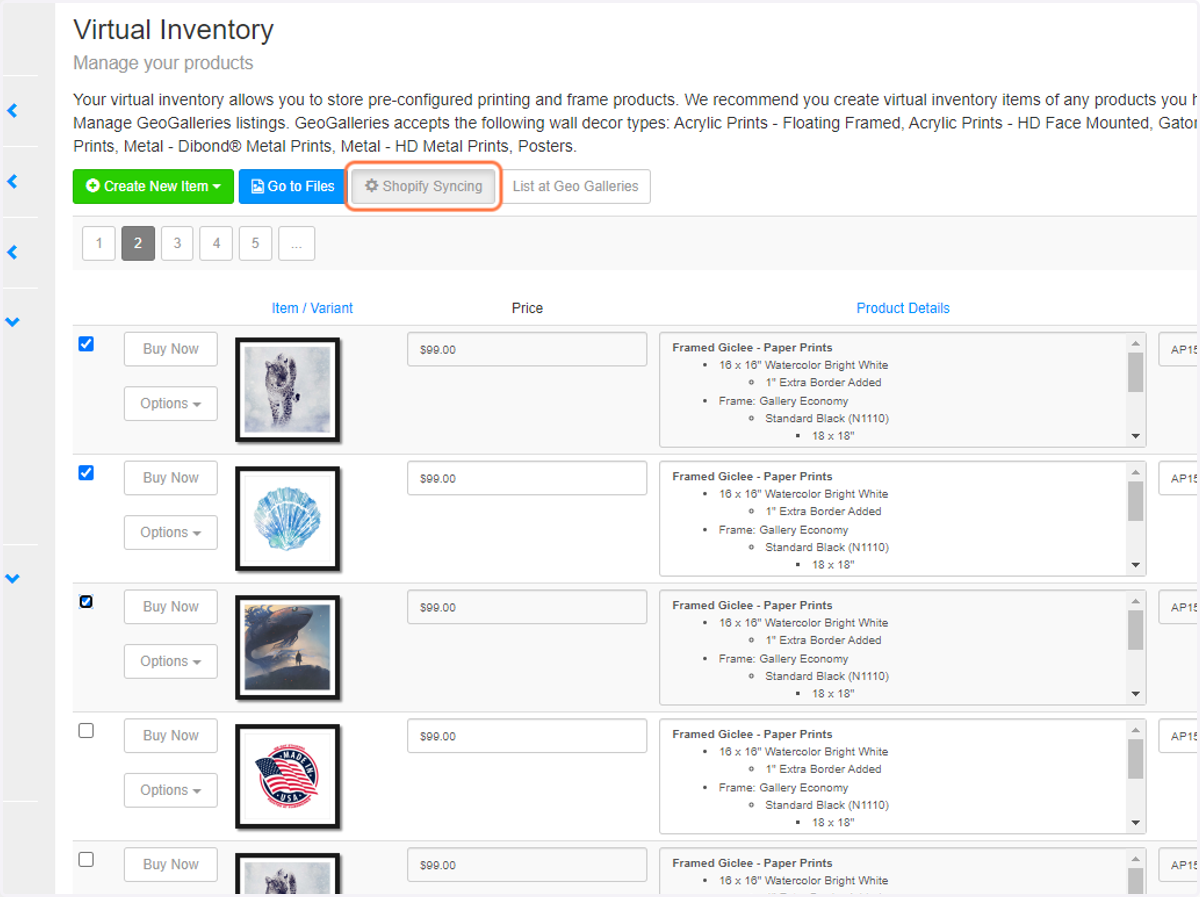
4. Click the "Shopify Syncing" button
Select the items you want to add as Shopify product variants and click the "Shopify Syncing" button.
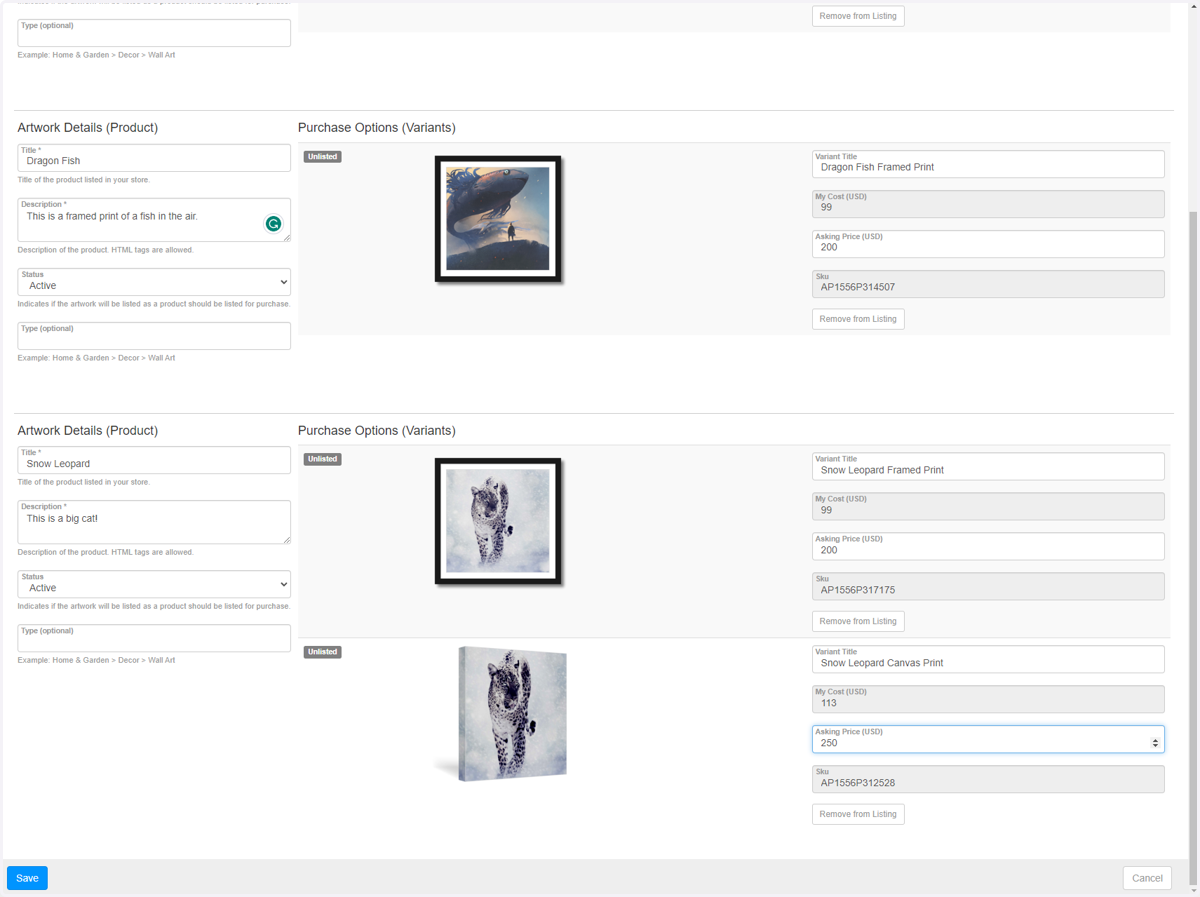
5. Input Product Variant Details
Enter the details, including a "unique" title and asking price for each variant to be listed.
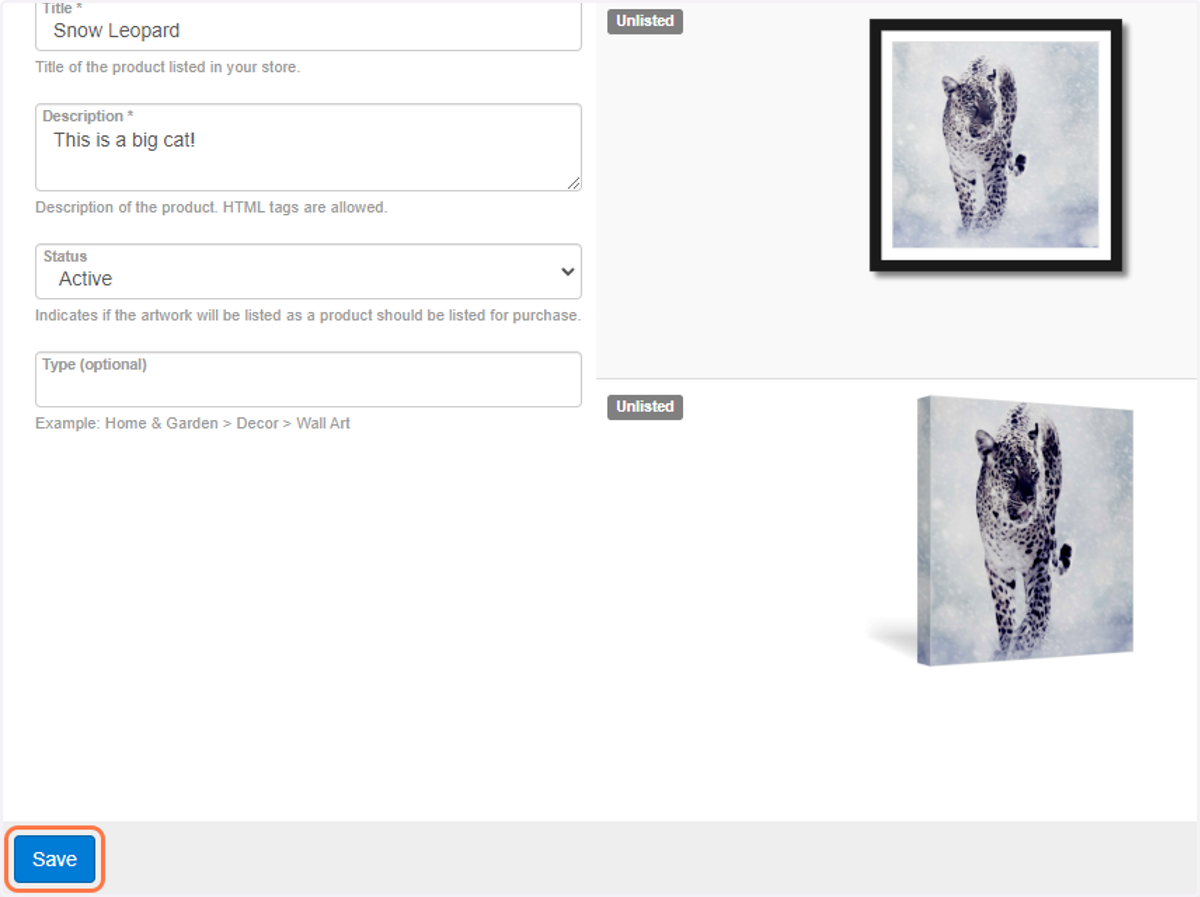
6. Click on Save
7. Verify Products
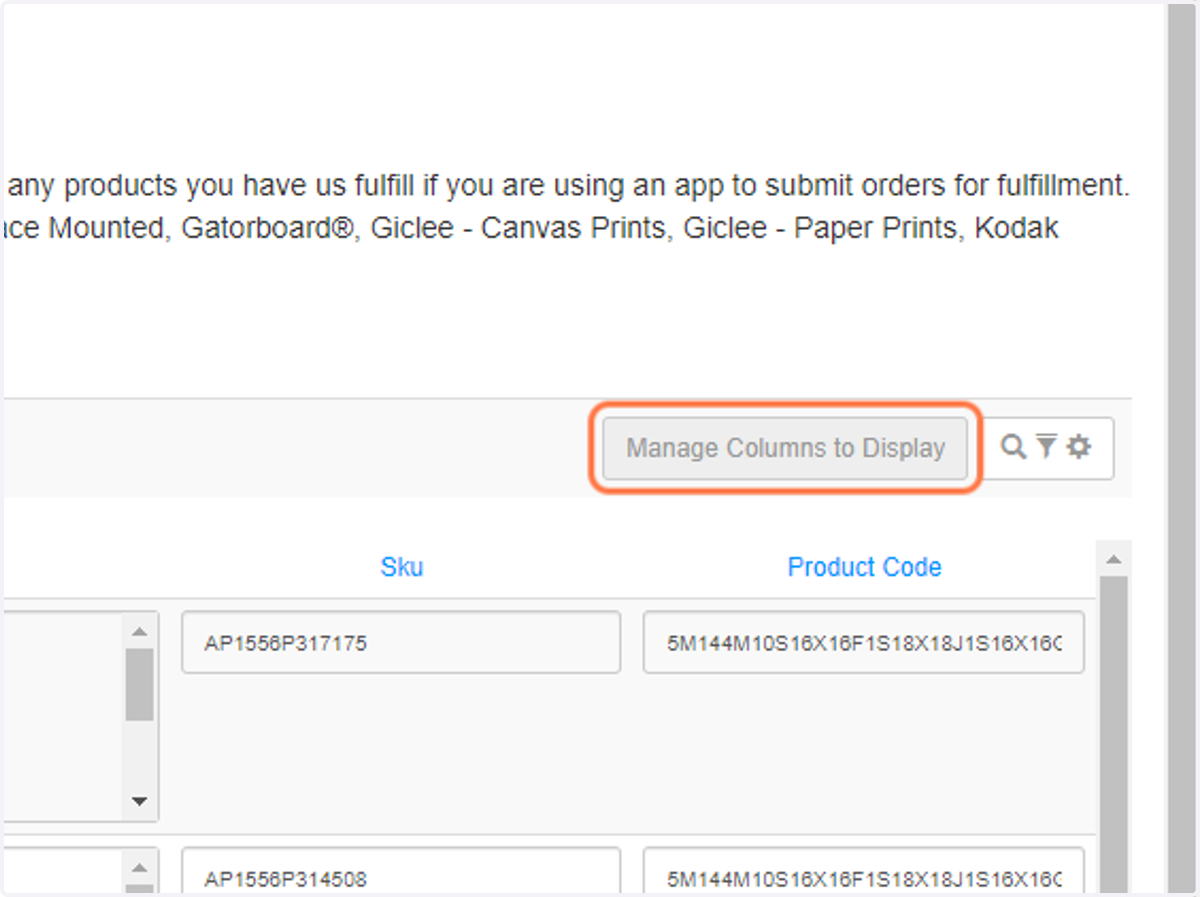
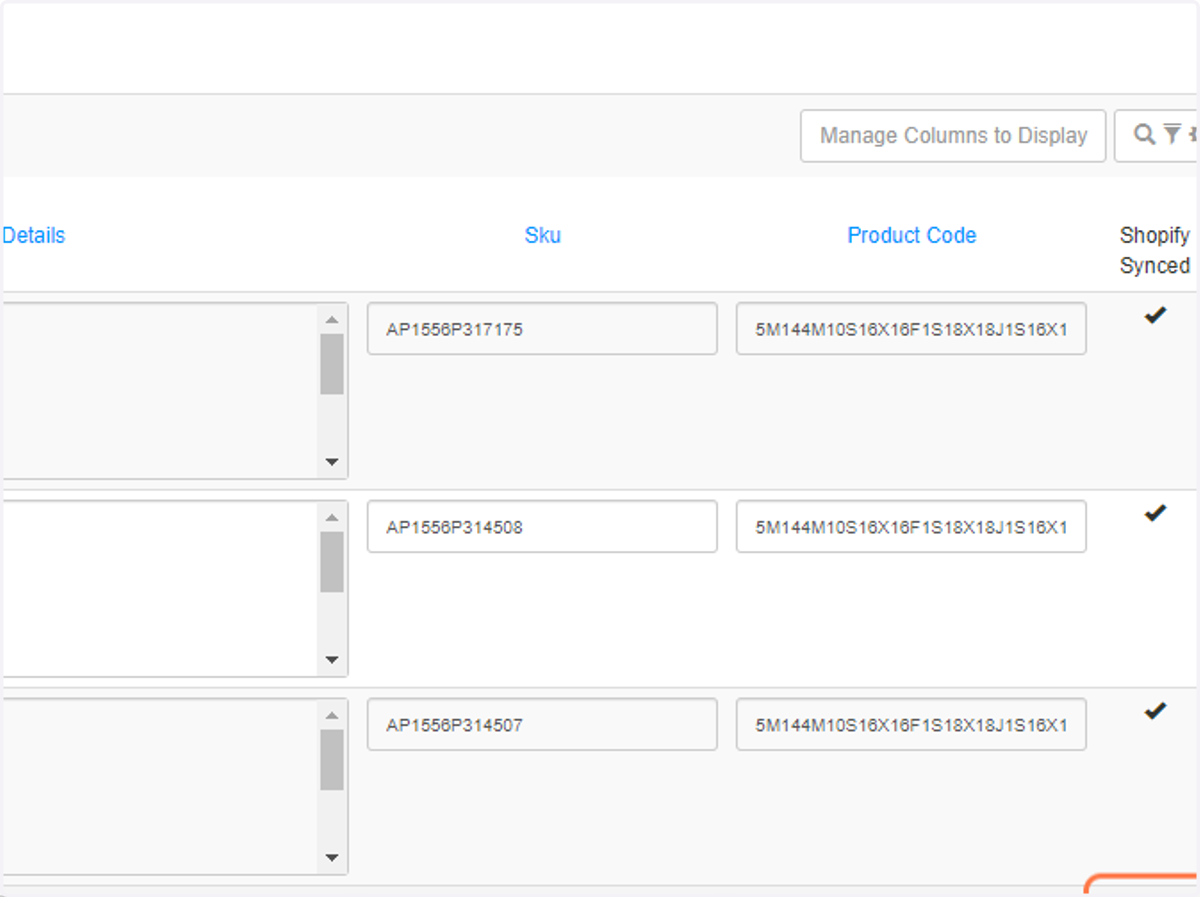
You can verify the products are listed here by clicking on the Manage Columns to Display.
8. Check Shopify Status
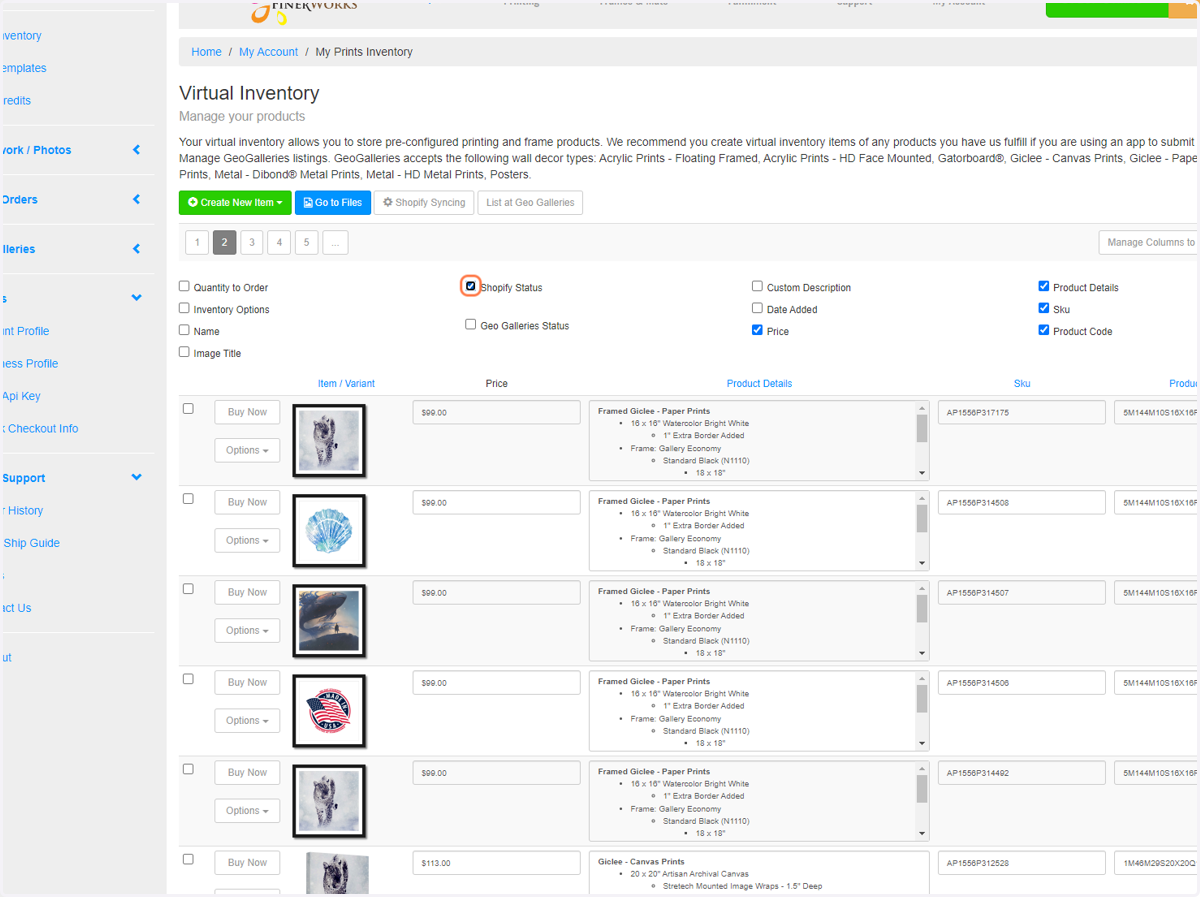
9. Shopify Synced Column Appears …
This will show you items that are synced represented by a checkmark.
Shopify
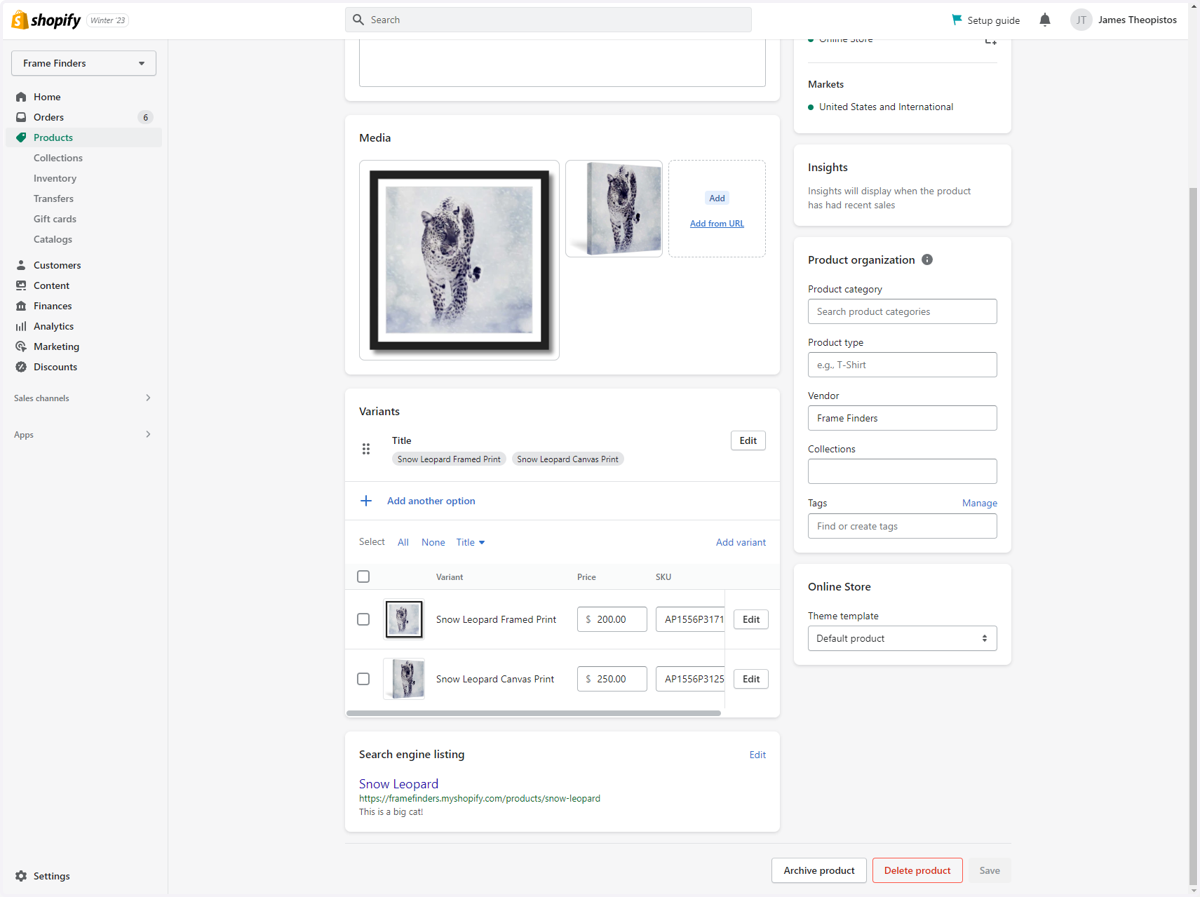
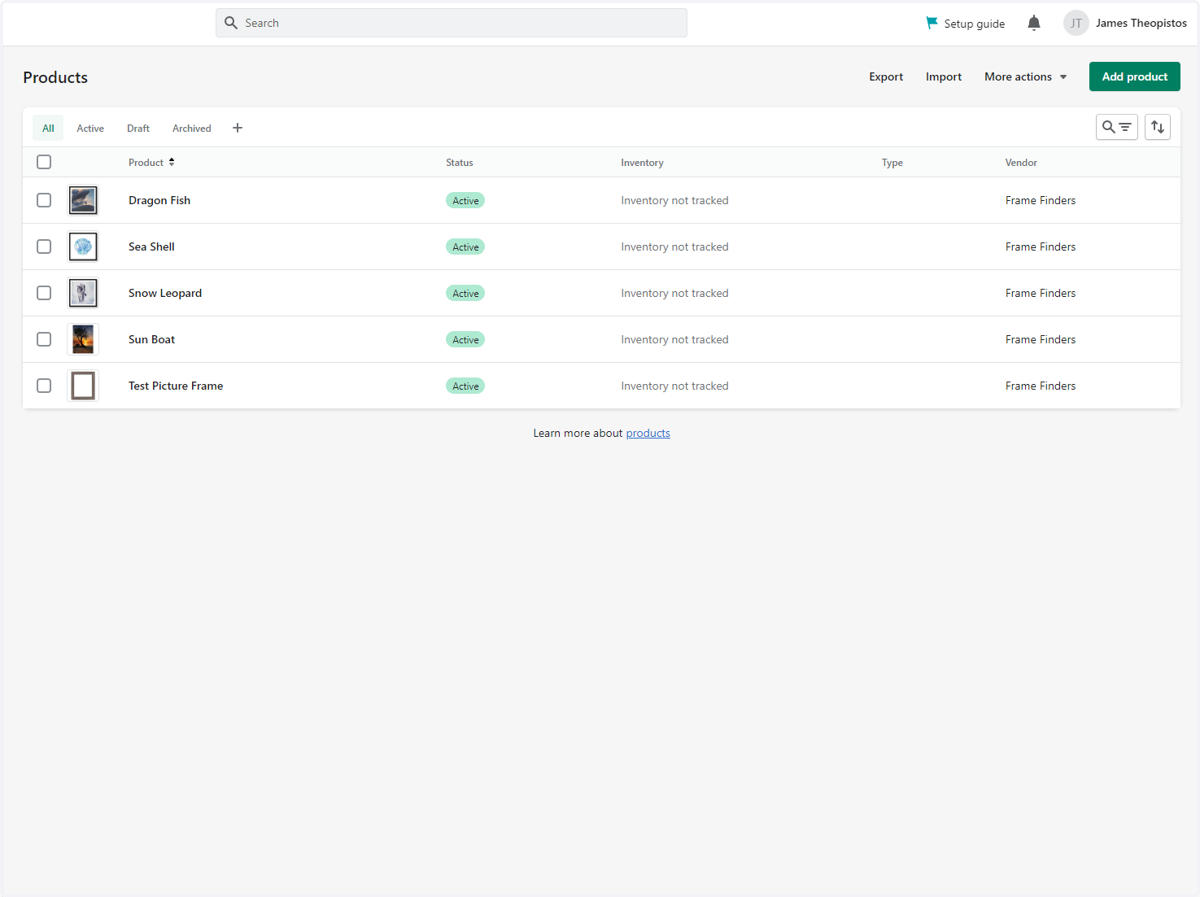
10. Alternatively, Go to Your Shopify Products Page
Here you will see the new items you added.
11. Click on an Item to See the Details
You can further edit the product here if you wish.