Adding an Instructor
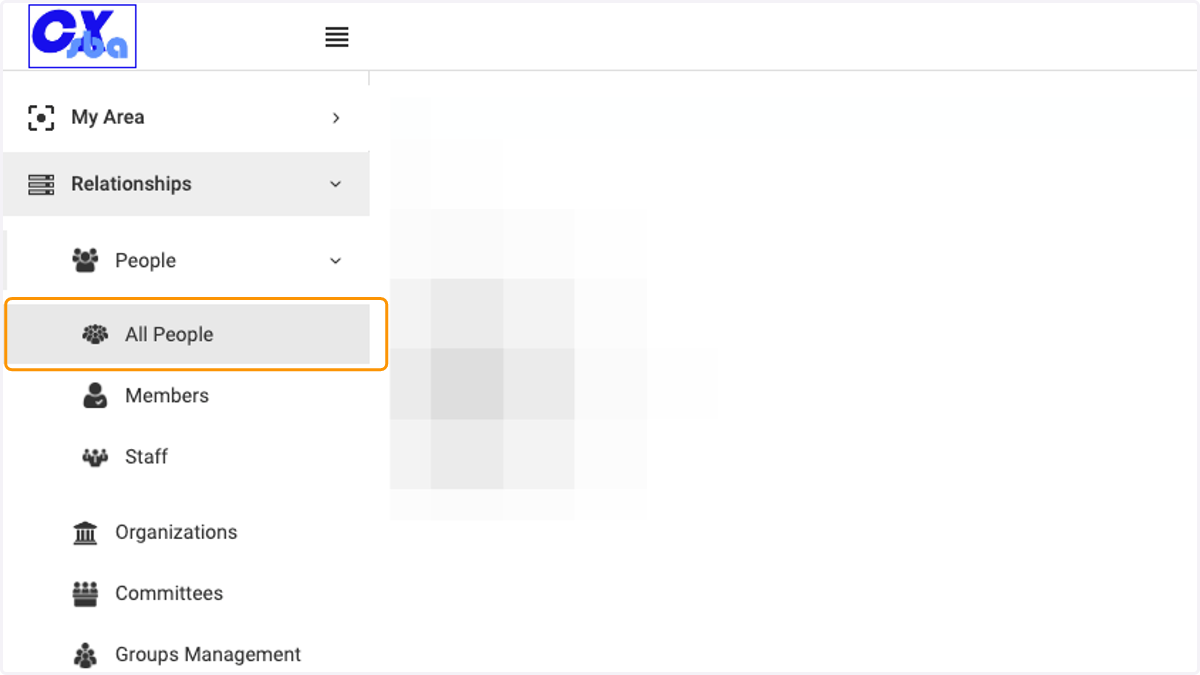
1. Click on Relationships, People and All People
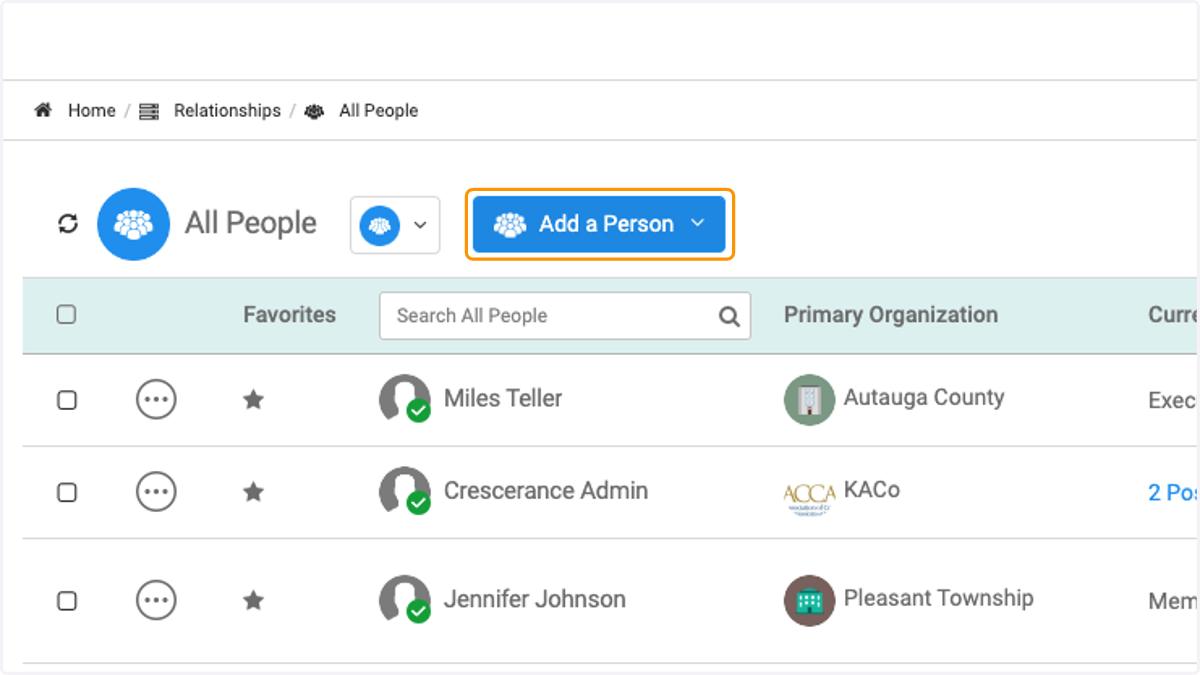
2. Click on Add a Person
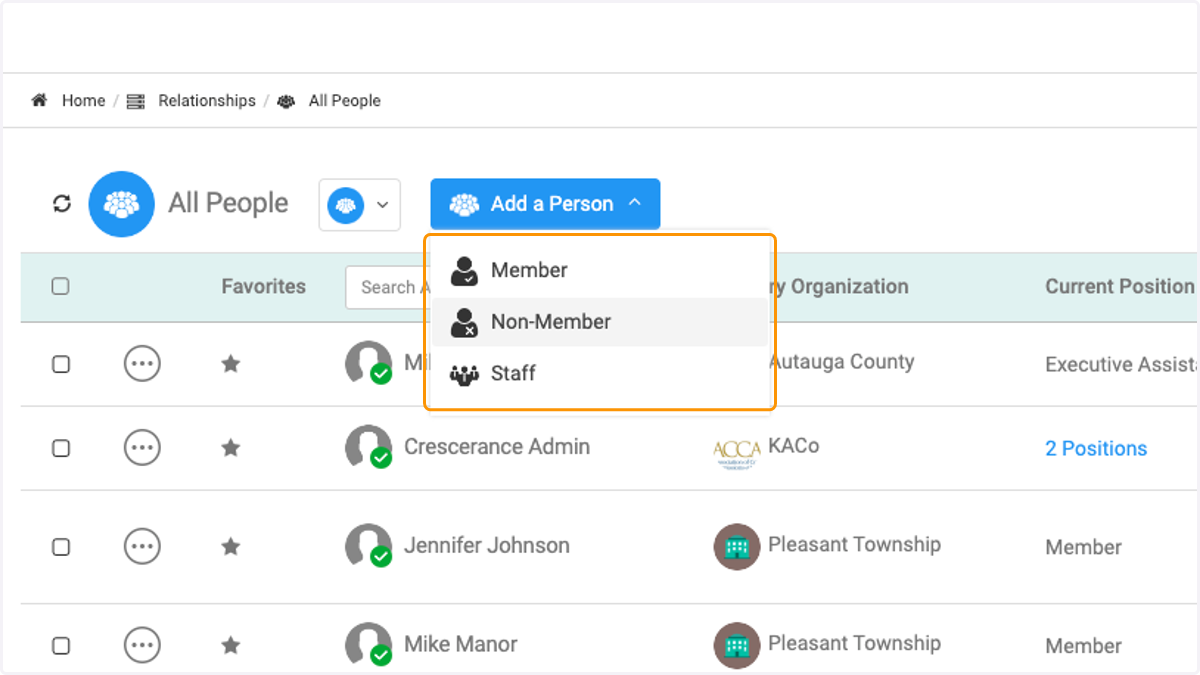
3. Click on Person Type
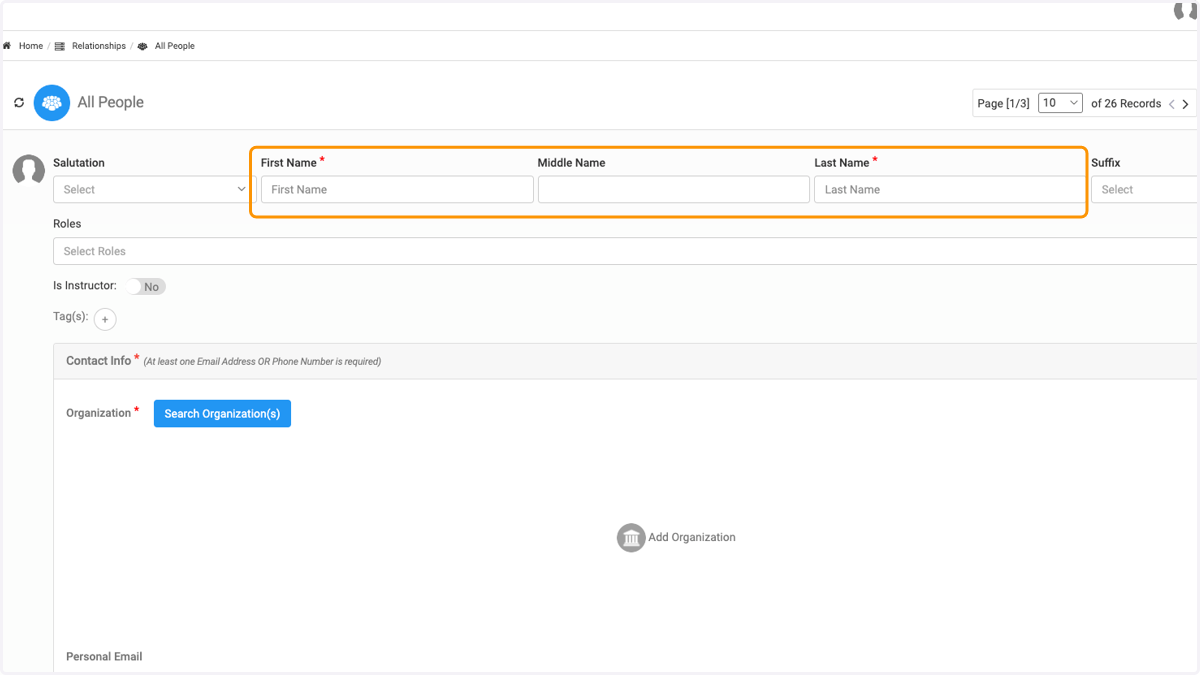
4. Enter the name
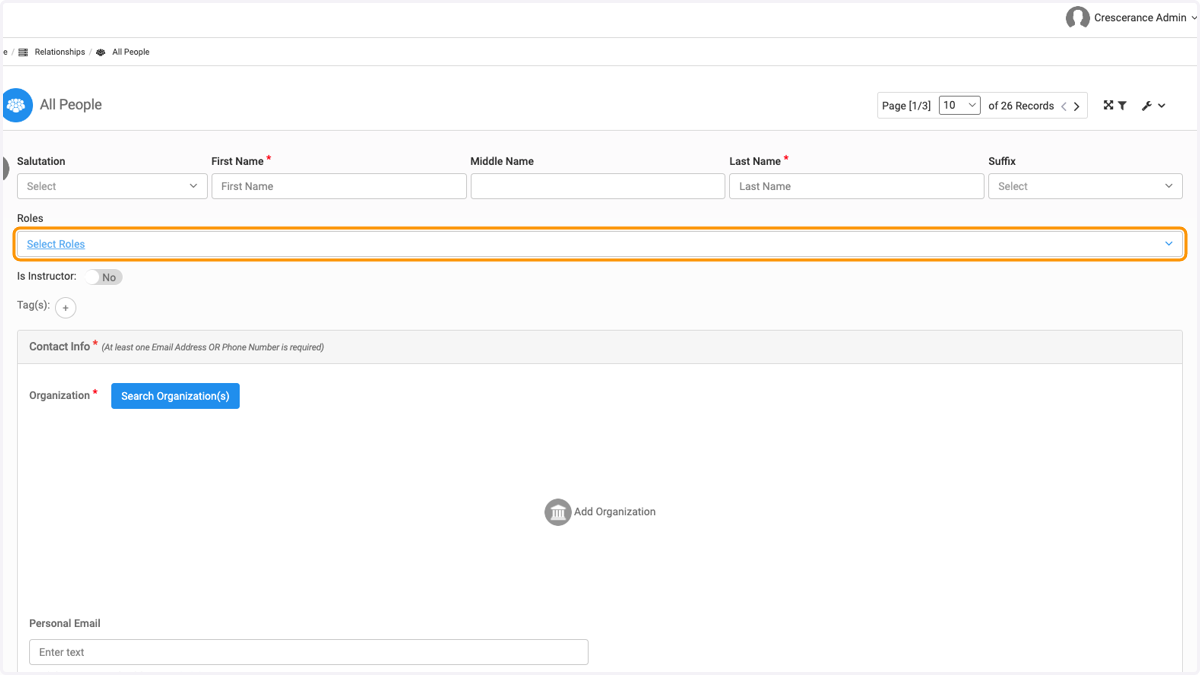
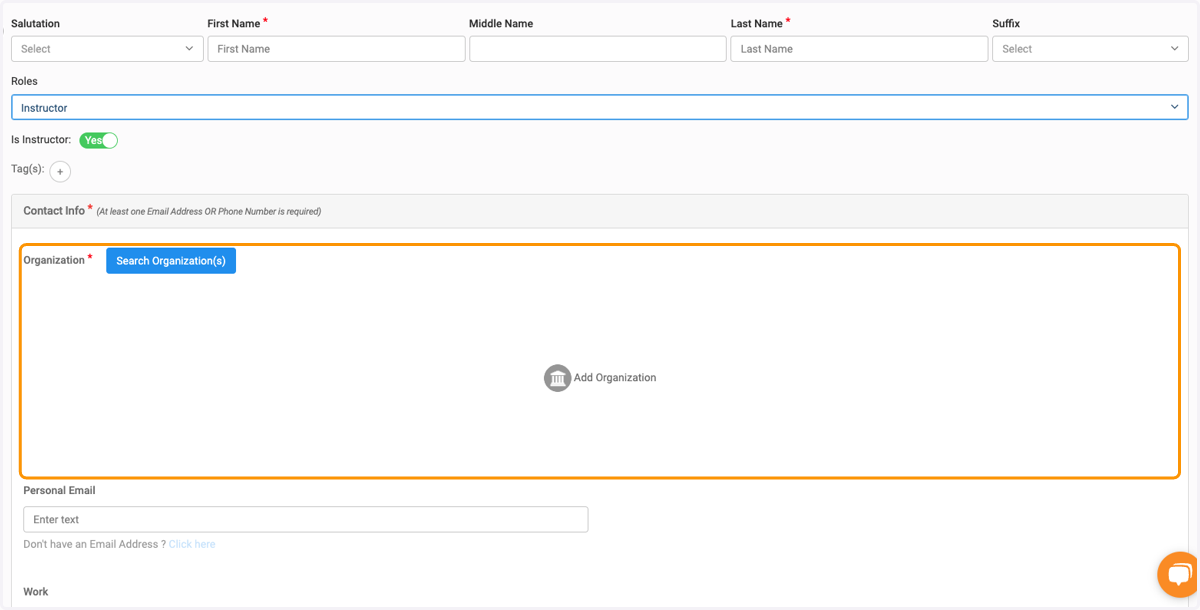
5. Click on Select Roles
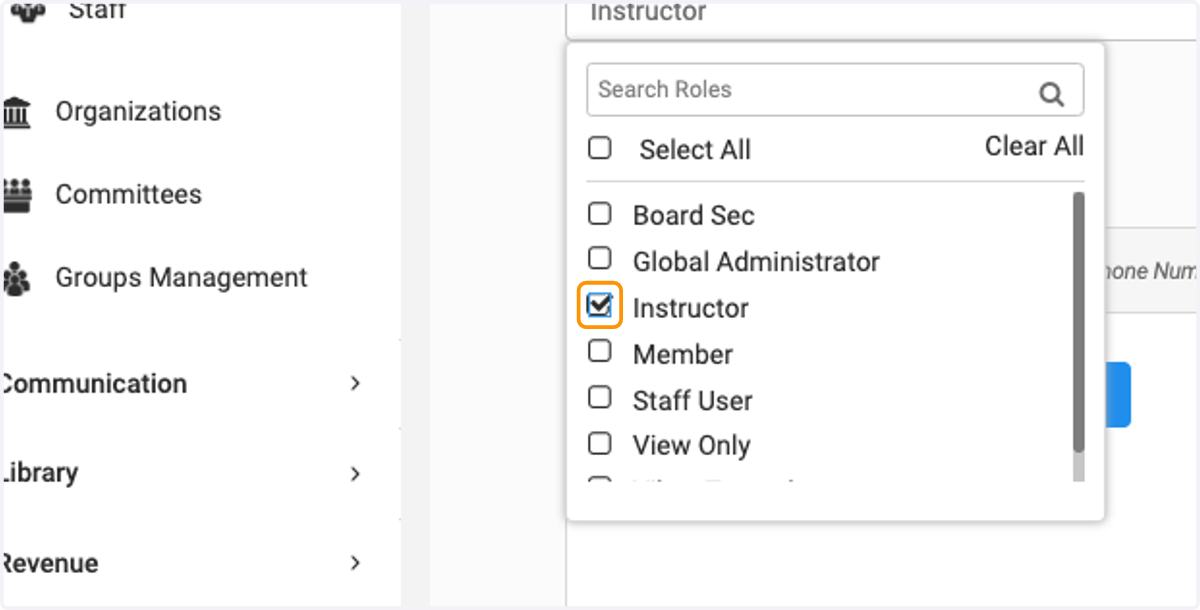
6. If you have created a separate role for Instructor, select from the list. If not, use one of the created roles
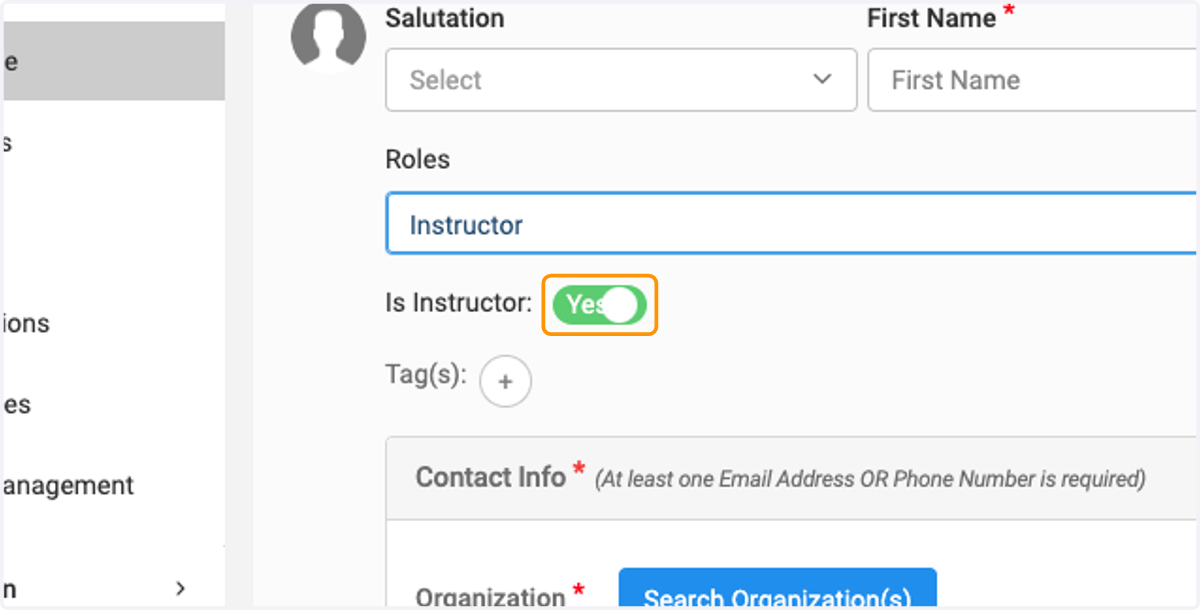
7. Toggle the button to Yes
8. Finish adding the required information
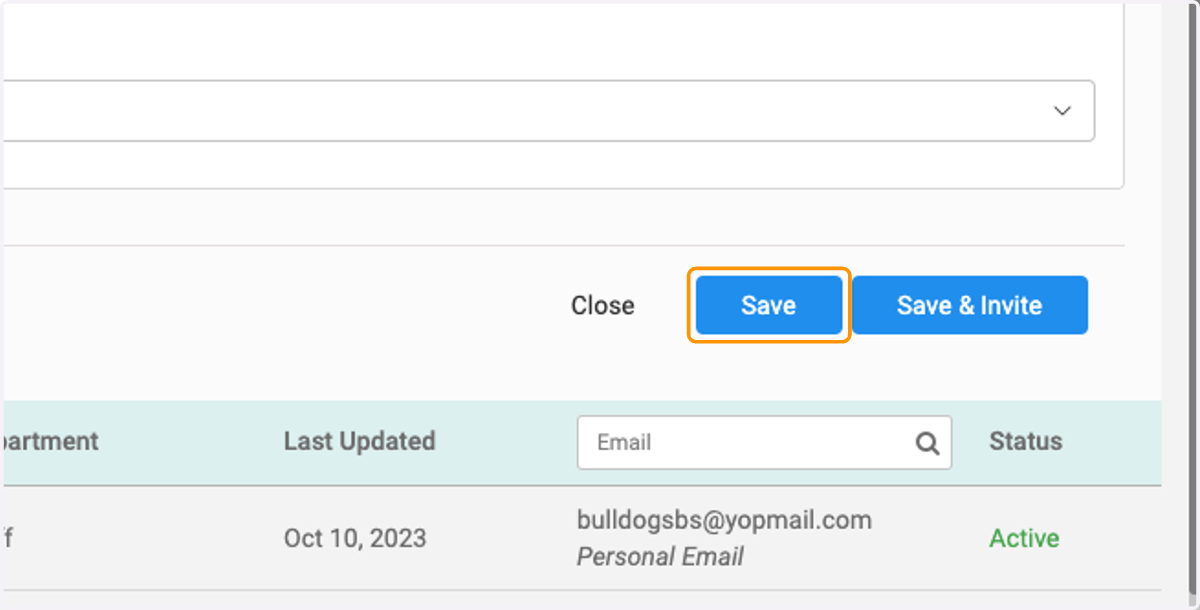
9. Click on Save or Save and Invite when finished