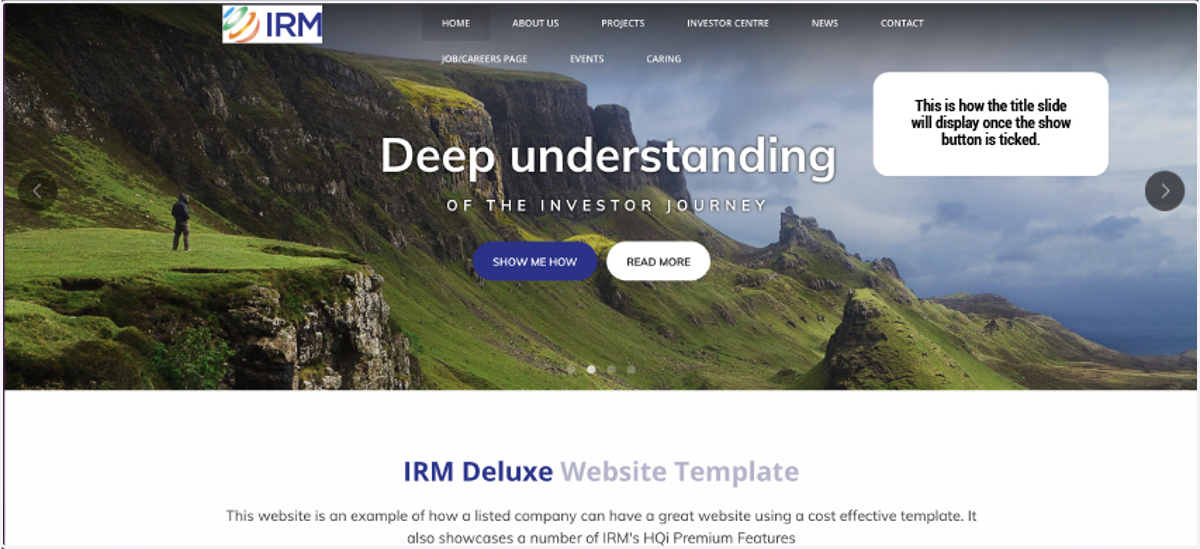
How to hide and show customisation elements
1. Discover how to hide and show customization elements effortlessly in our quick guide. Find out cool tricks to toggle custom features, making your design both stylish and user-friendly. Give users the power to customize their experience with ease.
To hide and show customisation elements in your site, go to "HQi Content Manager".
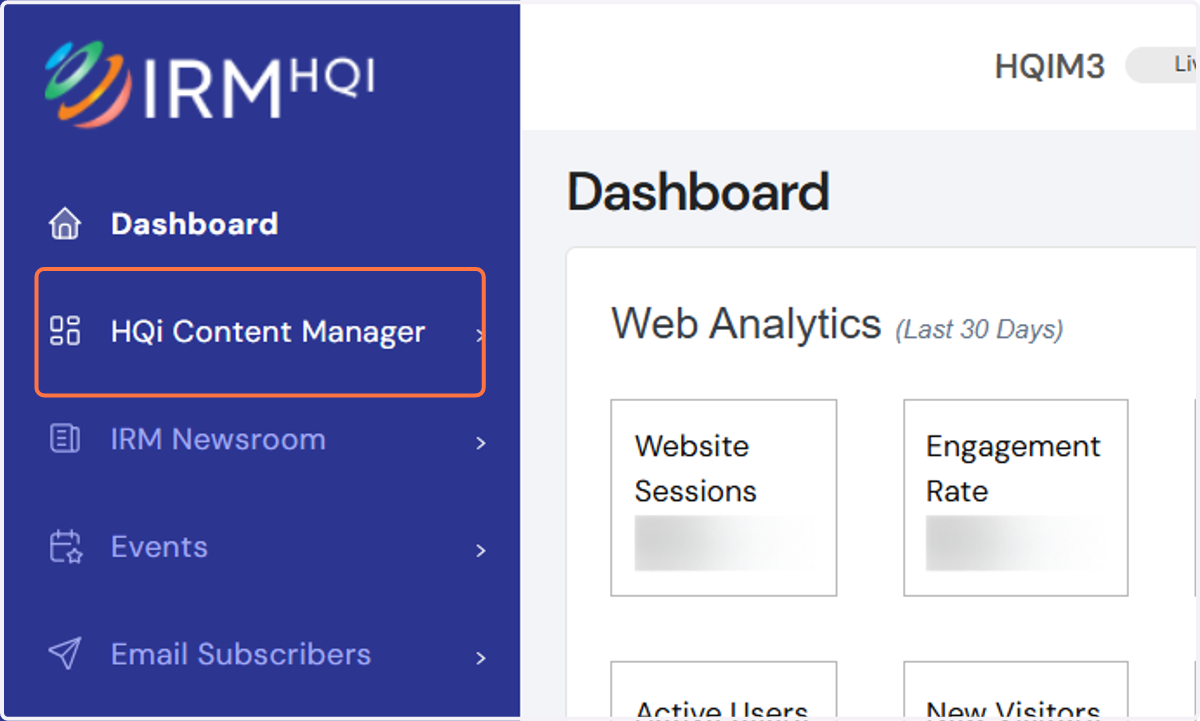
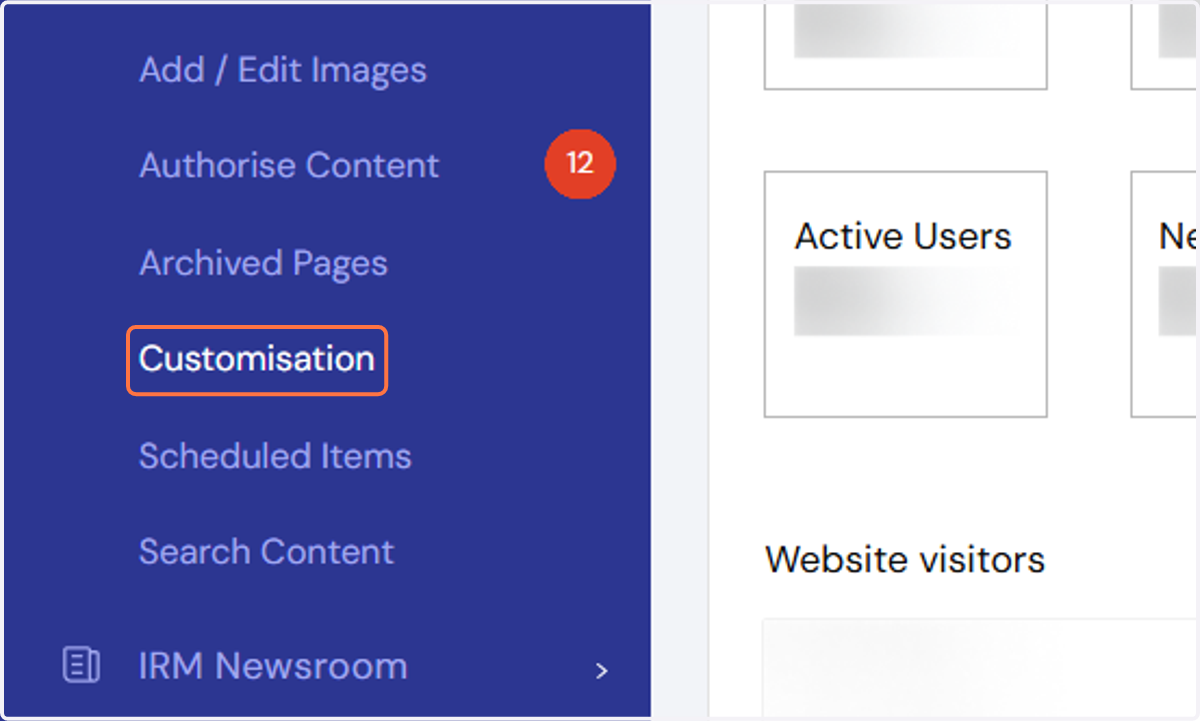
2. Click on Customisation
3. You will then be directed to the Customisation panel where you will see the list of all the elements that you can toggle.
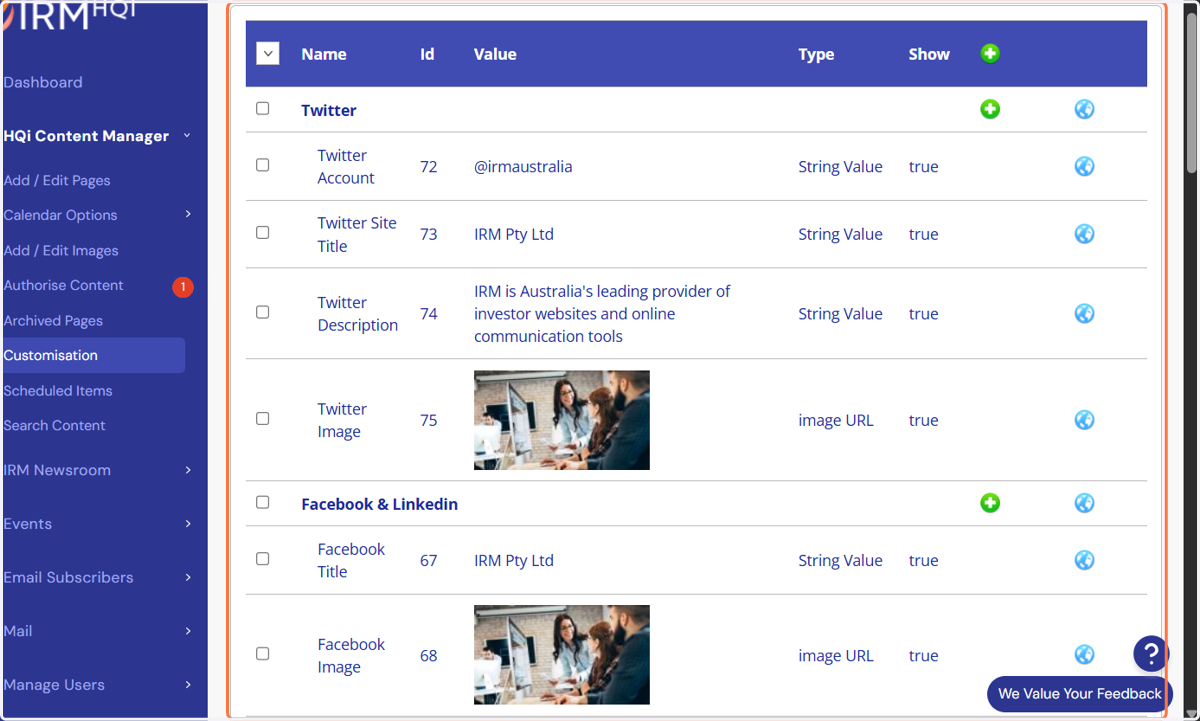
4. You can scroll down and choose which element you want to customize by clicking the blue edit button as shown in the screenshot below.
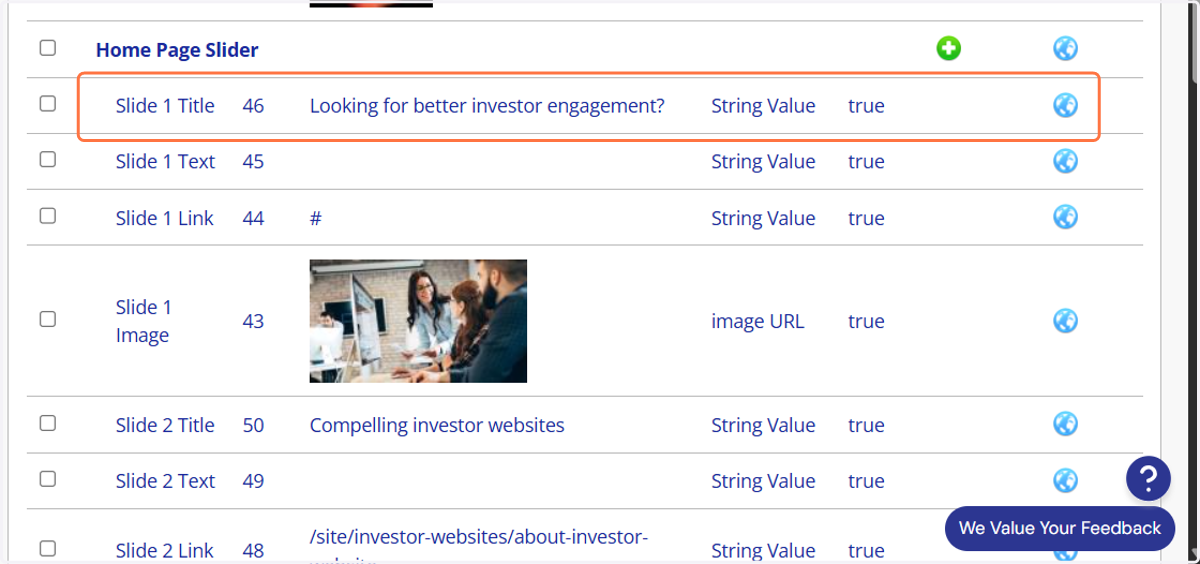
5. Click on Edit button
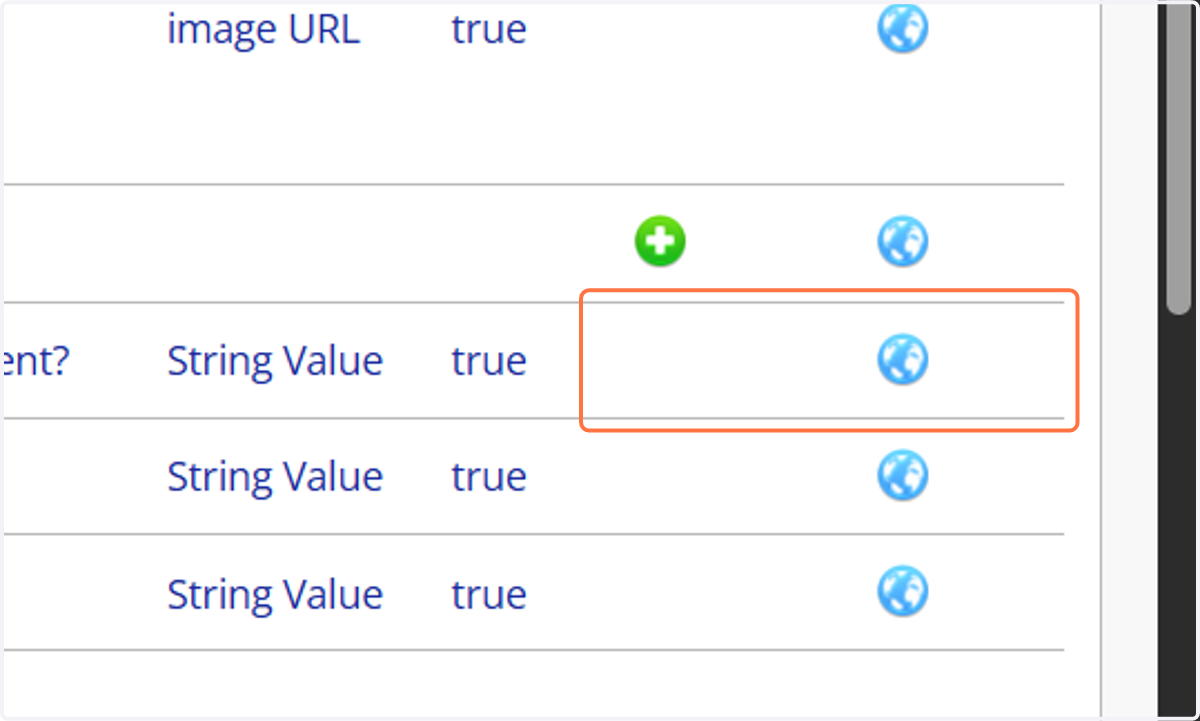
6. After clicking the blue button it will redirect you to the Customisation String Value Edit. You can tick or untick the show button to apply the changes. Once decided, you may click on the save button for the changes to reflect on the live site.
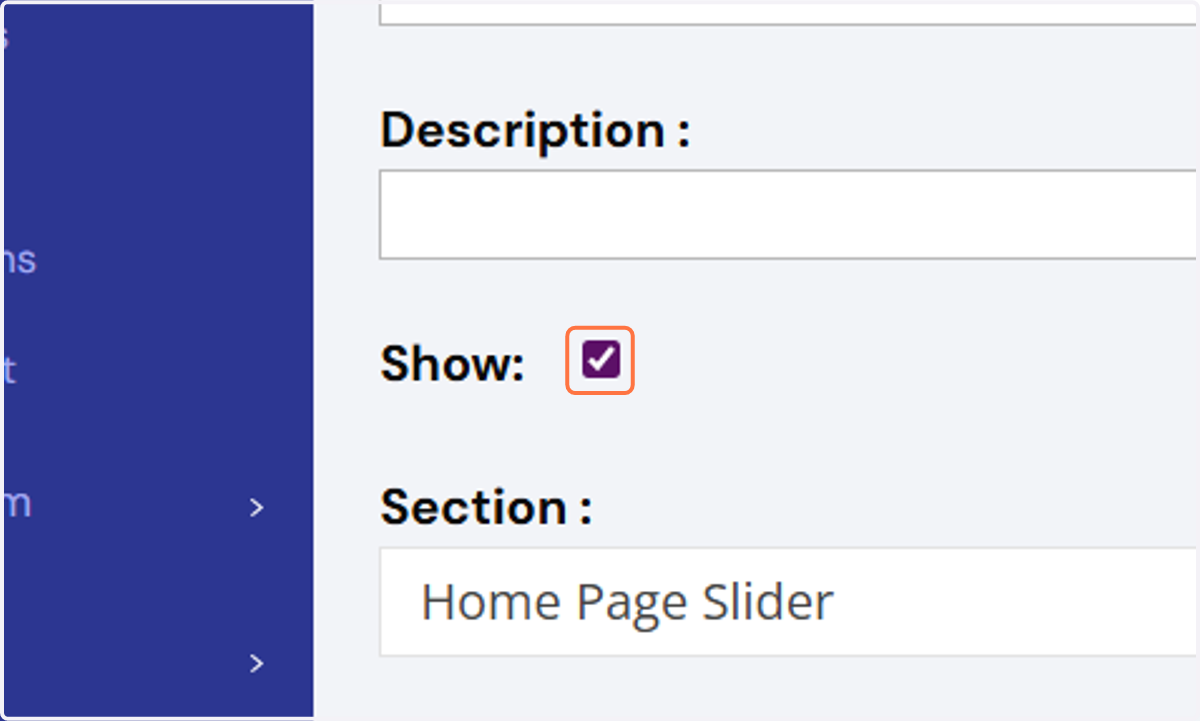
7. This is how the title slide will appear once the “Show” button is unticked.
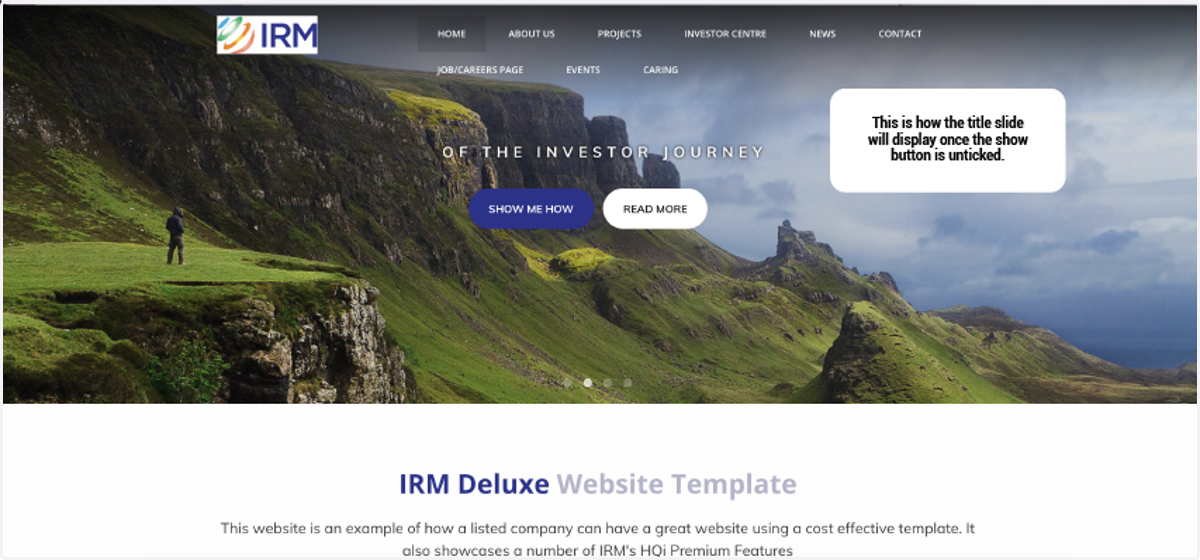
8. This is how the title slide will appear once the “Show” button is unticked.