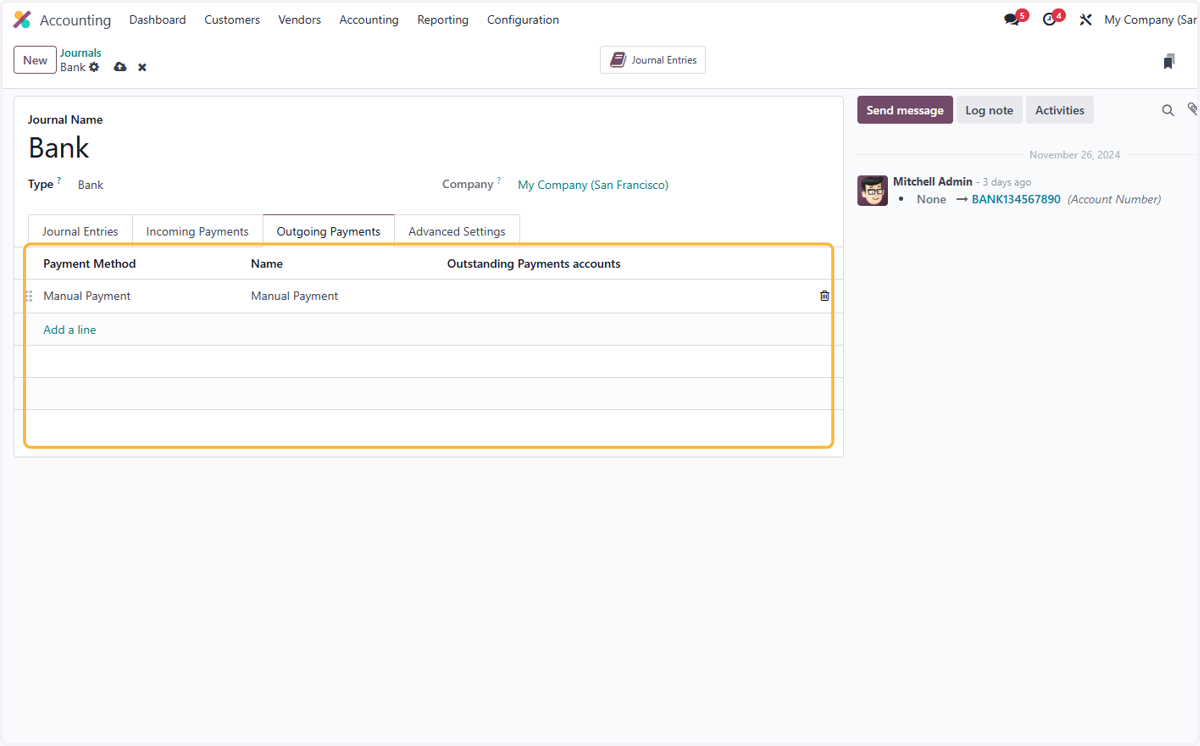
2.3 How to configure bank journal
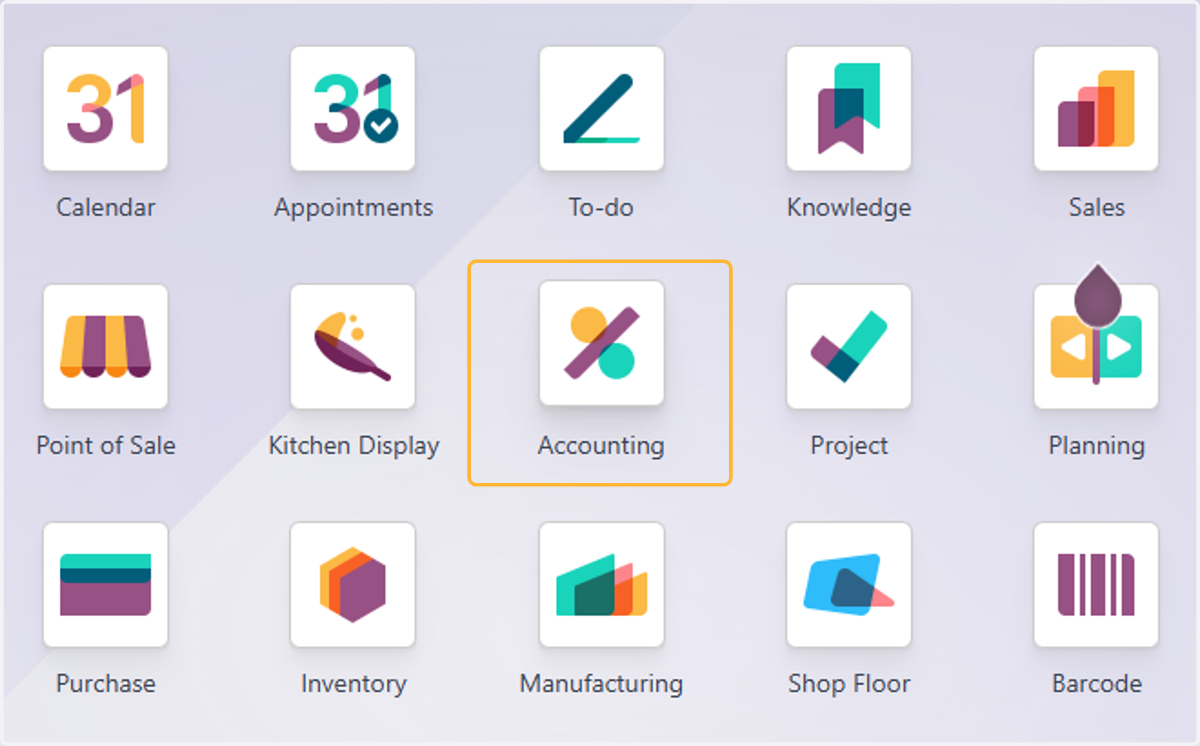
1. Click on Accounting
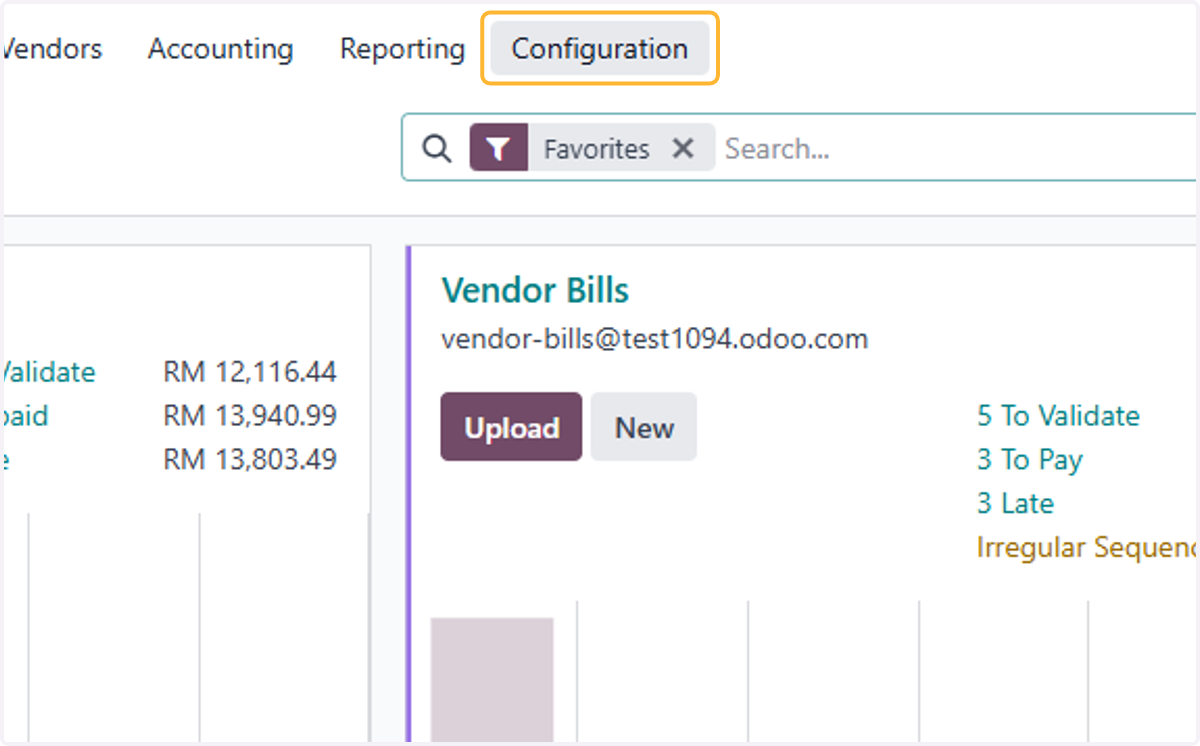
2. Click on Configuration
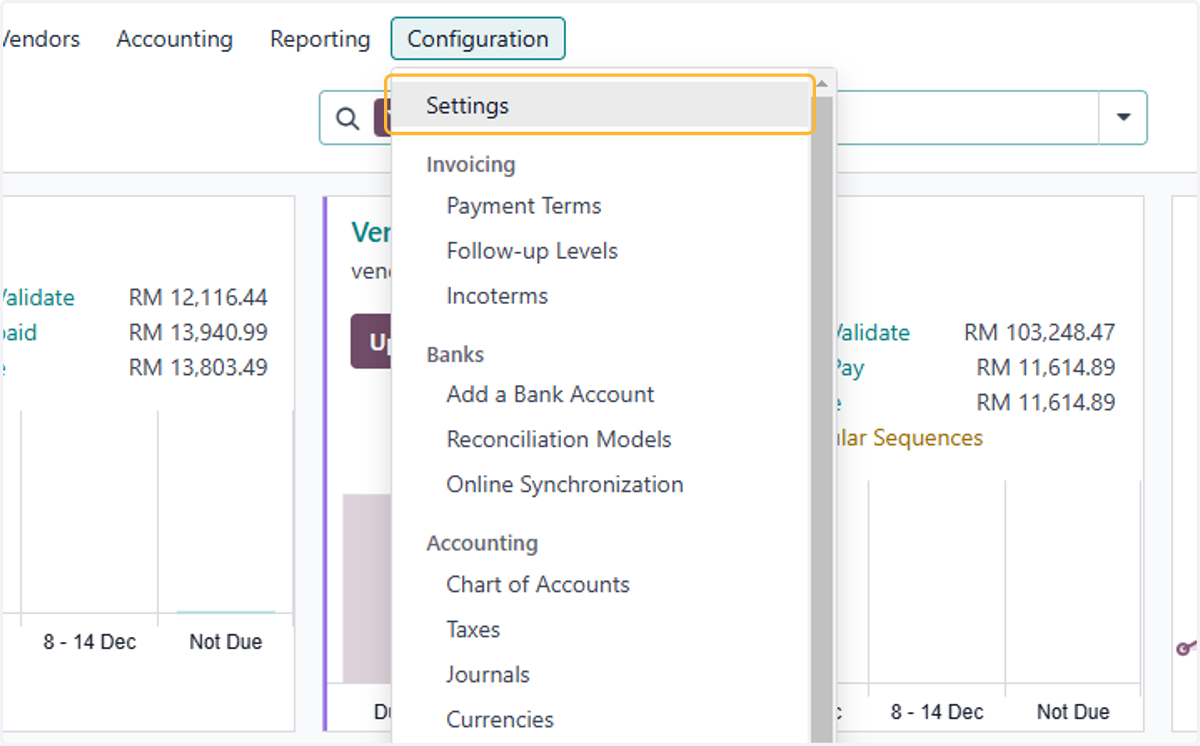
3. Click on Settings
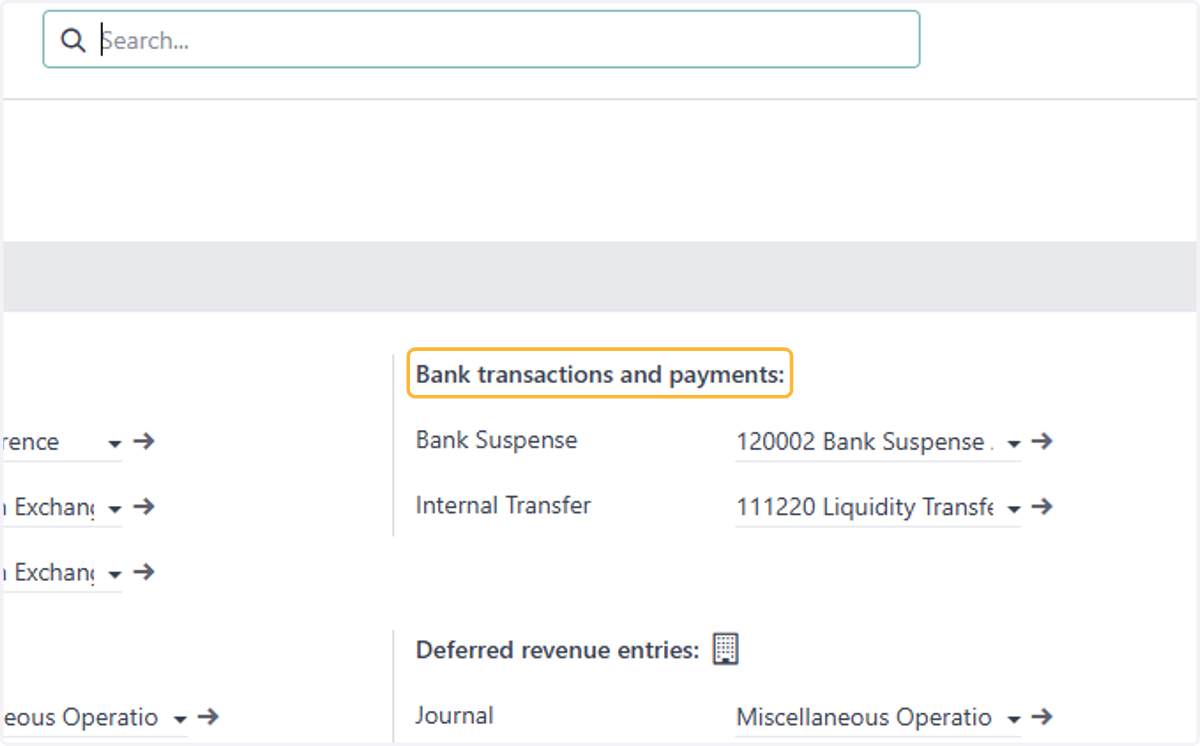
4. Find Bank transactions and payments
Bank suspense & Internal transfer accounts are created & set by default. You can change the selected accounts if necessary
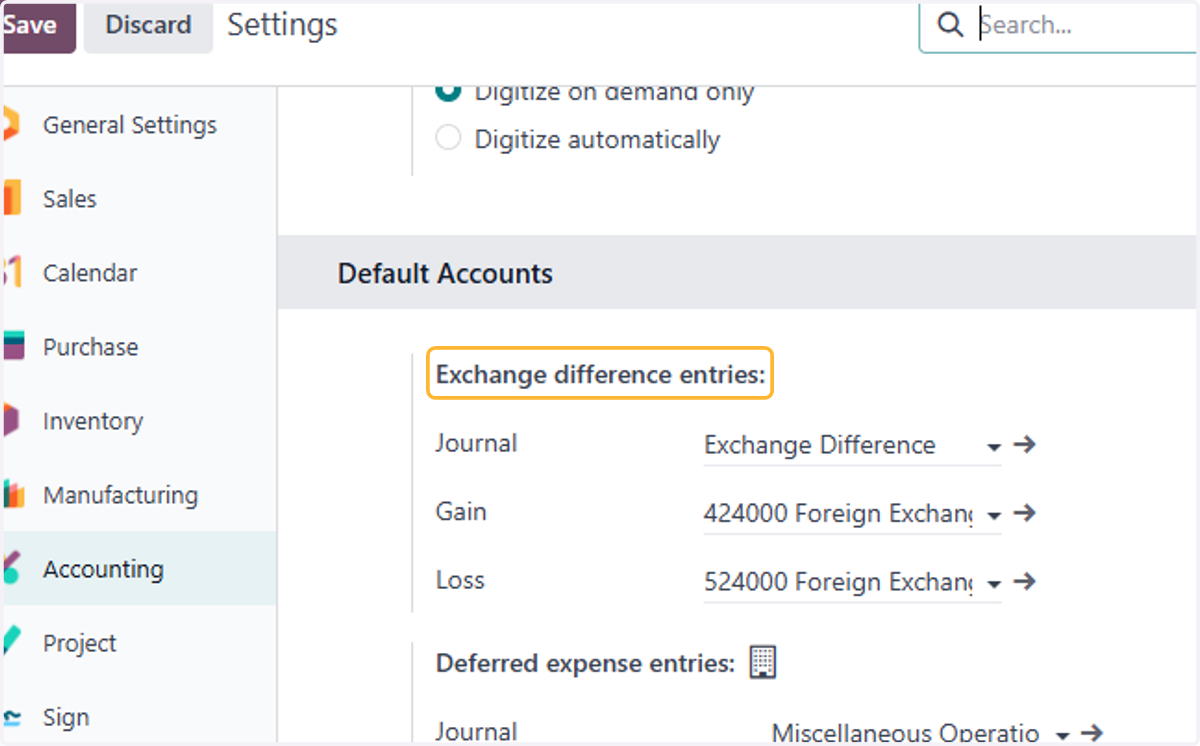
5. Exchange difference accounts are created & set by default. You can change/amend the selected accounts if necessary
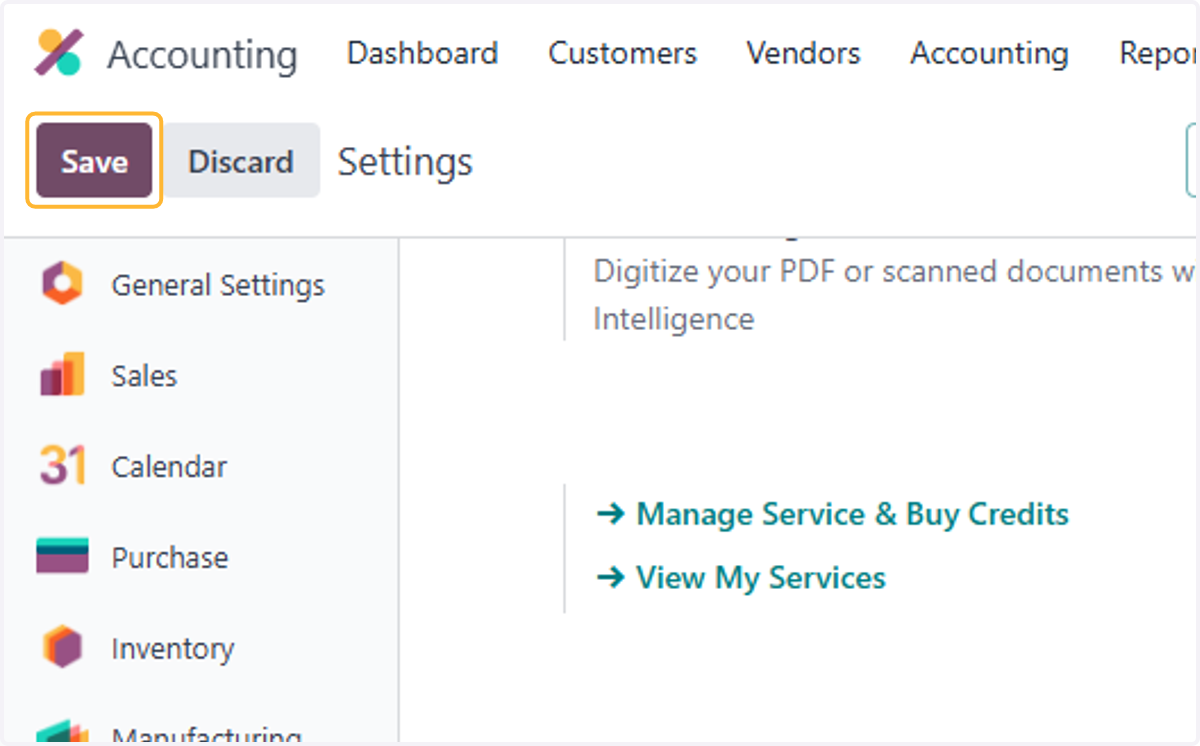
6. Click on Save
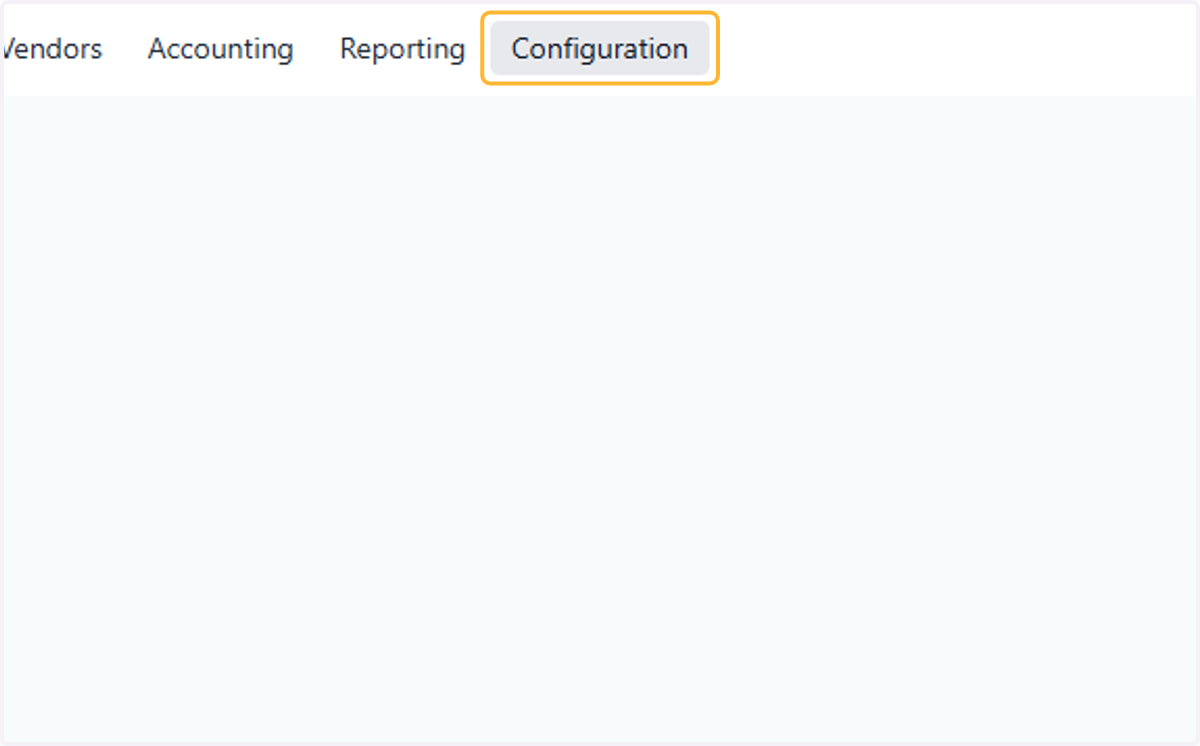
7. Click on Configuration
8. Click on Journals
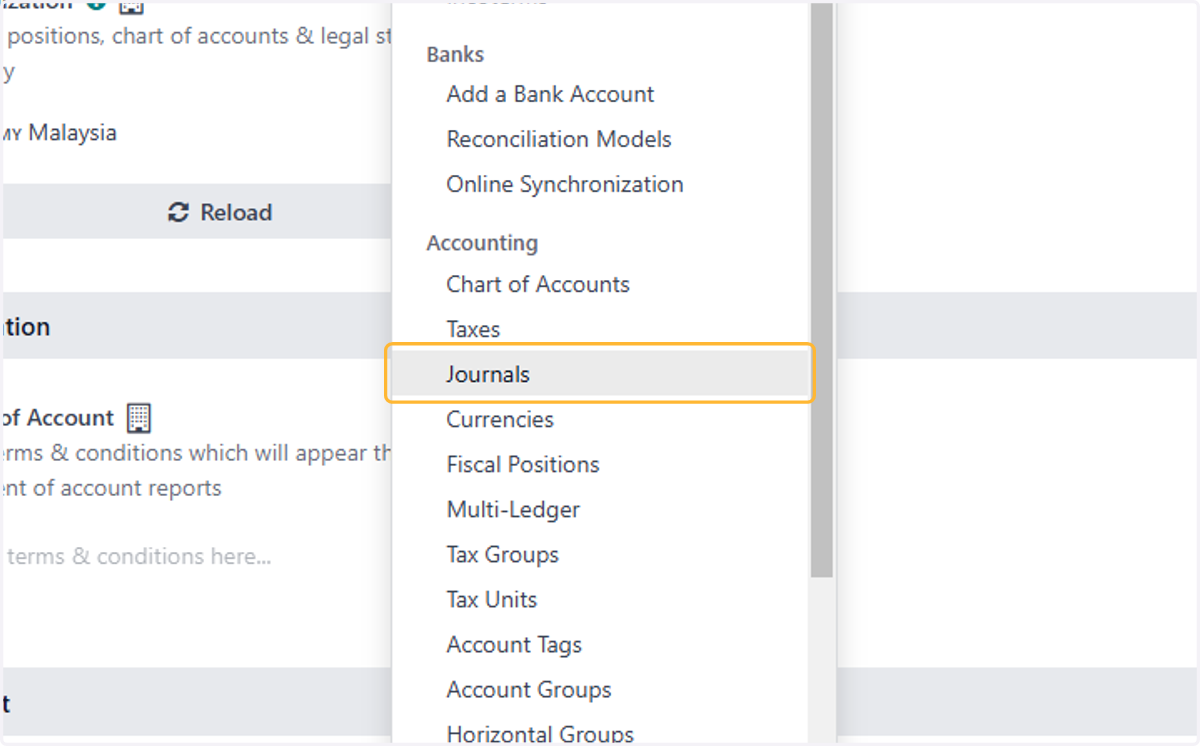
9. Select relevant Bank Journal
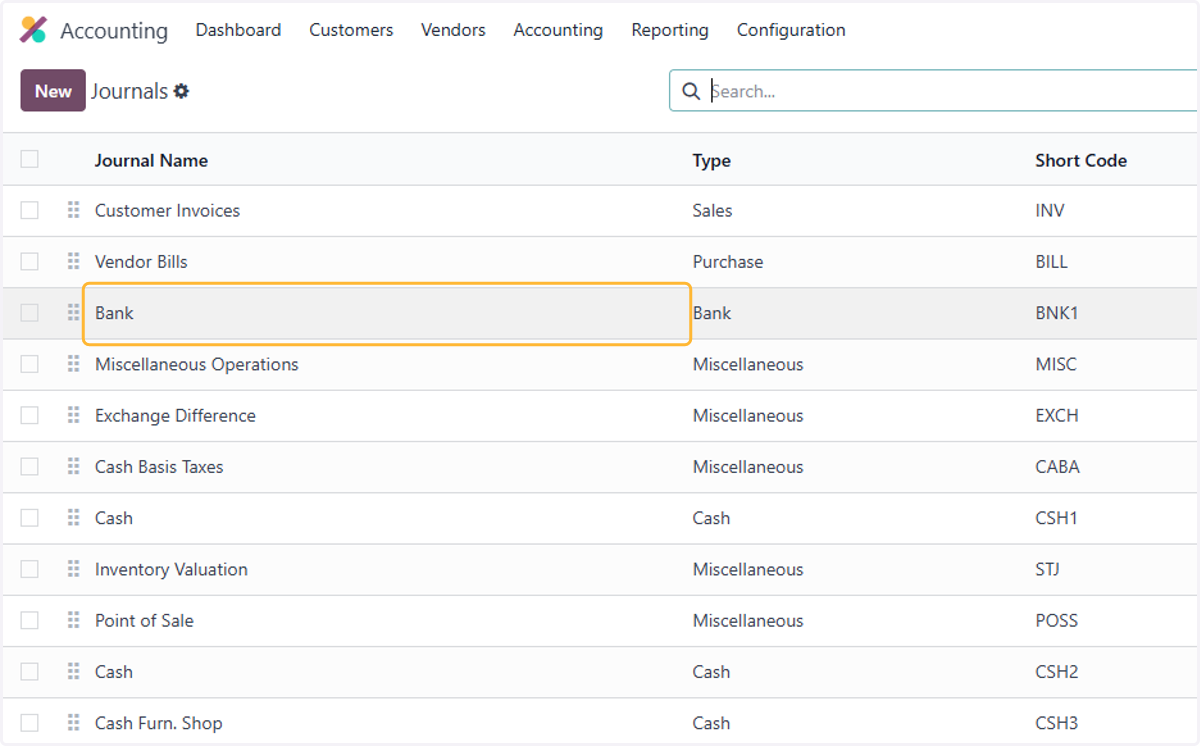
10. Select relevant on Bank Account . In case of multiple bank accounts & bank journals, Individual bank accounts are required to be created for each bank journal
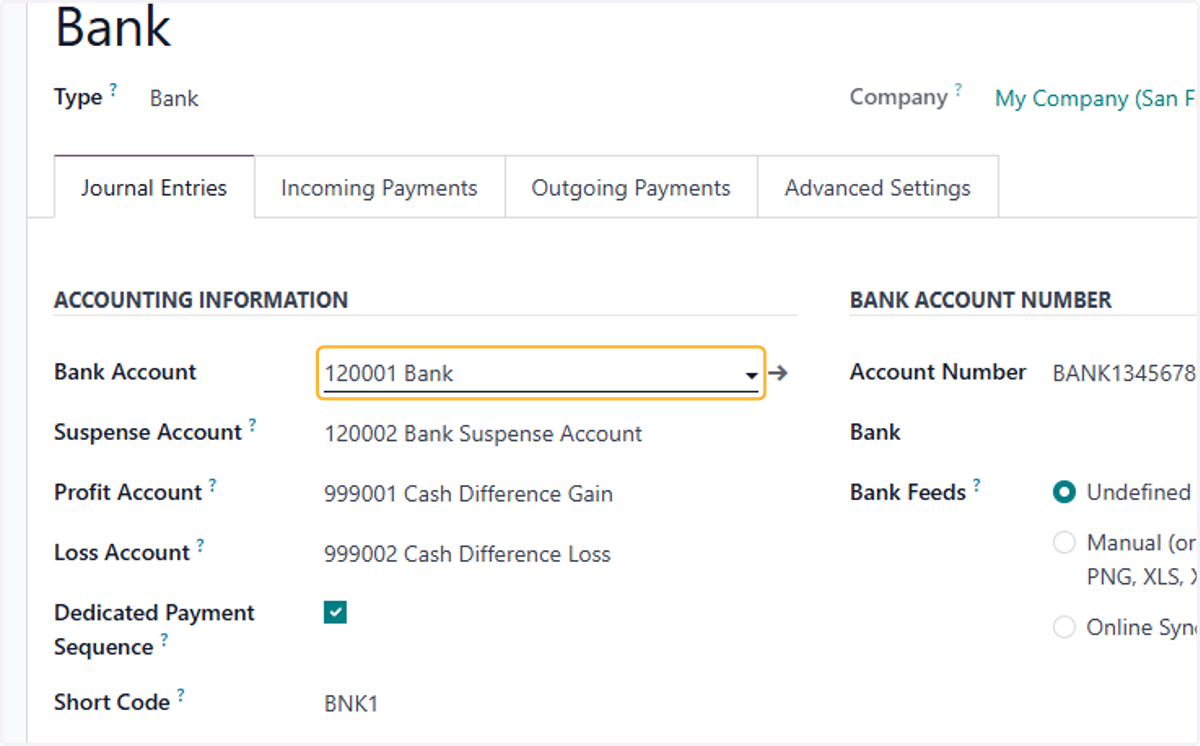
11. By default Cash Difference is selected. In case of multiple banks, Multiple cash difference account may be necessary
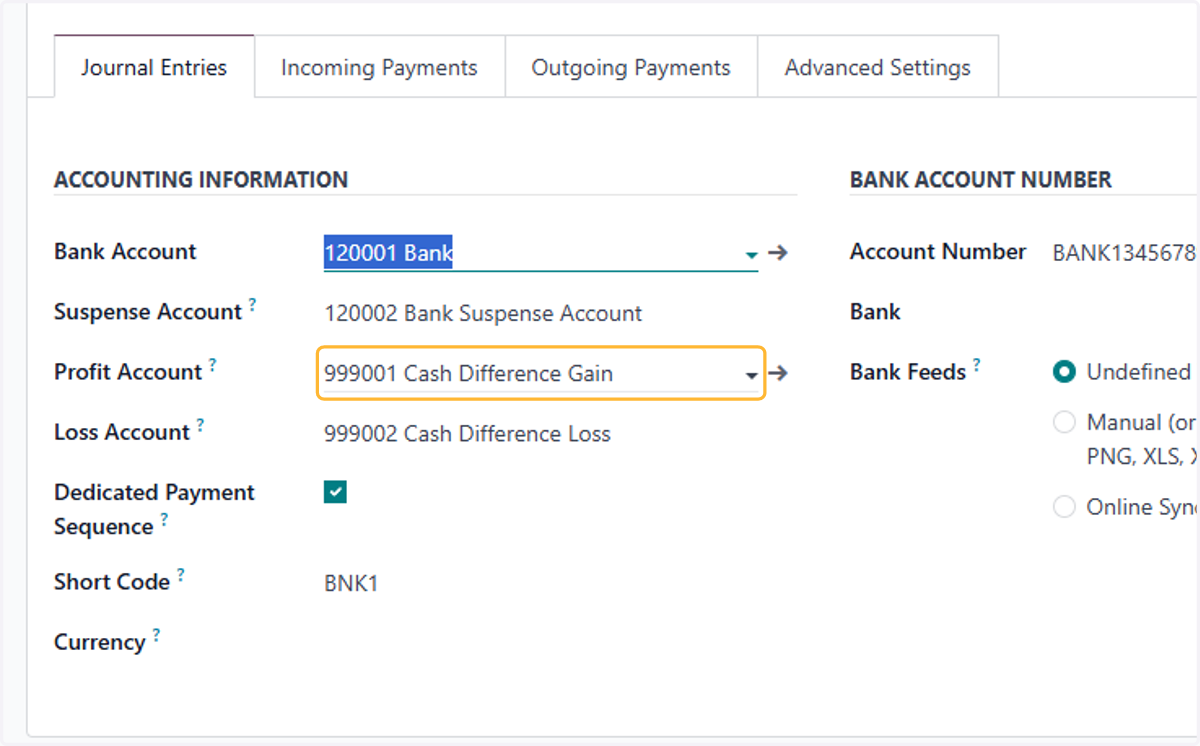
12. Same as above
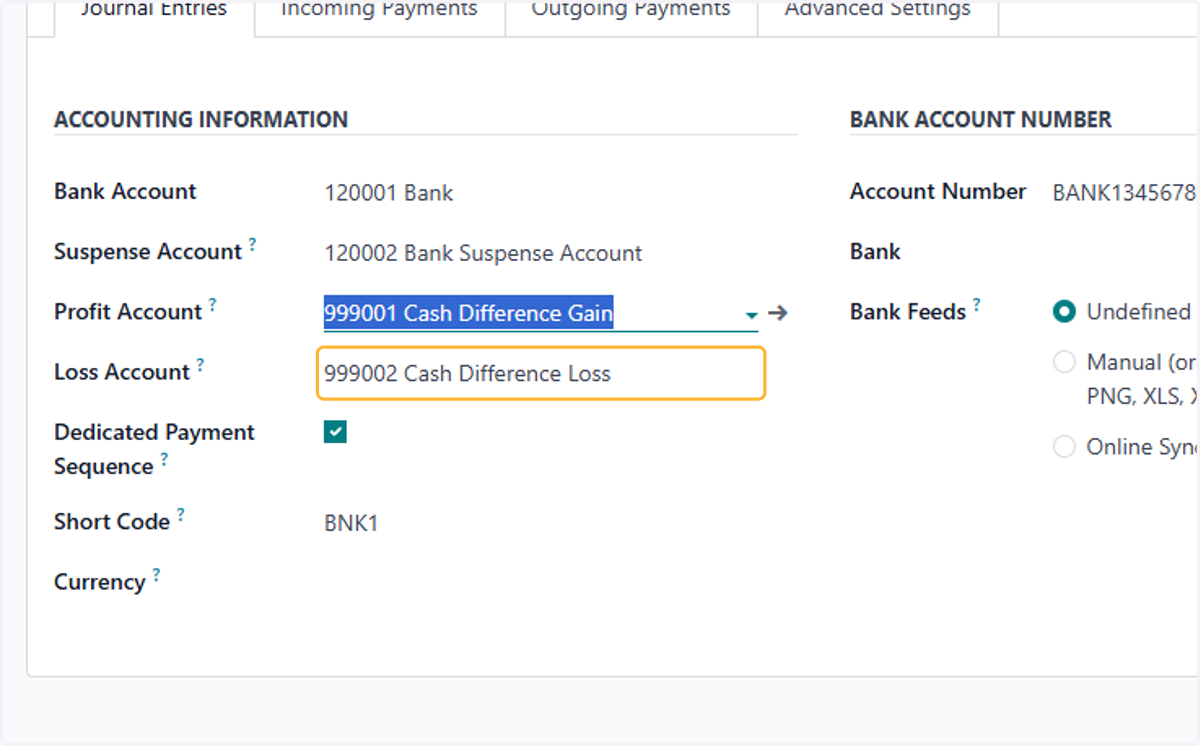
13. Fill in account number for better identification.
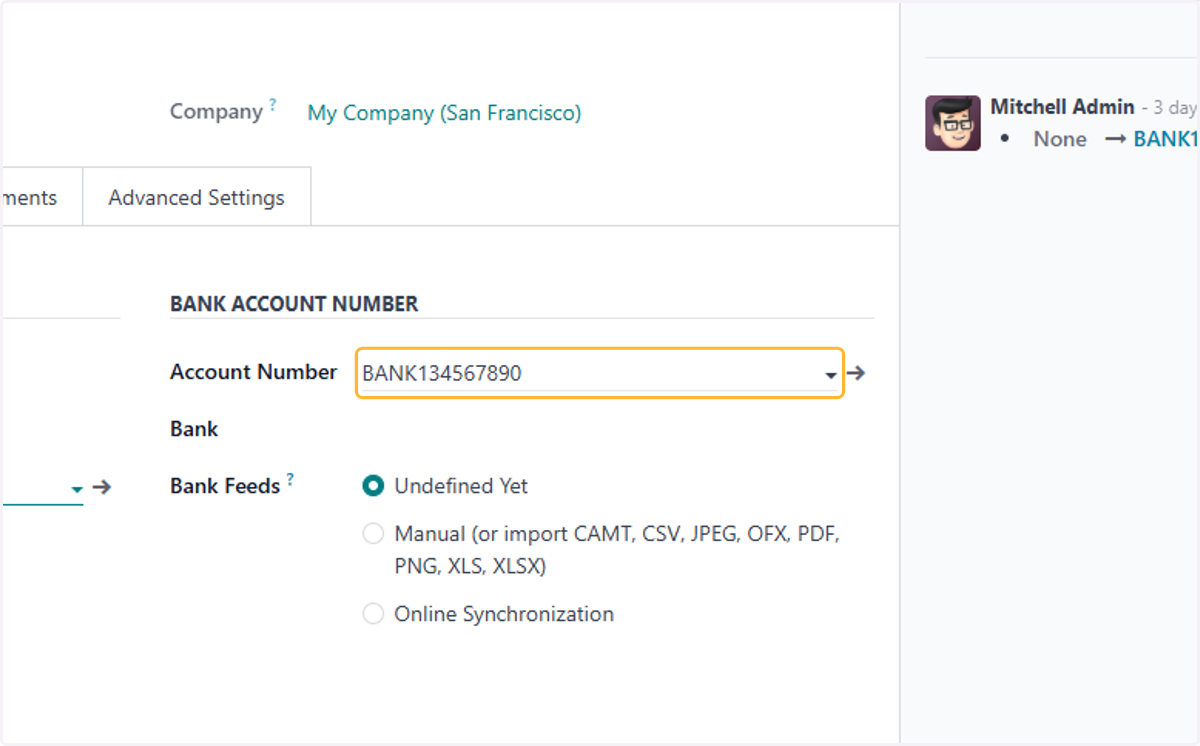
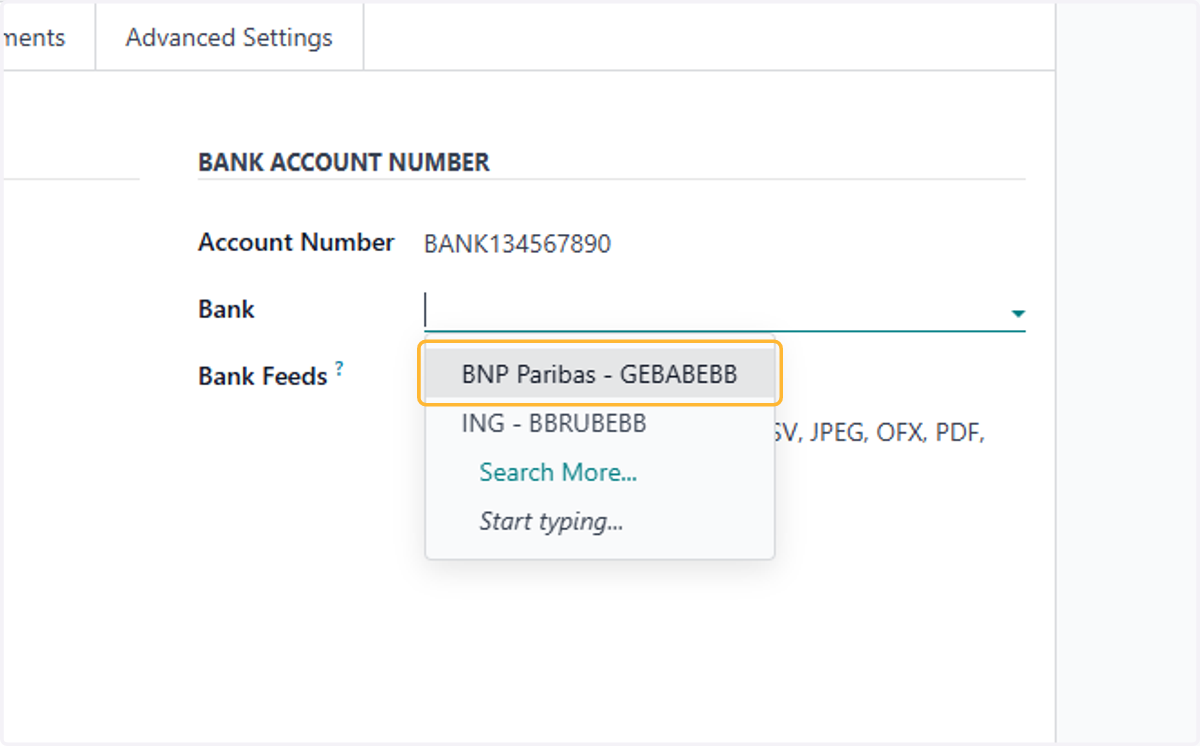
14. Select/Create the related Bank Company associated with the selected bank. For example BNP Paribas
15. Set a designated short code for Journal Entry ID
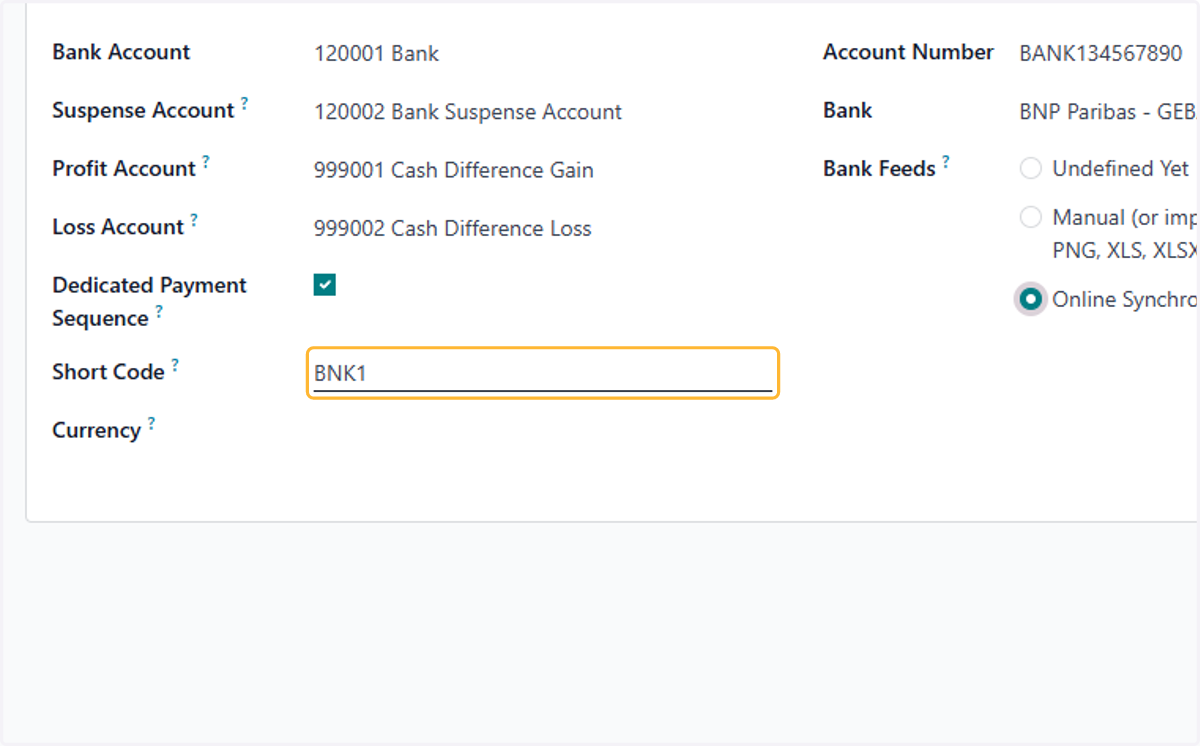
16. Select Manual (or import CAMT, CSV, JPEG, OFX, PDF, PNG, XLS, XLSX)
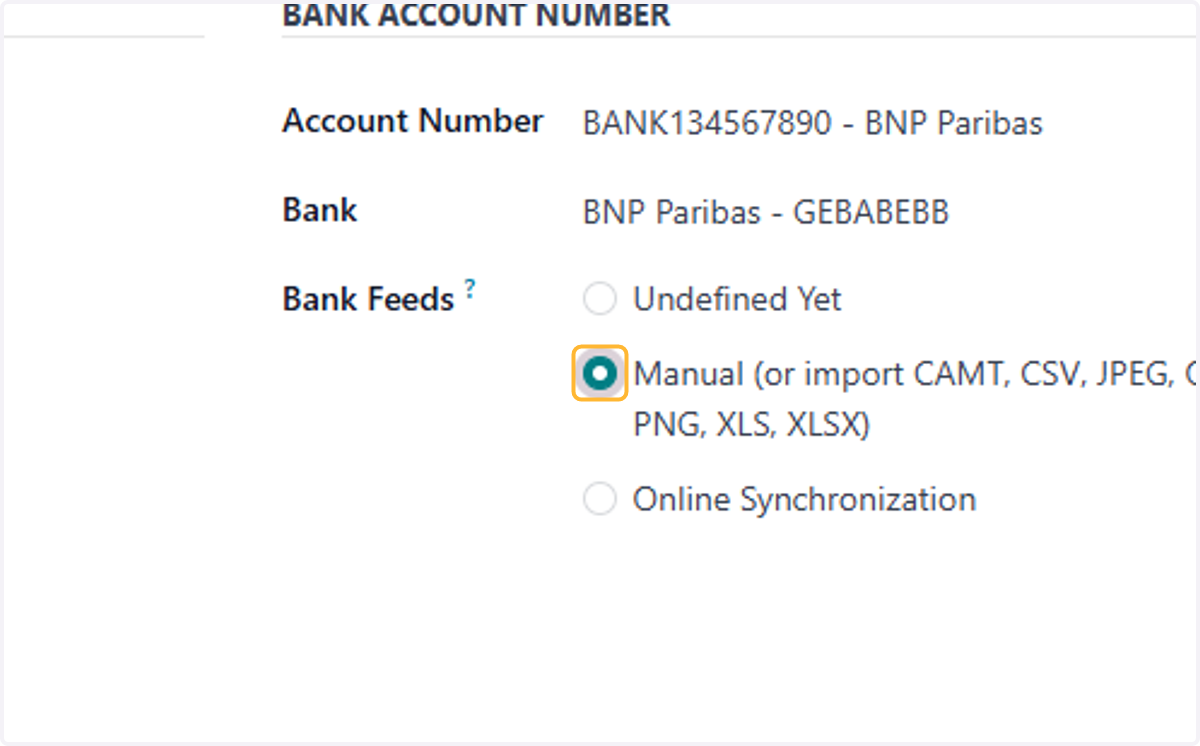
17. Click on Incoming Payments
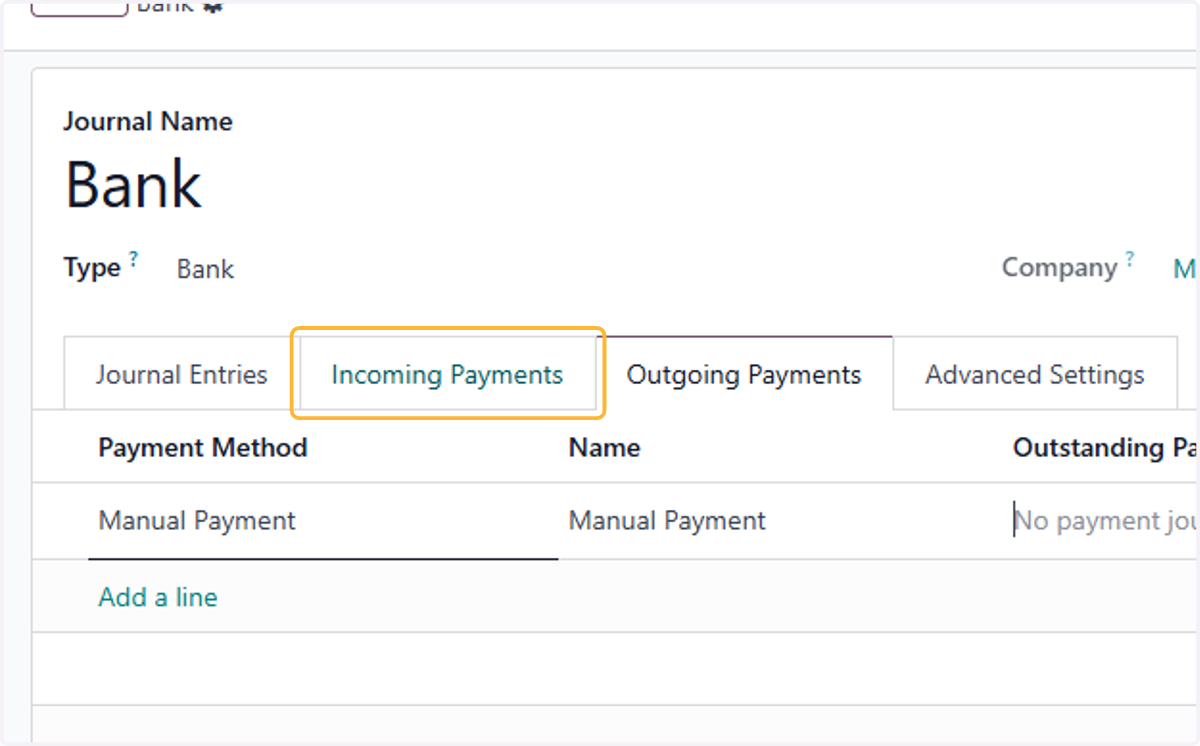
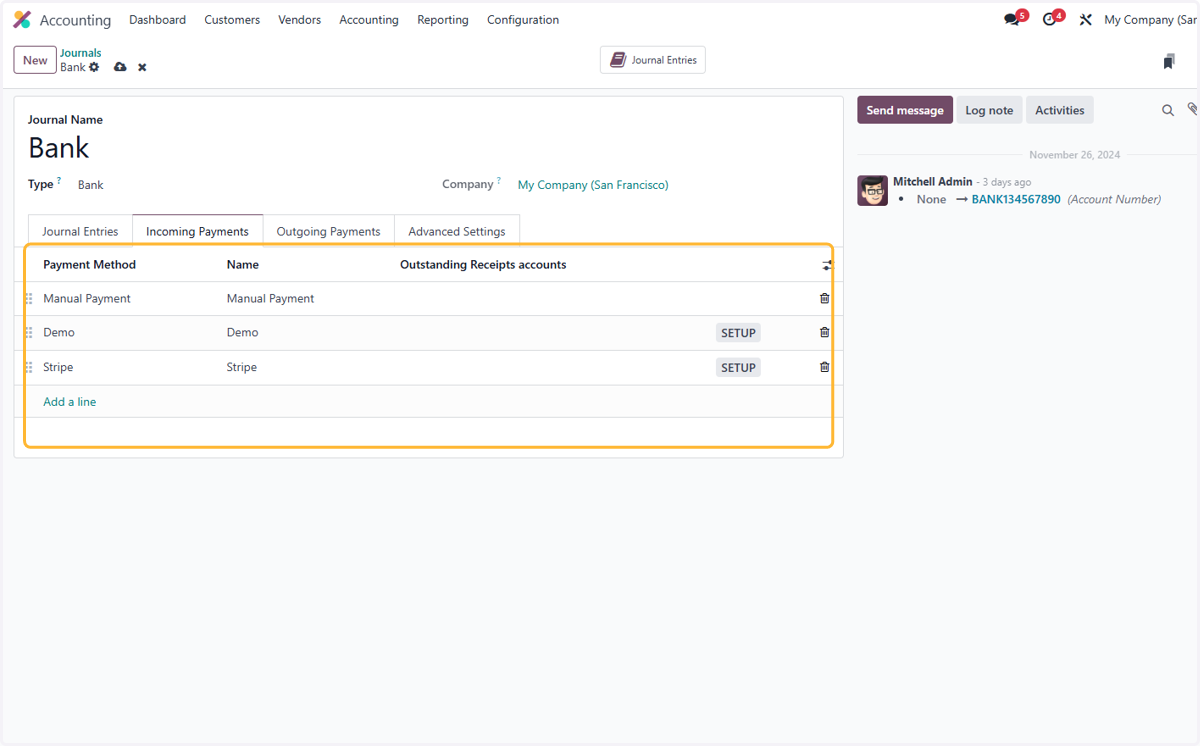
18. Add or remove payment methods used in the journal
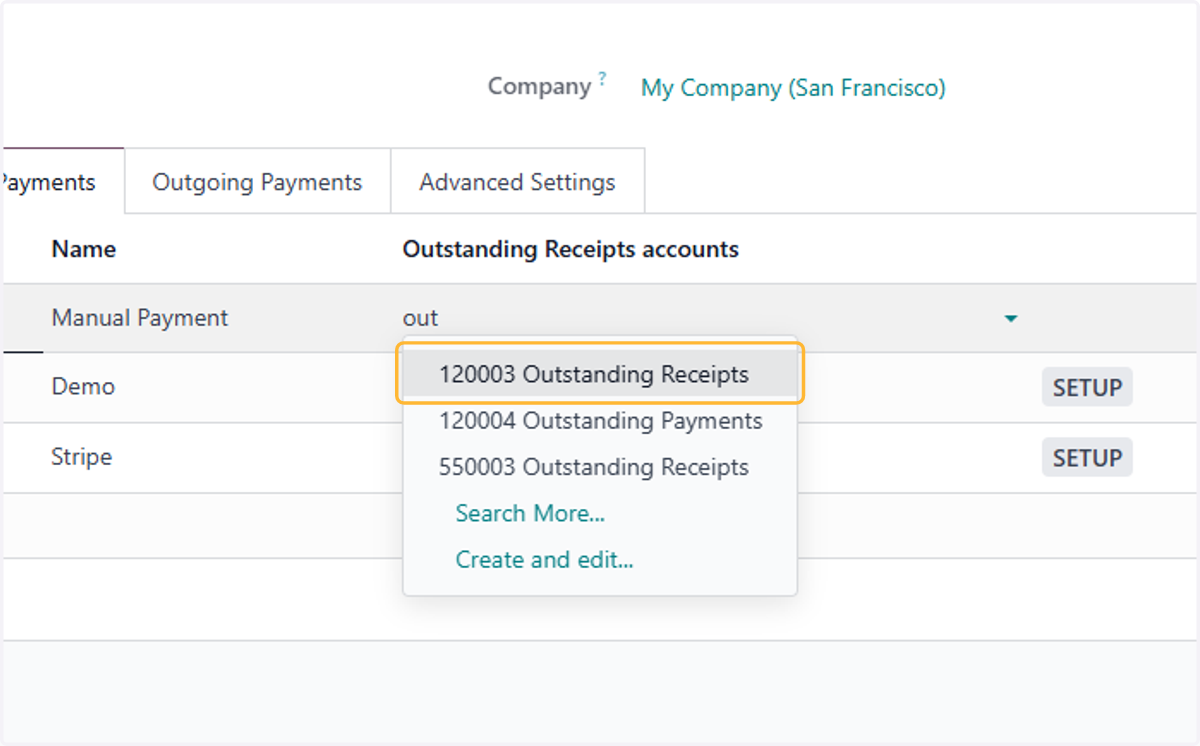
19. By default, Manual Payment is set to Outstanding Receipts account selected in Configuration>settings . Change if necessary.
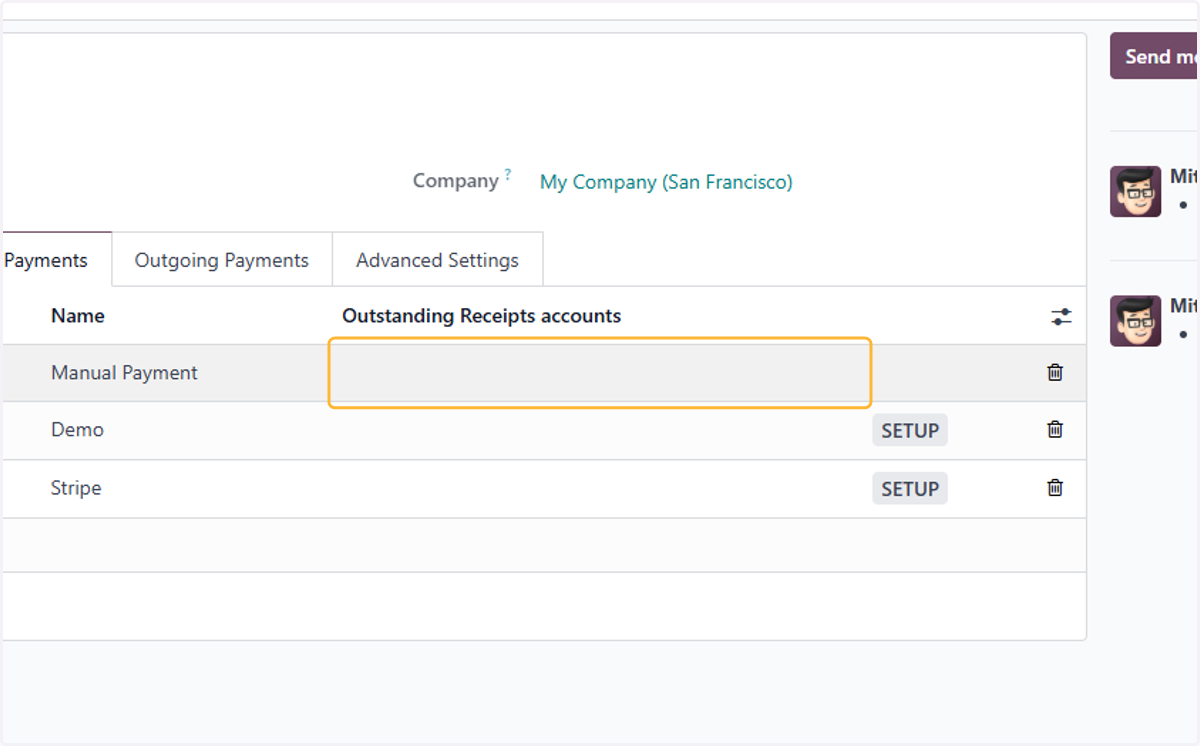
20. For example, 120003 Outstanding Receipts has been selected.
21. Click on Outgoing Payments
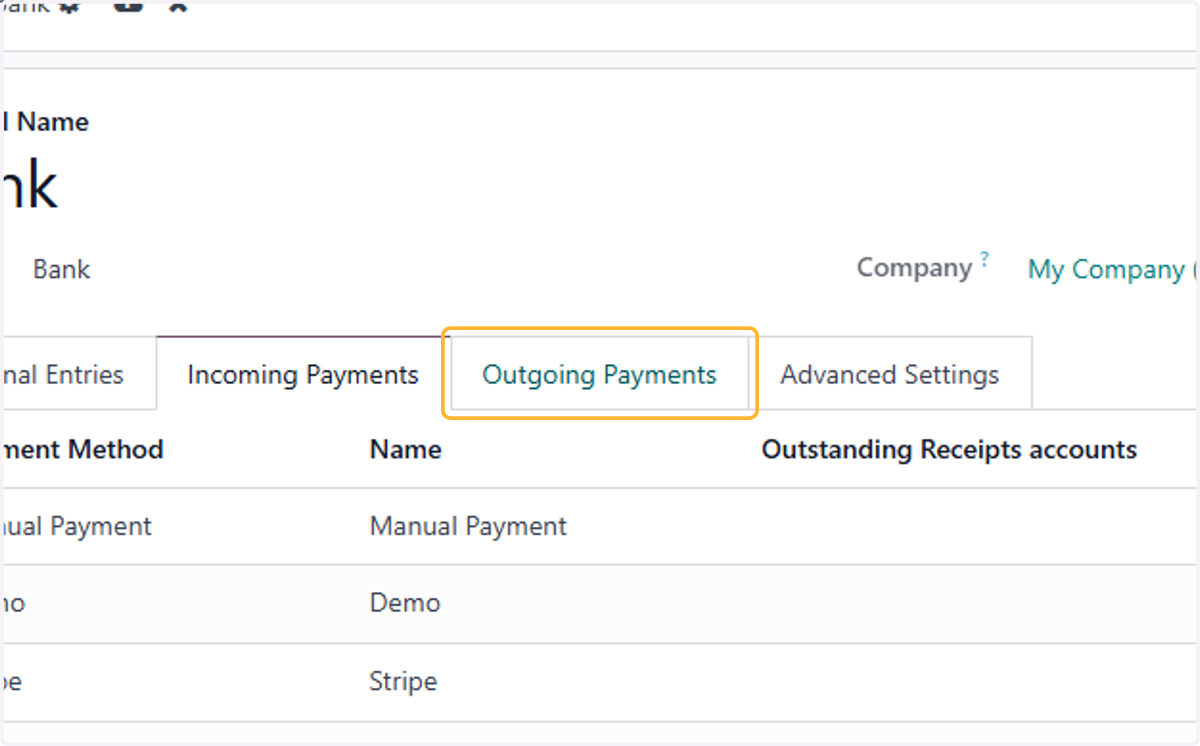
22. Select/Add any desired Payment Method for outgoing payments, same steps as incoming payments