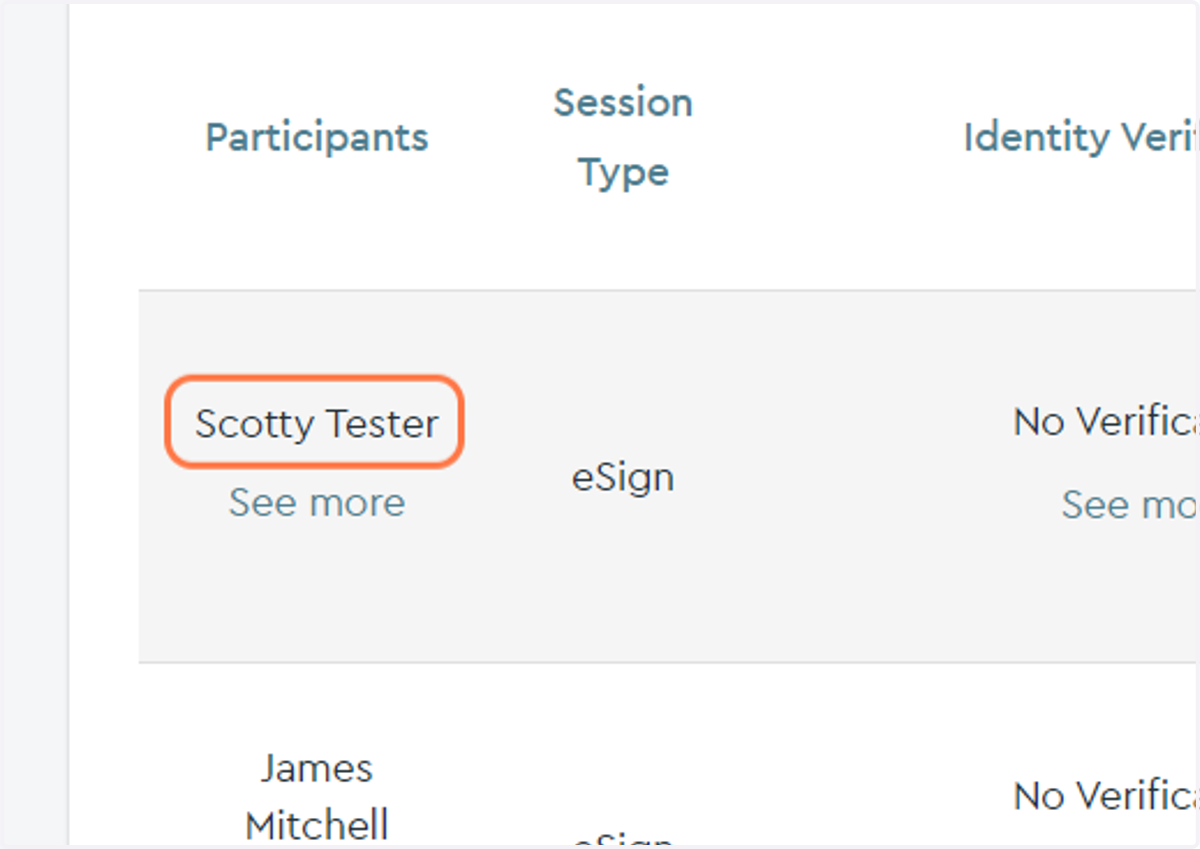
How to Cancel an eSign Order
Enotarylog
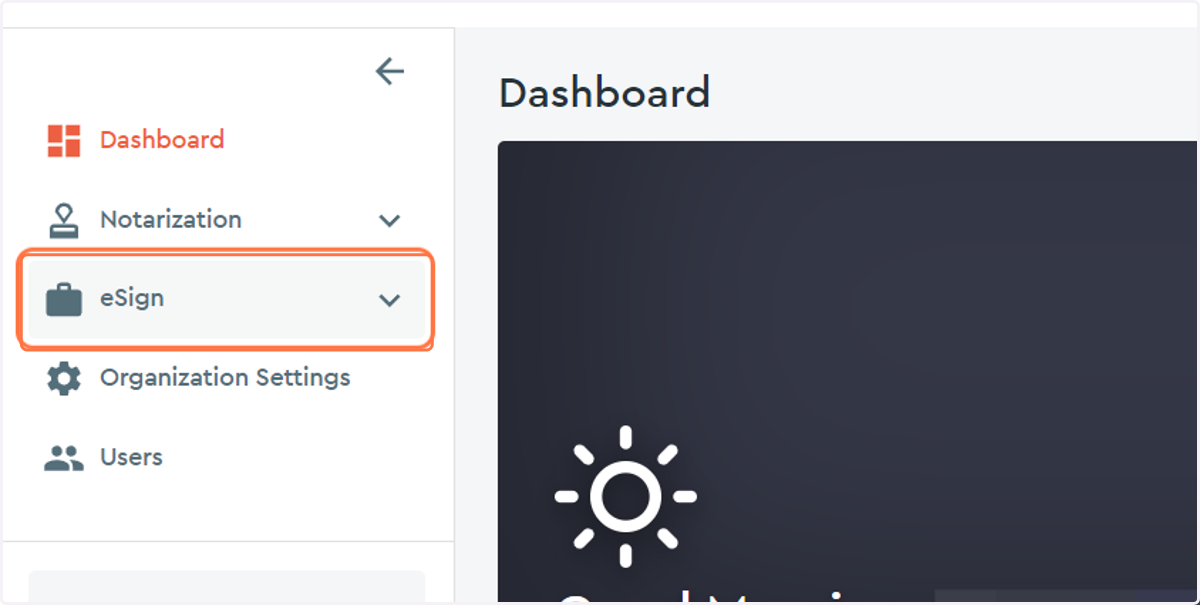
1. Click on the eSign drop down menu...
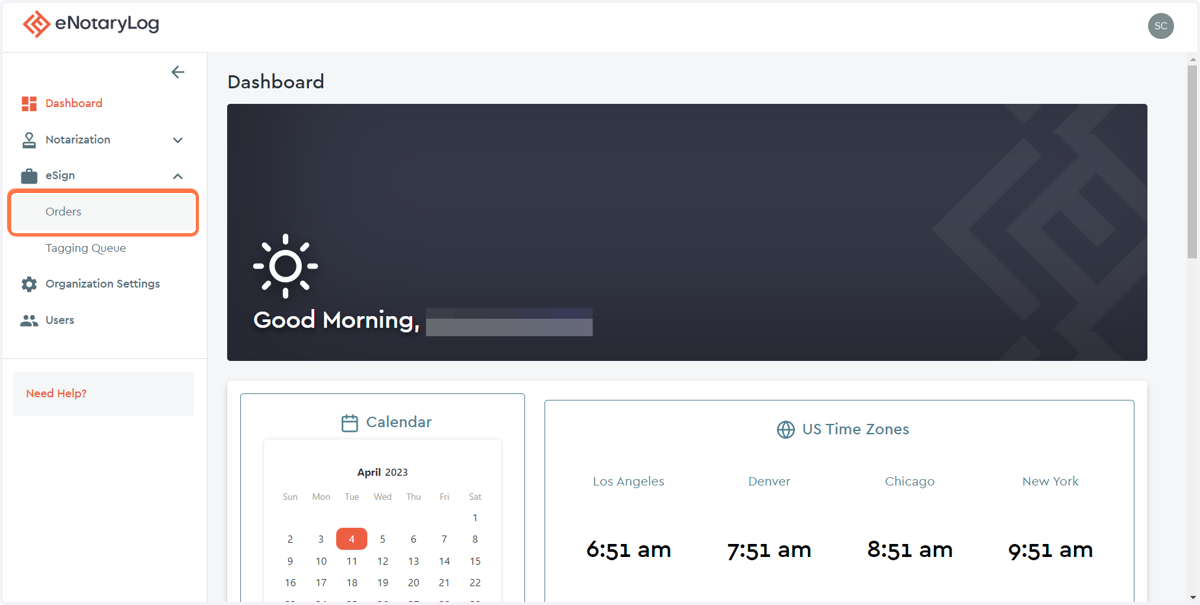
2. Click on the Orders option...
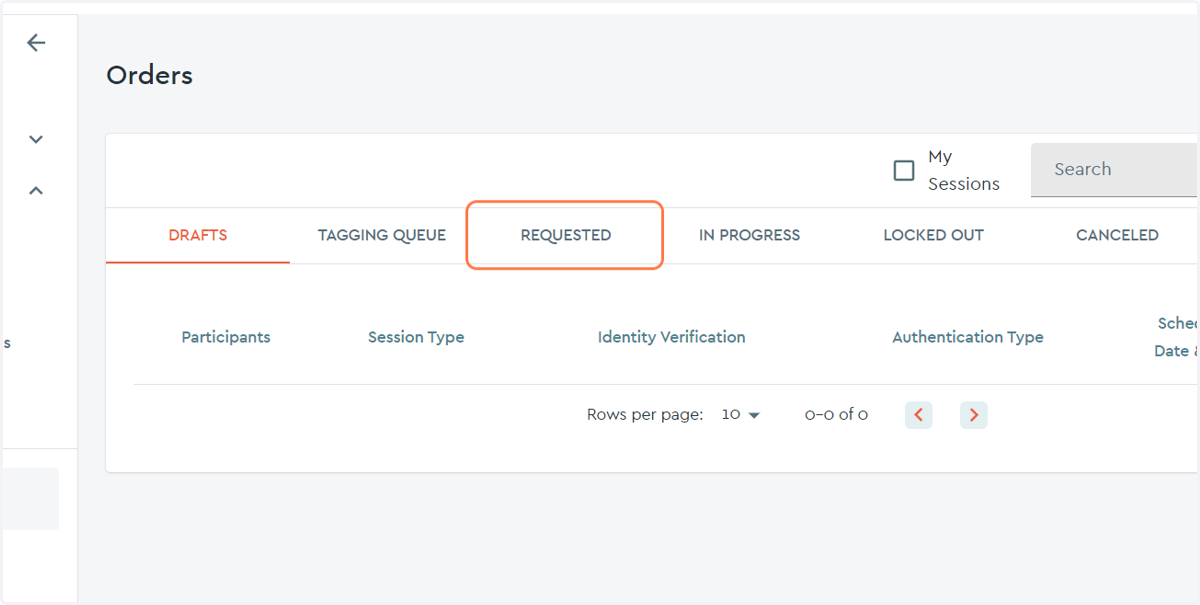
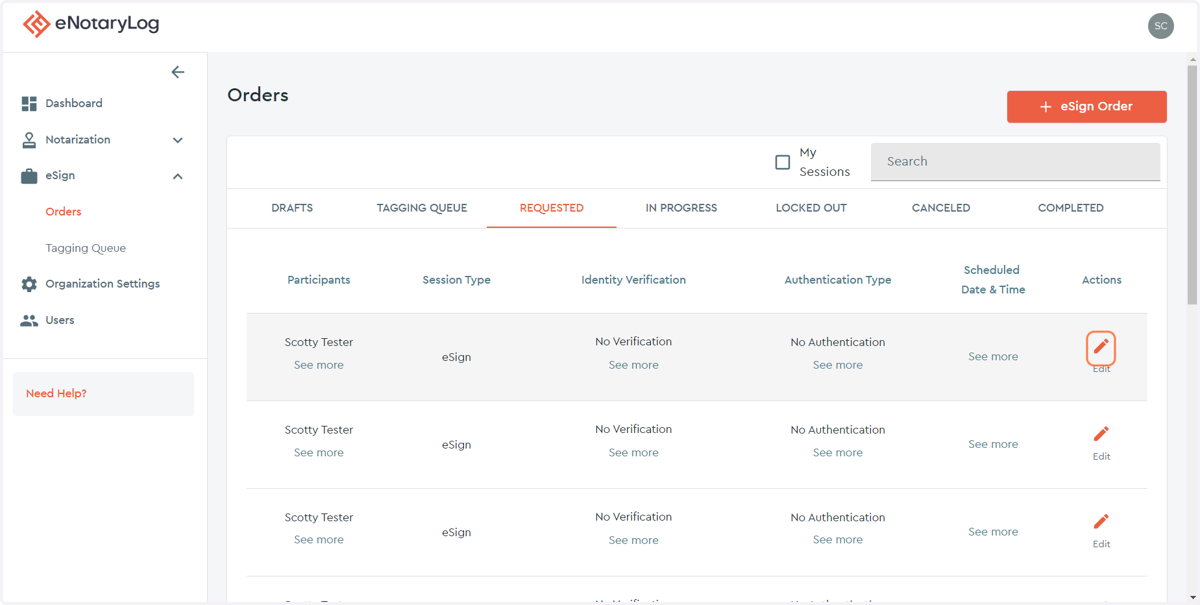
3. Locate your eSign Order by its status...
You will be able to cancel an eSign order at any point before it is completed. In this example we will cancel a REQUESTED eSign order.
4. Click on the edit action on the far right of the page for the eSign order you wish to cancel.
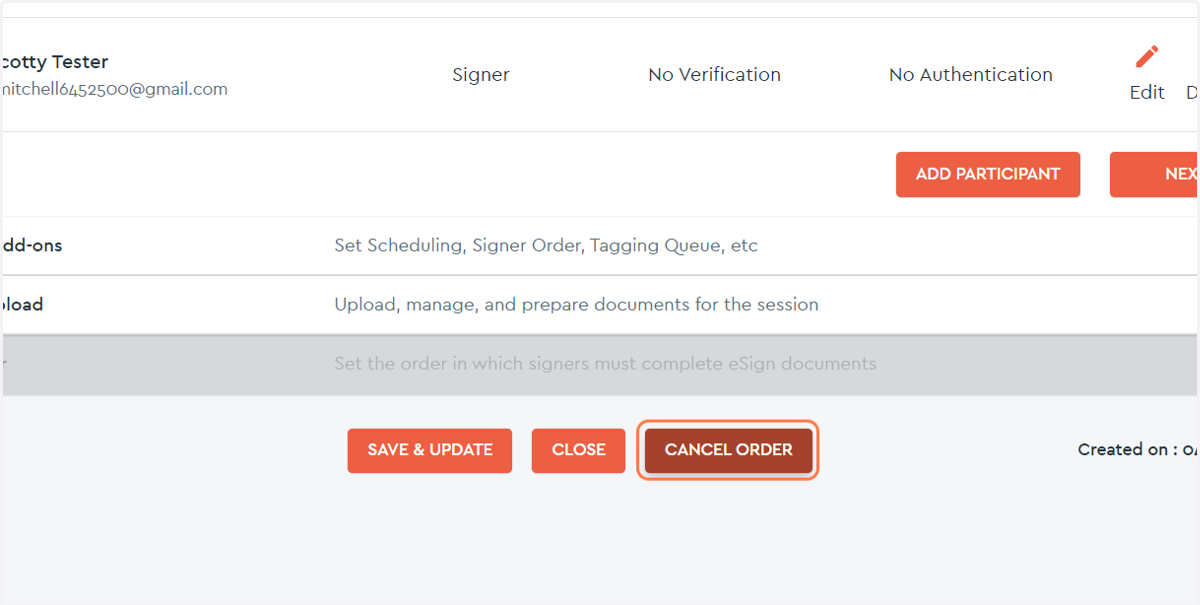
5. Scroll down to the bottom of the page and click the CANCEL ORDER button...
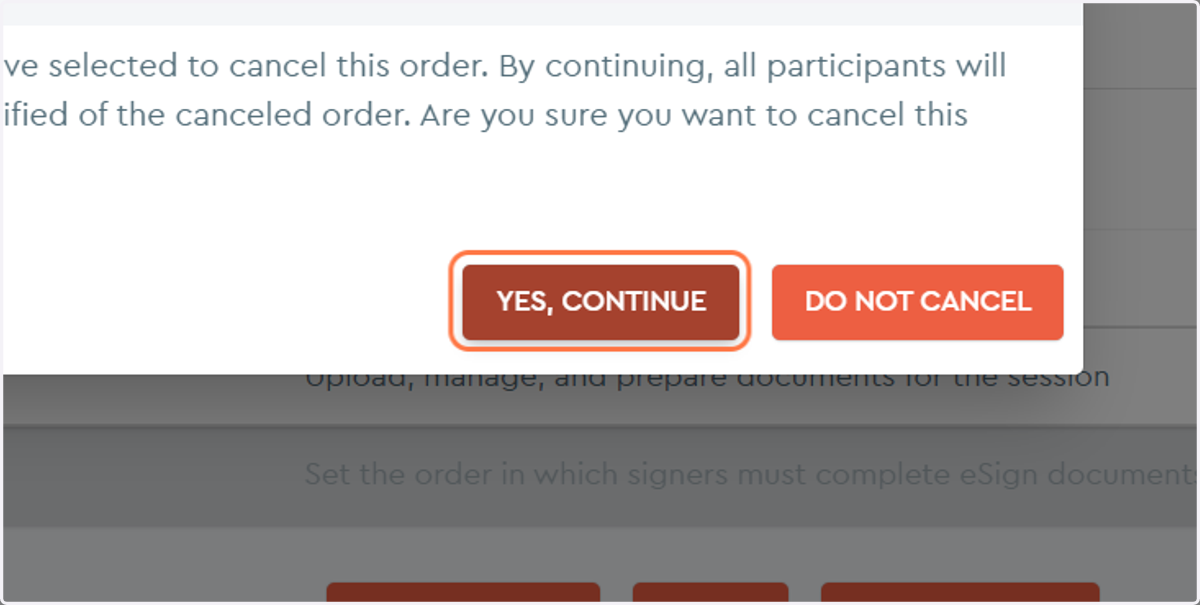
6. Click on the YES, CONTINUE button to confirm the cancellation of the order
7. To confirm that the order was canceled Click on CANCELED tab...
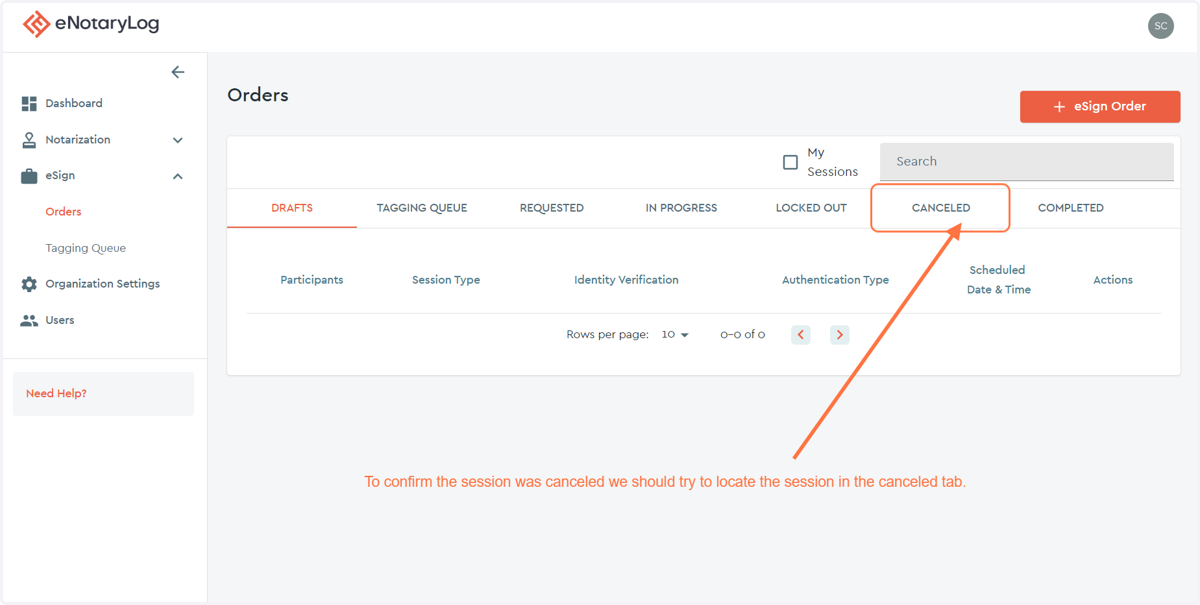
8. Either search or scroll down to find the cancelled order.
The most recently cancelled order will be at the top of the page, if you have cancelled a order by accident you can click on the Restore action.