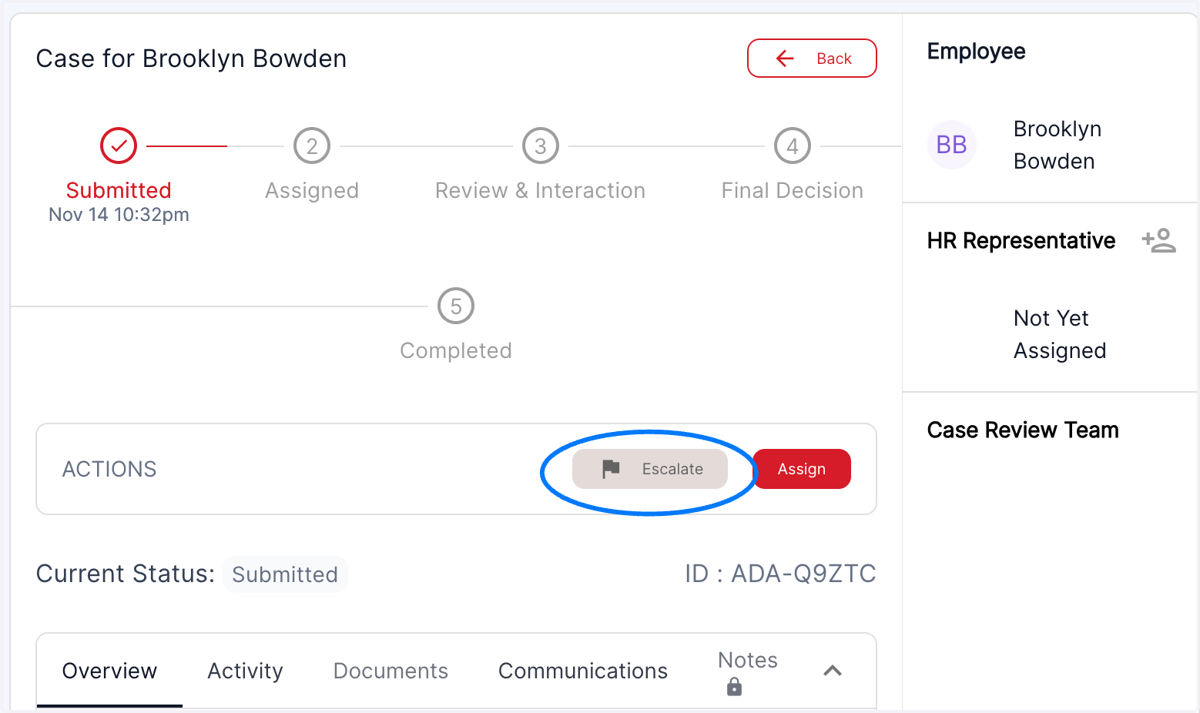
No option to escalate the case until in the review and interaction stage
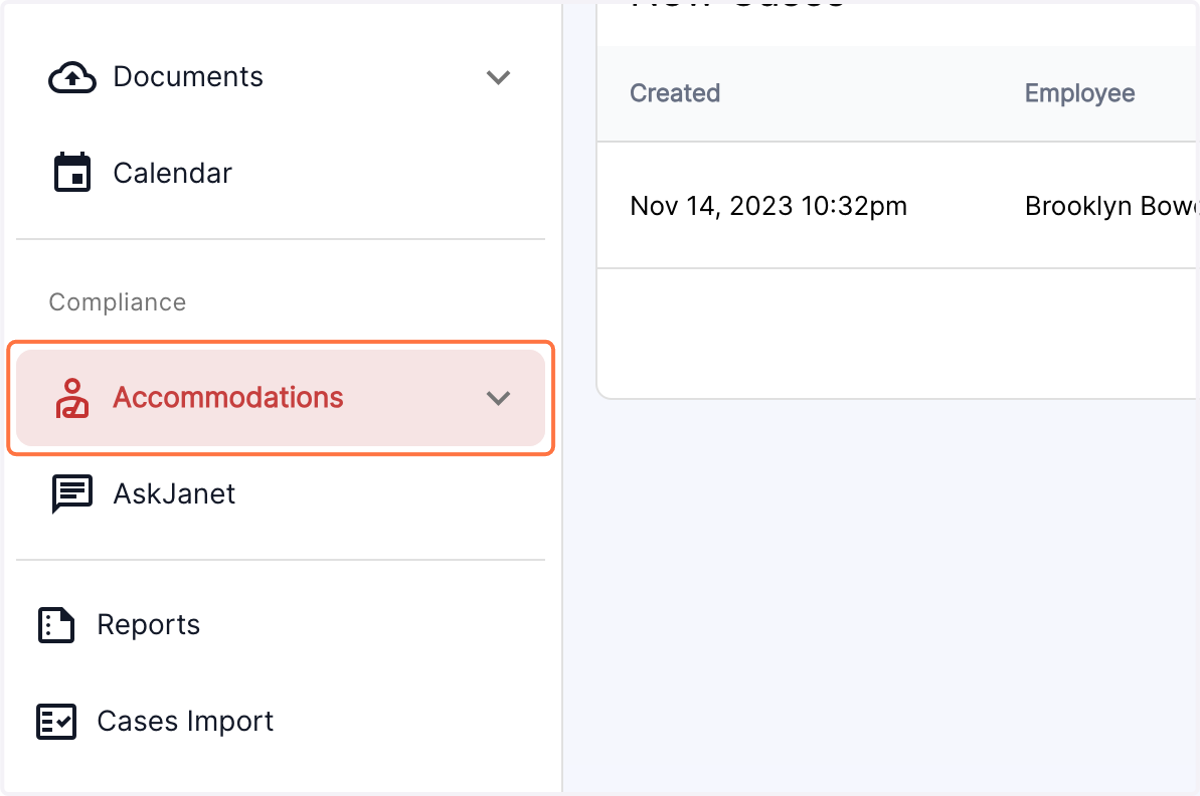
1. Click on the Accommodations menu in the left panel
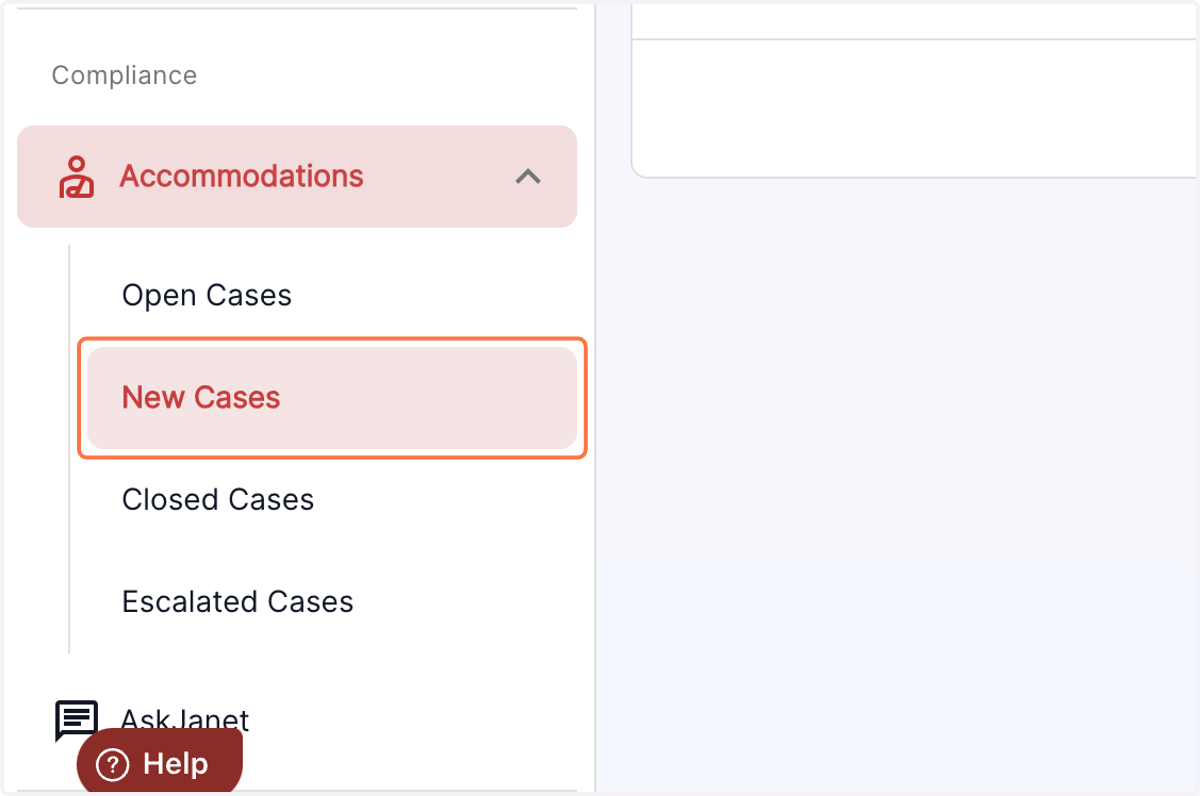
2. Open the New Cases table
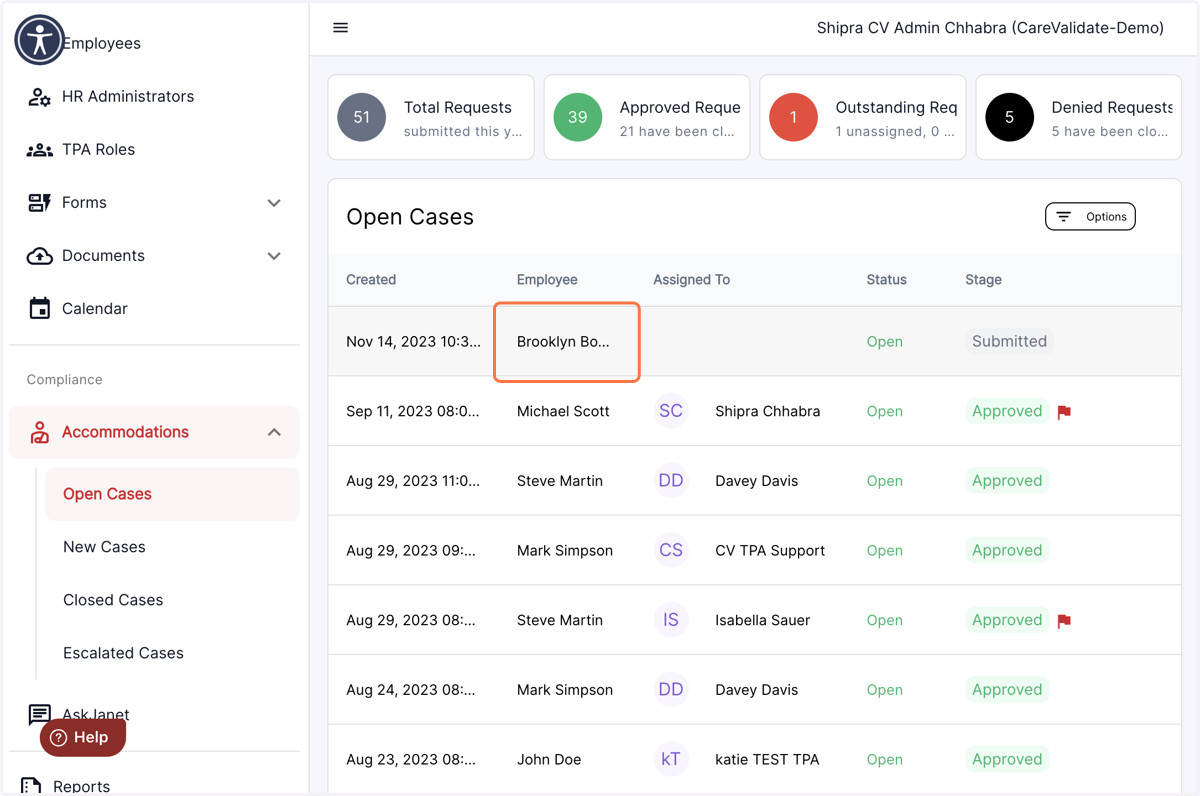
3. Select the case that has just been submitted and does not show "Review and Interaction" under the stage comments
4. The tab to escalate the case will be greyed out till the case is under review and interaction stage of the process