Creating a New Pipeline
Horse Business Manager
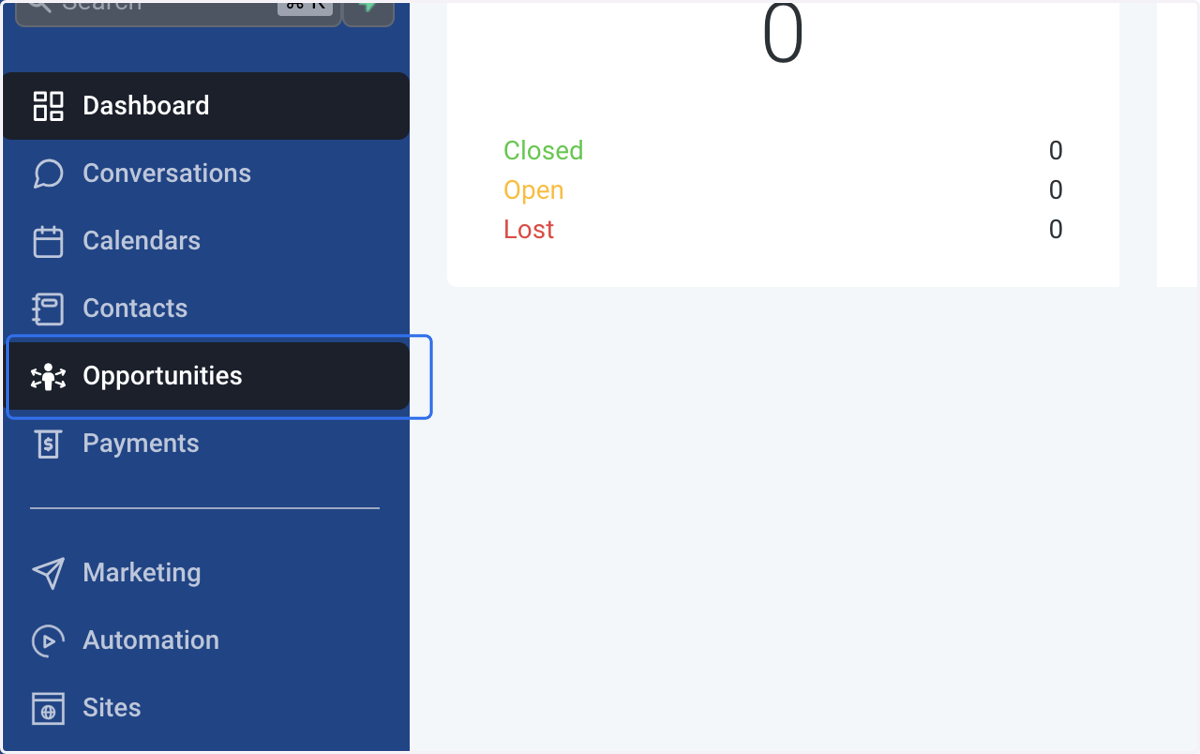
1. Click on Opportunities
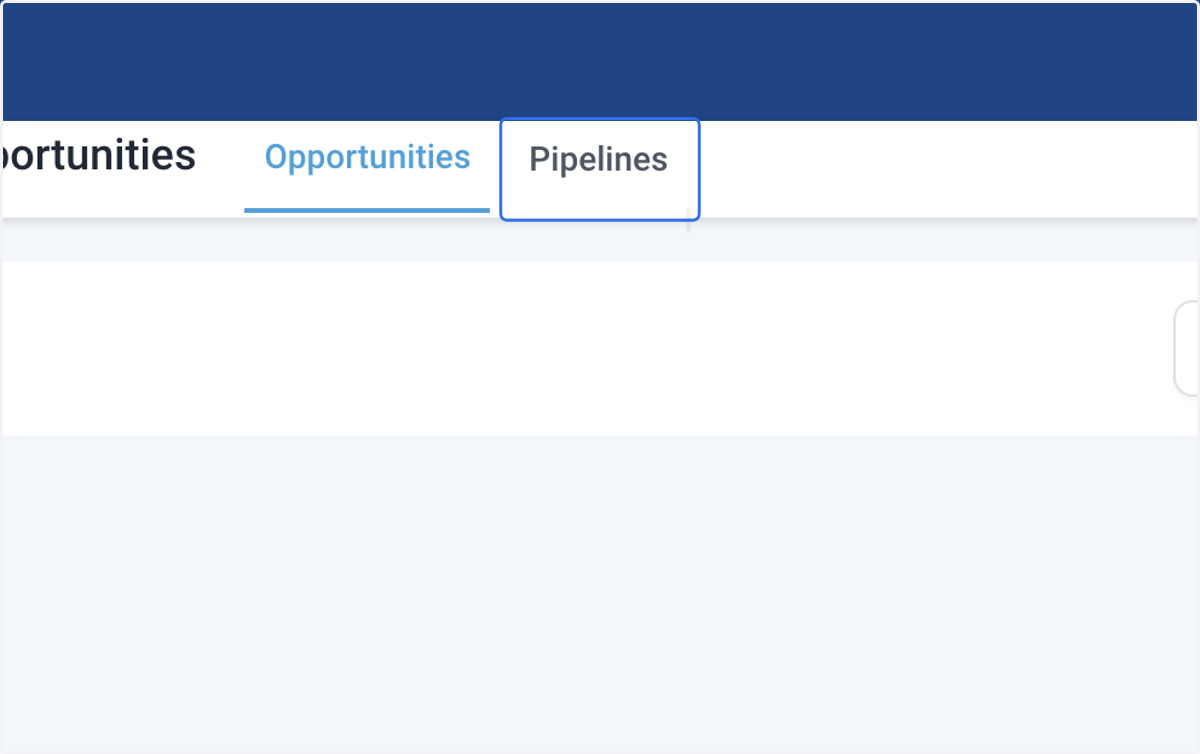
2. Click on Pipelines
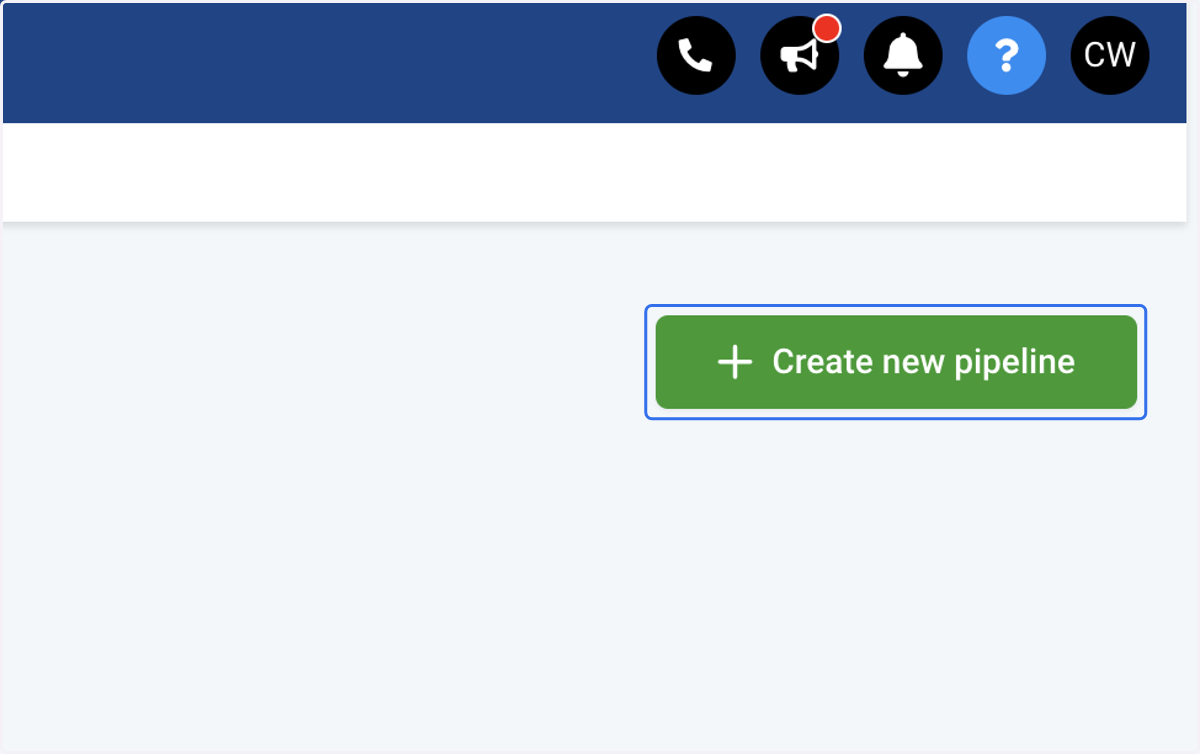
3. Click on Create new pipeline
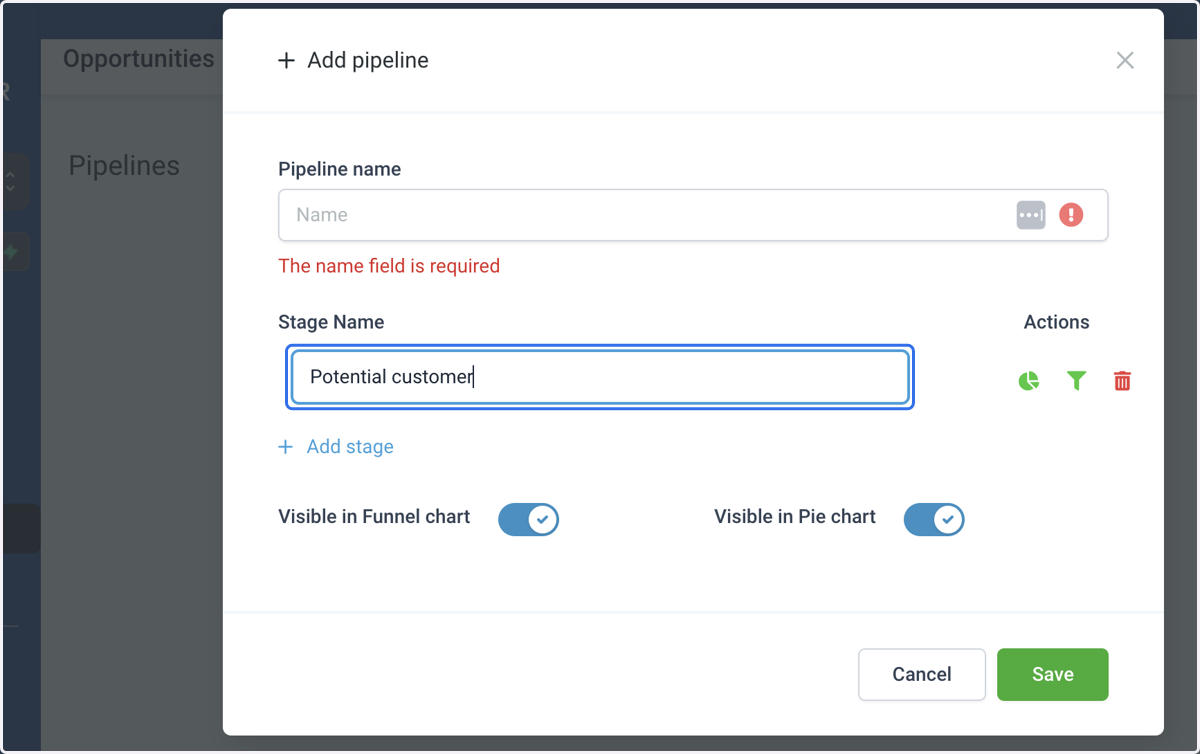
4. Name the pipeline
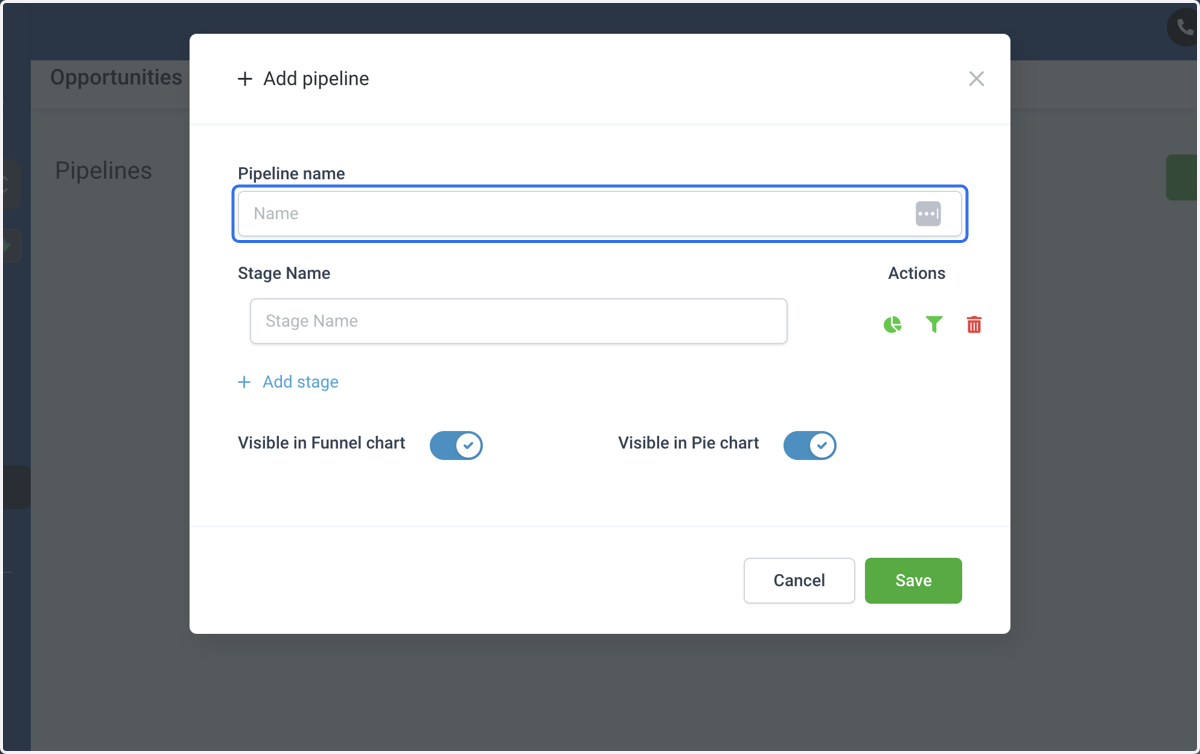
5. Enter the first step of the pipeline
6. Click on Add stage
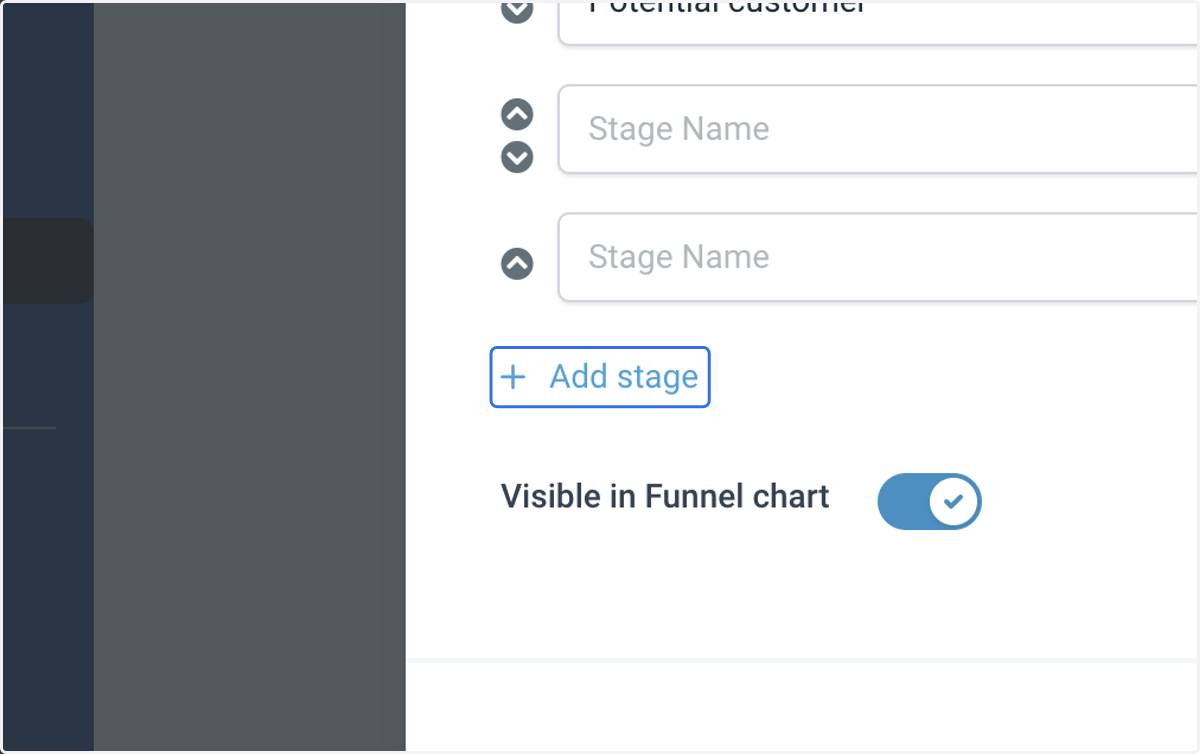
7. Continue to add stages based on your workflow
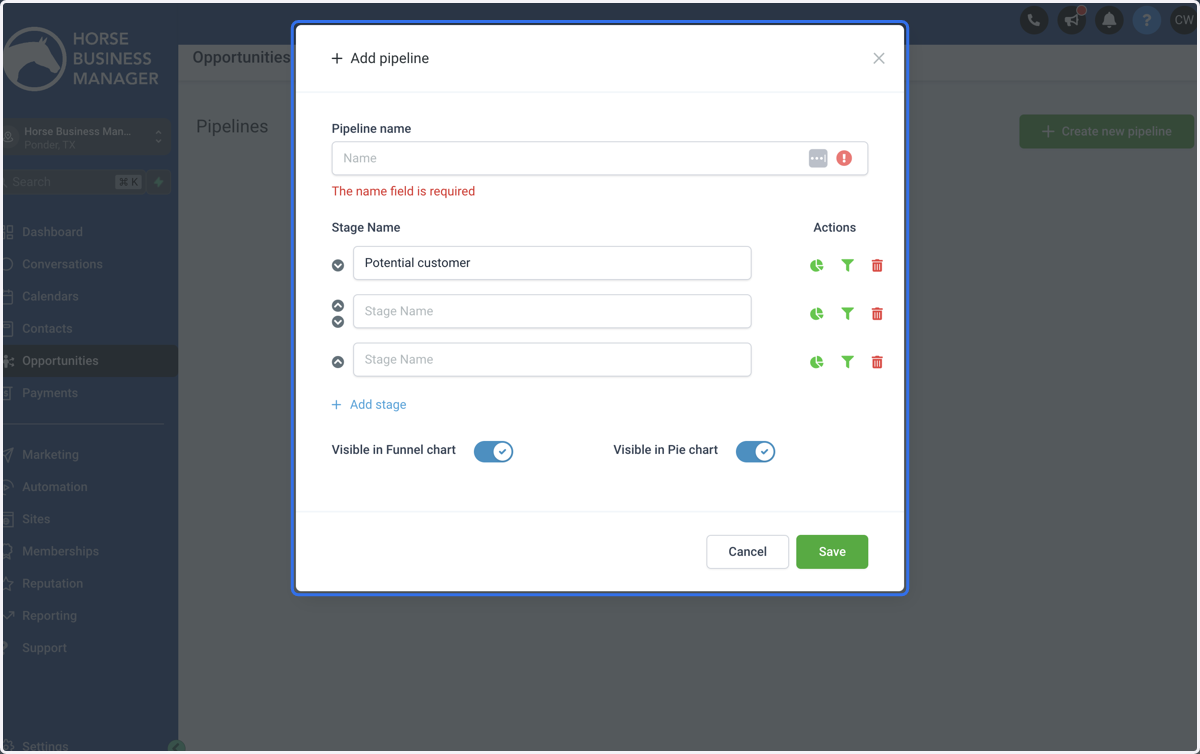
8. Click on Save