Creating Held Invoices
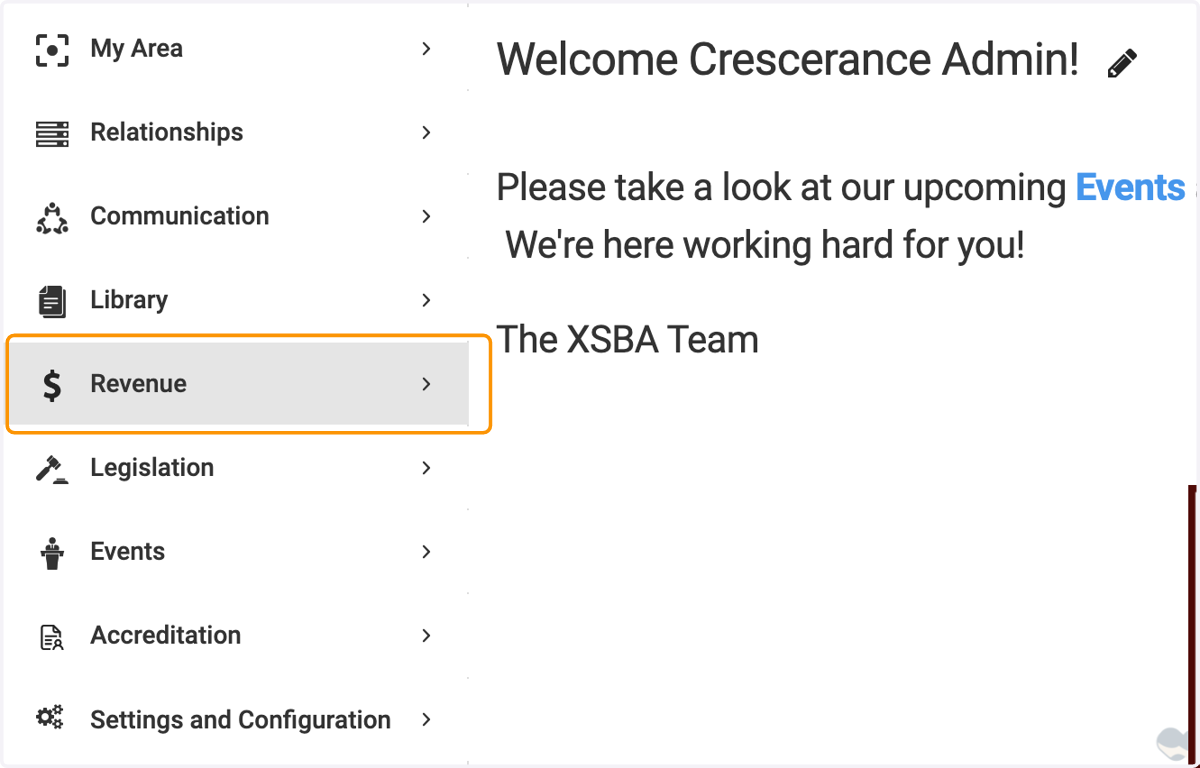
1. Click on Revenue
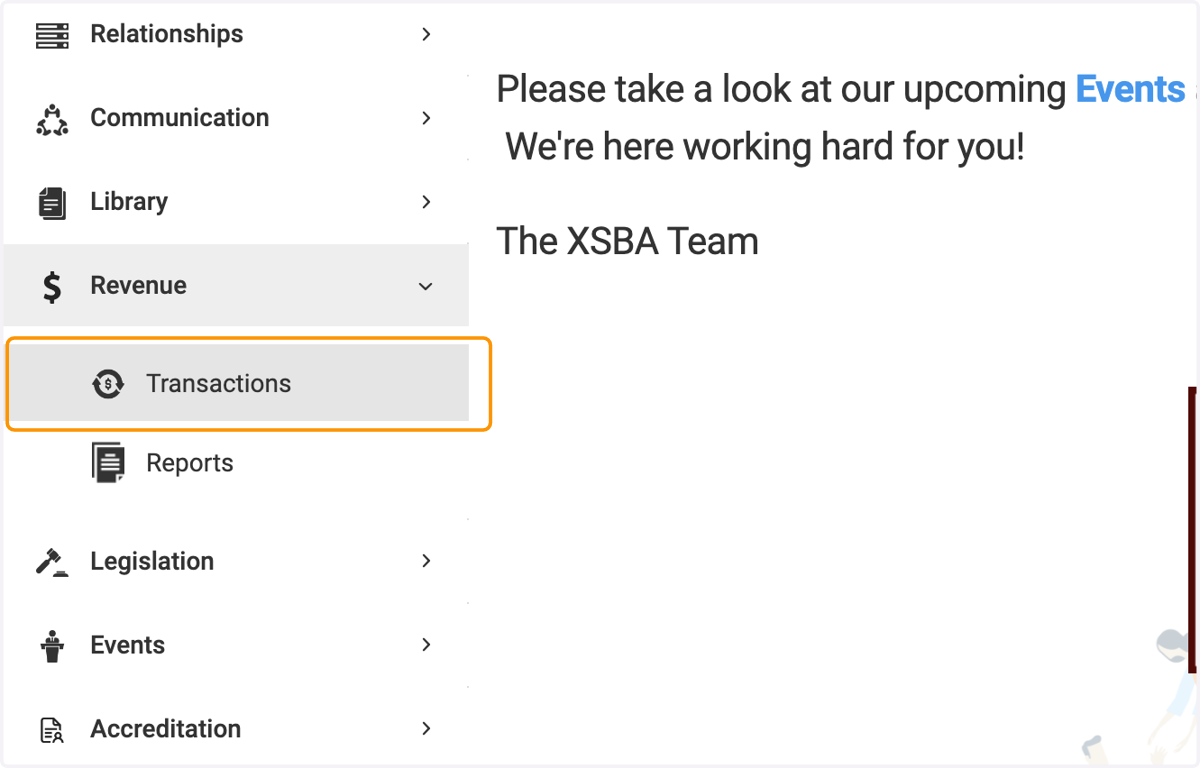
2. Click on Transactions
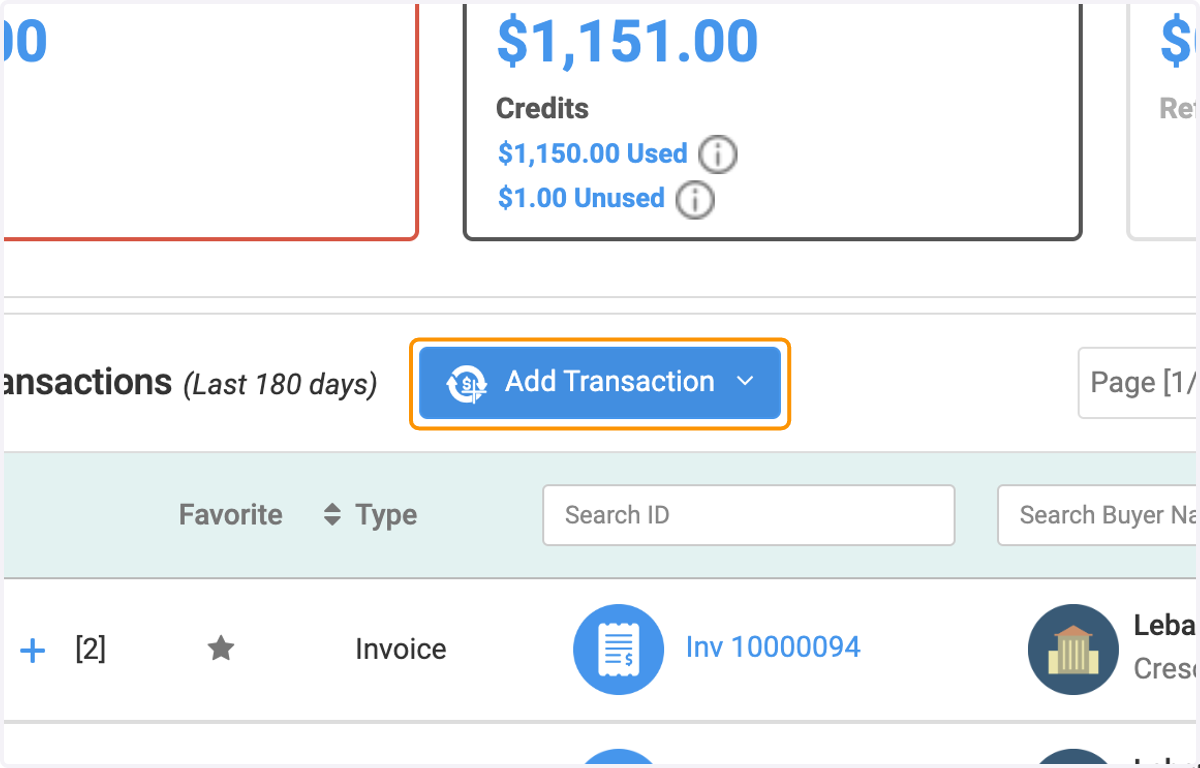
3. Click on Add Transaction
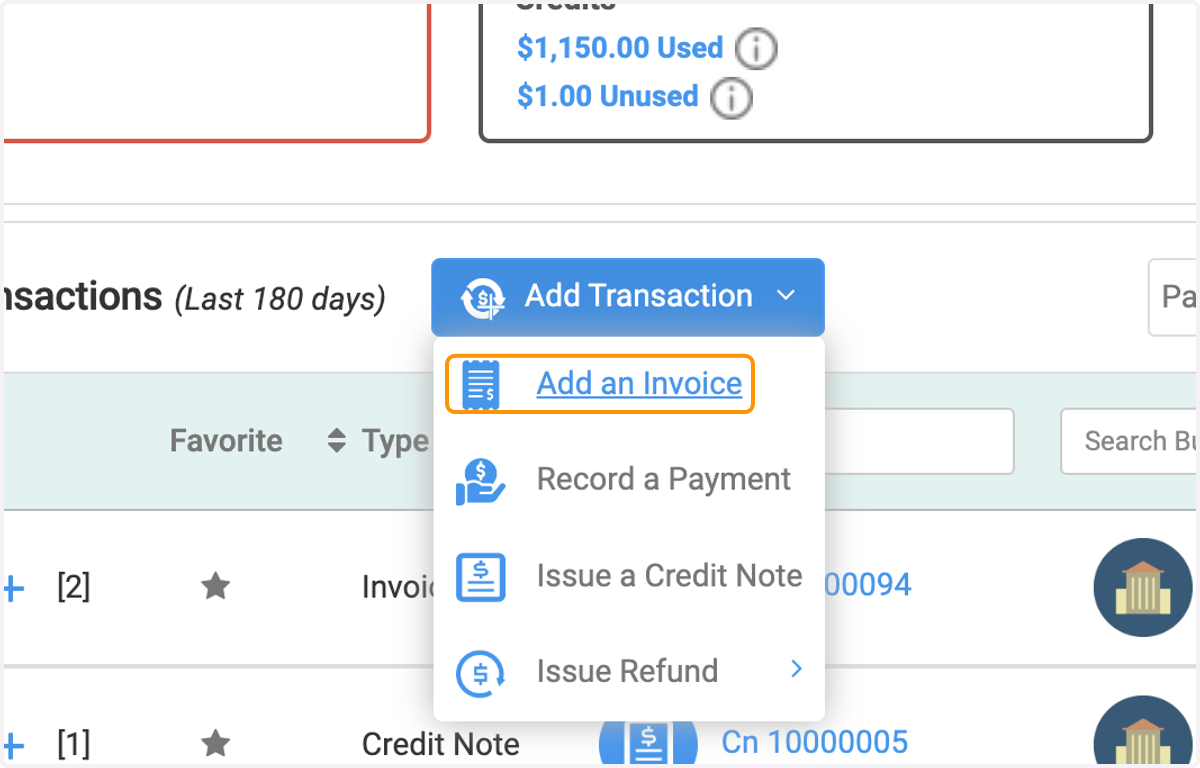
4. Click on Add an Invoice
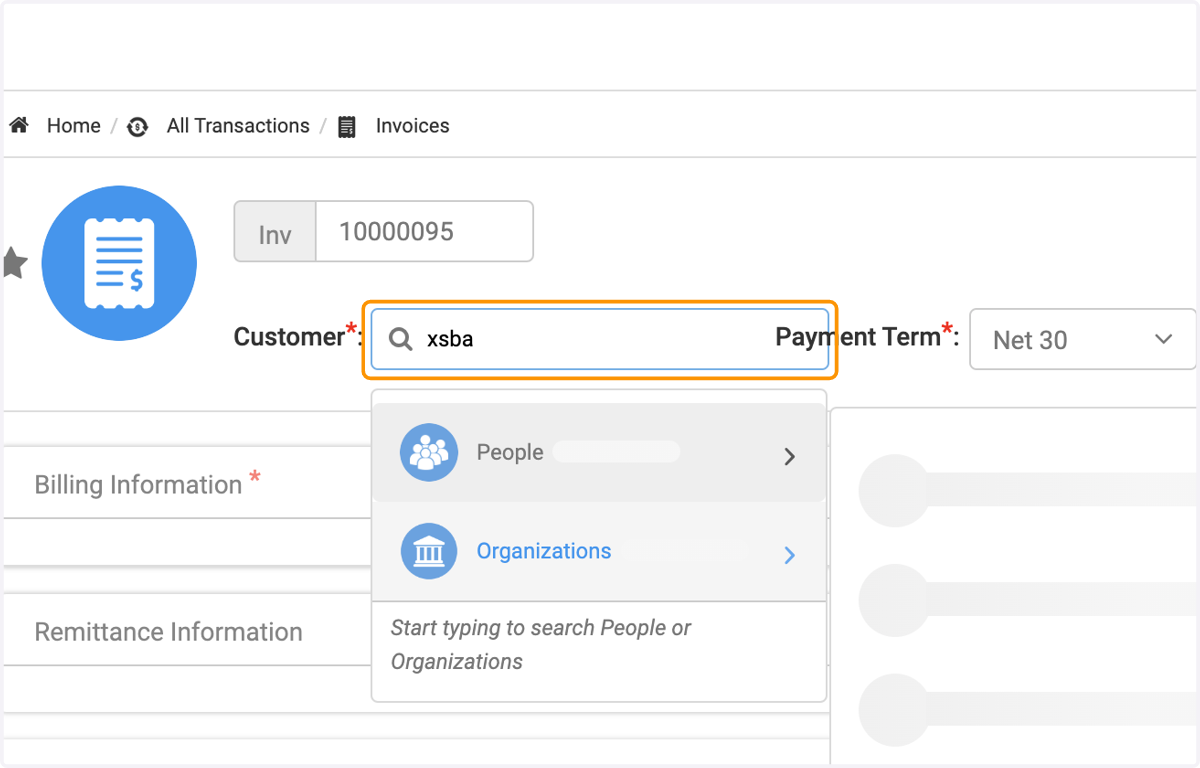
5. Type in the Customer Name (who will this invoice be for?)
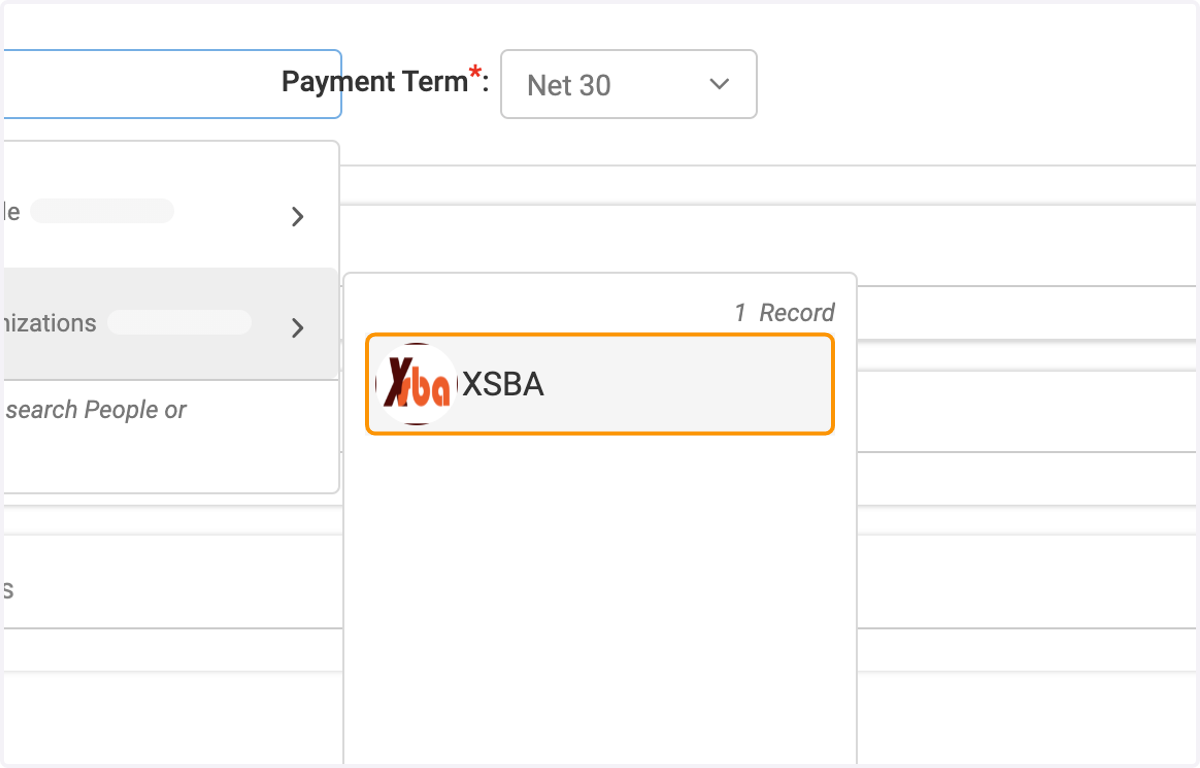
6. Click on your selection for the Customer
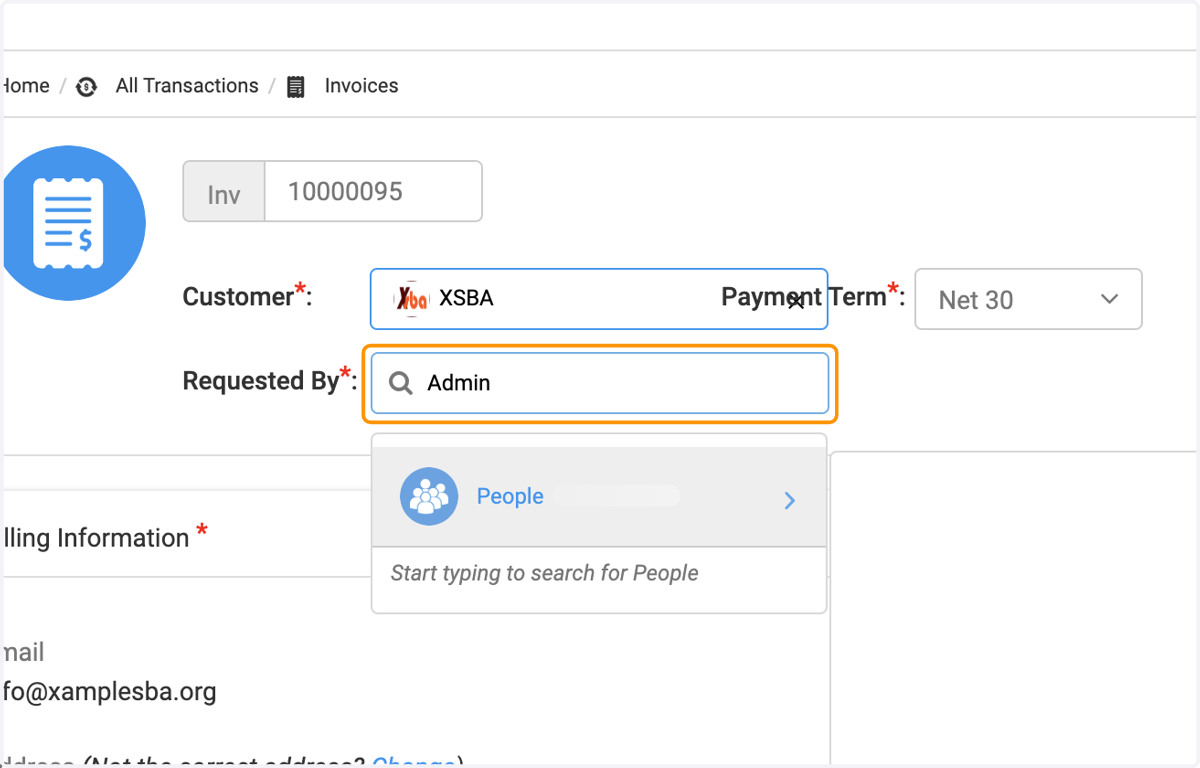
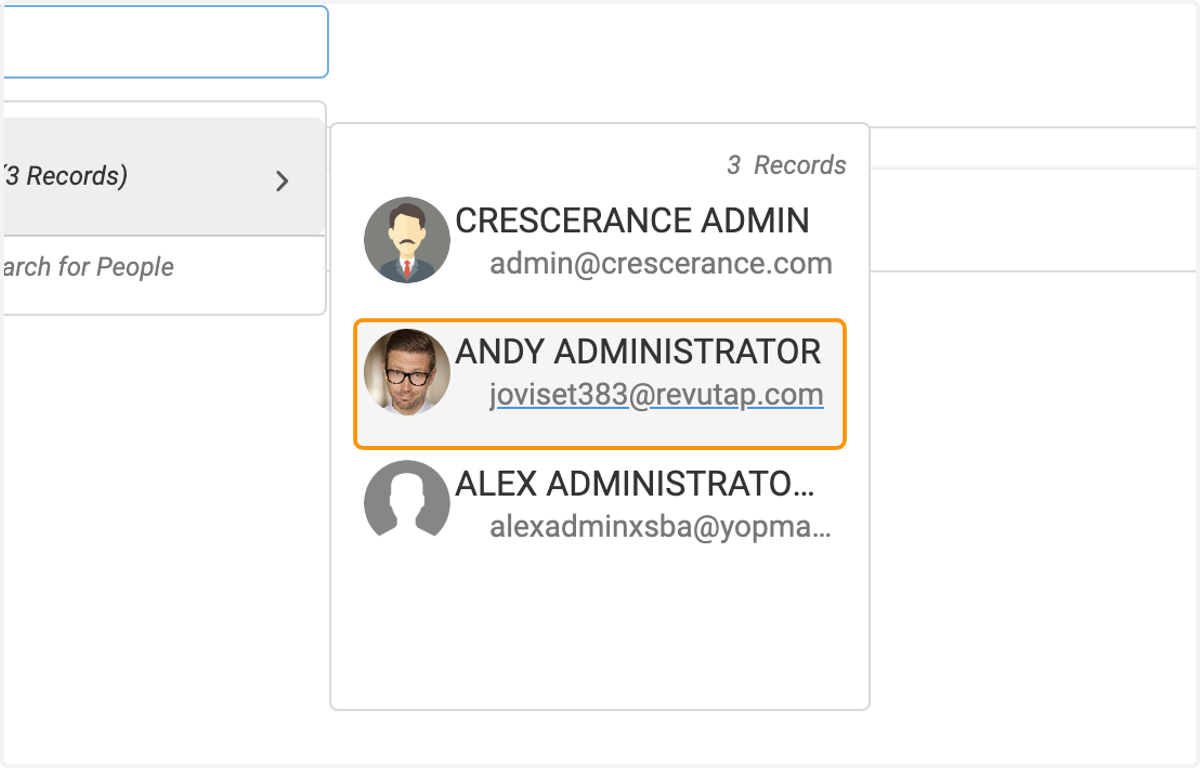
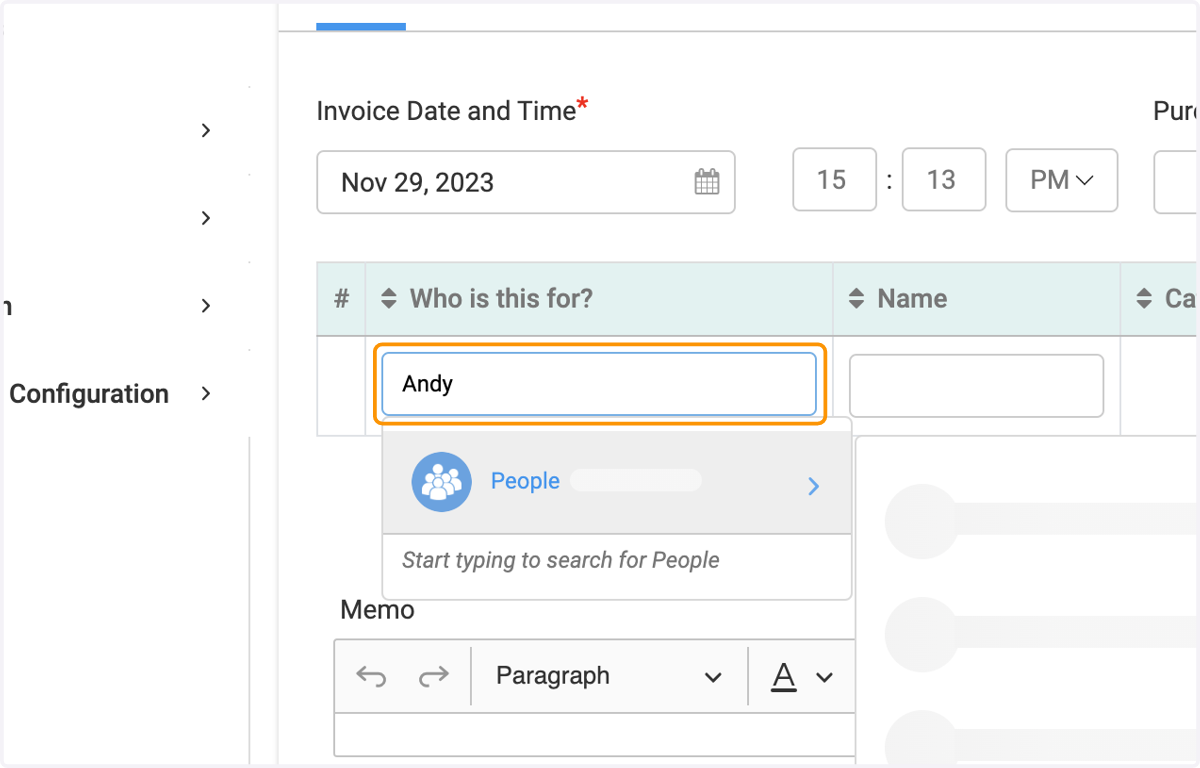
7. Type in who requested this invoice
8. Click on the person who requested it
9. Fill out the invoice as needed, for as many people as needed
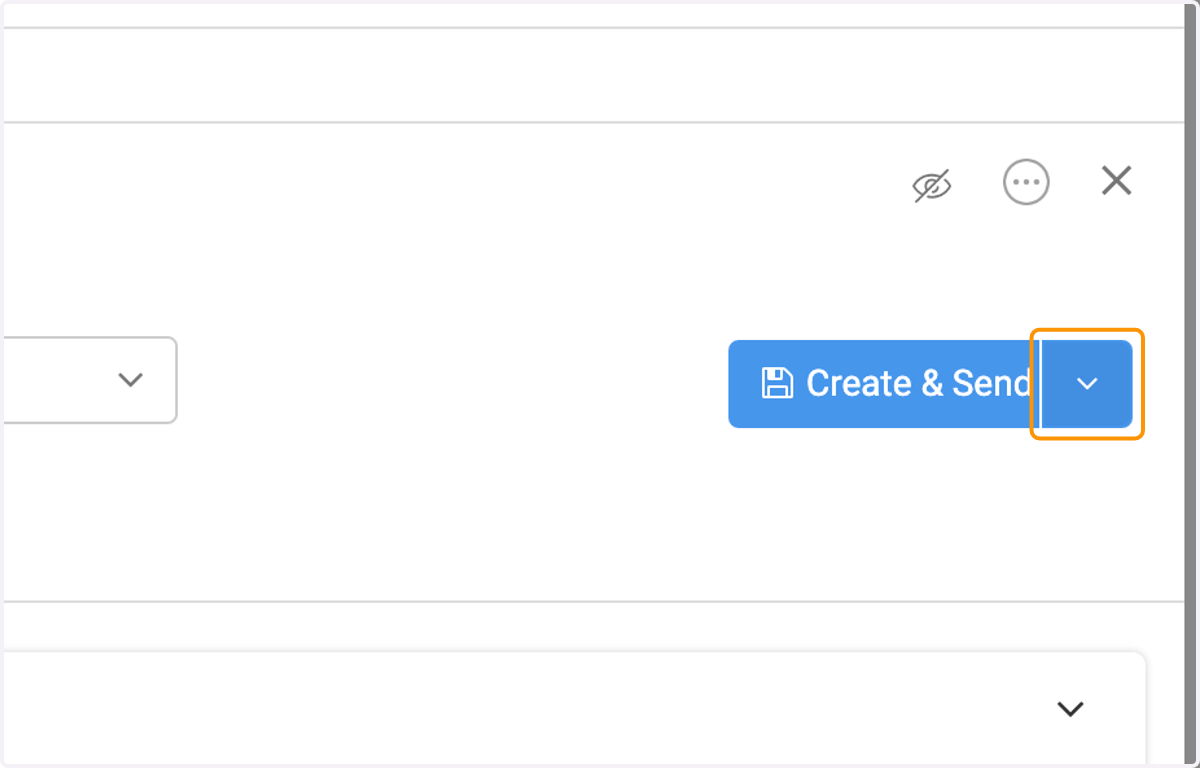
10. Click on the arrow to the right of Create & Send
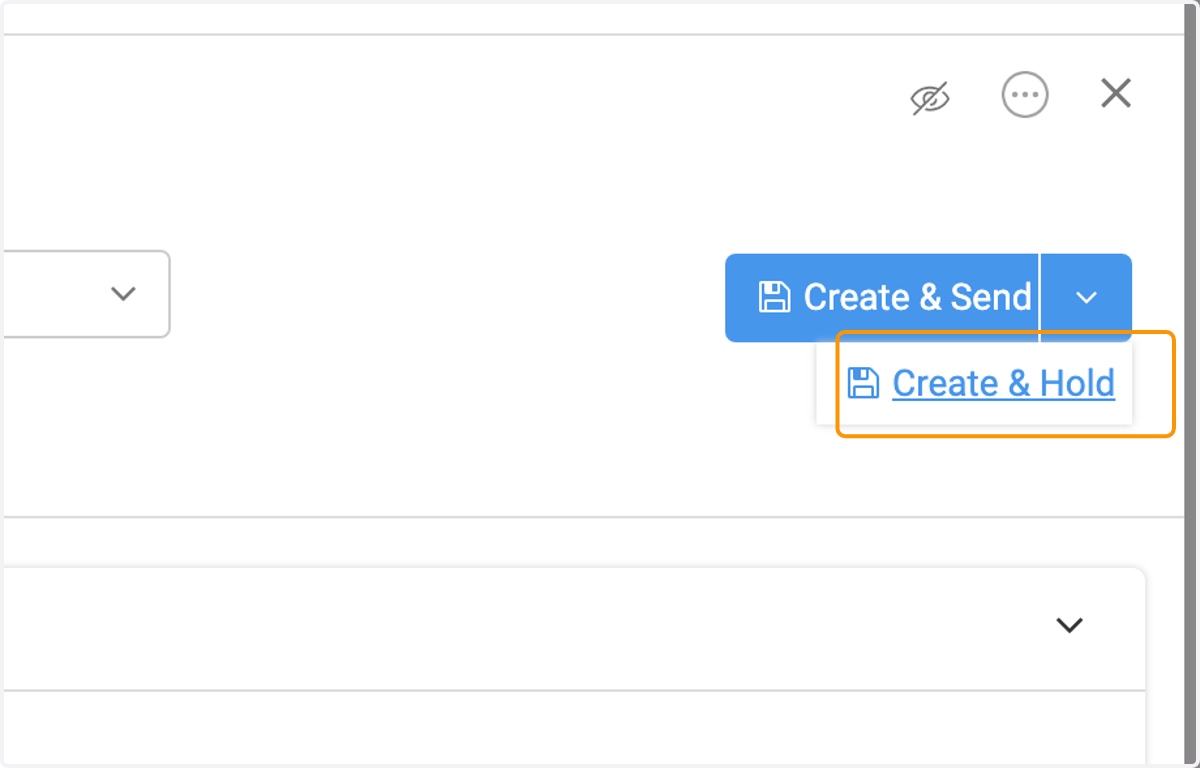
11. Click on Create & Hold
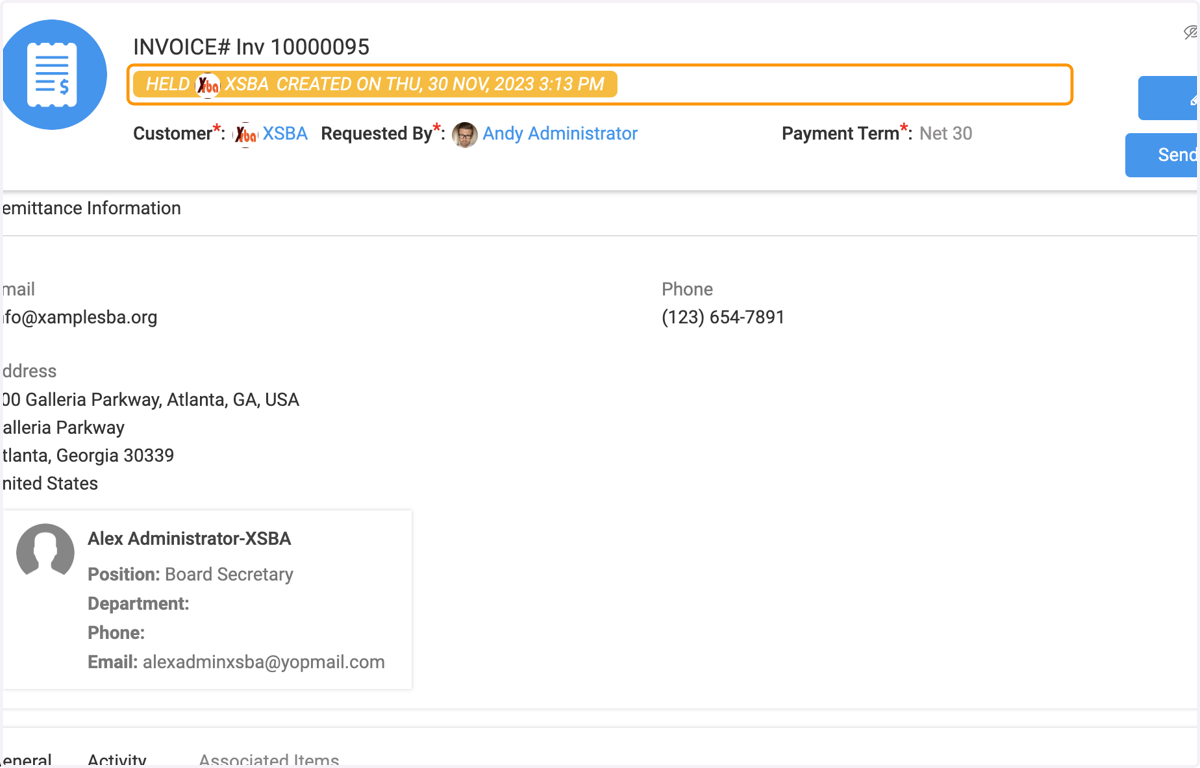
12. You'll know that the invoice is held if you see the yellow banner under the Invoice Number at the top