Create & edit recurring to-dos from the sidebar
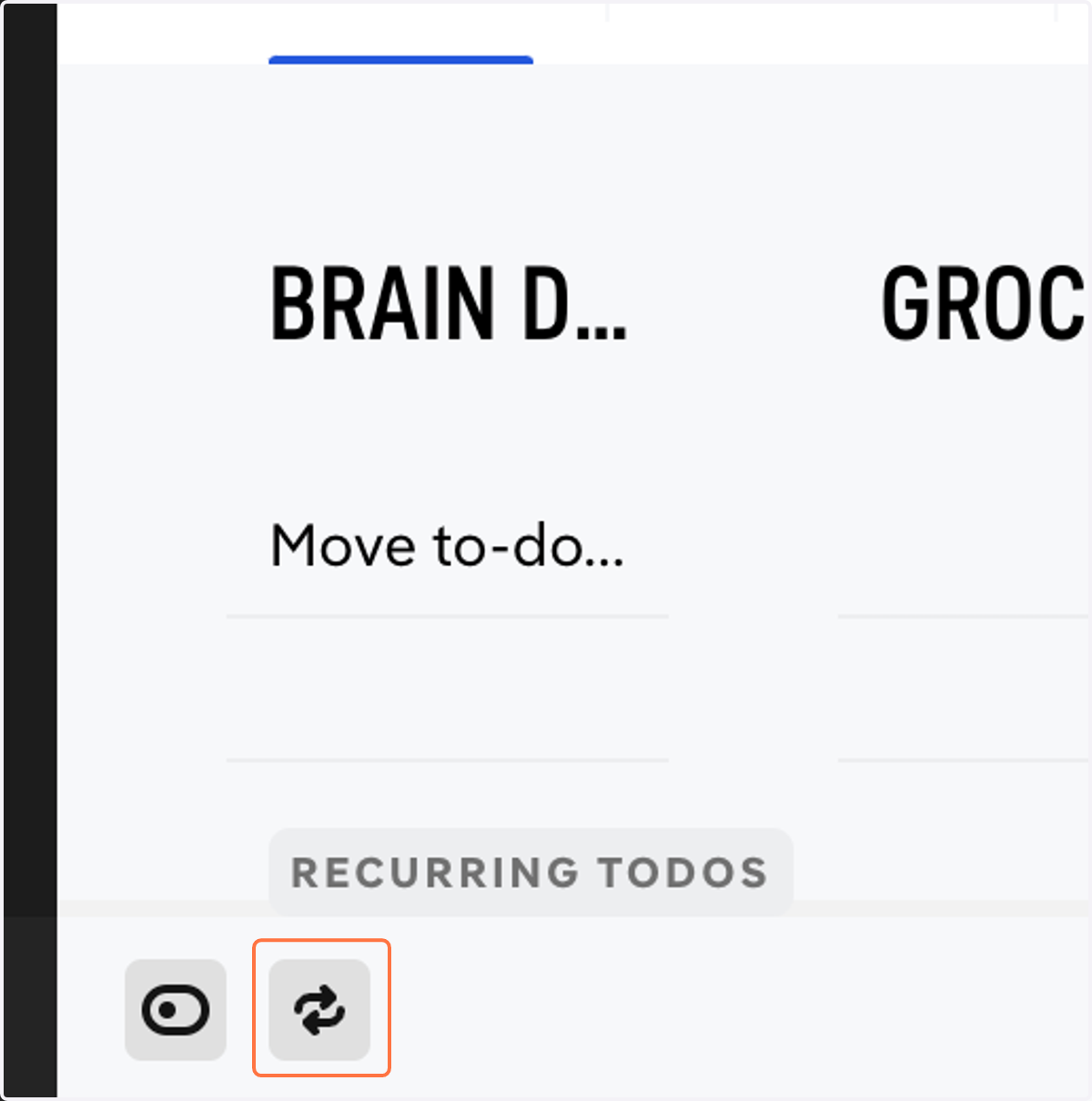
1. Click the Recurring icon at the bottom left corner to open your Recurring to-do sidebar.
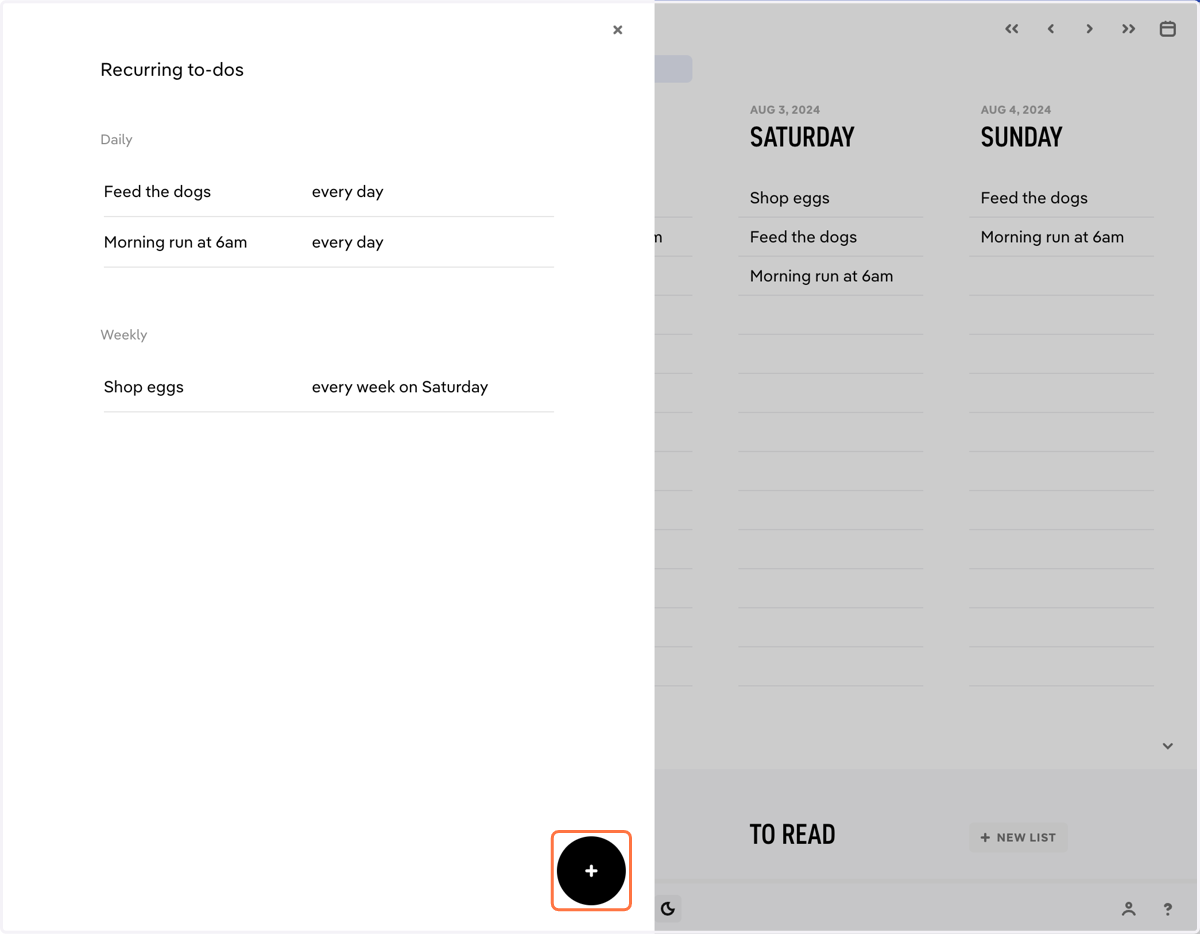
2. Click '+' to create a new recurring task.
3. Enter the task you want to repeat.
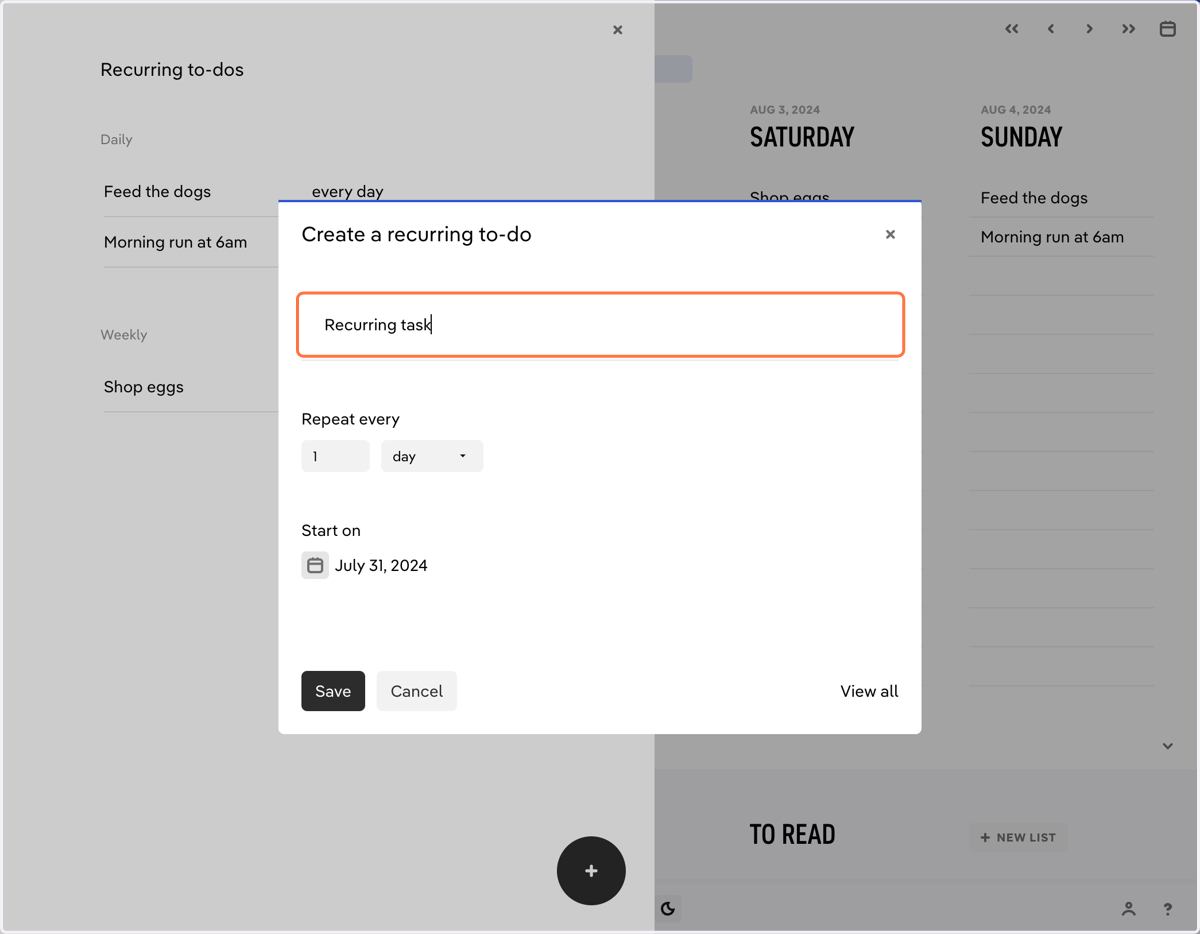
4. Select a frequency for your recurring to-do.
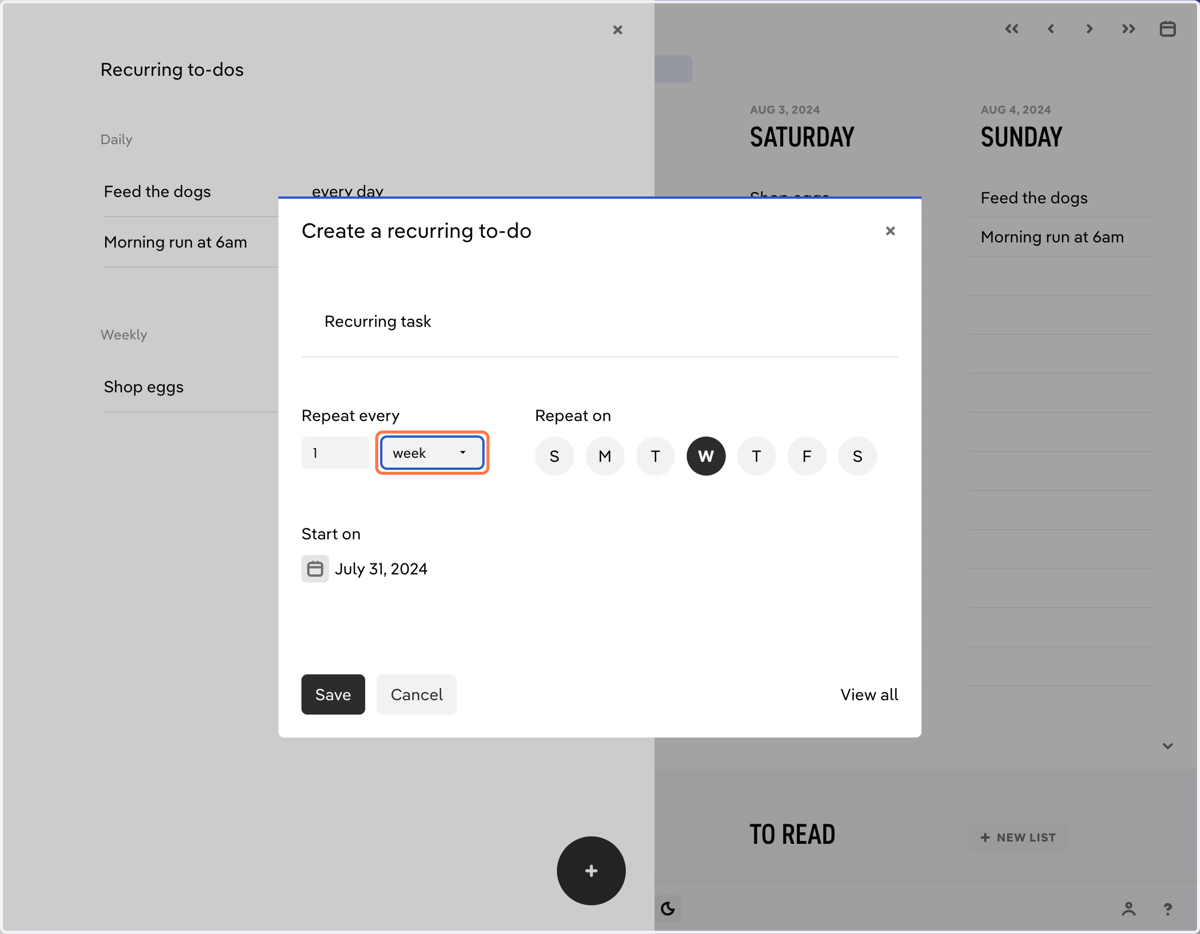
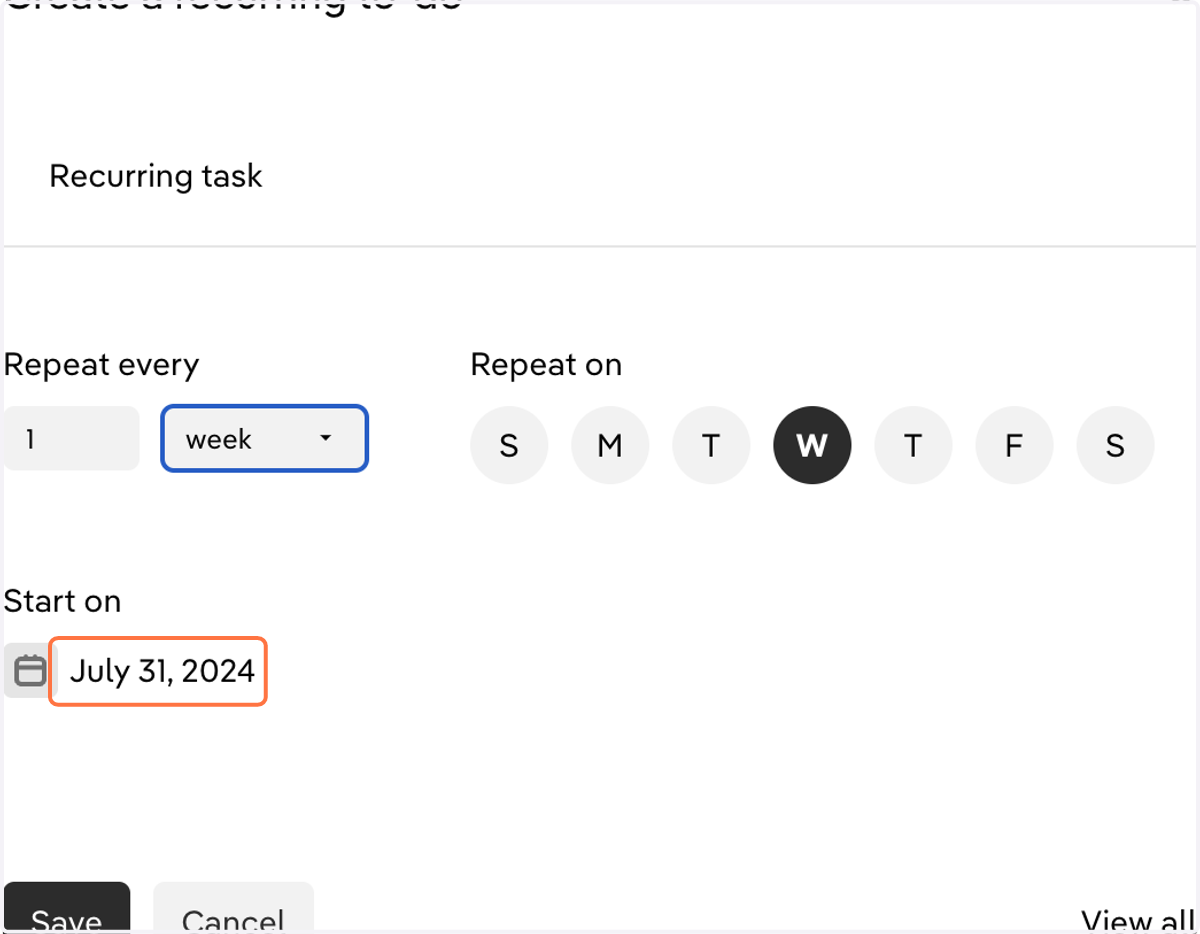
5. Select a start date for the recurring to-do.
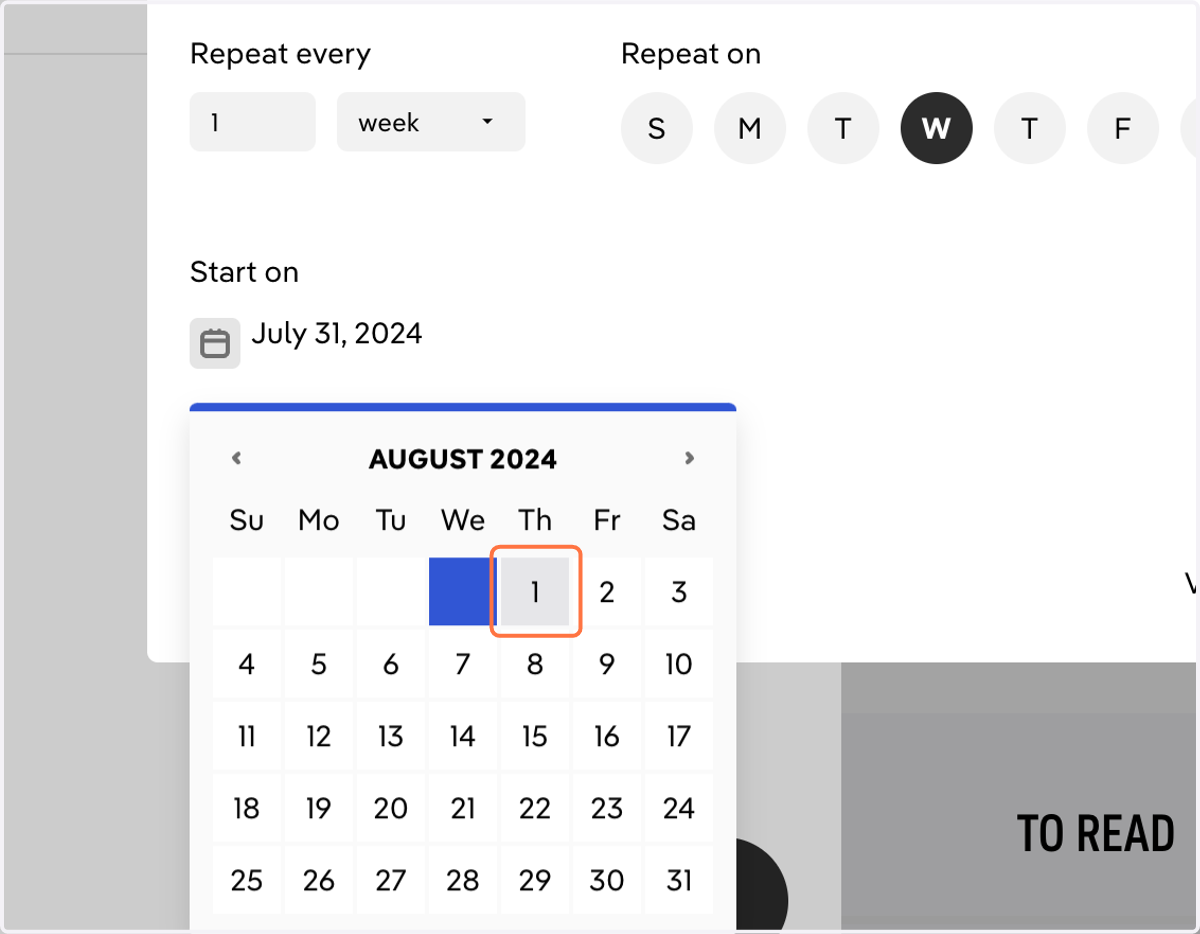
6. Pick the date
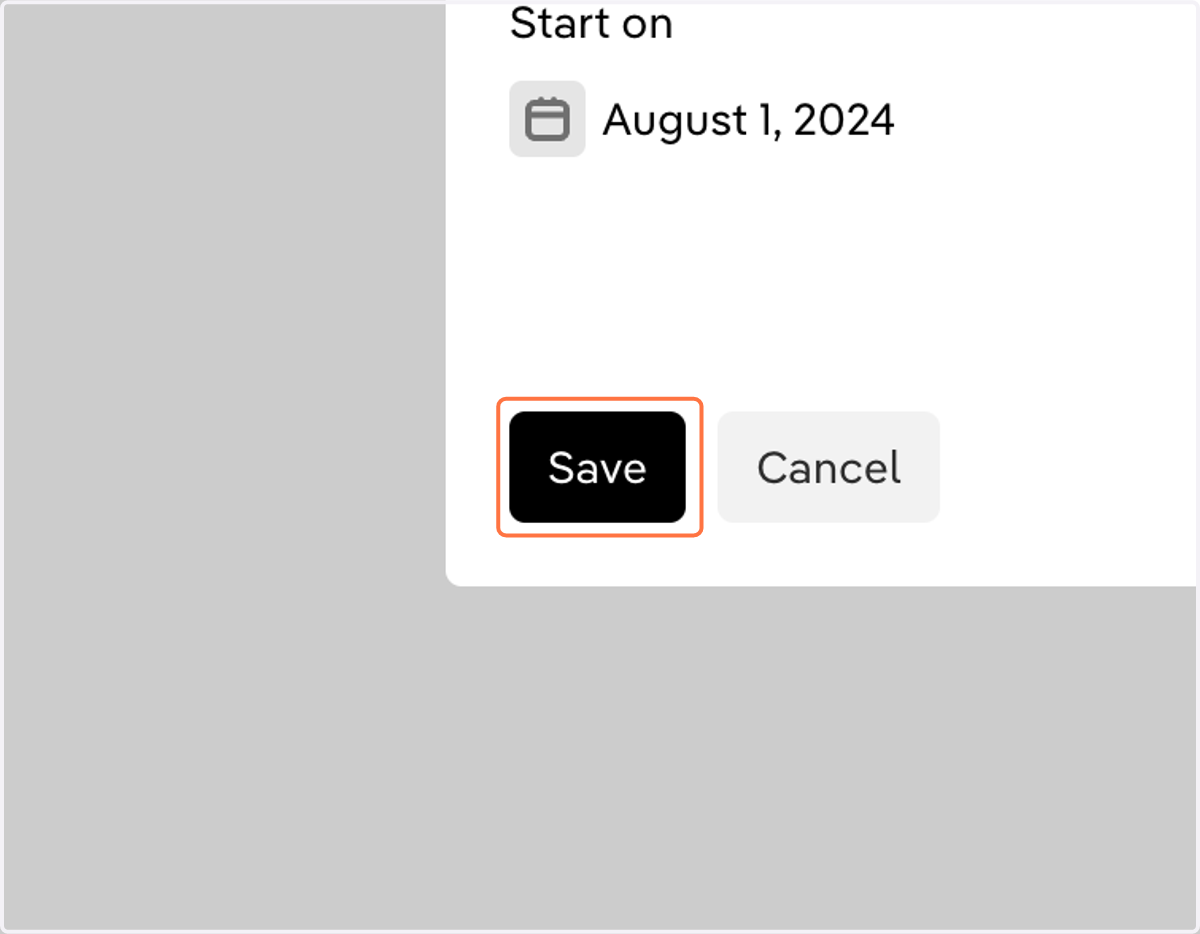
7. Click on 'Save'