Edit Competition Entry in MatchPoint
MatchPoint
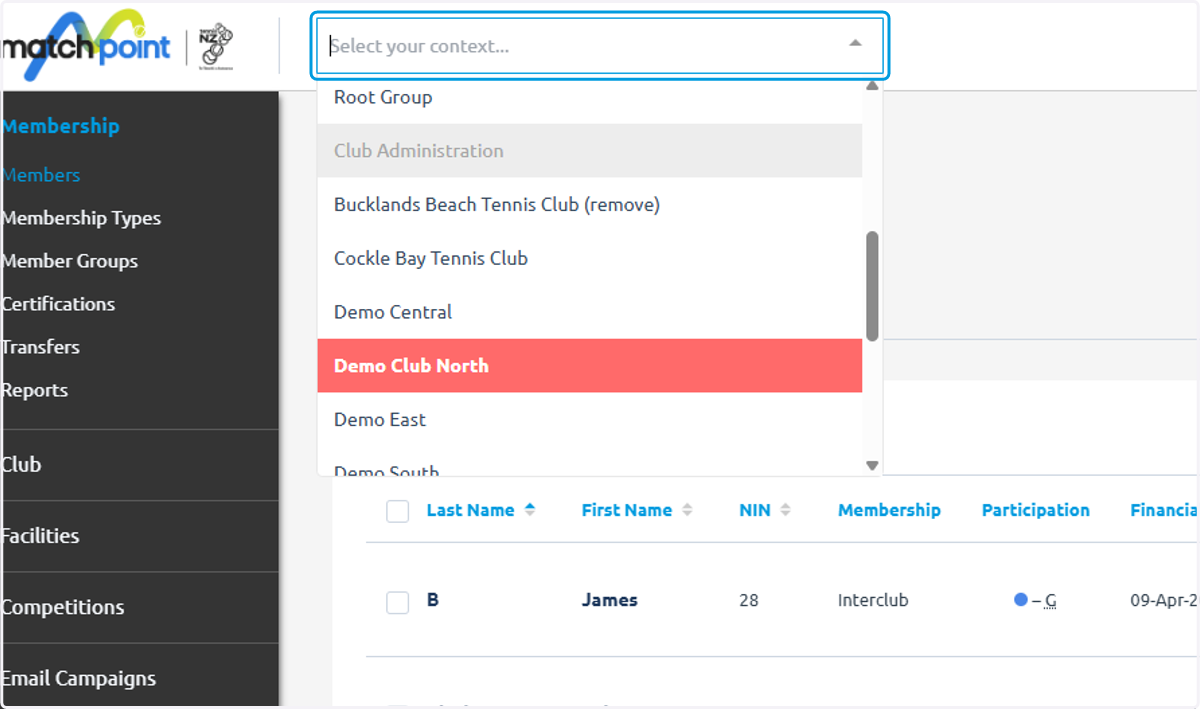
1. To edit an entry on behalf of your club you must go to your personal context
In this example we are moving from club to personal context
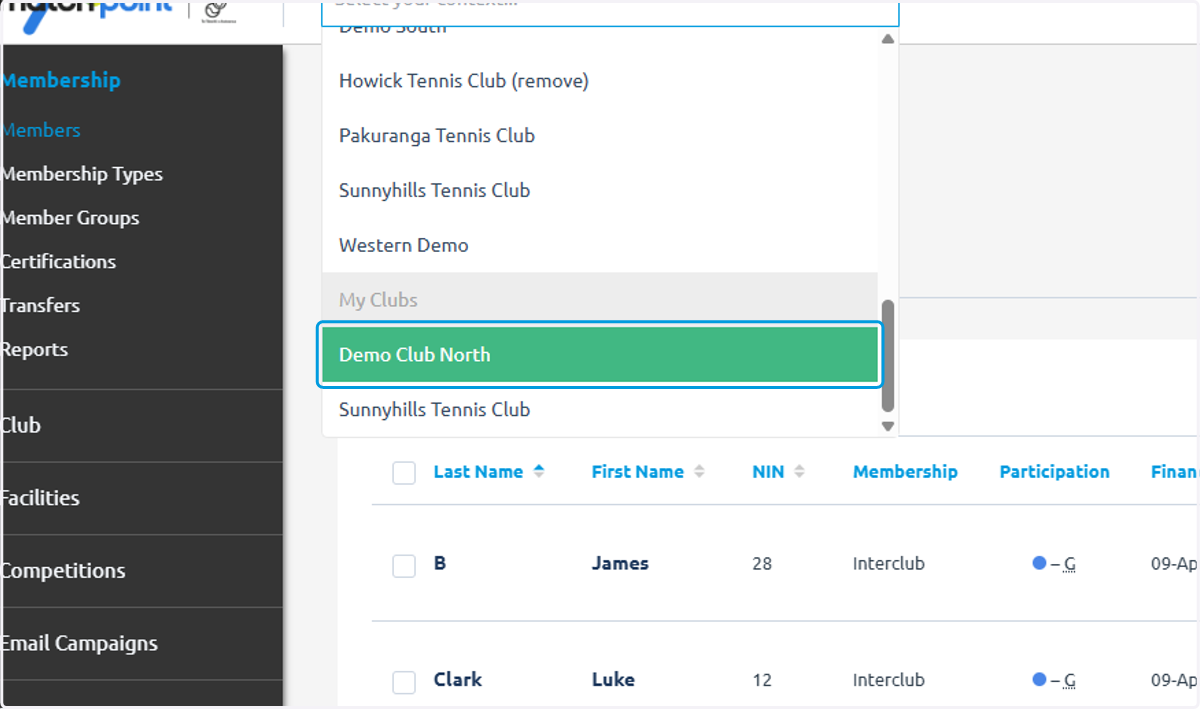
2. Click on your club under the section 'My Clubs'
3. Click on Competitions
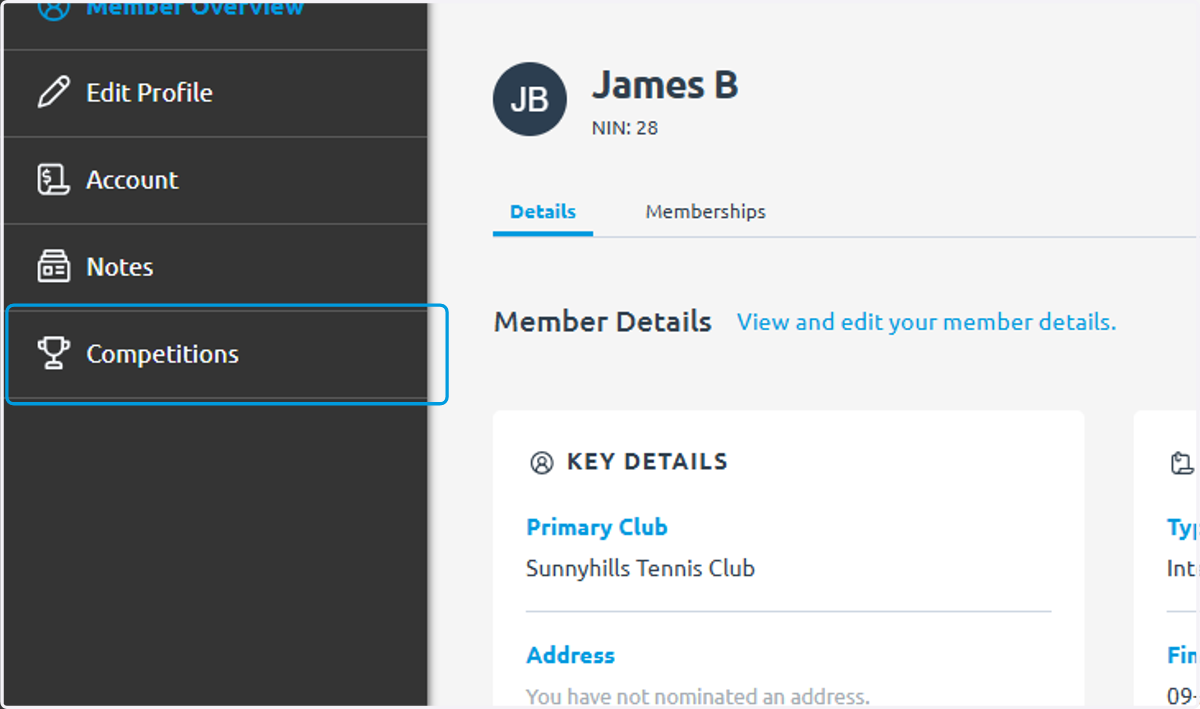
4. As an administrator you'll be able to see two sections, 'My competitions' and 'My club entries'
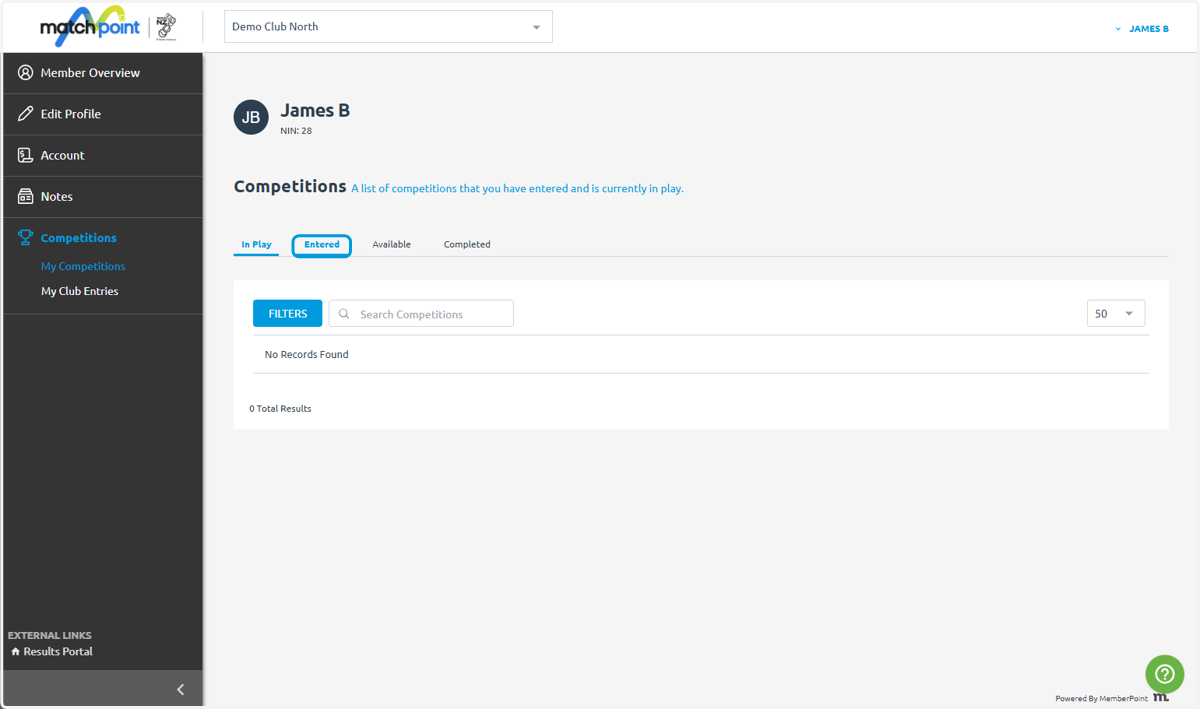
5. To manage your Club's entries click 'My club entries'
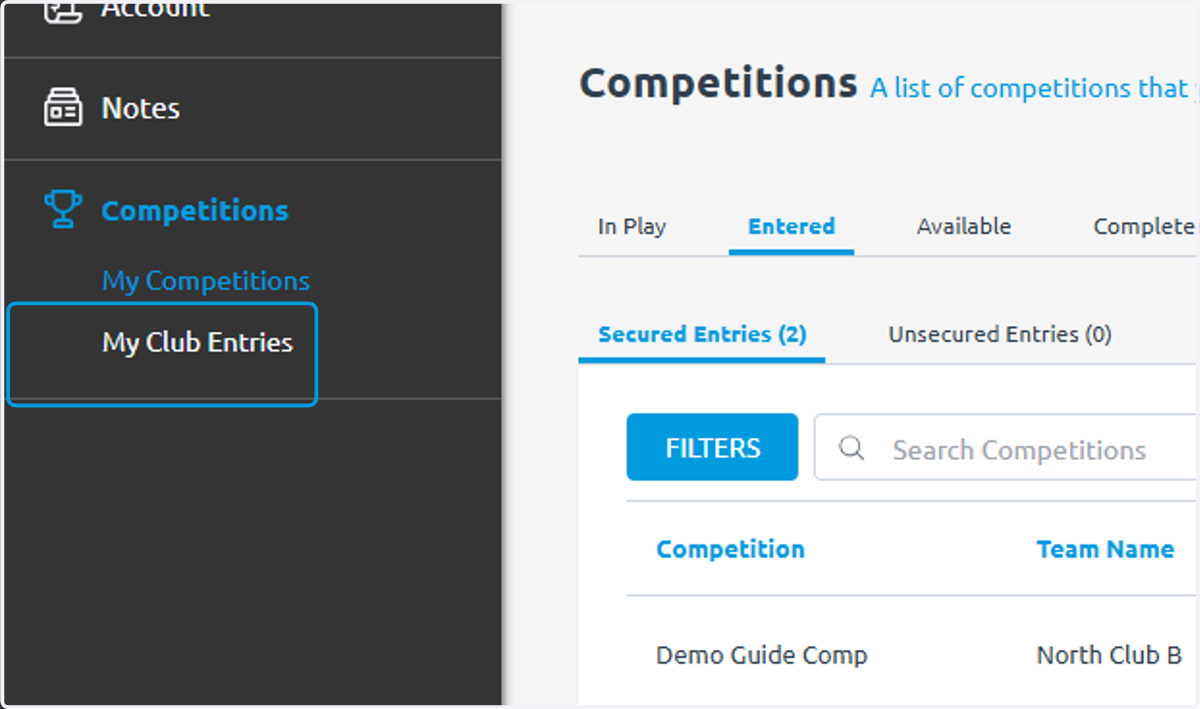
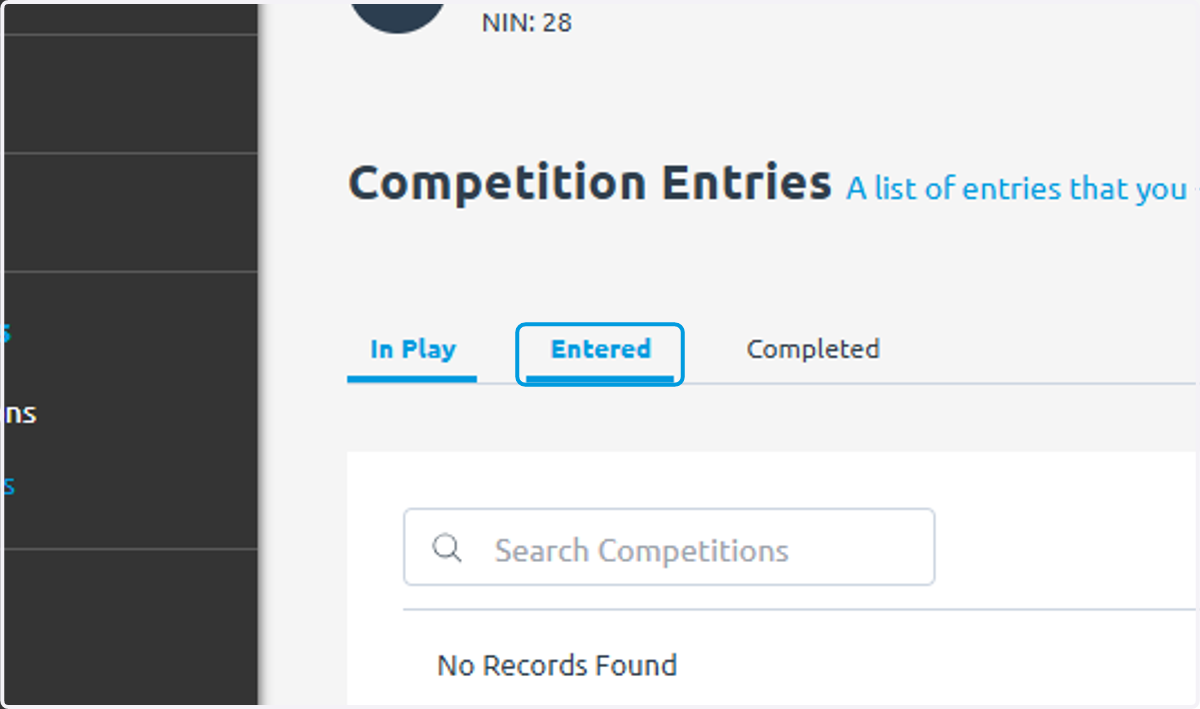
6. Click on Entered to see comps entered that haven't yet started
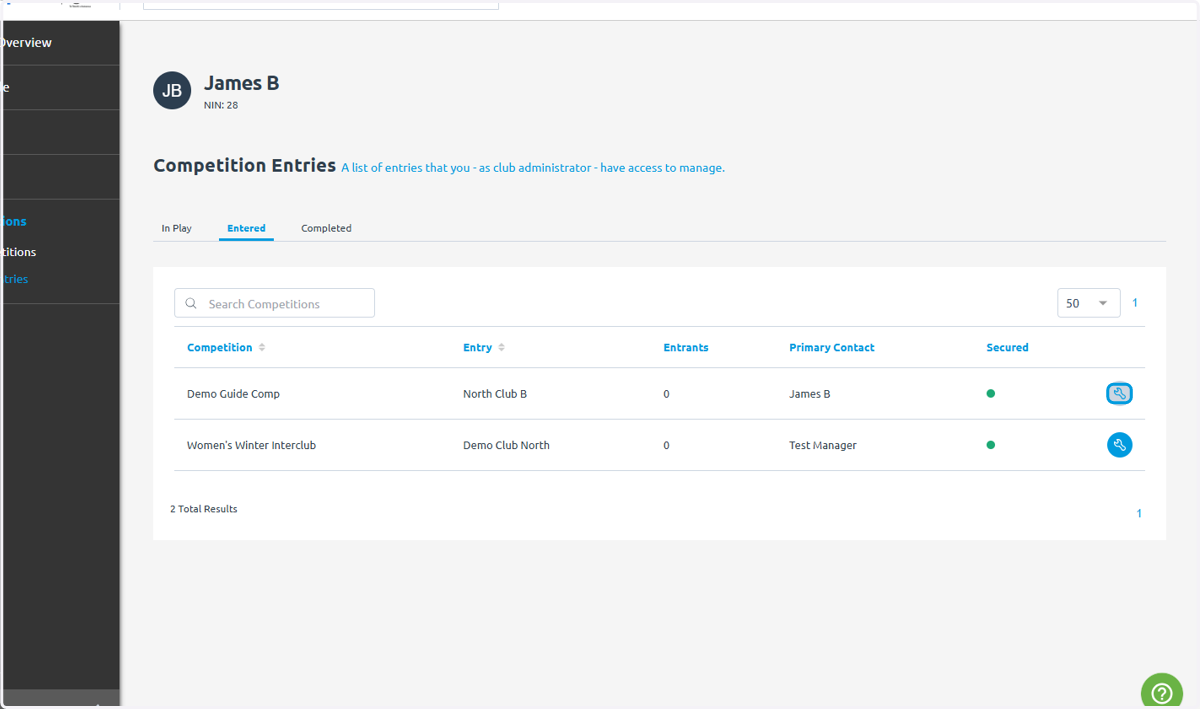
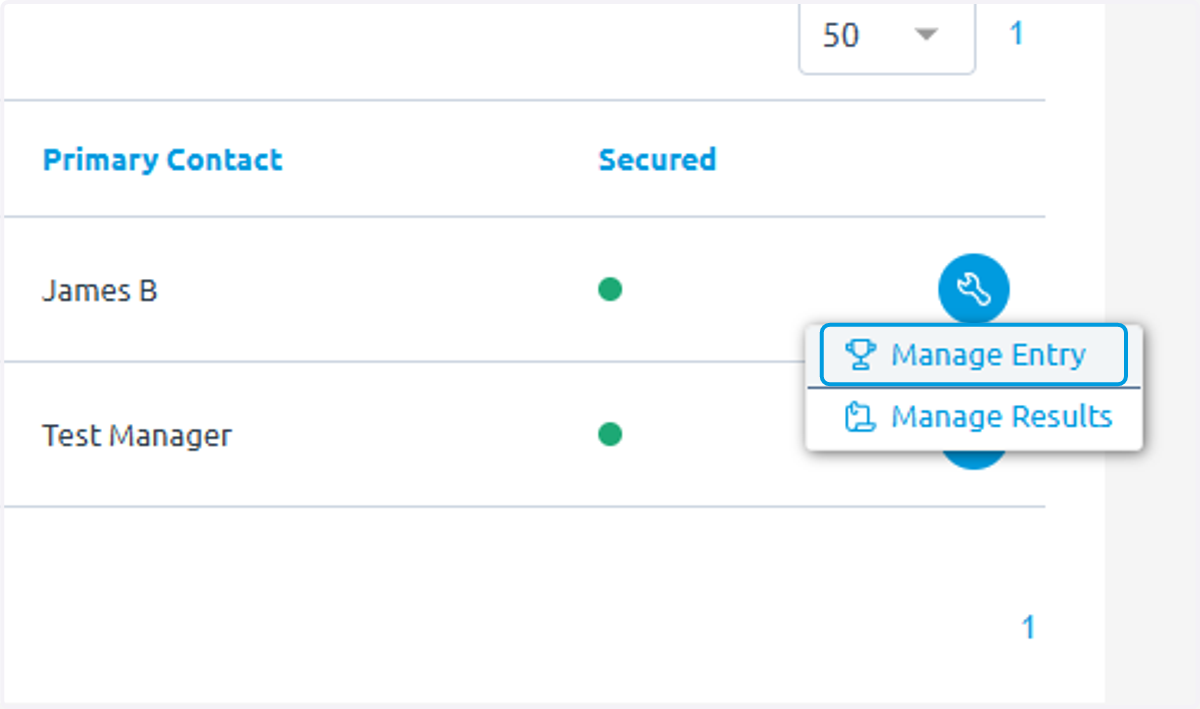
7. Click on the spanner button to edit an entry
8. Click on Manage Entry
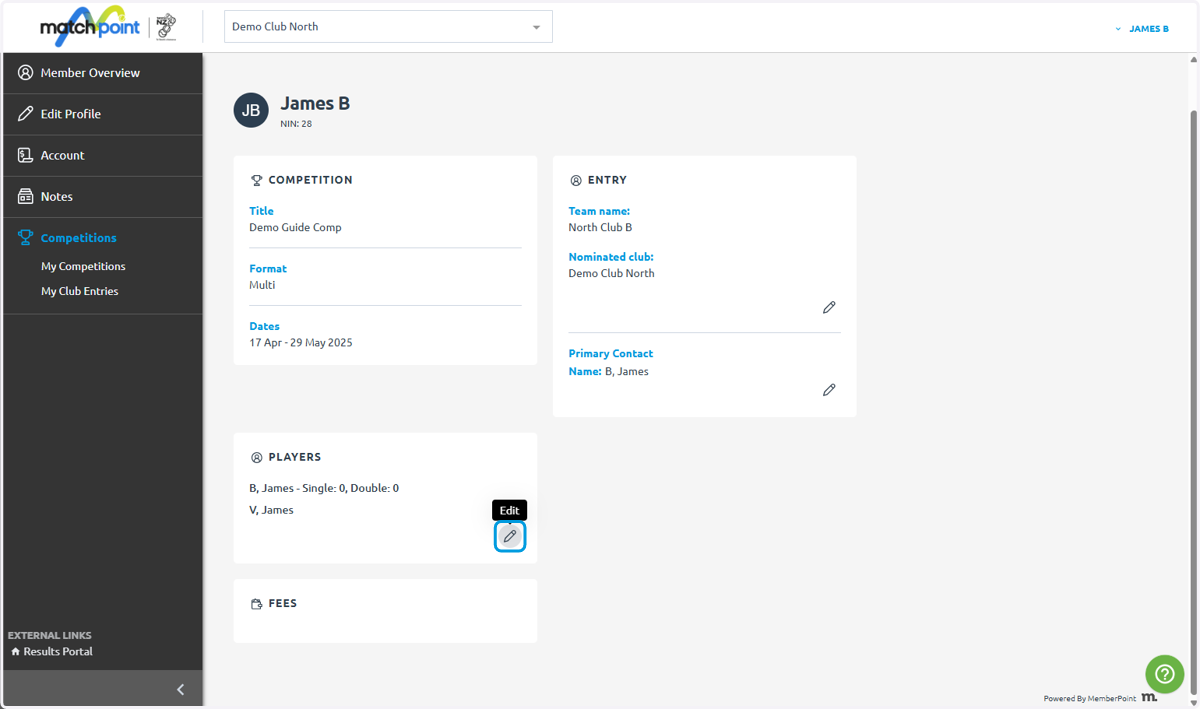
9. From here you can edit players on the team
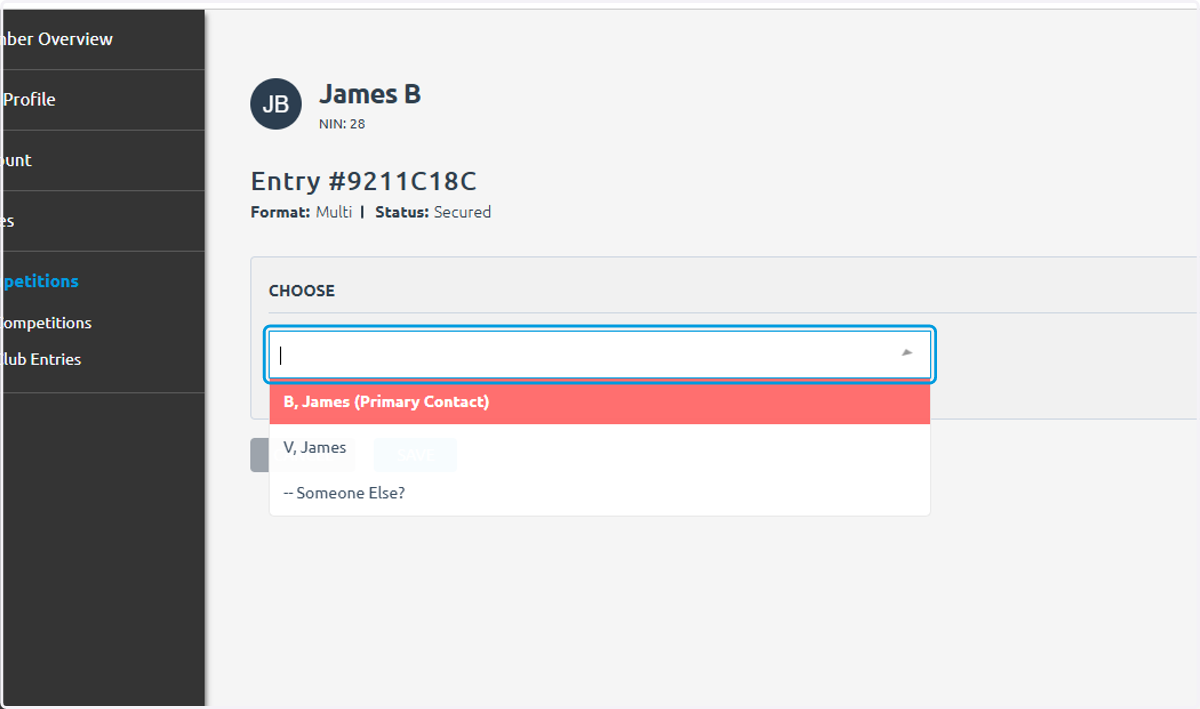
10. Or the primary contact
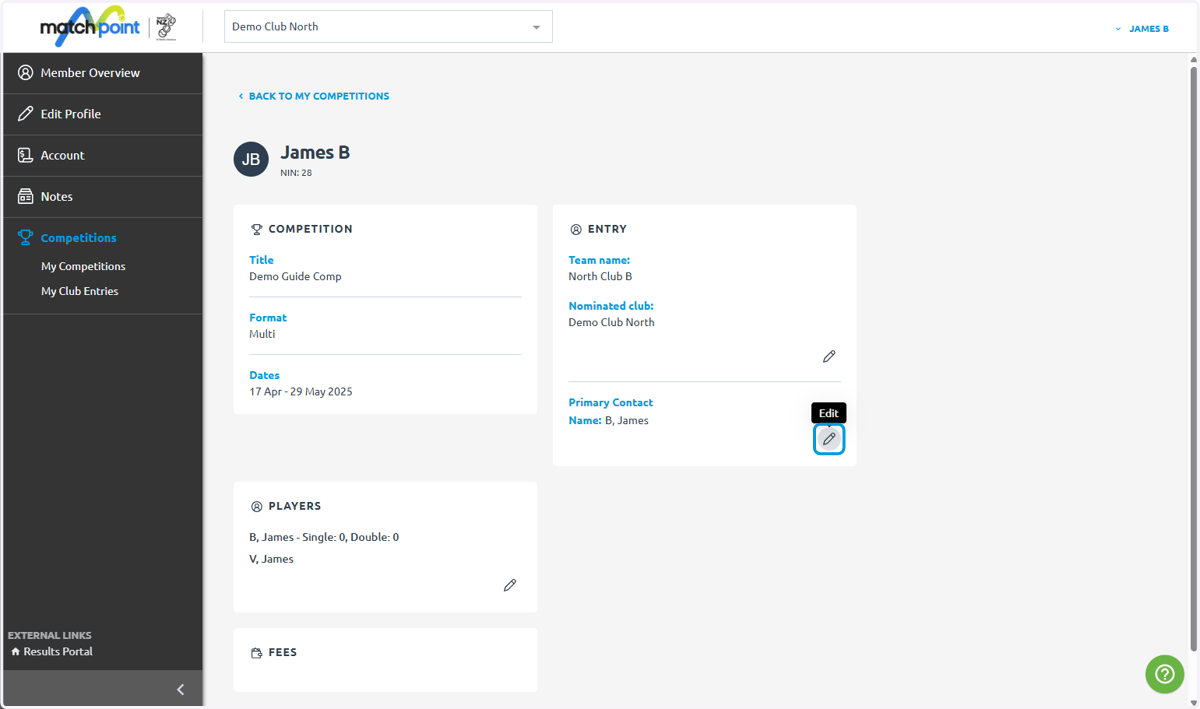
11. Click on B, James (Primary Contact)…