Create an Award
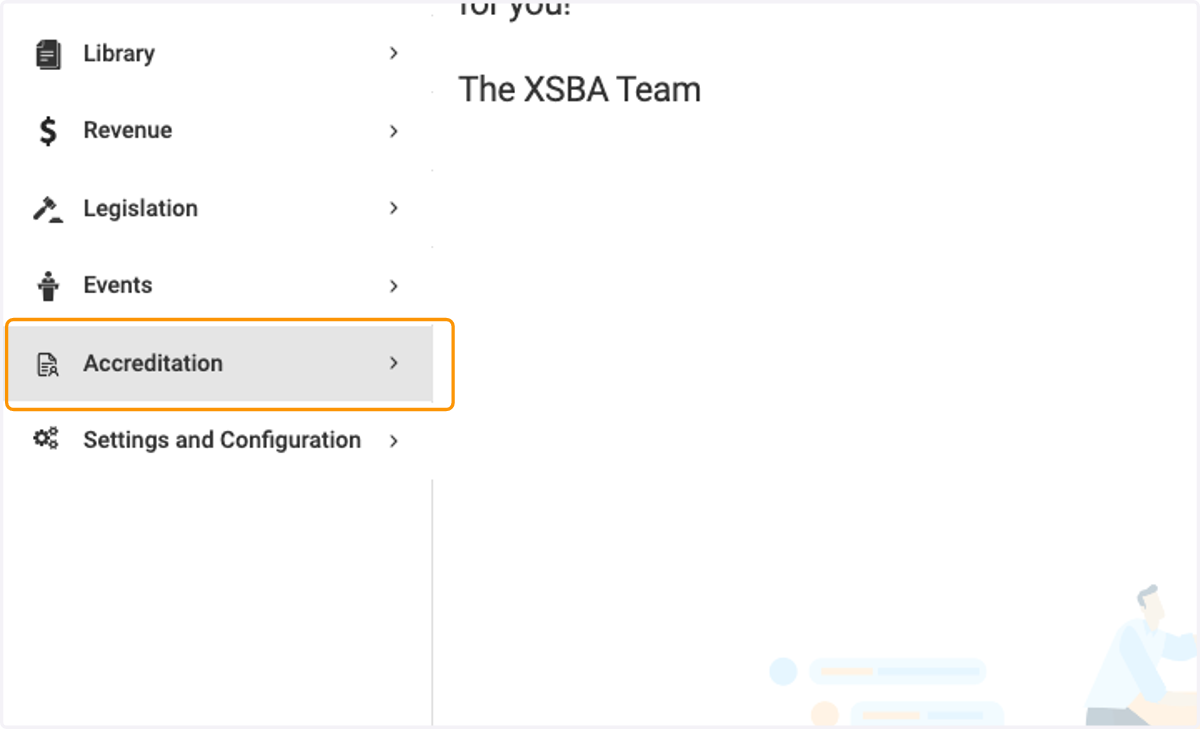
1. Click on Accreditation
2. Click on Awards

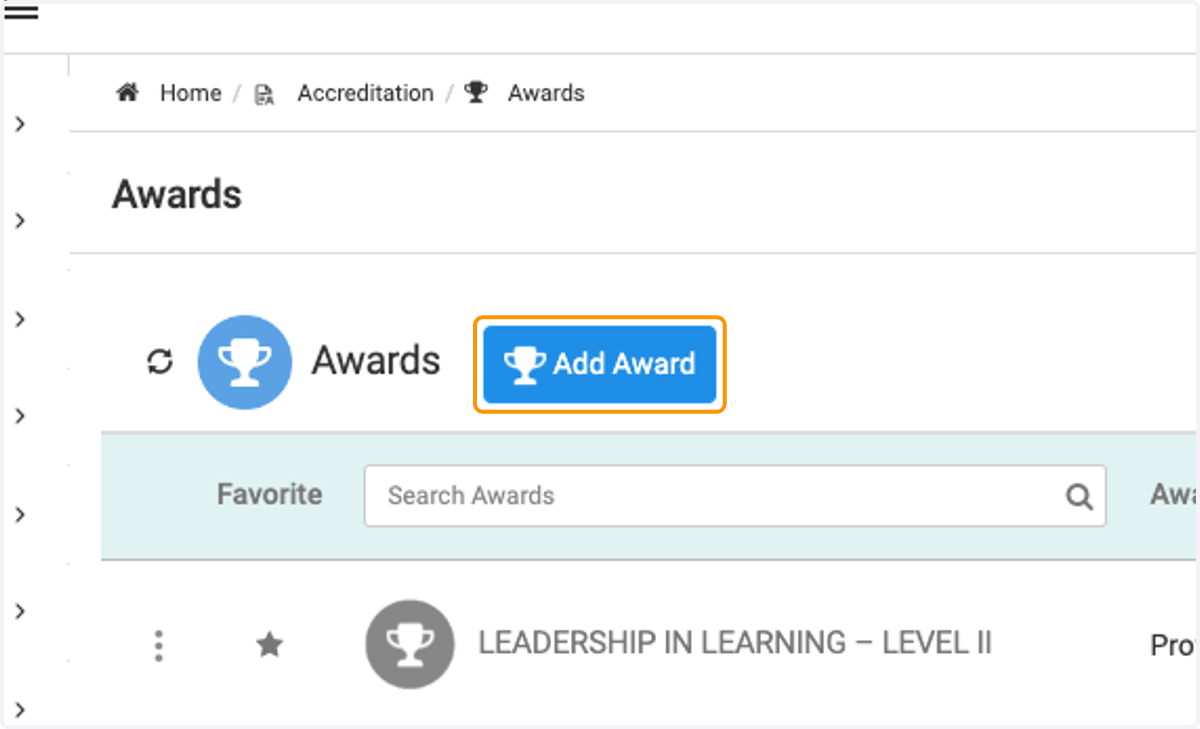
3. Click on Add Award
4. Select your scope
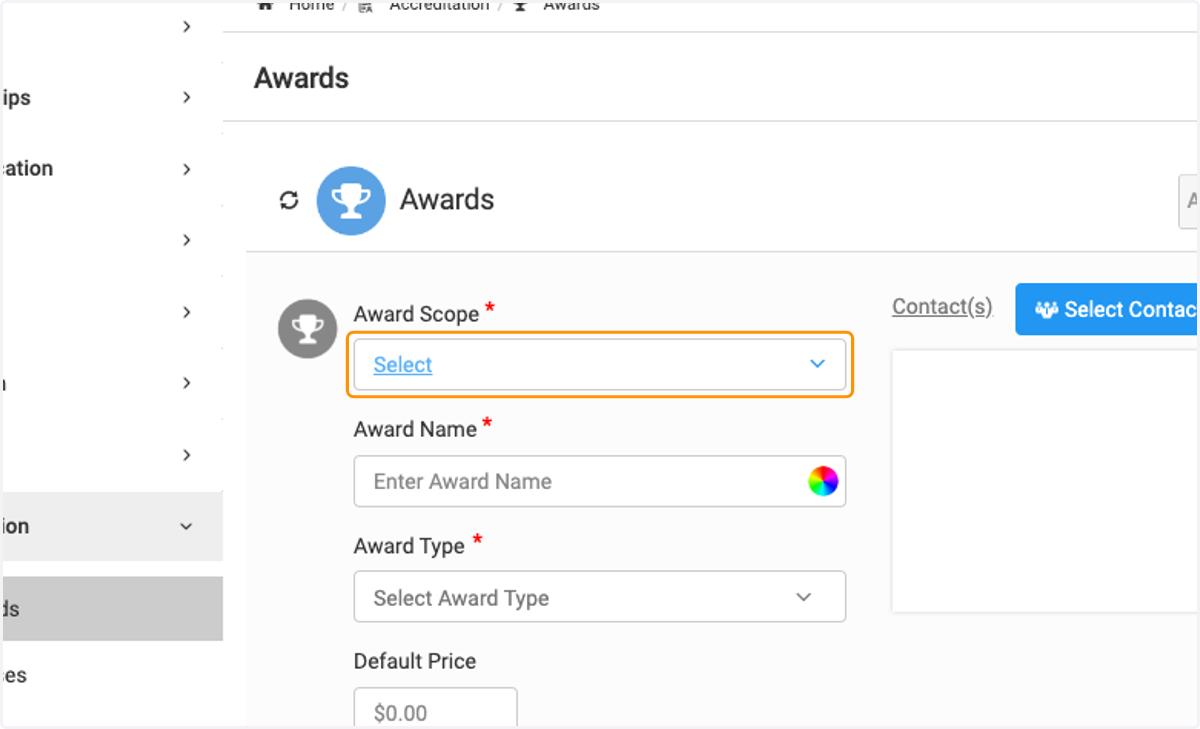
5. Add Award Title
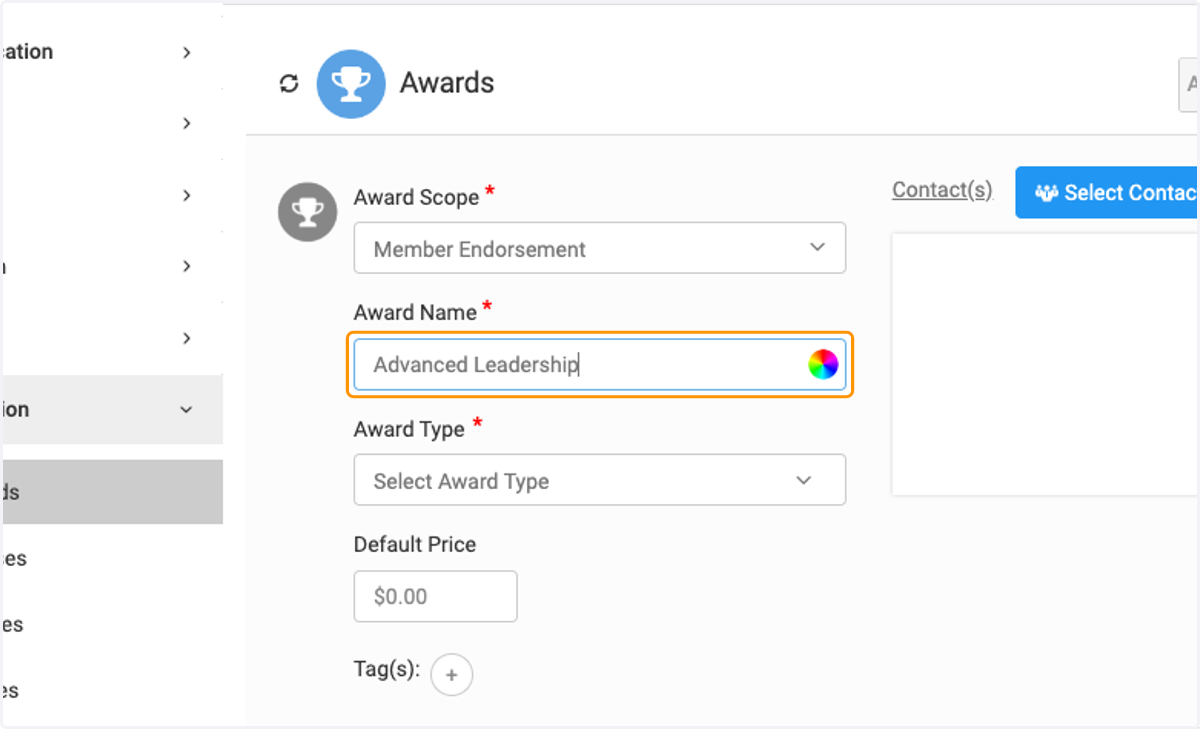
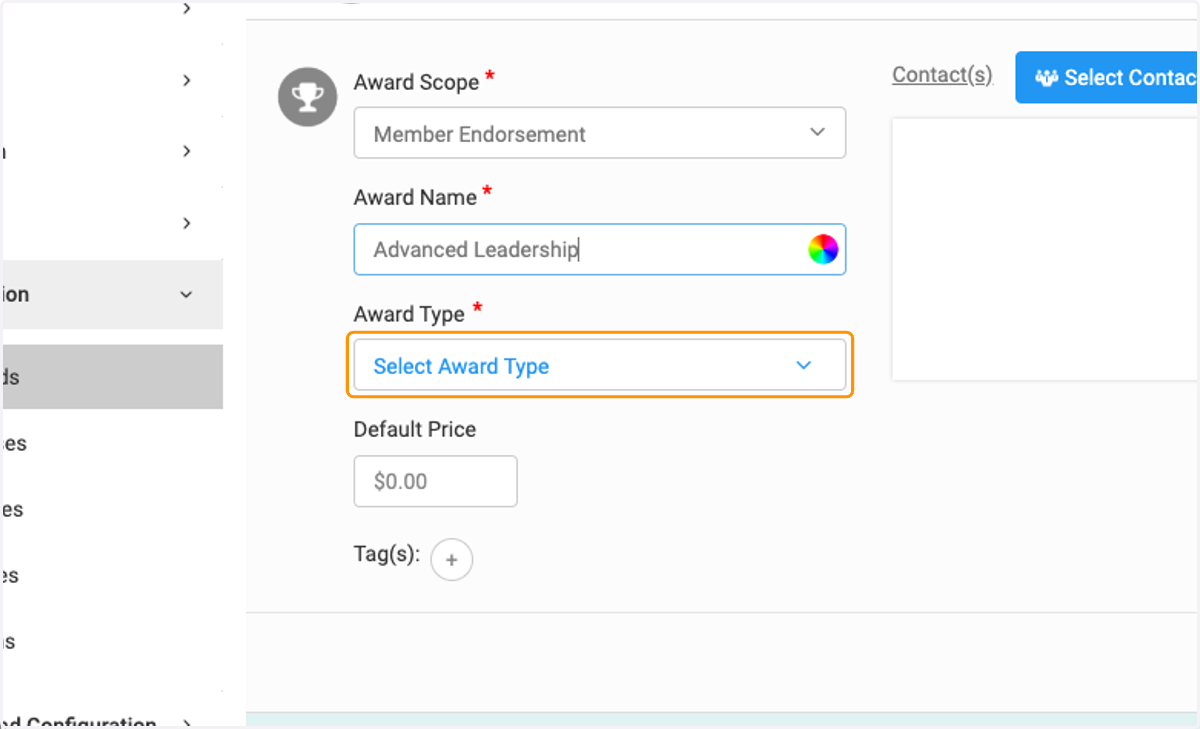
6. Select Award Type
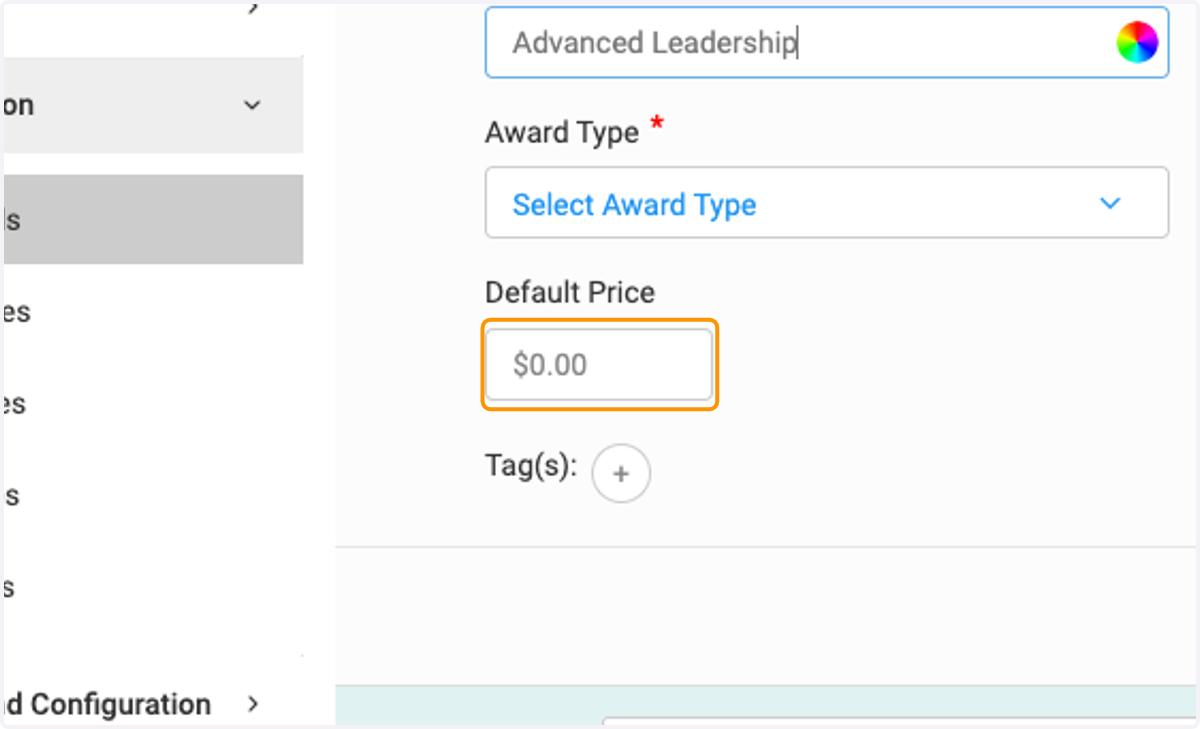
7. Add Price
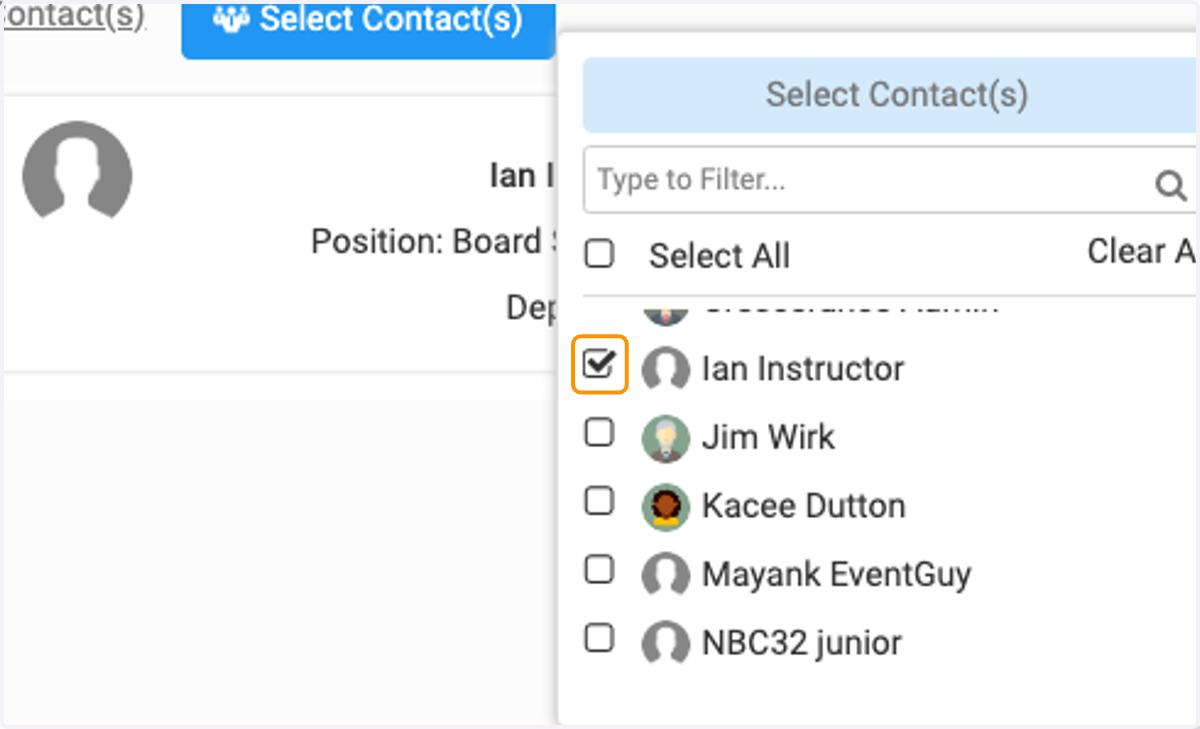
8. Click on Select Contact(s)
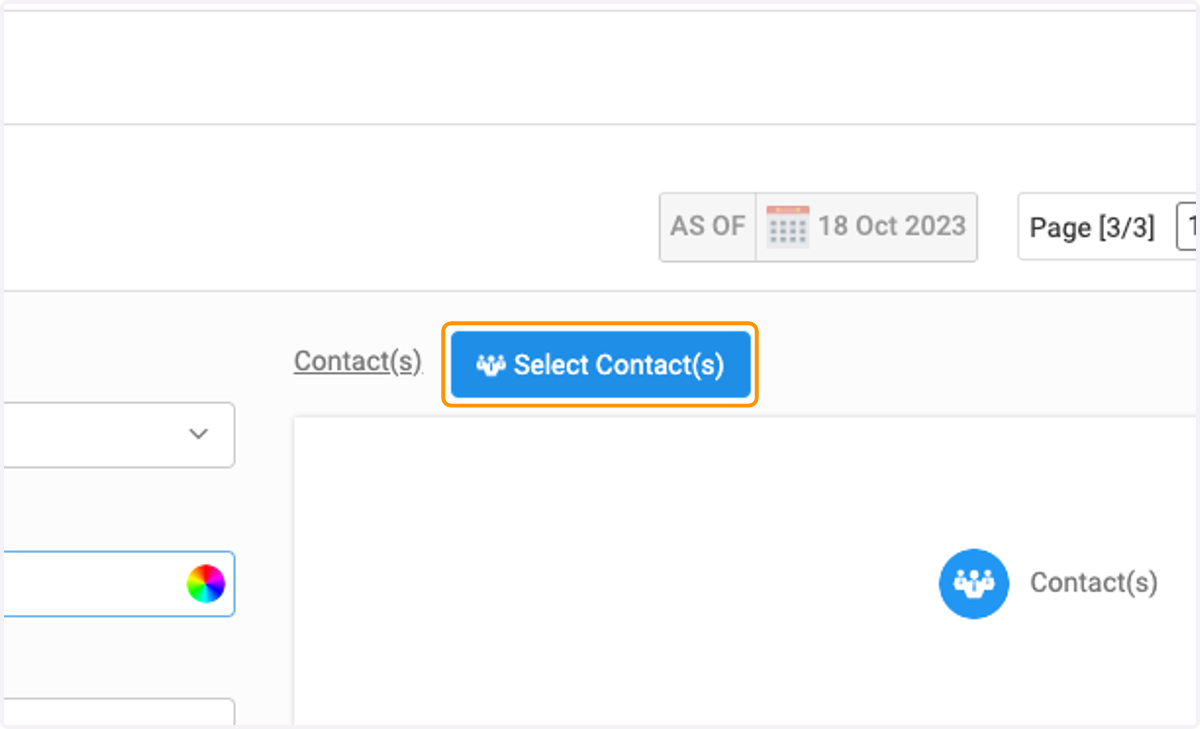
9. Select Instructor and/or other class contact.
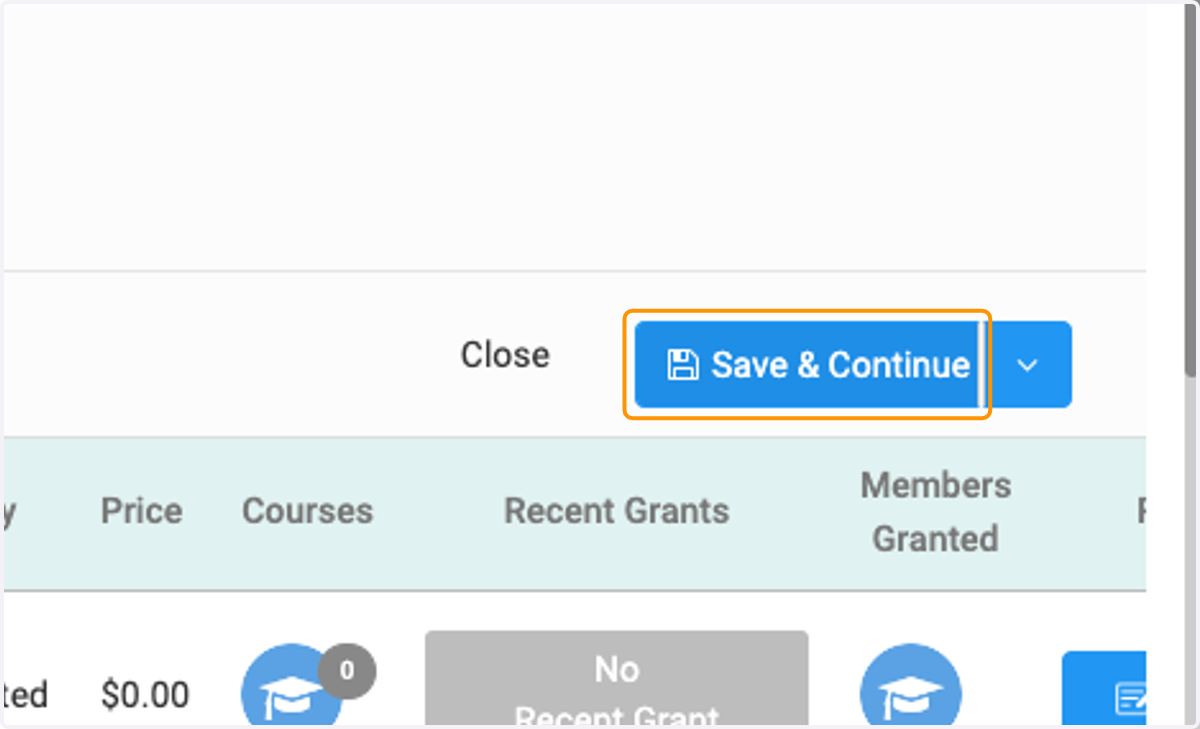
10. Click on Save & Continue
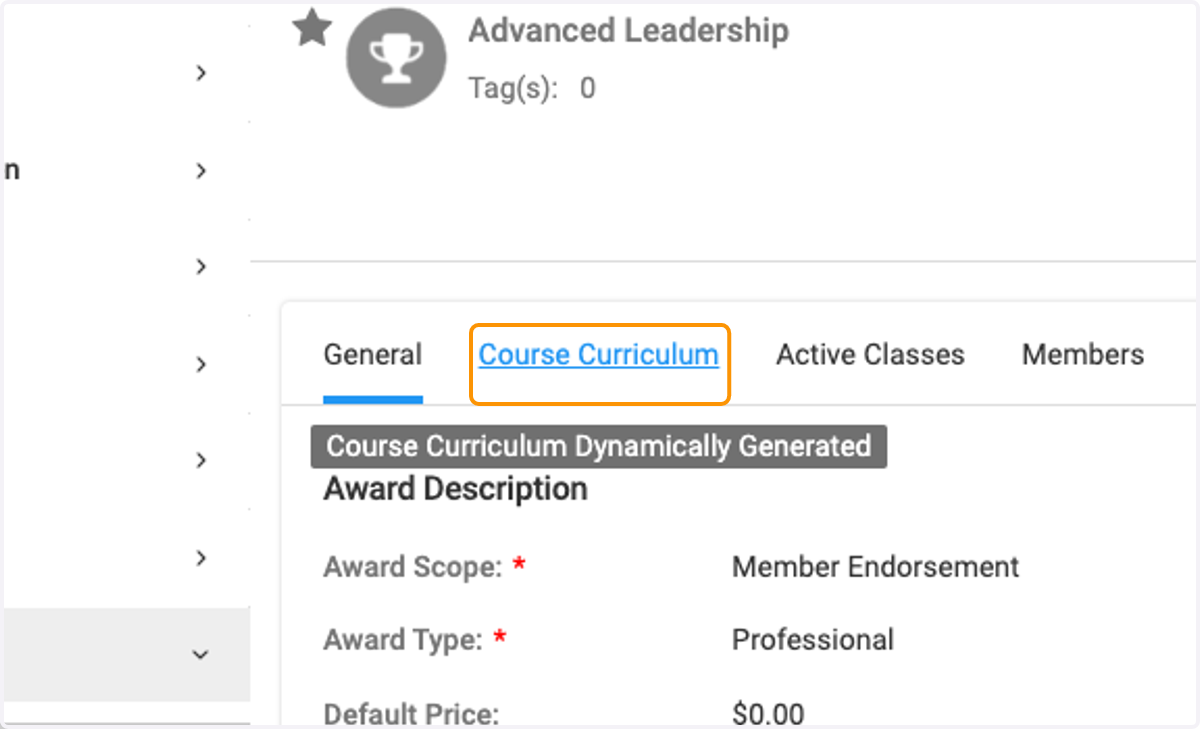
11. Click on Course Curriculum
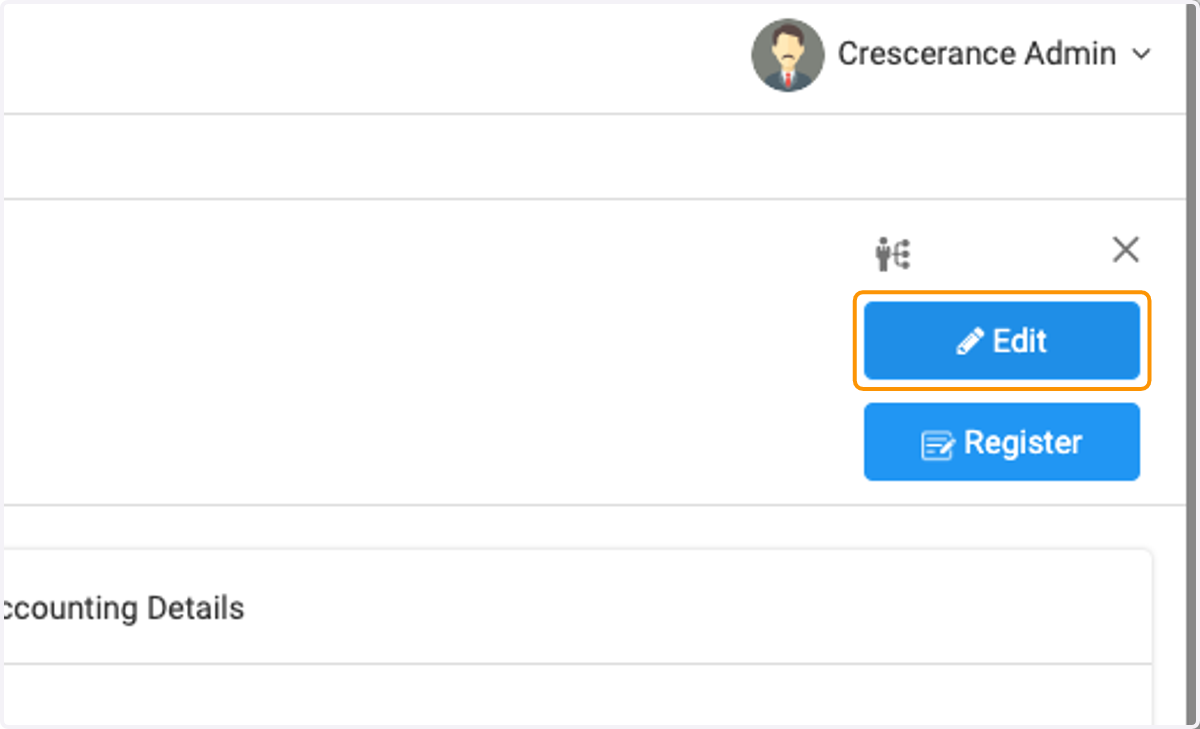
12. Click on Edit
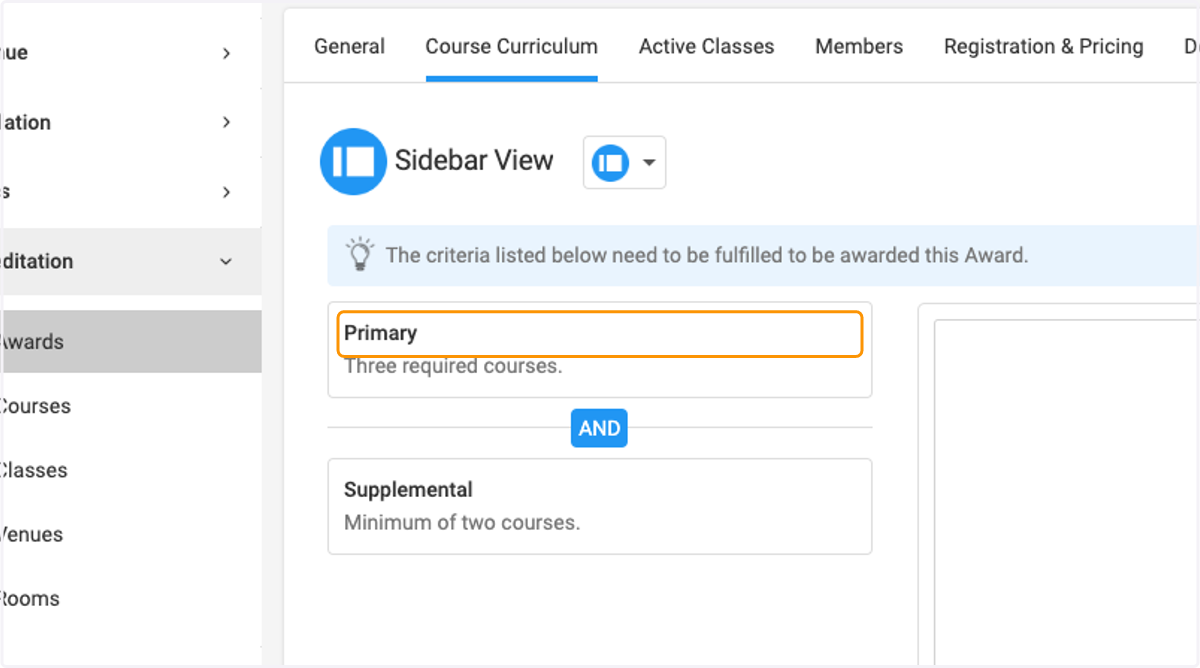
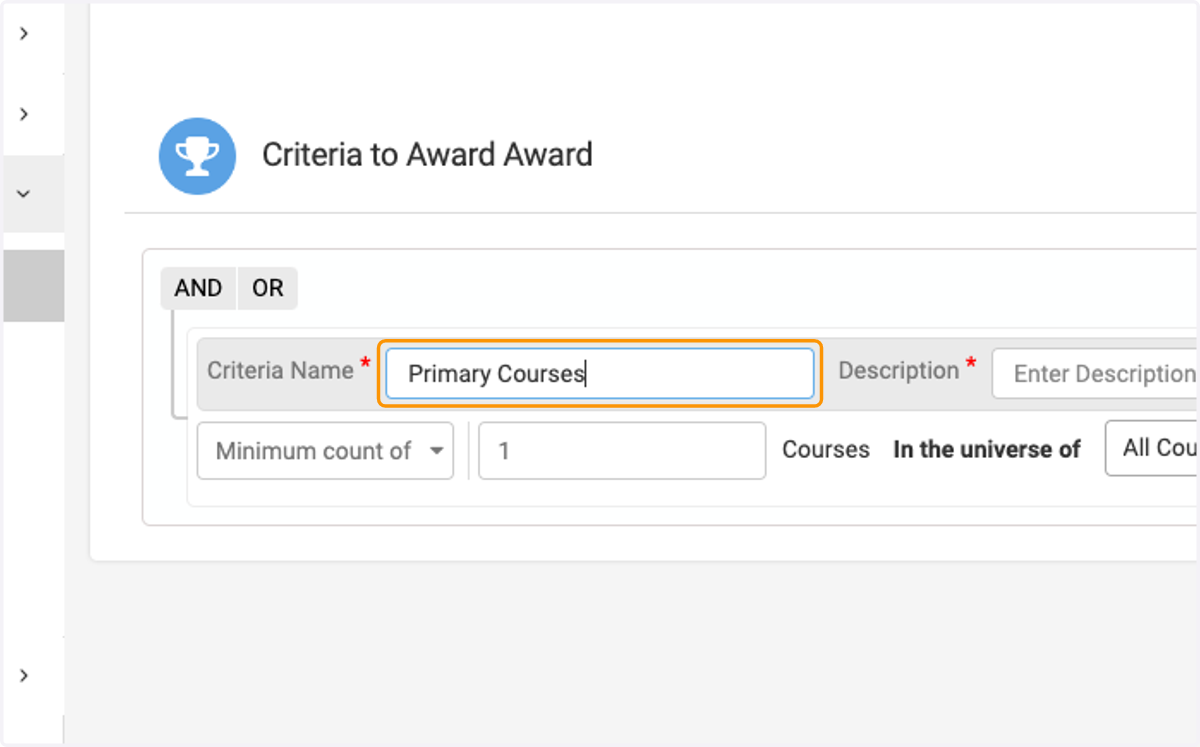
13. Enter Criteria Name
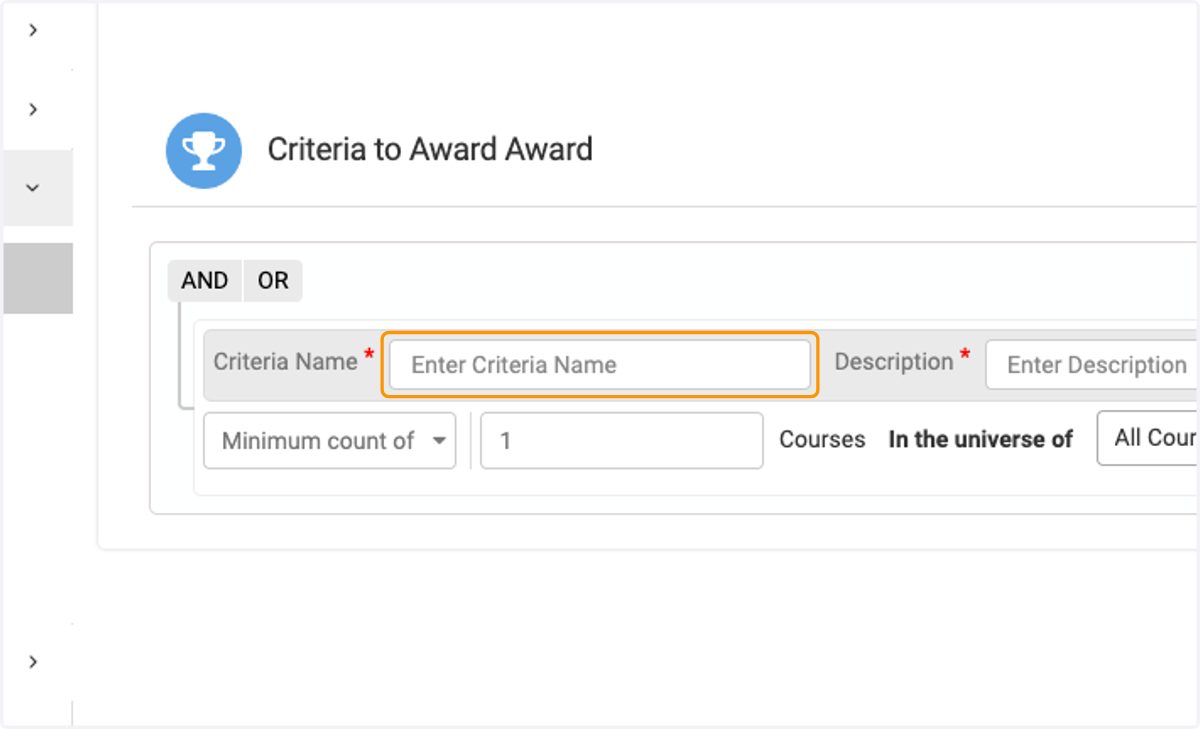
14. Ex. "Primary Courses"
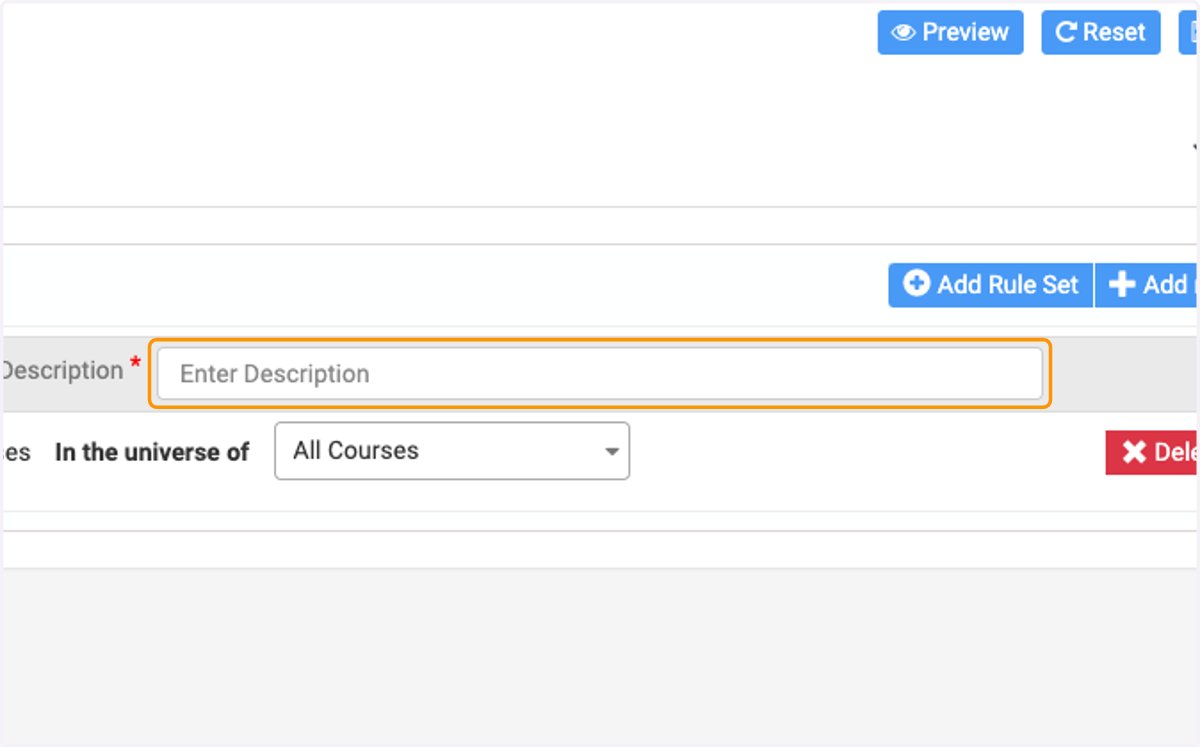
15. Enter Description
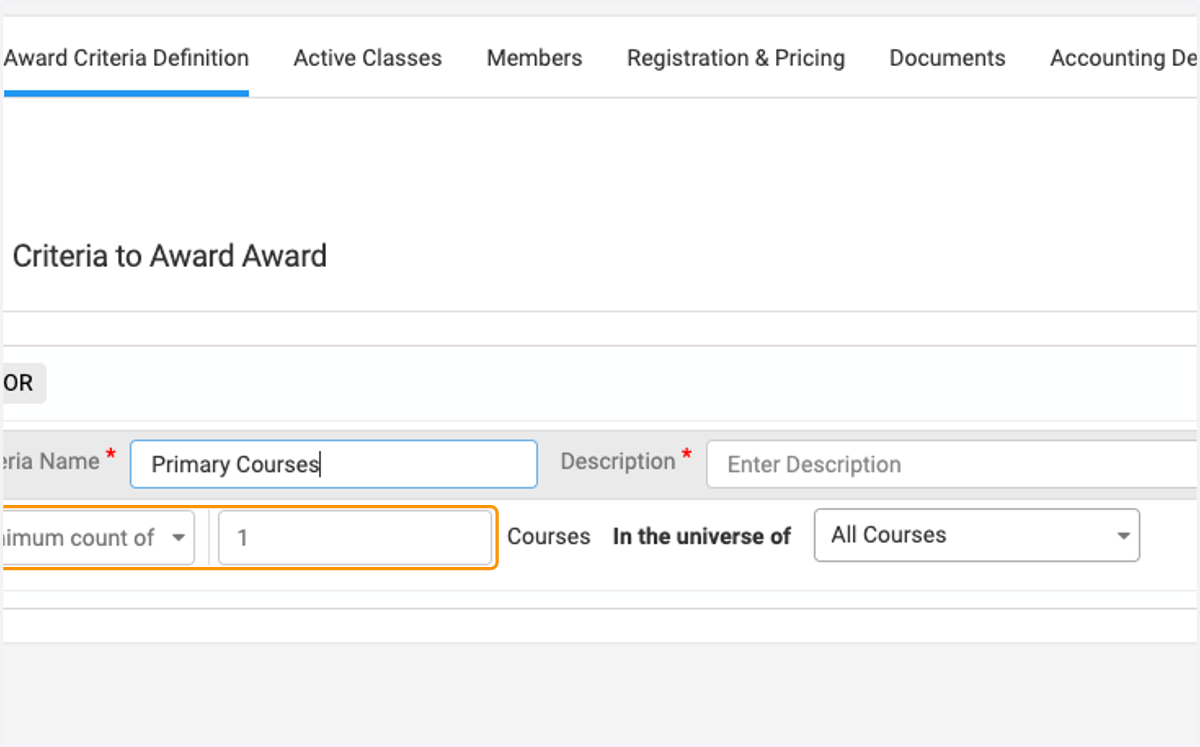
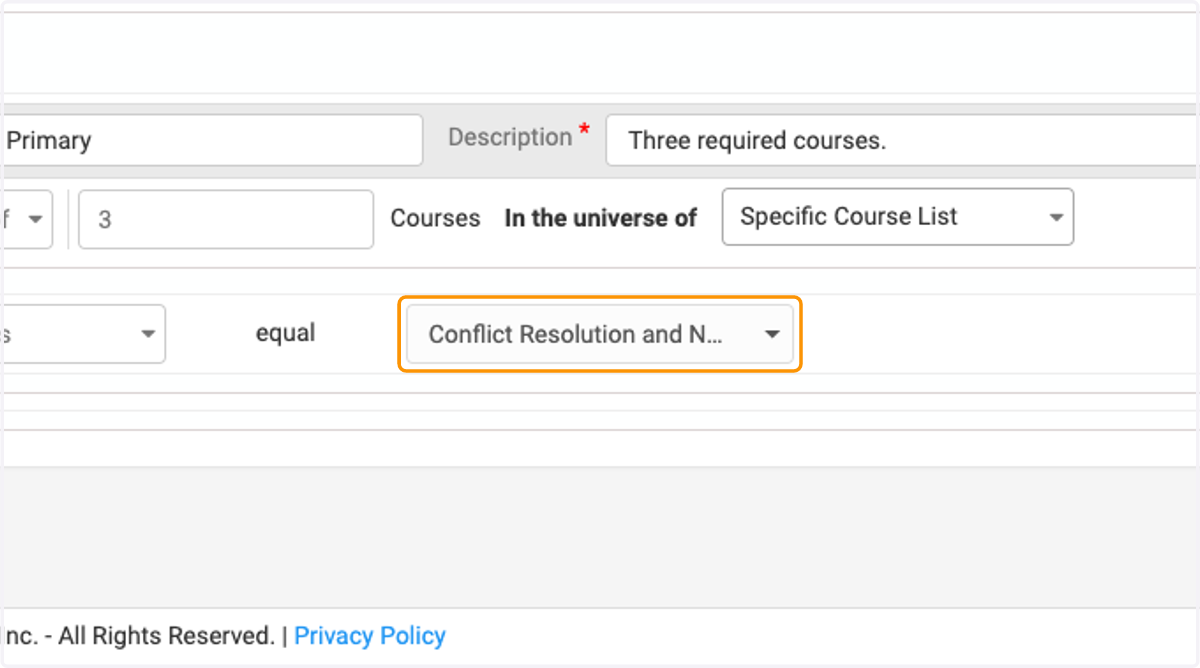
16. Enter how many required courses are in this criteria.
17. Select the course options Ex. Conflict Resolution and Negotiation , Leadership Fundamentals , Strategic Planning and Decision-Making
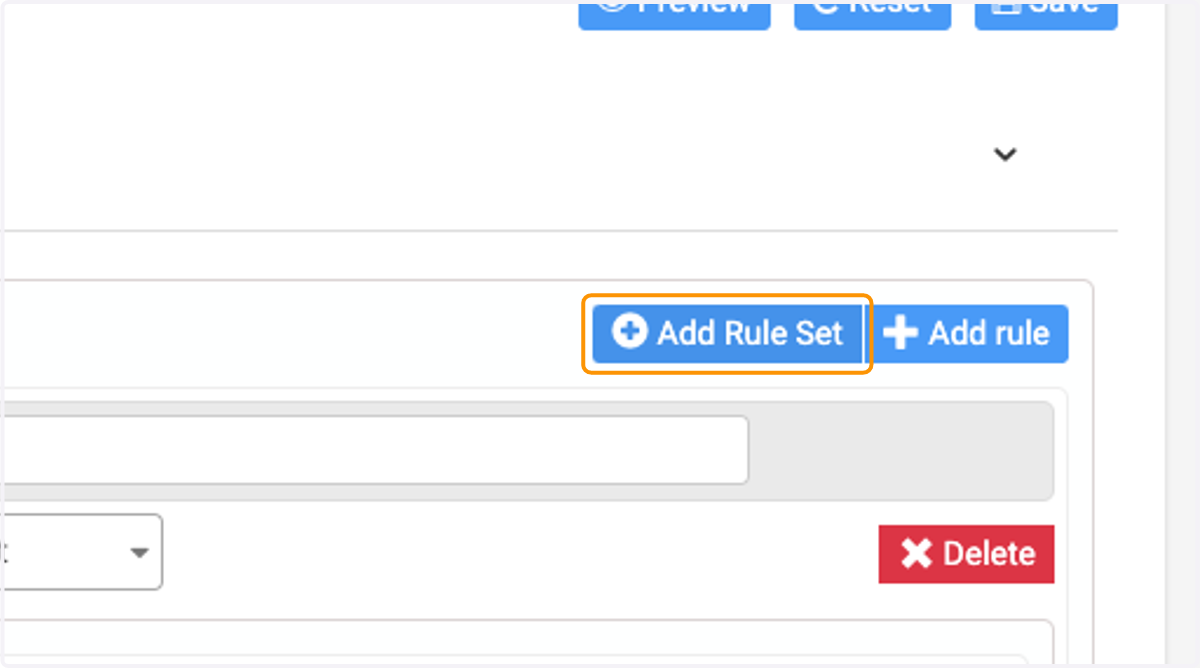
18. If there is another criteria to be added, click on Add Rule Set…
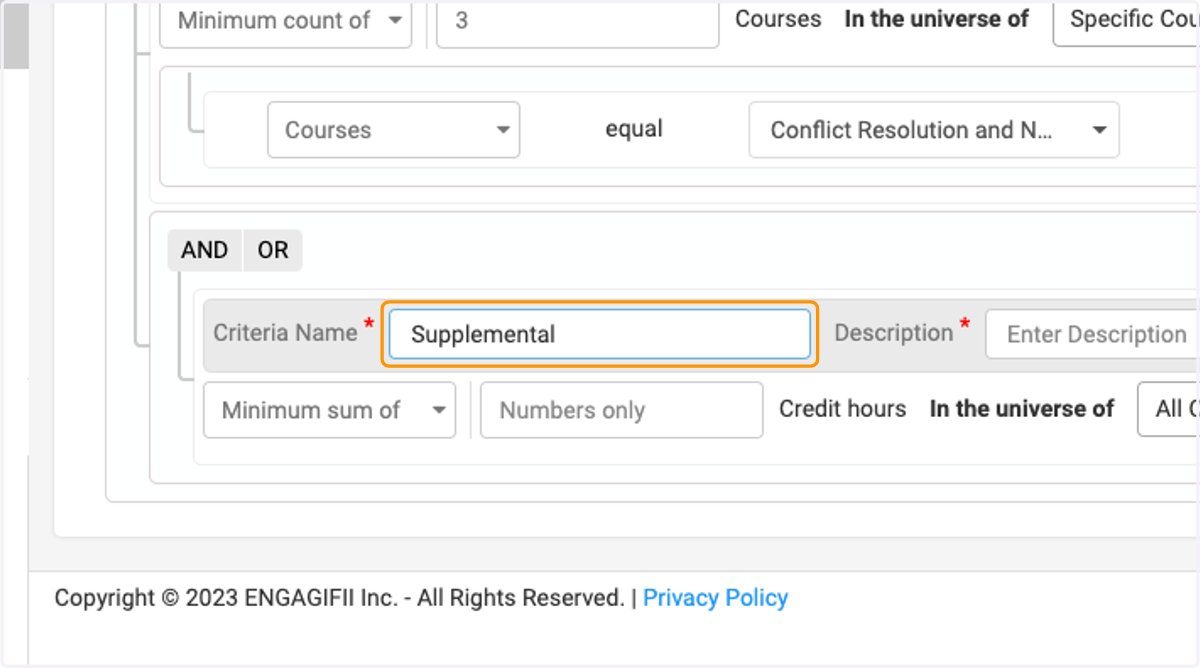
19. Enter name of second criteria Ex. "Supplemental"
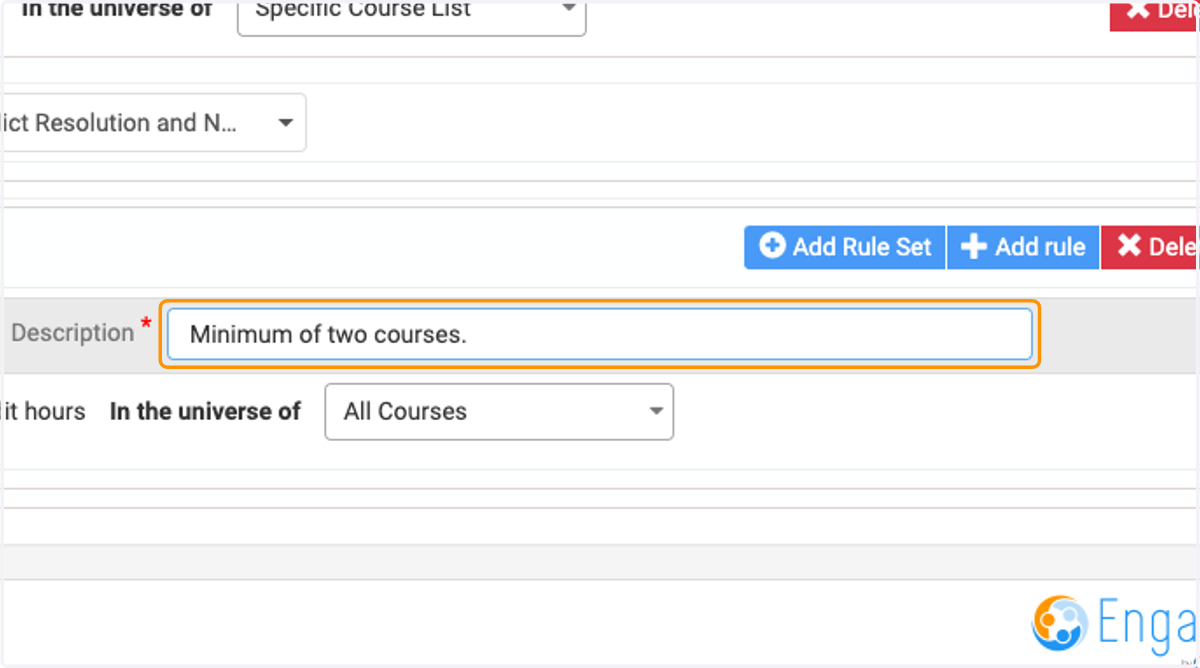
20. Enter description Ex. "Minimum of two courses."
21. Select Minimum count of
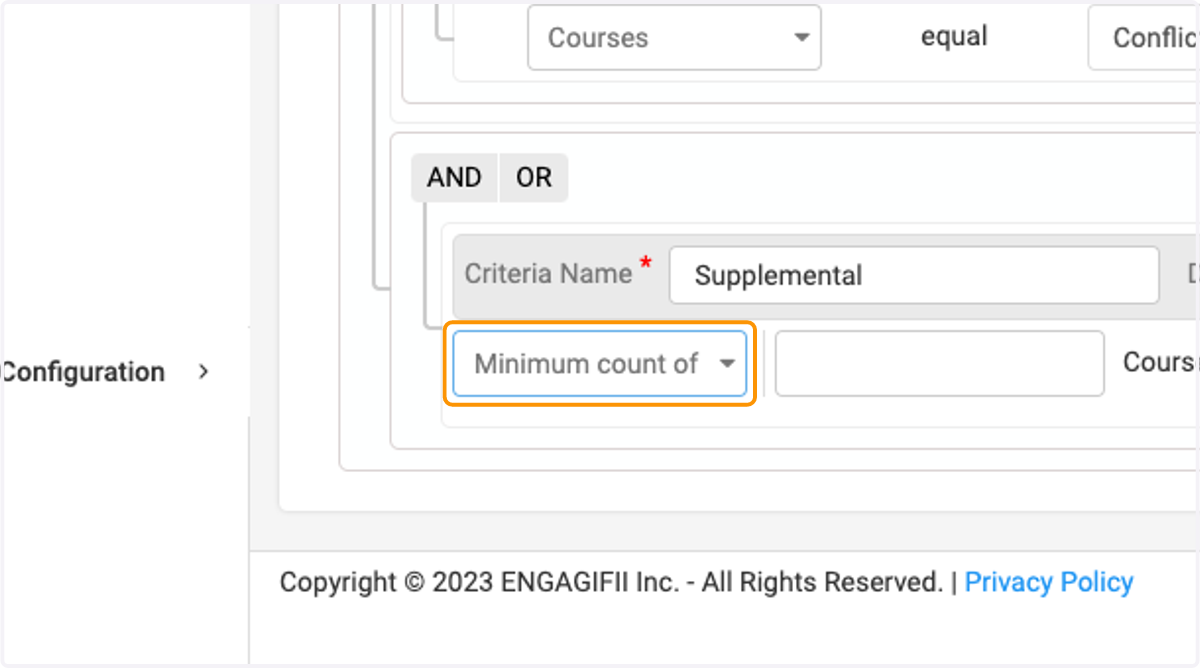
22. Enter the required amount of courses for this criteria Ex. "2"
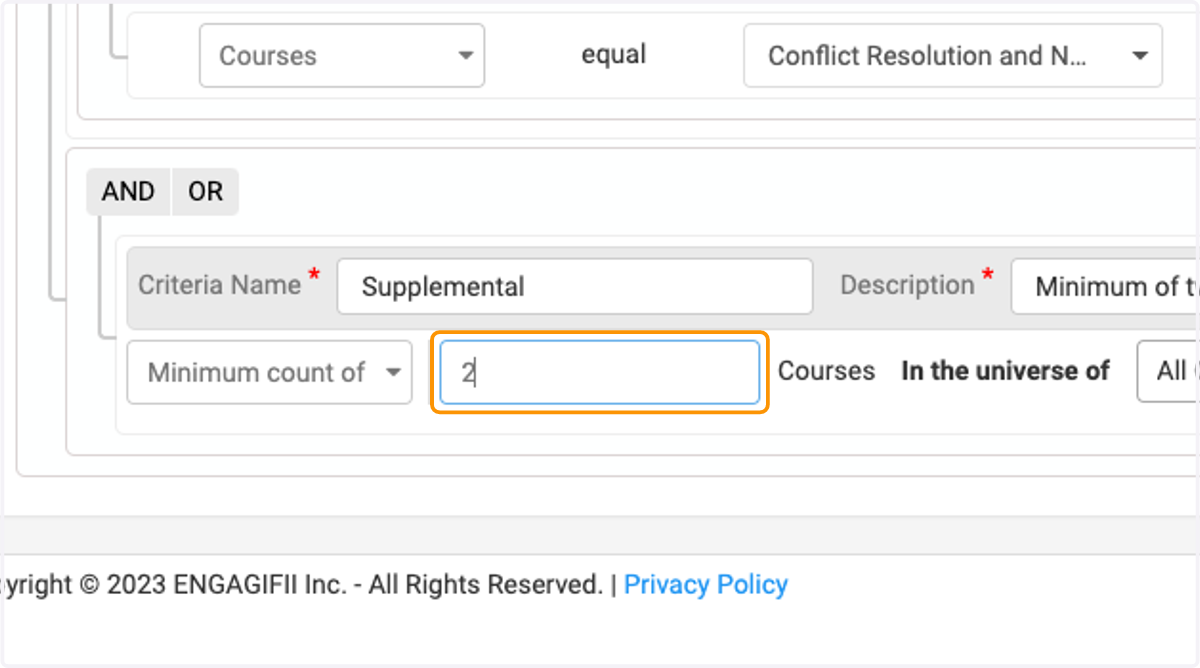
23. Select Specific Course List
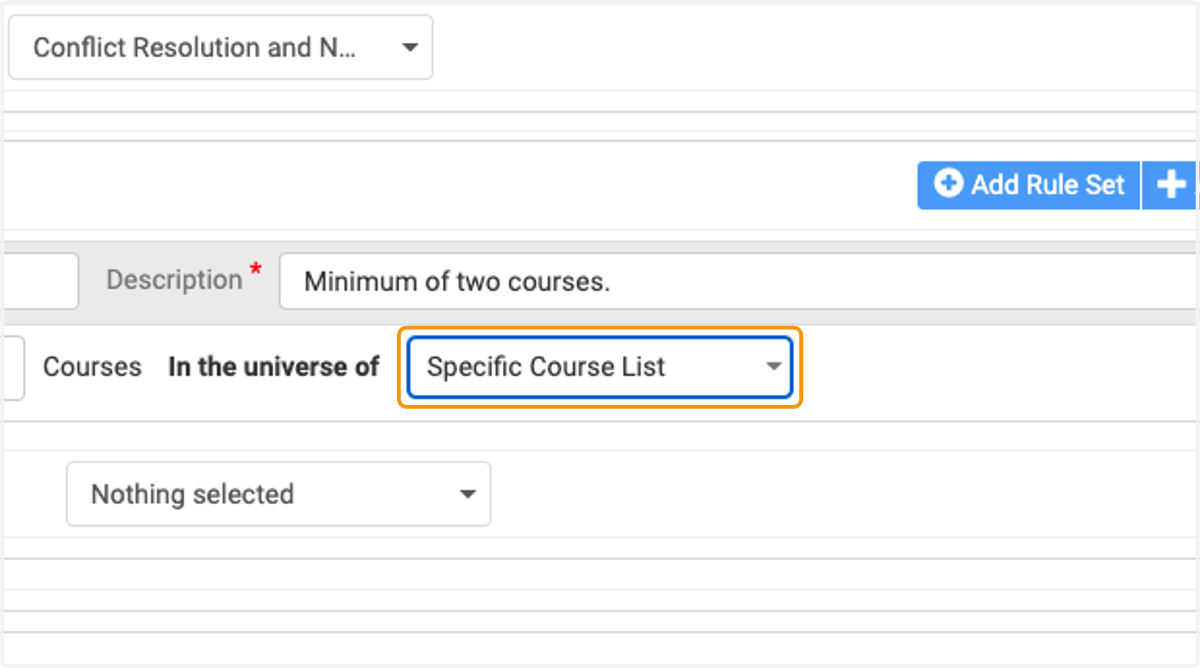
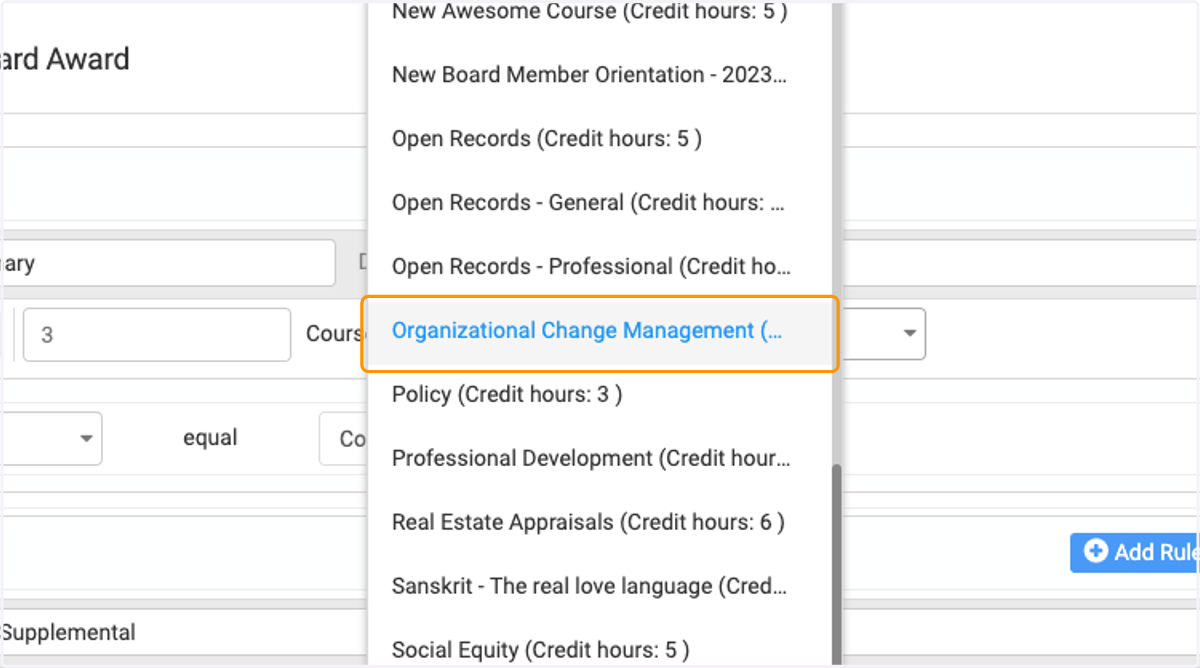
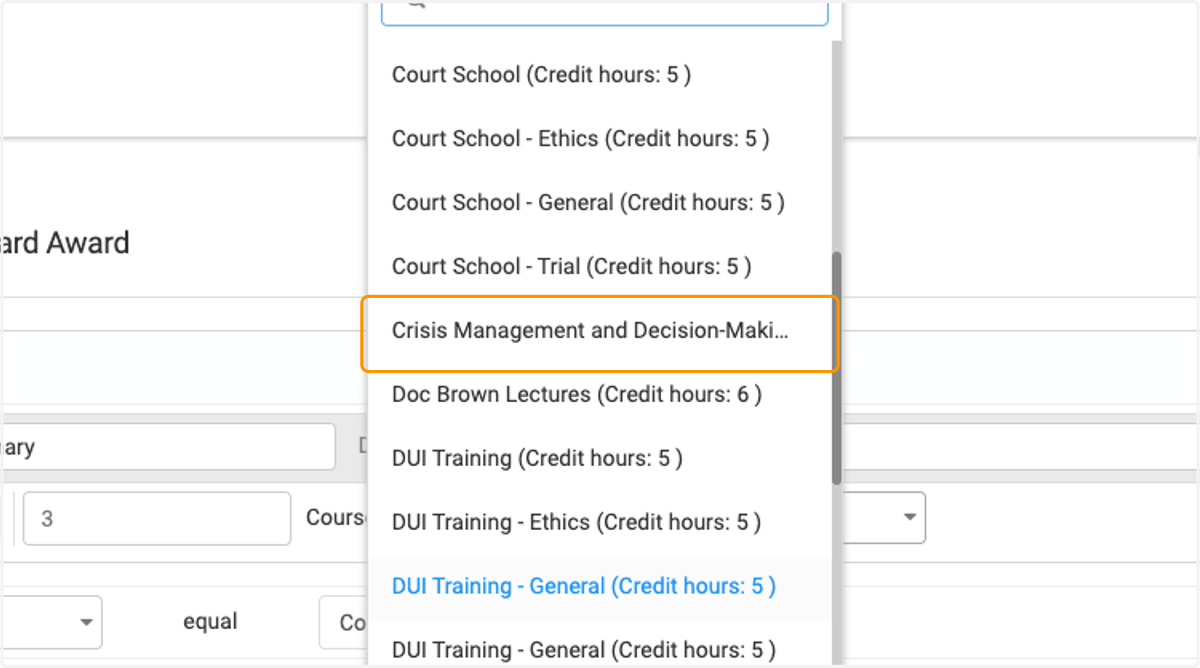
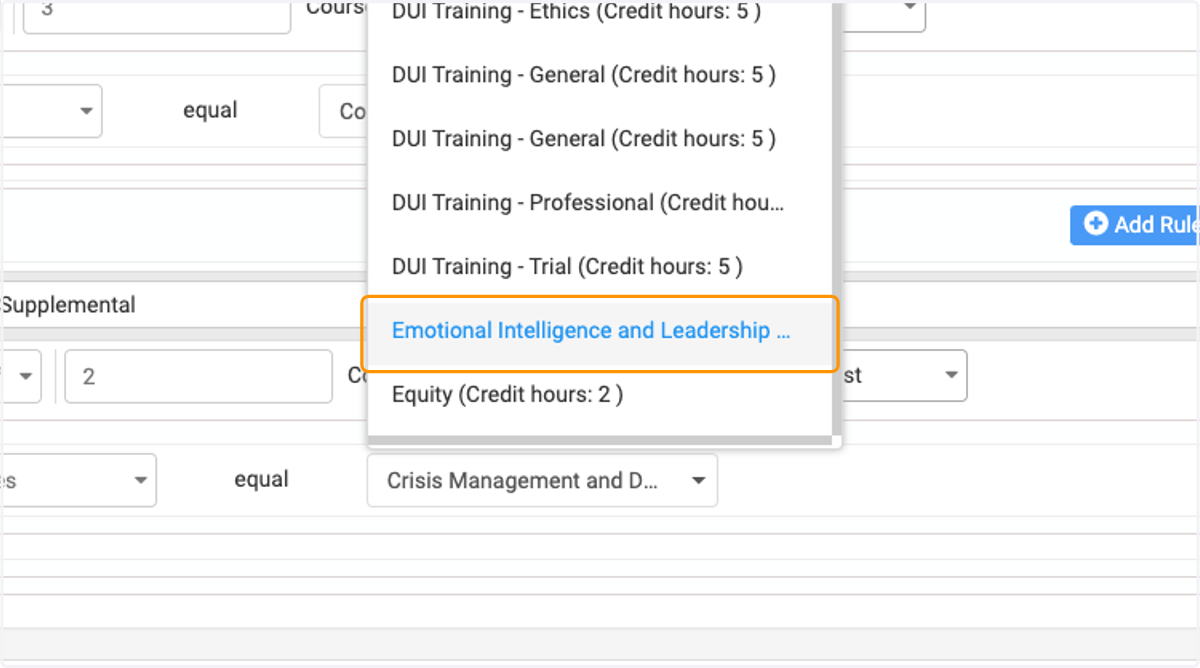
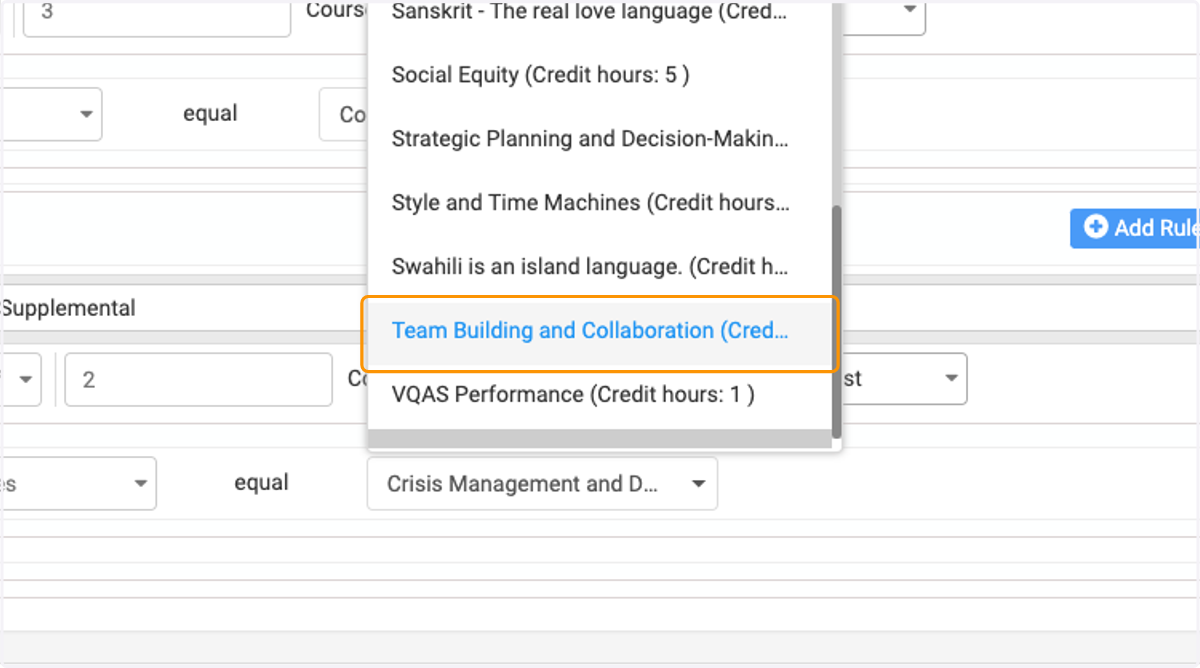
24. Select the courses that are suitable to fulfill this criteria.
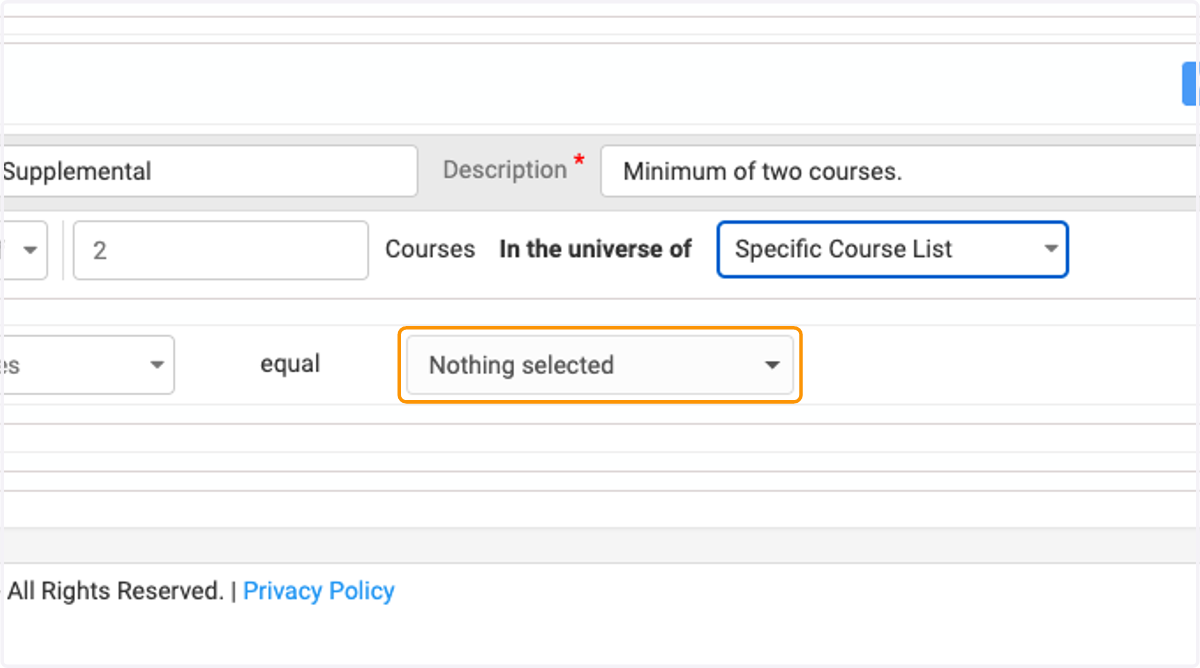
25. Ex. Organizational Change Management
26. Ex. Crisis Management and Decision-Making
27. Ex. Emotional Intelligence and Leadership
28. Ex.Team Building and Collaboration
29. Click on Criteria Name …
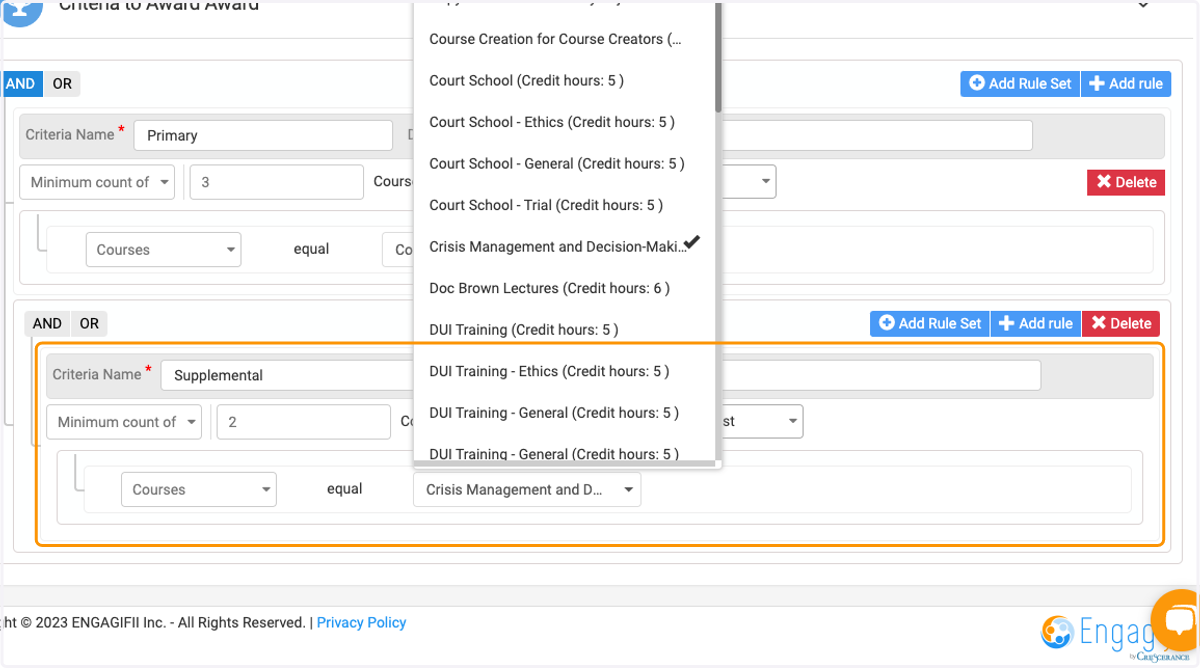
30. Click on the small "save" first.

31. Click on the larger "Save" last.
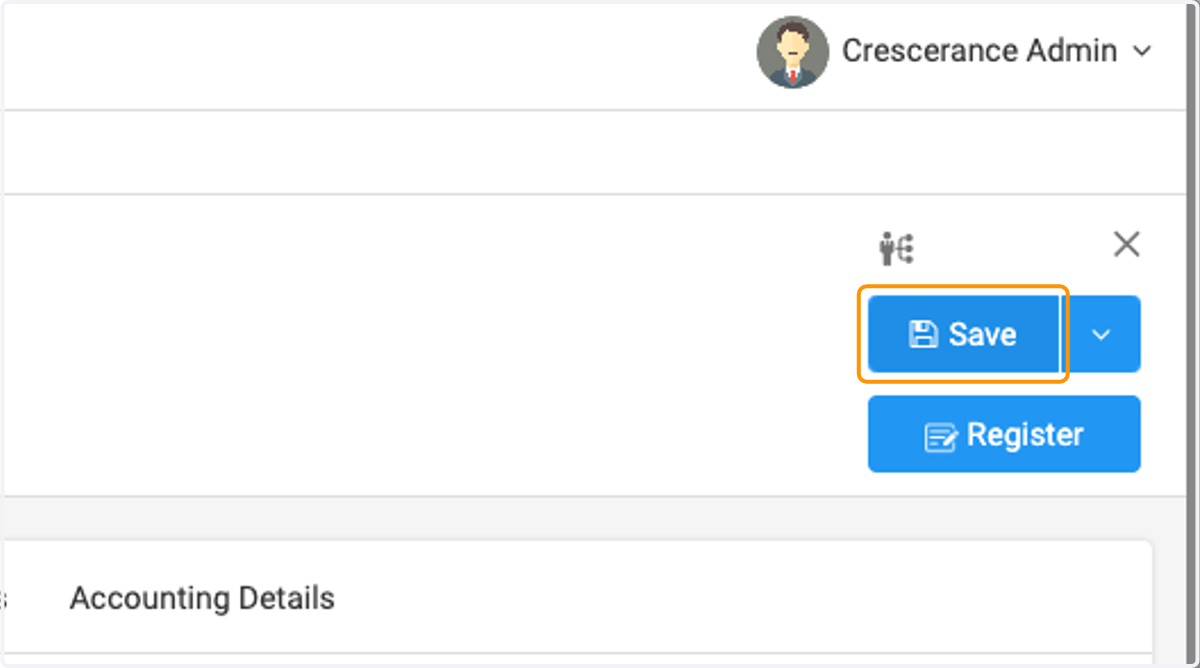
32. Now you can view the primary courses and supplemental courses for this award.