How to Register a New Vendor on IIUM Coupon
Go to IIUM Coupon
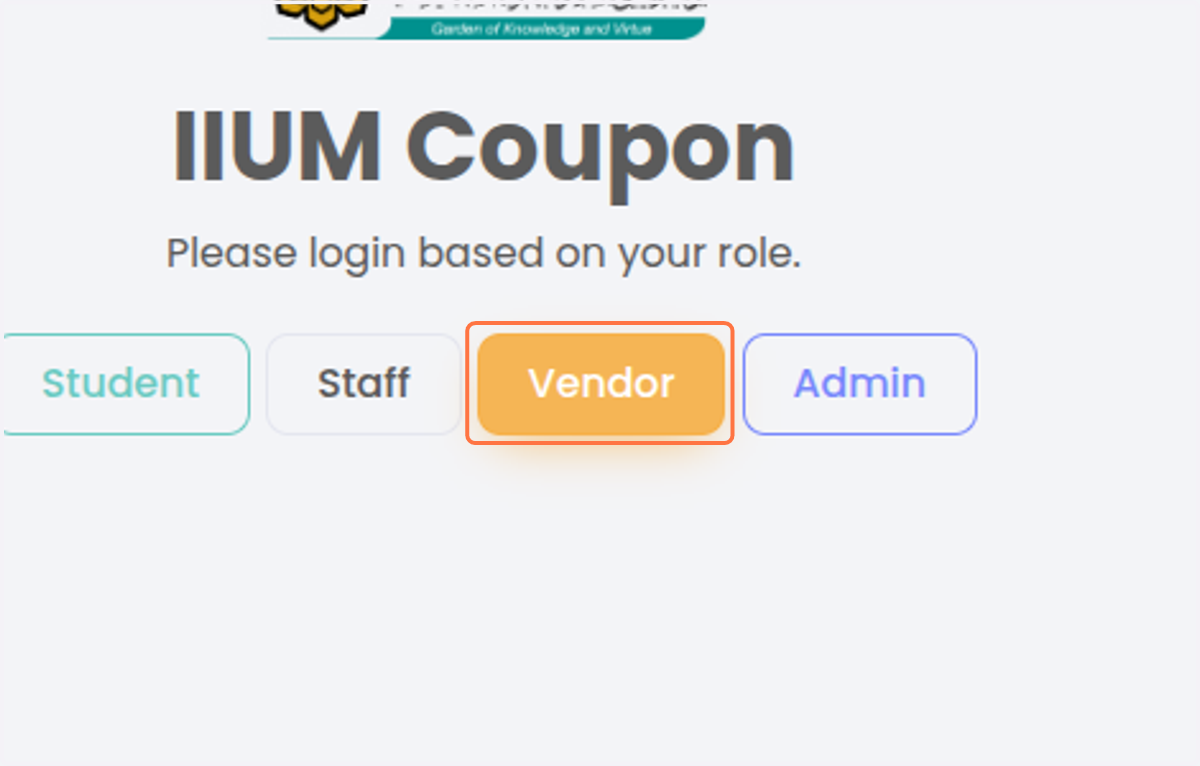
1. Click on Vendor
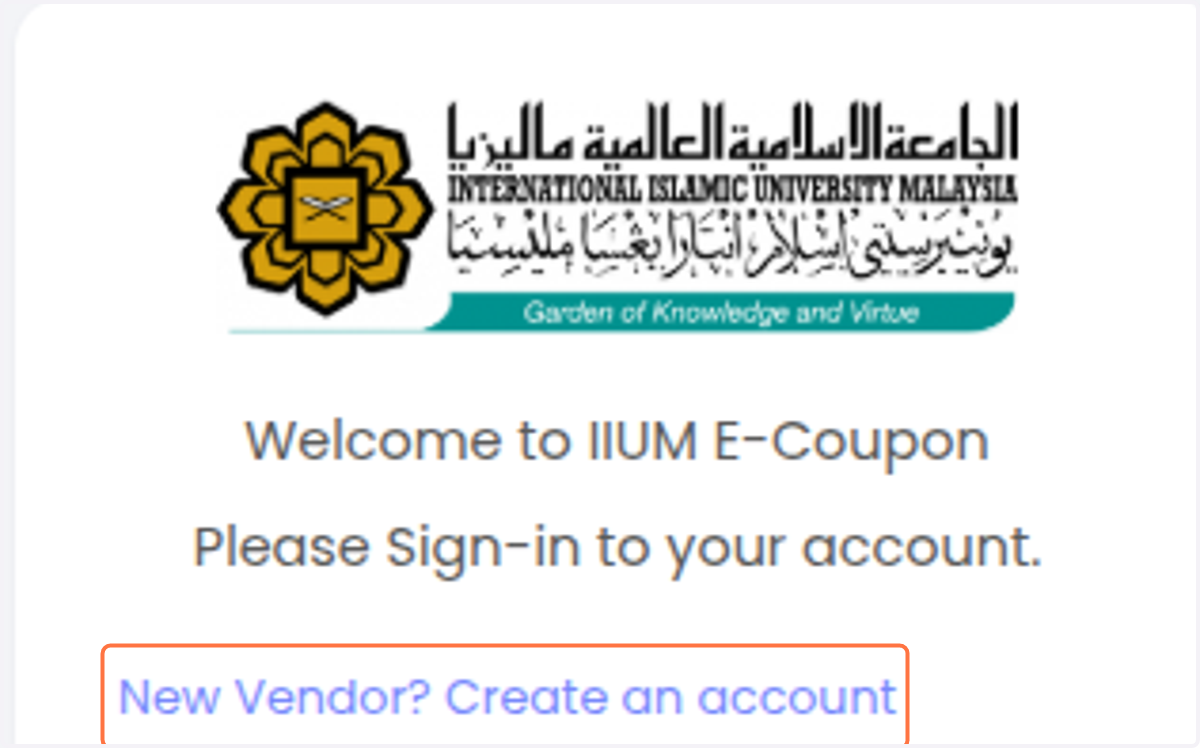
2. Click on New Vendor? Create an account
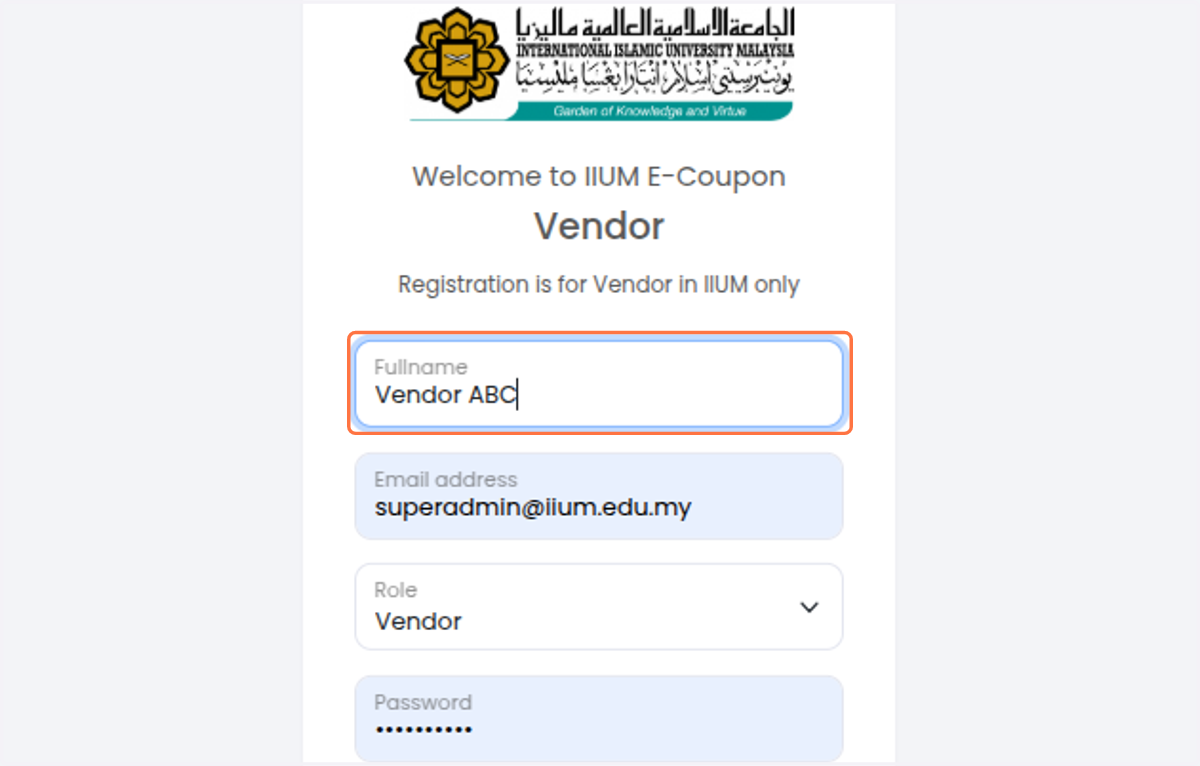
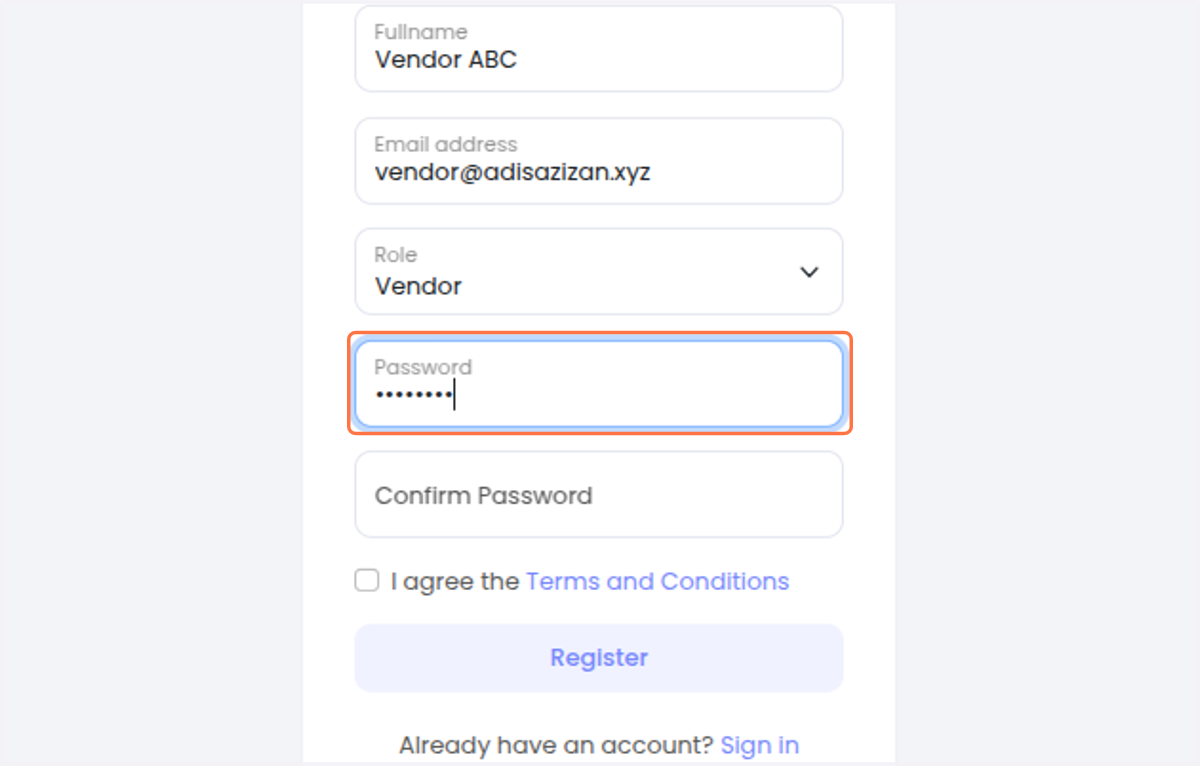
3. Type your Full Name / Company Name
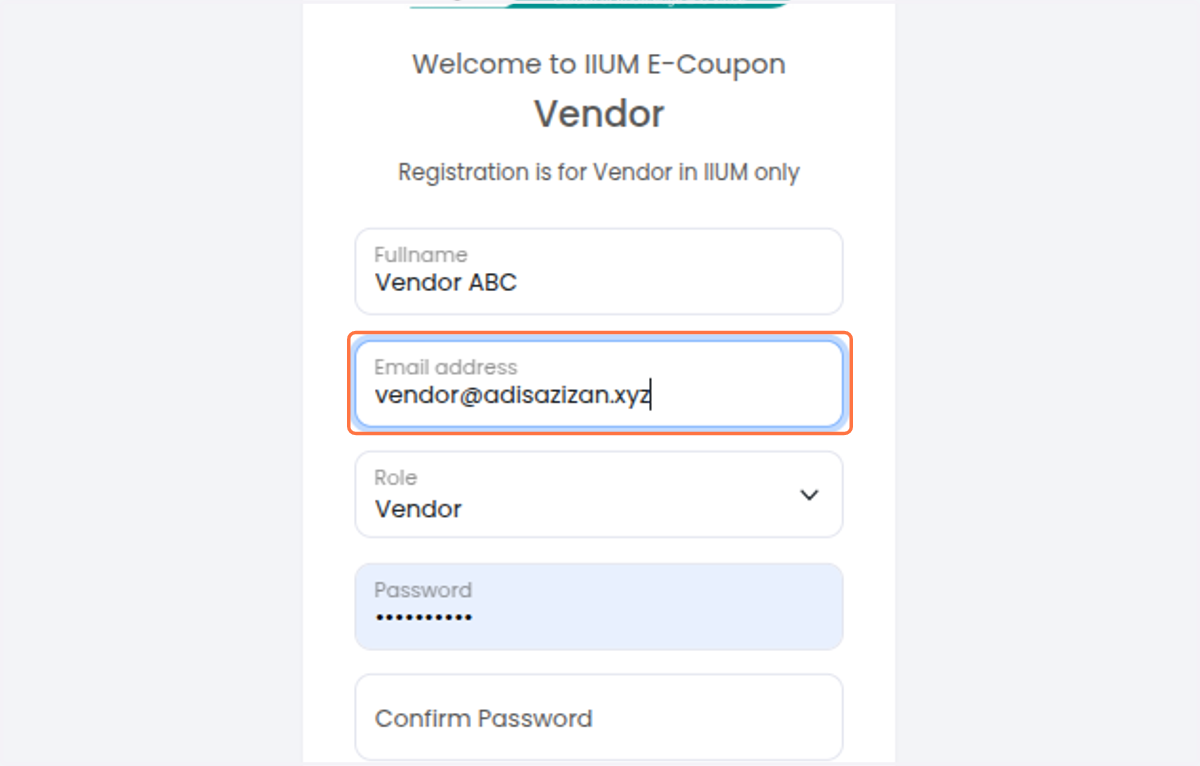
4. Type your company email
5. Type password
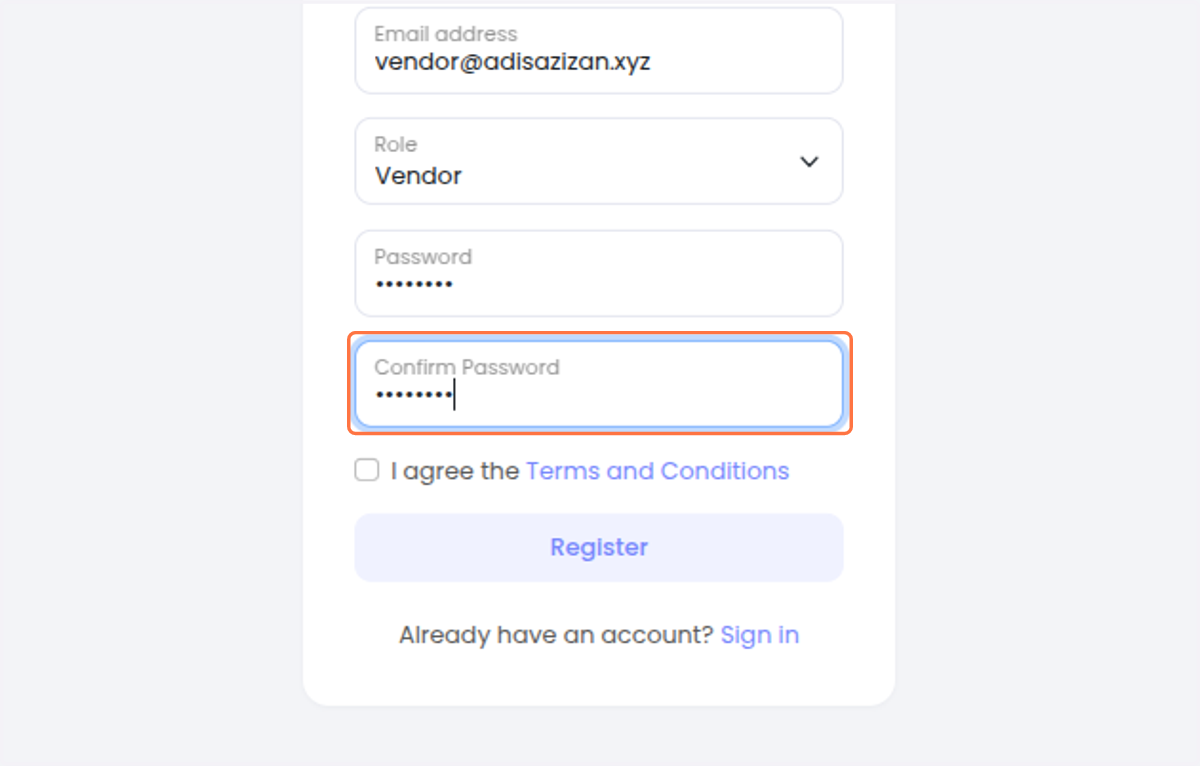
6. Confirm password
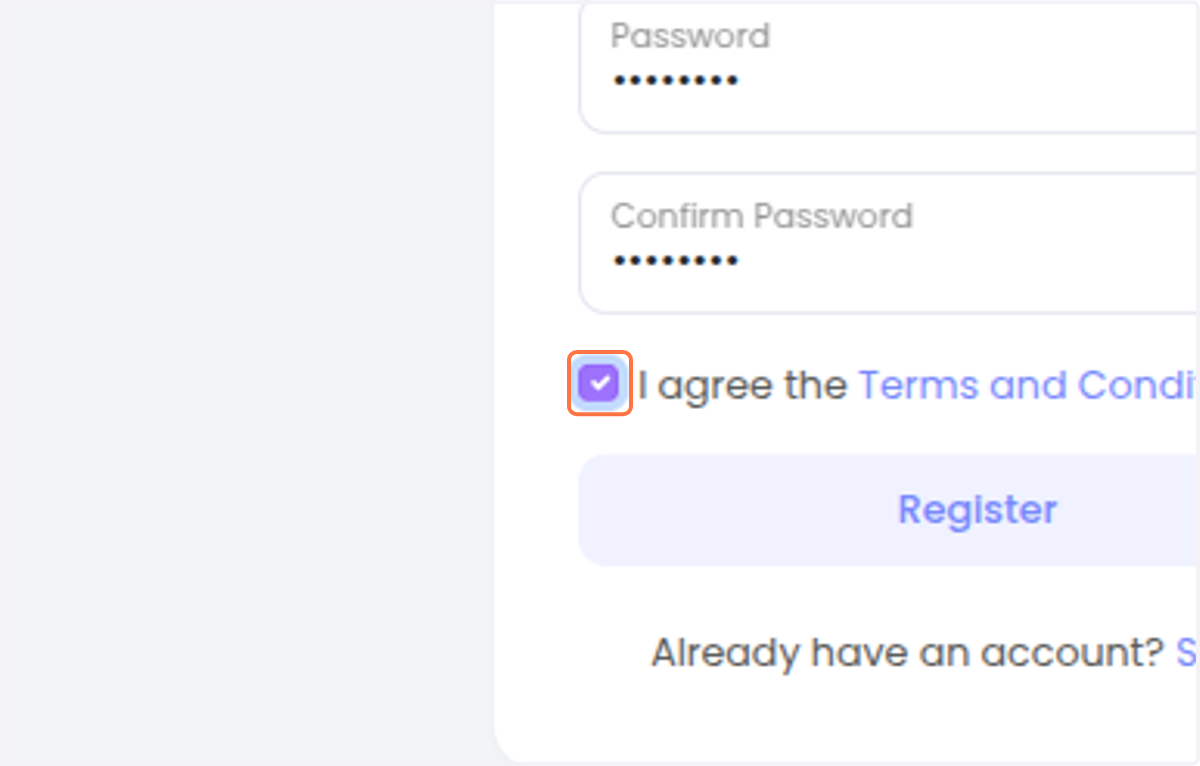
7. Check I agree the Terms and Conditions
8. Click on Register
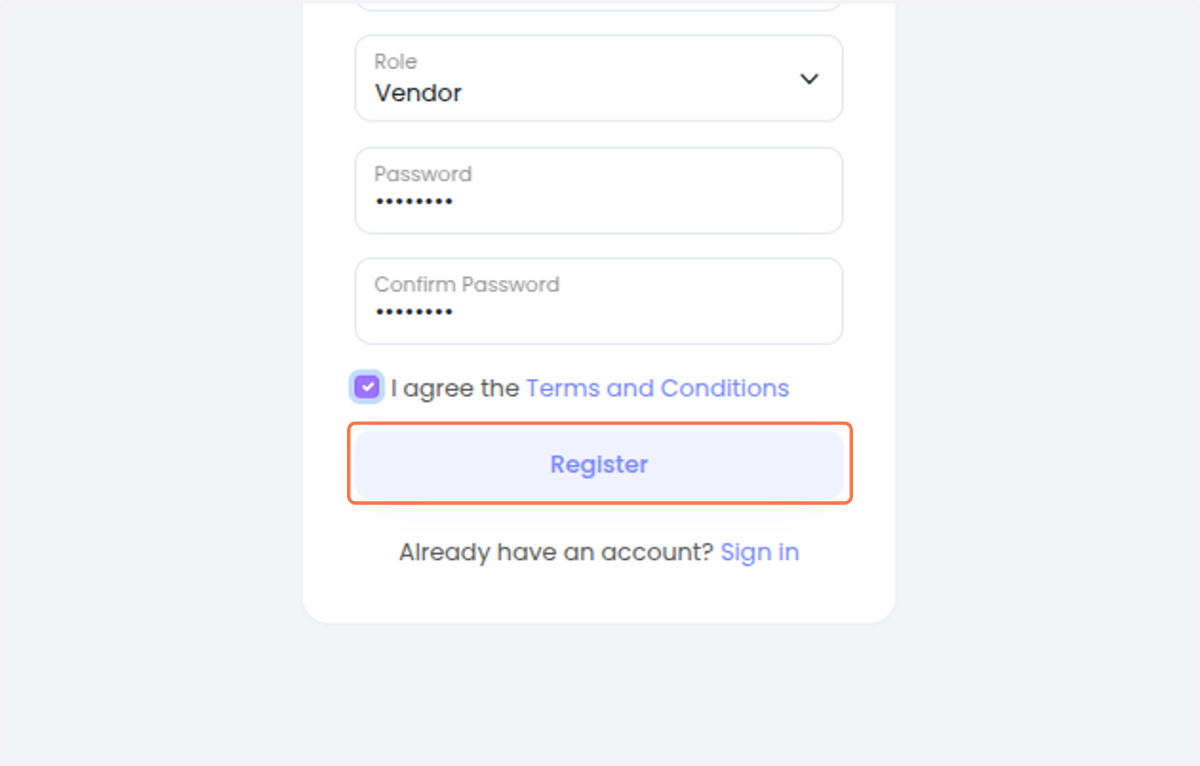
9. Wait for your account to be Approved by STADD Office