How to Refer a Friend or Colleague to Tango
This Tango outlines where to find your unique referral link and associated information about people you have referred.
Log in to your Tango account!
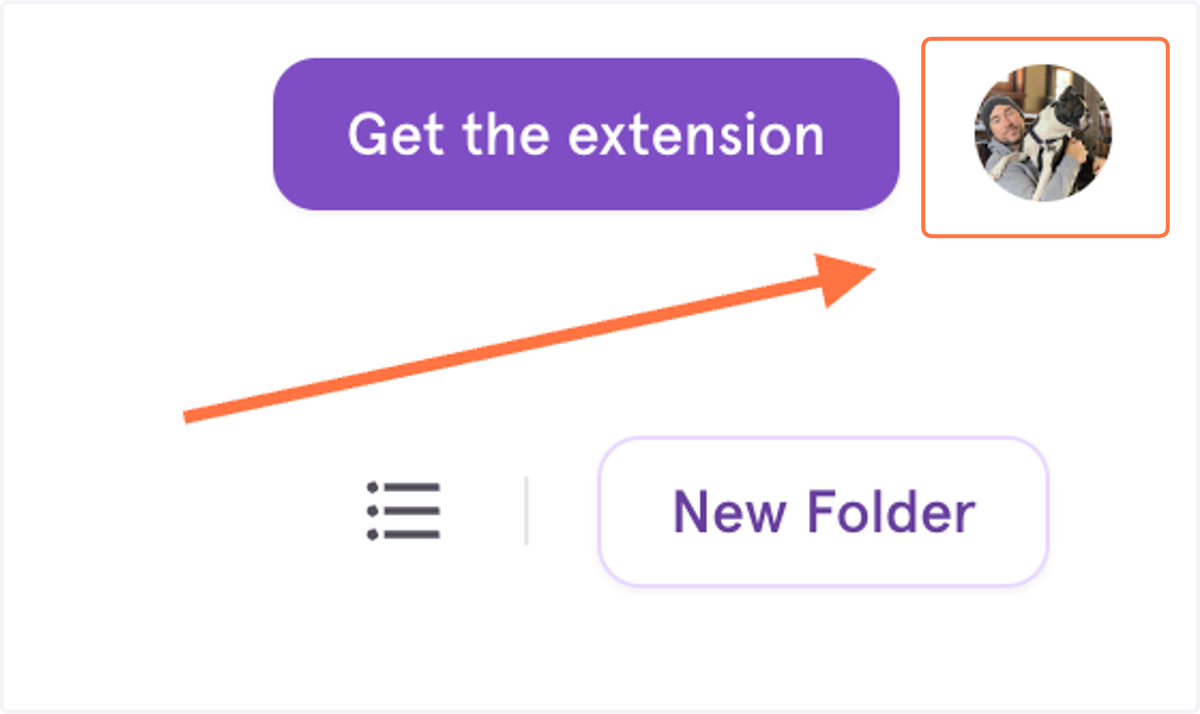
1. Click on your avatar in the upper right hand corner.
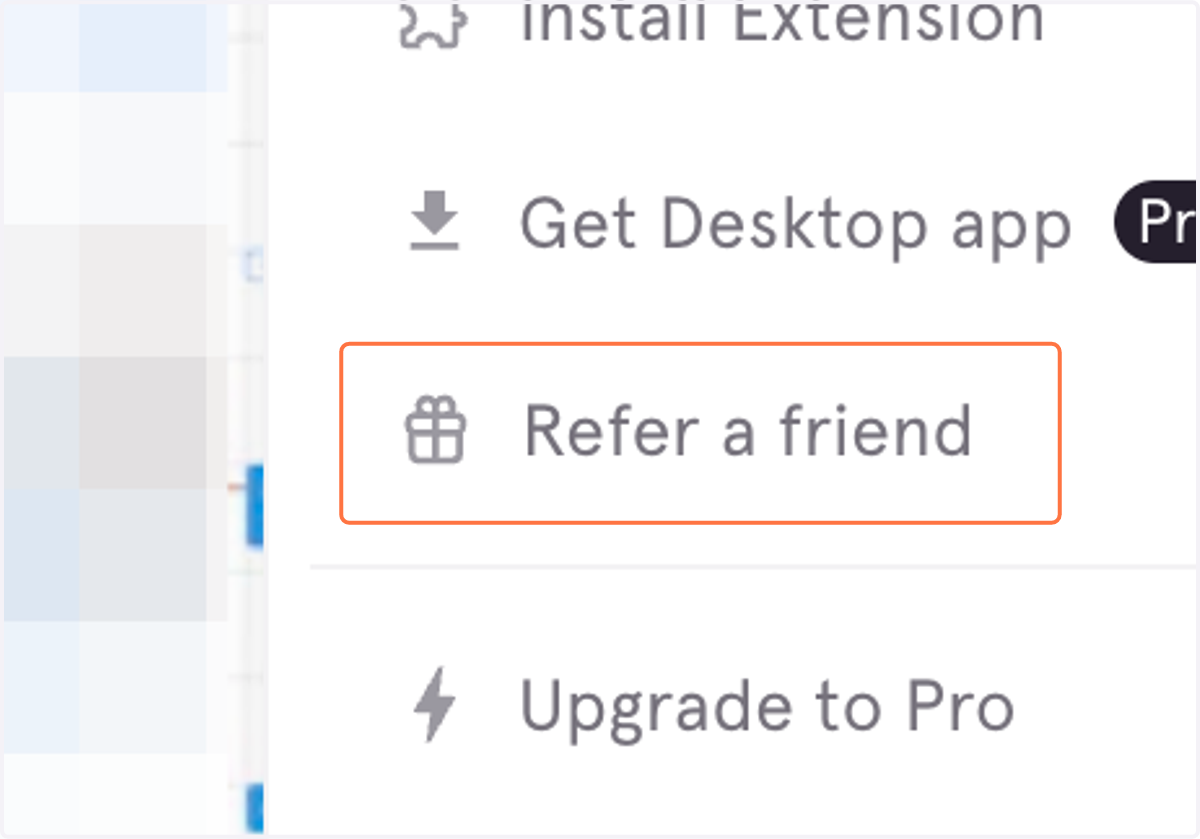
2. Click on "Refer a friend" to open the sharing window.
3. Click on "Copy invite link" to copy your link to your clipboard.
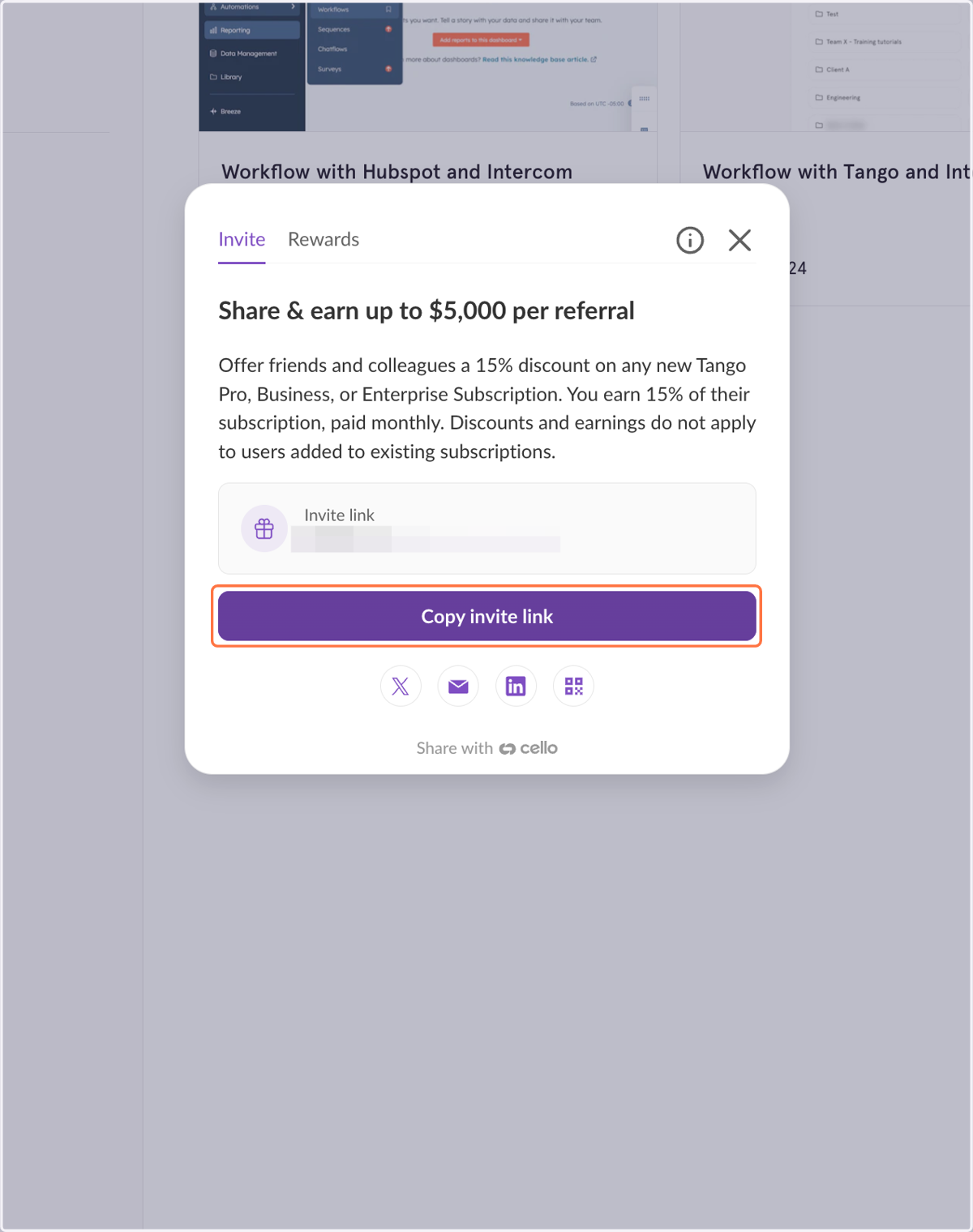
4. Send your link to friends and colleagues!