How to add GTM code to MultiHub Websites
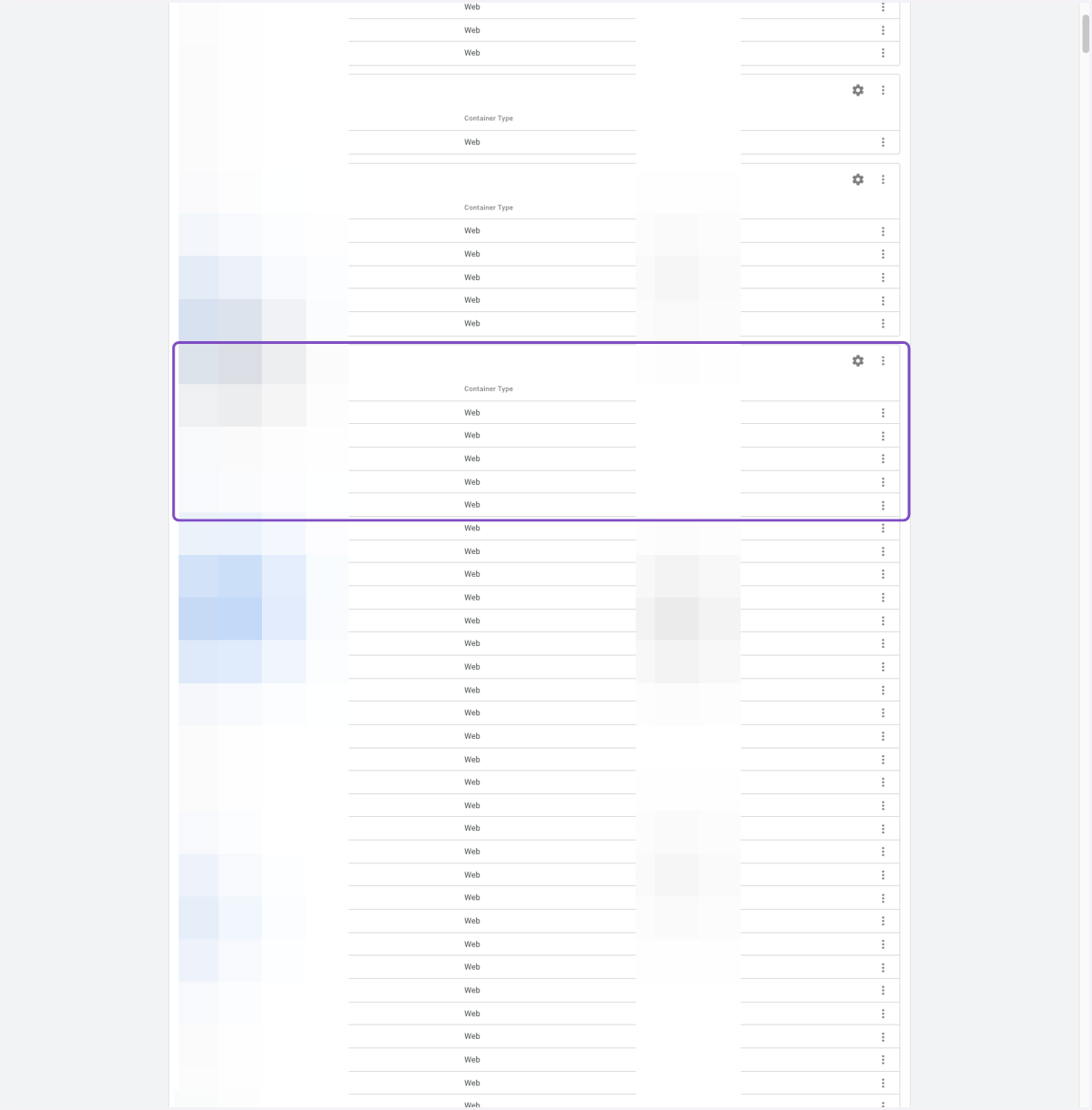
Navigate To Google Tag Manager (GTM)
1. Navigate to your property.
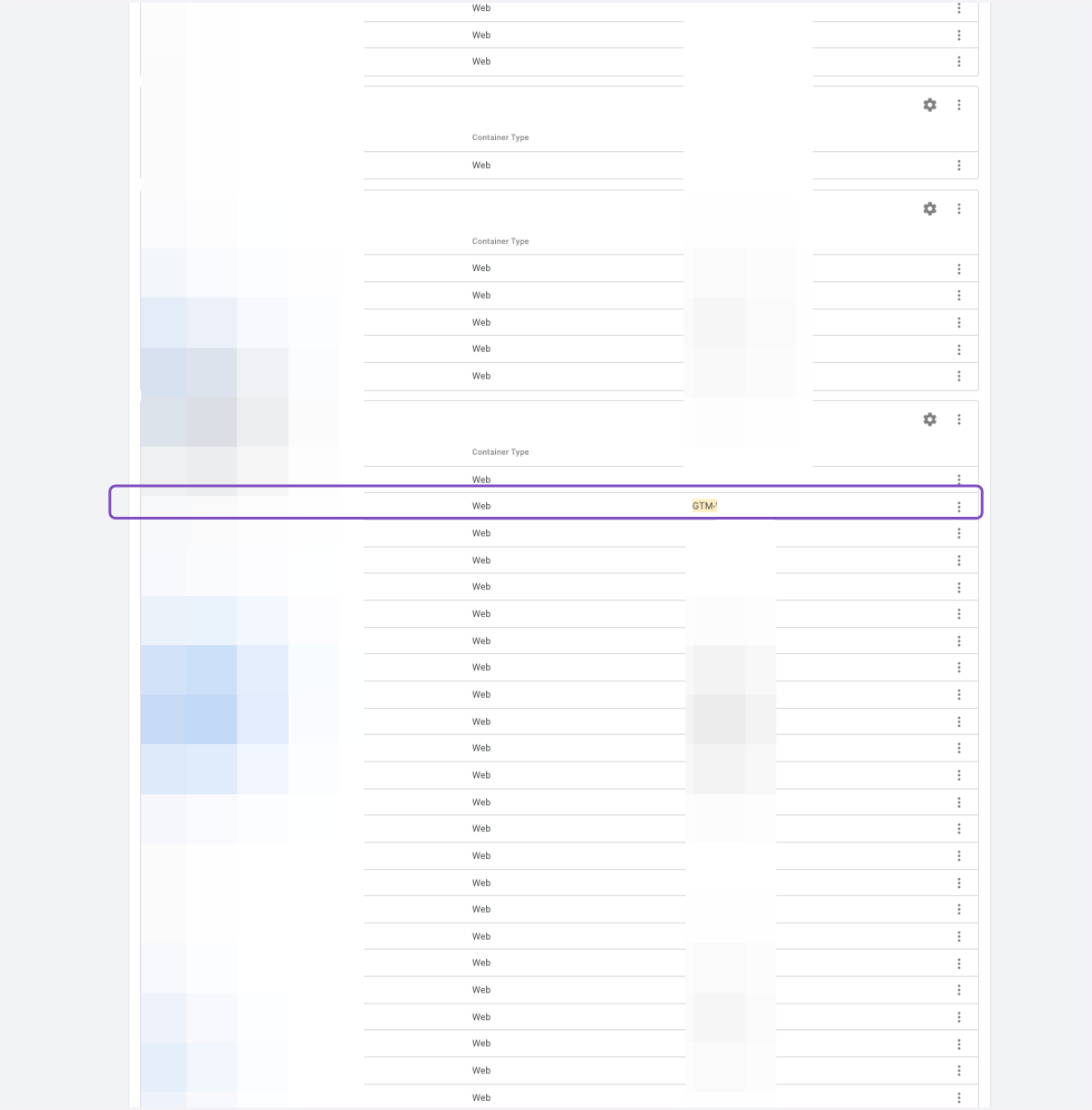
2. Copy the GTM code "GTM-XXXXXX"
Log in to MultiHub Site Editor
3. Navigate to your property
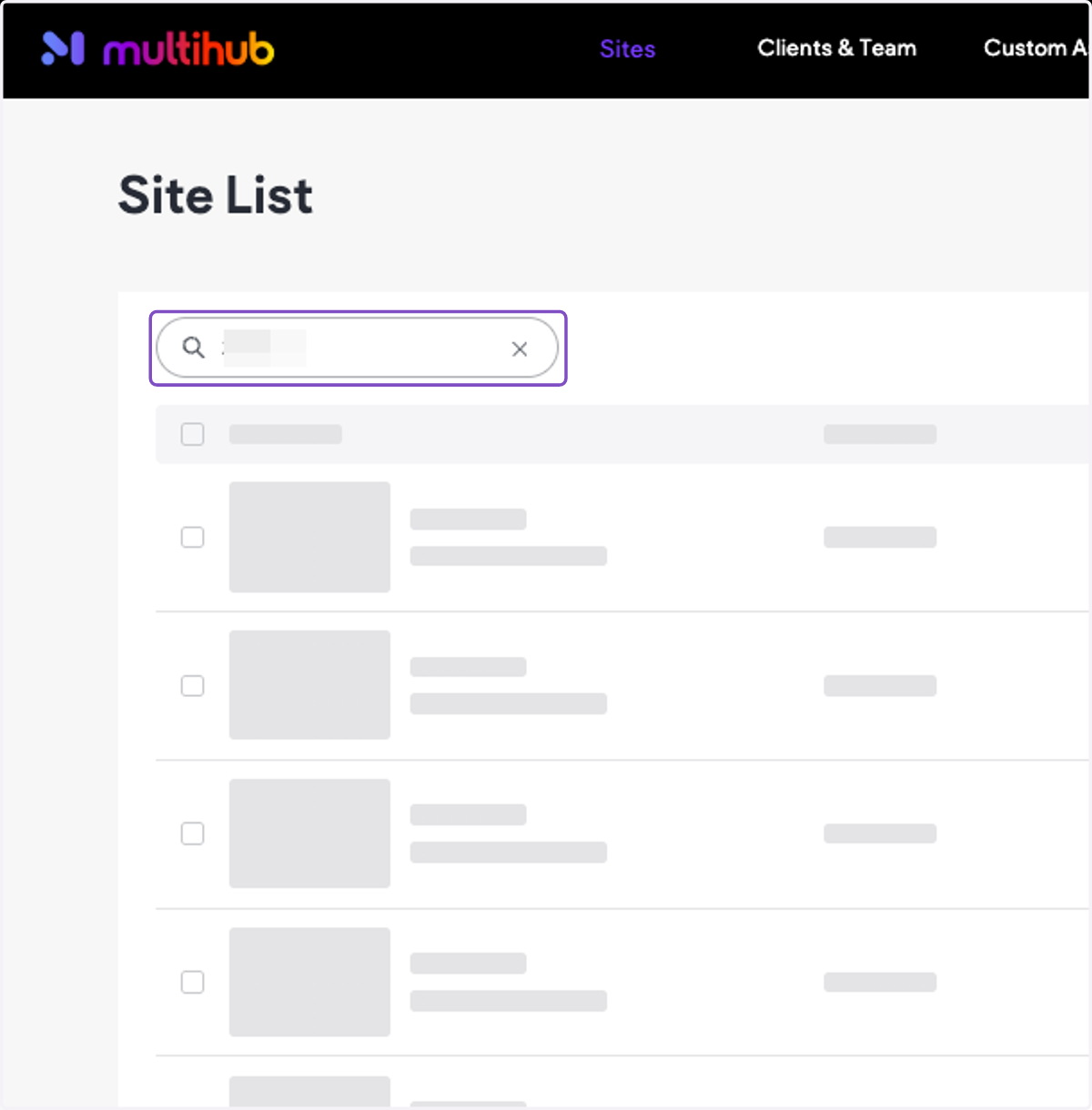
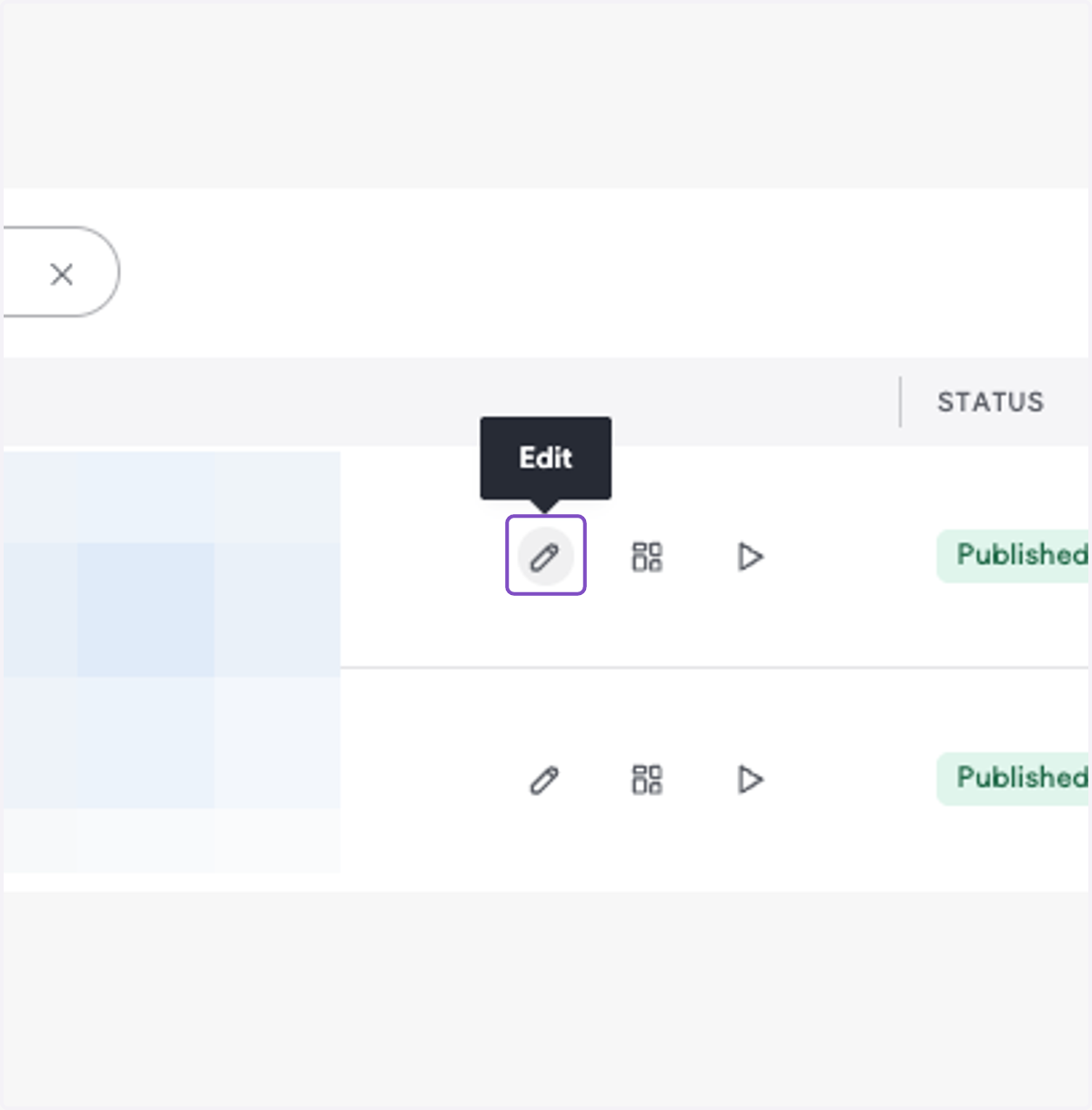
4. Click on edit
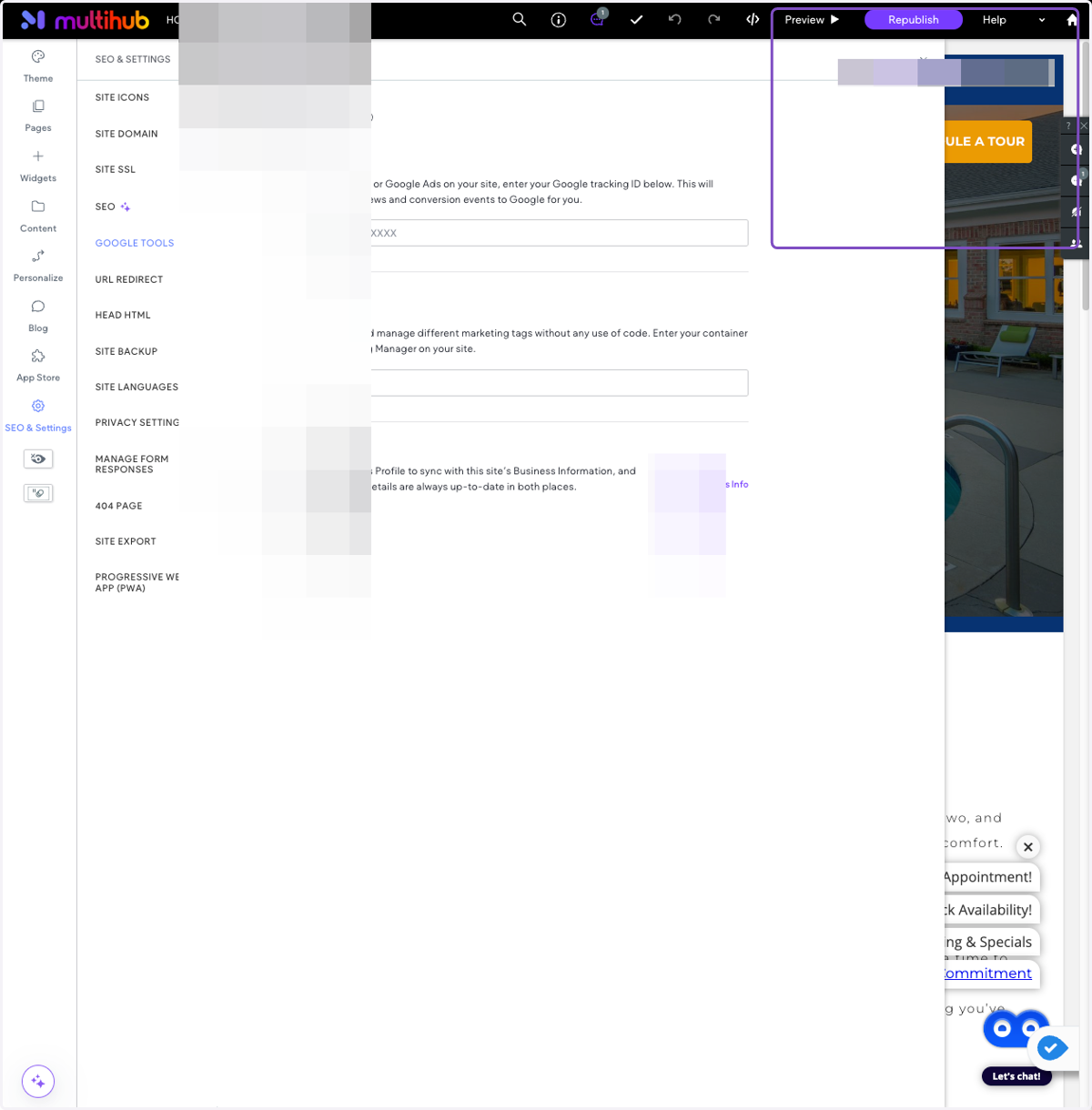
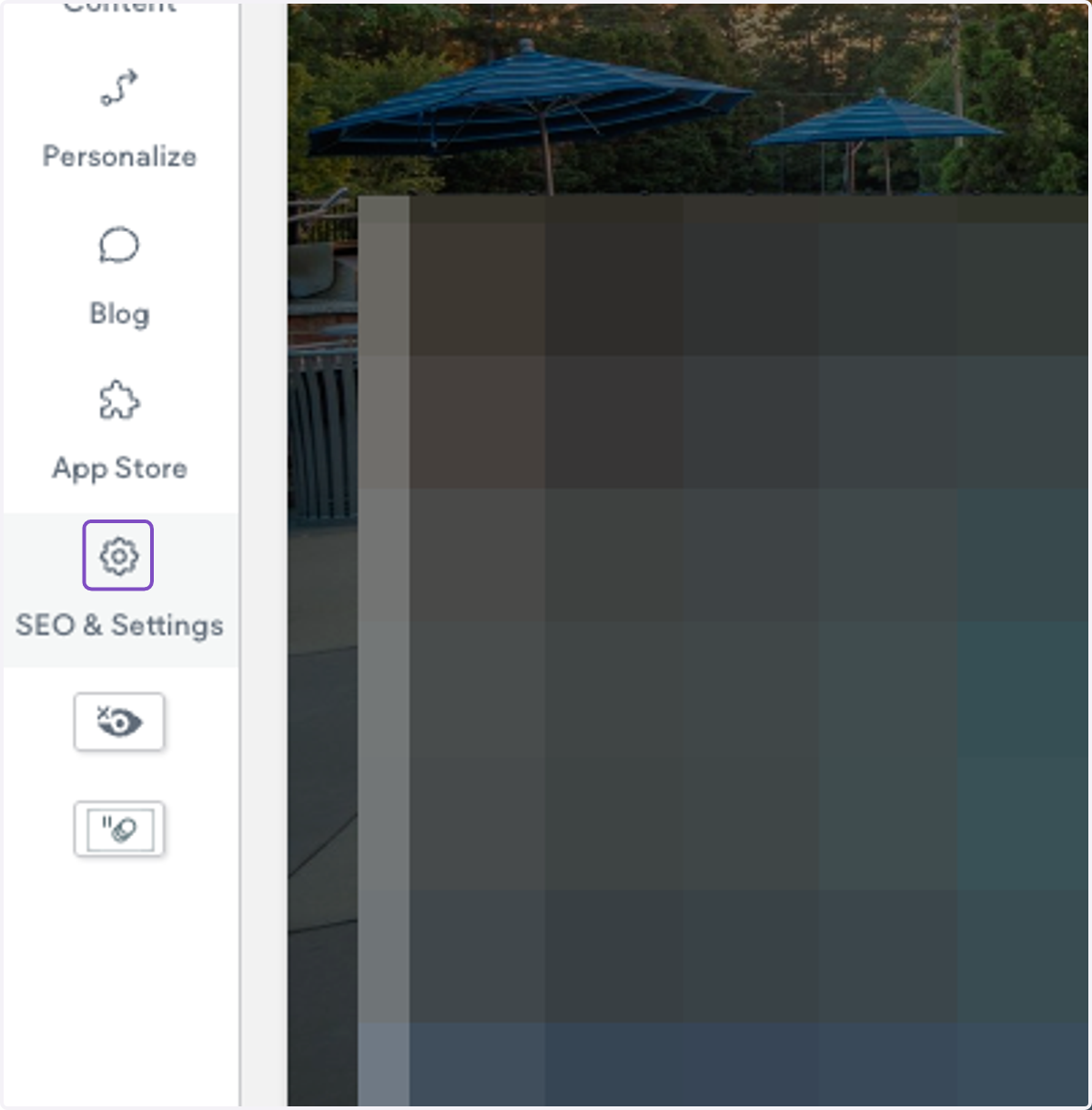
5. Click on SEO & Settings
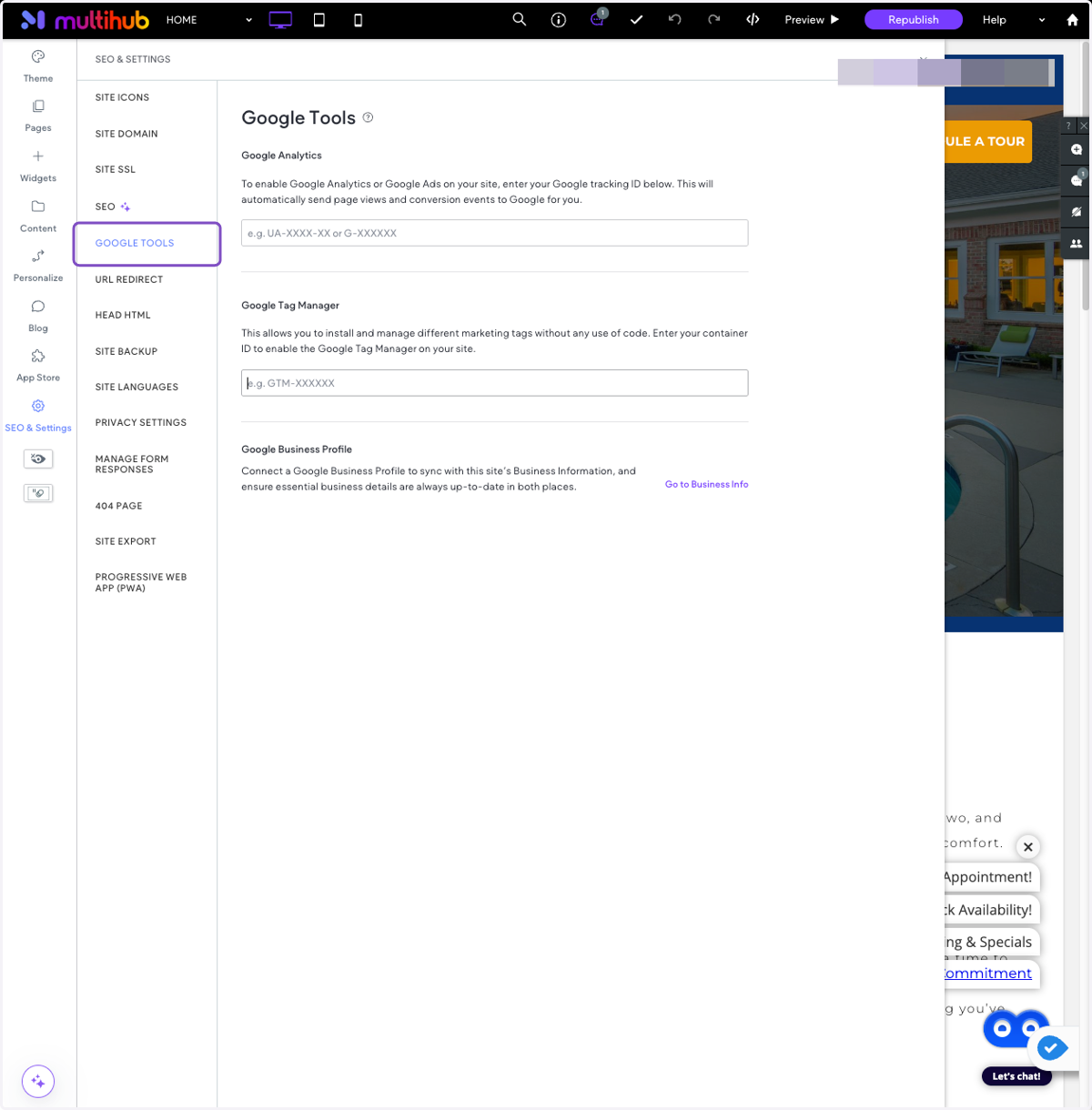
6. Click on GOOGLE TOOLS
7. Paste the GTM code in the Google Tag Manager section.
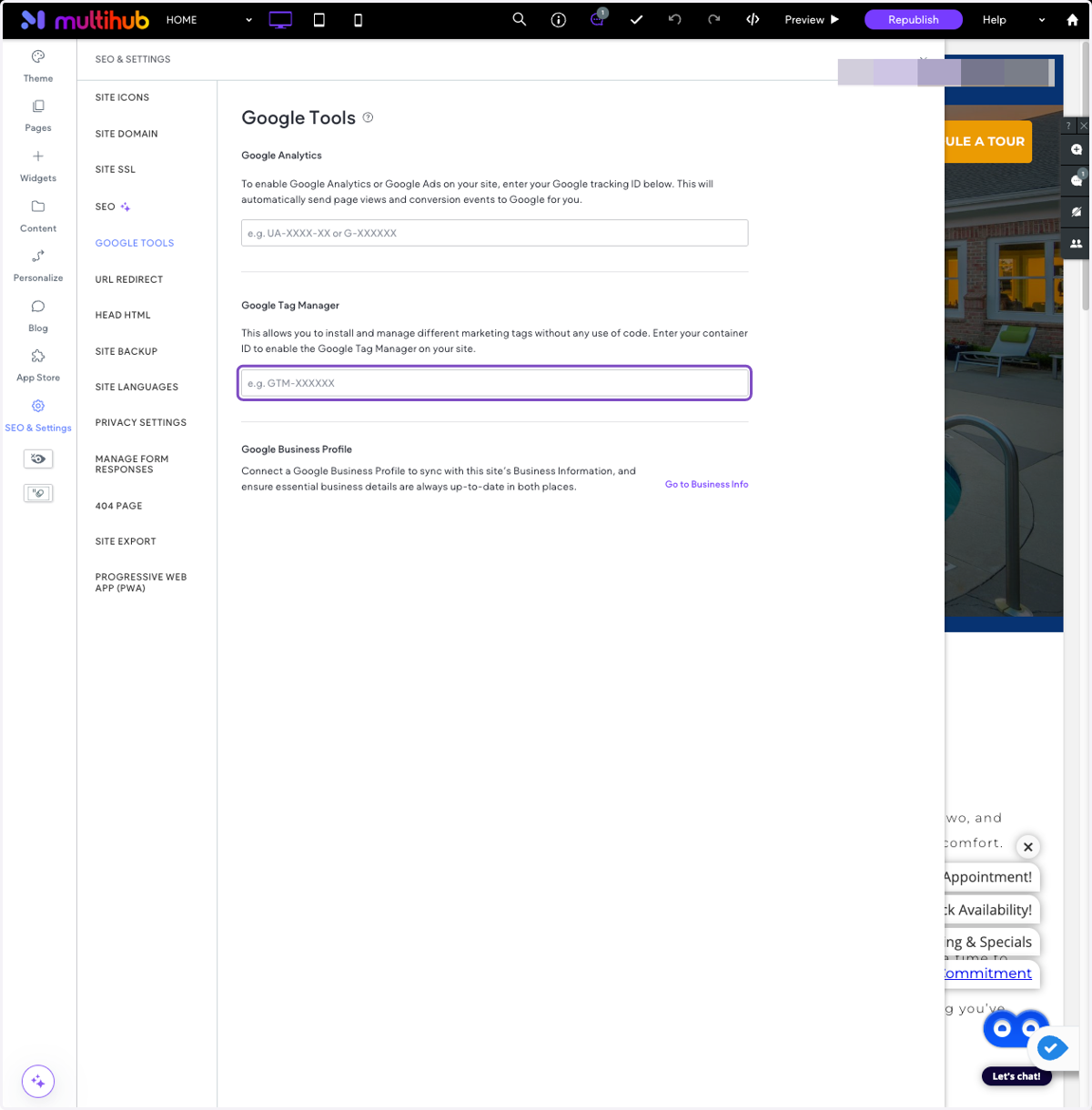
8. Press republish to save the changes. Done!