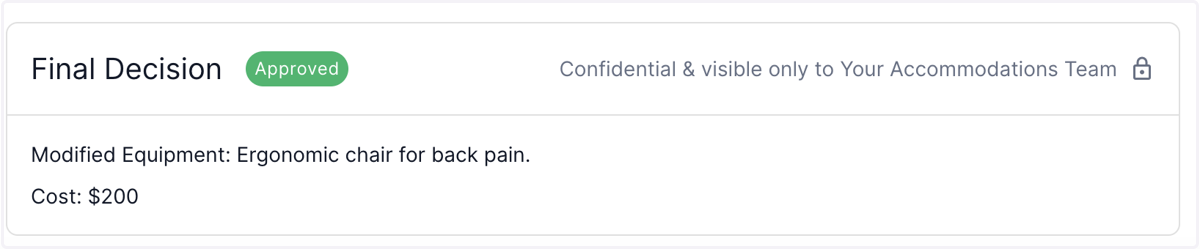
Nov 22 Release Notes - Show Cost incurred in the Final decision once the case is closed.
Once the case is closed and the decision has been made, any cost incurred (or no cost incurred) is shown in the final decision.This facilitates the company's ability to monitor its accommodation-related expenses.
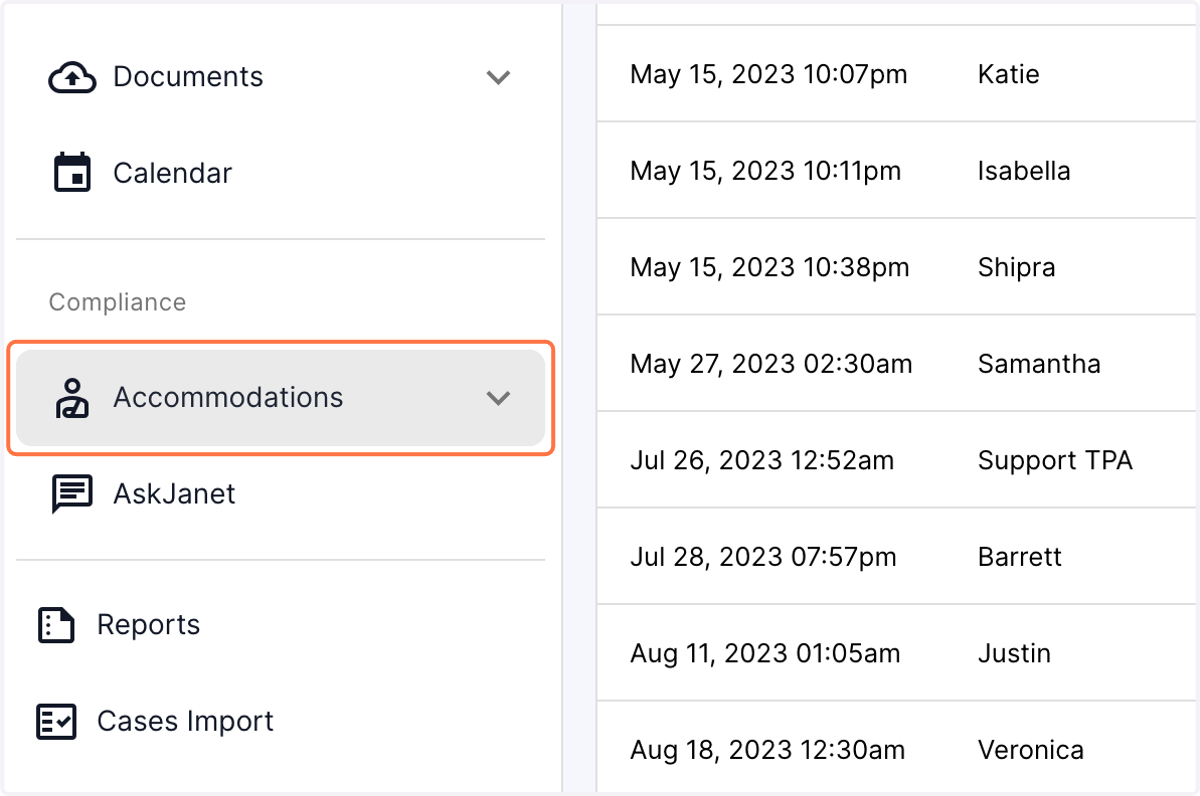
1. Click on the Accommodations tab in the left panel of the dashboard
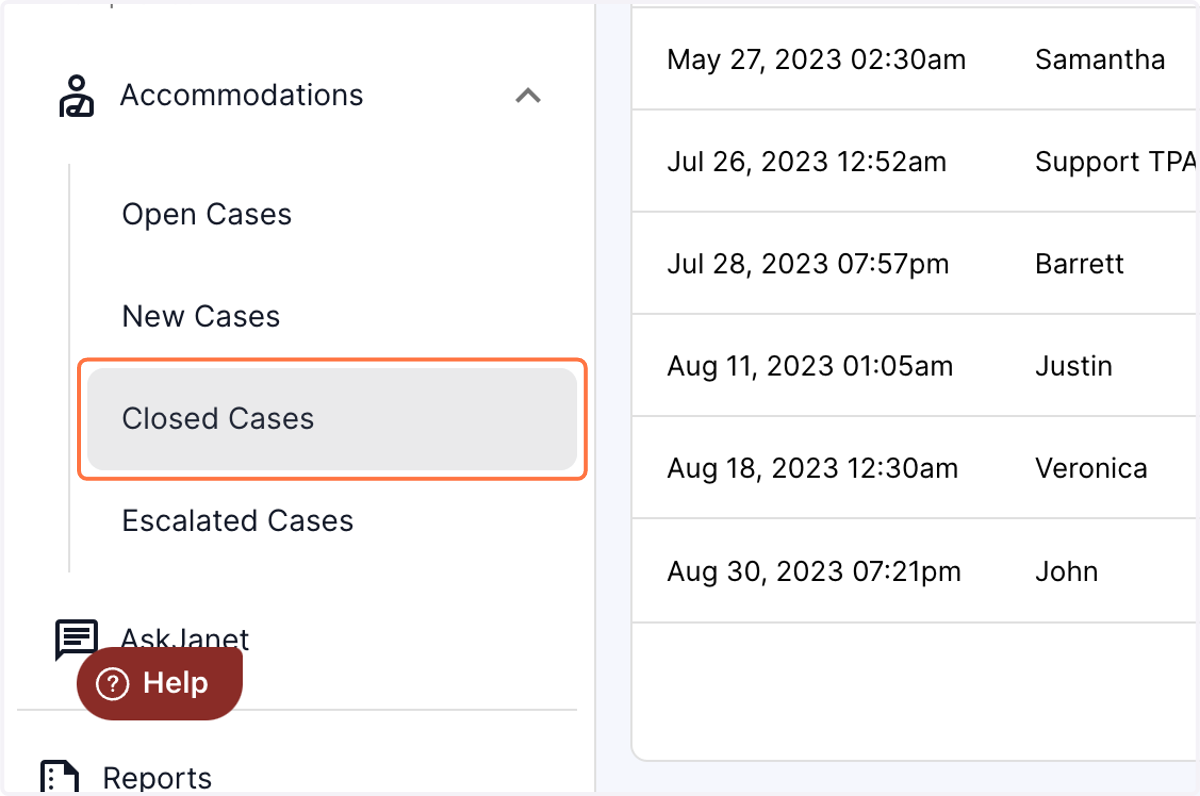
2. Click on the closed case menu
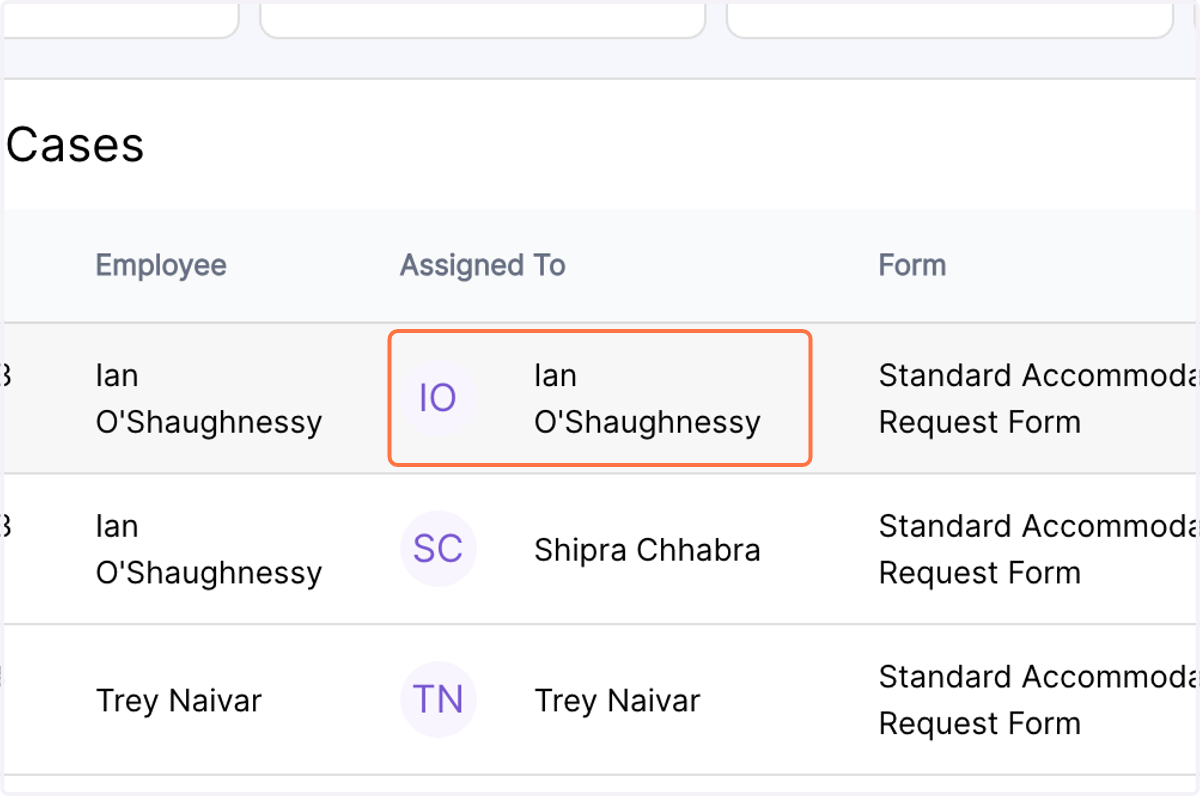
3. Click on a case where the final decision has been made.
4. At the bottom of the case, you will now be able to view the cost incurred (if any) while granting the accommodation.