Upgrading Your Dripflow.io Account and Managing Billing
Dripflow.io | Dashboard
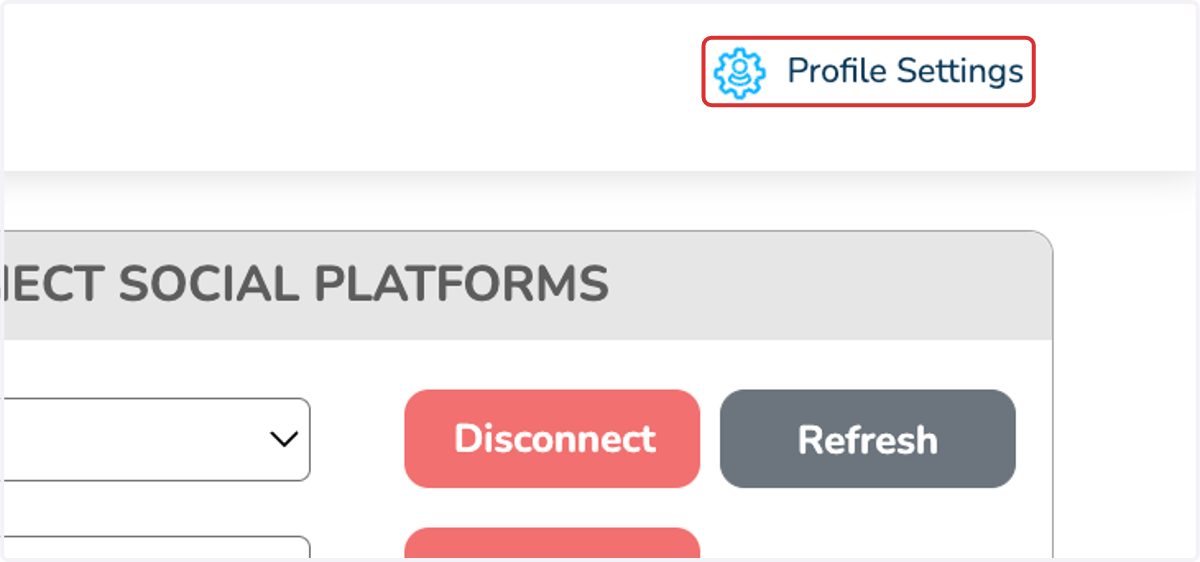
1. Click on Profile Settings
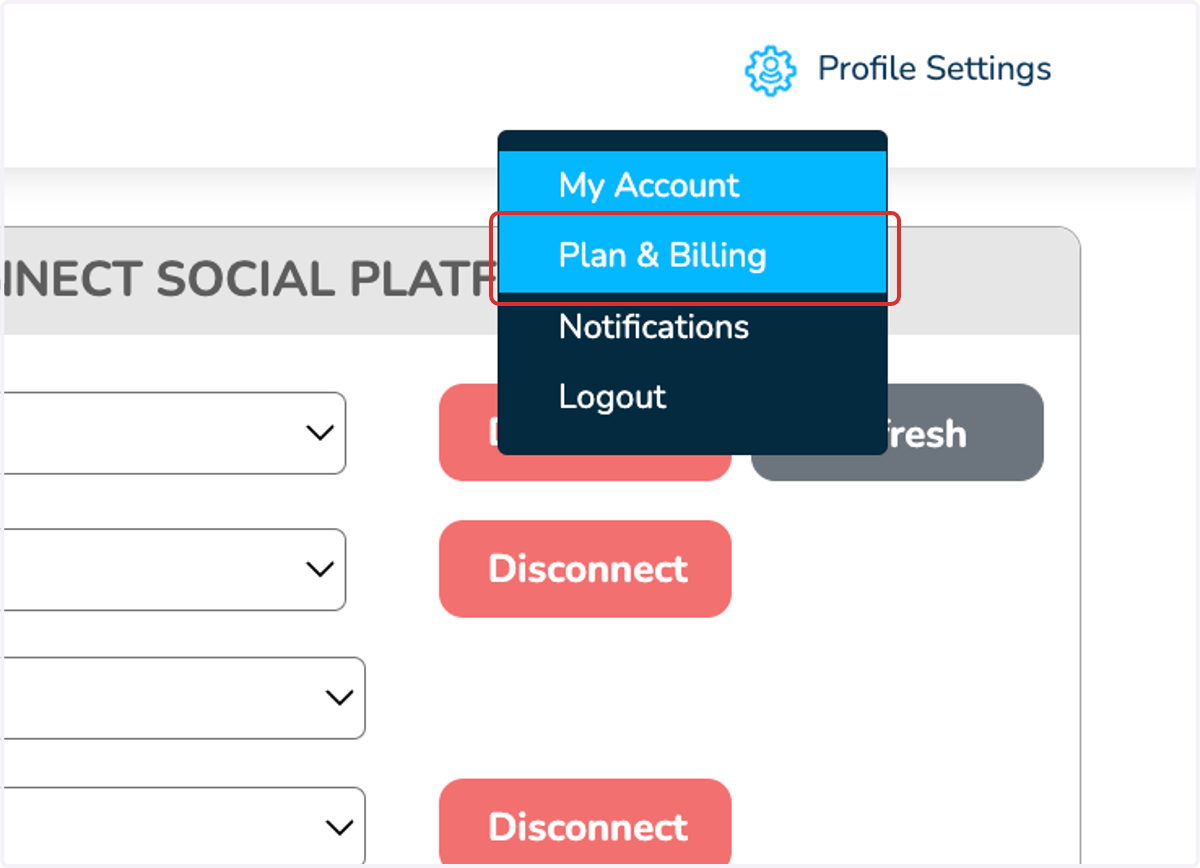
2. Click on Plan & Billing
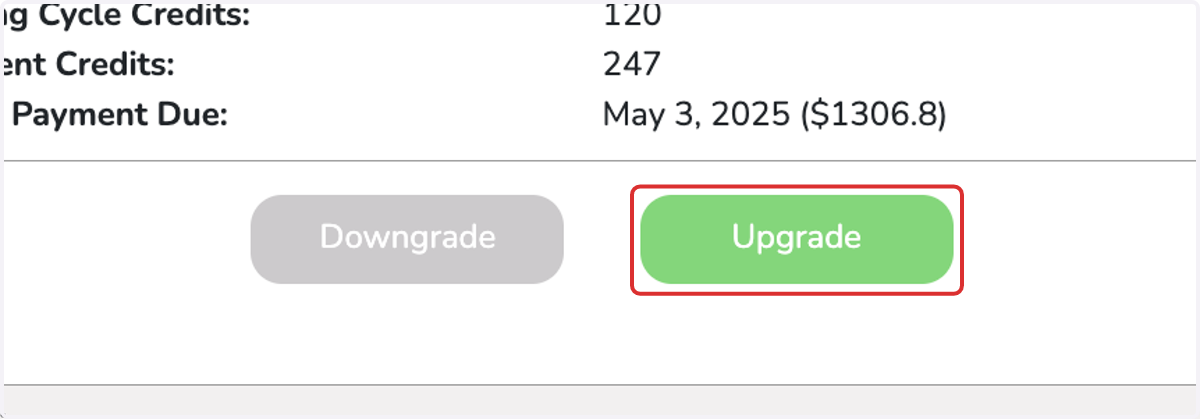
3. Click on Upgrade
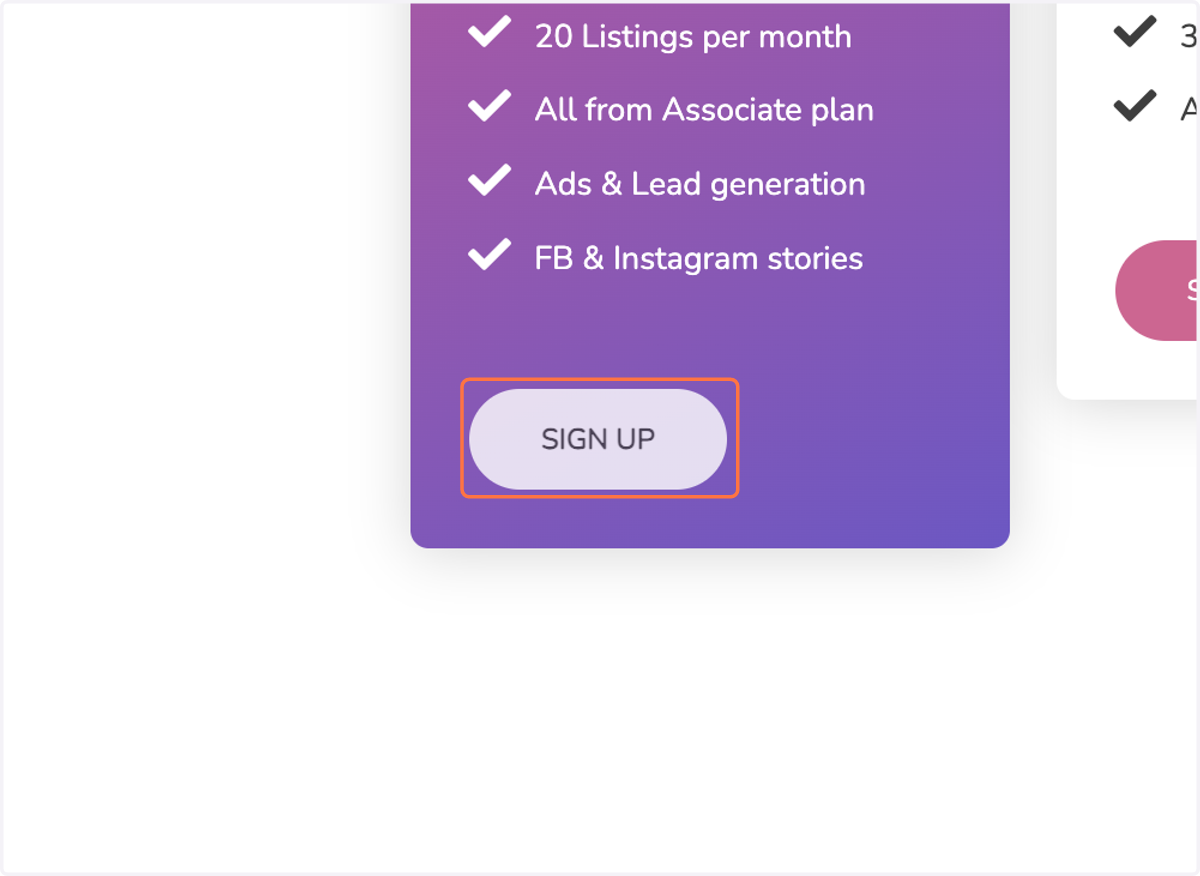
4. Click on SIGN UP under your preferred plan
Note: You can switch the toggle at the top to "Yearly" for yearly plans
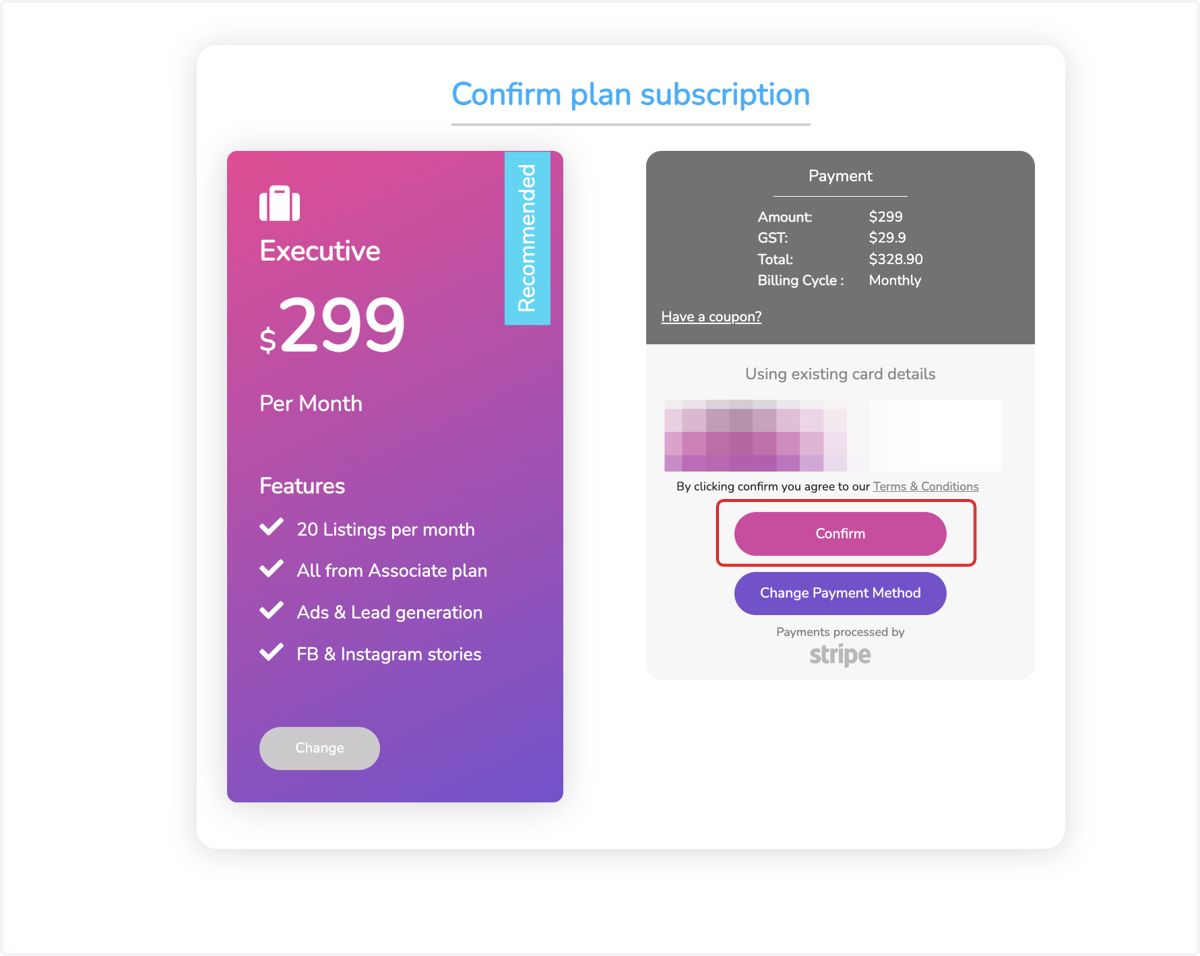
5. Click on confirm