Scheduling Replacement in Kind (RIK)
Use this method to reset the initial or MMQ schedule for a valve that have been replaced in kind.
Chateau
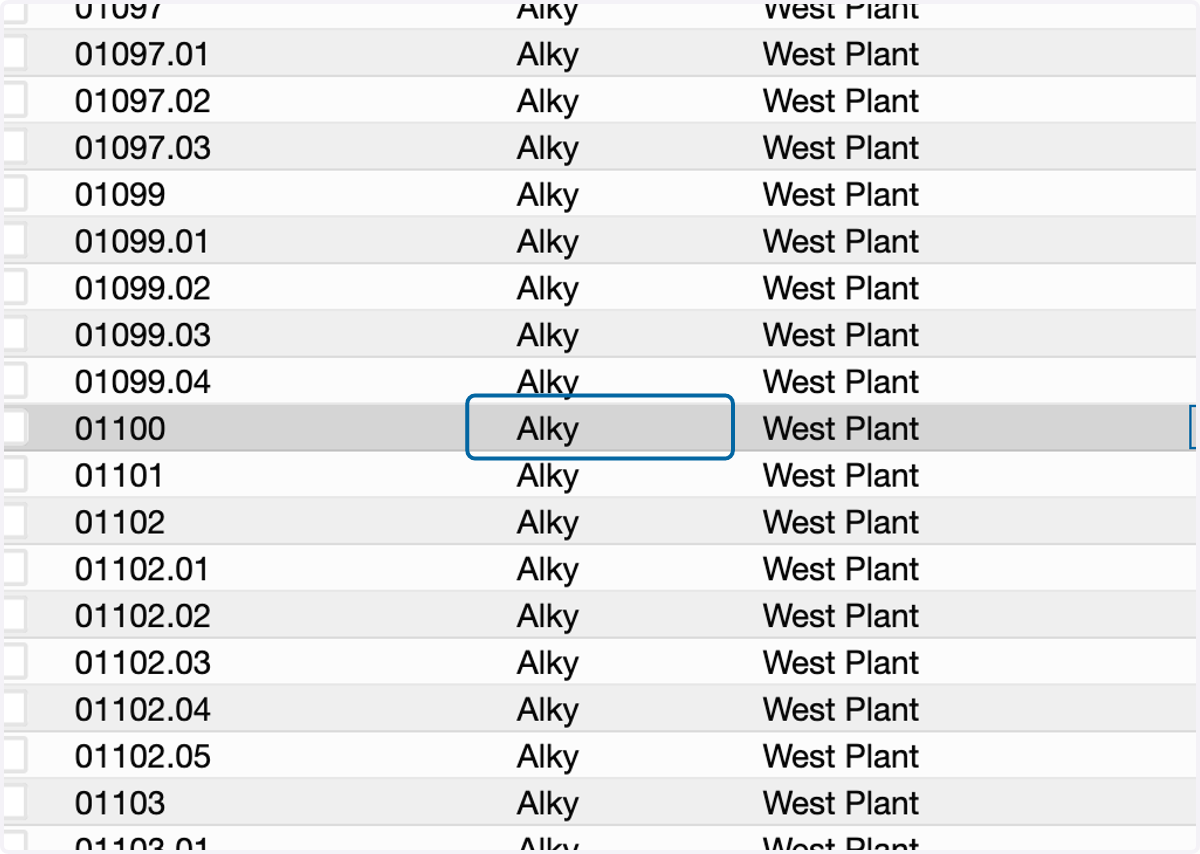
1. Select the component on the Component grid.
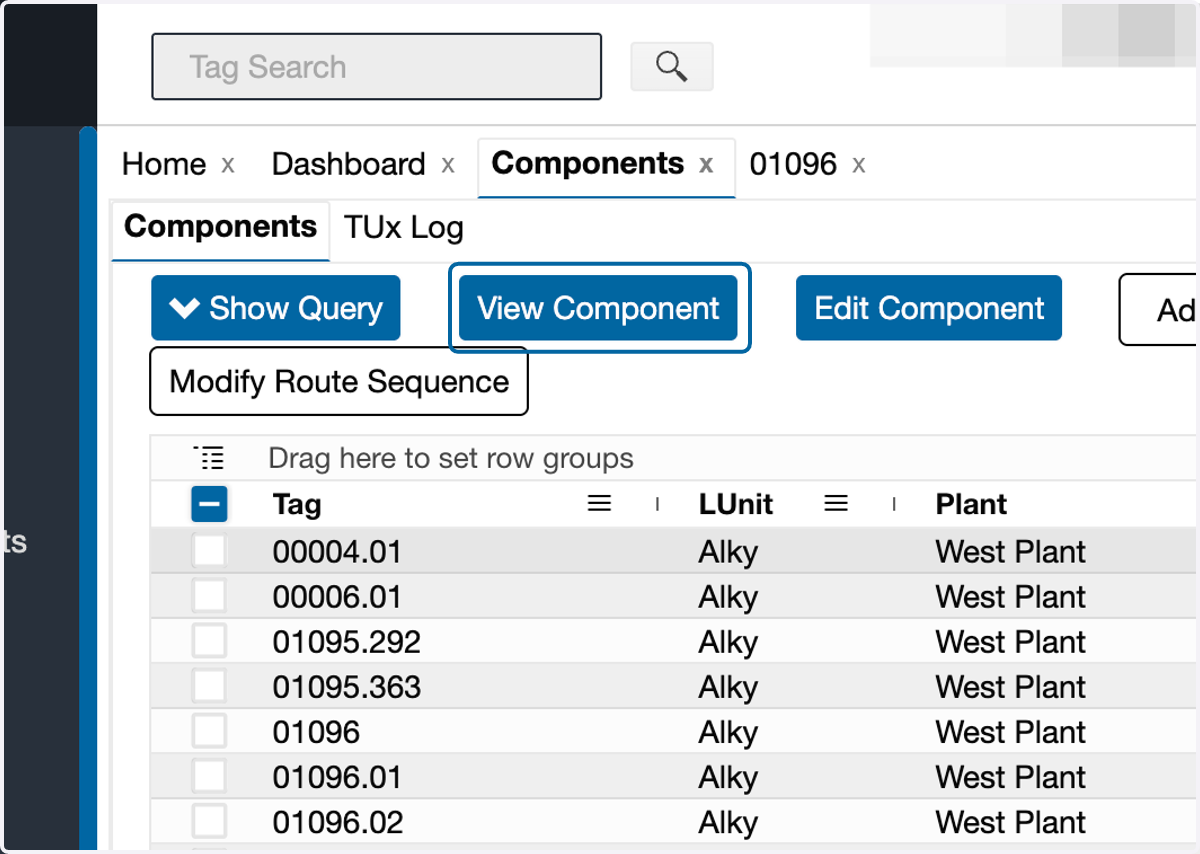
2. Click on View Component
3. Click on the Equipment subtab
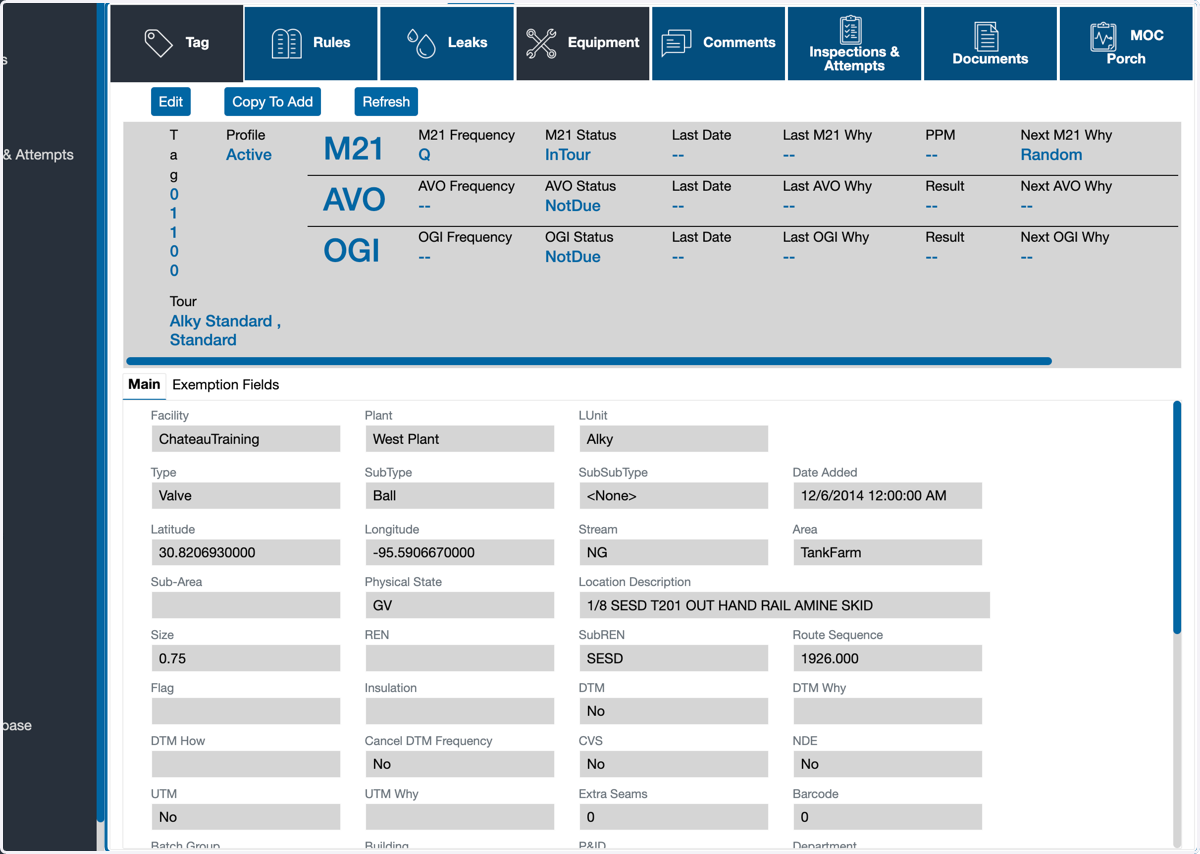
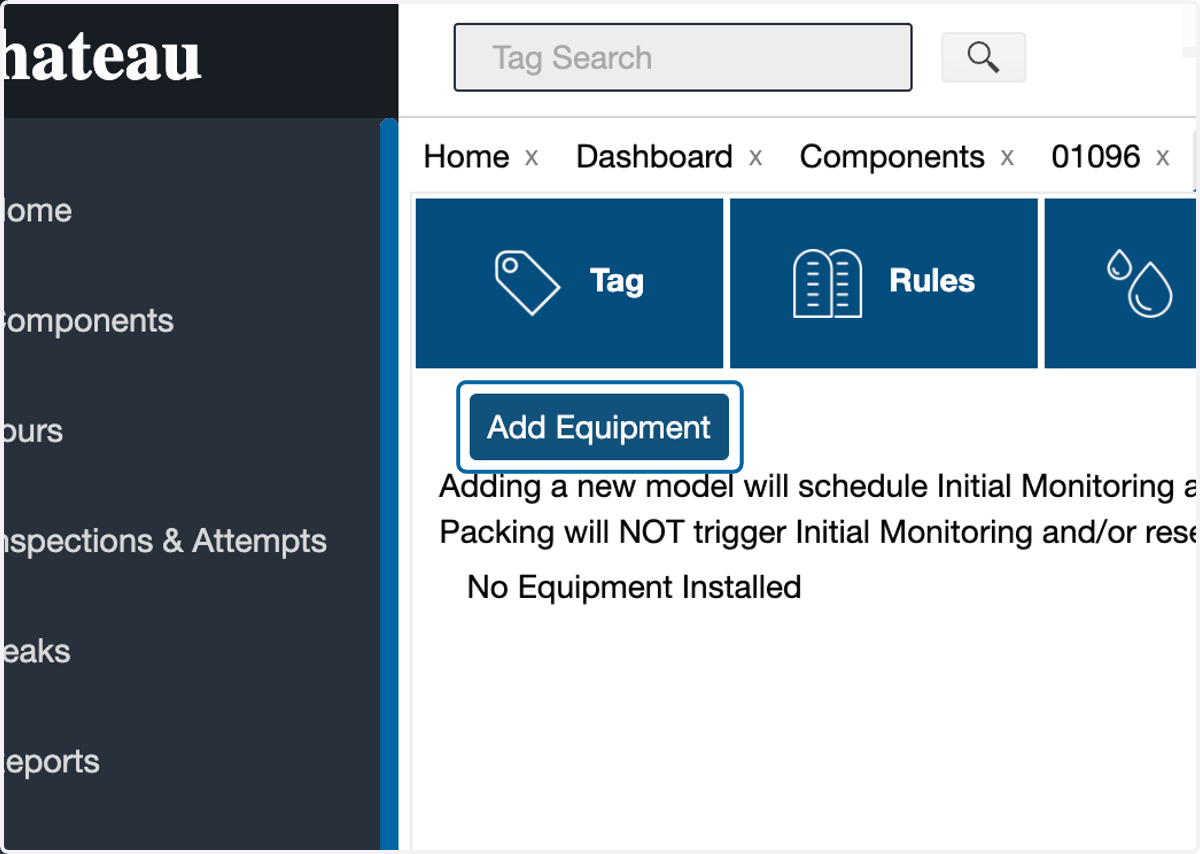
4. Click on Add Equipment
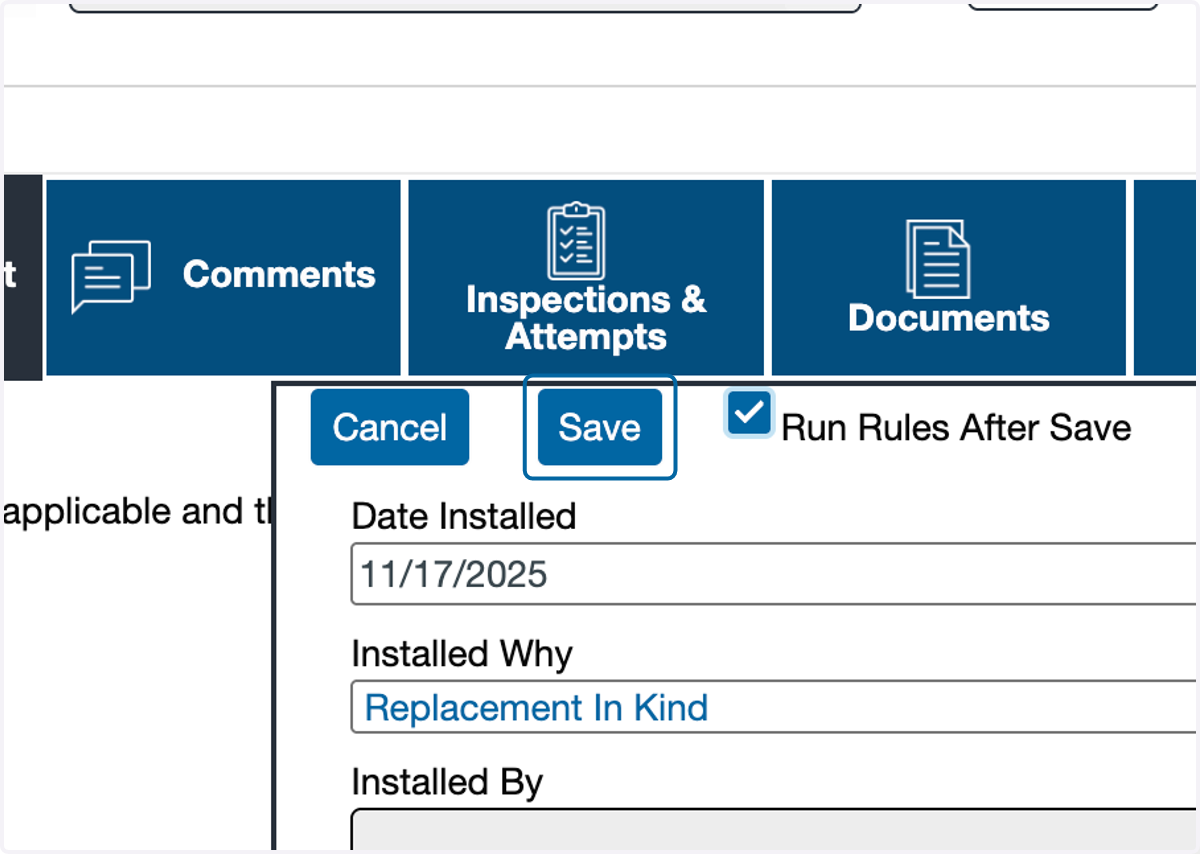
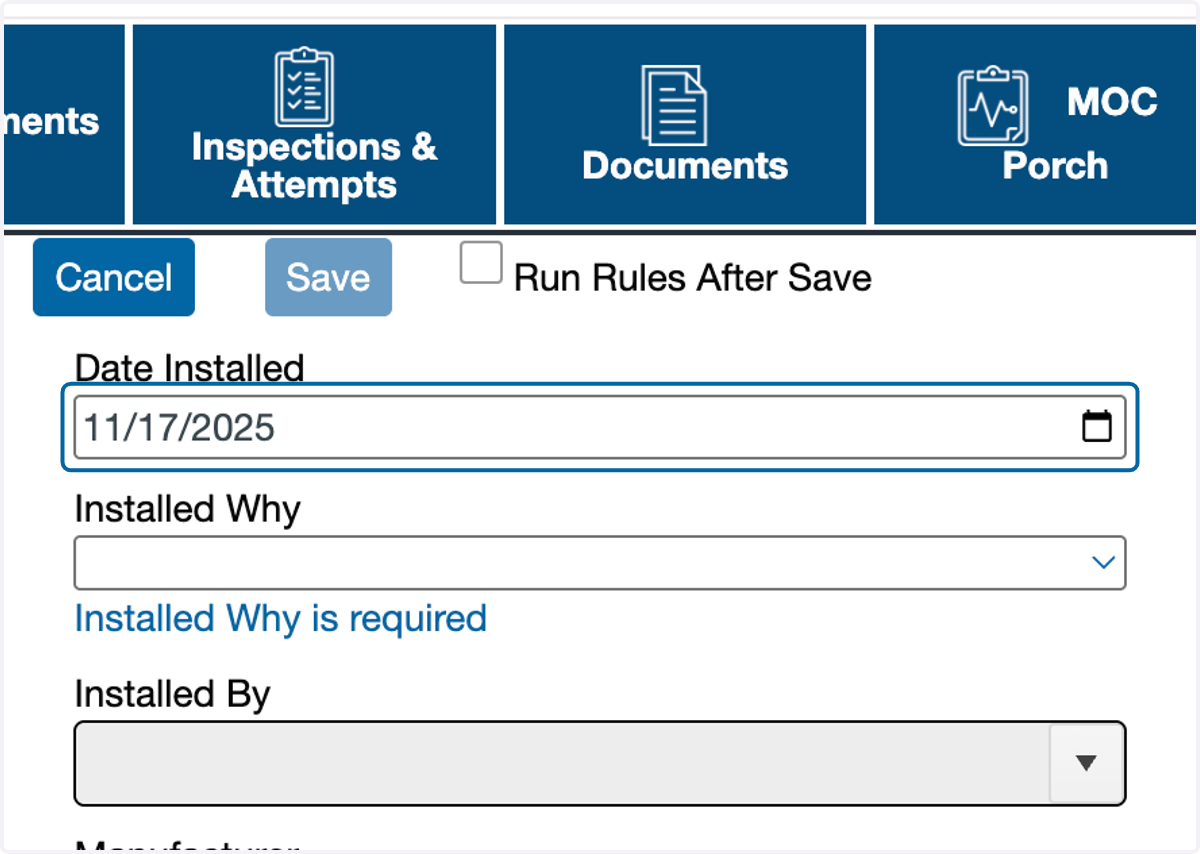
5. Select the date of replacement.
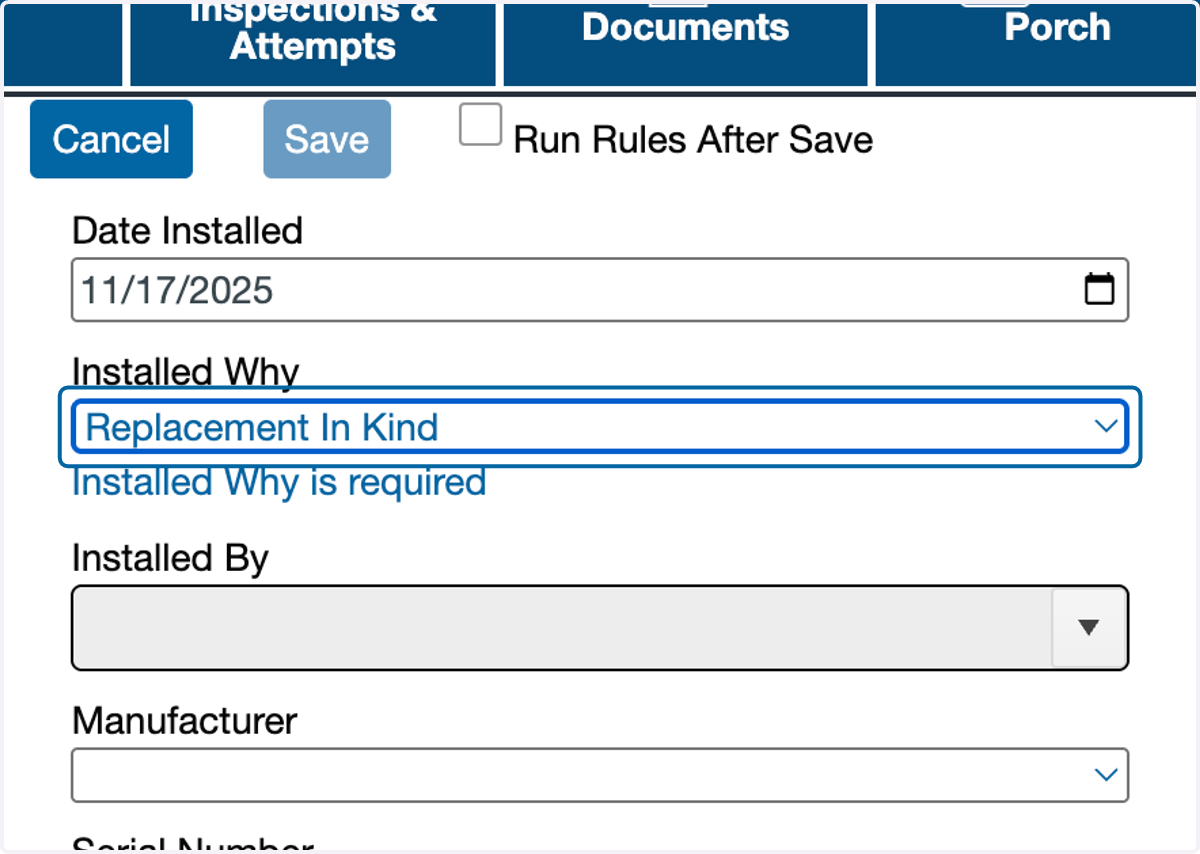
6. Select "Replacement In Kind" as the Installed Why
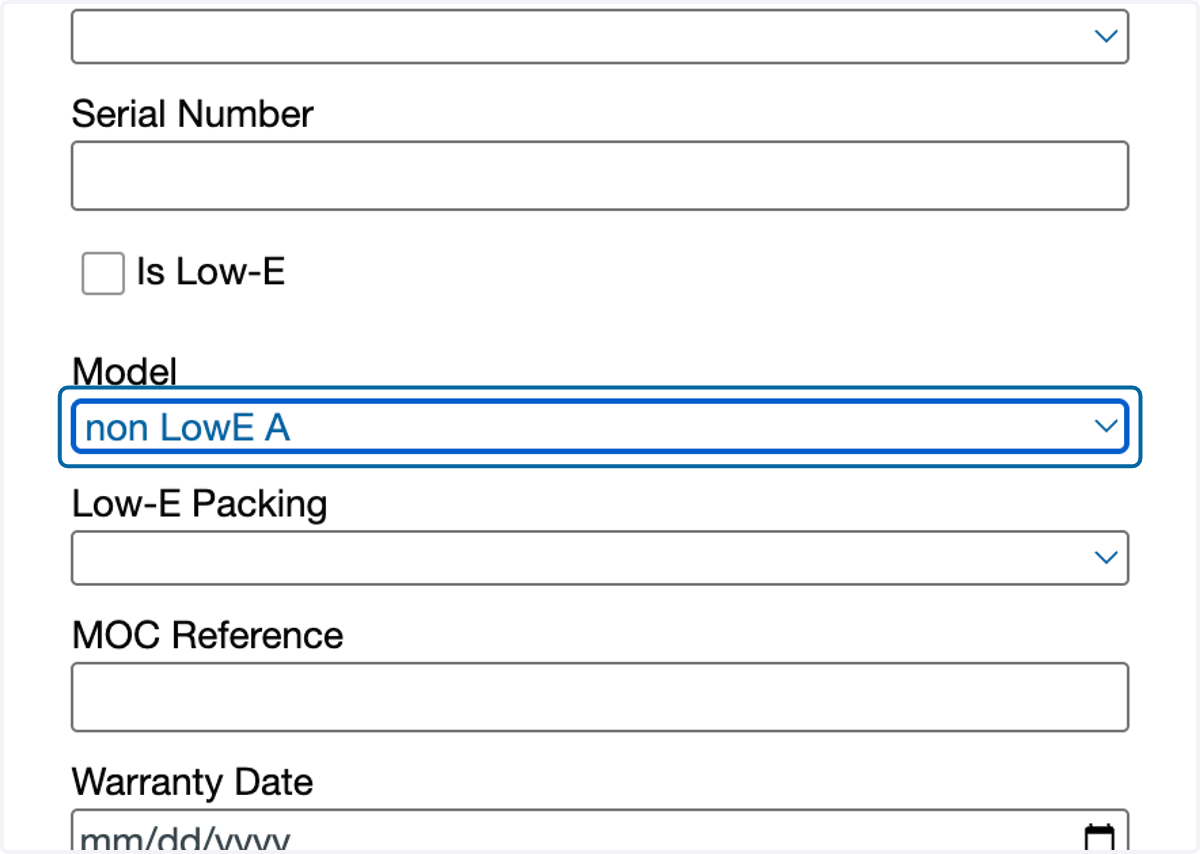
7. Select a model
This field is required for resetting the schedule.
8. If needing to schedule immediately, check "Run Rules After Save"
This may take some time. The rules automatically run overnight.
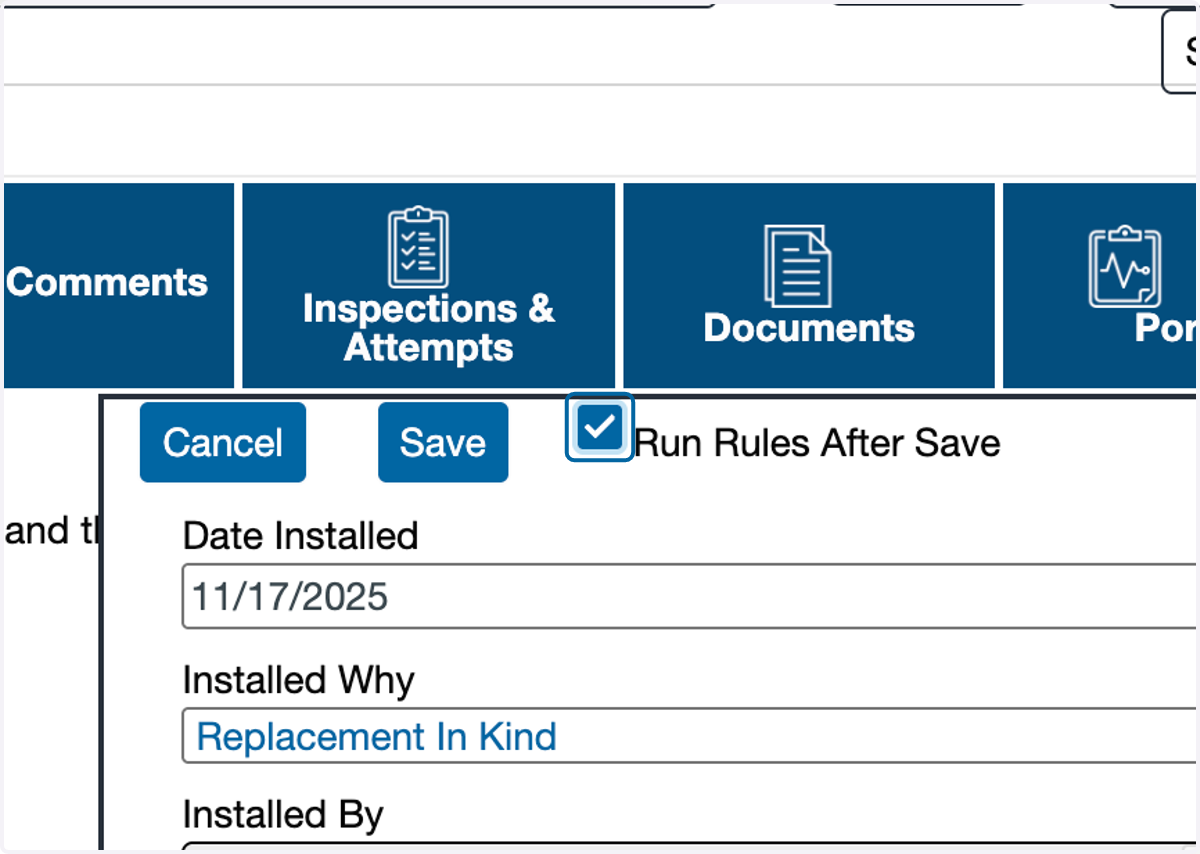
9. Click on Save