Editing Collectibles Profile: Step-by-Step Instructions
Edit Profile | Collectibles
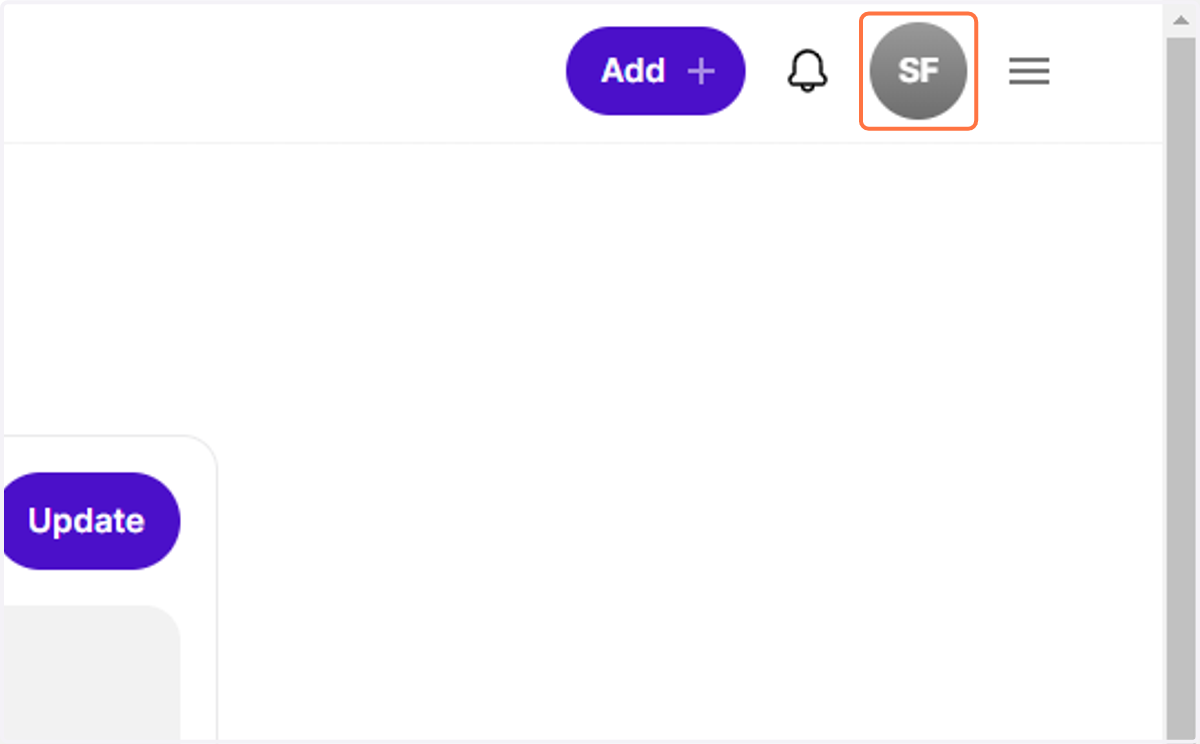
1. Click on Your Profile Photo
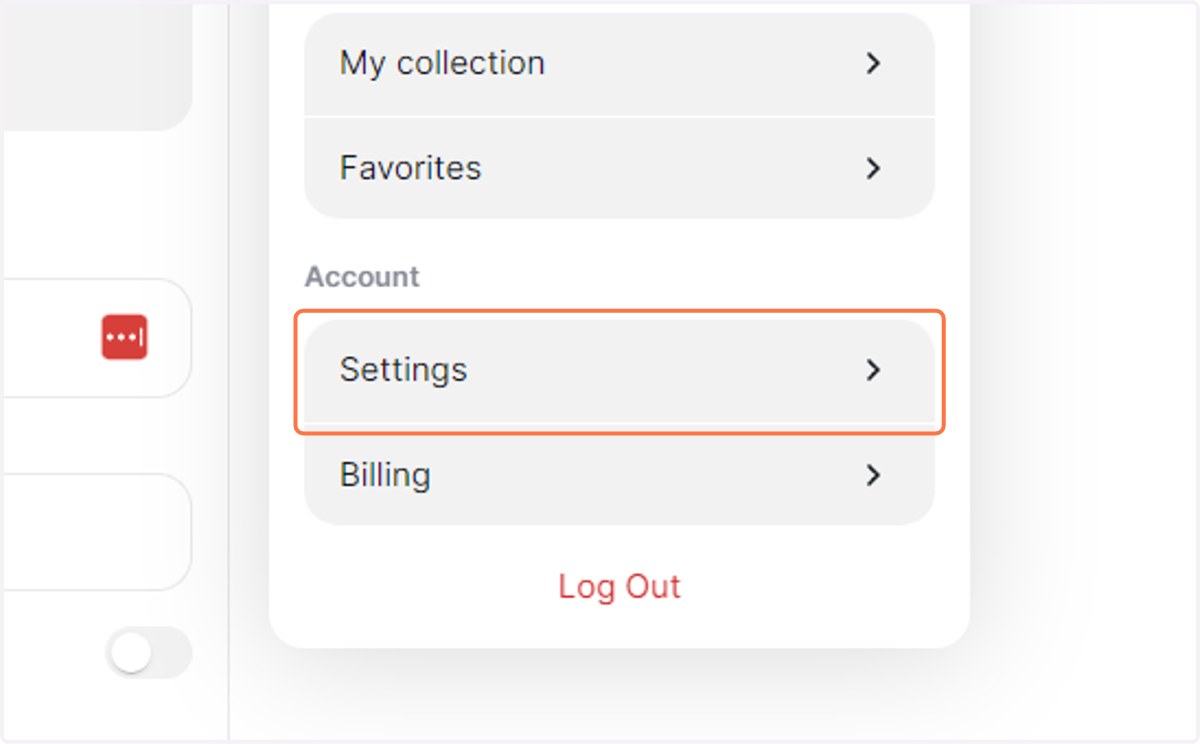
2. Click on Settings
3. You can enter your name,
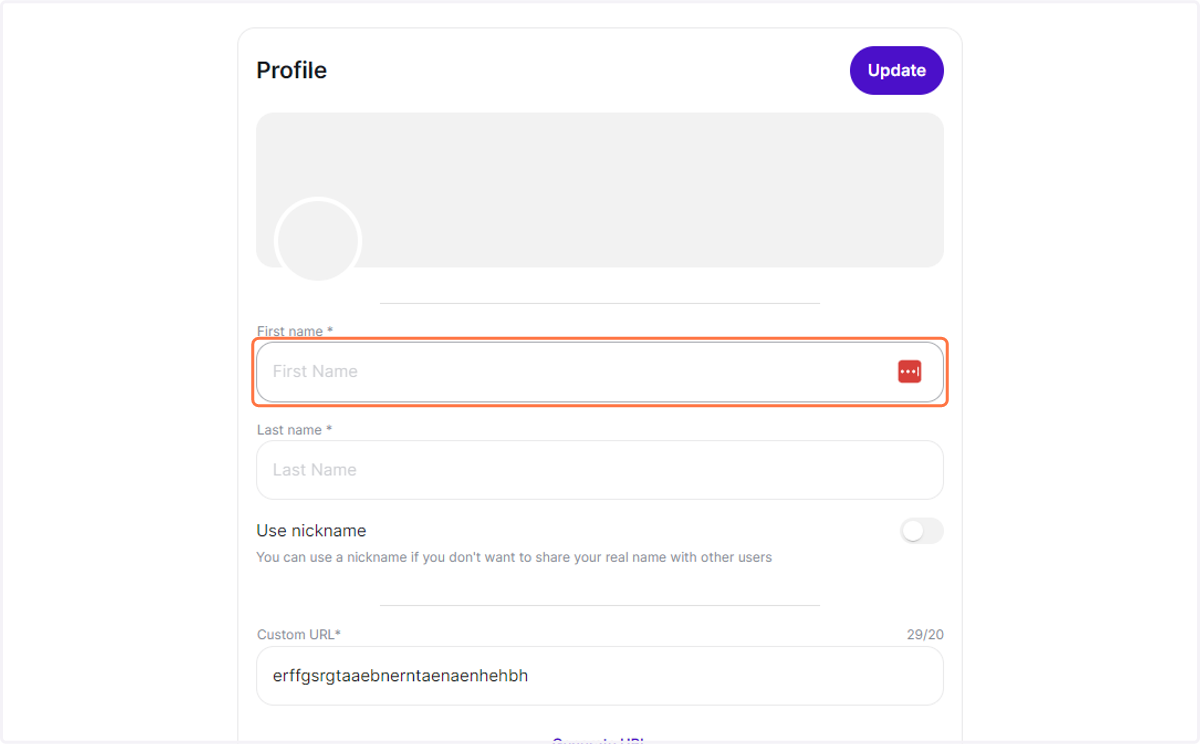
4. You also share your last name.
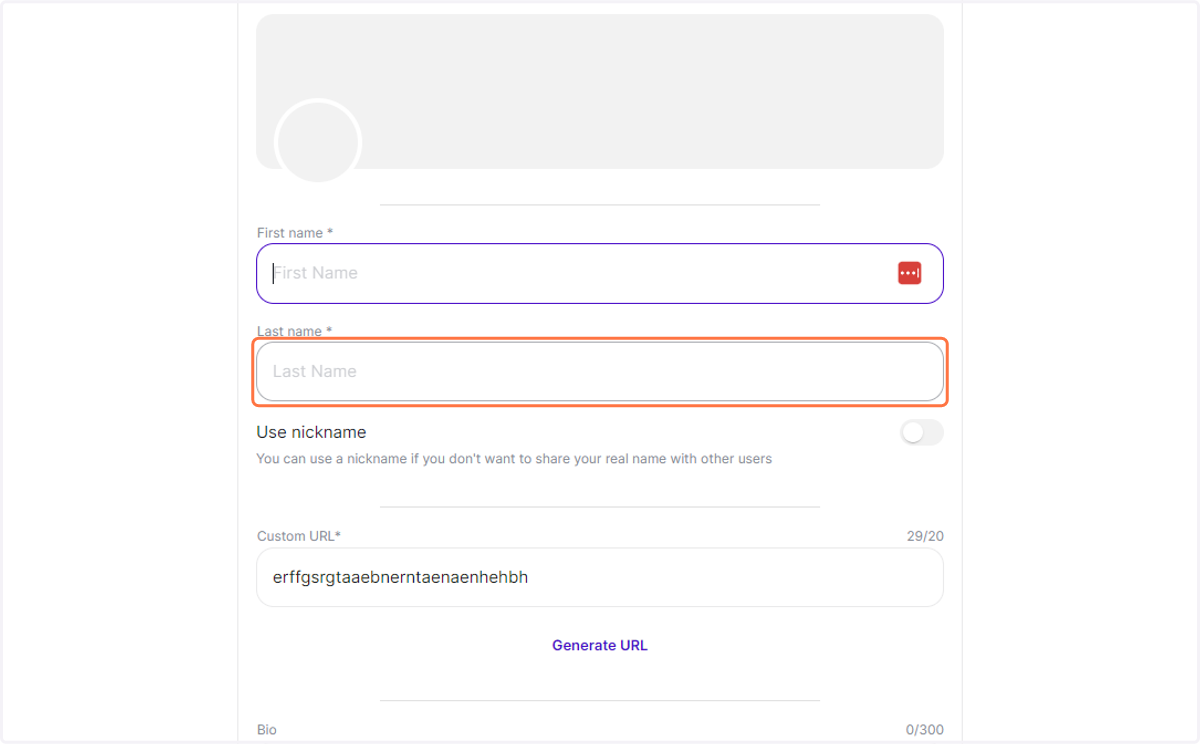
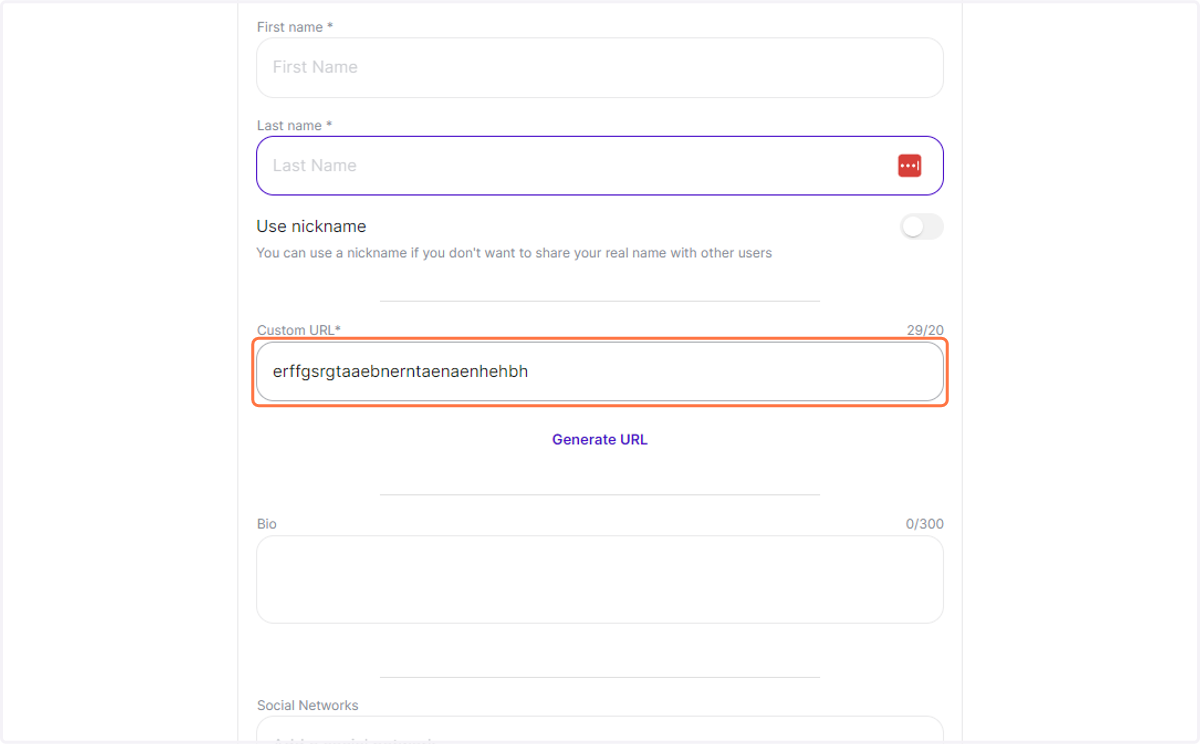
5. Edit your Custo or Nickname
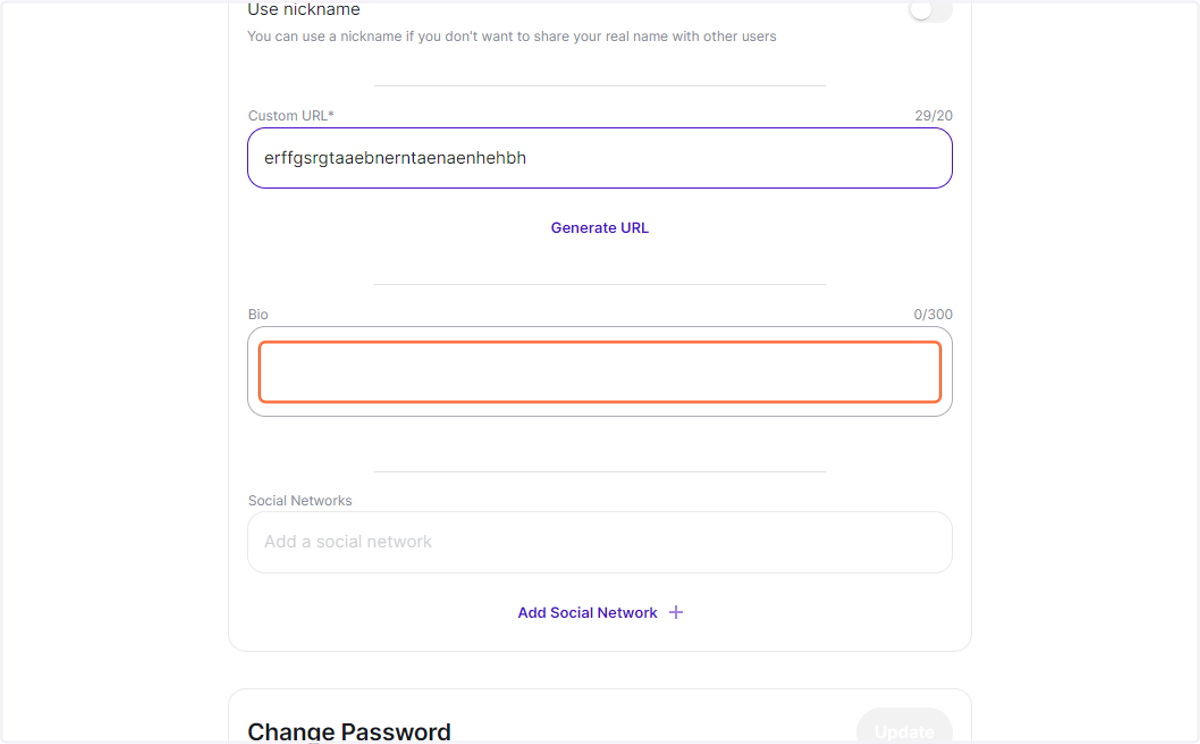
6. Edit your Bio.
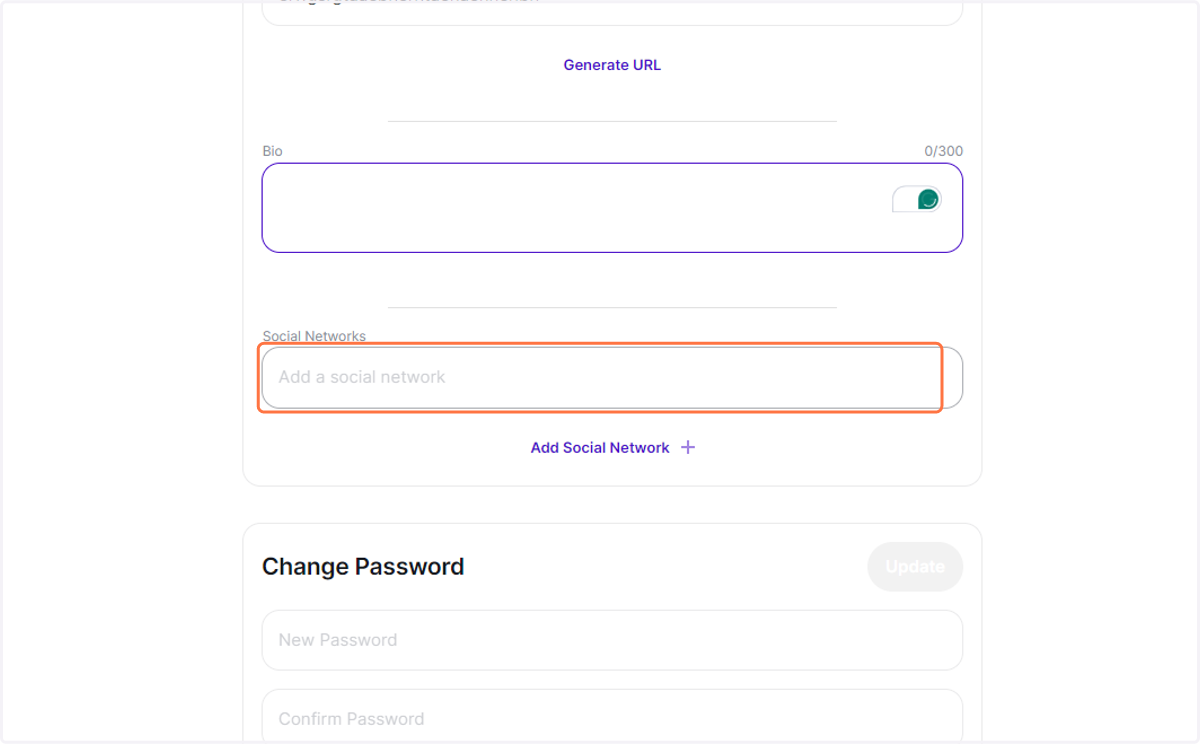
7. Add social media links.
8. Click on password
Change your password.
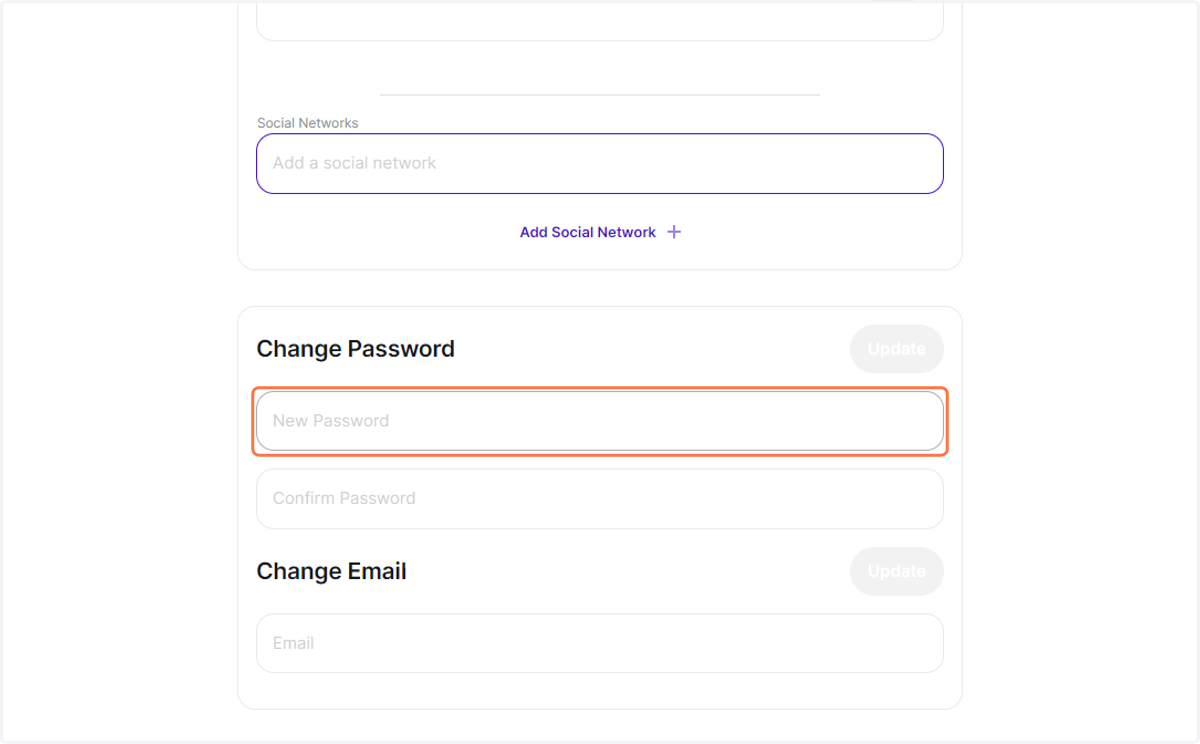
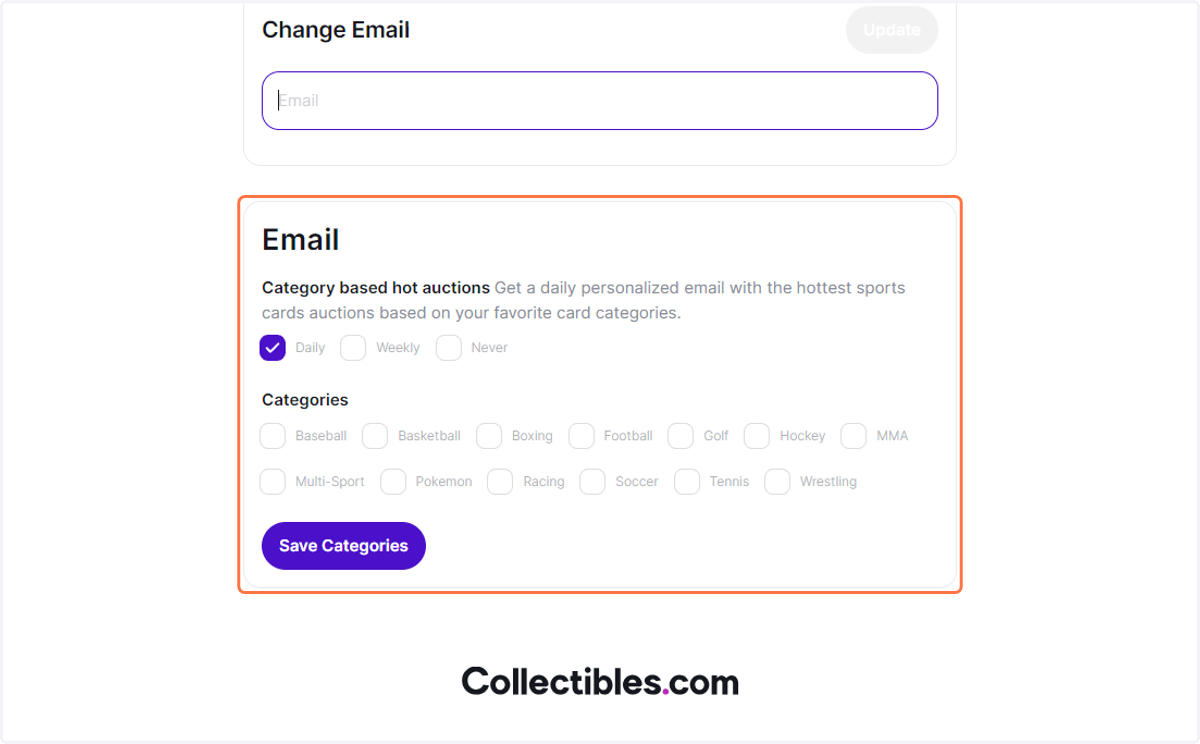
9. Change your email preferenes.
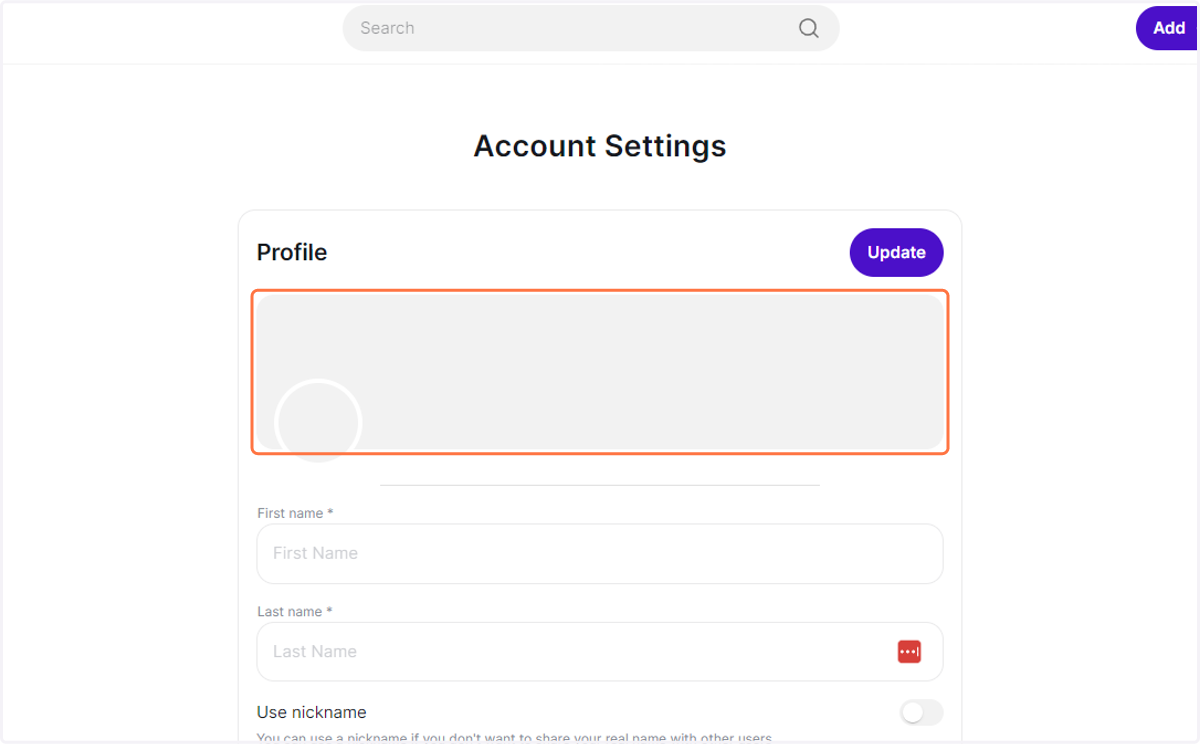
10. Choose a profile background.
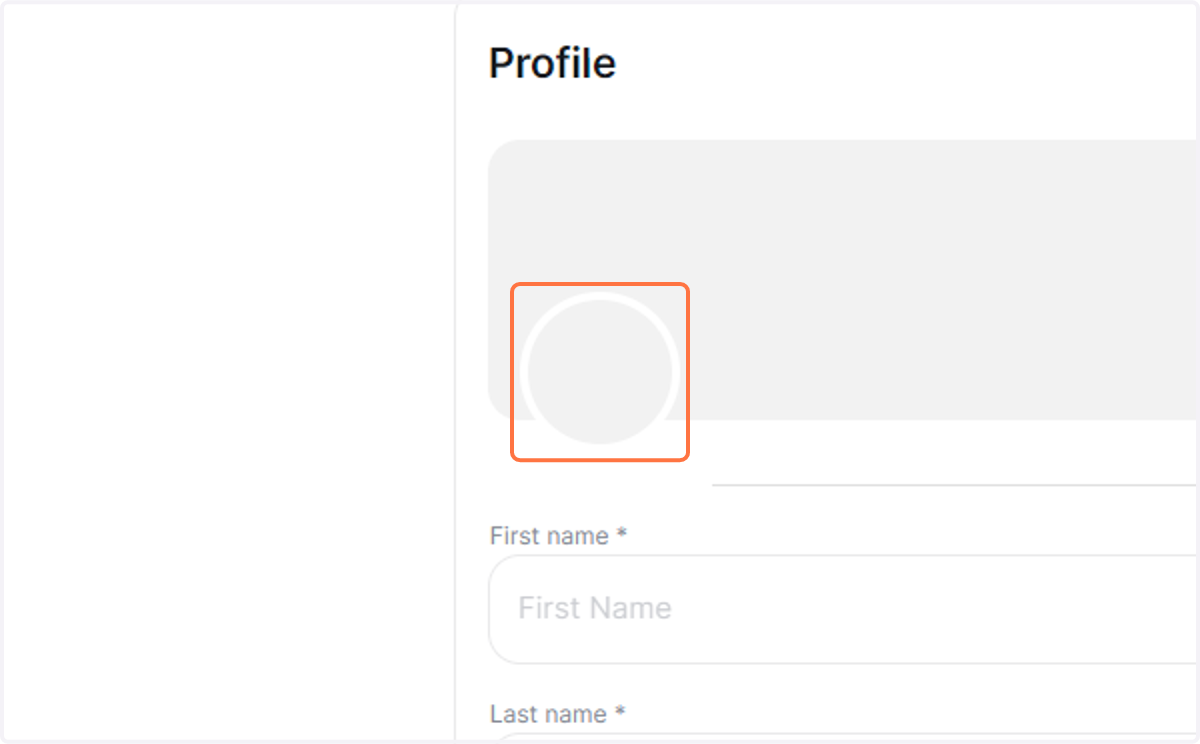
11. And choose a profile picture.
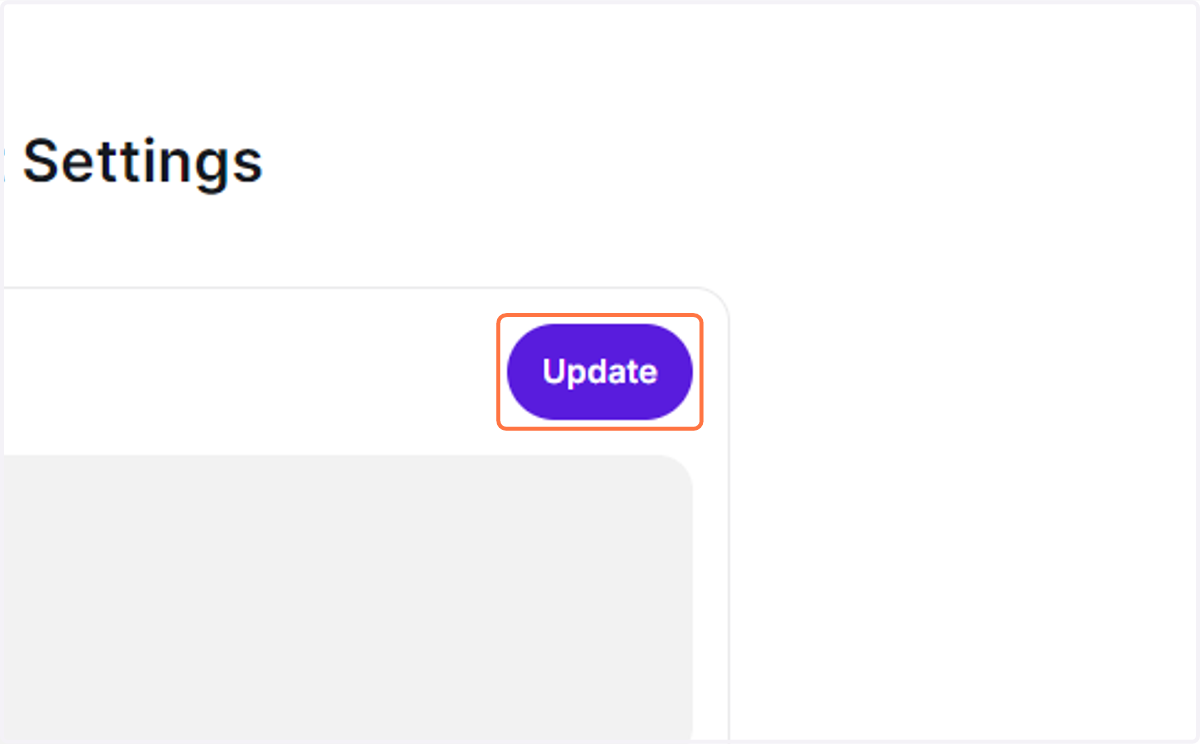
12. Once you're done, just click on Update.