IC How to create an auto-response and sending a communication.
Enrollify
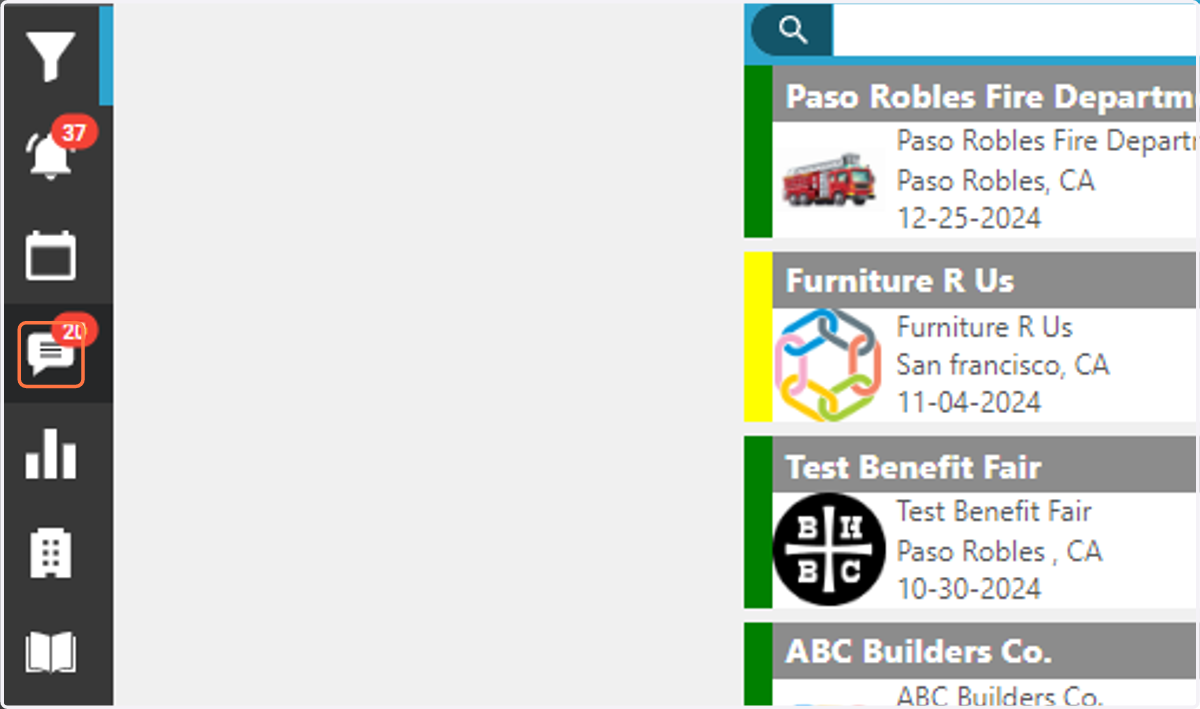
1. Click on Calendar Icon.
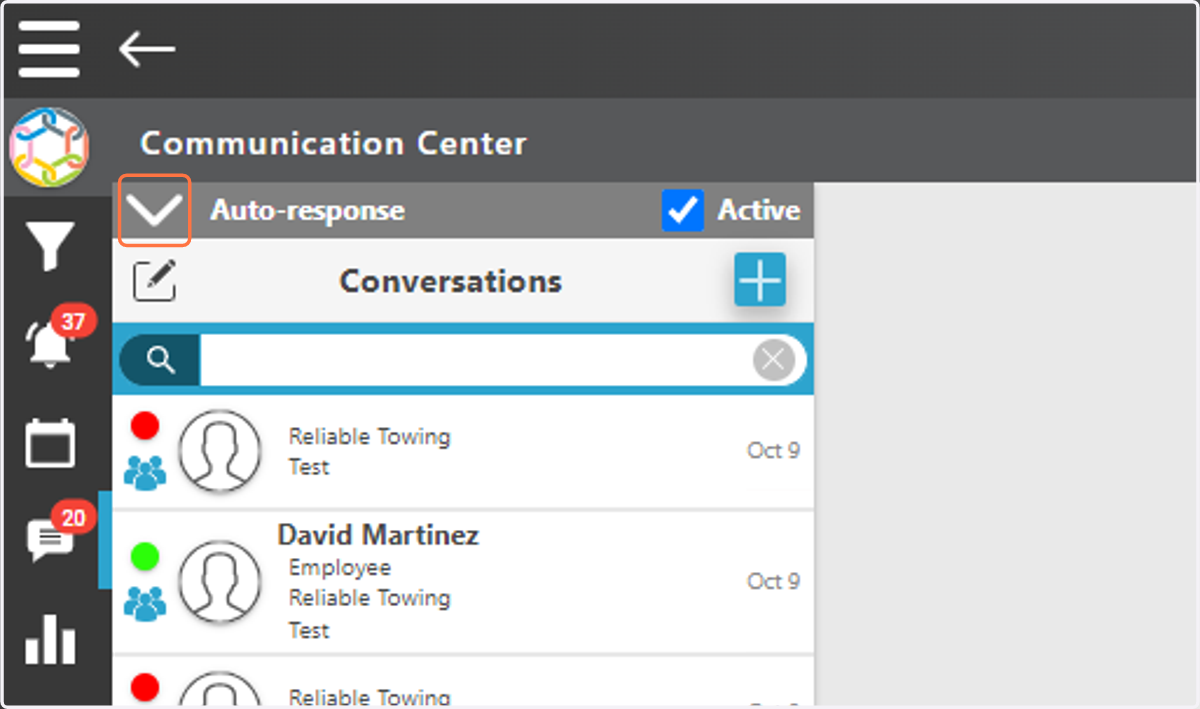
2. click on the dropdown to create an Auto-response.
3. Create a message.
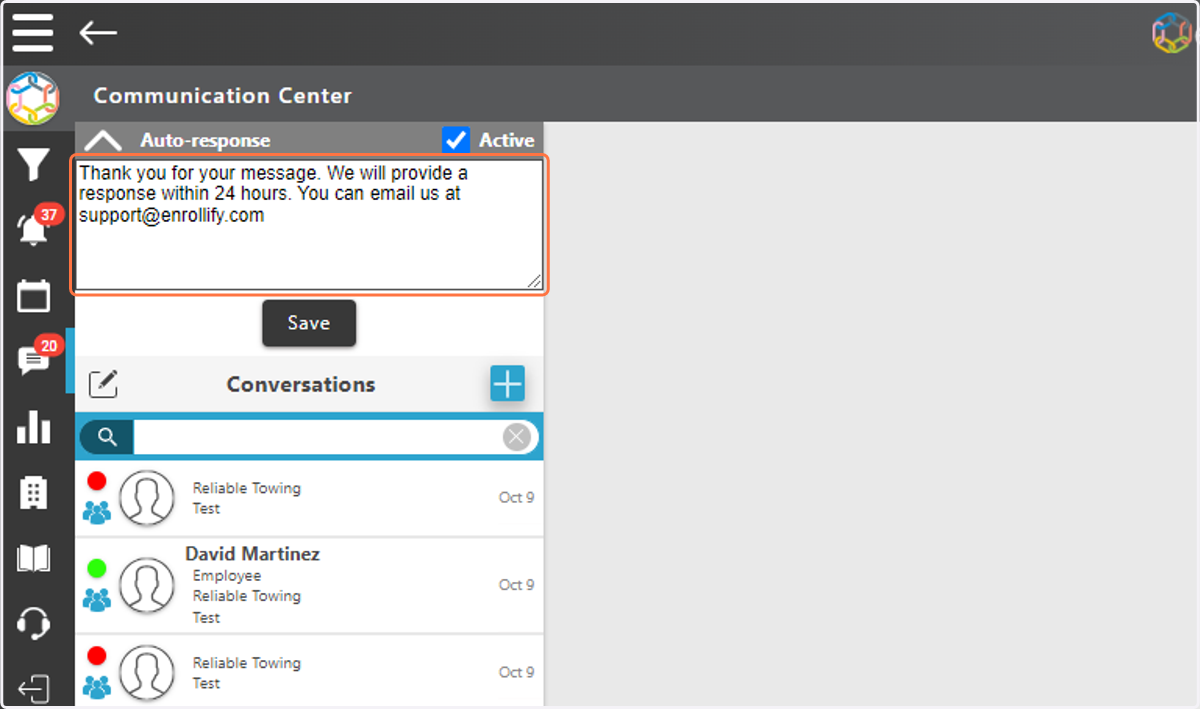
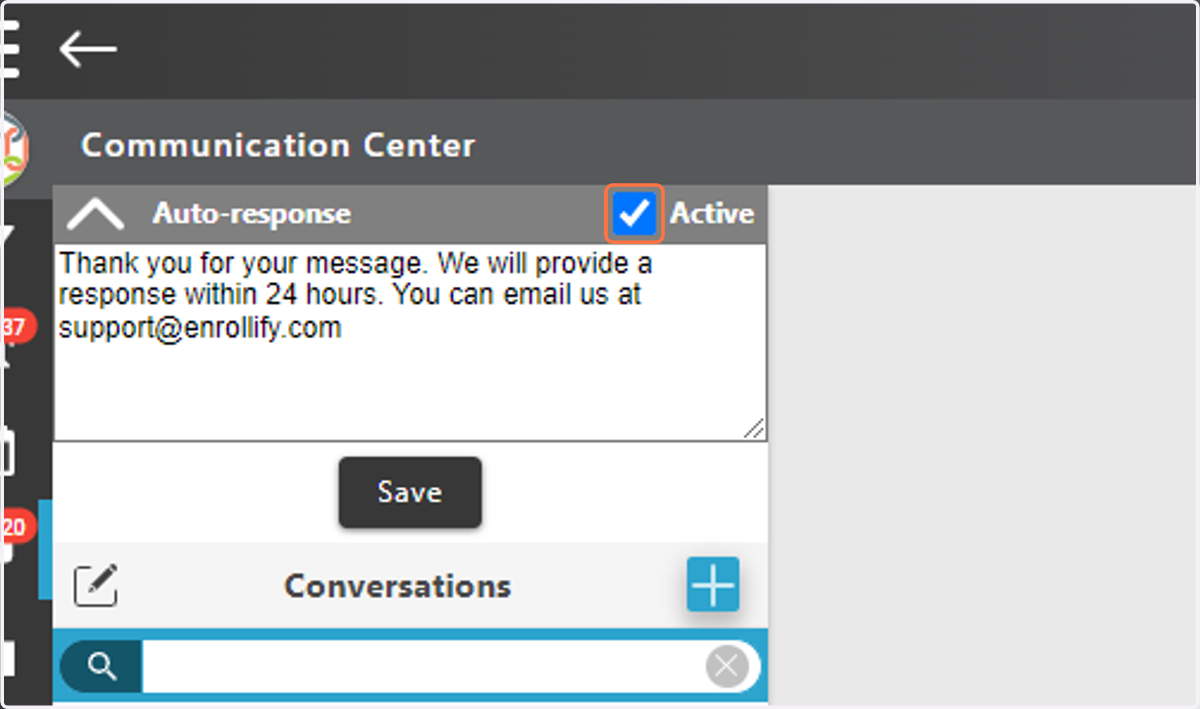
4. Mark the Check to make Auto-response Active.
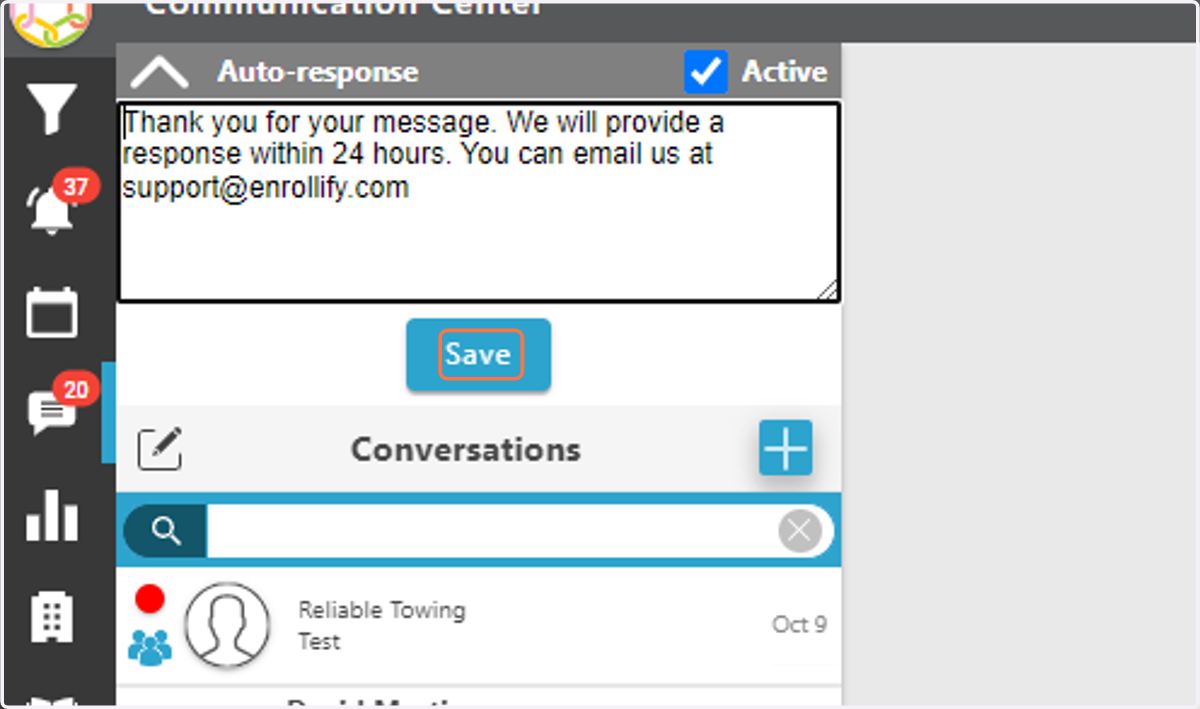
5. Click on Save
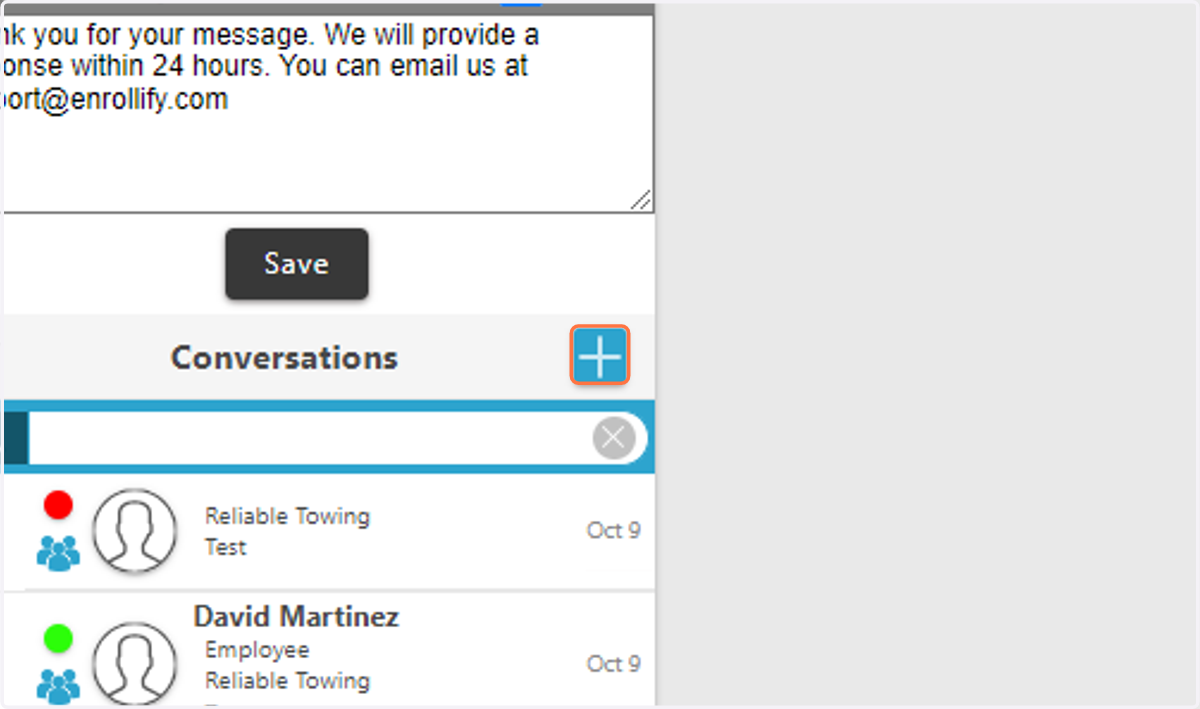
6. Click on the + sign.
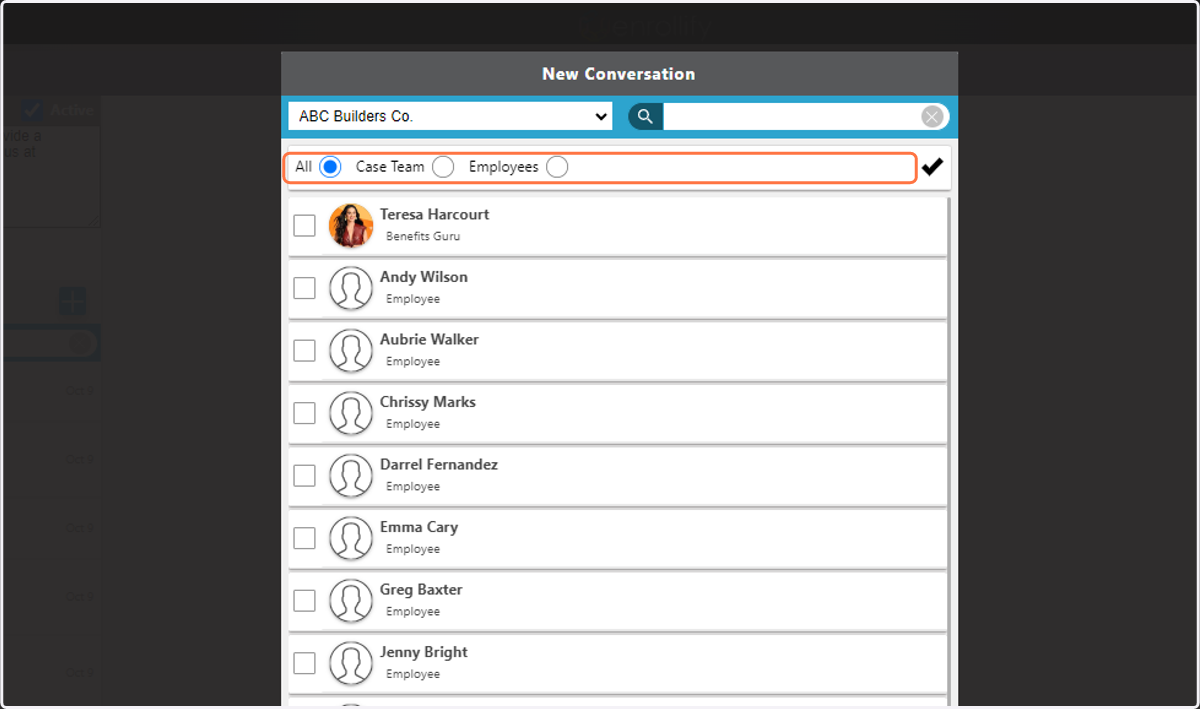
7. Select company from Dropdown menu.
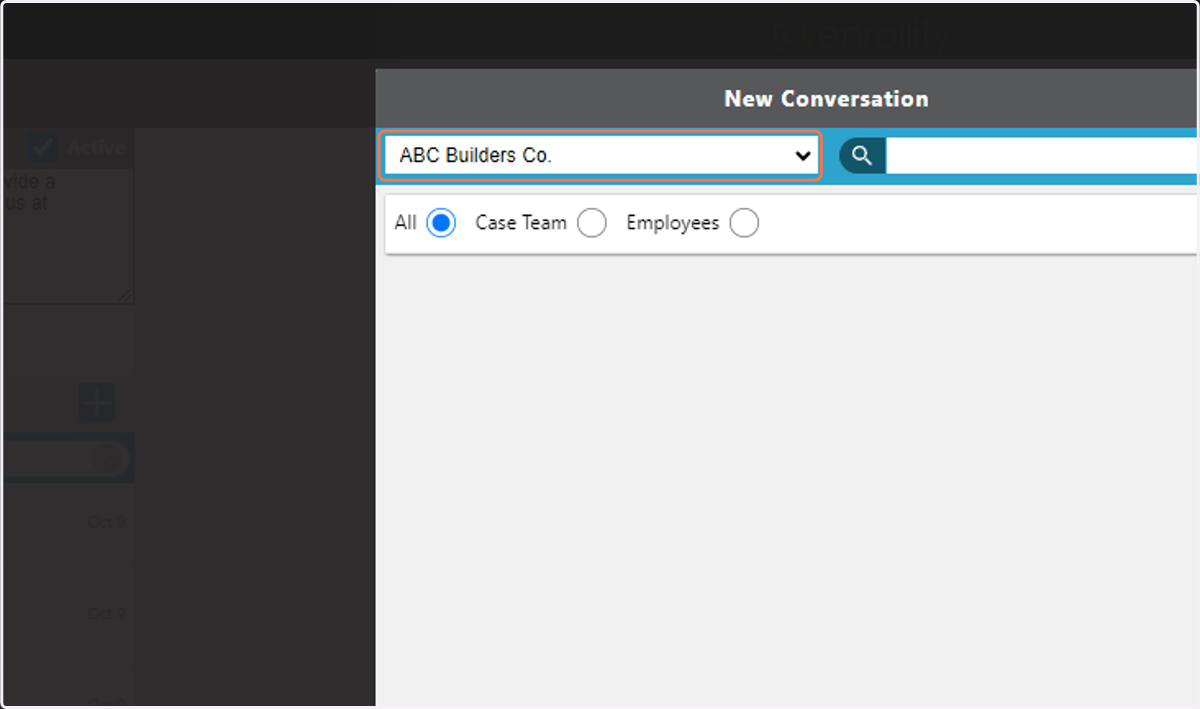
8. Choose Type of Recipient
All, Case Team, Employees.
9. Type in Subject and Message.
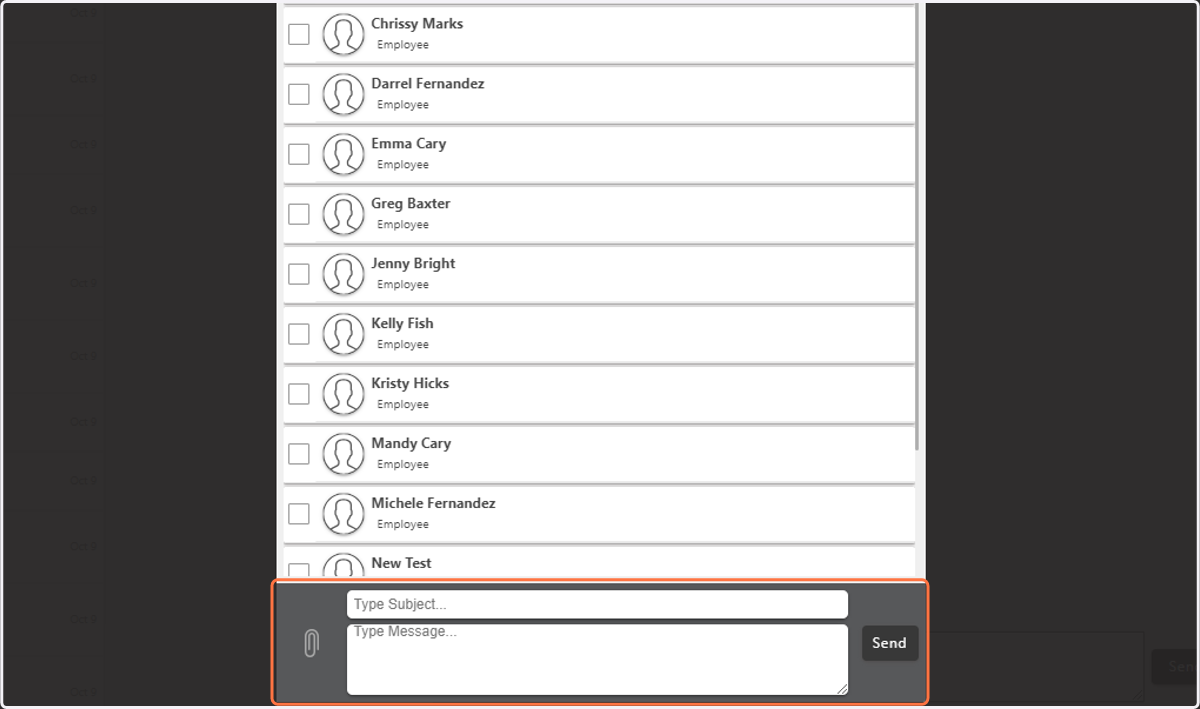
10. Click on Send