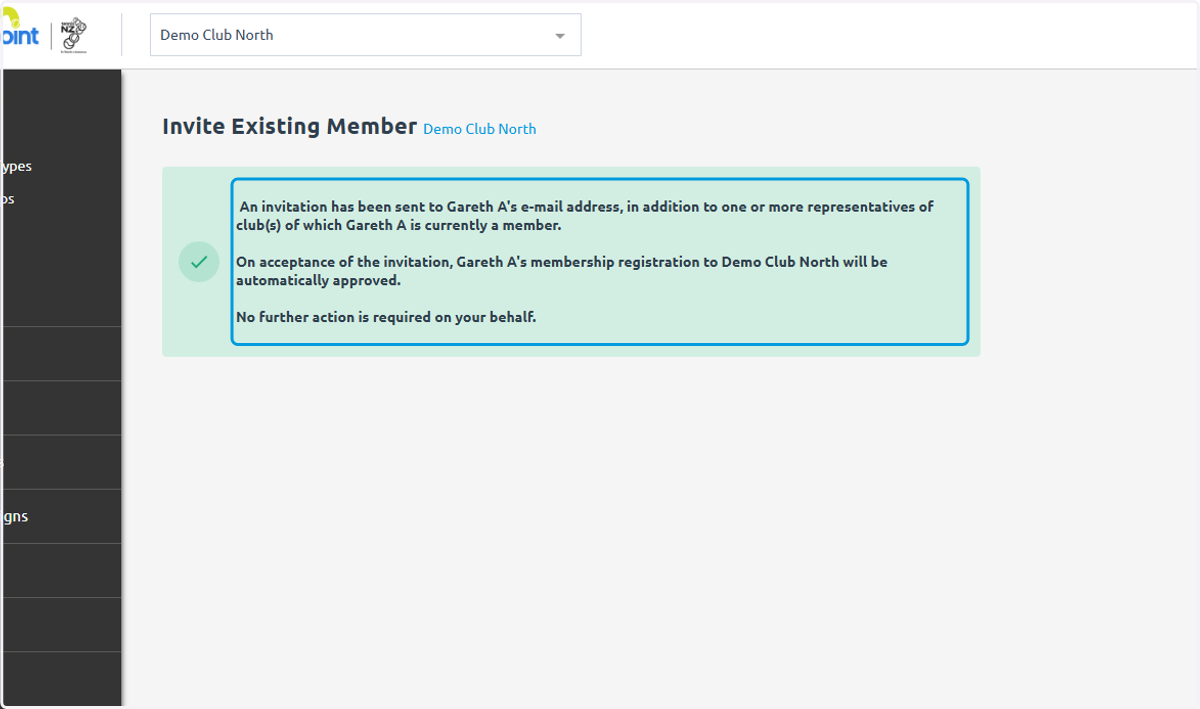
Add Existing Member in MatchPoint
If you are adding a new member to MatchHub this follows a different process
MatchPoint
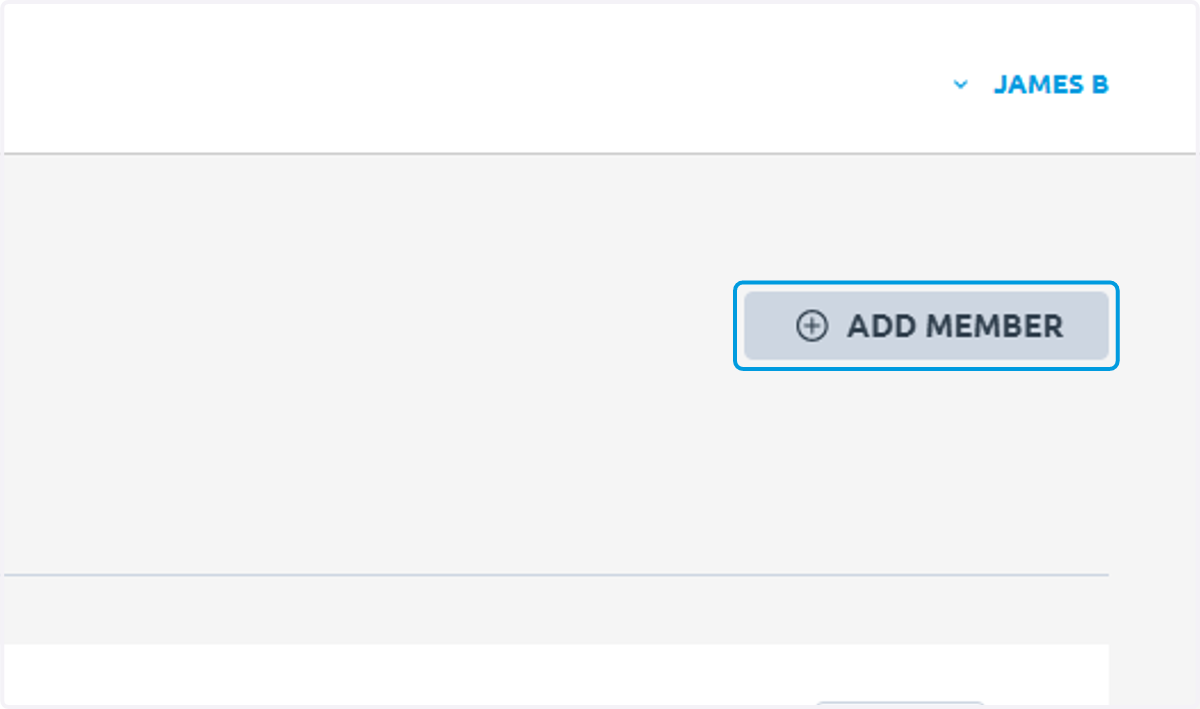
1. Click on ADD MEMBER
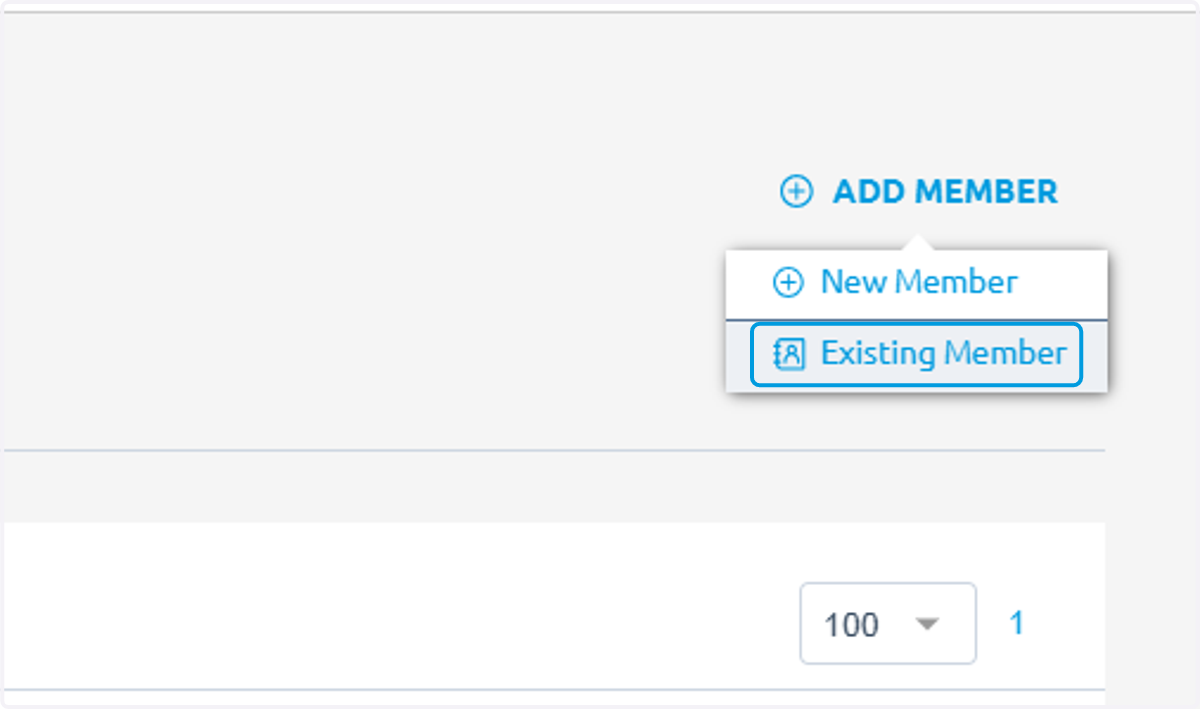
2. Click on Existing Member
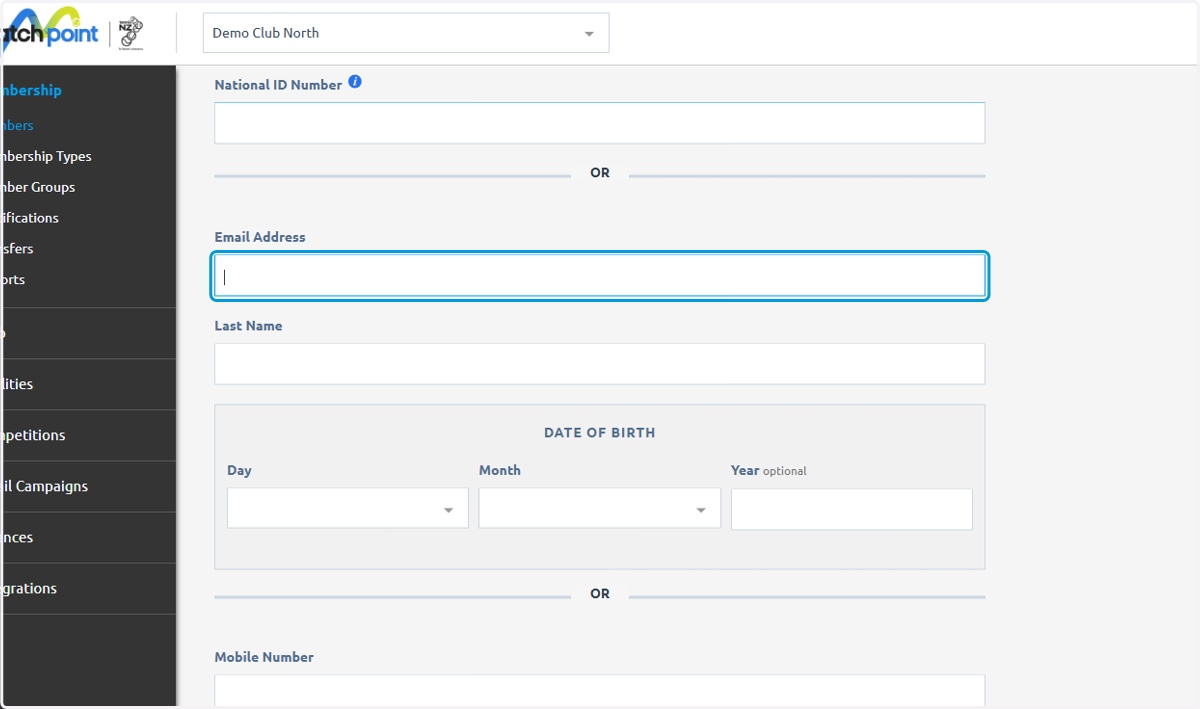
3. There are 3 different ways you can add an existing player
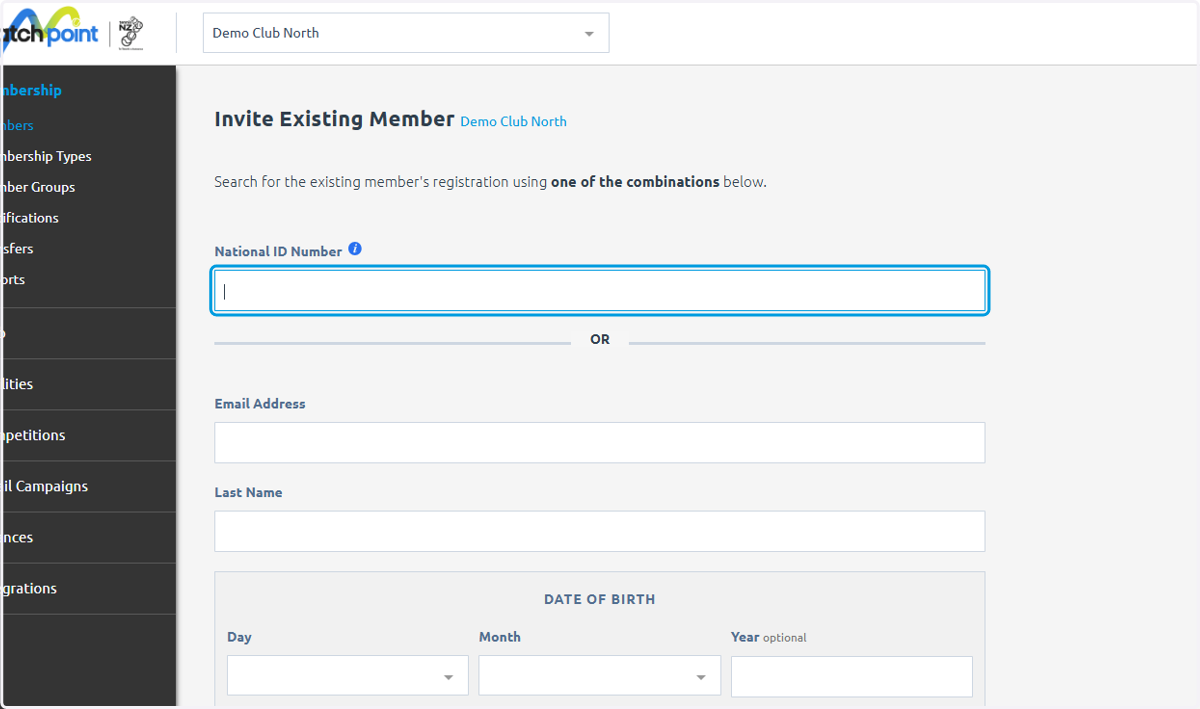
4. Through their National ID number
As MatchPoint is embedded this may be the easiest as a player will be able to log in and tell you their ID
5. Or through email address, last name and date of birth
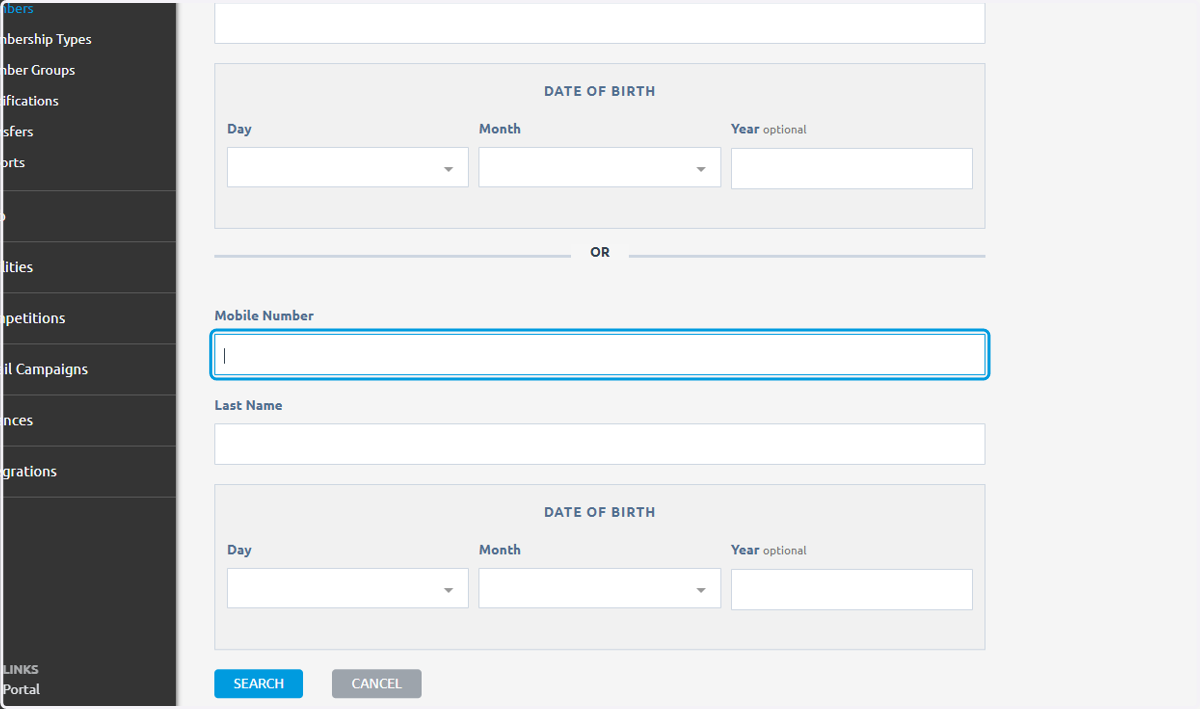
6. or mobile number, last name and email address
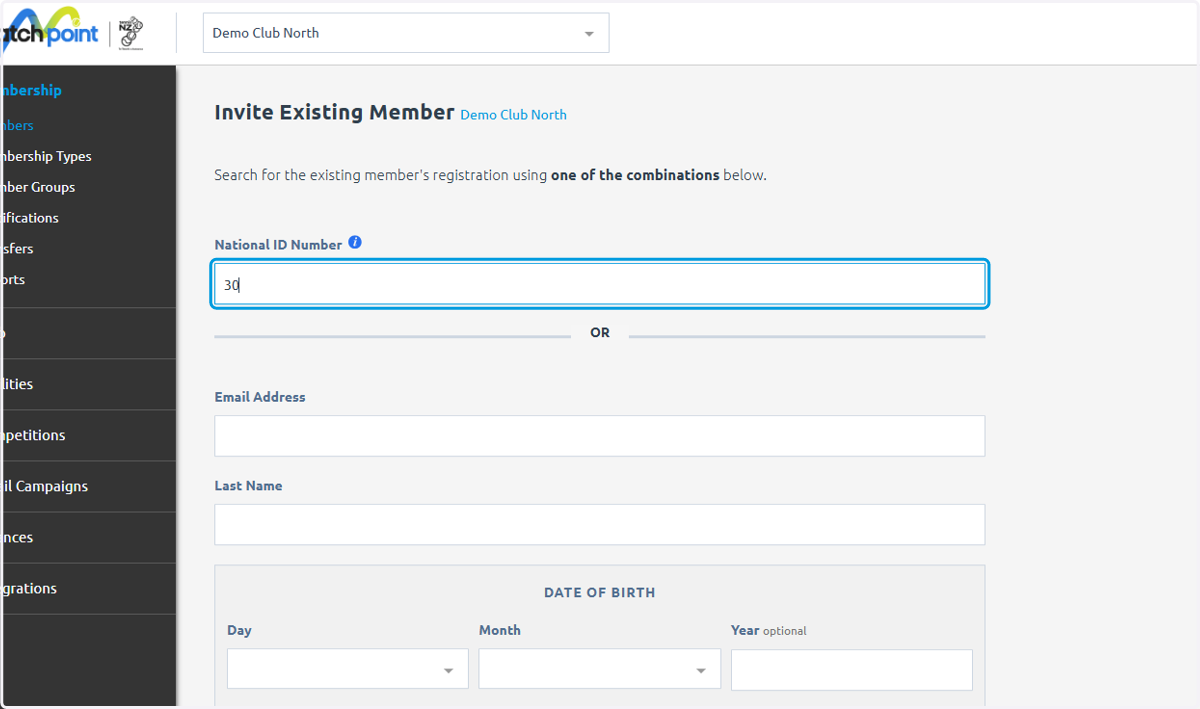
7. Type in the necessary information
Using National ID Number (NIN) in this example
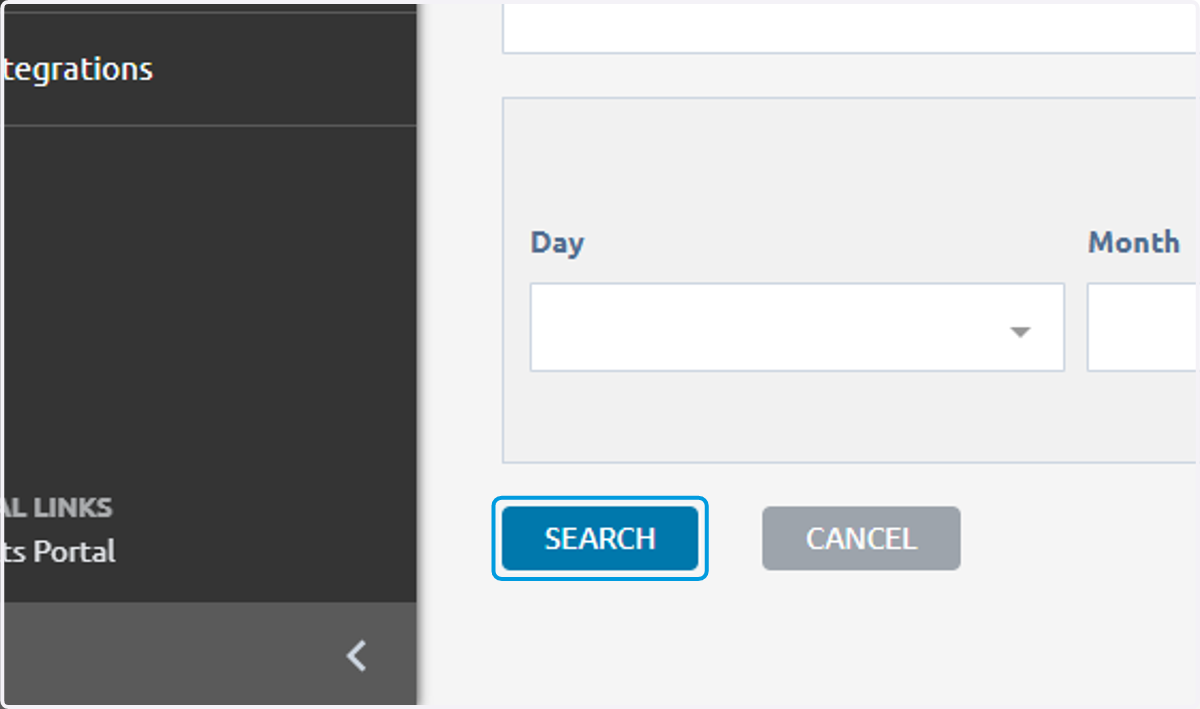
8. Click on SEARCH
9. It brings up the desire member
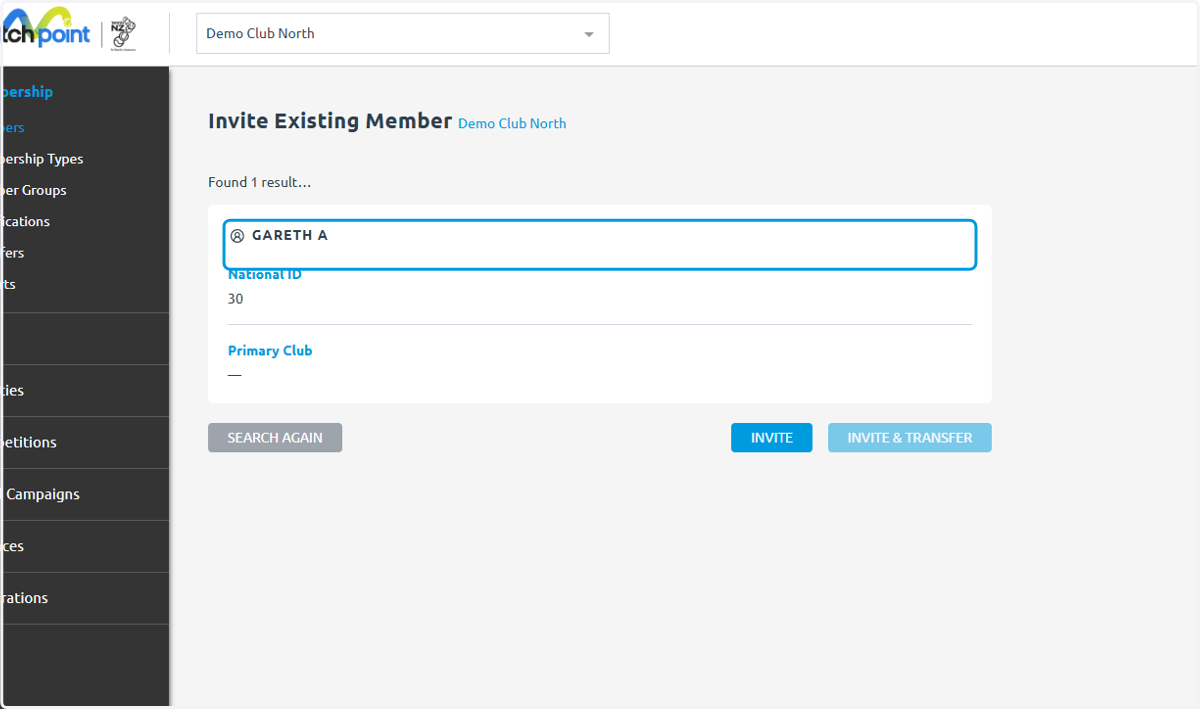
10. Notice they do not have a primary club
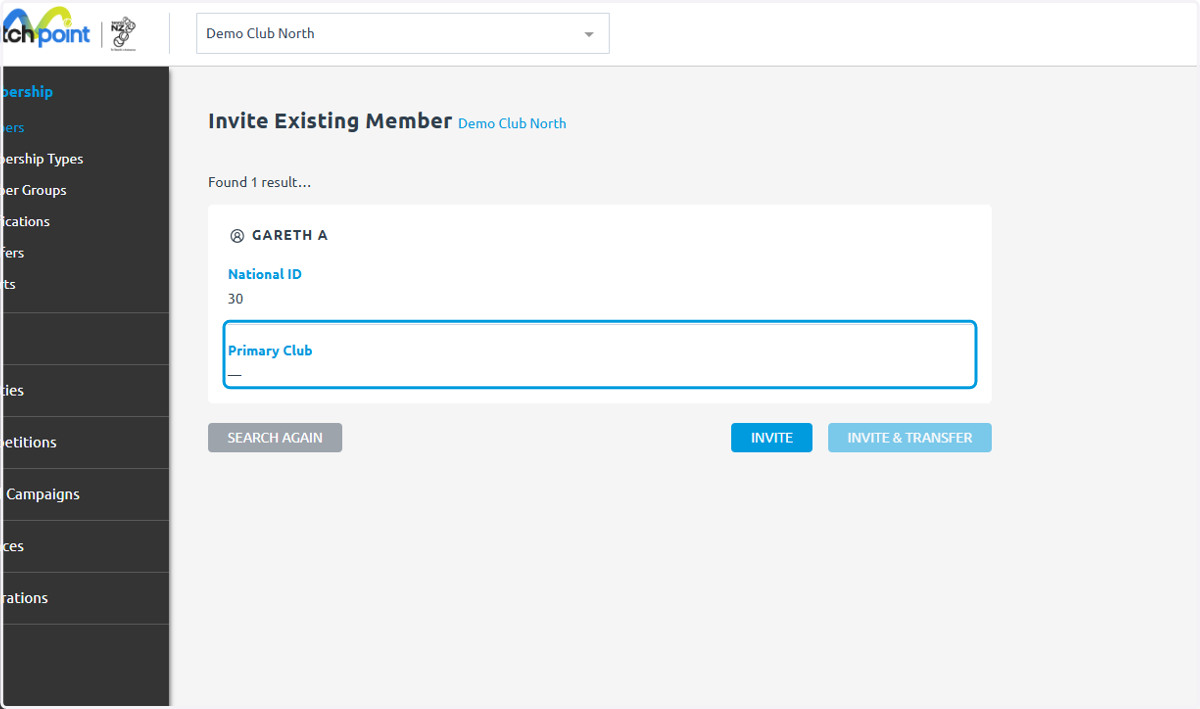
11. This means I can only Invite and not invite and transfer
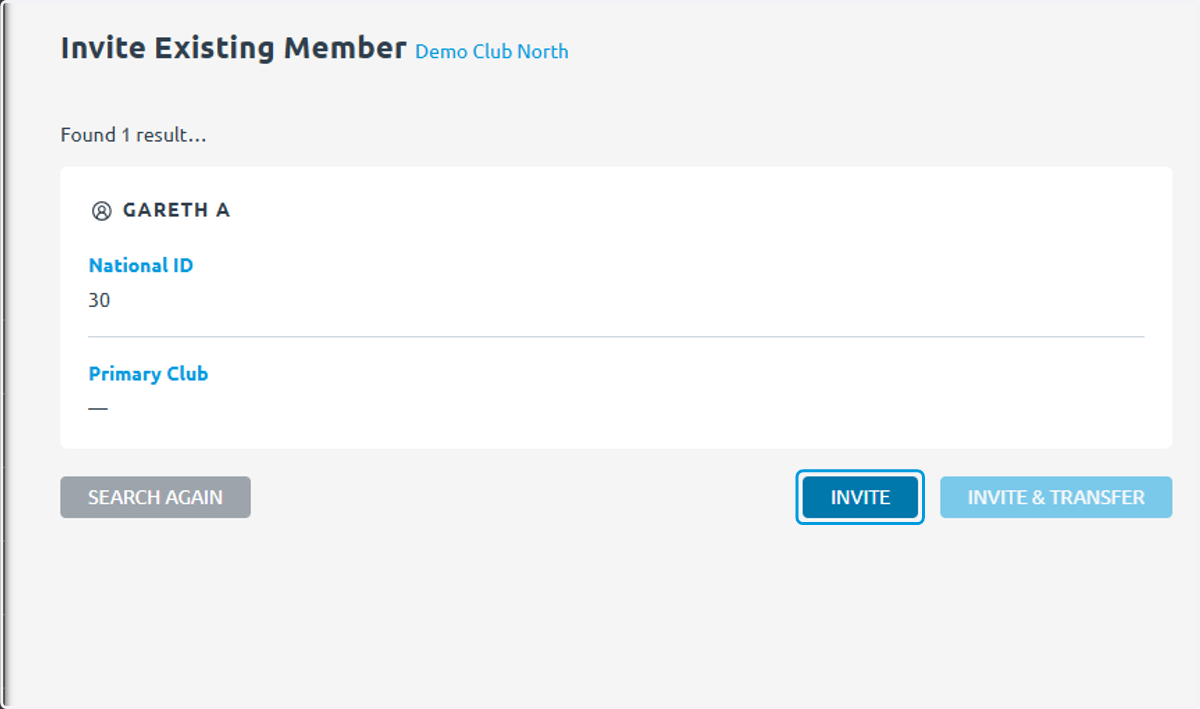
12. MatchPoint allows people to be members of multiple clubs but only have one primary club
13. To change primary clubs you would click 'Invite & Transfer'
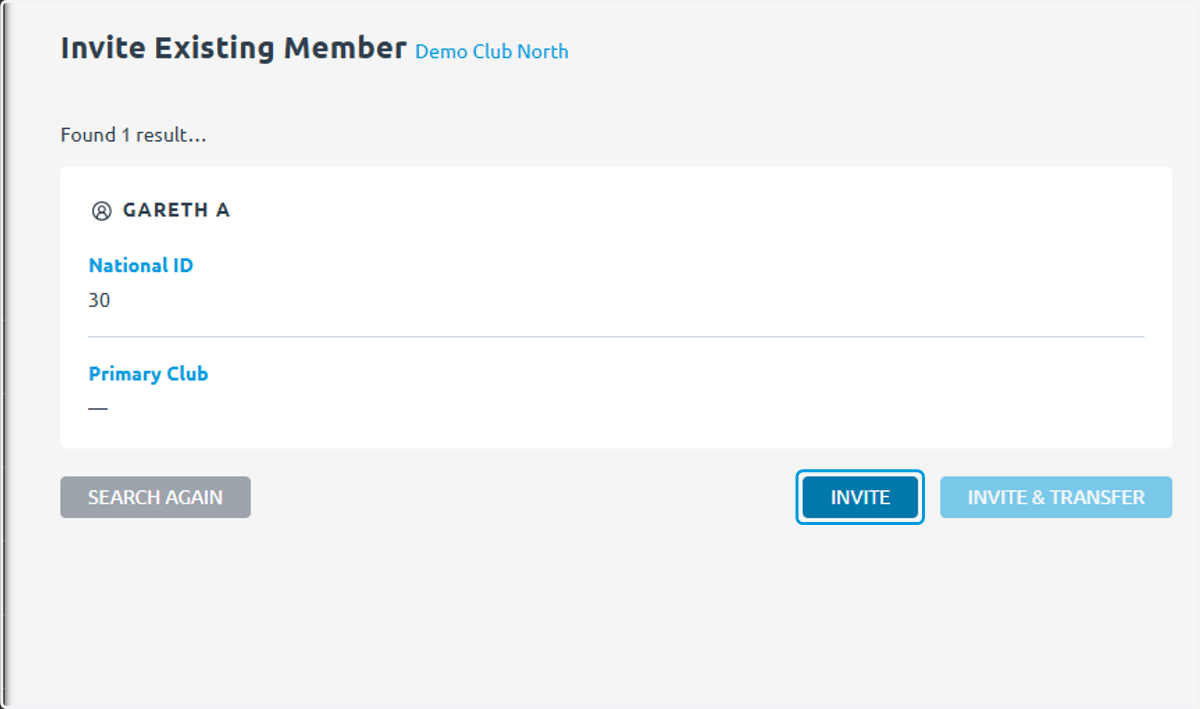
14. The member and/or the club they are transferring from will receive an email and must approve the transfer
This is for privacy and security reasons to protect people's information