Workflow with Solstice
Solstice - Solar for every American
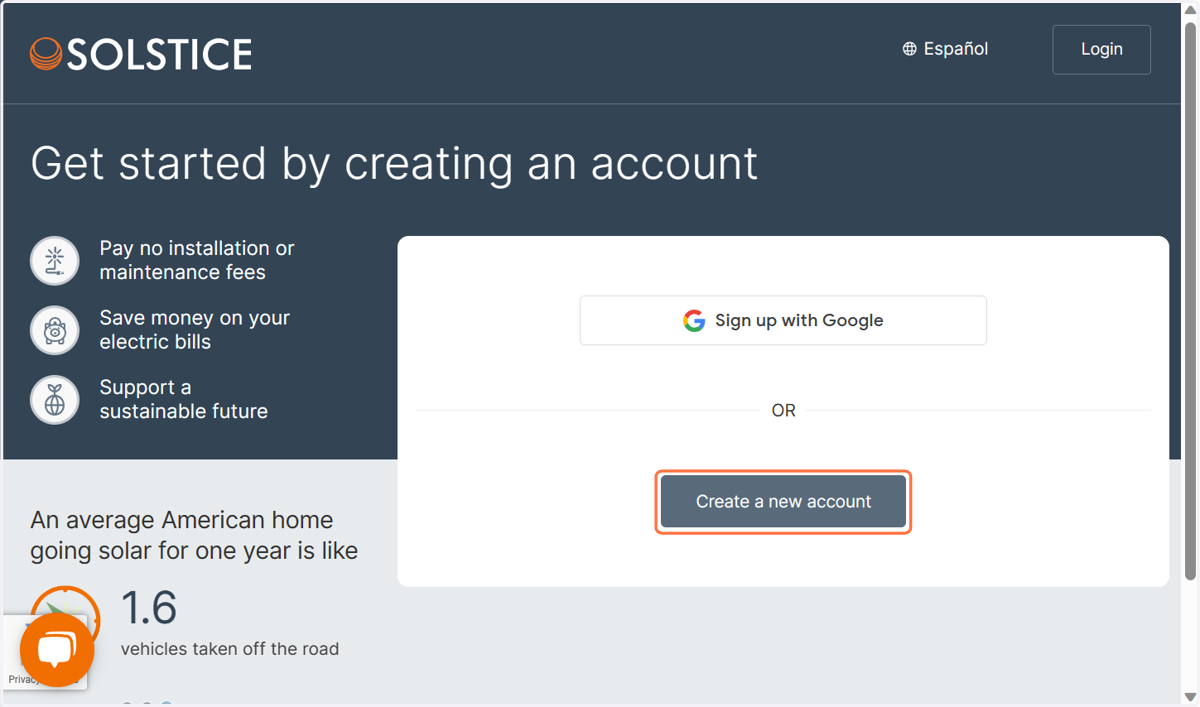
1. Click on Create a new account
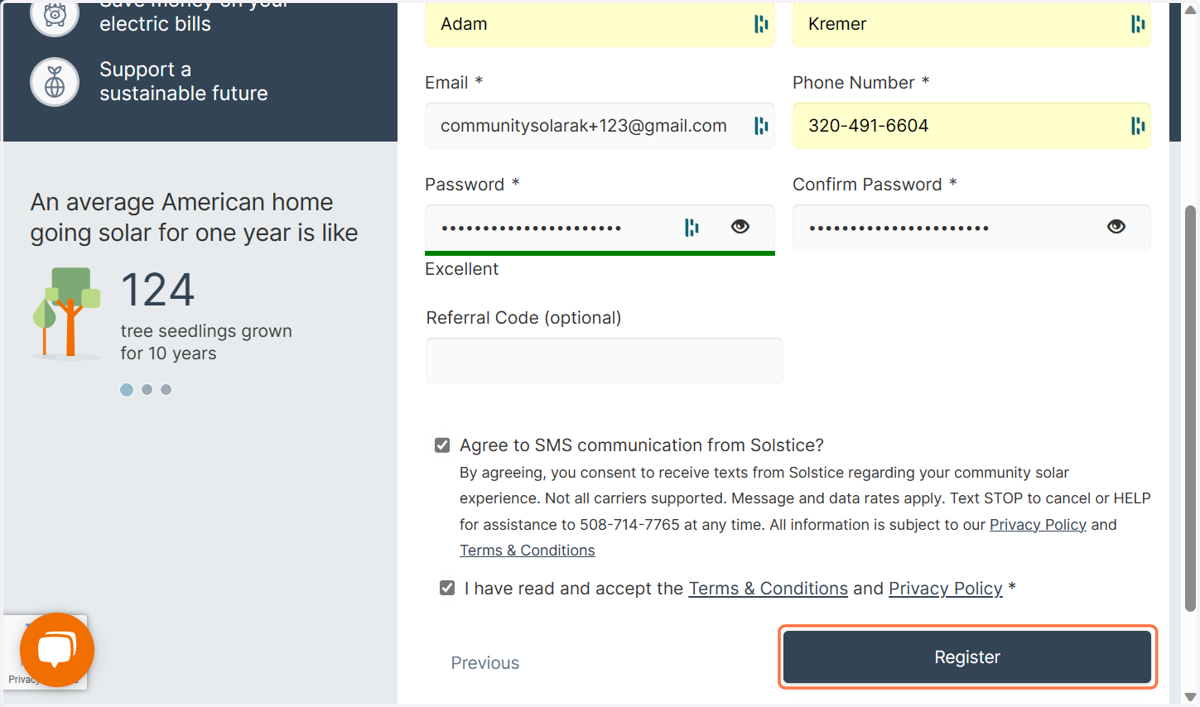
2. Click on Register
3. Click on Next
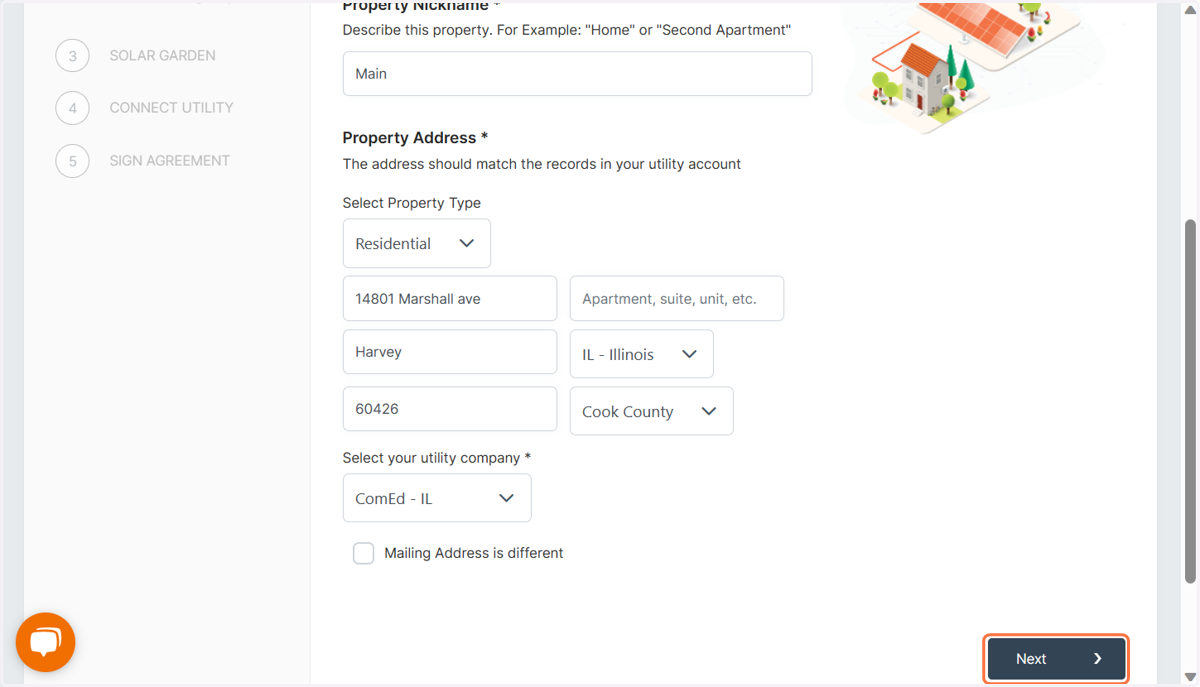
4. Fill out these options accurately
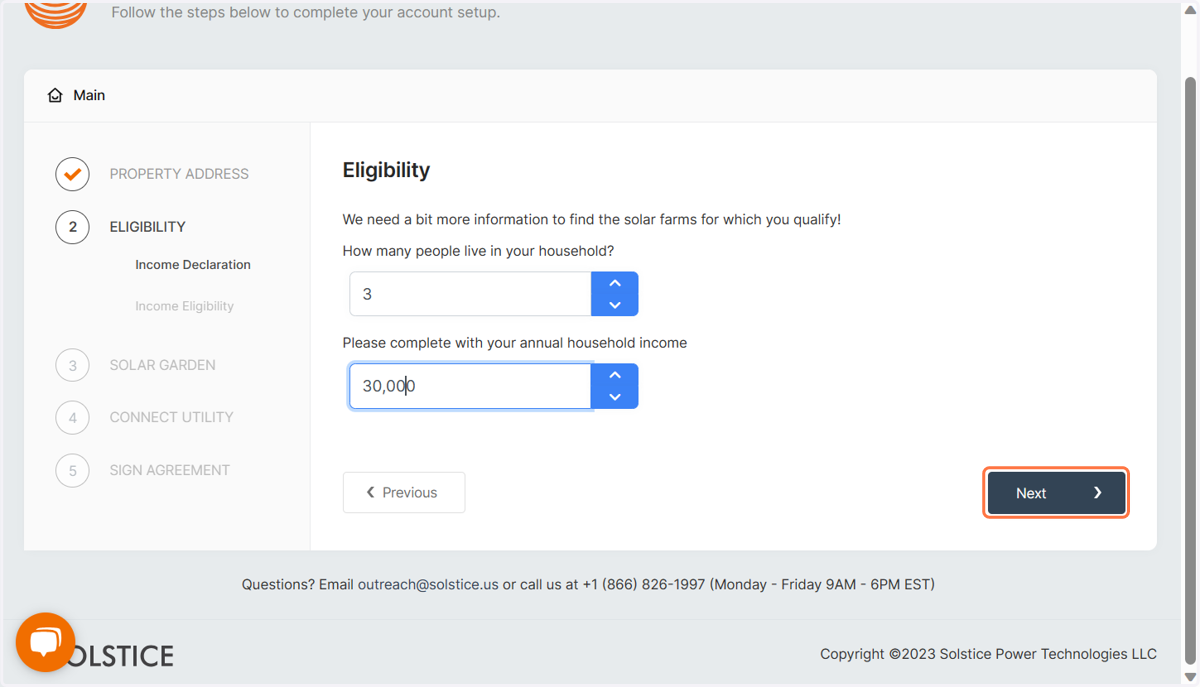
5. Click on Next
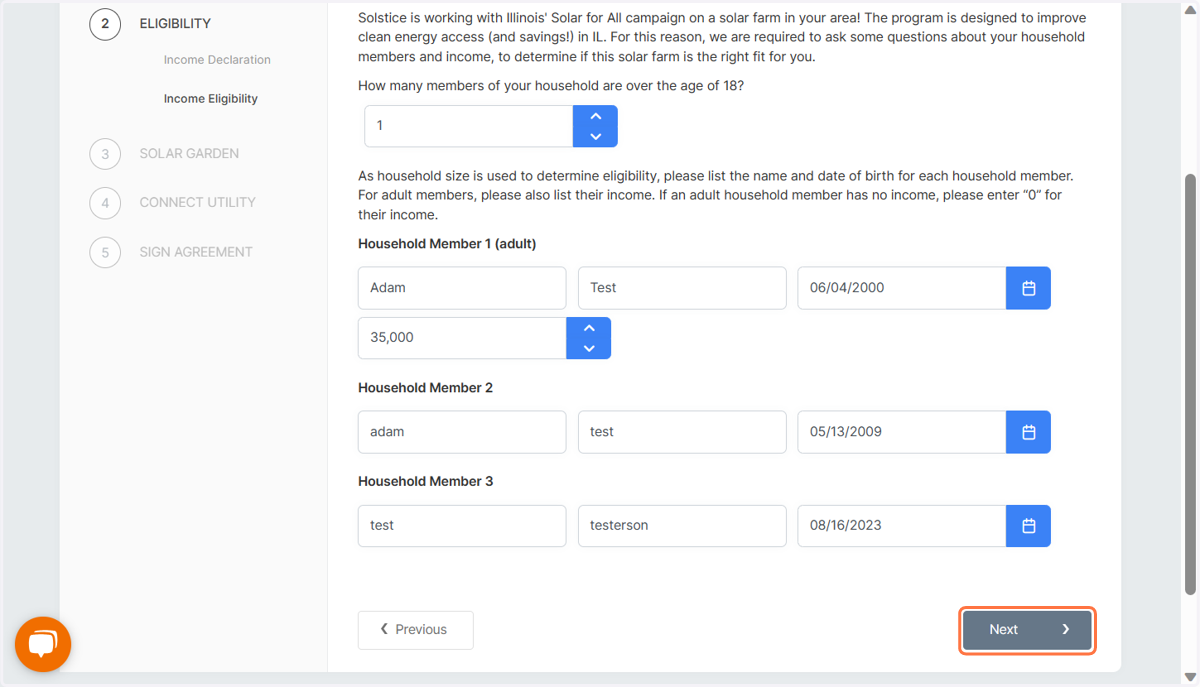
6. Verify Income
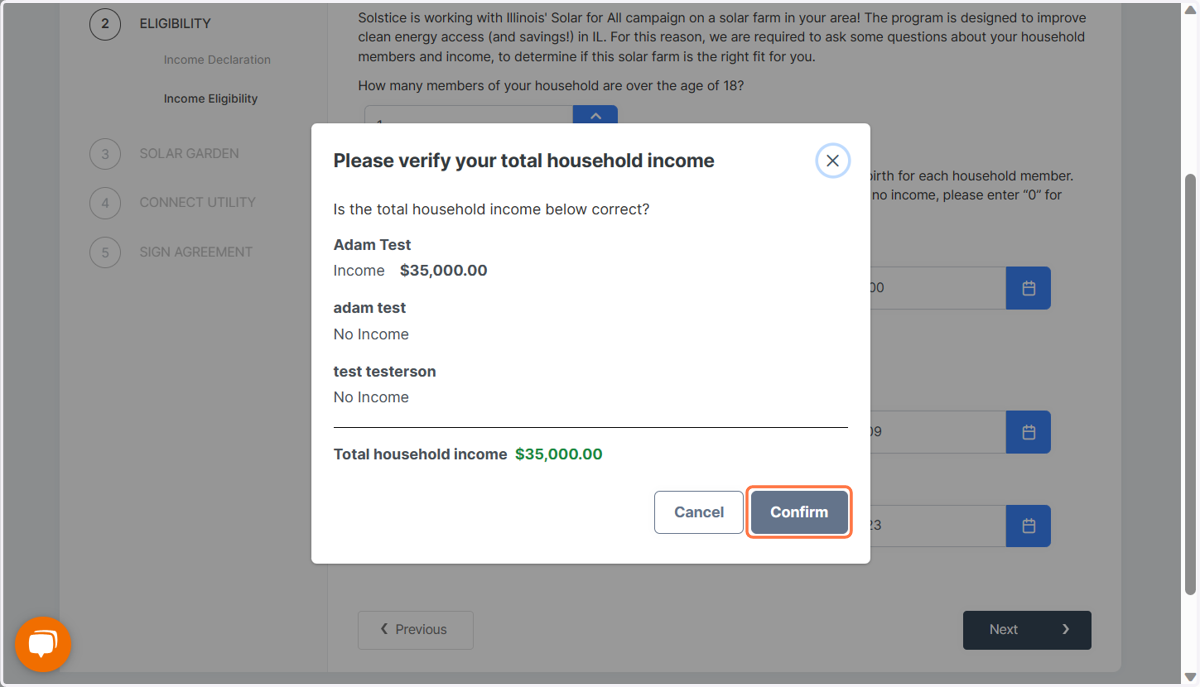
7. Click on Next
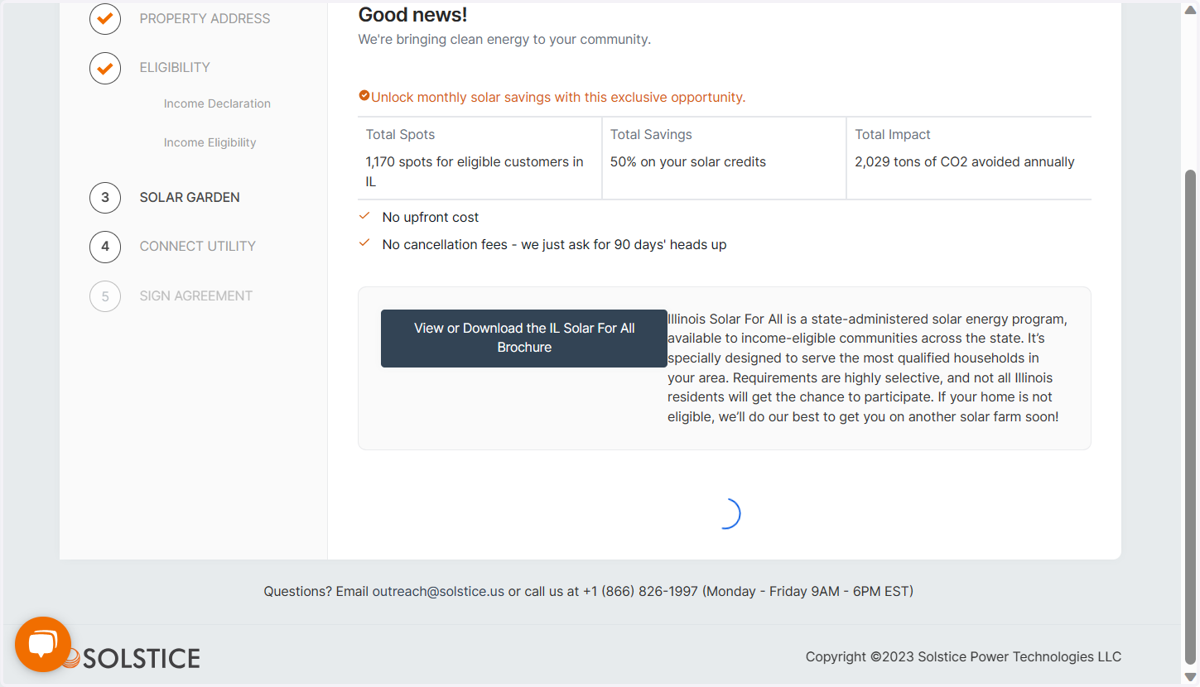
8. Enter Utility Info
You can submit multiple photos. Utility Sync is an option, but still collects bill photos and save them to your camera roll just in case.
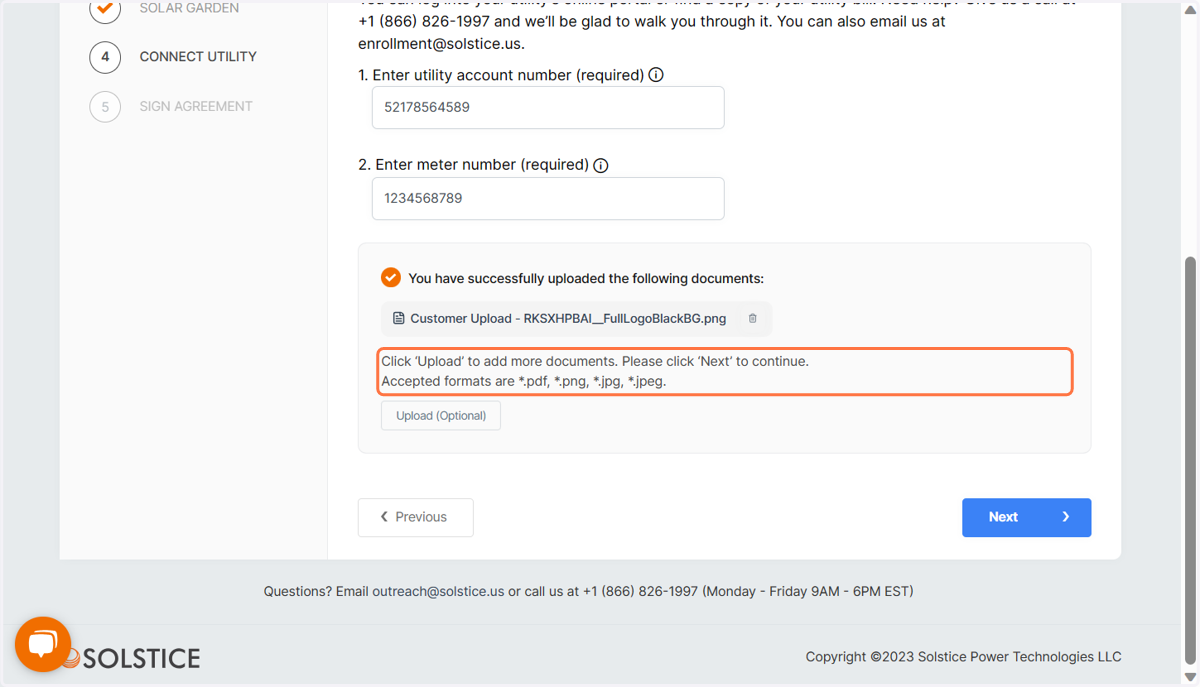
9. You'll redirect to this screen or the docusign
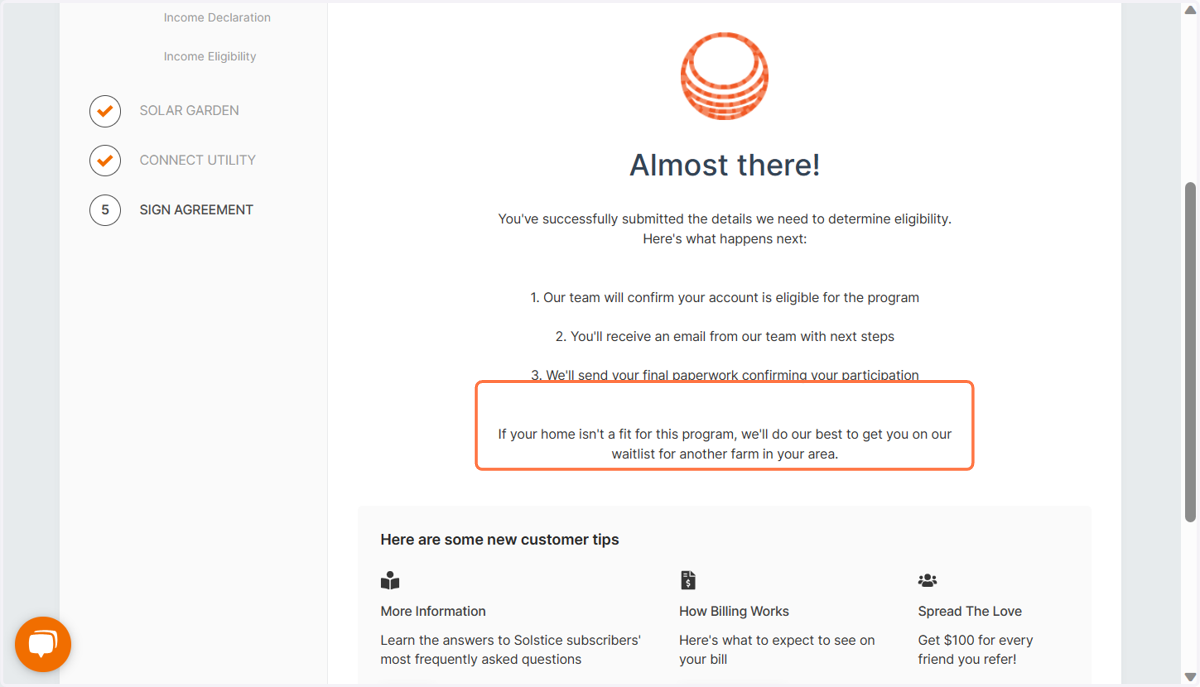
10. Click on Finish
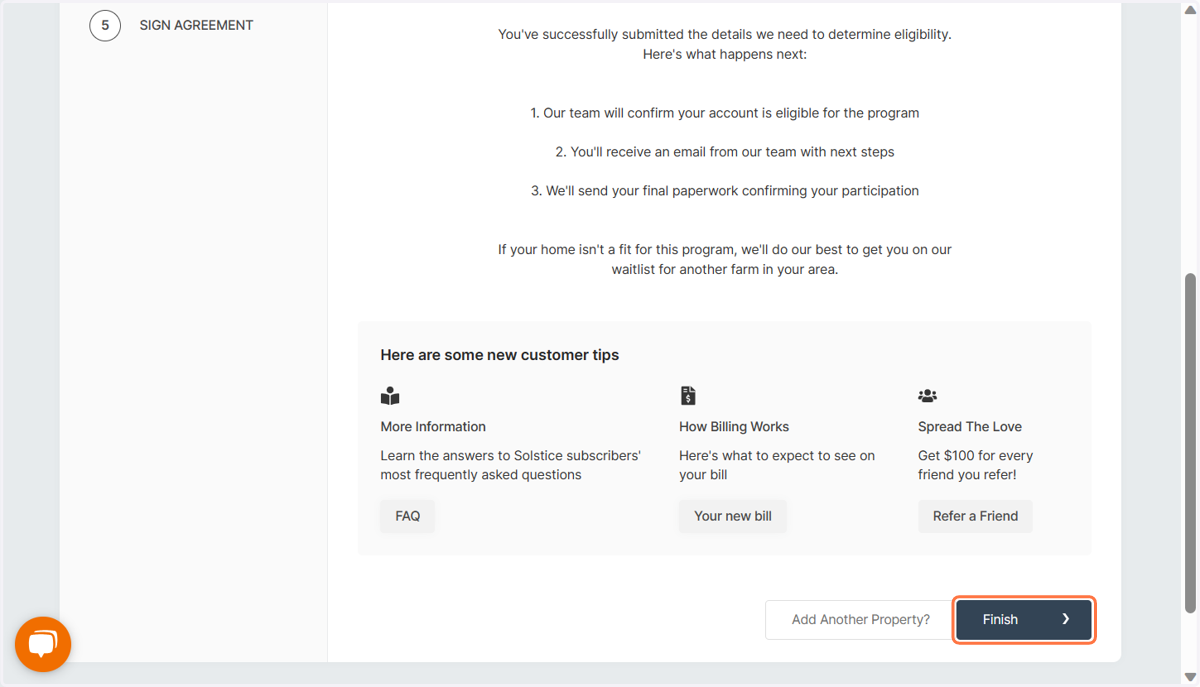
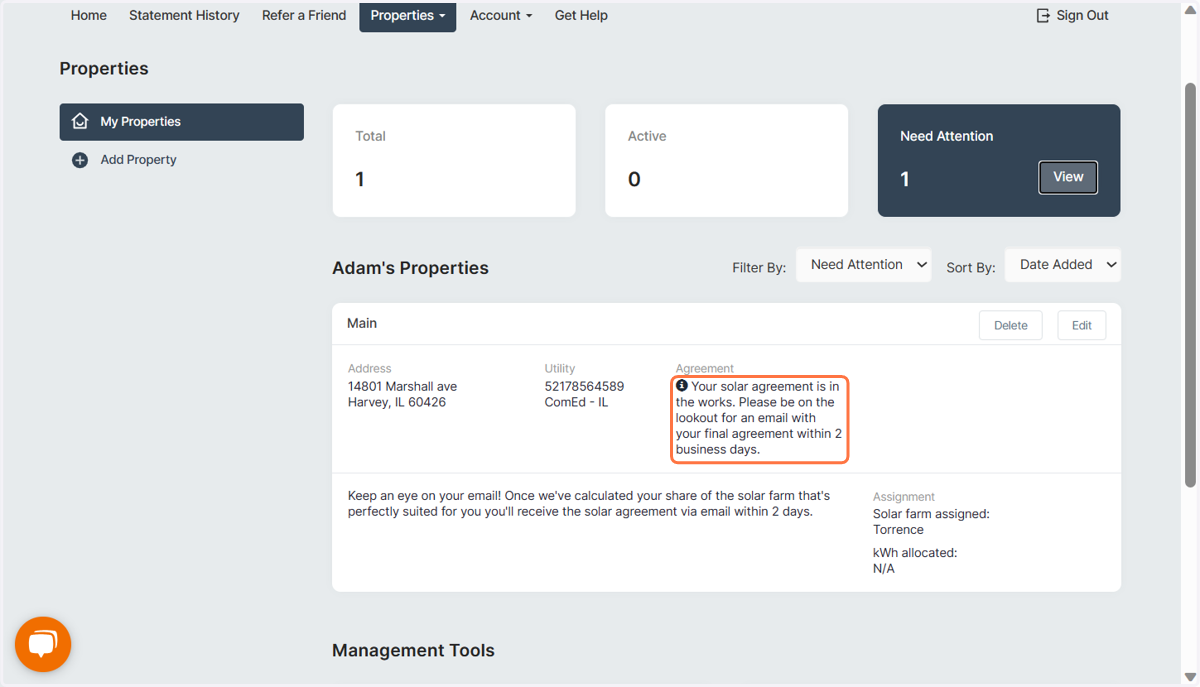
11. Your solar agreement is in the works.
Please be on the lookout for an email with your final agreement within 2 business days.