Adding Inputs
Adding Inputs
Go to https://https://app.bizminer.com
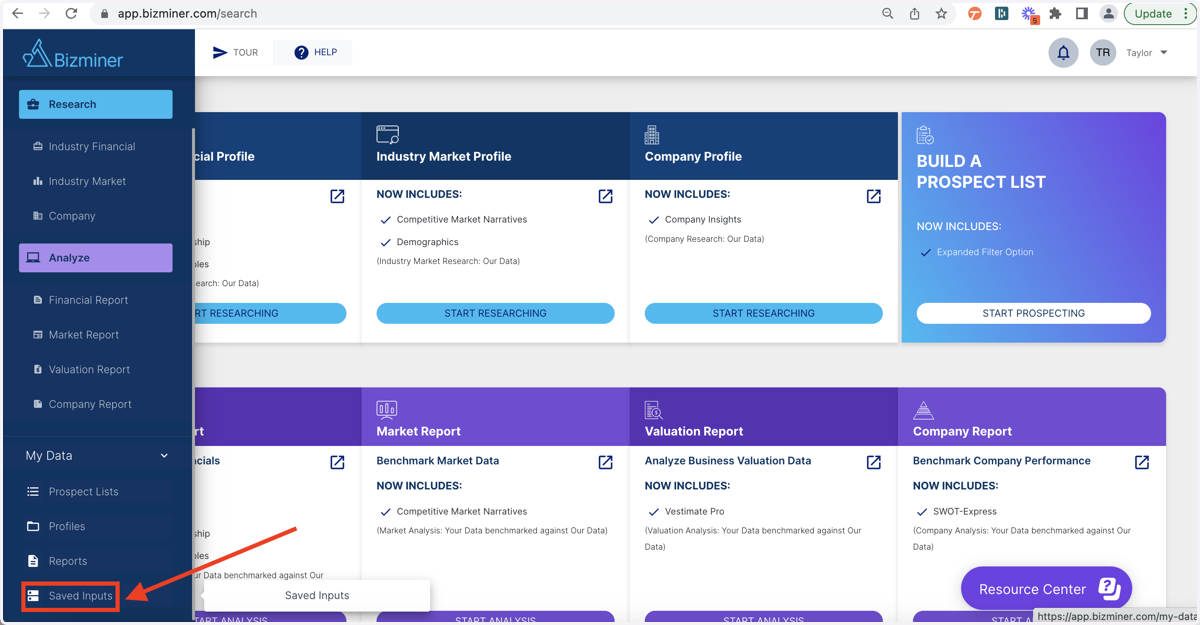
1. Select "Saved Inputs" under "My Data"
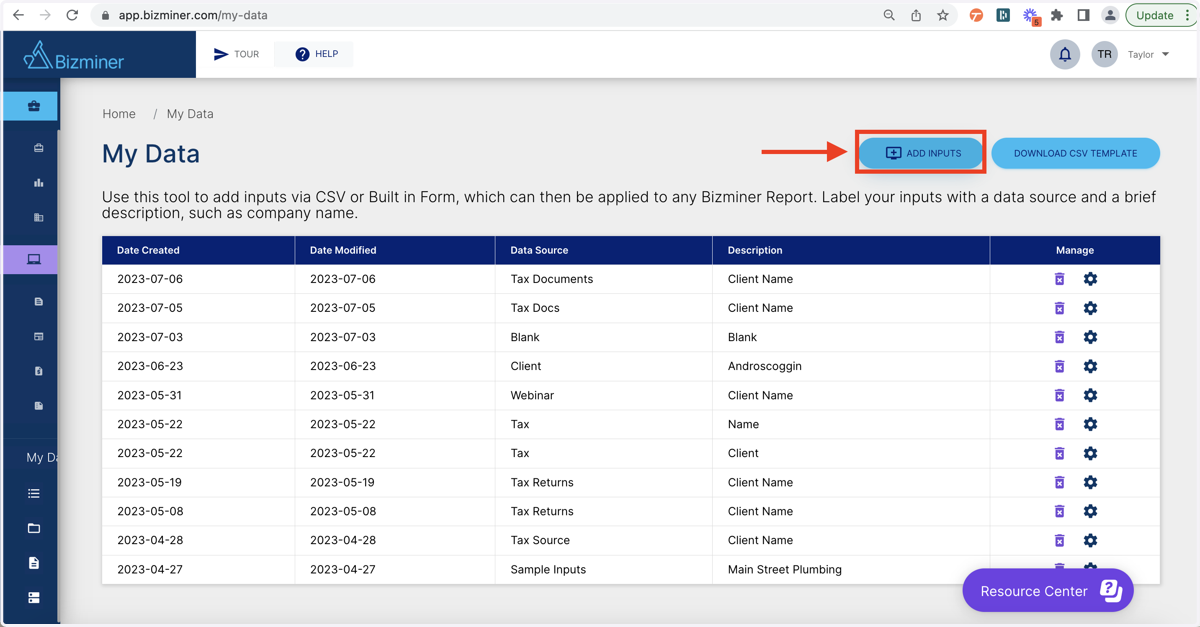
2. Select "Add Inputs"
At this step, you can also choose to download the CSV template to populate offline.
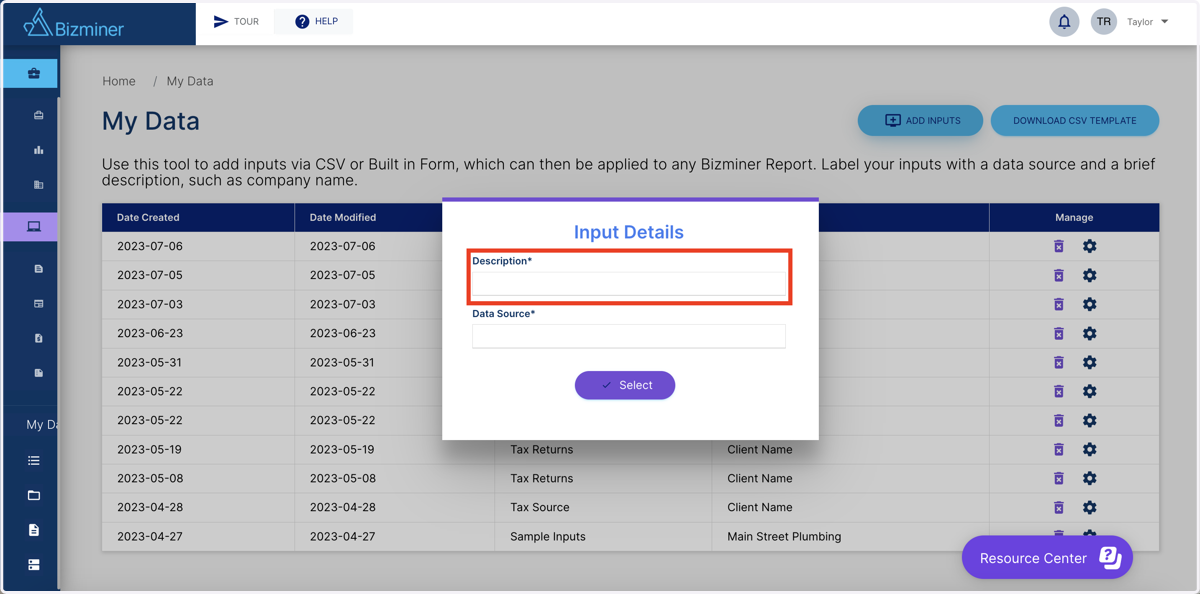
3. Type "Client Name" in the "Description" box
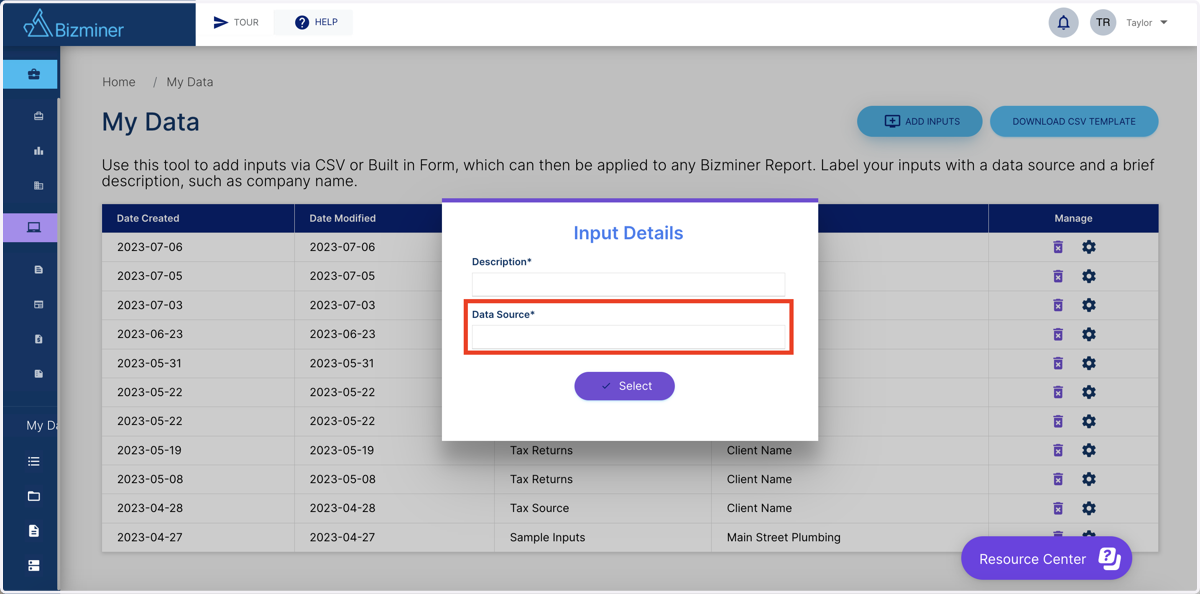
4. Type "Source" in the "Data Source" box
5. Select CSV upload or Manual Inputs
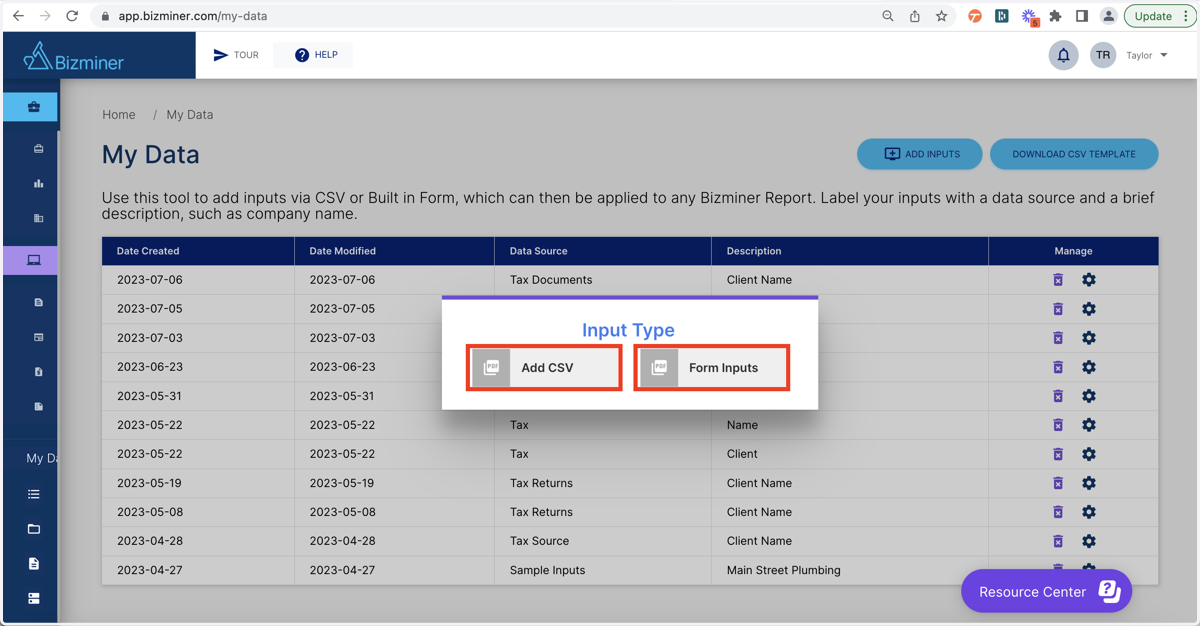
6. Complete Inputs (*If manually entering data)
7. Once data is populated, click on save