How to Copy a Proposal & Send to an Additional Contact
FollowUpCRM
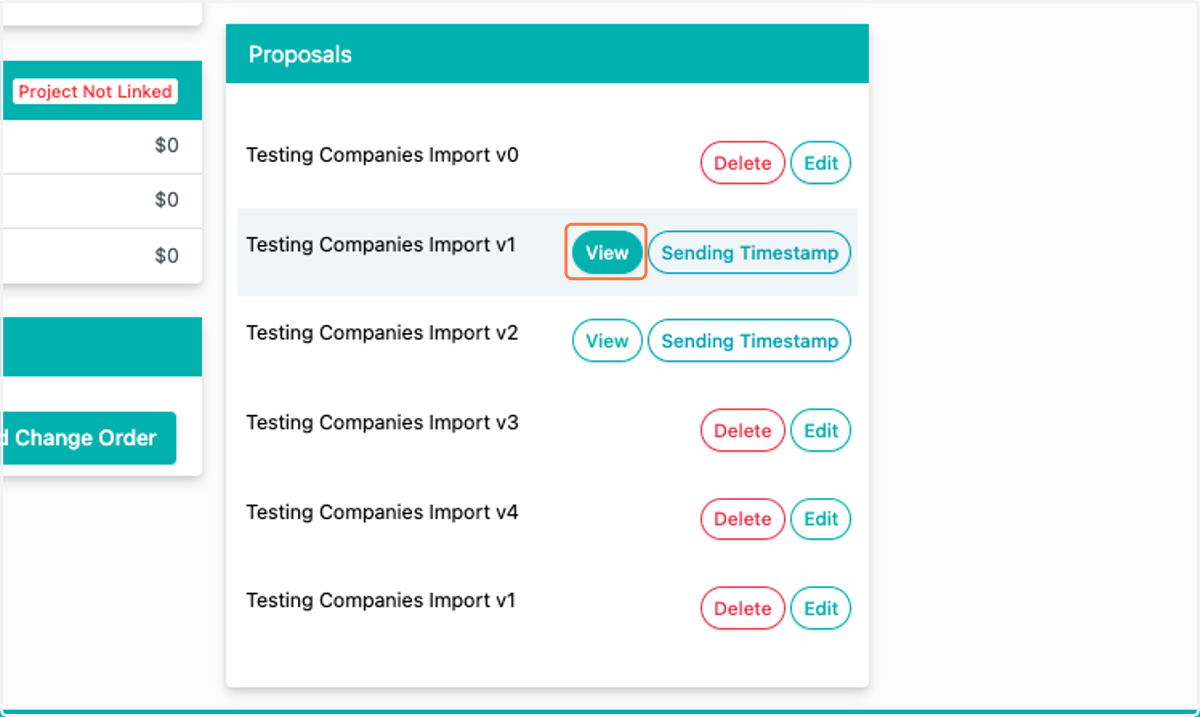
1. Locate the Project for which you'd like to work on a Proposal. Scroll down to the Proposals module. Locate the proposal you'd like to edit, and click view.
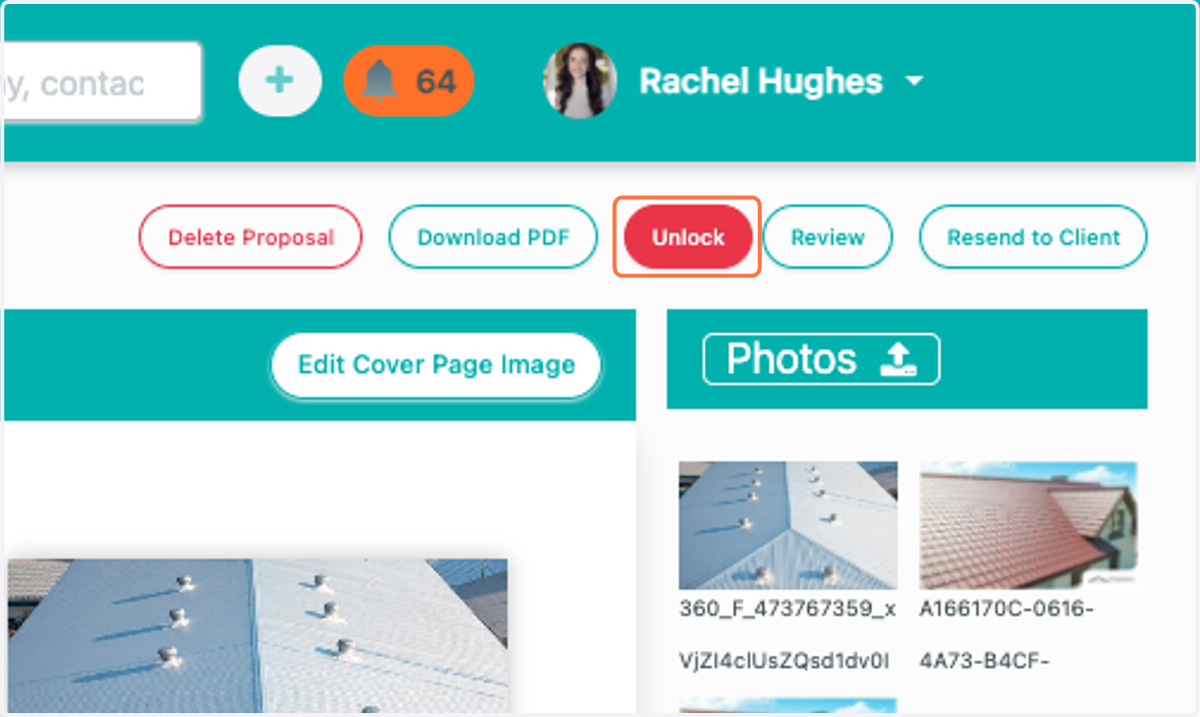
2. Click on Unlock
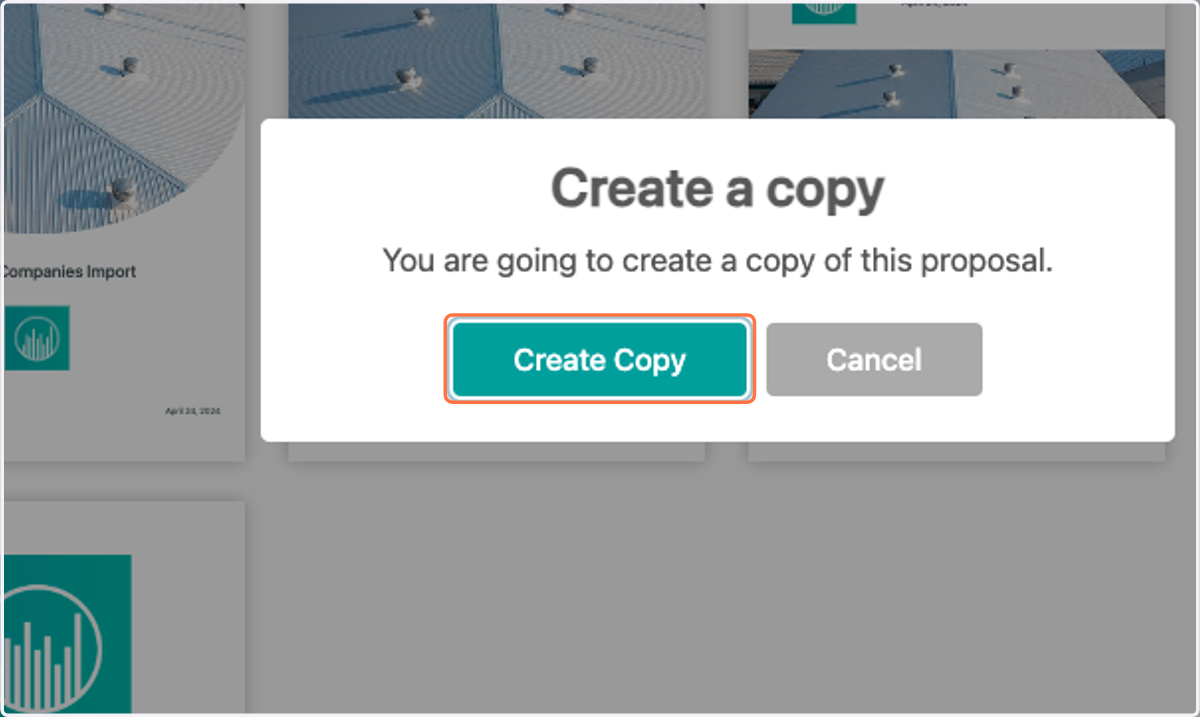
3. Click on Create Copy
4. Click on Resend to Client
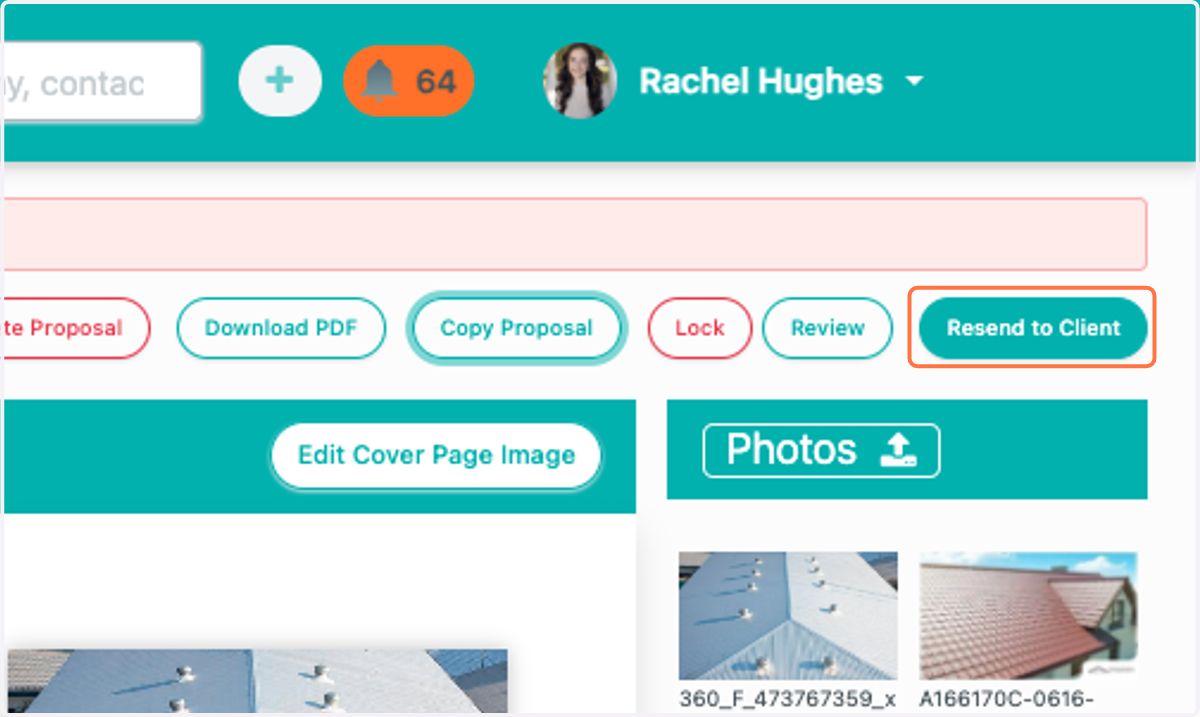
5. Click on Resend to Client…
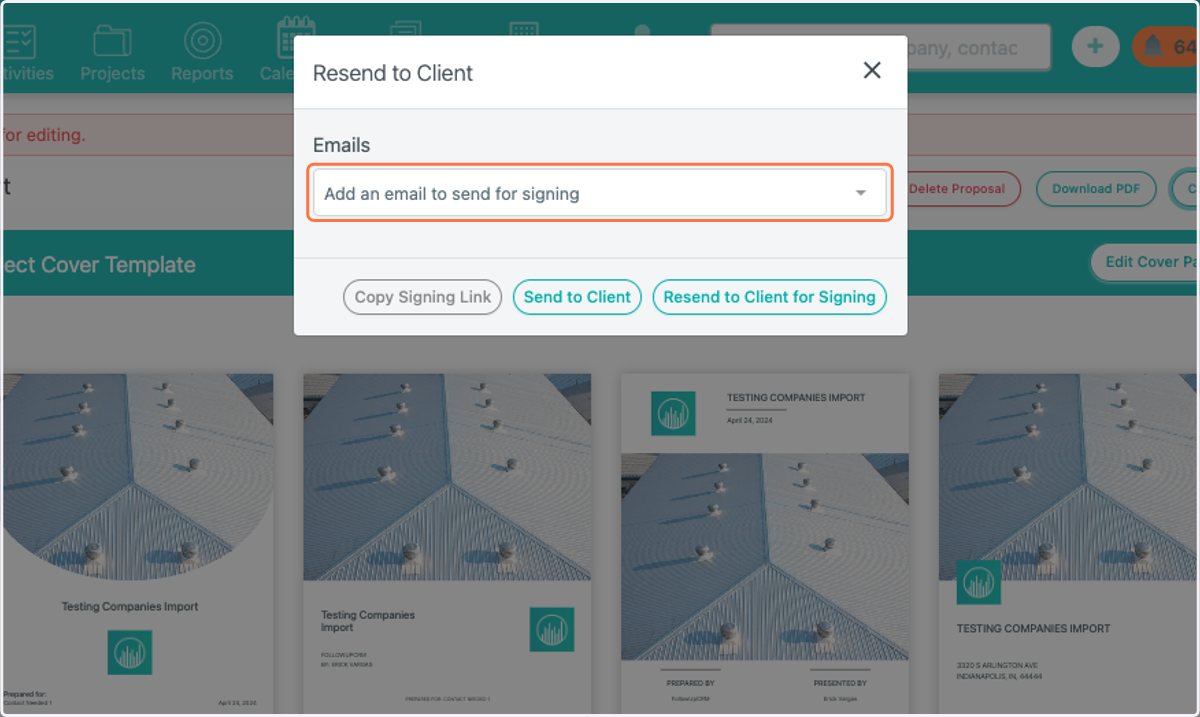
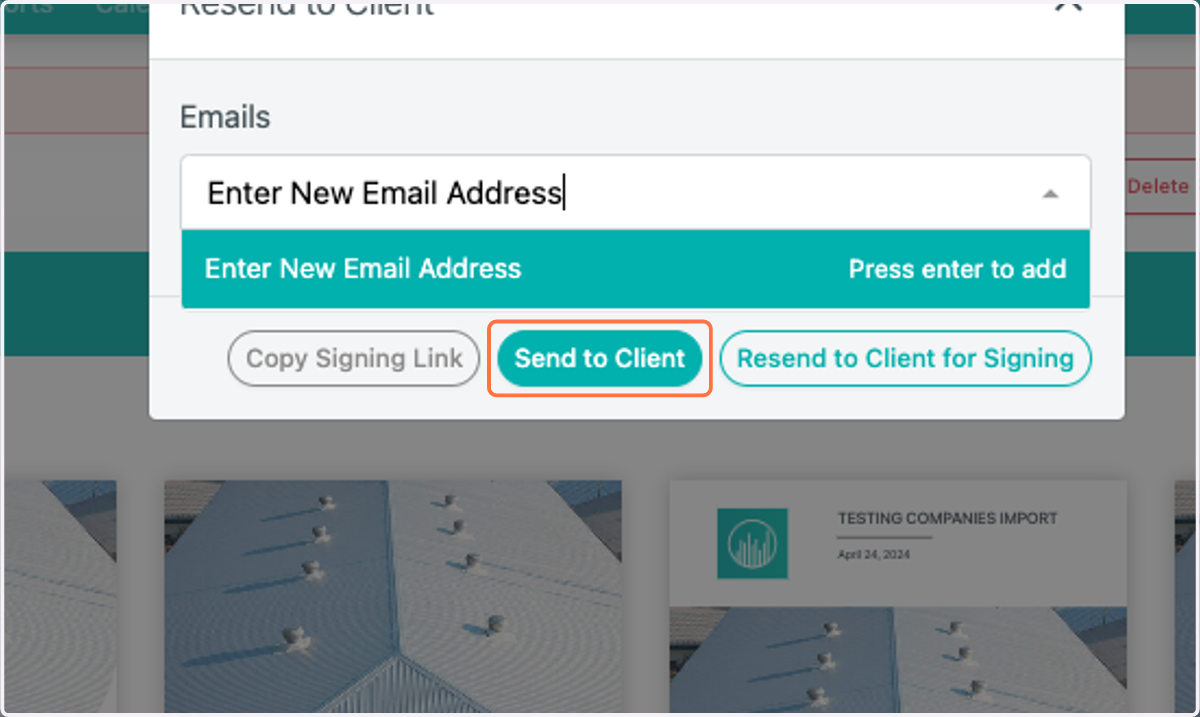
6. Type "Enter New Email Address"
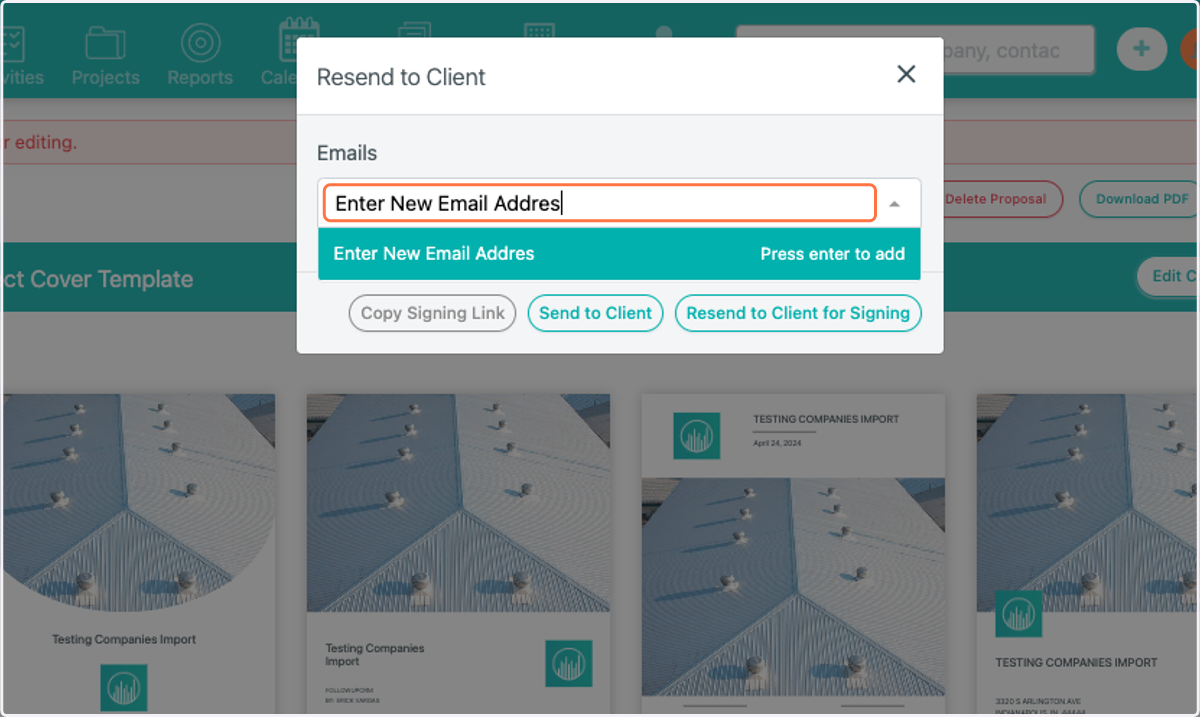
7. Click on Send to Client