AP Analytics Report in Payscan (for Declining Balances)
💰 Yardi Systems, Inc. - Payscan
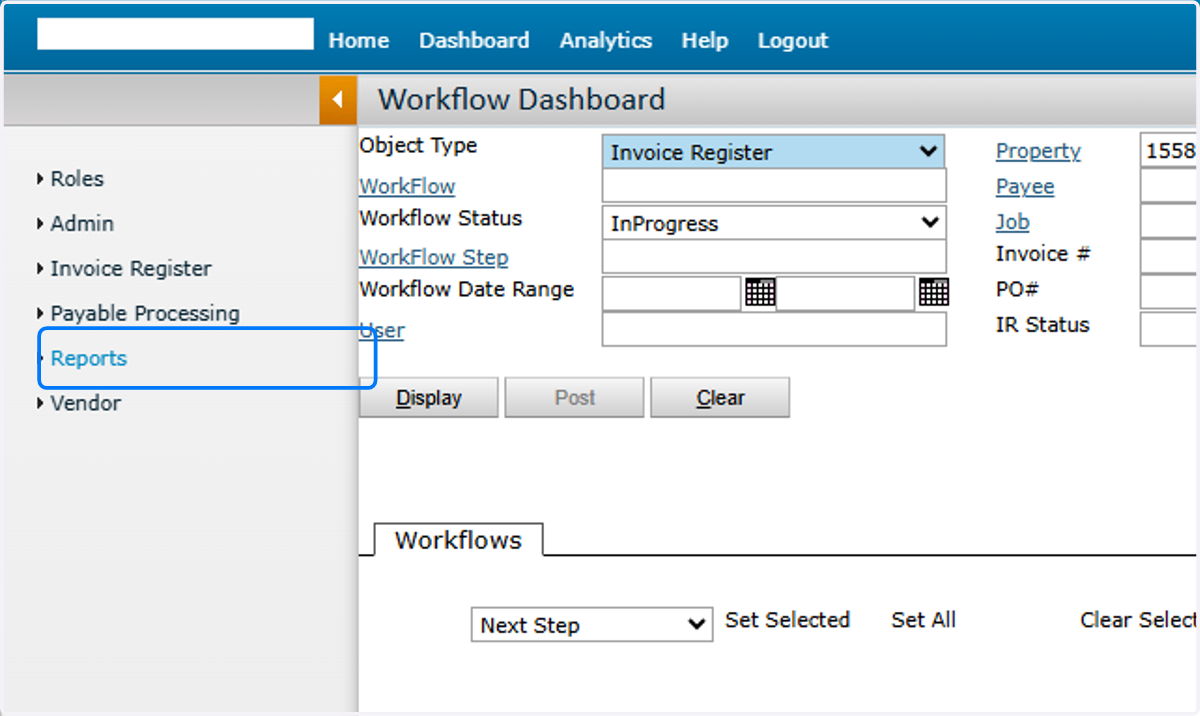
1. Click Reports
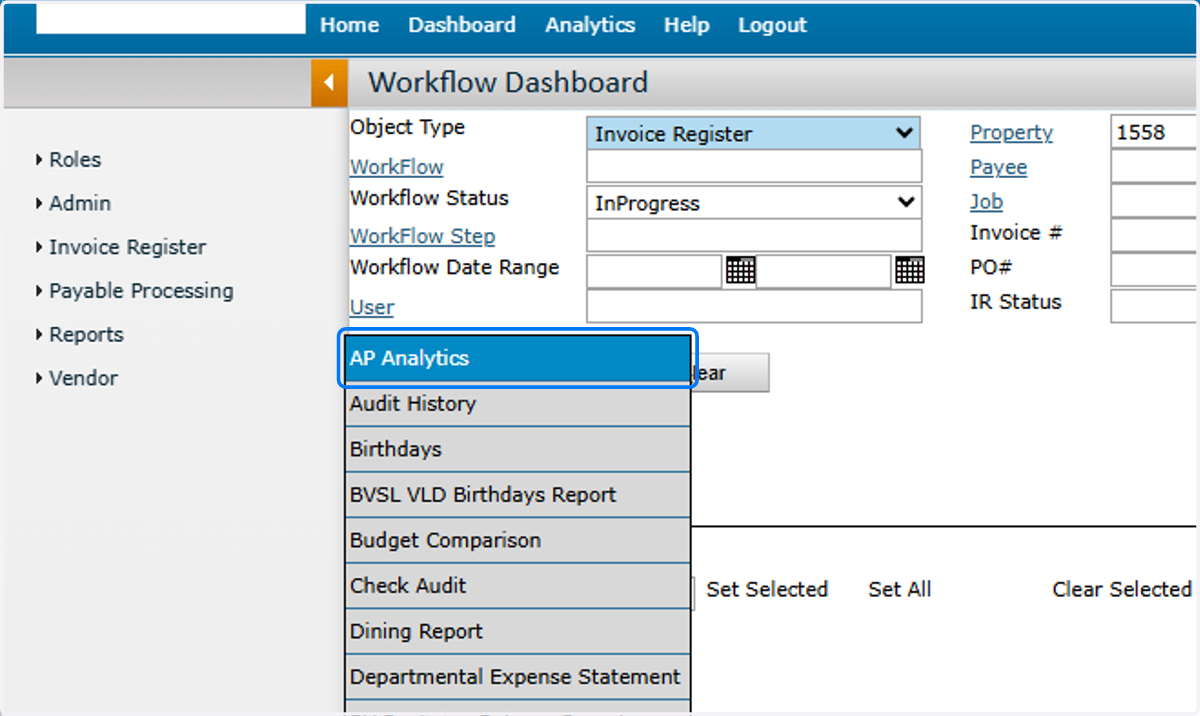
2. Click AP Analytics
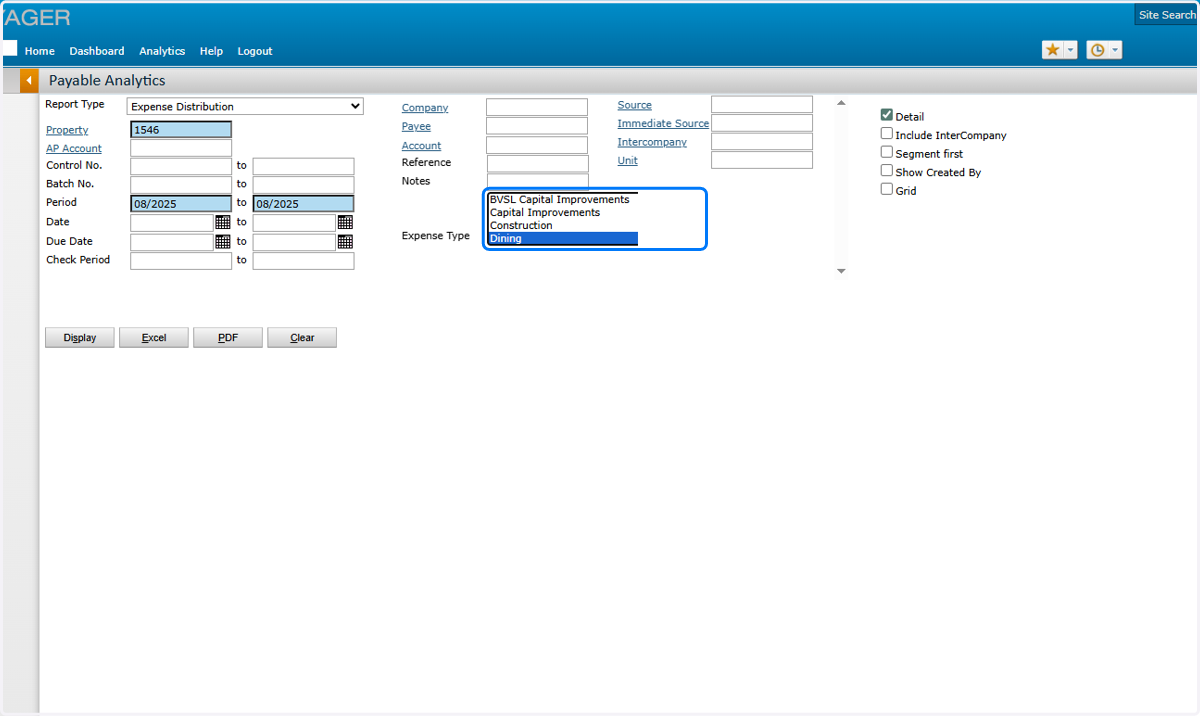
3. Select Filters
Report Type: Expense Distribution
Property: [your community code]
Period: [post month range]
Expense Type: [your department: Dining, G and A, Health Services, Maintenance, Major Improvements, Marketing and Sales, Programming Services, Wellspring Village]
Detail: Checked
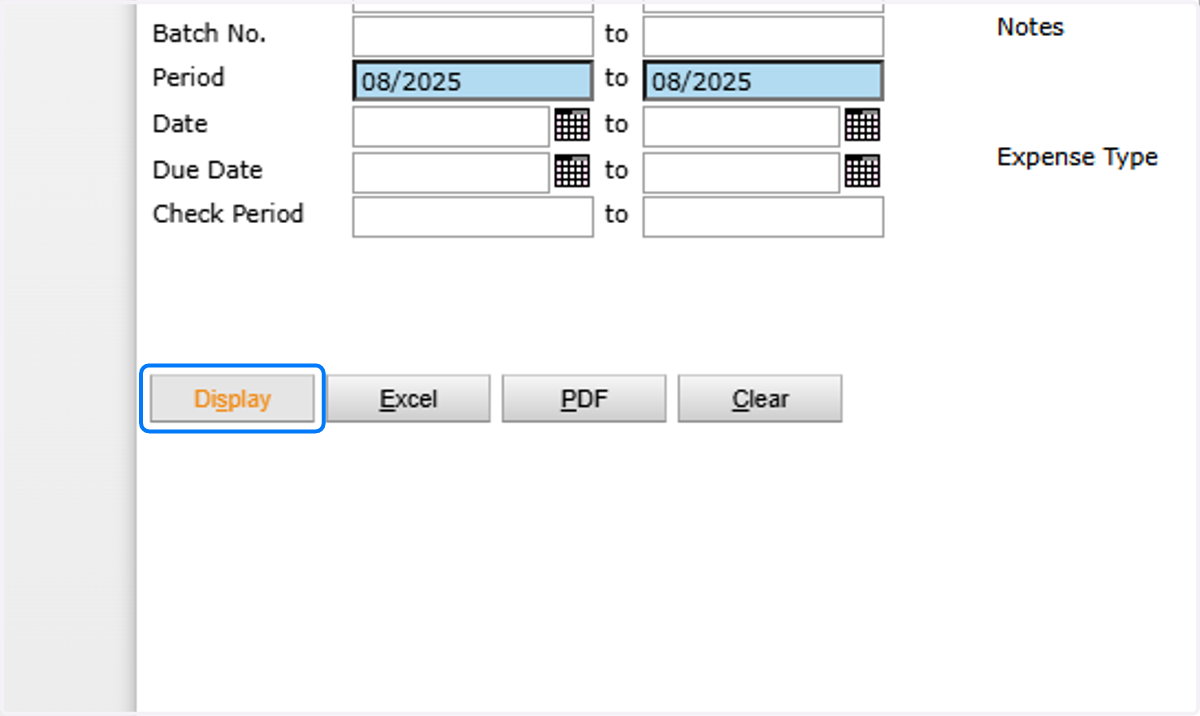
4. Click Display
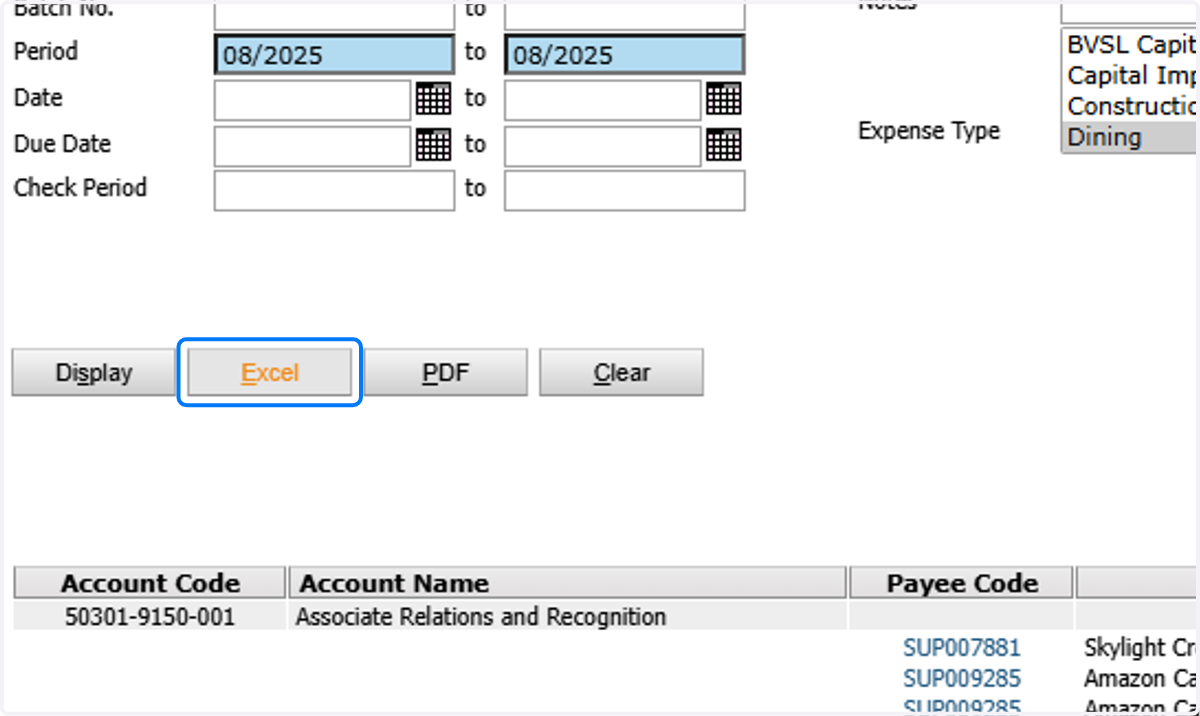
5. Results will display below
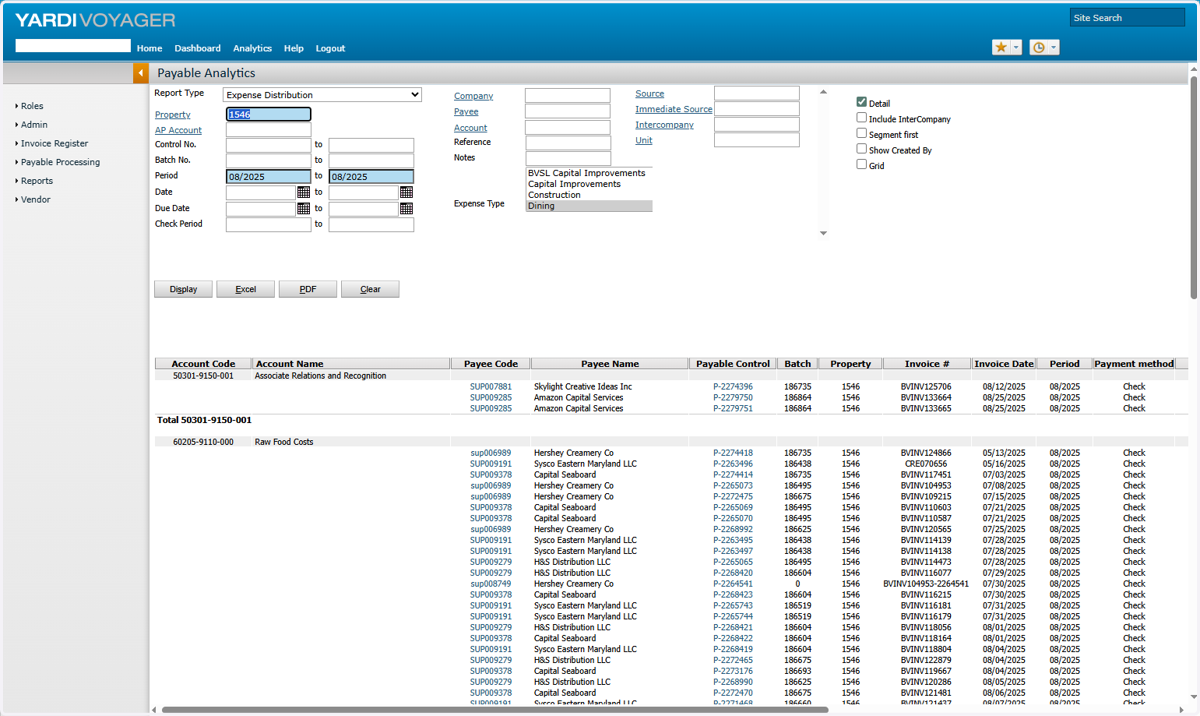
6. Click Excel to export report