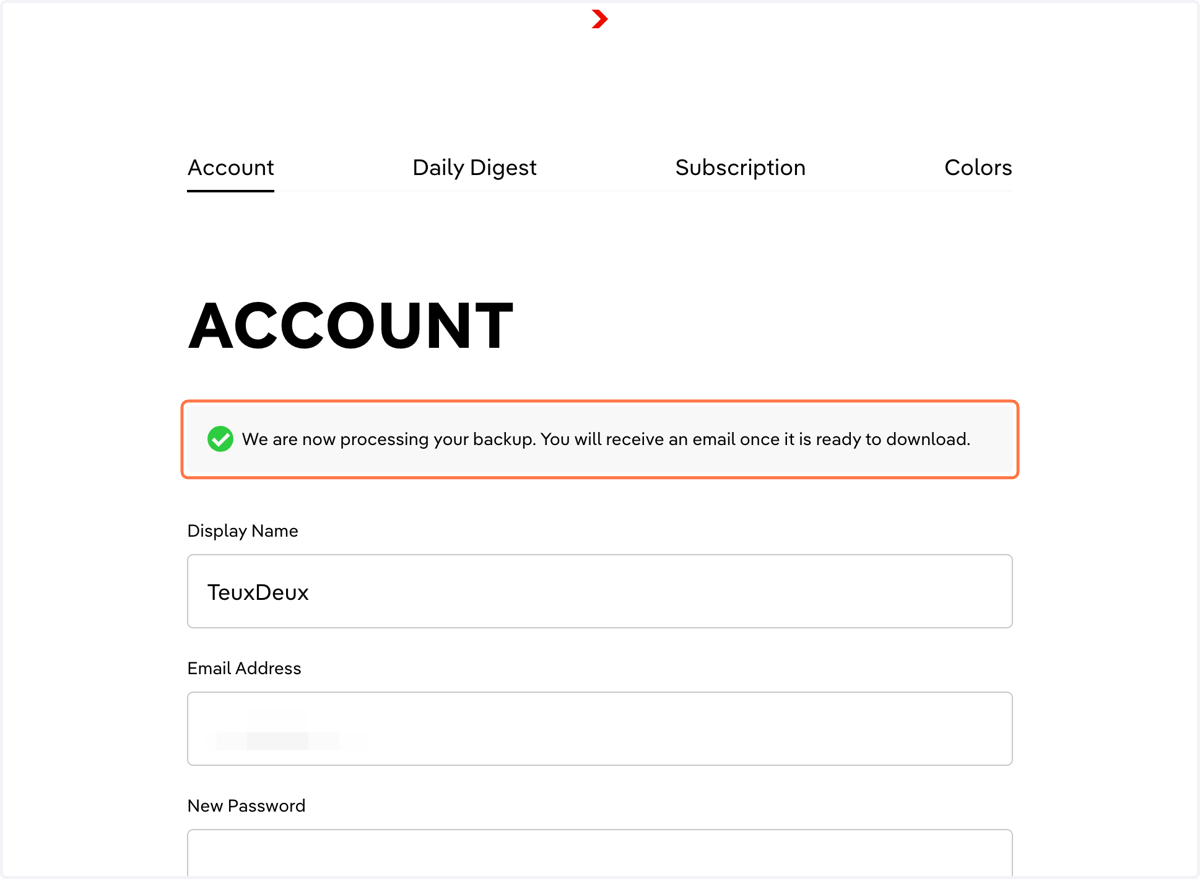
Request a Backup of your TeuxDeux account
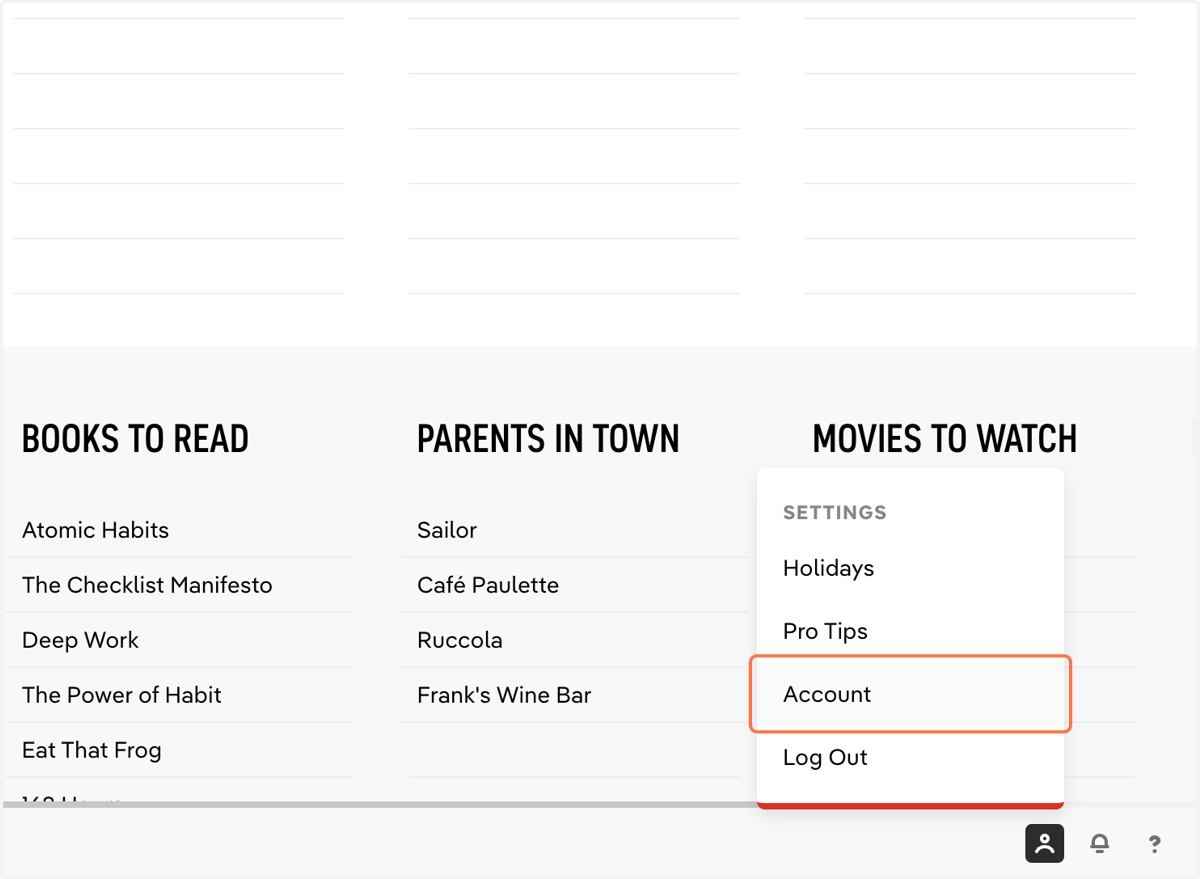
1. Click Settings > Account
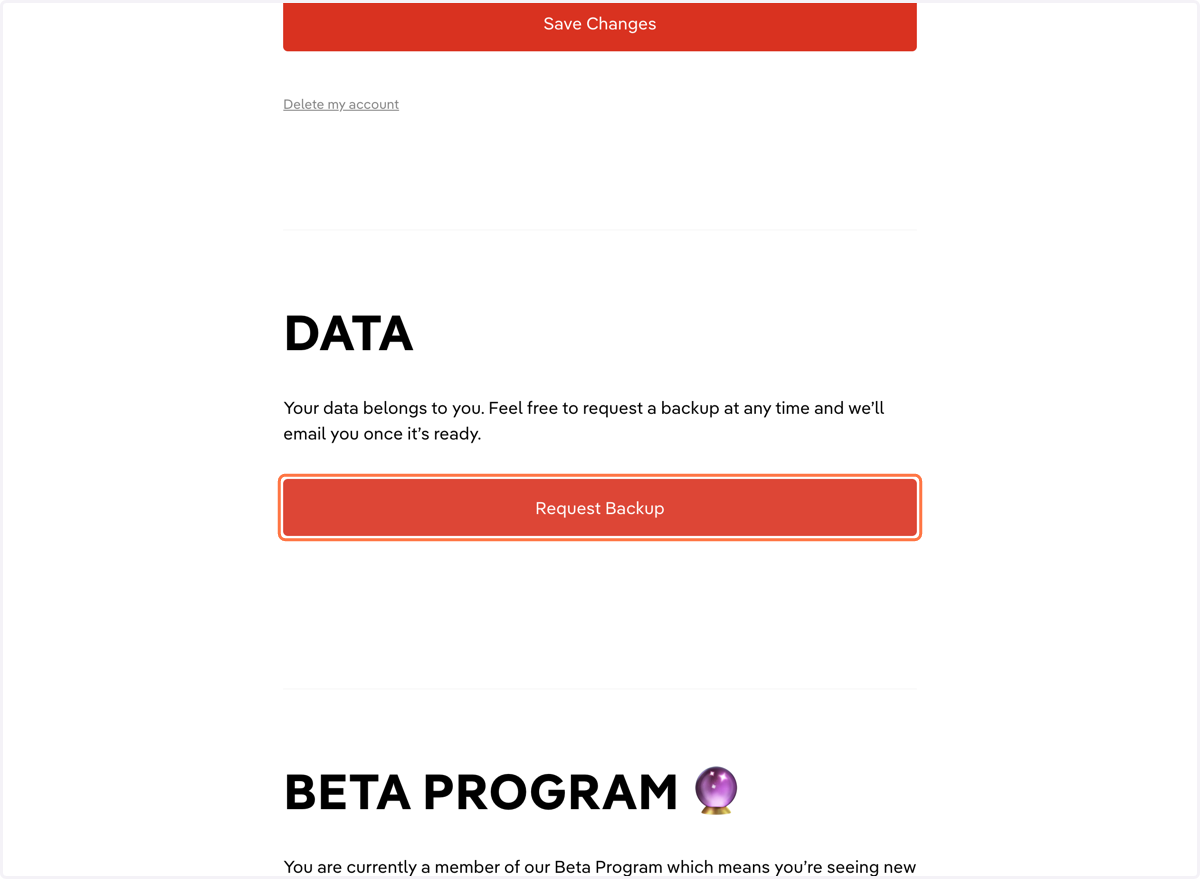
2. Scroll down and click 'Request Backup'
3. You'll receive a zip file with your backup in JSON and CSV format containing all complete and incomplete to-dos. Deleted items are not included.