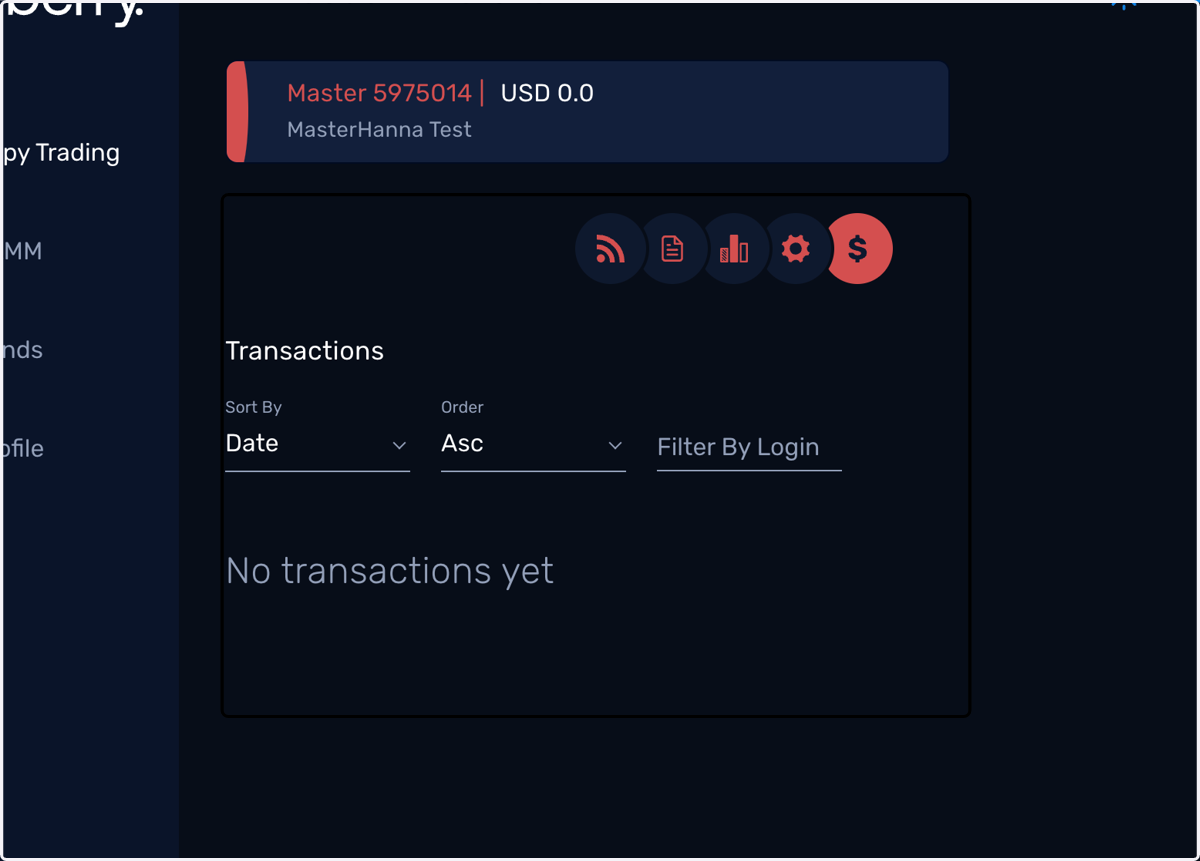
Navigating the Master account setting in Blueberry Copy
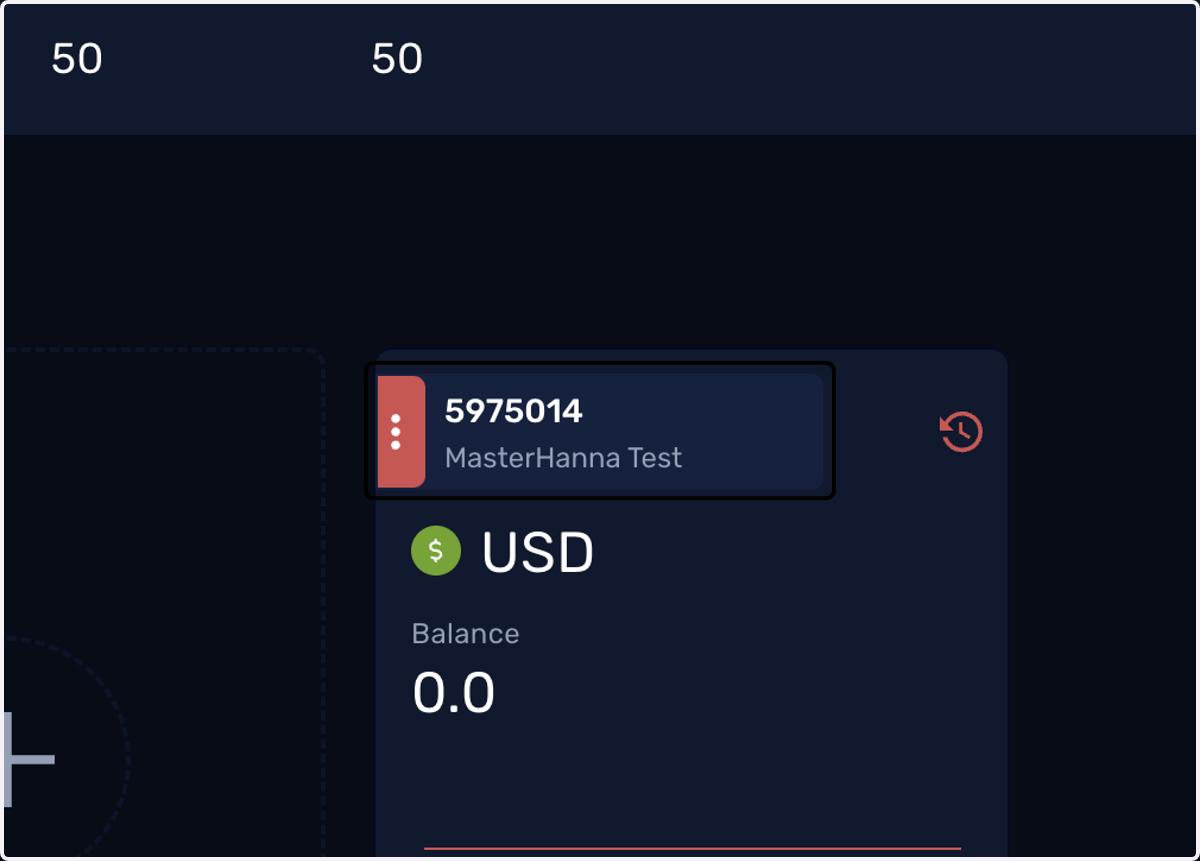
1. Hover to your Master account and click on the three red dots
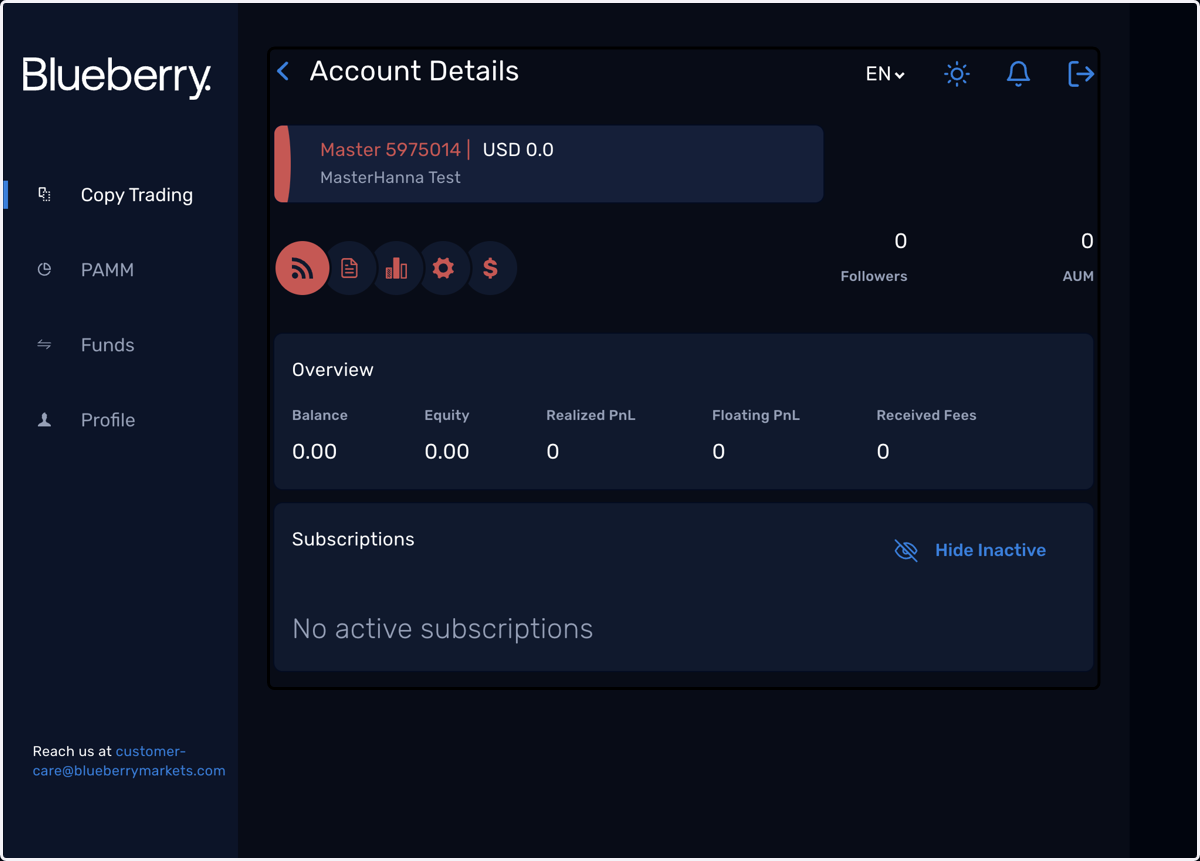
2. You'll land on Account Details which gives an overview of your account
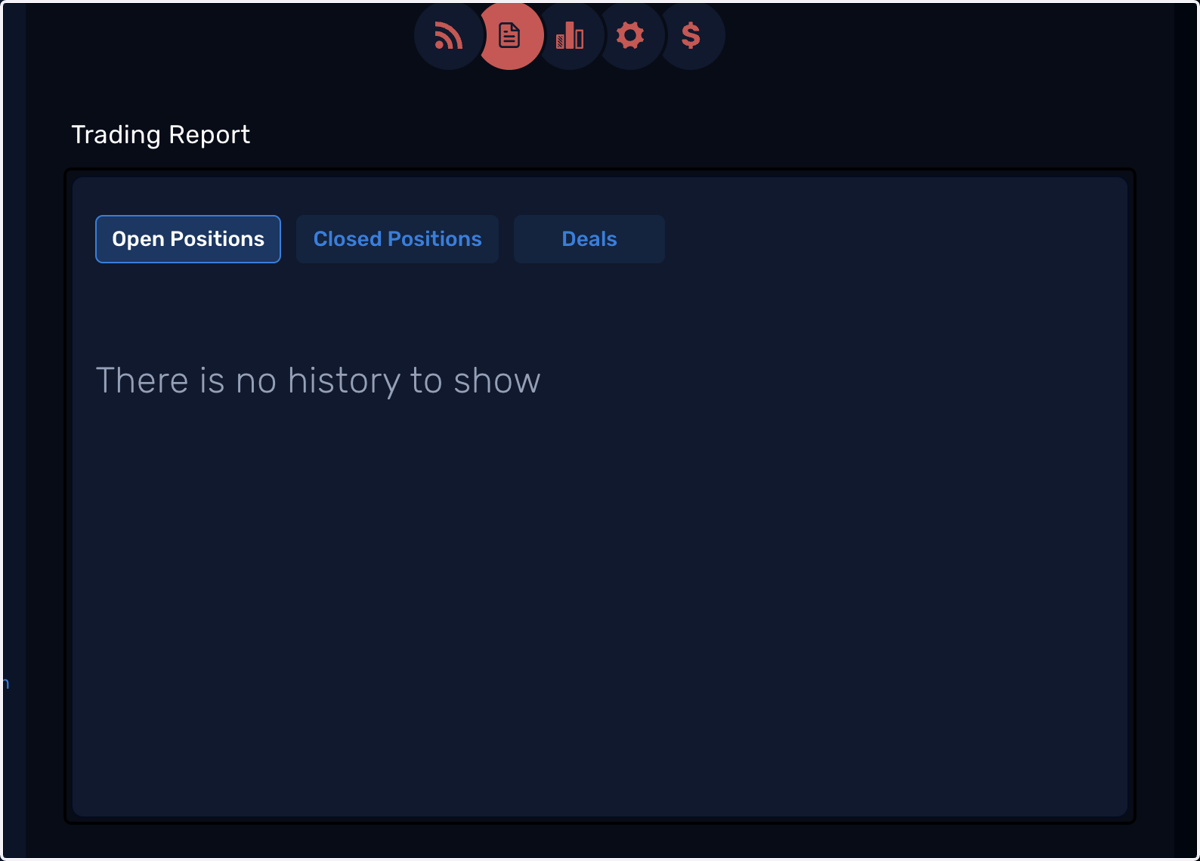
3. Trading Report shows your trading history
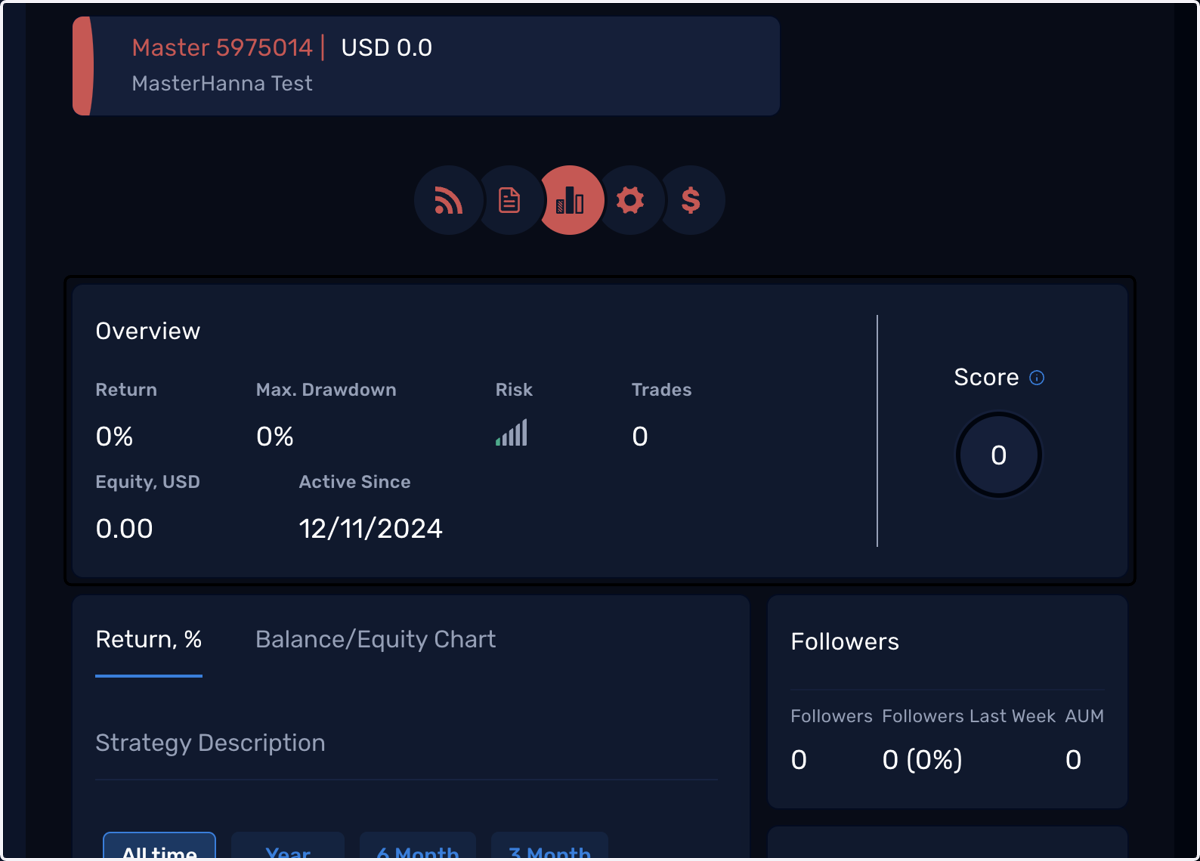
4. Statistics will display your account's performance
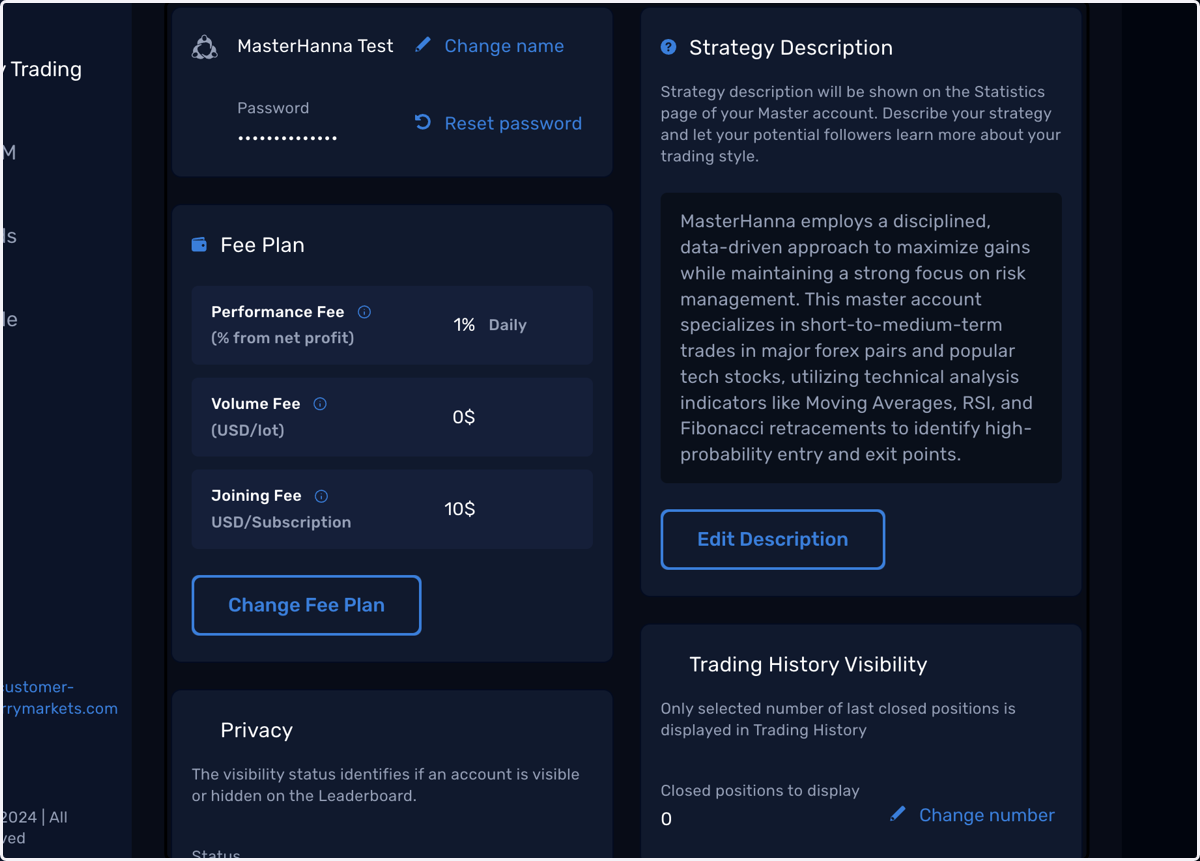
5. The Settings page allows you to make changes to your account setup
6. The last tab displays your fee payment history