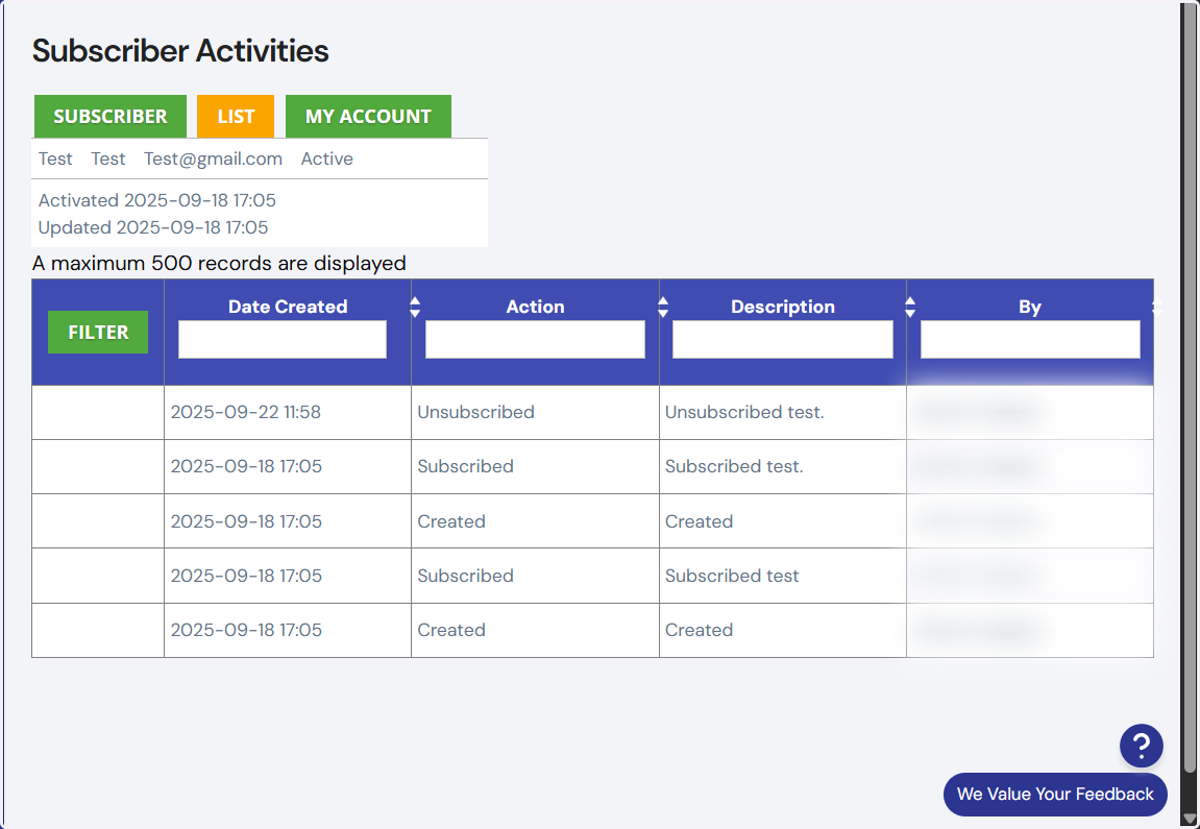
Subscribers Activities
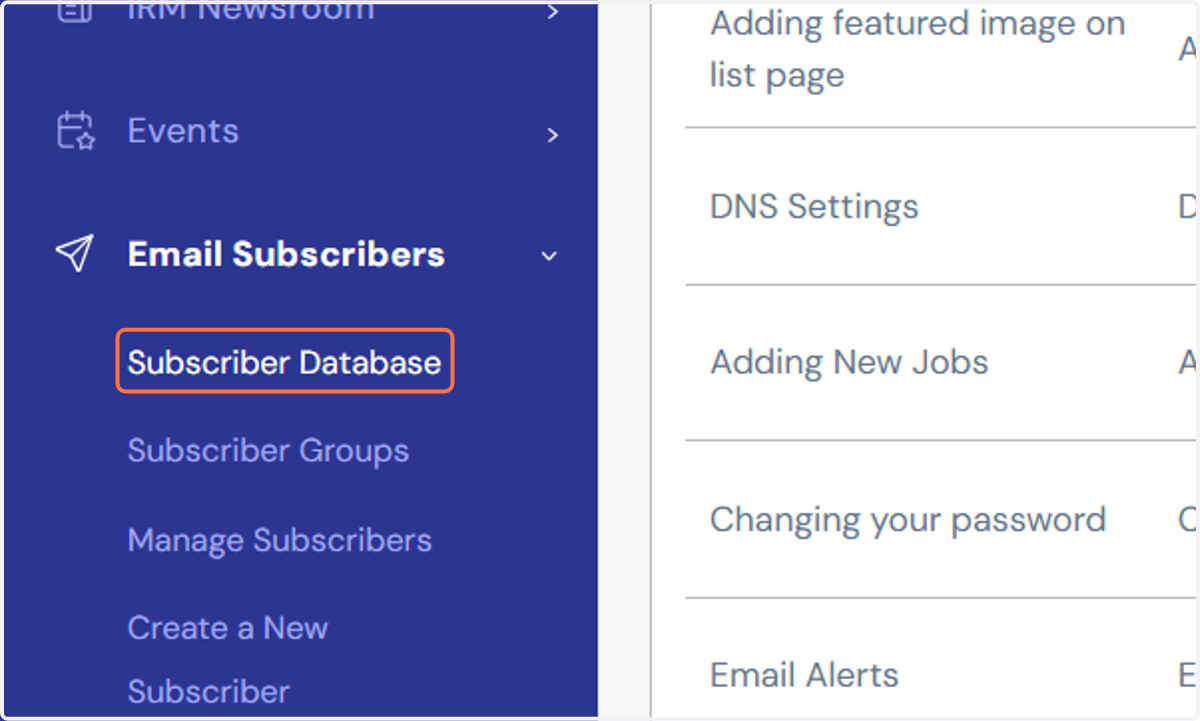
1. Navigate to Email Subscribers in the main menu.
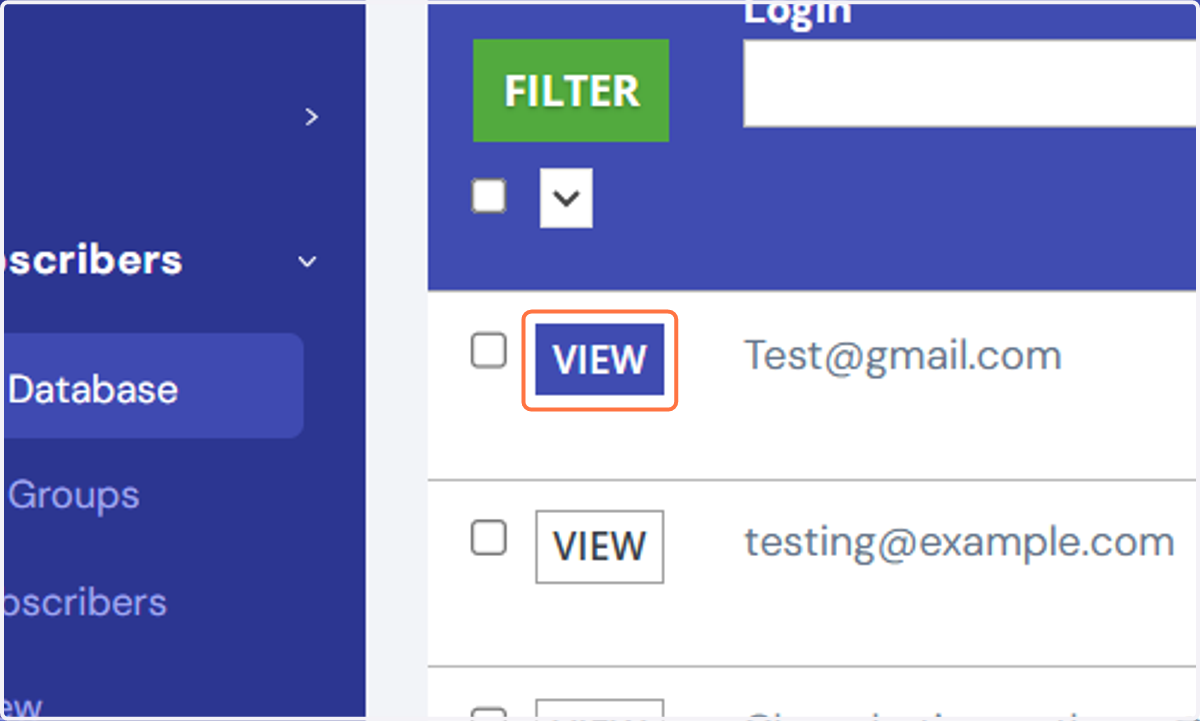
2. Click on the VIEW button next to the relevant subscriber record.
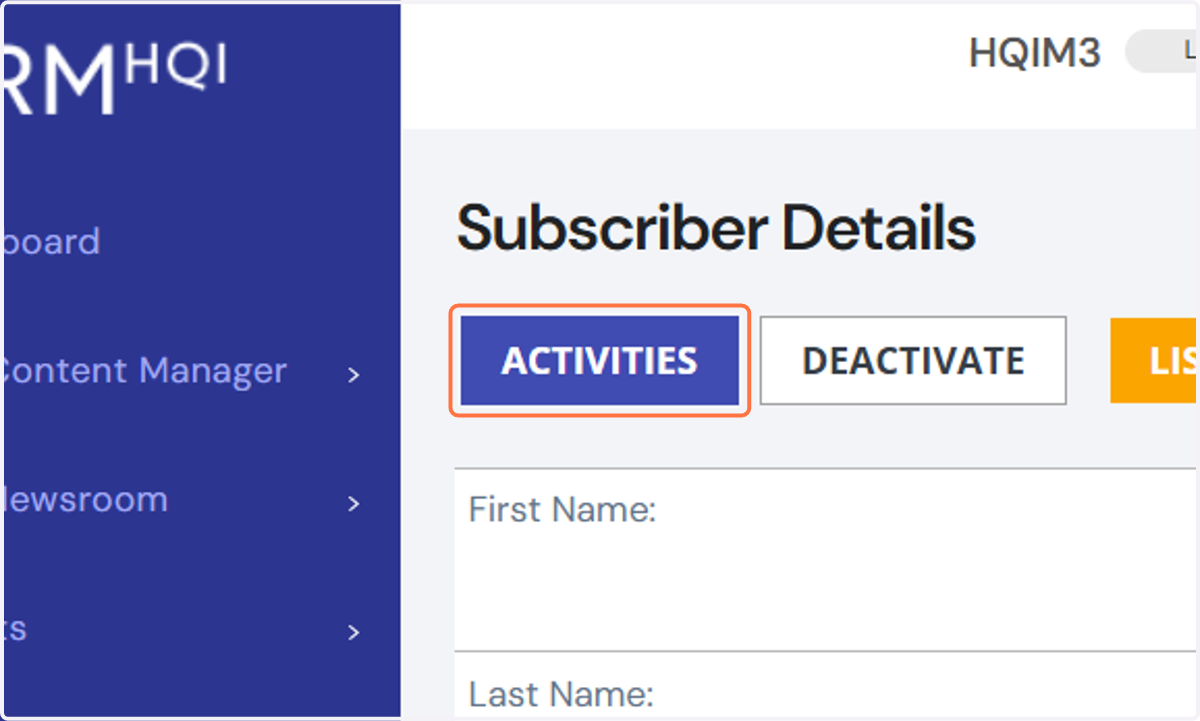
3. In the subscriber details page, click on the Activities tab to view recent activity.
4. You should now be able to view the subscribers activities.