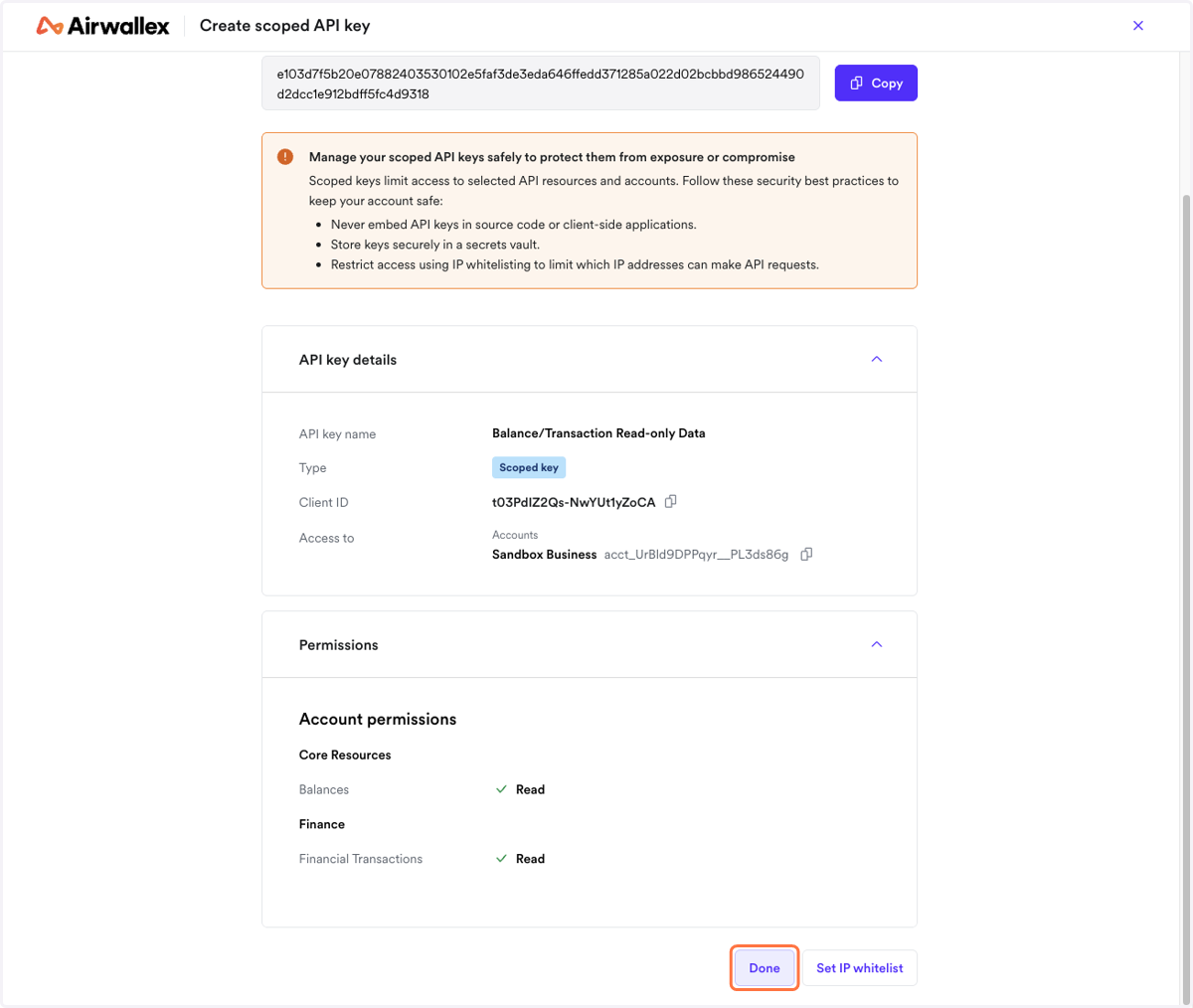
Get API keys from Airwallex
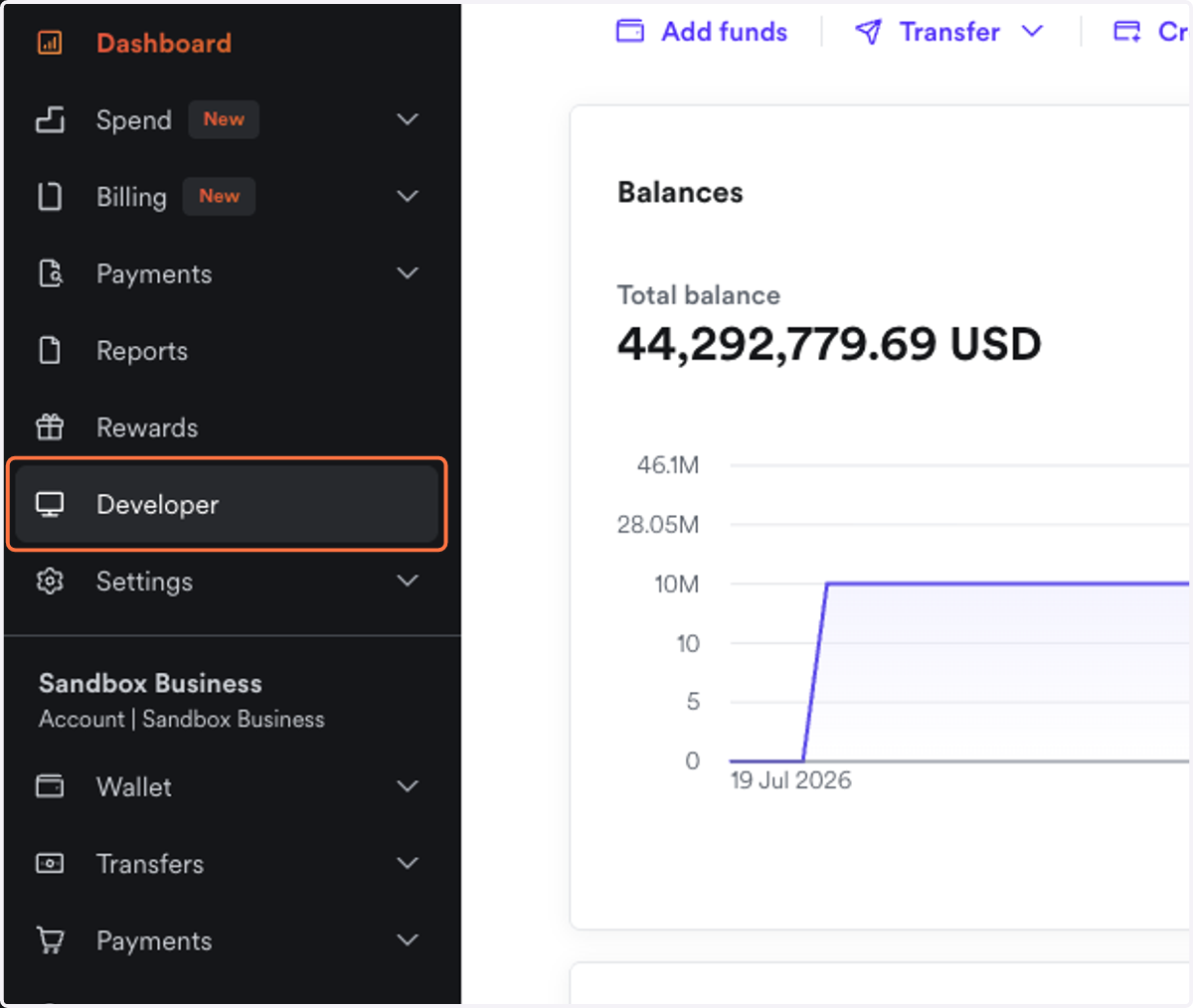
1. Login to your Airwallex Account & click on Developer
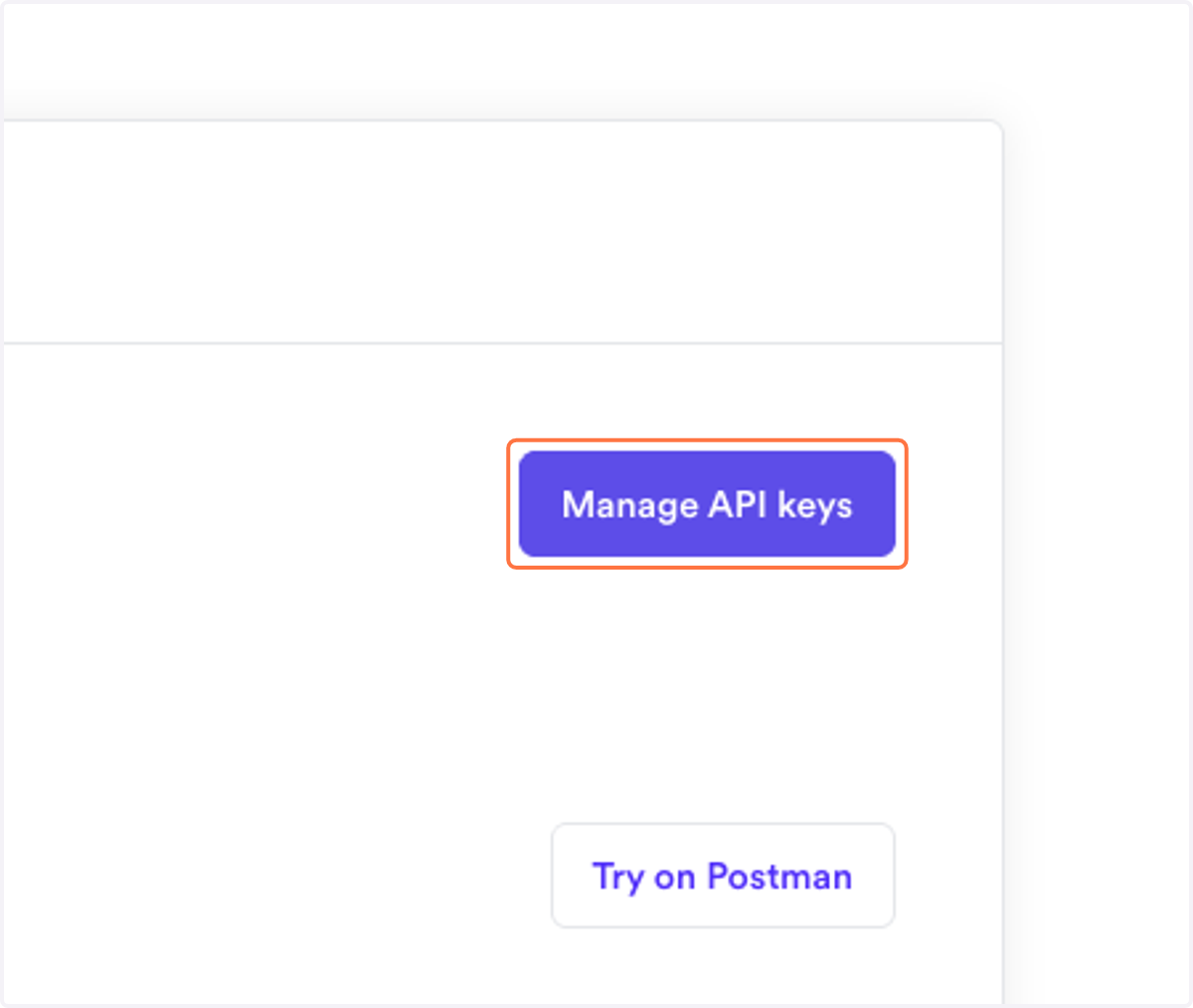
2. Click on Manage API keys
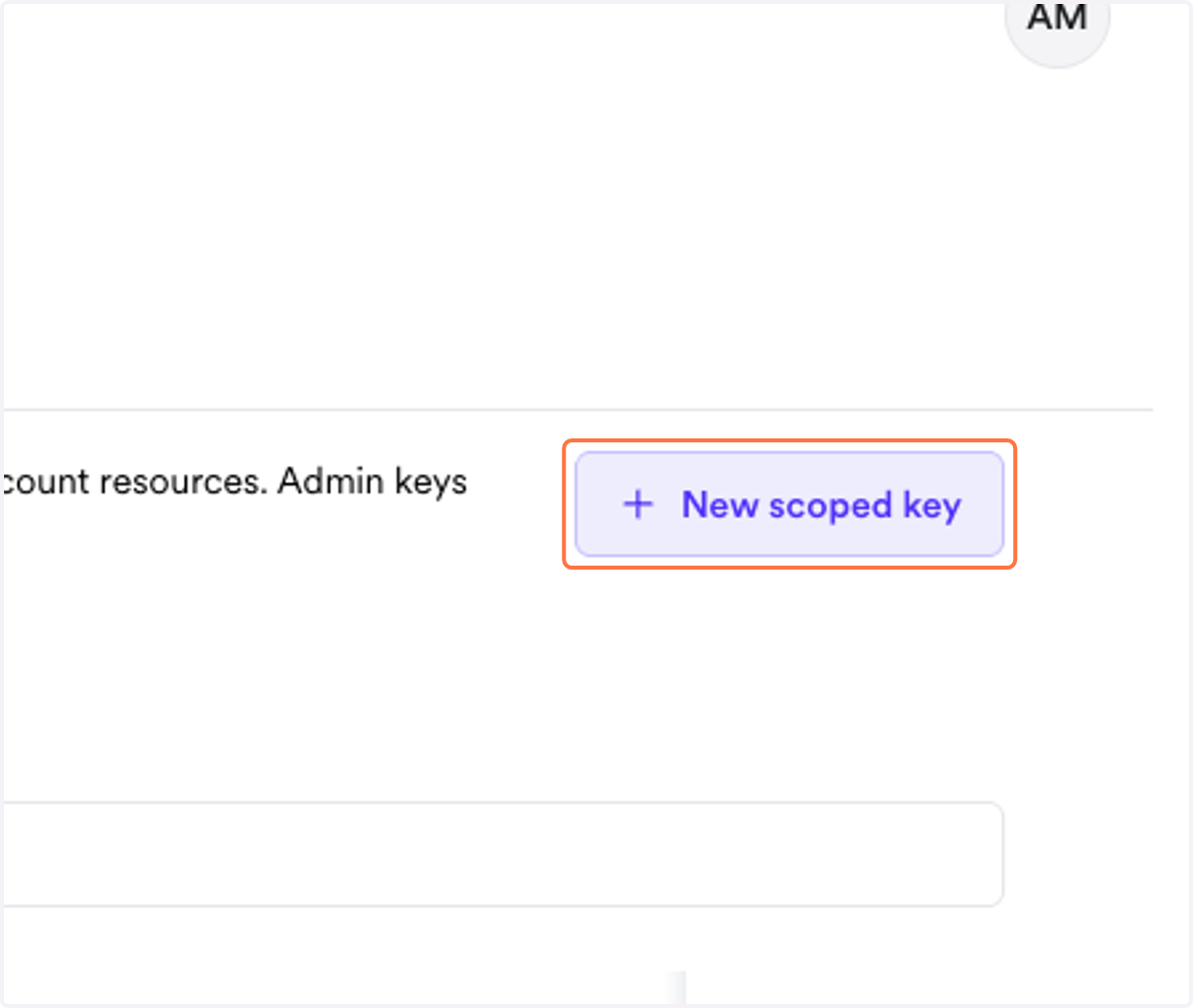
3. Click on New scoped key
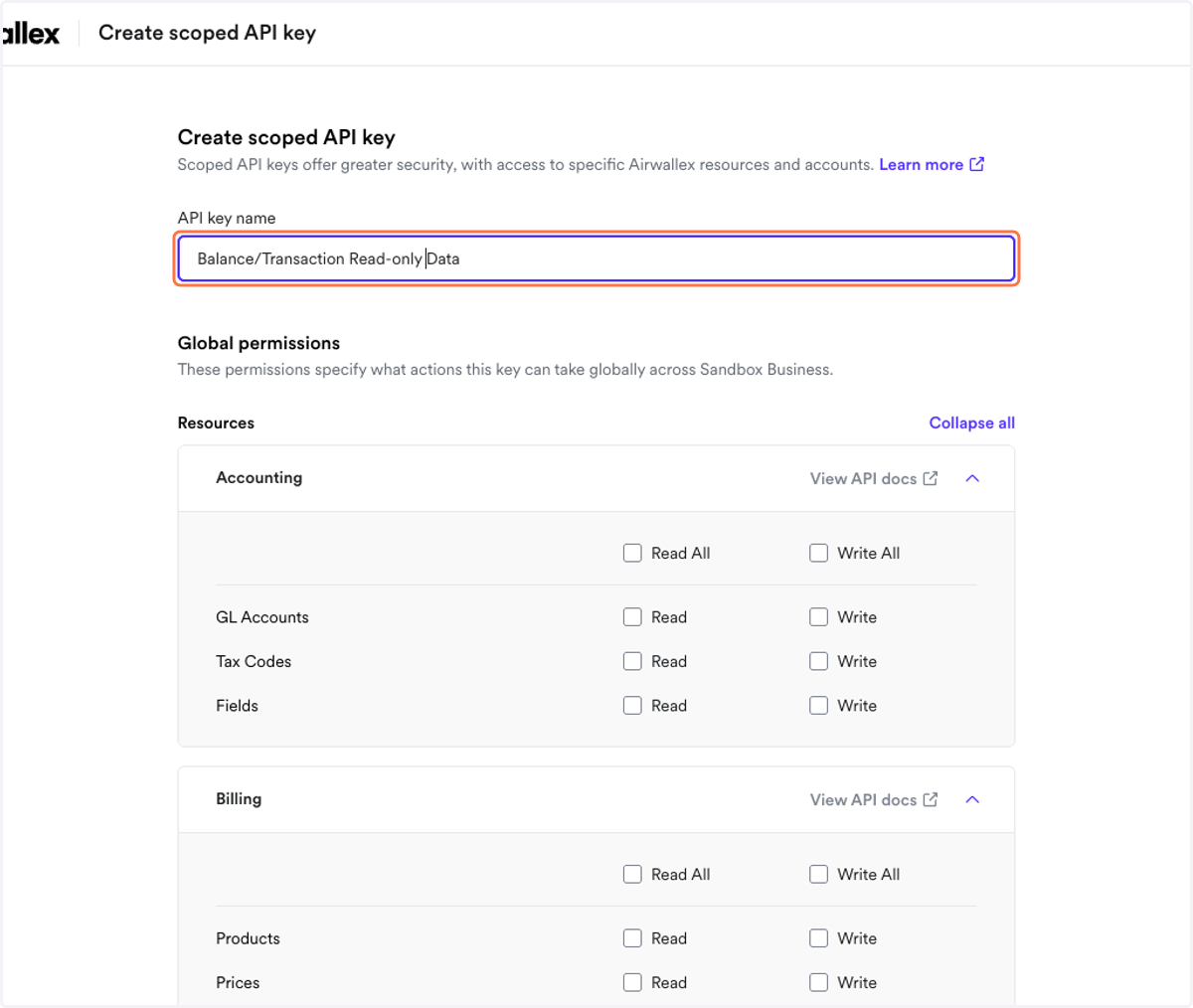
4. Give a name for the API key
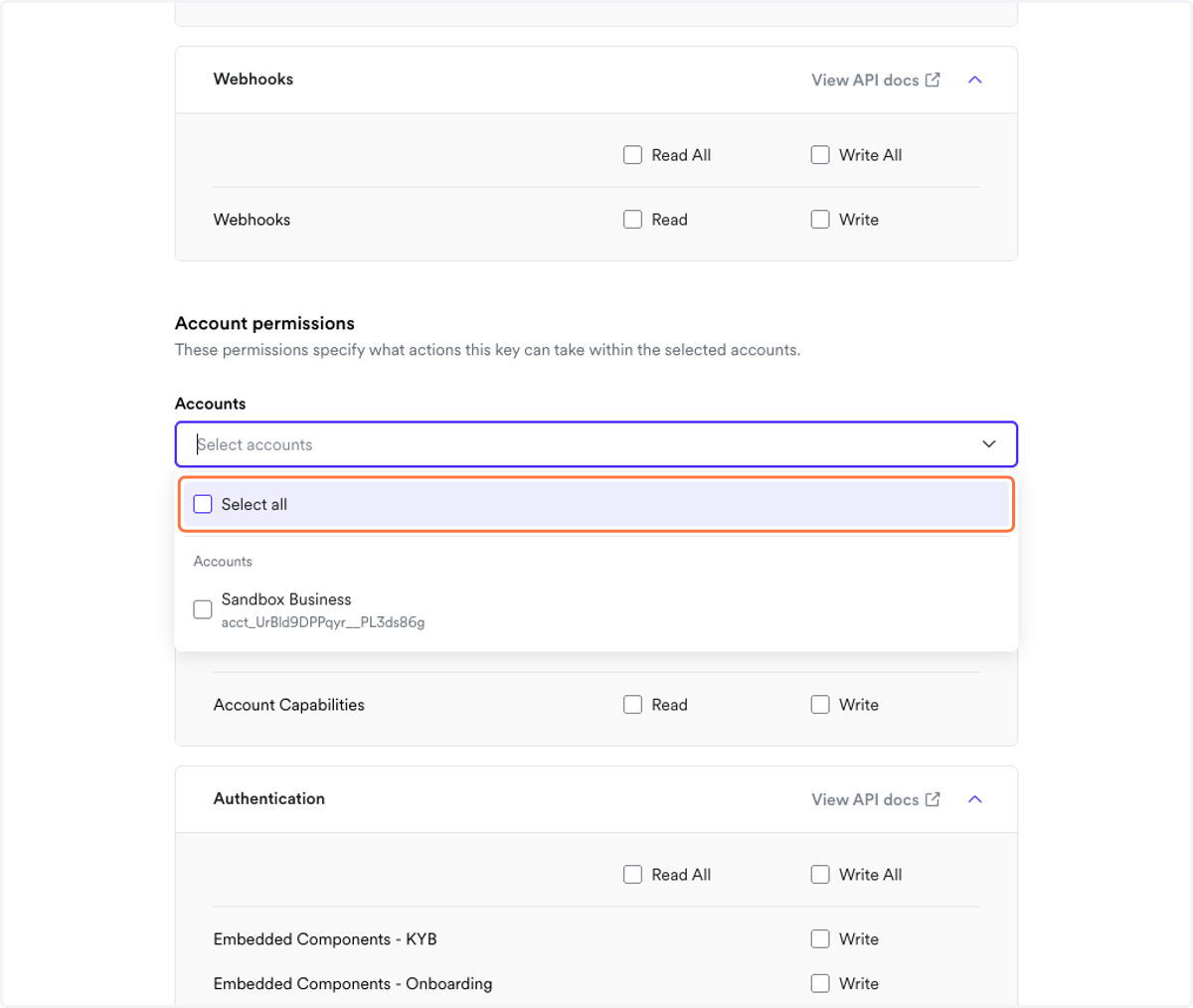
5. Choose the Accounts that you wish to give Finmo access to
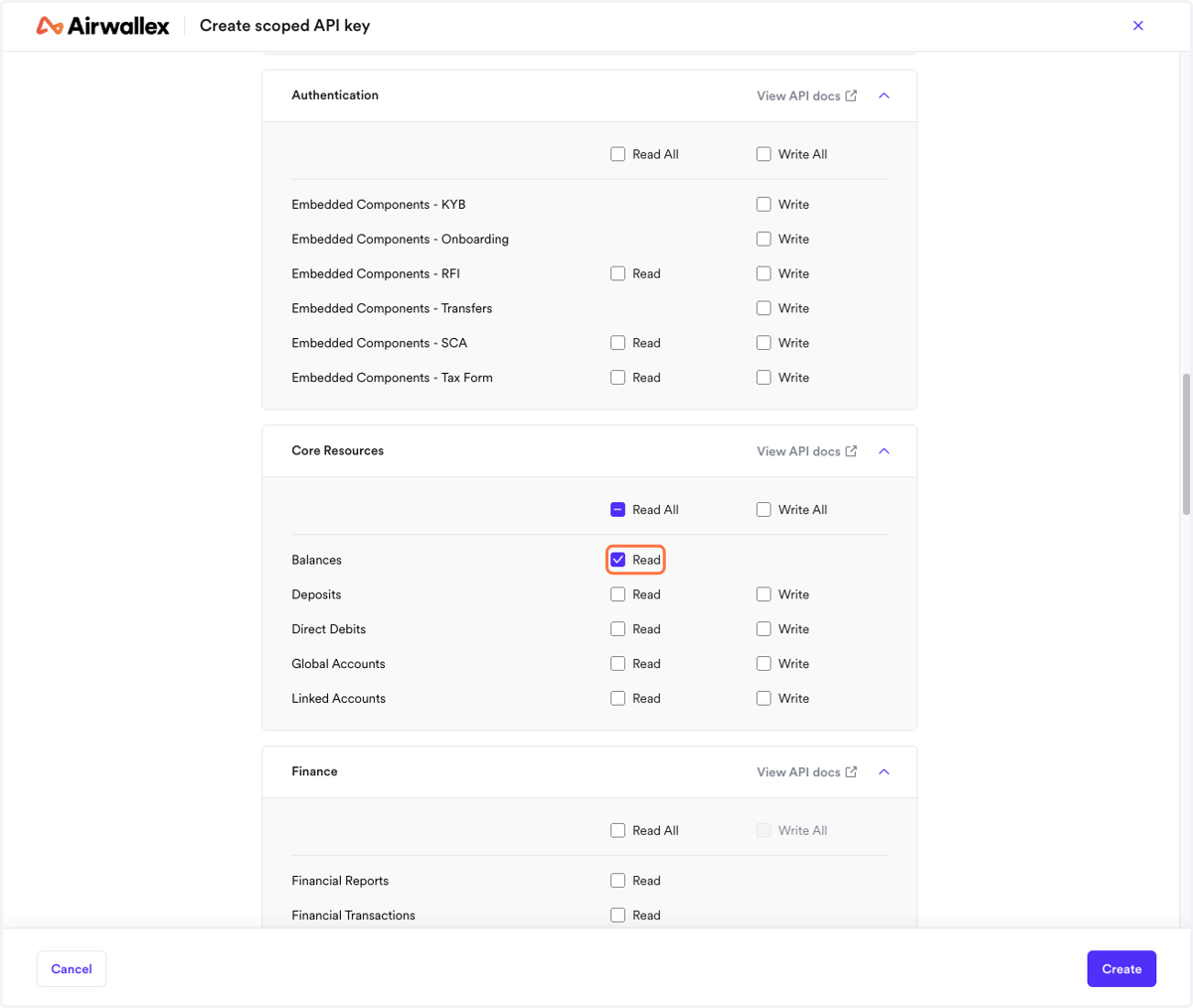
6. Select "Read" against "Balances" under "Core Resources"
7. Select "Read" against "Financial Transactions" under "Finance"
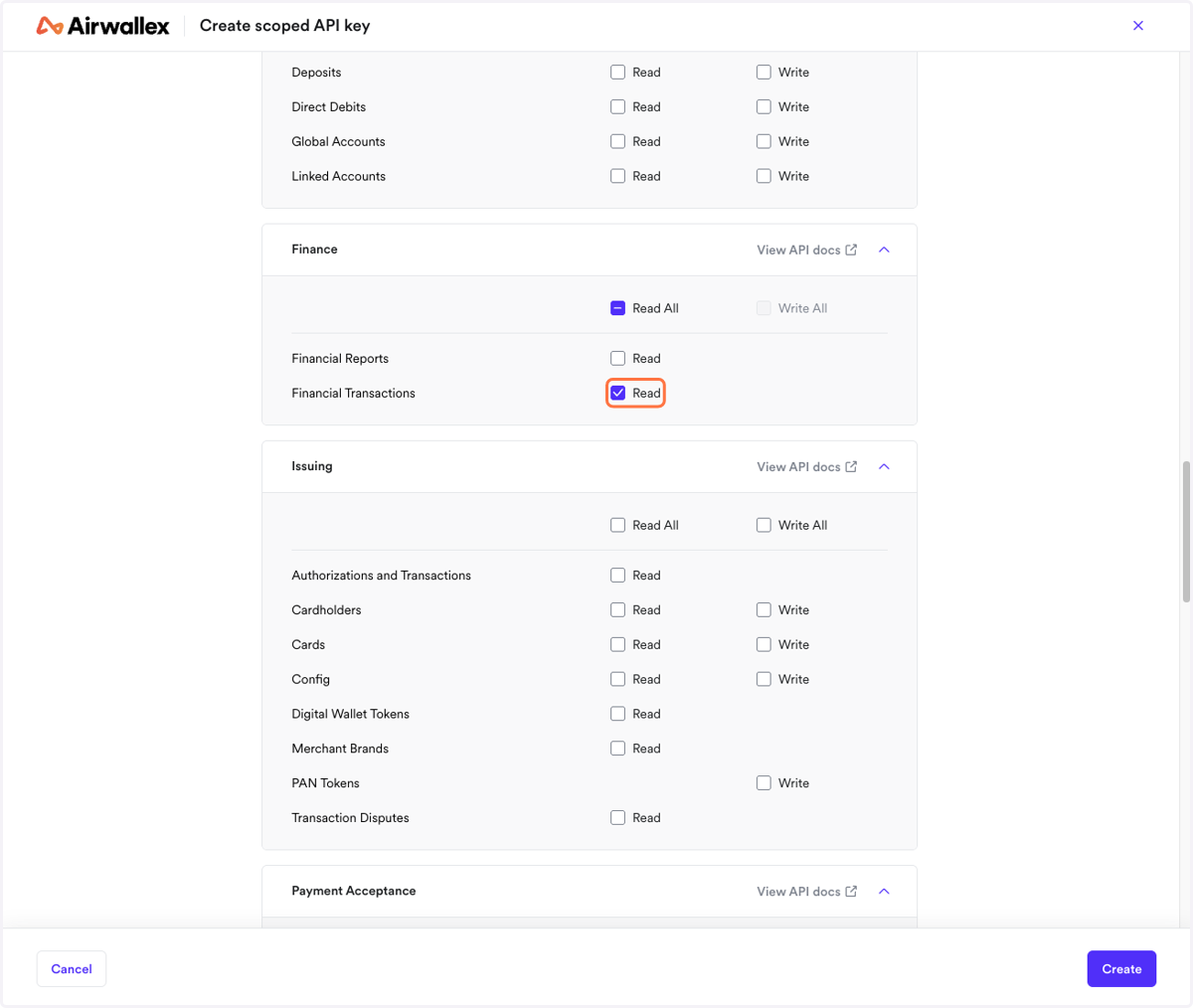
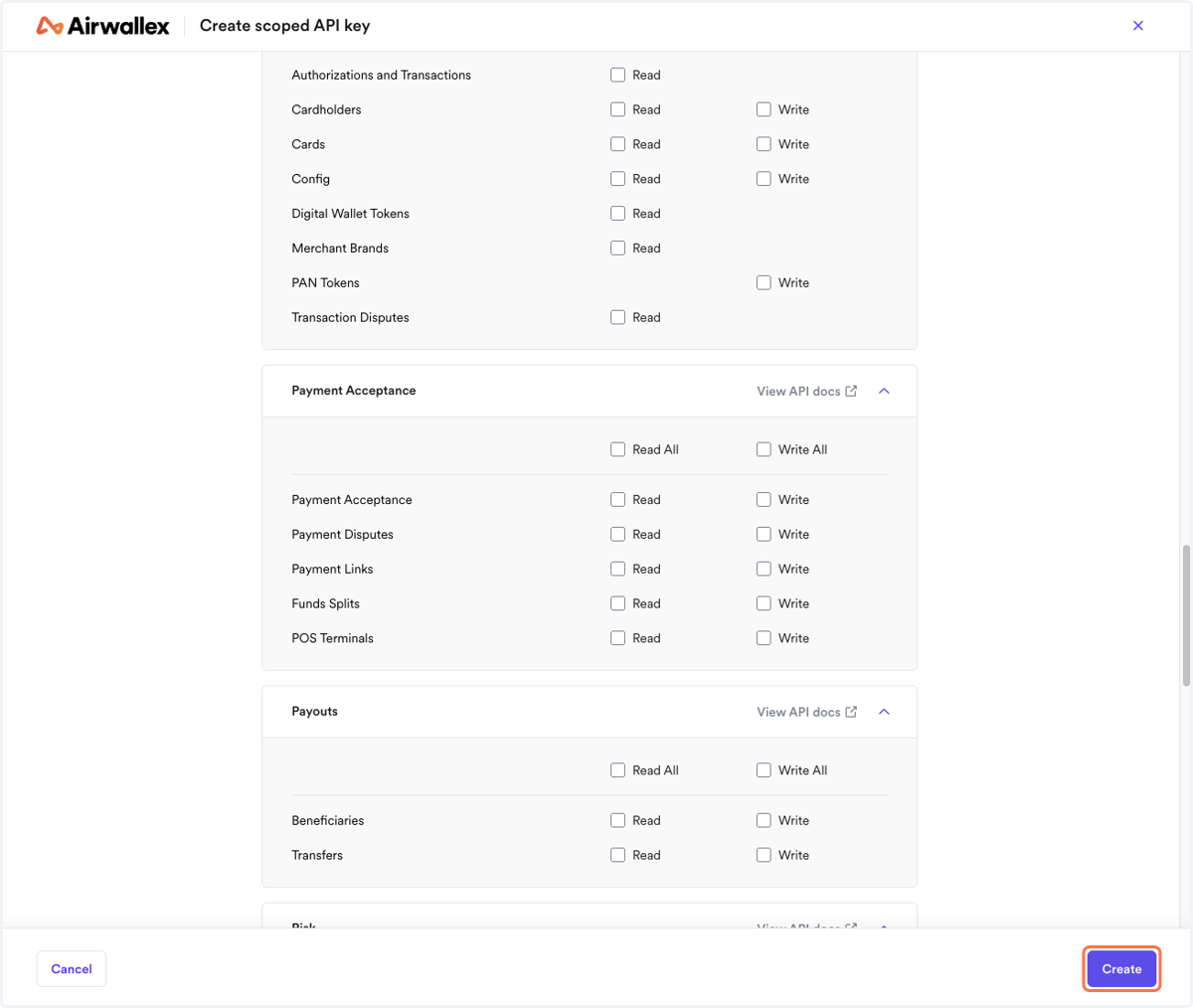
8. Once these two scopes are selected, then click on "Create"
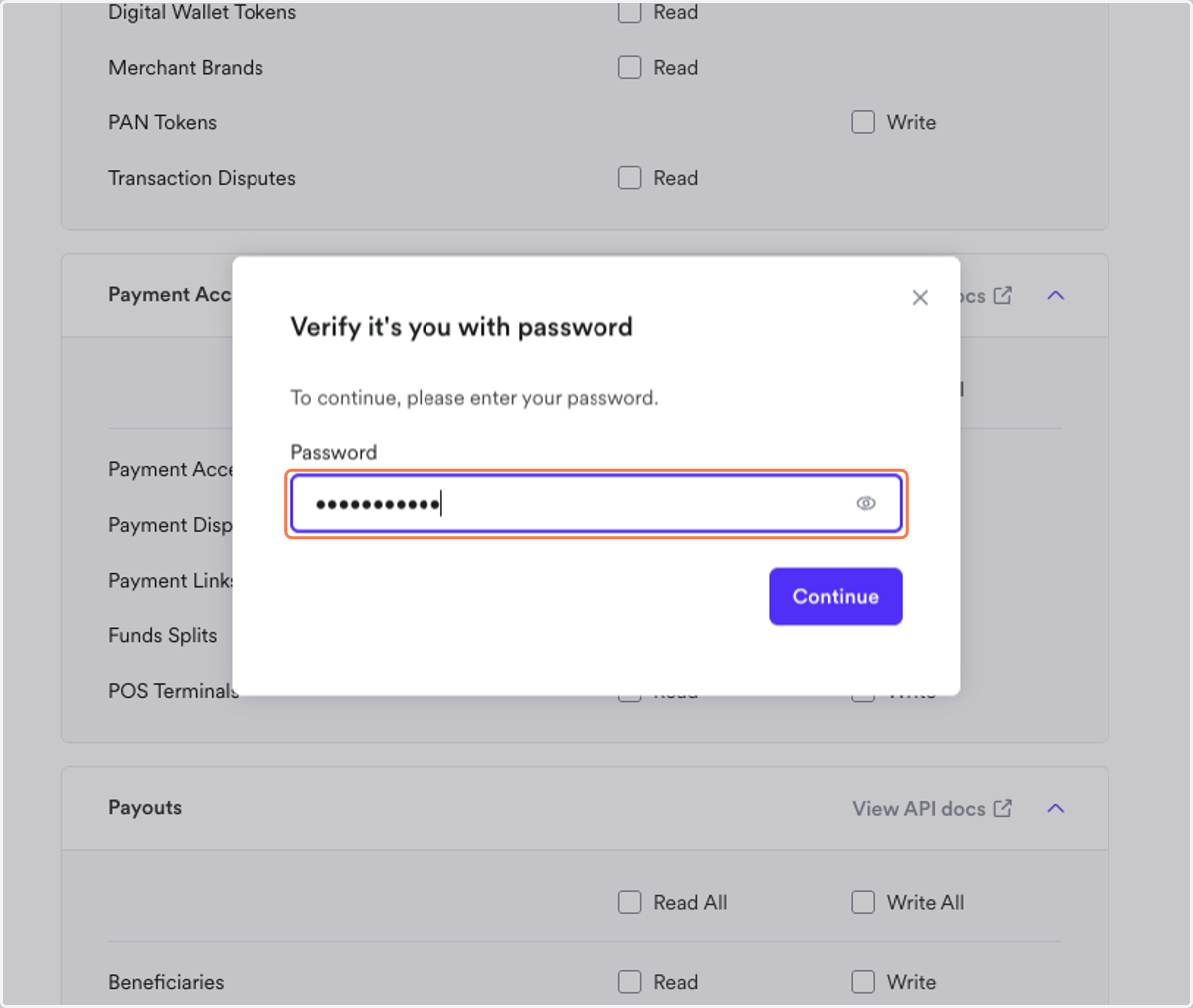
9. You will have to re-enter your password
10. Once created, do store the API keys securely as it will not be visible again.
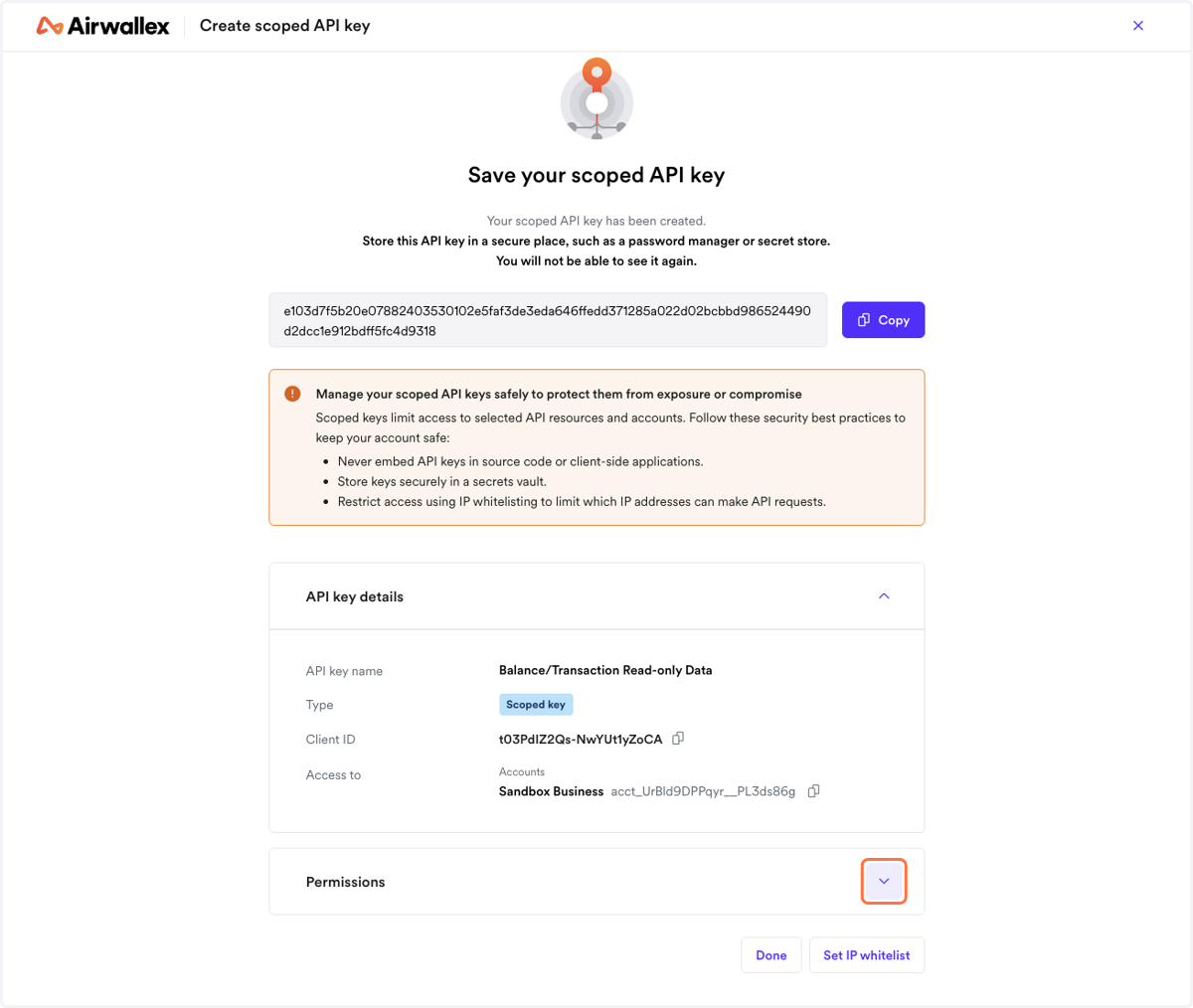
11. Once Done, share the "Client ID" and "API keys" with Finmo.