Reset your Password From Login
Okta
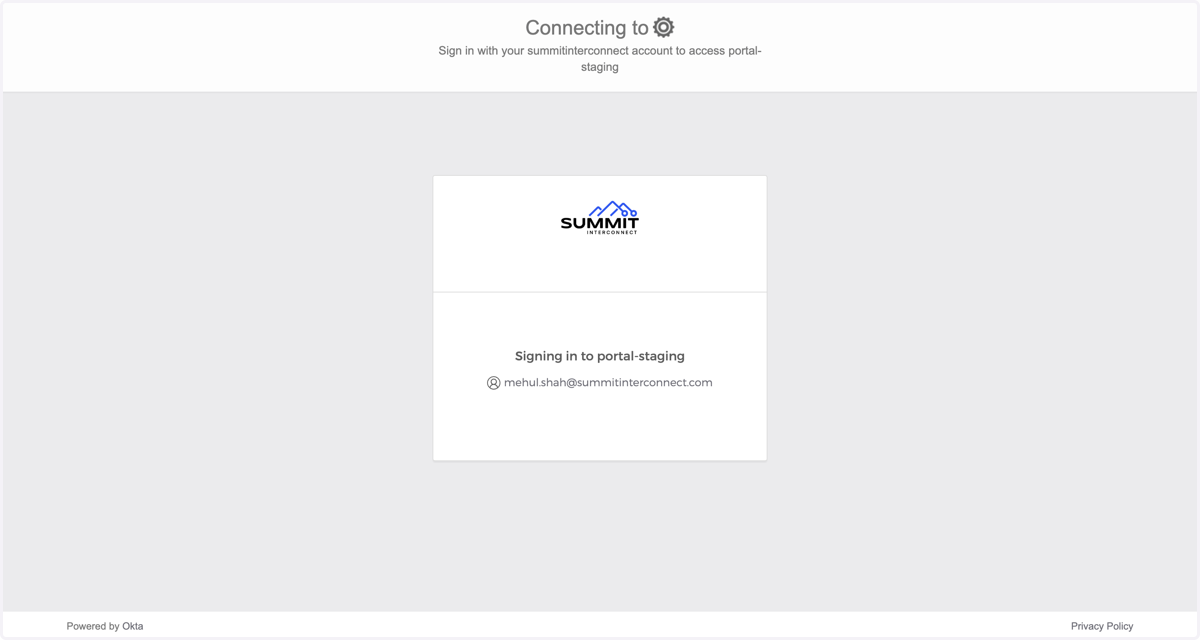
1. Go to https://portal.summitinterconnect.com
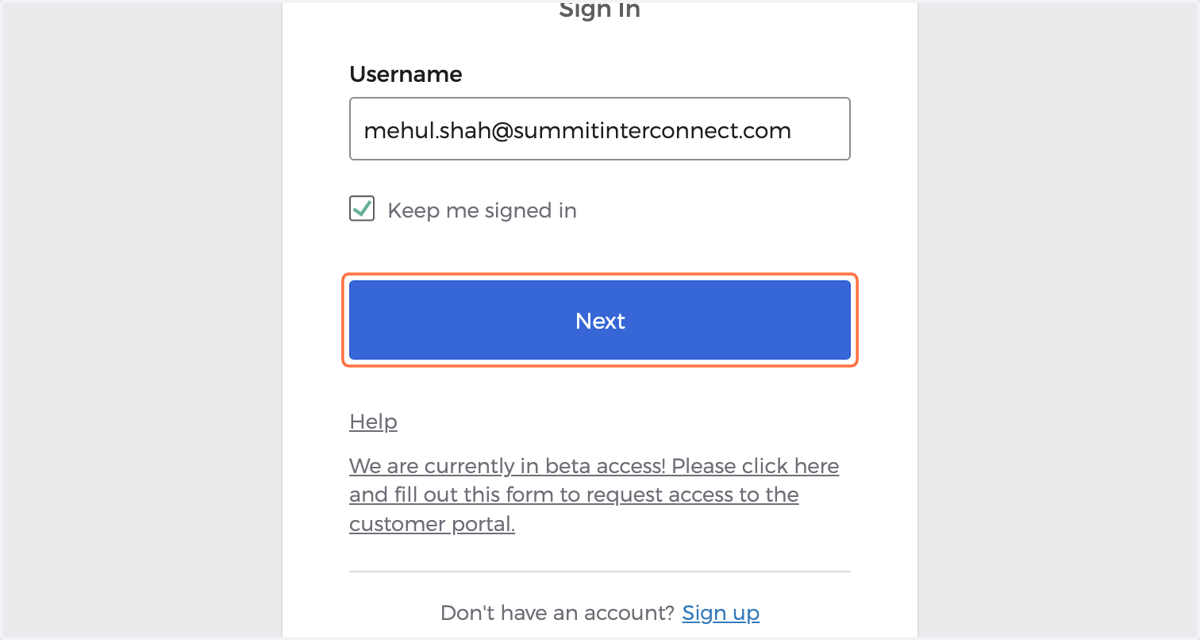
2. Enter your username and click Next
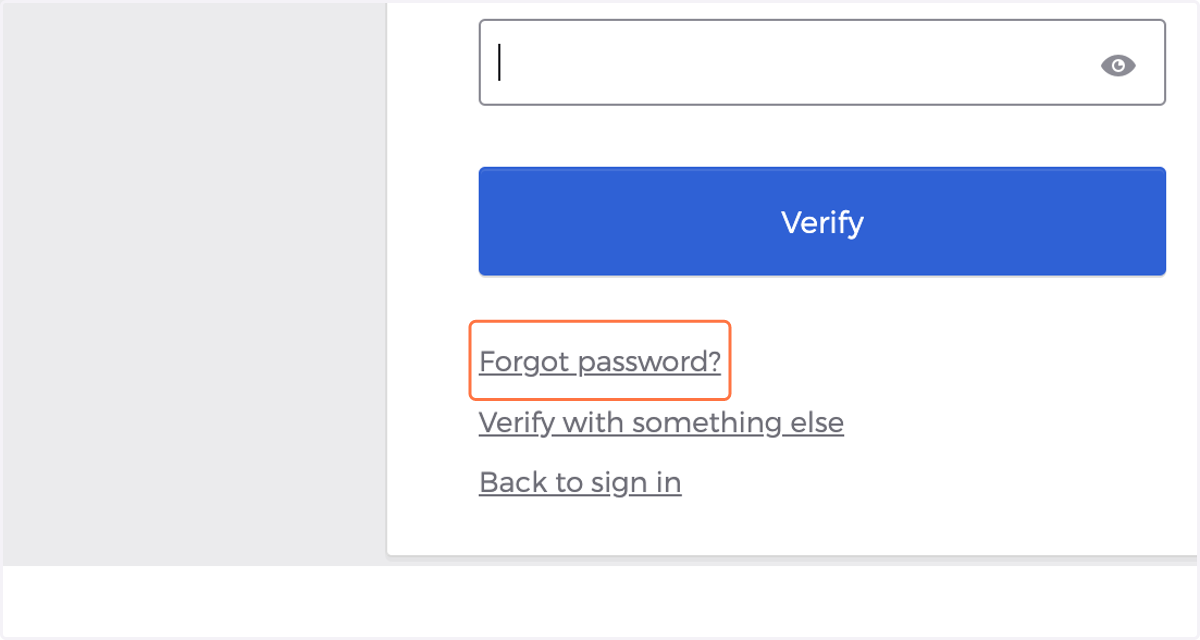
3. Click on Forgot password?
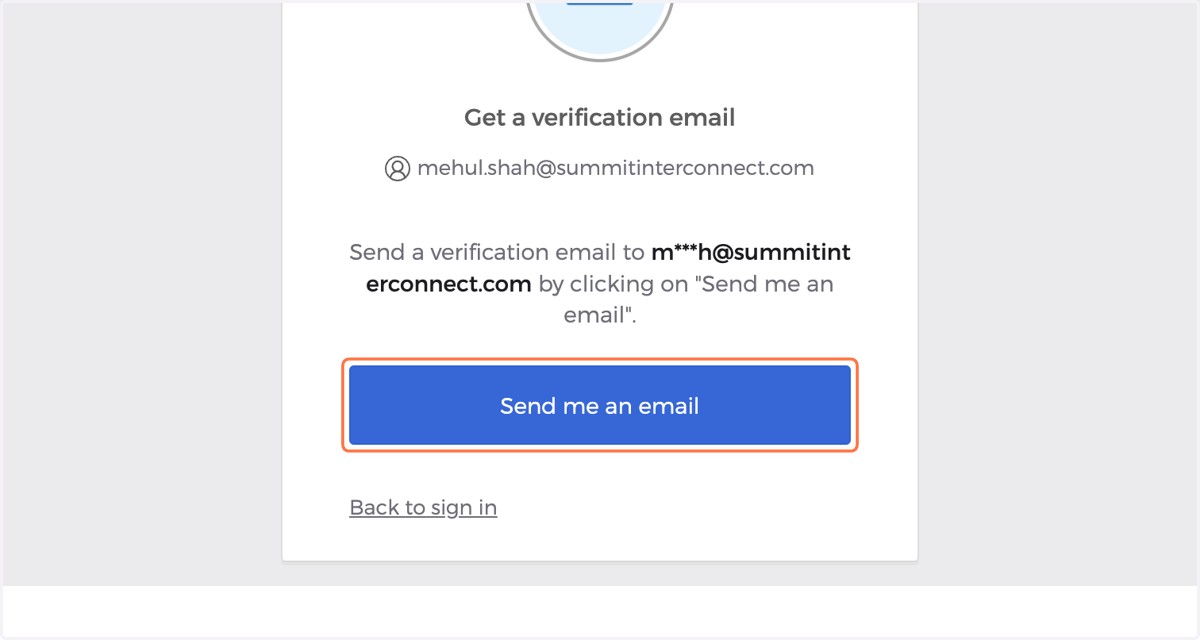
4. Click on Send me an email
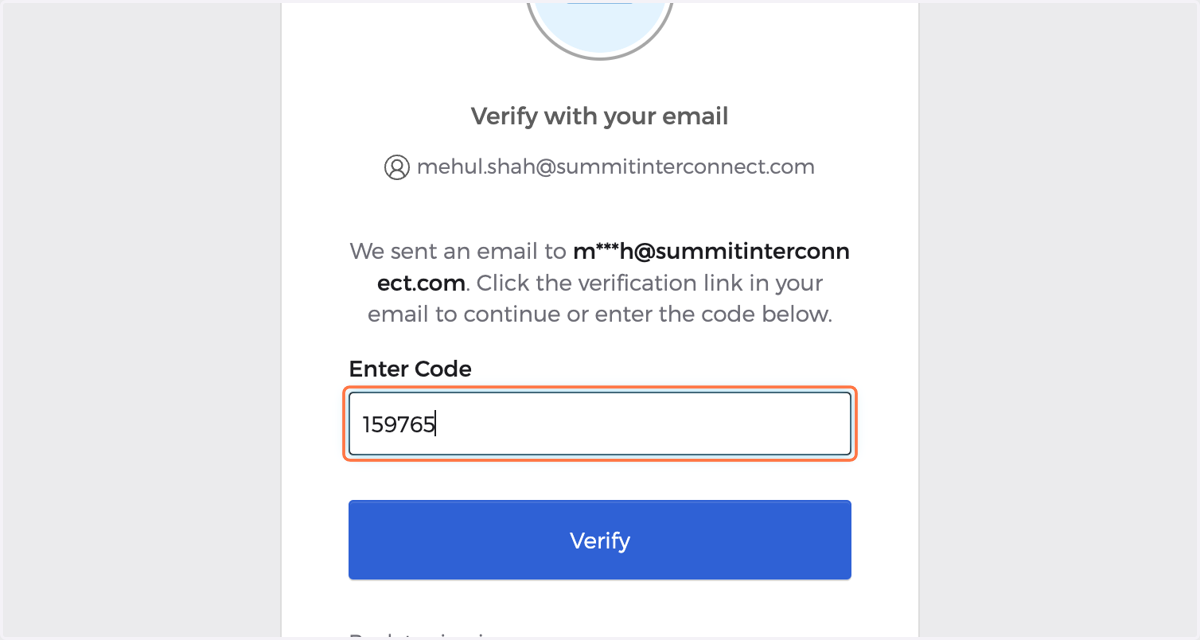
5. Click the Reset Password button in the email or enter the code in the email
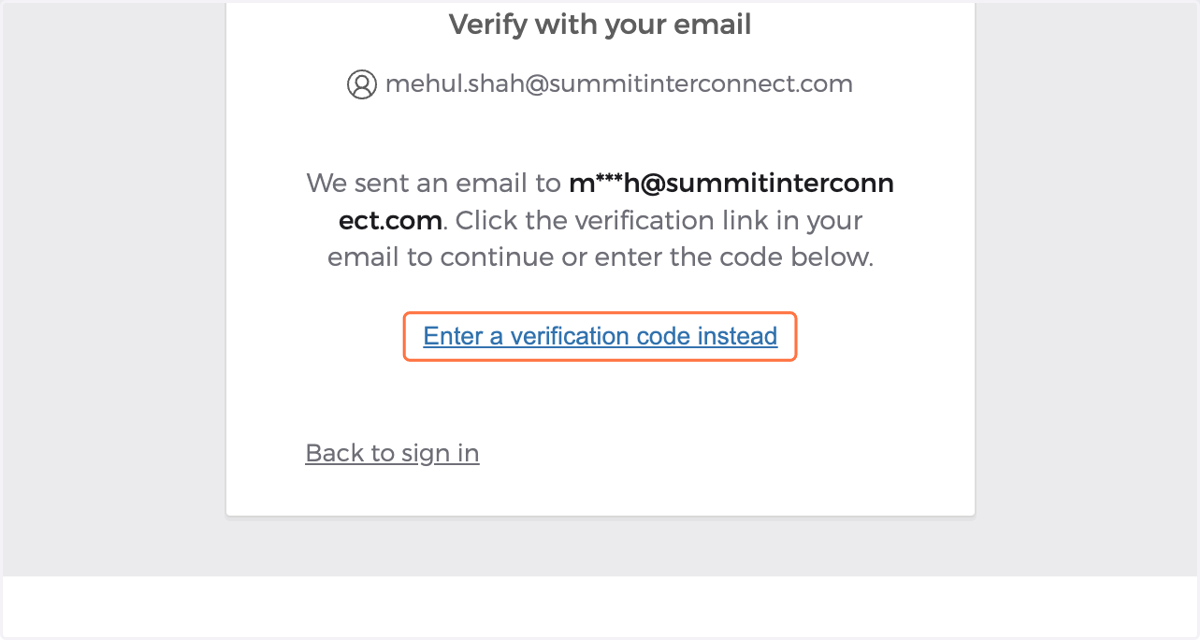
6. Paste the code from the password reset email
Note that this is equivalent to just clicking the Reset Password button in the email itself
7. Enter in a new password
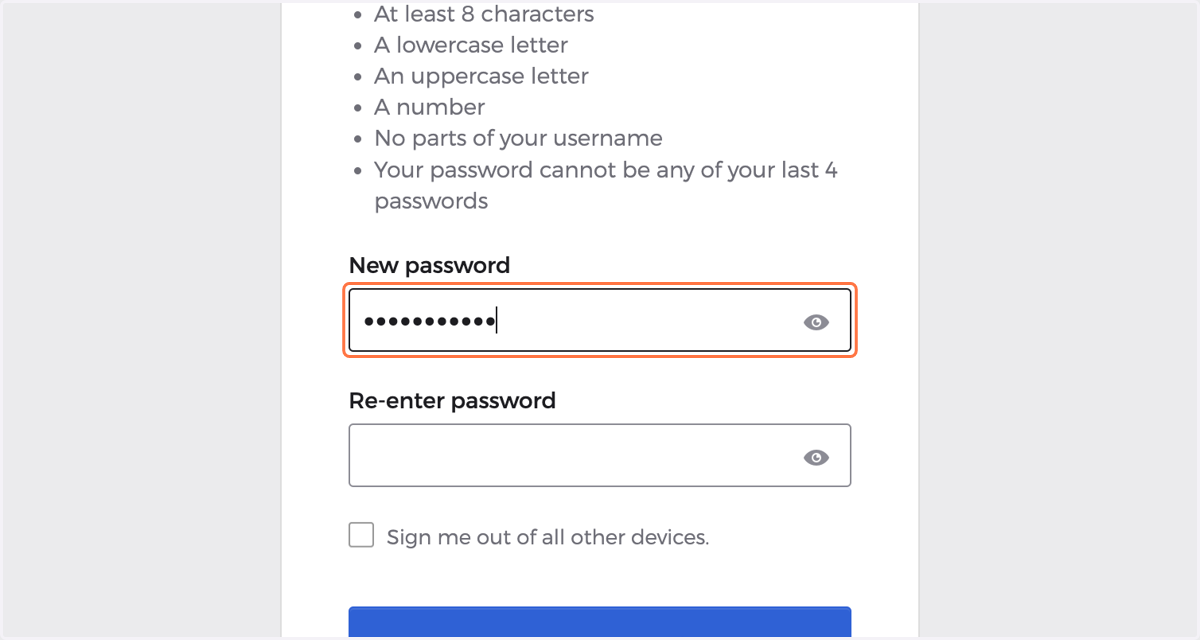
8. This will now sign you into the portal with the new password saved