Assigning Attendants to Lots
JustPark Suite
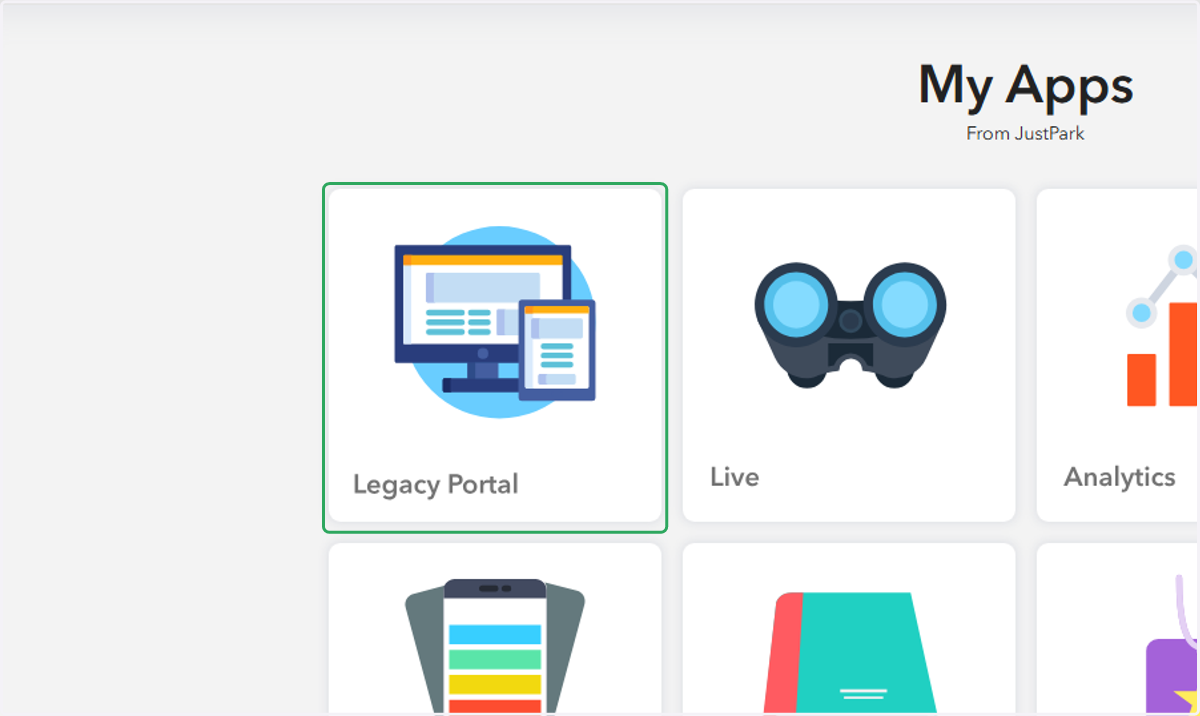
1. Click on Legacy Portal in Suite
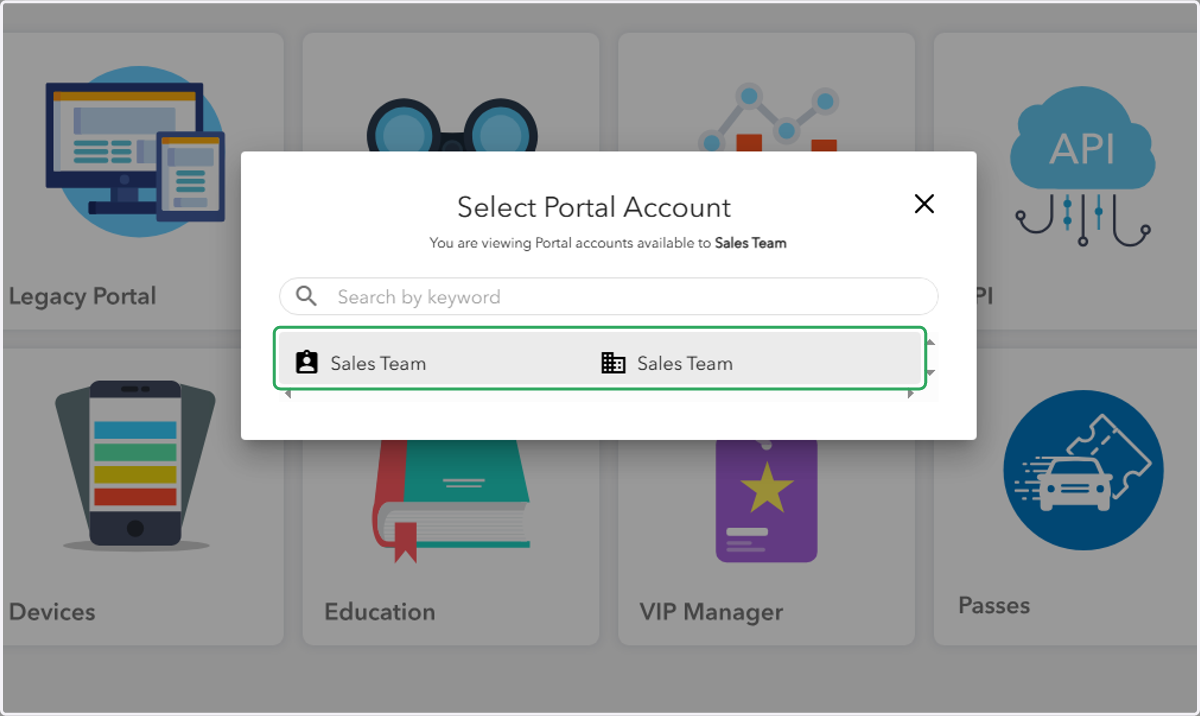
2. Click on the appropriate Portal account
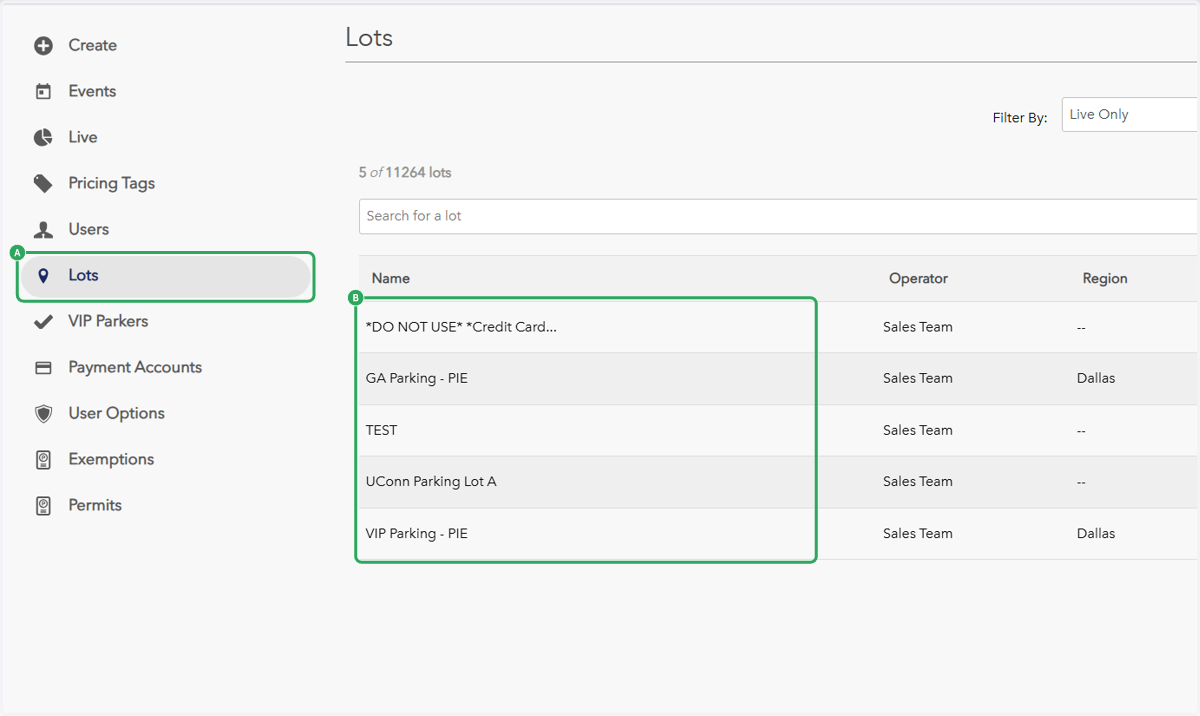
3. A. Click on Lots
3. B. Click on the lot you'd like to assign your attendant(s)
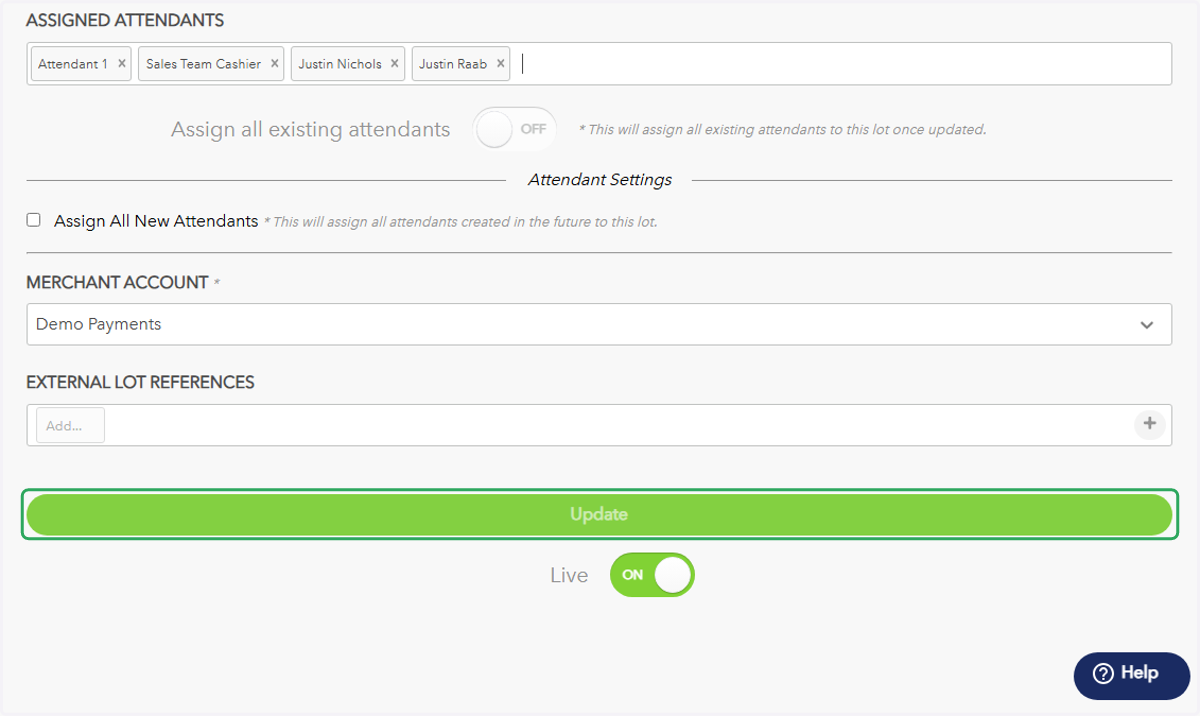
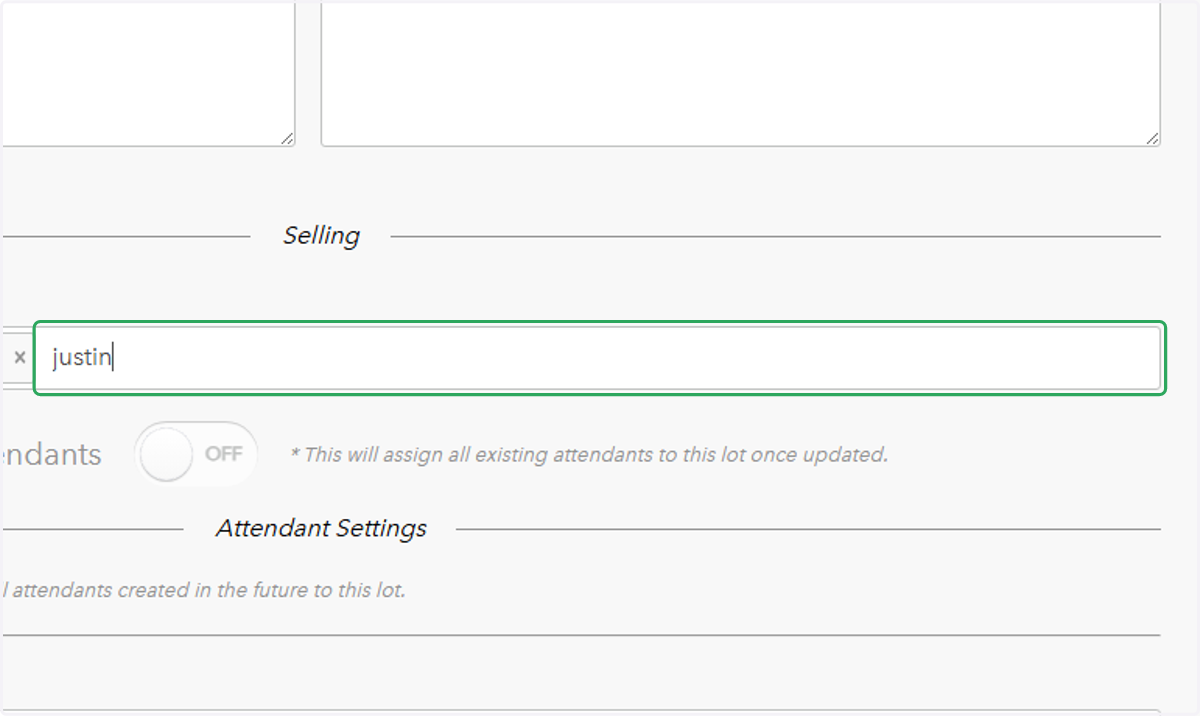
4. Scroll down to Assigned Attendants and type in the name of the attendant you'd like to assign to the lot
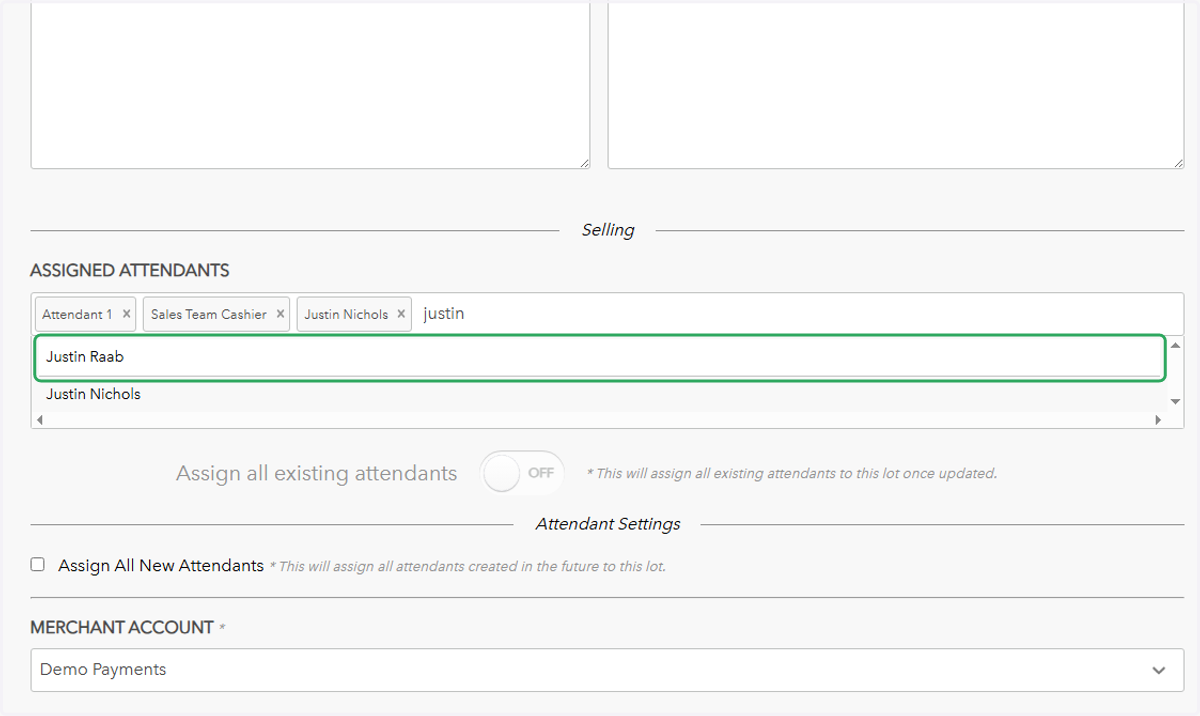
5. Click on the attendant's name from the dropdown menu
6. Click on Update